
Monthly visits
3,519
2026-10
Monthly growth +78.7%

RenamerX - Rename and organize files with local AI

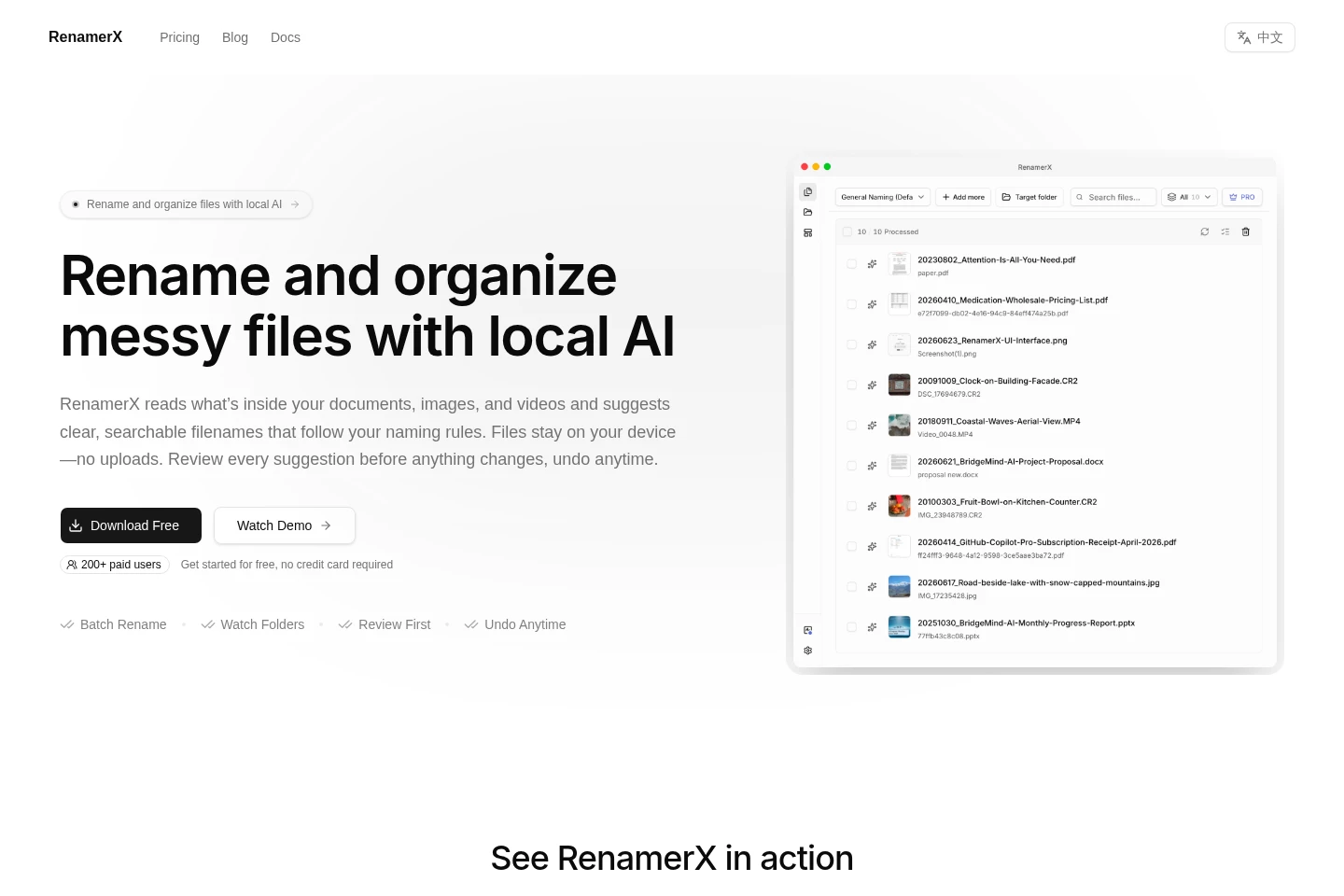
RenamerX reads content in documents, images, and videos to suggest filenames that follow reusable naming templates. Review and edit suggestions before applying batch changes, organize files into folders, and undo changes when needed. Files stay on your device; watch folders can process settled incoming files automatically.

Visit WebsiteUpdate this product

0Views

Capabilities

Content-based file naming

Reads document, image, and video content and suggests filenames using a naming template. Users define fields such as dates, clients, or amounts, then review and edit suggestions before applying them.

Batch file organization

Renames files in bulk and can place them into Subject, Type, or Project folders. Users add files or folders, review proposed changes, and apply or undo the resulting organization.

Watch-folder automation

Monitors selected folders and can process incoming files after file activity settles. Users can review suggestions first or use Auto Apply, which is available on Pro.

PricingFreemium

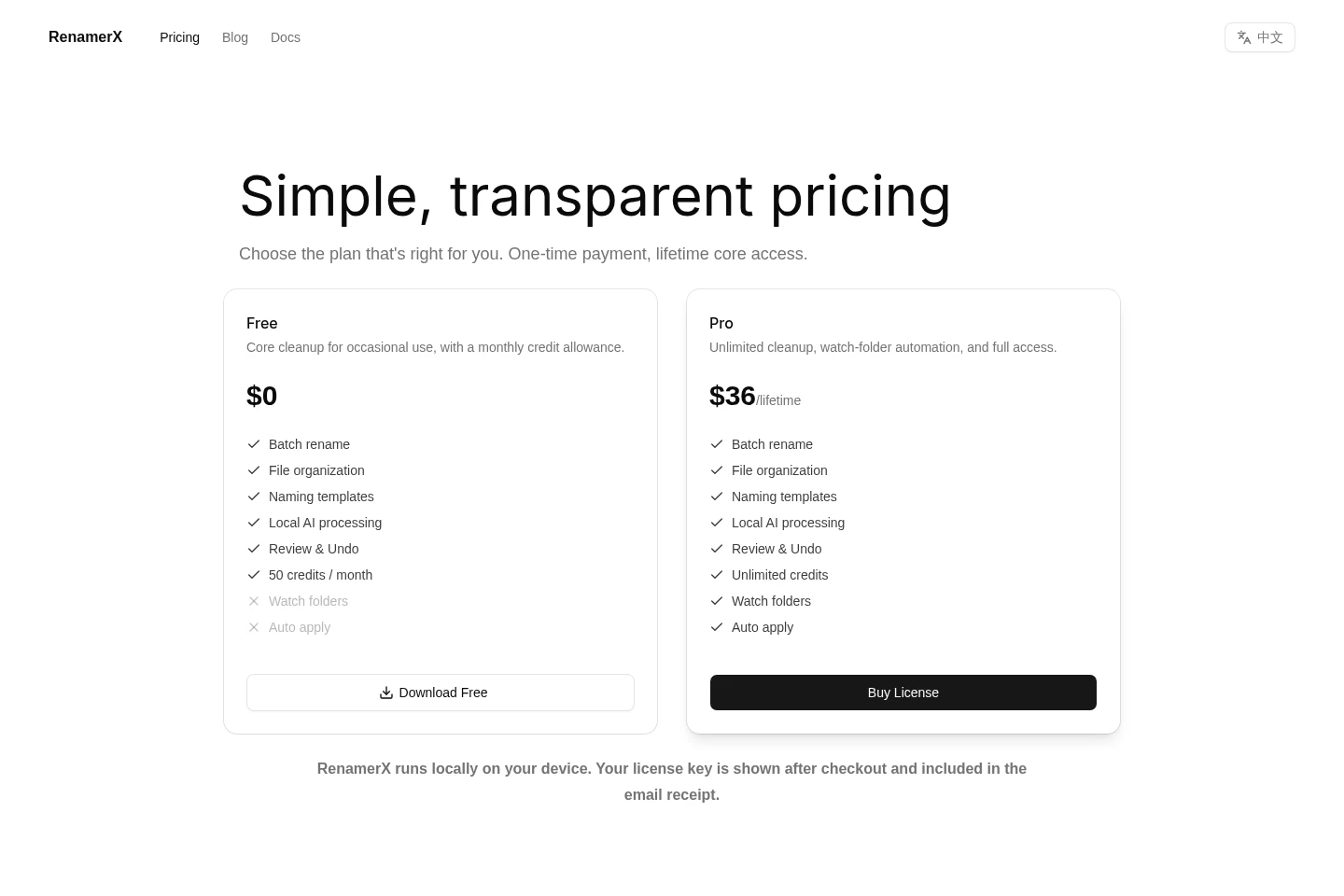
RenamerX offers a free plan and a paid Pro lifetime license, billed as a one-time purchase. Compare the monthly credit allowance, unlimited credits, and whether you need Watch folders or Auto Apply.

PlanPriceIncluded features and limits
Free

$0

  • 50 credits per month

  • Includes batch rename and file organization

  • Includes naming templates and Local AI processing

  • Includes Review & Undo

  • Watch folders and Auto Apply are not included

Pro

$36/lifetime

  • One-time payment for a lifetime license

  • Unlimited credits

  • Includes watch-folder automation

  • Includes full access

The license key appears after checkout and is included in the email receipt. Core features keep working forever.

Use cases

Clean up a collection of messy files

When documents, images, or videos have unclear names, add a batch or folder to RenamerX and choose a naming template. Review the suggested names, correct exceptions, and apply the changes in bulk.

Organize files arriving in watched folders

When files regularly arrive in a folder, configure a watch folder to process them after they settle. RenamerX can suggest consistent names and organize files into folders; Pro includes Auto Apply.

Limitations

  • Built-in Local AI runs on Apple silicon and Windows x64 PCs with a compatible GPU; setup checks compatibility and downloads about 3.4 GB of model files.

  • The Free plan allows 50 credits per month and does not include Watch folders or Auto Apply.

  • Watch-folder Auto Apply is a Pro feature; the Free plan lists Watch folders and Auto Apply as unavailable.

Alternatives

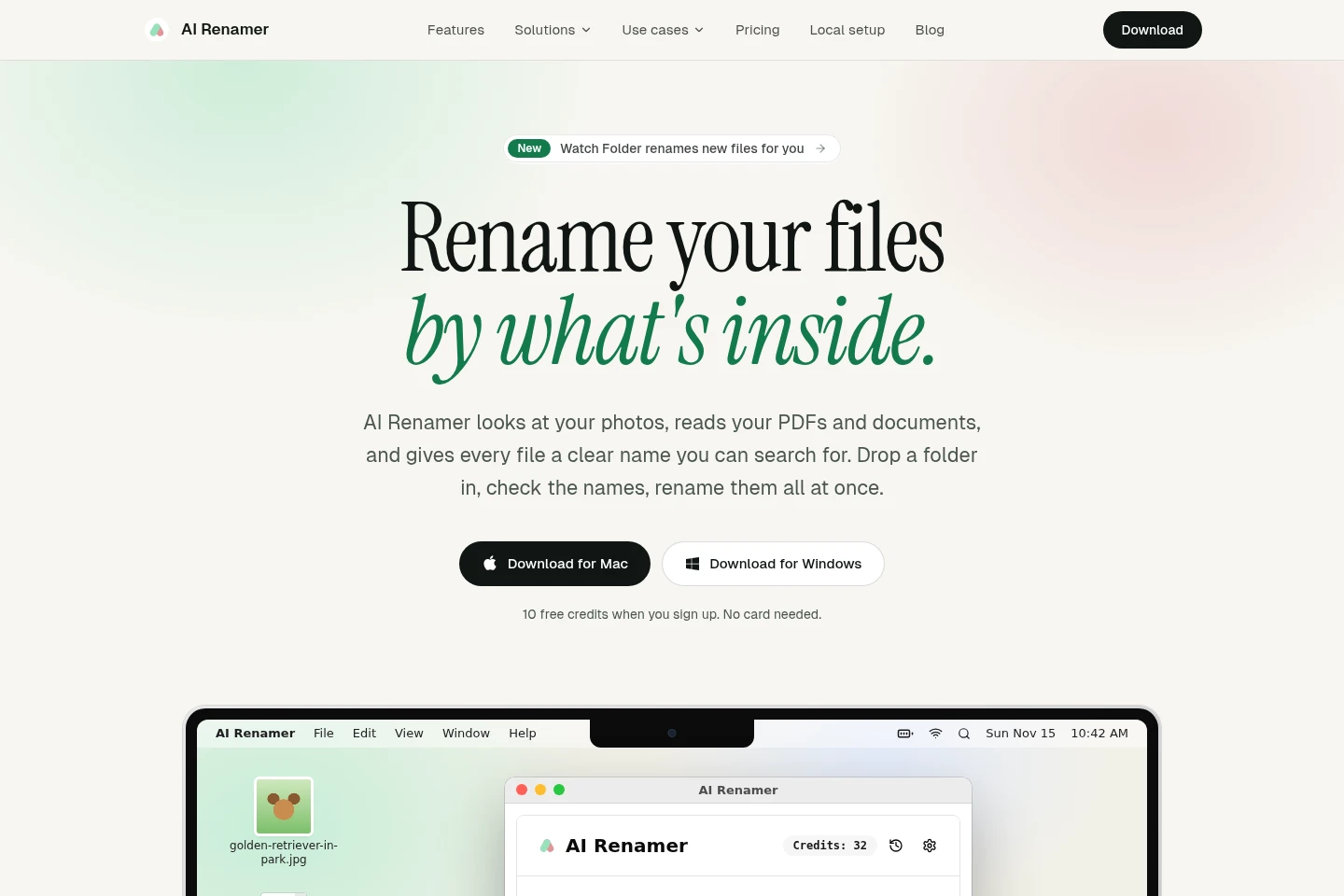
AI Renamer

Rename files effortlessly with intelligent AI

AI Renamer revolutionizes file management by intelligently renaming your files with AI-driven insights. Say goodbye to generic file names and embrace meaningful organization that reflects the content of your images and documents. The program employs advanced content recognition techniques, allowing it to accurately analyze and suggest intuitive file names. With options for batch processing, you can rename multiple files simultaneously, saving time and effort. Whether you're using local AI models for enhanced privacy or leveraging our cloud-based options, AI Renamer offers unparalleled flexibility and ease of use. Manage various file types seamlessly and experience efficient digital organization with AI Renamer.

  • Freemium
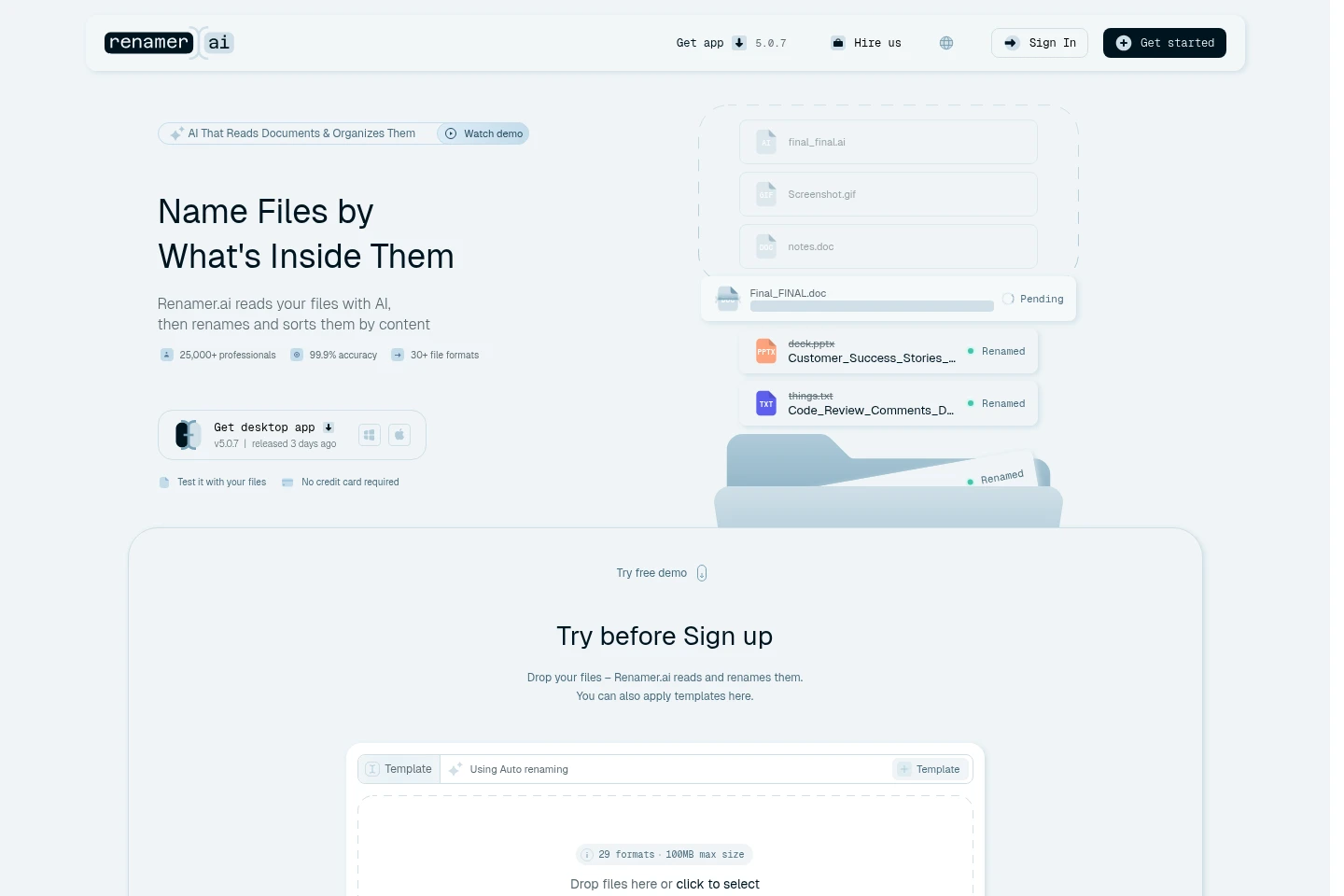
  1. Renamer.ai

    AI-powered file renaming tool that automatically renames and organizes files by analyzing their content

    Freemium
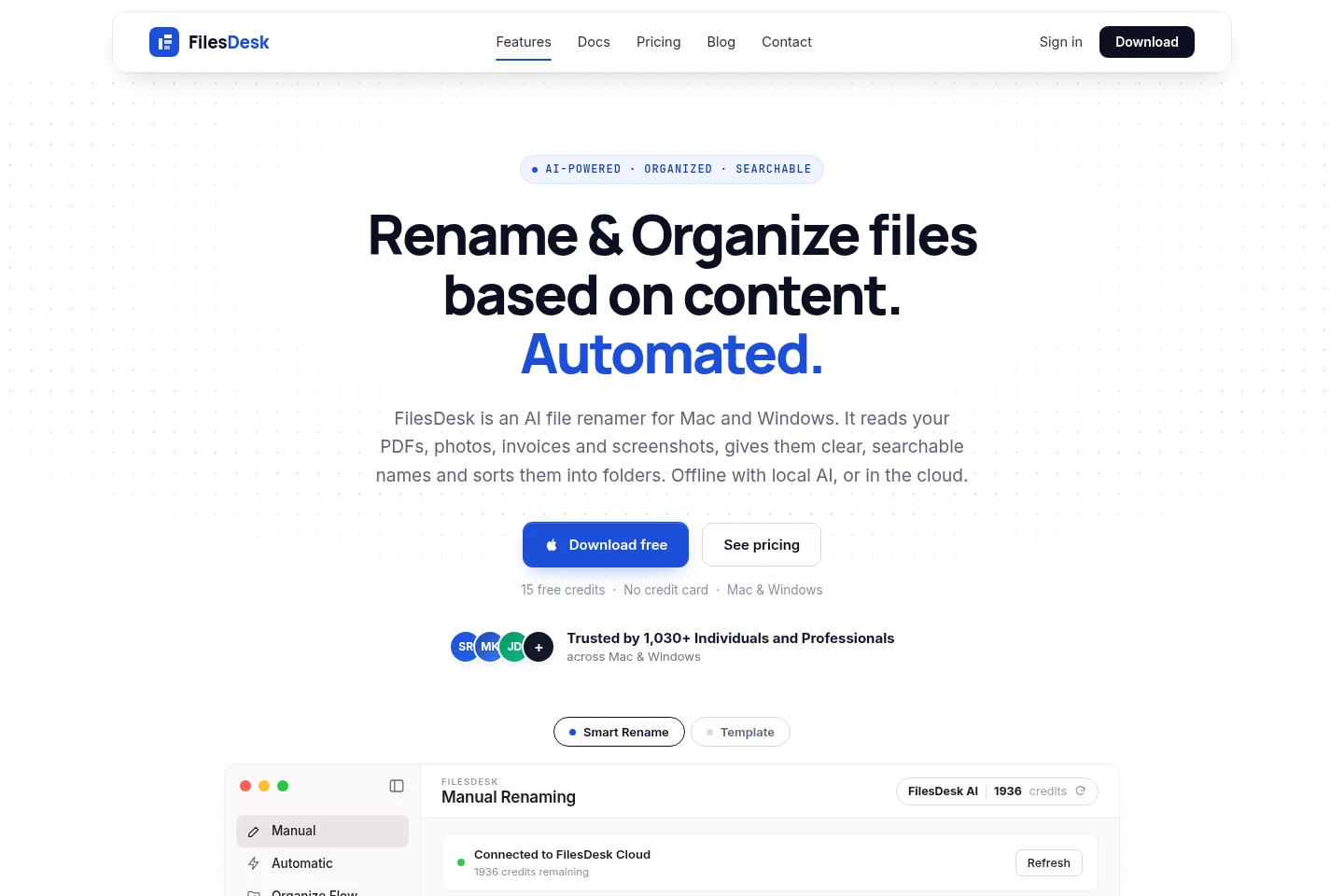
  2. FilesDesk

    Rename and organize files from their contents

    Free · $0
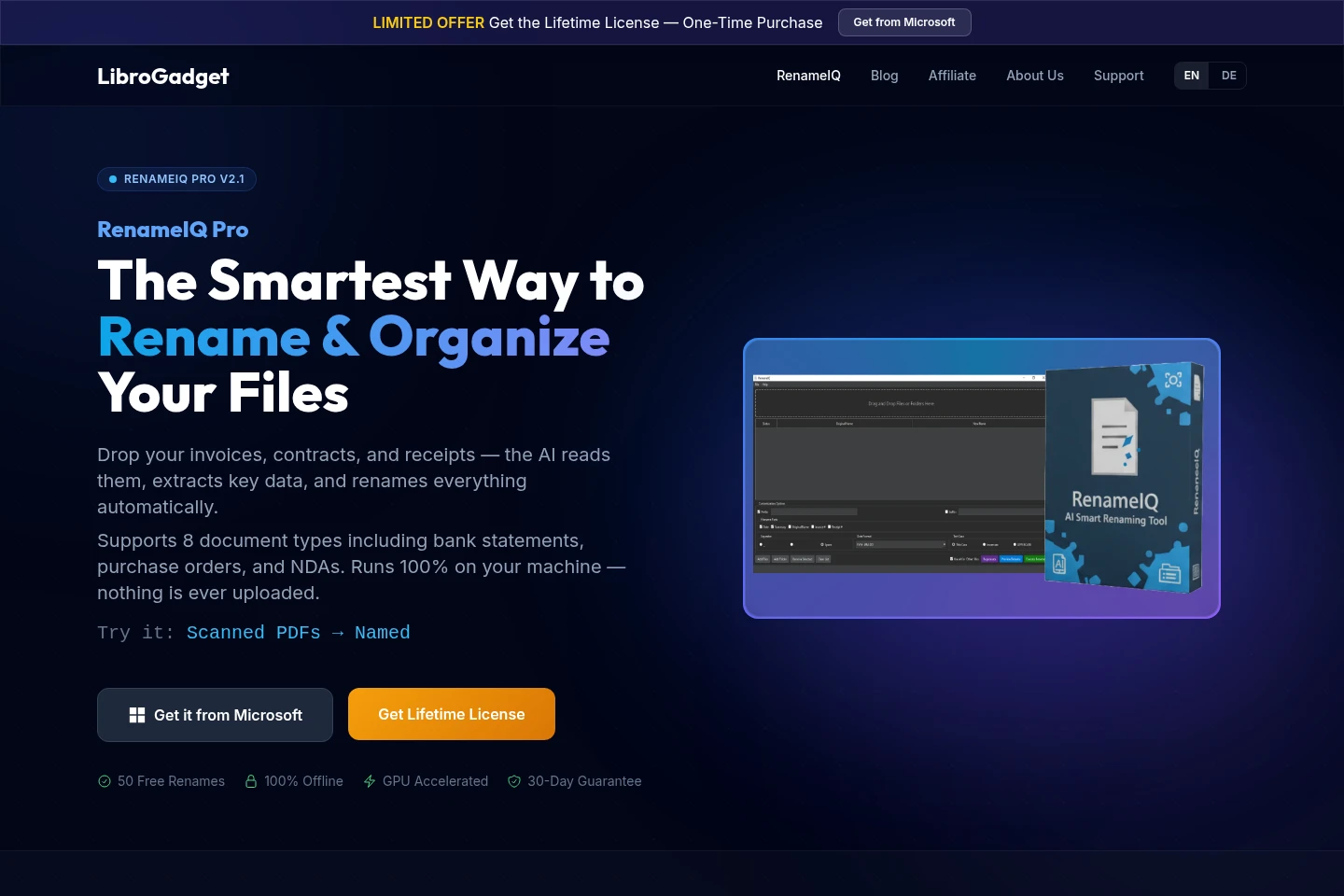
  3. RenameIQ Pro

    Rename and organize documents locally with AI

    Free Trial · Free
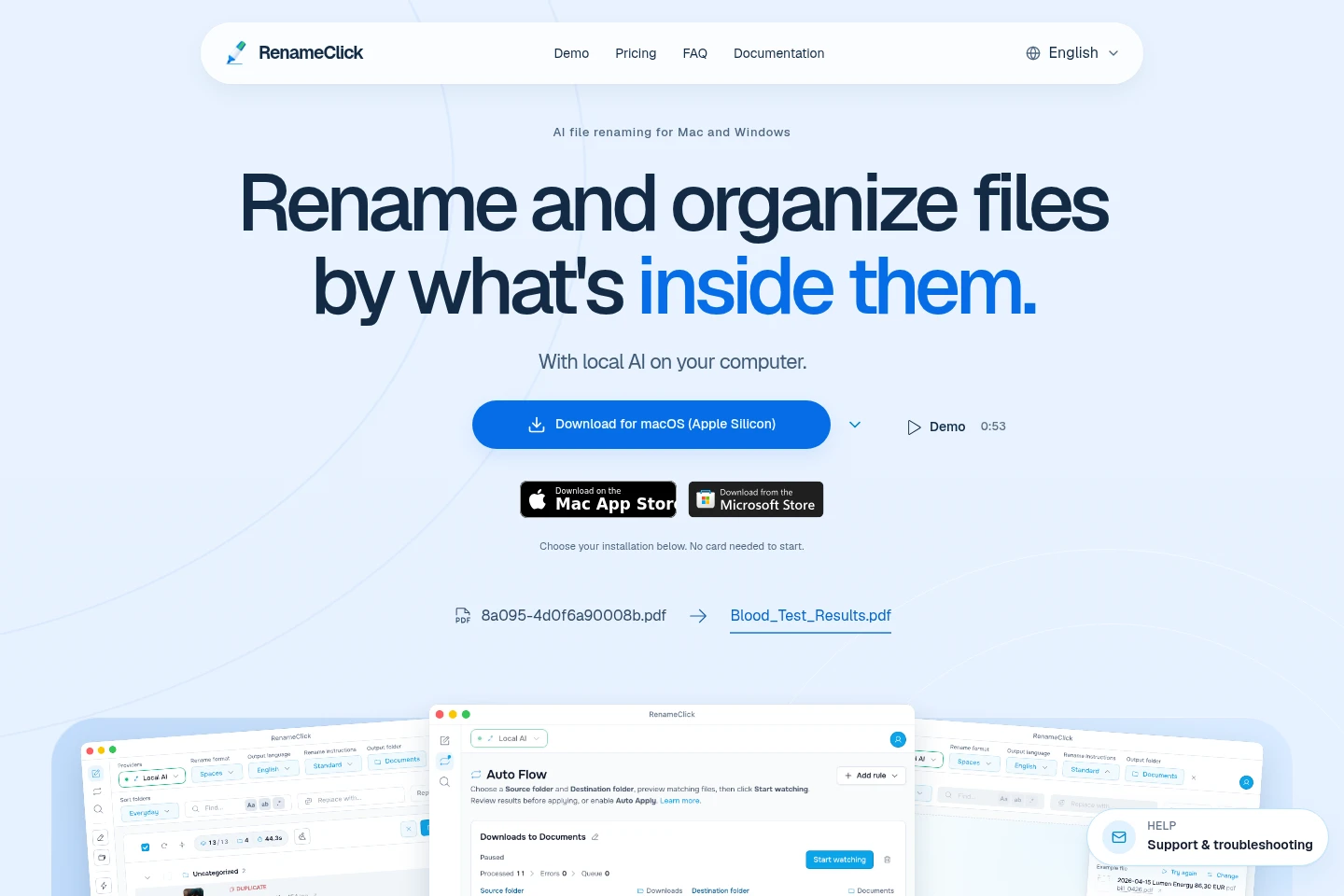
  4. RenameClick

    Rename and organize files by content with local AI

    Free · $0
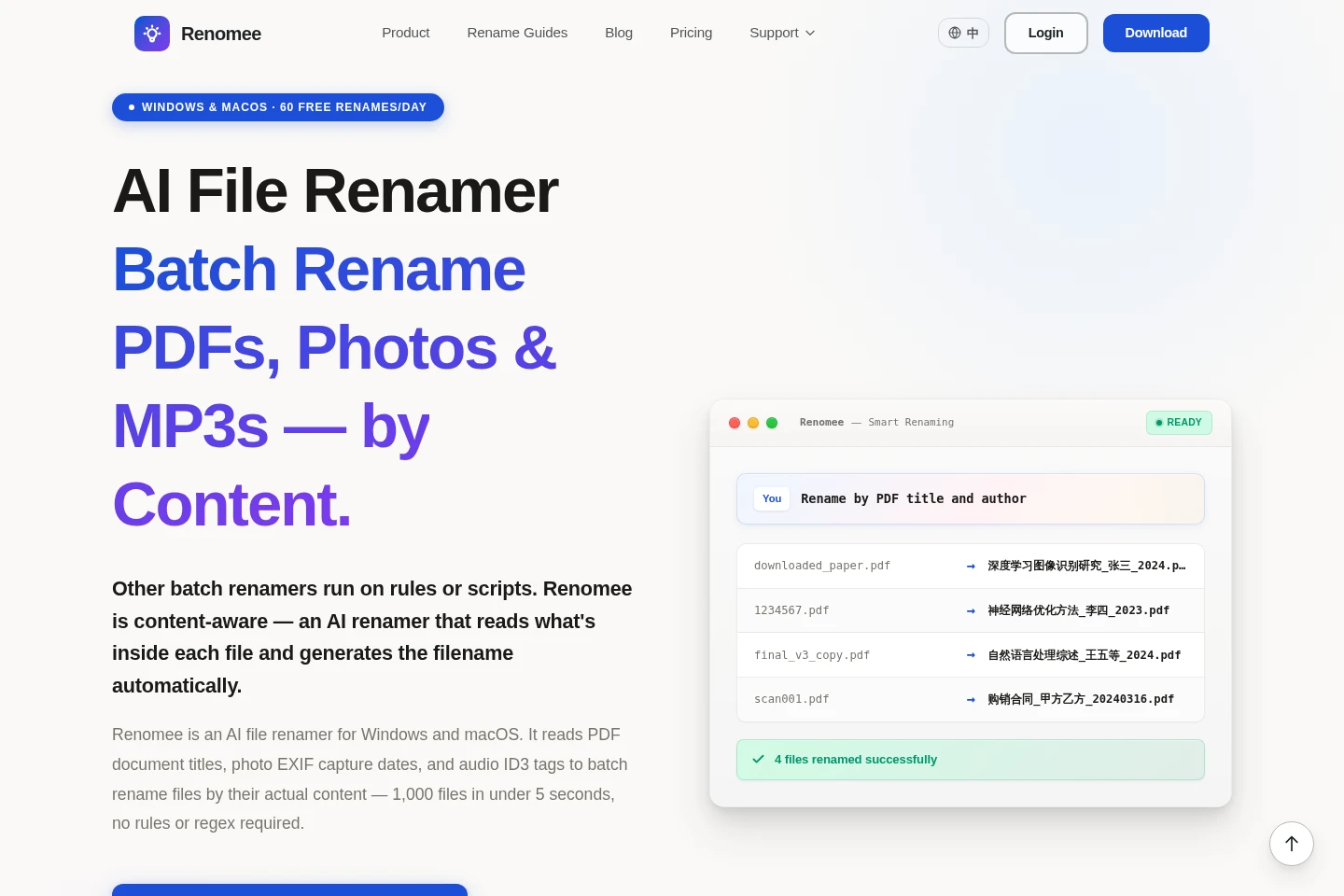
  5. Renomee

    Rename files in batches using their content and metadata

    Free · $0 daily quota

Who it is for

  • People who manage personal or small-team collections of documents, images, and videos

  • Users who receive files repeatedly and need consistent naming and folder organization

FAQ

Do files get uploaded when RenamerX processes them?

RenamerX says files stay on your device and are not uploaded automatically. Built-in Local AI processes files locally; connecting optional cloud providers such as OpenAI or Google Gemini uses those providers.

Can I review and undo filename changes?

Yes. Suggestions can be reviewed and edited before changes are applied, and applied changes can be undone. The review-first workflow is separate from Pro's Auto Apply option.

What are the Free and Pro plan prices?

Free costs $0 and includes 50 credits per month. Pro costs $36 for a lifetime license and includes unlimited credits; the purchase is a one-time payment.

Which computers can run built-in Local AI?

Built-in Local AI runs on Apple silicon and Windows x64 PCs with a compatible GPU. It downloads about 3.4 GB of model files, and RenamerX checks compatibility during setup.

Comments

Please sign in to leave a comment.
No comments yet. Be the first to share your thoughts!