Monthly visits
11,191
2026-10
Monthly growth -30.8%

Zipic - Compress and convert images locally on Mac and Windows

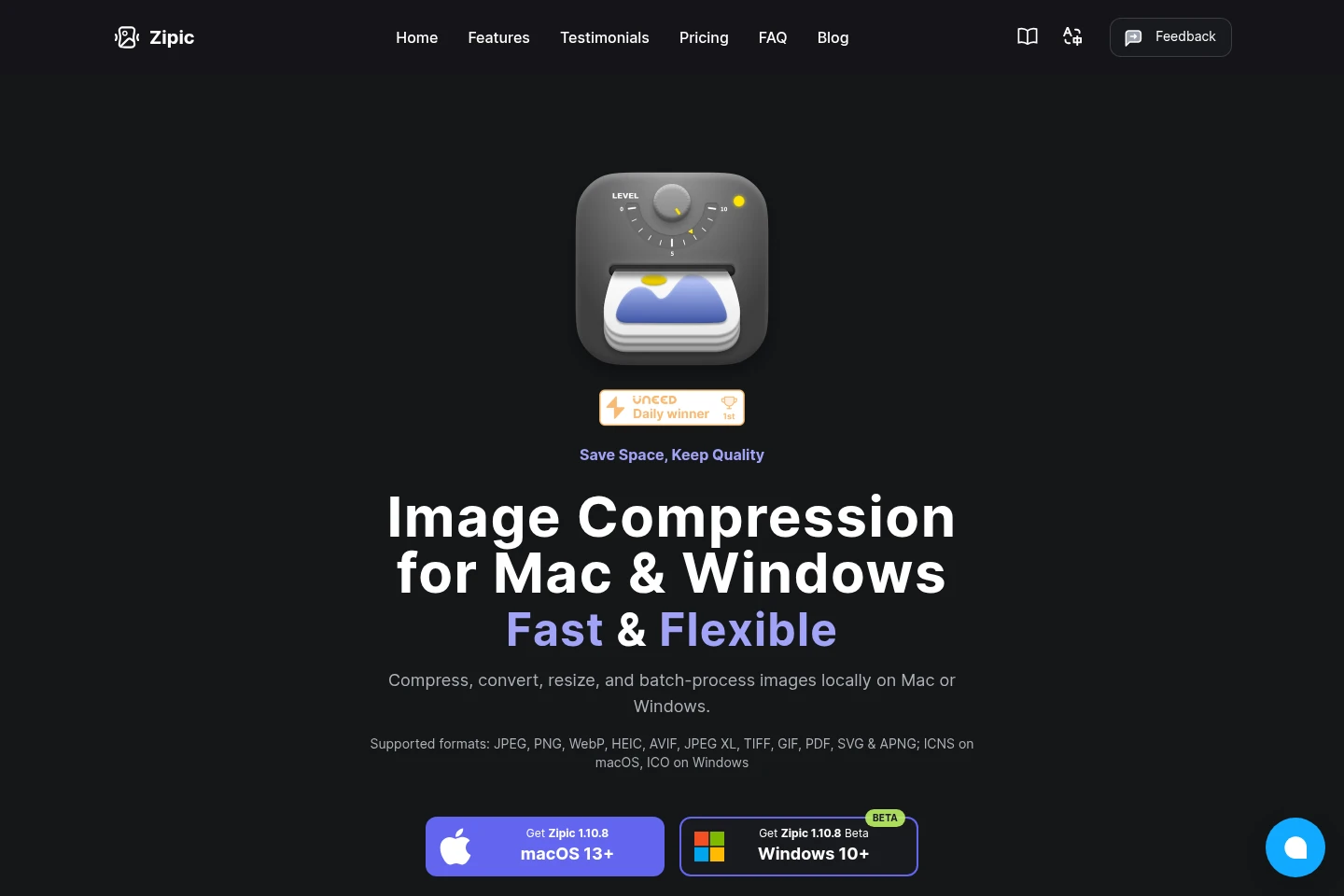
Zipic is a desktop app for compressing, converting, and resizing images on macOS and Windows. It processes single images or batches locally without uploading them, supports multiple image and document formats, and offers presets and automation features. Windows is currently available in beta.

Visit WebsiteUpdate this product

0Views

Capabilities

Image compression

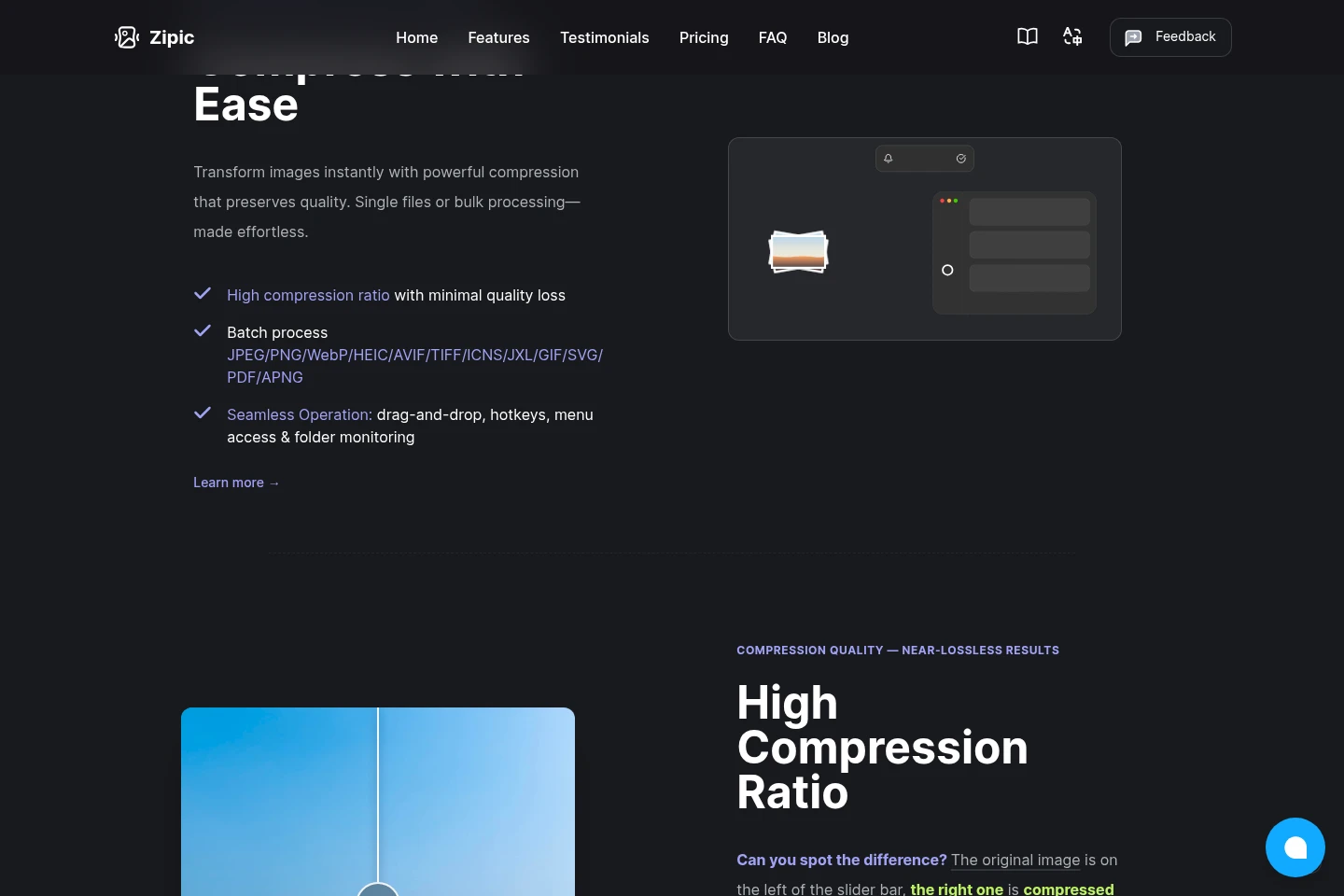
Compresses individual images or batches and produces optimized files. Add files or folders using the app, drag and drop, or supported quick actions; compression runs locally on the device.

Image format conversion

Converts supported images and documents into other supported formats. Choose files in the app or use supported workflows; available formats vary by operating system.

Image resizing

Changes image resolution and outputs resized image files. Select images and adjust resolution in the app; the FAQ describes resizing while maintaining quality.

Compression presets

Applies default or custom compression settings to produce files at selected quality levels. Create presets for different scenarios and switch between them; Free includes one custom preset.

Compression automation

Automatically processes images from supported sources and outputs compressed files. Pro features include clipboard compression, watched-folder rules, Finder actions, Shortcuts, Raycast, URL Scheme, and the zipic CLI.

PricingFreemium

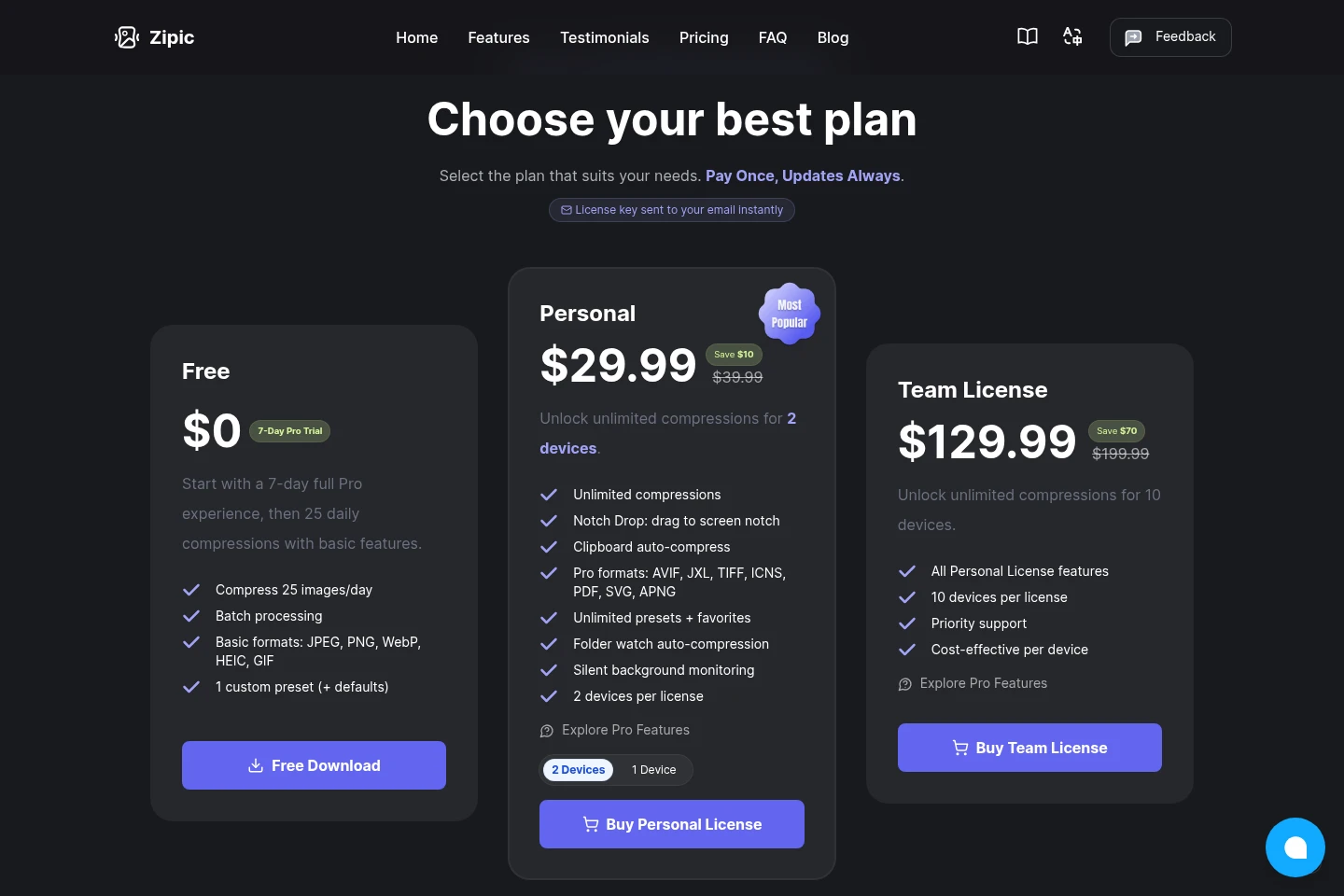
Zipic has a free plan and paid licenses sold as one-time purchases. Compare daily compression limits, device coverage, supported formats, presets, and automation features when choosing a plan.

PlanPriceIncluded features and limits
Free

$0

  • 25 image compressions per day after the seven-day full Pro trial

  • Batch processing included

  • Basic formats: JPEG, PNG, WebP, HEIC, and GIF

  • One custom preset plus default presets

Personal

$29.99 one-time

  • Unlimited compressions

  • License covers two devices

  • Pro formats include AVIF, JXL, TIFF, ICNS, PDF, SVG, and APNG

  • Unlimited presets and favorites

  • Clipboard compression and watched-folder automation

Team License

$129.99 one-time

  • Unlimited compressions

  • License covers ten devices

  • Includes all Personal License features

  • Priority support

The displayed prices are discounted from $39.99 for Personal and $199.99 for Team License. The site describes paid purchases as one-time and says updates are included for the lifetime of the license.

Use cases

Compress a batch of image files

When many images need smaller files, add individual files or folders to Zipic and process them in batches. The app compresses locally and saves outputs according to the selected save options.

Convert images between supported formats

When an image must use a different file format, open it in Zipic and select a supported output format. The resulting file is converted on the device; available formats depend partly on the operating system.

Automate recurring image compression

When new or copied images should be processed without repeatedly opening files, Pro users can enable clipboard compression or monitor folders. Zipic applies configured rules and produces compressed files.

Limitations

  • The Windows application is identified as beta and requires Windows 10 or later; the macOS download requires macOS 13 or later.

  • The Free plan permits 25 image compressions per day after its seven-day full Pro trial and limits users to basic features.

  • The Personal license covers two devices, while the Team License covers ten devices per license.

  • Zipic processes images locally; its product pages say images are not uploaded for compression.

Alternatives

PiPic

Compress batches of web images online or from the command line

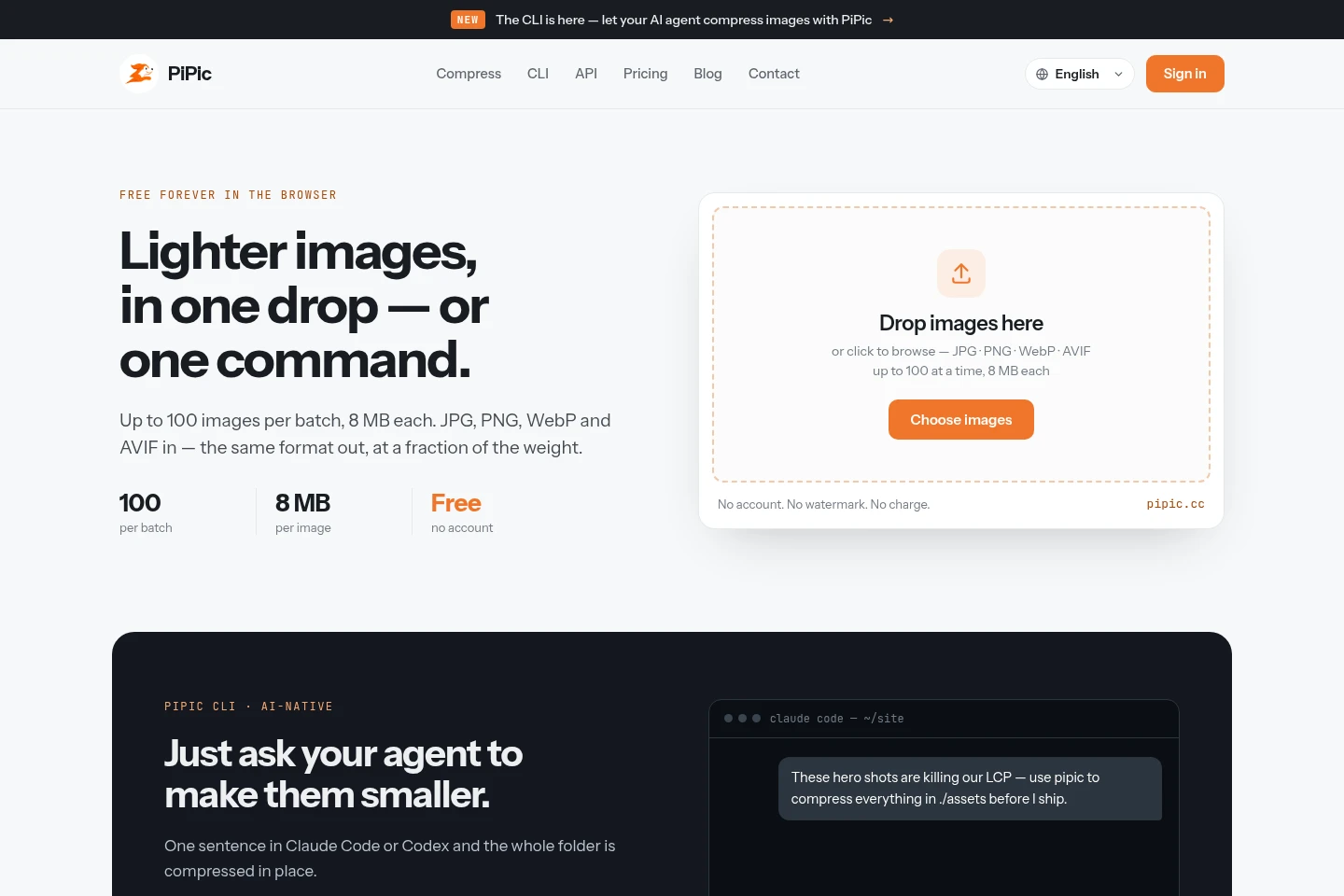
PiPic compresses JPG, PNG, WebP and AVIF images in a browser or through its CLI and API. Web compression is free without an account, with up to 100 images per batch and an 8 MB limit per image. The CLI and API use a separate monthly quota; compressed files are deleted after processing.

  • Cloud
  • API
  • Freemium
  • Free$0
  • Pro$9 per month
  1. CrunchyPic

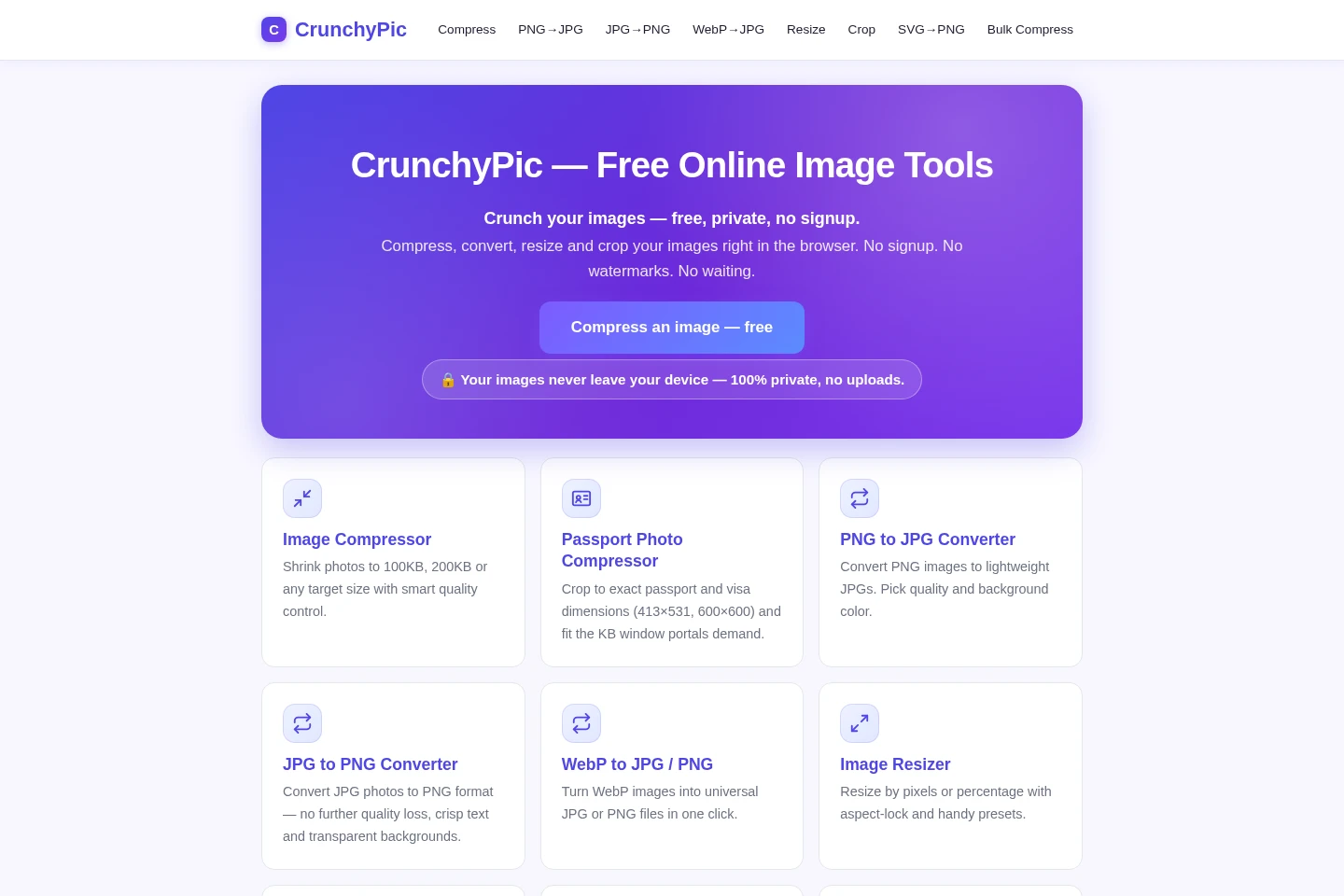
    Free browser-based tools for everyday image and PDF tasks

    Free
  2. ImageConverter24

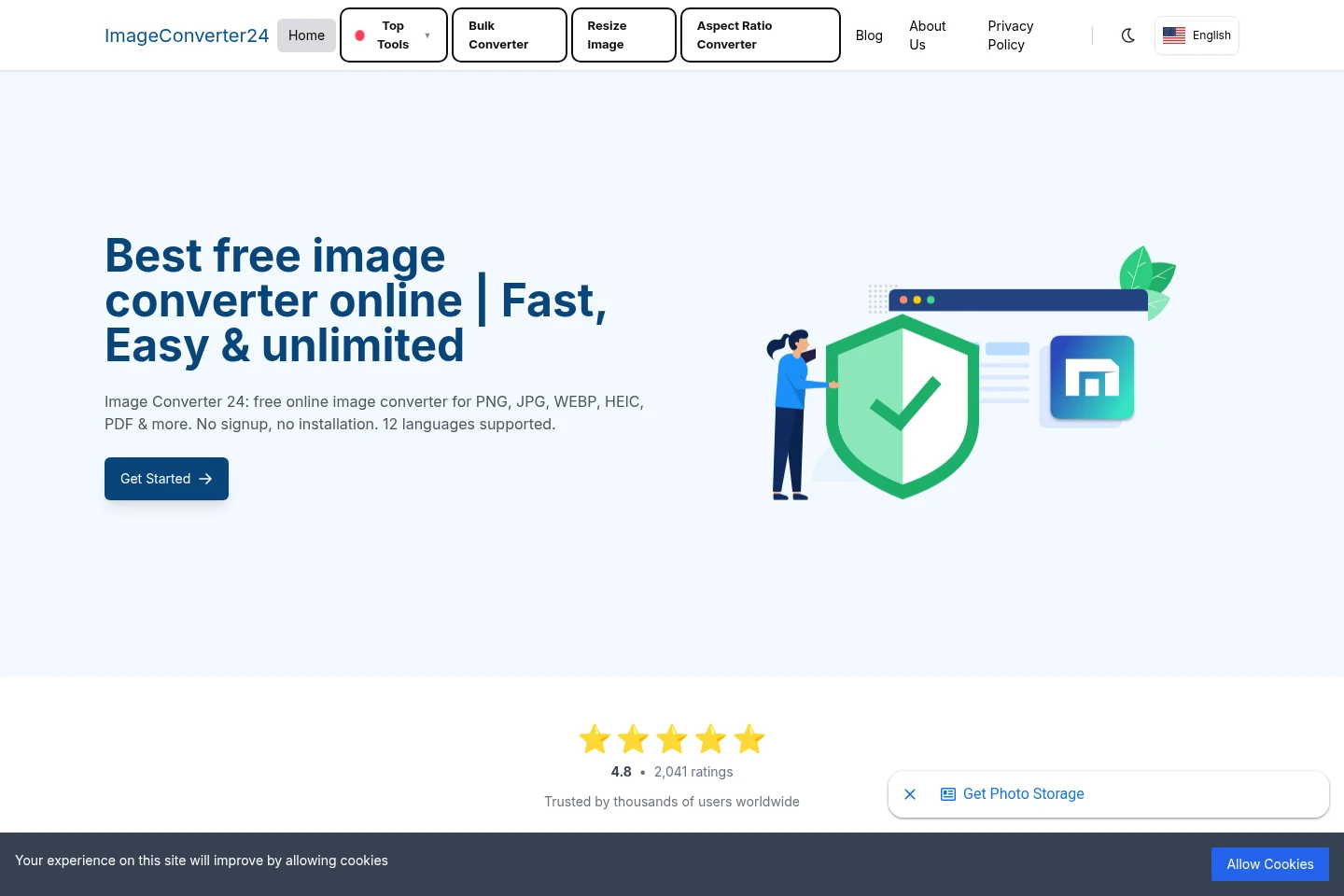
    Convert, resize, and merge images online for free

    Free
  3. Imglio

    Private image tools that run in your browser

    Free
  4. OneImage

    Free browser-based image tools with on-device processing

    Free
  5. picDone

    Browser-based image tools, from resizing to background removal

    Free · Free

Who it is for

  • Mac users who want local image compression and conversion

  • Windows users seeking a desktop image compression app, currently in beta

  • Photographers, designers, and bloggers handling batches of image files

FAQ

How can I compress images with Zipic?

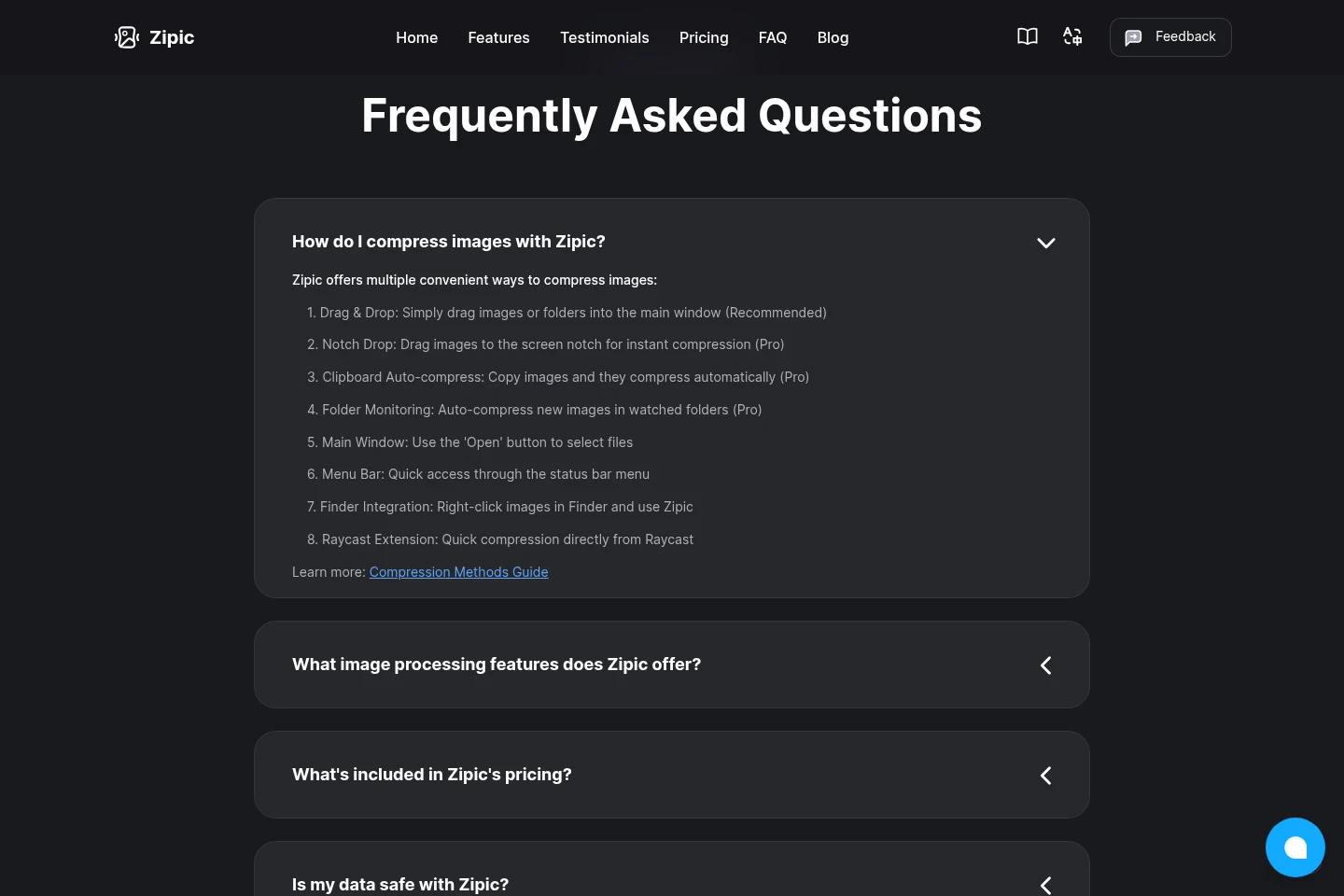
Use drag and drop, the Open button, the menu bar, or Finder integration. Pro also adds Notch Drop, clipboard auto-compression, folder monitoring, and a Raycast extension.

Can Zipic resize images and convert formats?

Yes. The FAQ lists resizing, format conversion, and six compression levels. Supported formats vary by platform, with ICNS on macOS and ICO on Windows.

What does the Free plan include?

It includes a seven-day full Pro trial, followed by 25 compressions per day with basic features, batch processing, basic formats, and one custom preset plus defaults.

How are paid licenses charged?

Personal and Team License are one-time purchases with lifetime updates. Personal covers two devices; Team License covers ten devices and includes priority support.

Are images uploaded during processing?

No. Zipic states that image compression runs locally on the device and that images are never uploaded for compression.

Comments

Please sign in to leave a comment.
No comments yet. Be the first to share your thoughts!