
Monthly visits
1,903
2026-10
Monthly growth -48.3%

Word Up - AI writing help from your device’s keyboard

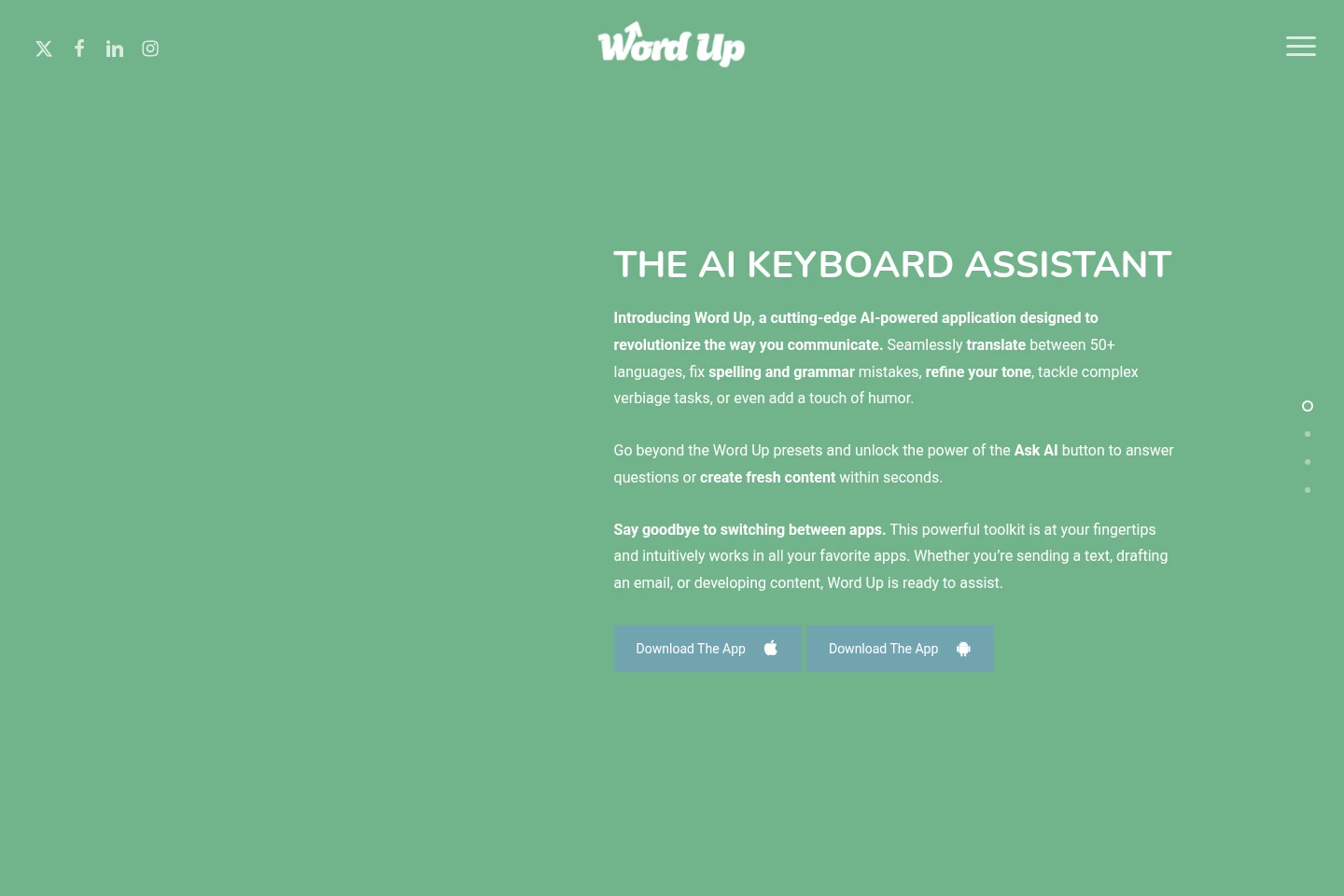
Word Up is an AI keyboard assistant for writing in other apps. It translates text between 50+ languages, corrects spelling and grammar, adjusts tone, and provides Ask AI answers or fresh content. Additional tools include hashtag generation, summaries, smart replies, and emoji features.

Visit WebsiteUpdate this product

0Views

Capabilities

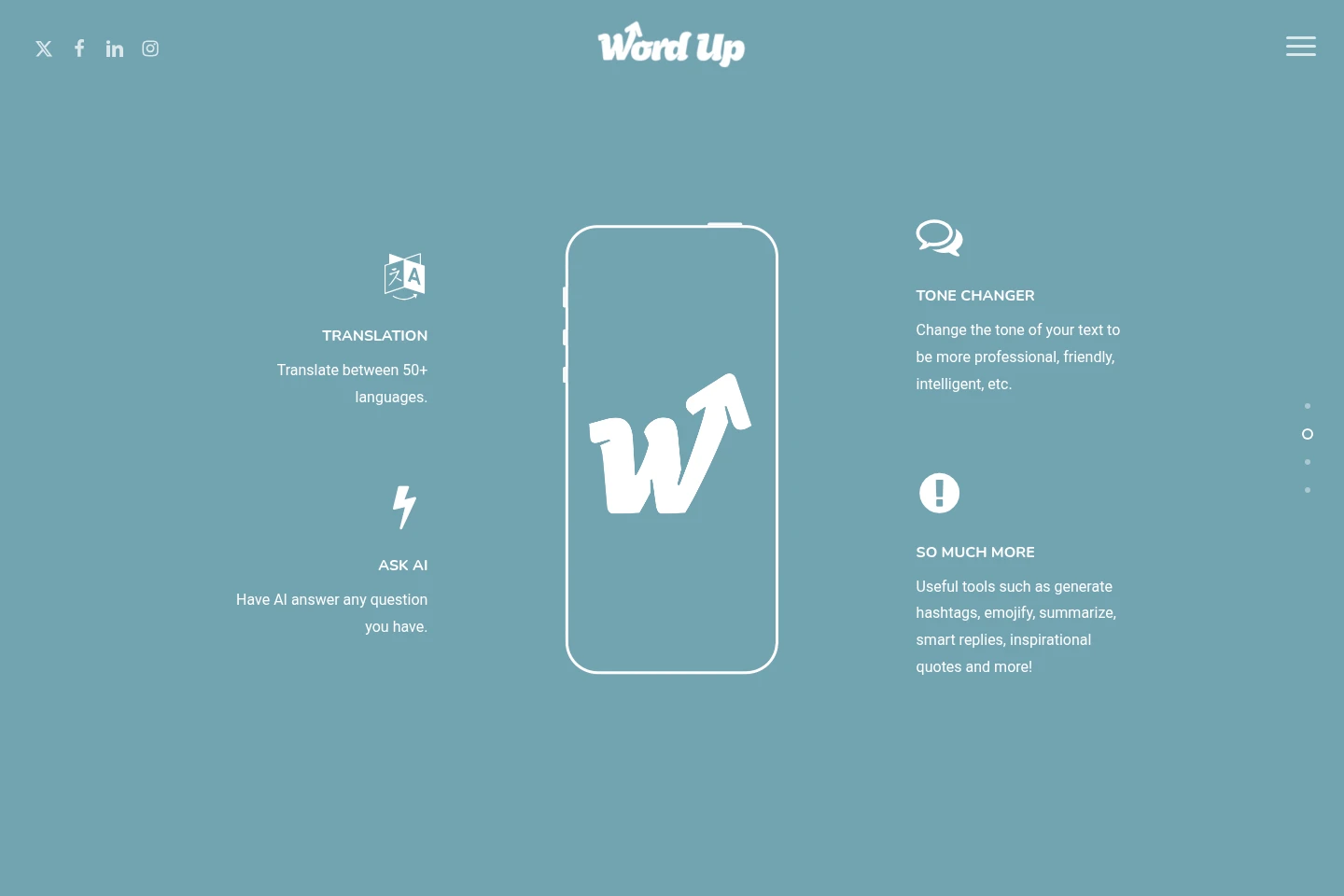
Keyboard text translation

Translate text between more than 50 languages from the device keyboard. The page describes using the keyboard in other apps but does not specify which languages are supported.

Spelling and grammar correction

Correct spelling and grammar in text entered through the keyboard. The page presents this as a tool for messages, emails, and other content in apps.

Text tone adjustment

Change the tone of text to options such as professional, friendly, or intelligent. The feature acts on text composed in the keyboard and is available alongside other writing tools.

Ask AI and content creation

Use Ask AI to get answers to questions or create fresh content from the keyboard. The page does not state usage limits or model details.

Additional text tools

Generate hashtags, summarize text, create smart replies, add emoji, and provide inspirational quotes. These tools are presented for use while communicating in other apps.

Pricing

The supplied pages do not state prices, billing terms, or named plans, so plan costs and payment conditions cannot be compared from this evidence.

Use cases

Translate text while messaging

When writing a message in another app, use the keyboard to translate text between more than 50 languages. Word Up provides the translation within the keyboard workflow.

Correct and adjust a draft

When preparing a text or email, use spelling and grammar correction and choose a different tone, such as professional or friendly. The keyboard applies these writing tools to the text.

Create or summarize text

When a communication needs a response or new wording, use Ask AI to get an answer or create content, and use the available summarization tool to condense text. The page does not specify limits for these actions.

Alternatives

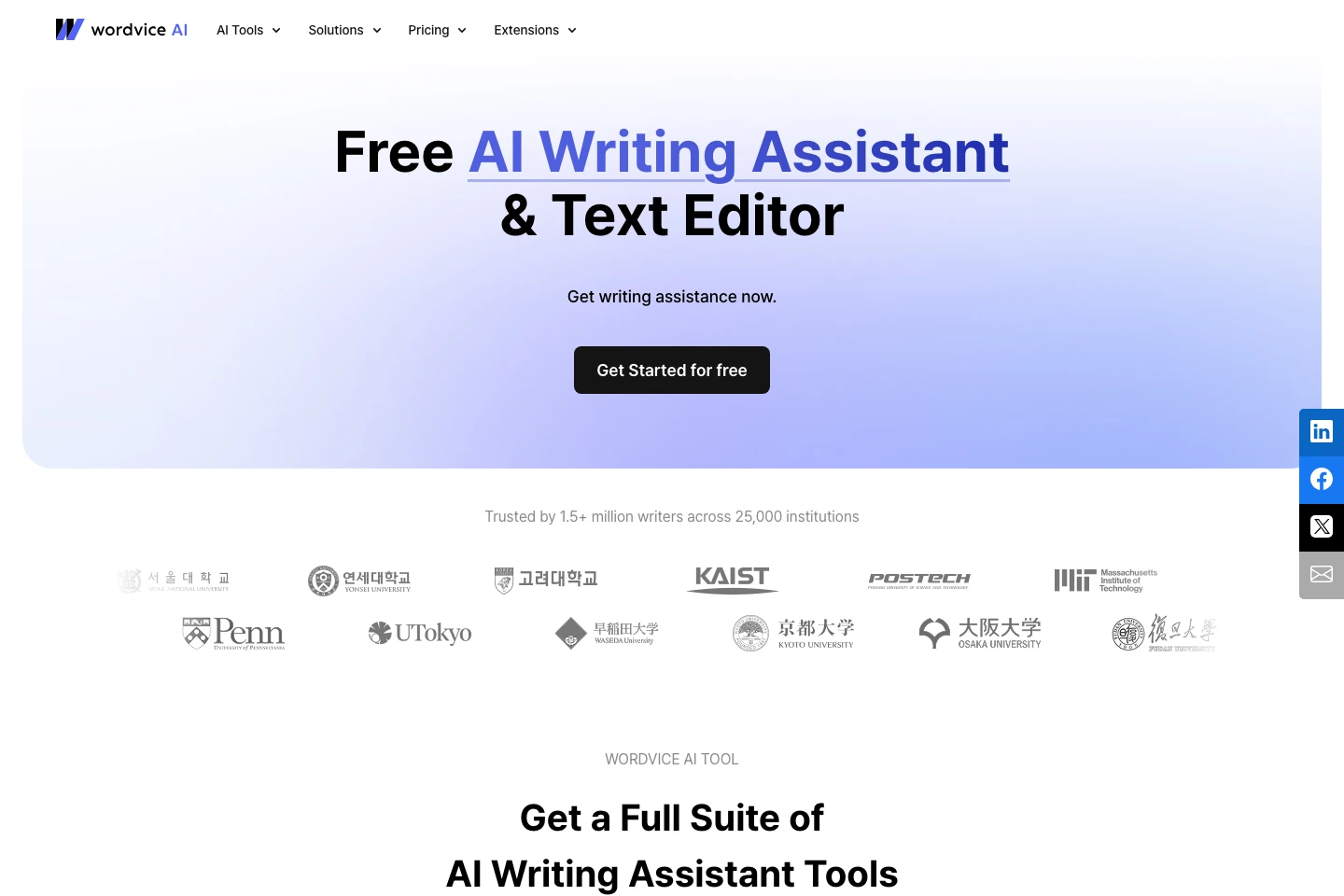
Wordvice AI

Transform your writing with AI tools

Wordvice AI is a comprehensive suite of advanced writing tools designed to enhance your writing process. With features like AI proofreading, paraphrasing, translation, summarizing, plagiarism checking, and an AI detector, users can refine their work for clarity and originality. This powerful platform caters to students, researchers, and professionals, ensuring that all written communication is polished and effective. Available in various subscription plans, Wordvice AI provides flexibility and access to essential tools that help users achieve their writing goals, all while maintaining a unique voice and style.

  • Freemium
  1. AiCowriter

    Your smart writing assistant

    Paid
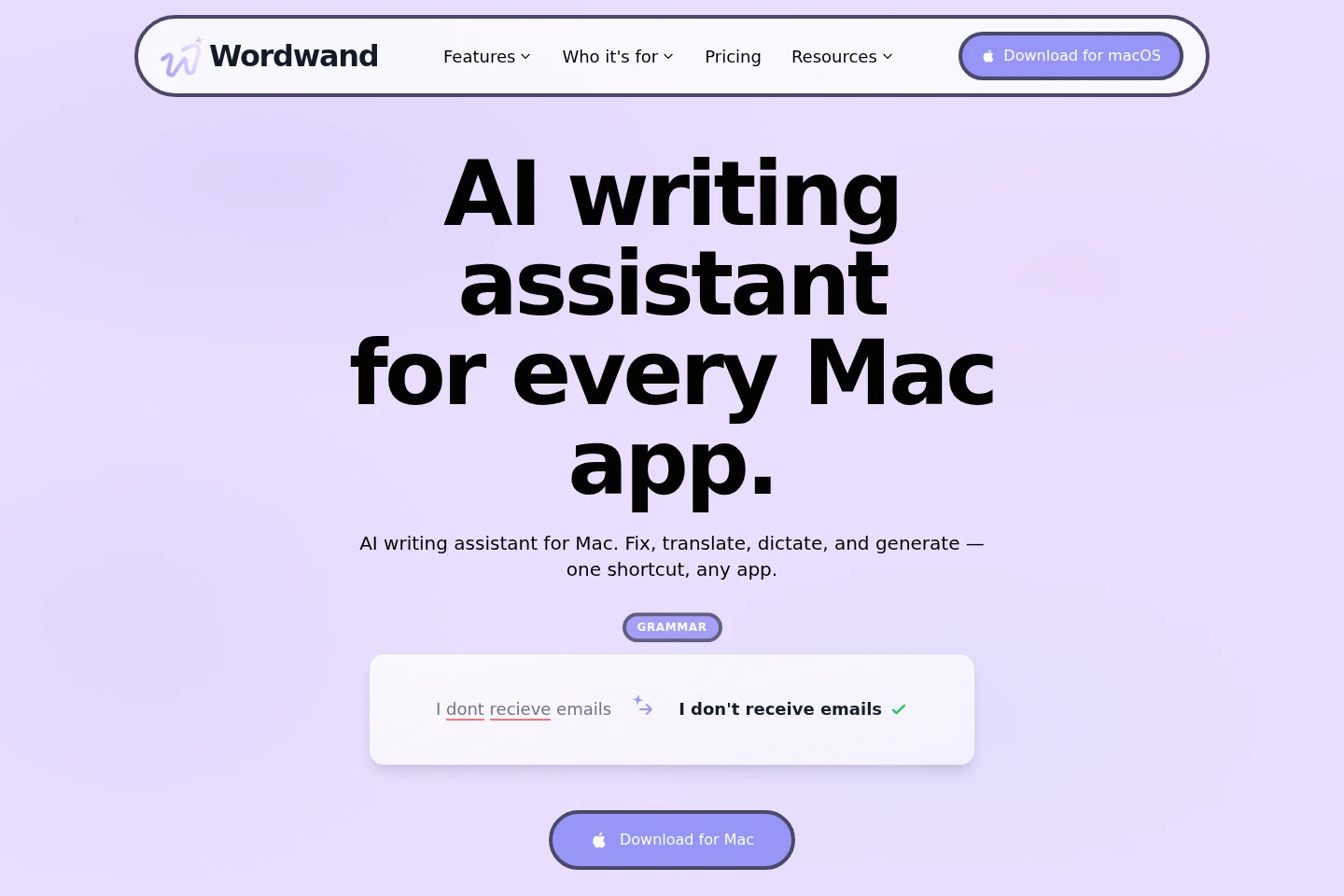
  2. Wordwand

    AI writing tools for Mac, available in any app with a shortcut

    Wordwand Basic · Free
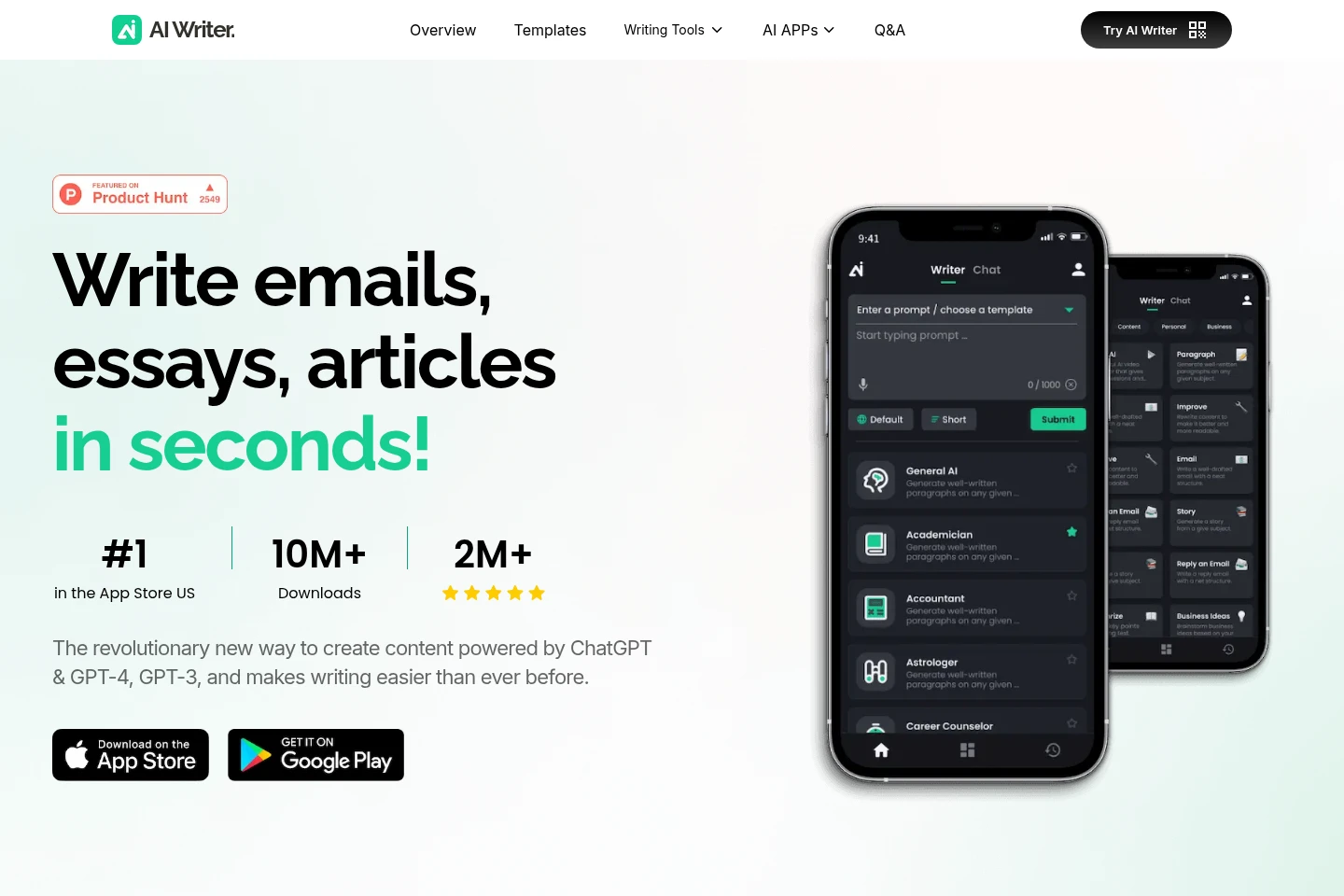
  3. AI Writer

    AI-powered writing assistant for instant content creation

    Freemium
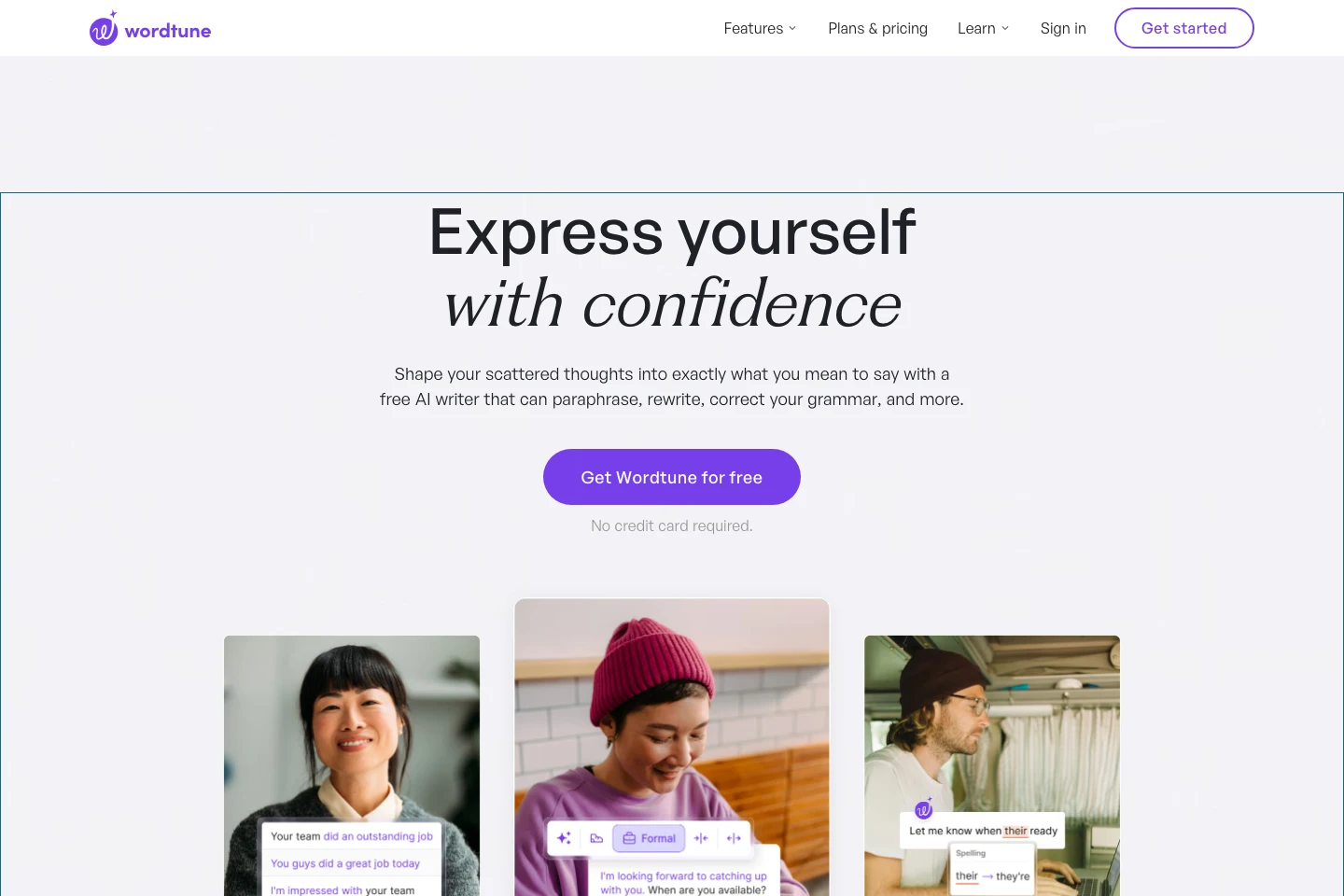
  4. Wordtune

    AI-powered writing assistant for clear authentic communication

    Freemium
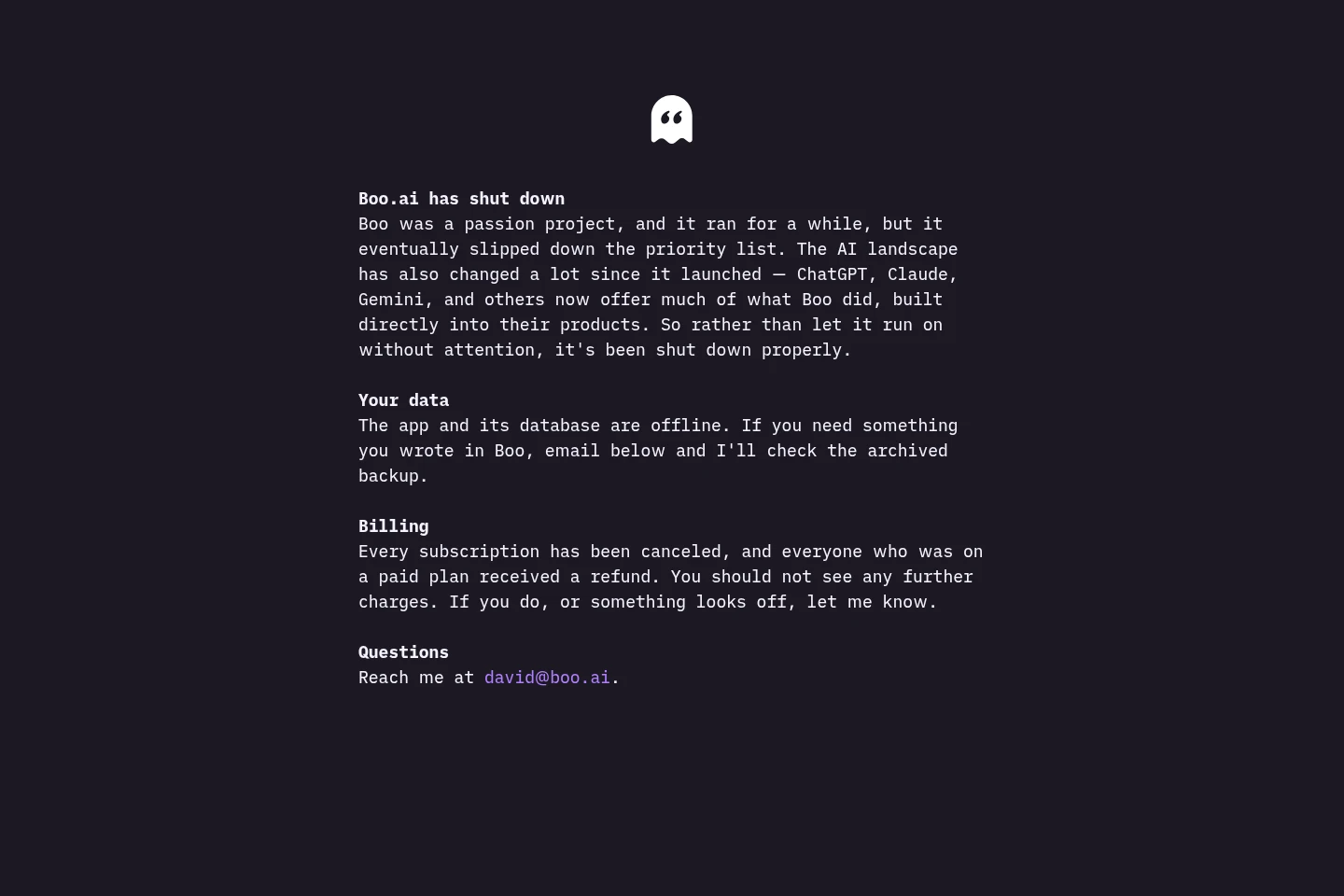
  5. Boo.ai

    Write Better, Faster with AI

    Free

Who it is for

  • People who write messages, emails, or social posts in mobile apps and want keyboard-based writing assistance.

  • People composing text across languages who want translation and editing tools available from their device keyboard.

FAQ

Which languages can Word Up translate?

The site says Word Up translates between 50+ languages. It does not list the languages individually.

Where can I use Word Up?

Word Up is described as a device keyboard assistant that works in other apps, including when sending texts, drafting emails, or developing content.

What writing tools does Word Up include?

The site lists spelling and grammar correction, tone changes, Ask AI answers and content creation, hashtag generation, summaries, smart replies, emoji features, and inspirational quotes.

Comments

Please sign in to leave a comment.
No comments yet. Be the first to share your thoughts!