
Monthly visits
14,712
2026-10
Monthly growth -48%

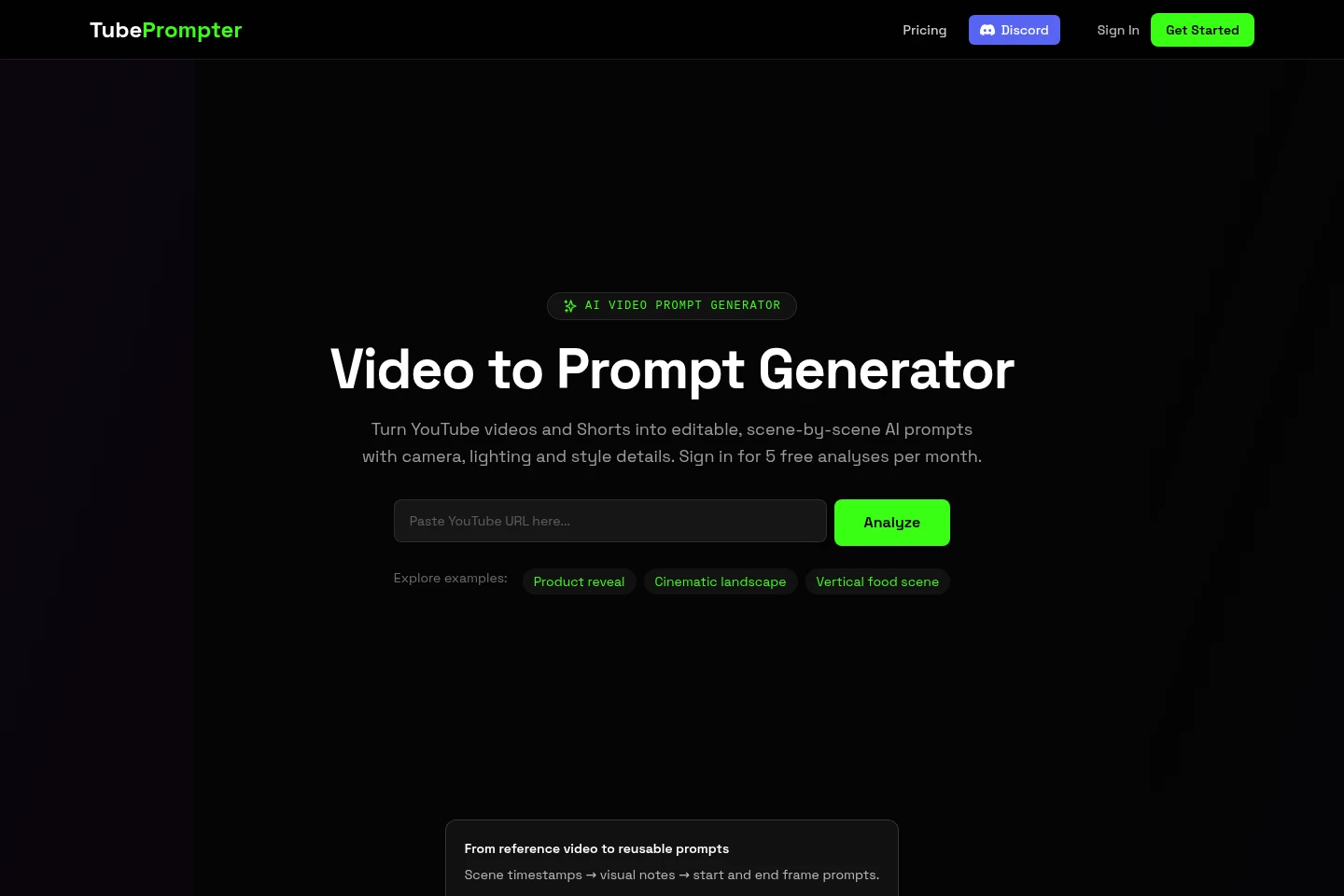
TubePrompter - Turn YouTube videos into editable scene prompts

TubePrompter analyzes supported public YouTube videos and Shorts, then produces scene timestamps, visual notes, and editable start- and end-frame prompts. Users can review camera, lighting, composition, and style details and adapt the results for a separate image or video generation tool. The Free plan includes five analyses per month.

Visit WebsiteUpdate this product

0Views

Capabilities

Scene-by-scene video analysis

Analyzes supported YouTube videos and returns scene timestamps and visual notes. Inputs are public video or Shorts URLs; the Free plan analyzes up to the first 60 seconds, while paid plans allow longer input windows.

Start and end frame prompts

Produces editable image prompts for the beginning and ending frame of each analyzed scene. The prompts describe visible subjects, setting, composition, camera, lighting, and style for adaptation.

Visual style remixing

Provides visual descriptions that users can adapt by changing subjects or settings while retaining selected visual details. Users review the output against the reference and use it in a separate generation tool.

PricingFreemium

TubePrompter offers a free plan and monthly paid subscriptions. Compare monthly analysis limits, analysis dimensions, scenes per video, remix images, and collection and history access when choosing a plan.

PlanPriceIncluded features and limits
Free

$0/month

  • 5 video analyses per month

  • 8 analysis dimensions

  • 3 scenes per video

  • 3 remix images per month

  • Public library access

Plus

$19/month

  • 100 analyses per month

  • 19 analysis dimensions

  • 5 scenes per video

  • 150 remix images per month

  • Private collections and history

Pro

$29/month

  • 150 analyses per month

  • All 52 analysis dimensions

  • 8 scenes per video

  • 200 remix images per month

  • Everything in Plus

Prices are in USD. Eligible new Plus or Pro subscribers receive a 3-day free trial and must provide a payment method. Subscription renews monthly at the displayed price unless canceled before the trial ends.

Use cases

Adapt a reference video into scene prompts

When a creator wants to study a public YouTube reference, they submit its supported URL after signing in. TubePrompter returns timestamps, visual notes, and frame prompts to review and edit for another image or video workflow.

Draft prompts for selected video frames

When preparing image-generation prompts from a reference clip, users review a scene's start- and end-frame descriptions and copy or edit them. The resulting text can be used with a separate image-generation tool.

Plan prompts for a video shot sequence

When adapting a reference into a video concept, users use scene timestamps and frame prompts to consider composition and continuity. They add their own motion directions and set duration and aspect ratio in their chosen video tool.

Limitations

  • The input is currently limited to YouTube video and Shorts URLs; direct Instagram and TikTok links and local video uploads are not supported.

  • The Free plan analyzes up to the first 60 seconds and returns up to 3 scenes per video.

  • Analysis requires sign-in and a publicly accessible video; private, deleted, restricted, or otherwise inaccessible videos may fail.

  • Analysis describes visible content and cannot recover a video's hidden original prompt or confirm the camera equipment and settings used.

  • TubePrompter supplies notes and prompts, but users generate the finished video in a separate tool.

Alternatives

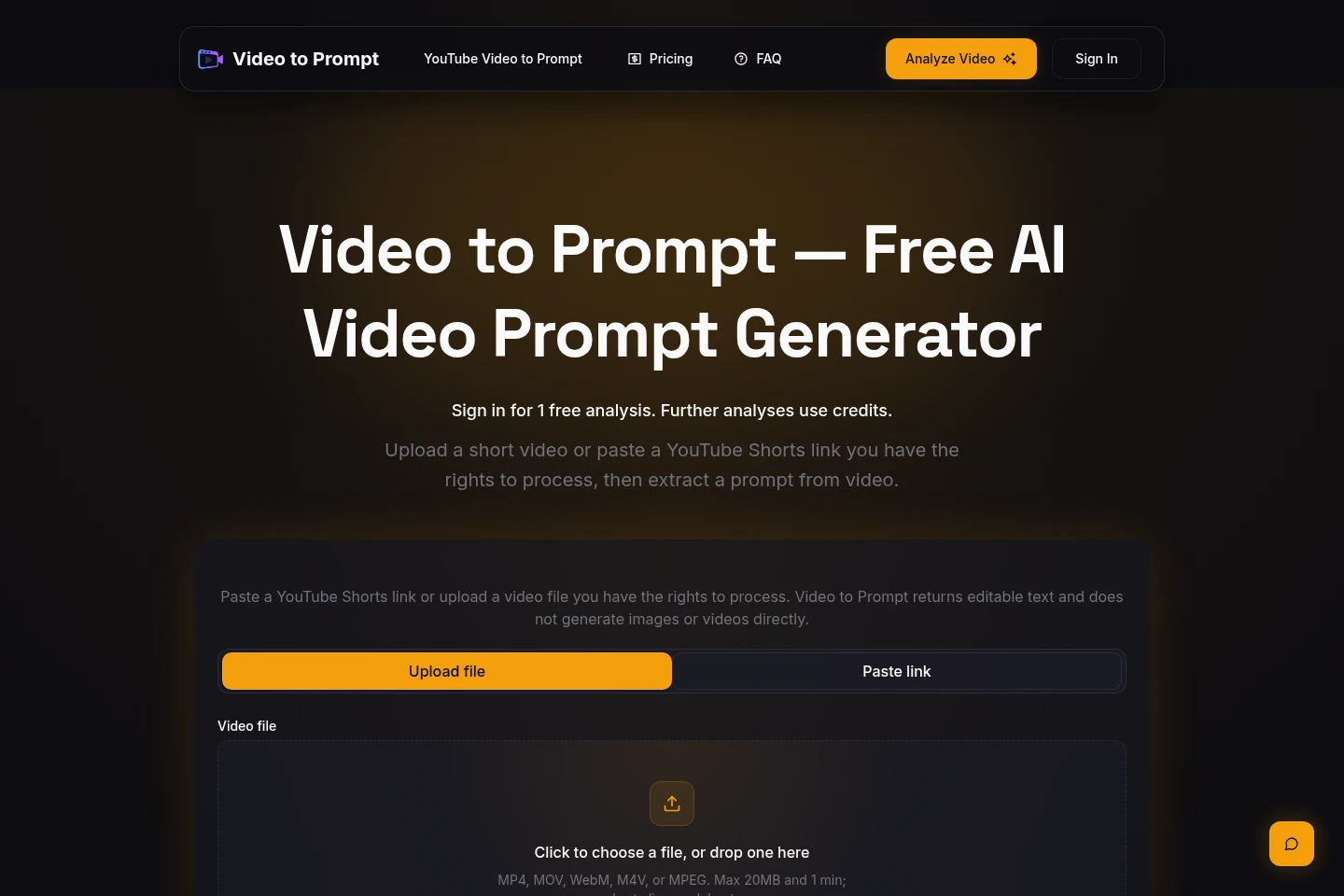
Video to Prompt

Turn short videos into editable scene-by-scene prompts

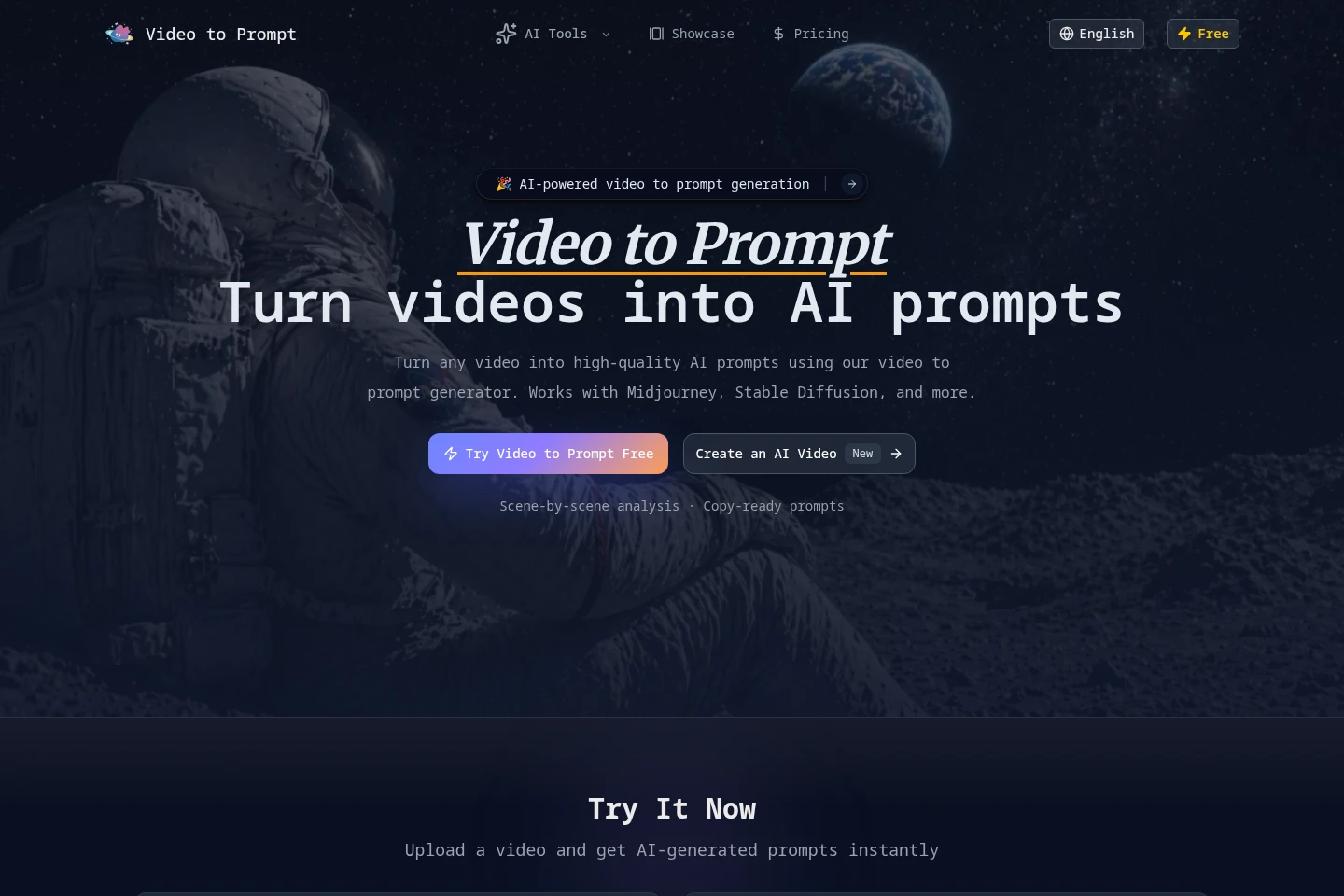
Video to Prompt analyzes uploaded clips and supported YouTube links, then returns an editable English prompt and scene breakdown. It describes subjects, actions, camera work, lighting, visual style, and audio cues. You can review, edit, copy, and reuse the text in your own image or video tools; the product does not generate media directly.

  • Cloud
  • Freemium
  • Free$0
  • Start$4.99/month
  • Growth$9.99/month
  • Pro$29.99/month
  1. Video to Prompt

    Turn video scenes into structured AI prompts

    Free · Free
  2. Video to Prompt

    Turn video and image references into structured AI prompts

    Free · $0 forever
  3. TubeTranscript

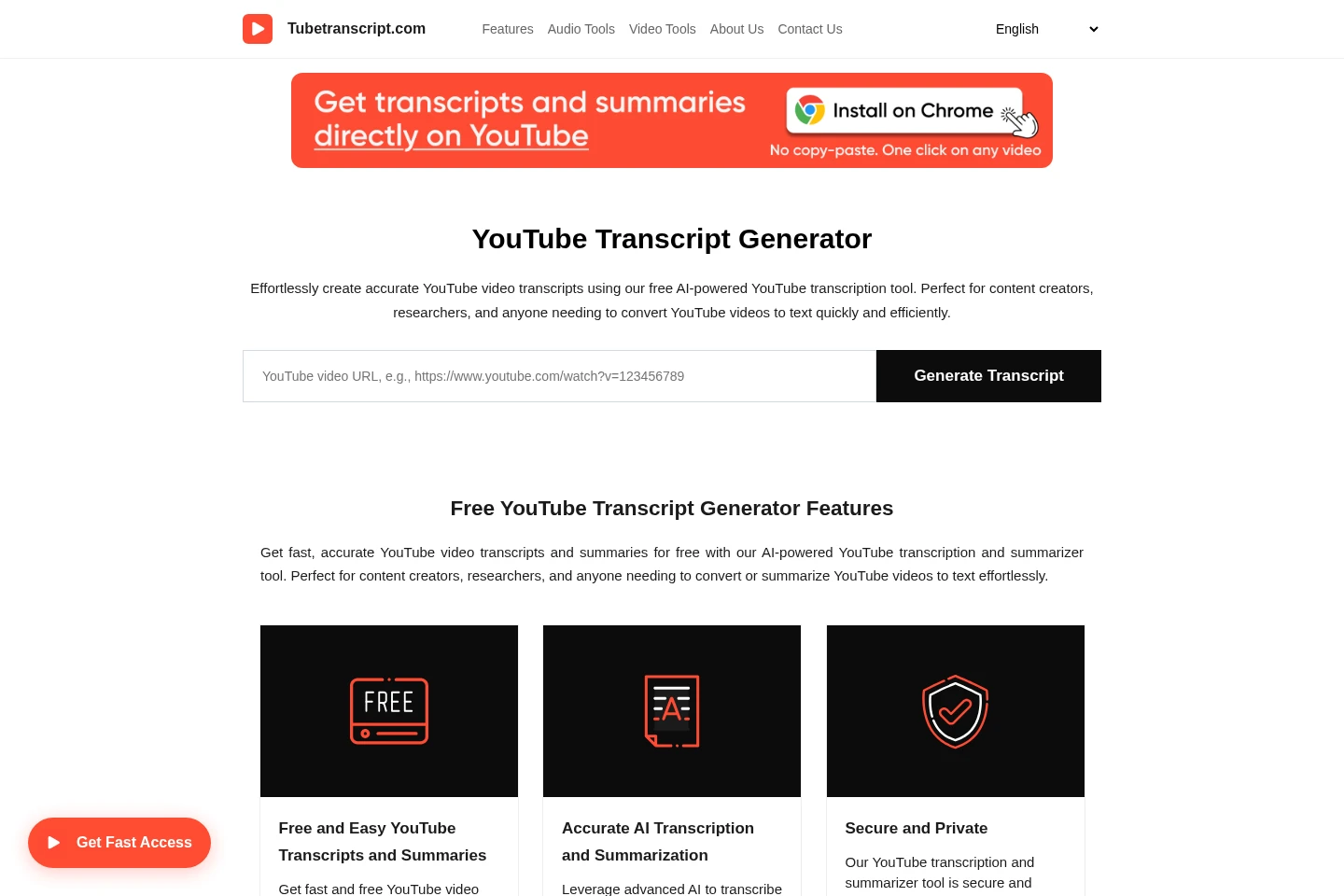
    Turn YouTube videos into editable transcripts and summaries

    Contact Sales
  4. Copy Video AI

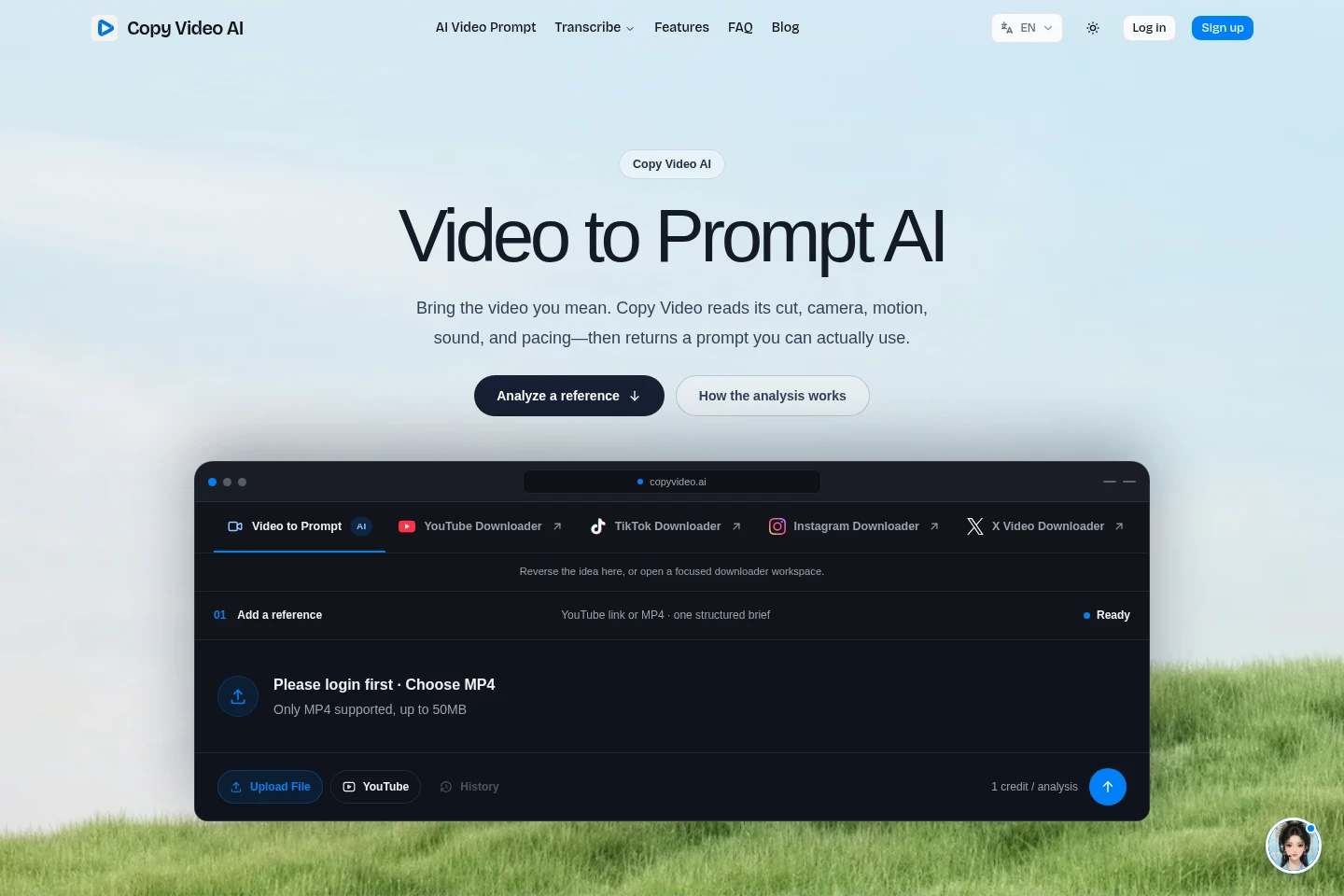
    Turn video references into structured production prompts

    Contact Sales
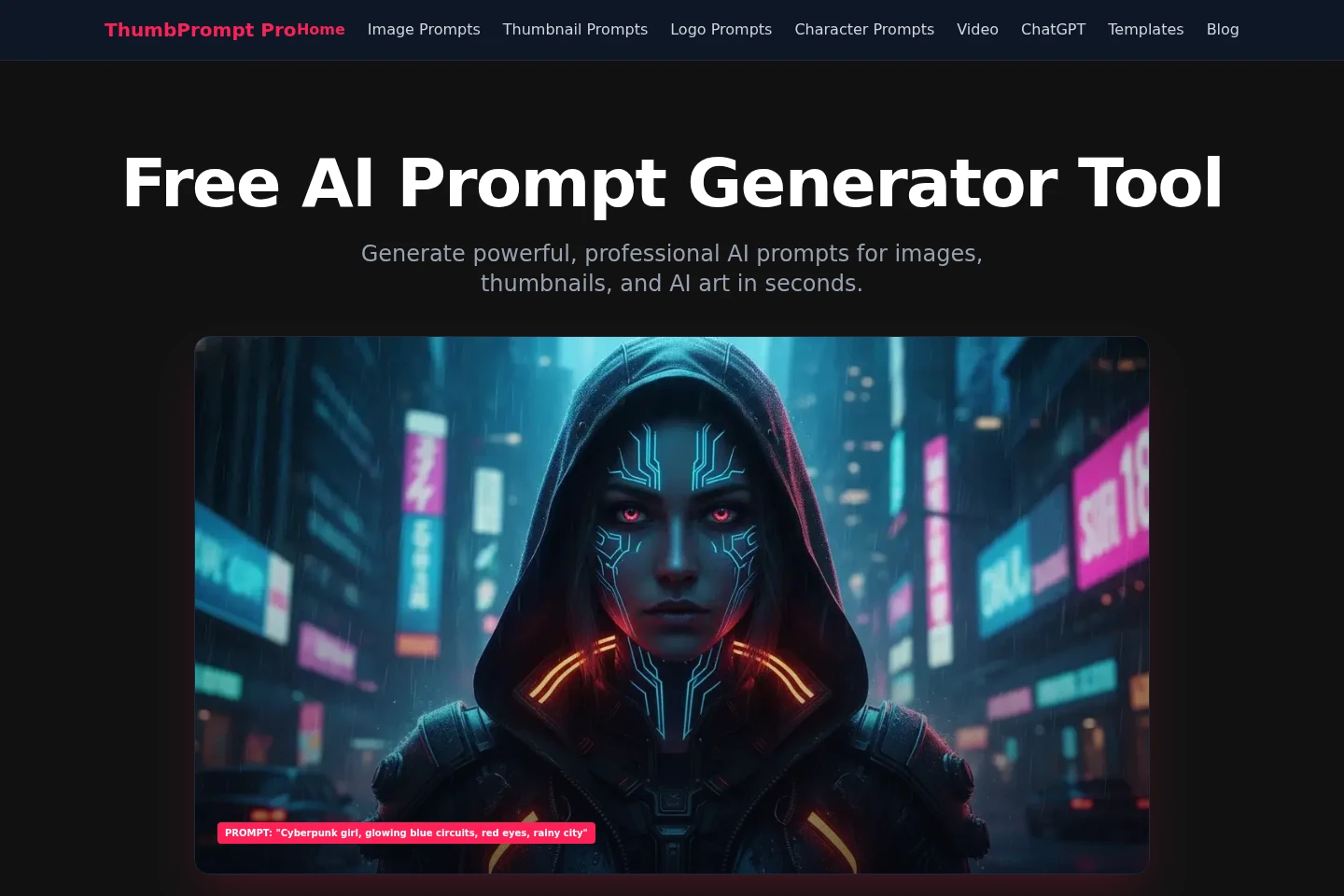
  5. ThumbPrompt Pro

    Build structured AI prompts for images, thumbnails, and more

    Free

Who it is for

  • Video content creators who want to study and adapt visual references into editable scene prompts

  • AI image and video creators who need structured visual descriptions from YouTube references

FAQ

TubePrompter currently accepts supported YouTube video and Shorts URLs. Direct Instagram and TikTok links and local video uploads are not supported; a publicly available YouTube version can be submitted instead.

What does the Free plan include?

The Free plan includes 5 video analyses per month and requires an account. Each analysis covers up to the first 60 seconds and returns up to 3 scenes.

Can TubePrompter recover a video's original prompt?

No. A finished video does not reveal its hidden original prompt or generation settings. TubePrompter writes new descriptions from visible content, and inferred visual details should be checked against the reference.

What counts toward the monthly analysis limit?

Each video analysis and remix generation counts toward the monthly limit. The limit resets on the 1st of each month in UTC.

Can I cancel or change a paid plan?

Yes. Subscribers can upgrade, downgrade, manage payment methods, or cancel from their account. Eligible new Plus or Pro subscribers receive a 3-day free trial with a payment method; the plan renews monthly at its displayed price unless canceled before the trial ends.

Comments

Please sign in to leave a comment.
No comments yet. Be the first to share your thoughts!