Are you struggling to maximize productivity or find it challenging to stay focused? TimeMaster is here to assist you in understanding how you spend your time and what's keeping you from achieving peak productivity. With our powerful set of features, you'll gain insights that will elevate your work efficiency and improve your overall productivity. Let’s unlock your time’s potential and achieve your goals more effectively!
How It Works
TimeMaster operates on the principle of providing users with detailed analytics about their productivity habits. By integrating time tracking, distraction identification, and focus metrics, it offers a comprehensive overview of how time is spent. This data collection fosters awareness, enabling users to make informed decisions regarding their work habits.
- Automatic time tracking: Tracks all activities without manual intervention, giving an accurate account of time spent.
- Project detection: Automatically identifies when a new project begins and switches tracking seamlessly.
- Excludes non-work activities: Filters out distractions like social media, providing clarity on work hours.
- Focus and distraction metrics: Offers real-time insights into focus levels, allowing users to adjust their work behavior accordingly.
- Detailed reporting: Generates weekly and monthly insights, enriching user strategies for improvement.
- Privacy measures: Ensures security through local storage and encryption, limiting access to your data and safeguarding user privacy. Overall, these elements work together to promote better time management and enhanced productivity.
Usage
Using TimeMaster is a straightforward process that revolves around making the most of your productive hours. Here’s how to get started:
- Download the App: Begin by downloading TimeMaster from our website. It is available for different platforms.
- Set Up Your Profile: Create your user profile, customizing it with your work preferences and goals. This setup will help the app tailor its insights to your work habits.
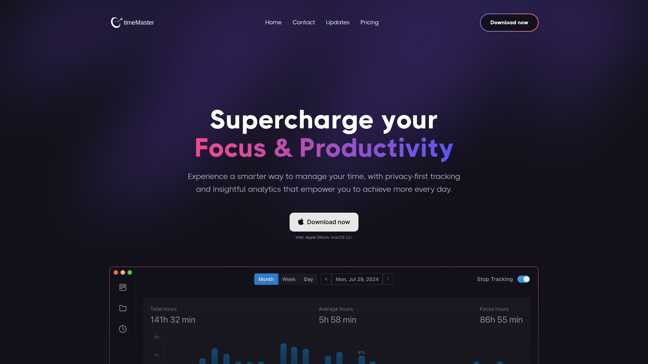
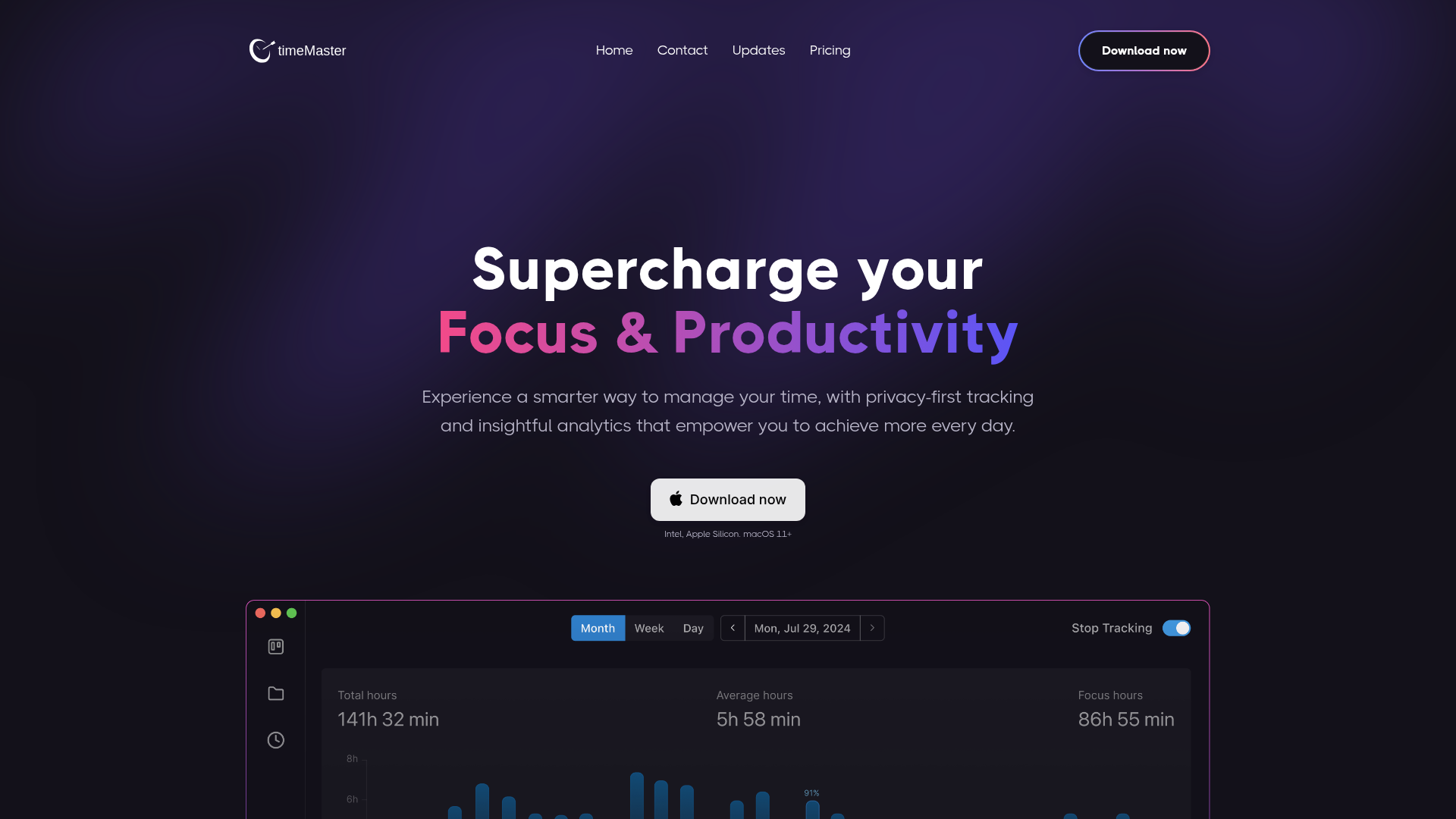
- Understand Your Dashboard: Familiarize yourself with the dashboard interface, which provides a snapshot of your productivity metrics, including activity logs and focus scores.
- Start Tracking Automatically: When you begin working, TimeMaster will automatically track your activities and categorize them, so you don't have to worry about timing every task yourself.
- Review Your Reports: Set aside time weekly or monthly to review your productivity reports, which highlight trends, peak focus times, and distractions.
- Adjust Your Habits: Based on the insights provided, make necessary adjustments to your workflow. Set new goals as you identify areas for improvement, and use the reminders for breaks to maintain balance and prevent burnout.
- Stay Consistent: Continue to use TimeMaster regularly, and with each refinement of your workflow, you will enhance productivity and achieve better outcomes.
Freelancers
Freelancers can use TimeMaster to track the time spent on projects and ensure their billing is accurate.
Students
Students can monitor study sessions and minimize distractions while completing assignments.
Office Workers
Office workers benefit from categorizing their tasks and improving time management for increased productivity.
Creative Professionals
Creative professionals can utilize TimeMaster to balance multiple projects and maintain focus on their creative flow.
Entrepreneurs
Entrepreneurs can track productivity metrics to assess the efficiency of their teams and improve workflows.
Content Creators
Content creators can effectively manage their production schedules and reduce time waste during content creation.
Features
- Productivity Insights: Gain insights into your focus score and most productive hours to optimize your work day.
- Automated Time Tracking: Automatically tracks your activities without requiring manual entry, ensuring accuracy.
- Data Security: Your data is securely stored on your local device and encrypted for your peace of mind.
- Monthly Reports: Receive in-depth analytics to refine your workflow and monitor your productivity progress.
- Distraction Identification: Identify and manage distractions effectively to maintain your focus.
- Goal Setting: Set daily, weekly, and monthly goals to help you stay aligned with your productivity objectives.
Free plan (month): $0
- All core features
- Current week data retention
- Free forever
Pro plan (monthly): $ / mo
- Unlimited data retention
- Advanced AI Categorization
- AI Productivity score
FAQ
- What is TimeMaster and how can it help me?
TimeMaster is a productivity tracking tool designed to help you understand how you spend your time to maximize efficiency and focus.
- Is my data safe with TimeMaster?
Yes, TimeMaster ensures the security of your data by storing it locally and encrypting it, maintaining your privacy.
- Can I track my distractions with TimeMaster?
Absolutely! TimeMaster has features to identify and analyze distractions, helping you stay focused on your tasks.
- How does TimeMaster help build better work habits?
TimeMaster provides automatic reminders, regular break notifications, and goal tracking to help you cultivate consistent work habits.
- What insights can TimeMaster provide?
TimeMaster delivers comprehensive reports on productivity metrics, focus levels, and time spent on various tasks.
- Is there a free version of TimeMaster?
Yes, TimeMaster offers a free plan with core functionalities and limited data retention.
- How do I upgrade from the free plan to the pro plan?
You can easily upgrade by following the purchase link on the pricing page of the TimeMaster website.
- What features are included in the pro plan?
The pro plan includes unlimited data retention, advanced AI categorization, and an AI productivity score.




Comments