Monthly visits
2,384
2026-10
Monthly growth +1,640.1%

The TurboChat - Free browser-based AI chat for everyday tasks

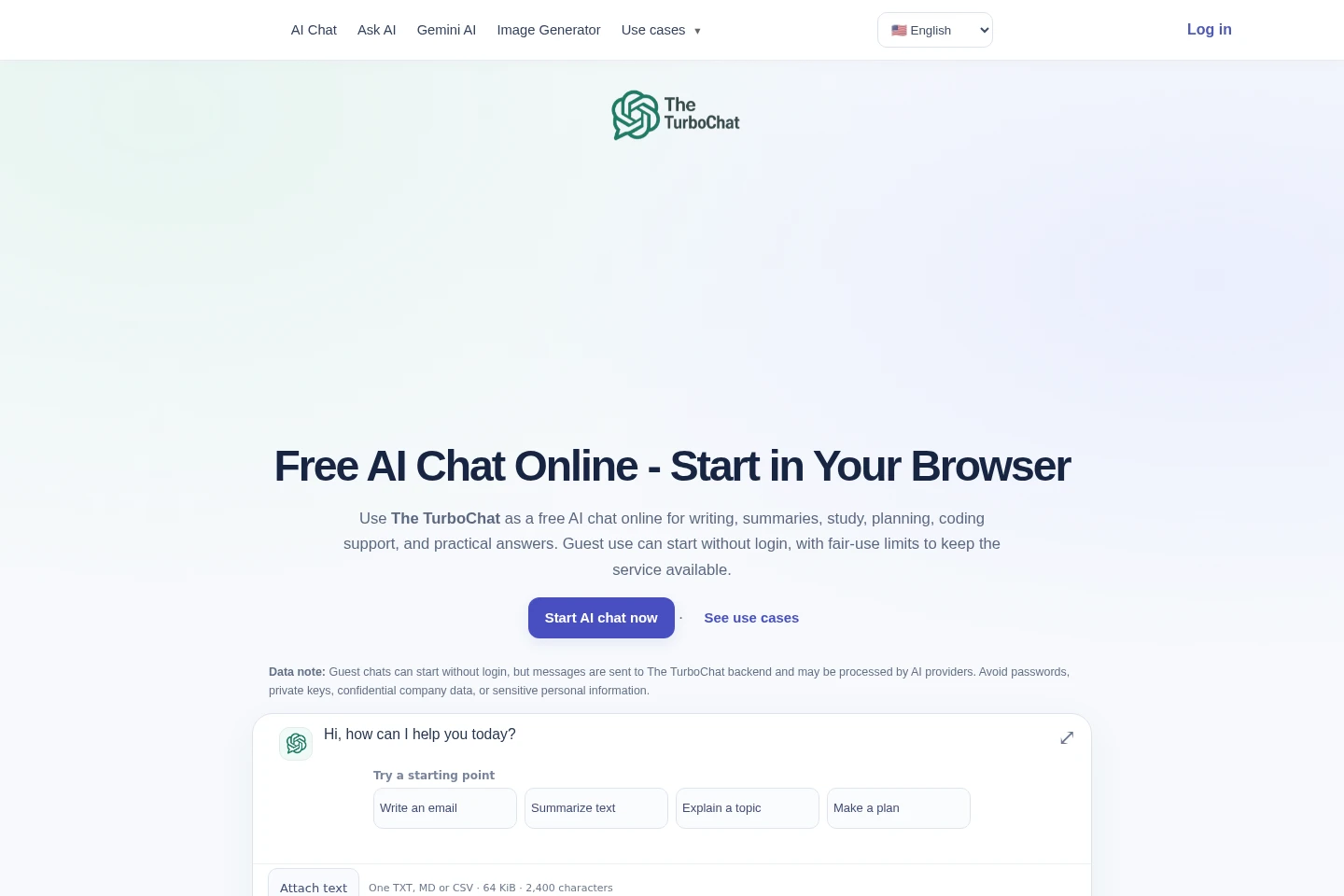
The TurboChat is a browser-based AI chat service for drafting and rewriting text, summarizing, learning, planning, and coding support. Visitors can start chatting without an account; creating a free account lets users save chats and settings. Messages are sent to the service backend and may be processed by AI providers, so users should avoid sharing sensitive information.

Visit WebsiteUpdate this product

0Views

Capabilities

Browser-based AI conversation

Ask questions and continue with follow-ups in a browser chat, receiving generated responses. Guest sessions can start without an account, subject to fair-use limits.

Writing and text summaries

Draft or rewrite text and summarize supplied material into requested formats. Users provide a goal, context, and format; attached TXT, MD, or CSV text is limited to 64 KiB and 2,400 characters.

Code explanation and assistance

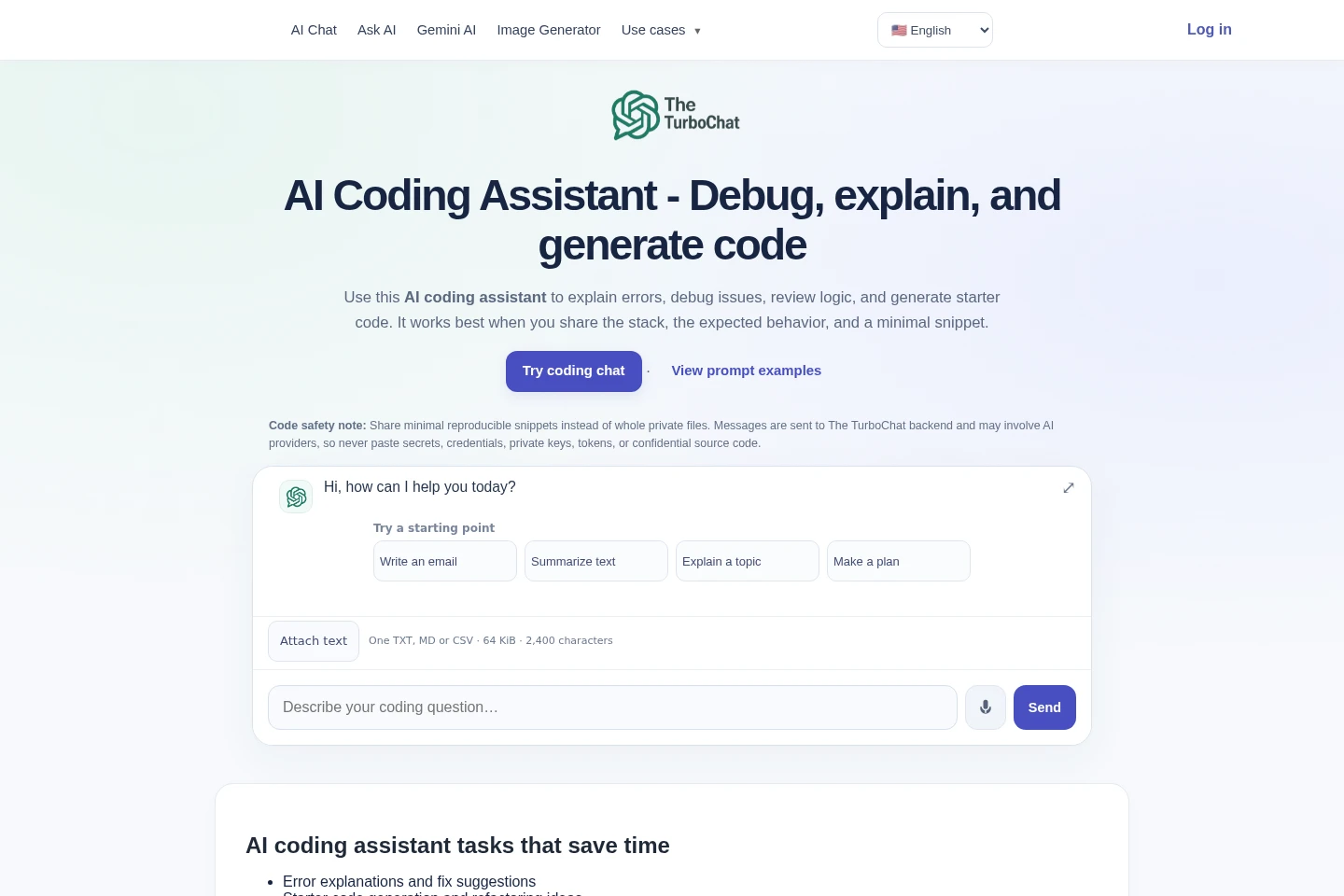
Get explanations of errors, debugging suggestions, logic reviews, starter code, and test ideas. Users provide relevant code and context; generated code should be reviewed and tested before production use.

Text-to-image generation

Create images from text prompts using the linked AI image generator. The homepage identifies the generator as free; its other plan conditions are not specified here.


PricingFree

The supplied homepage presents guest AI chat and a free account, but does not list paid plans or prices. Compare guest access with account features: a free account can save chats and settings, while fair-use limits may apply to guest use.

Use cases

Draft and revise everyday work materials

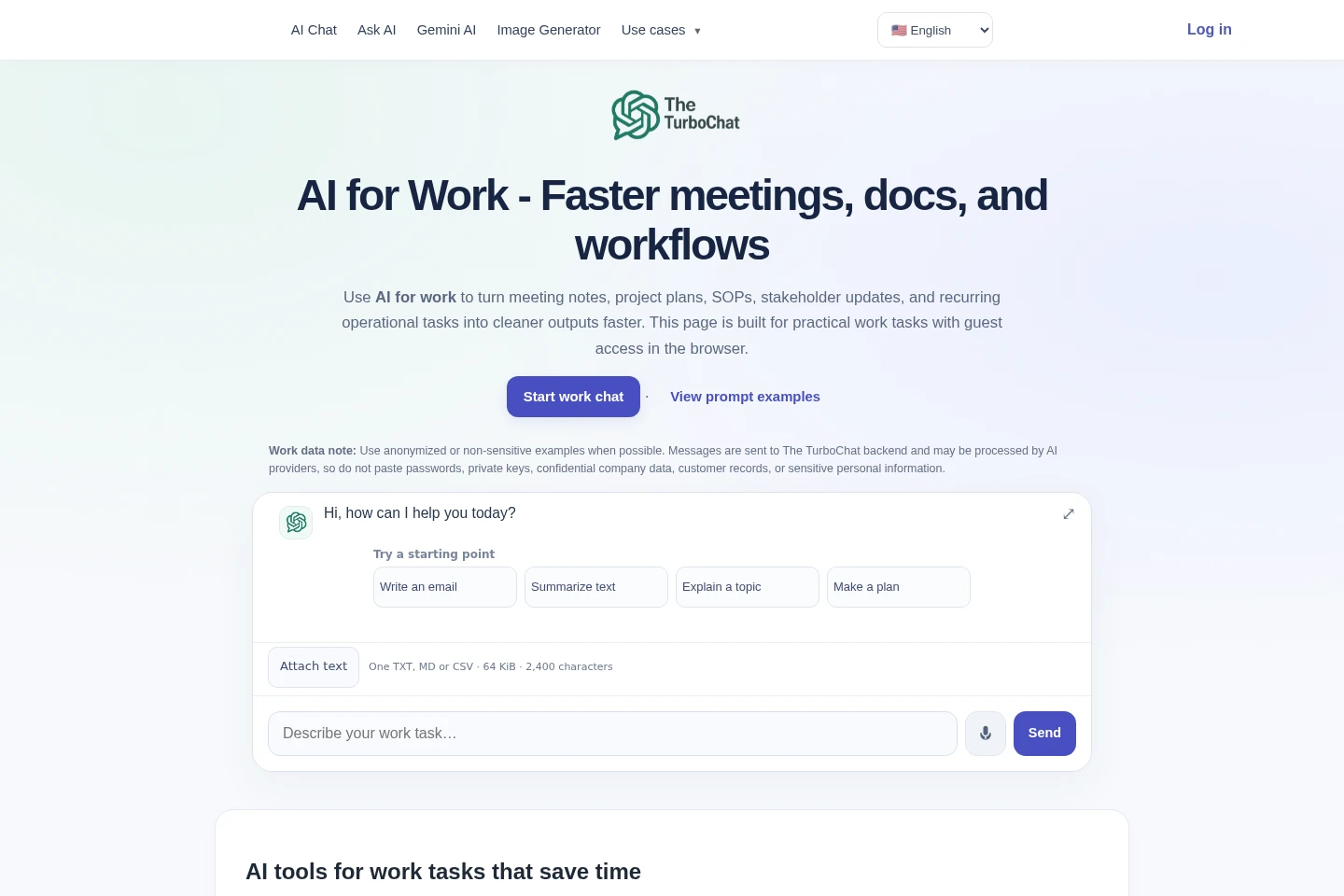
When preparing emails, outlines, updates, or other written material, describe the goal and audience in chat and request a draft, rewrite, or format. The service returns text that users can refine with follow-up prompts.

Summarize text or explain a topic

When reviewing source text or learning a subject, ask the chat to summarize the material or explain the topic in plain language. Users can add context and request a concise or structured response.

Debug code and create starter snippets

When investigating an error or starting a small coding task, provide the runtime, framework, expected behavior, and a minimal code snippet. The assistant can explain likely issues and suggest fixes, starter code, or tests for review.

Limitations

  • Guest access is subject to fair-use limits; the pages do not specify a numeric guest quota.

  • Attached TXT, MD, or CSV text is limited to 64 KiB and 2,400 characters.

  • Messages are sent to The TurboChat backend and may be processed by AI providers; users are advised not to submit passwords, credentials, private keys, confidential company data, or sensitive personal information.

  • The coding page advises reviewing, testing, and hardening generated code before using it in production.

Alternatives

AI ChatGPT Free

Chat, write, code, and create in your browser

AI ChatGPT Free is a browser-based service for chatting with AI and using writing, coding, image-generation, and video-generation tools. Users enter a text request, receive a result, and can refine it. The homepage says core chatbots and tools are free, with optional upgrades for heavier usage.

  • Cloud
  • Free
  1. AI Chatting

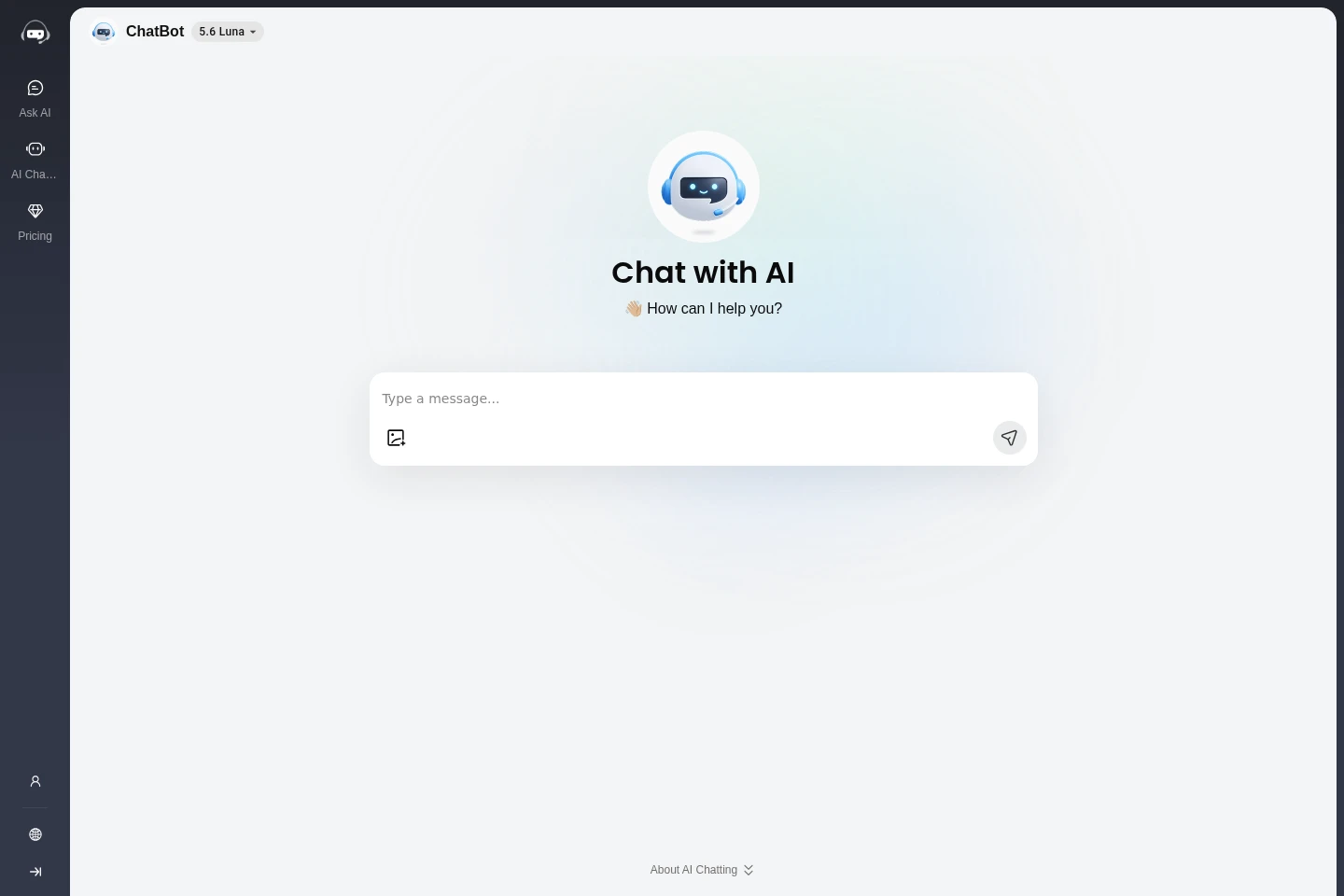
    Chat and create effortlessly with AI

    Freemium
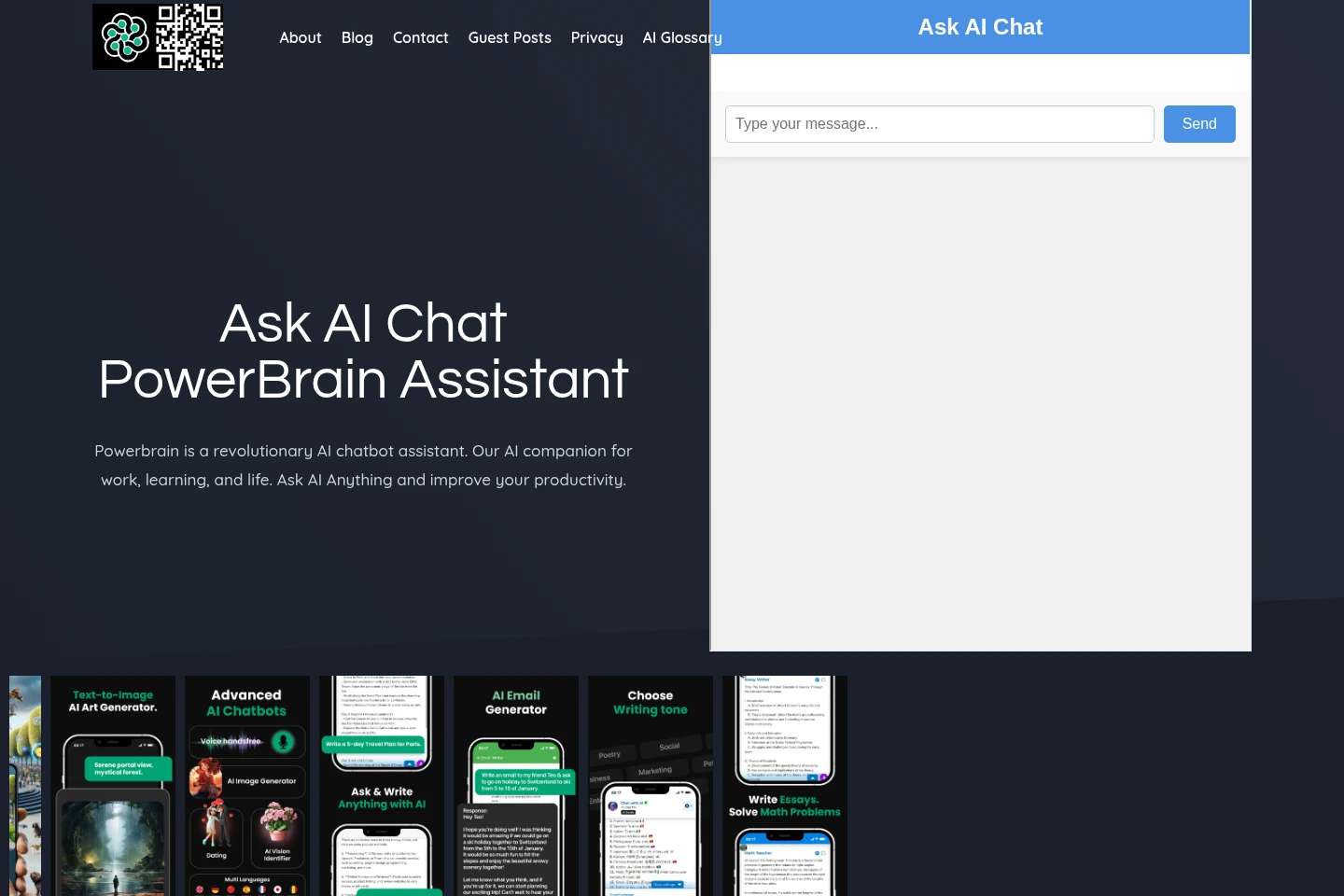
  2. PowerBrain AI Chat

    Ask questions, create text, and explore ideas with AI chat

    Free
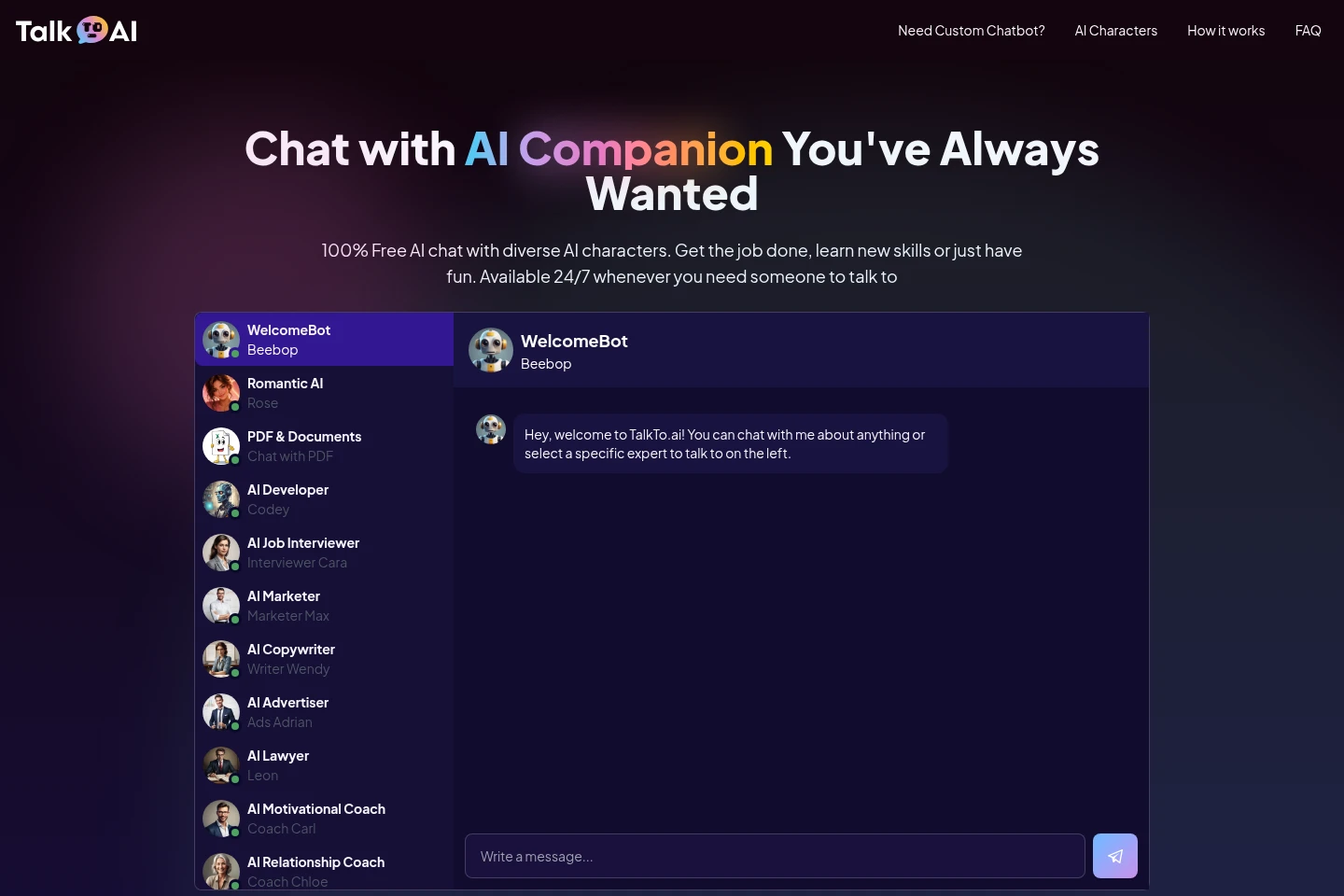
  3. TalkTo.ai

    Chat with AI characters for conversation, learning and creative tasks

    Free · Free
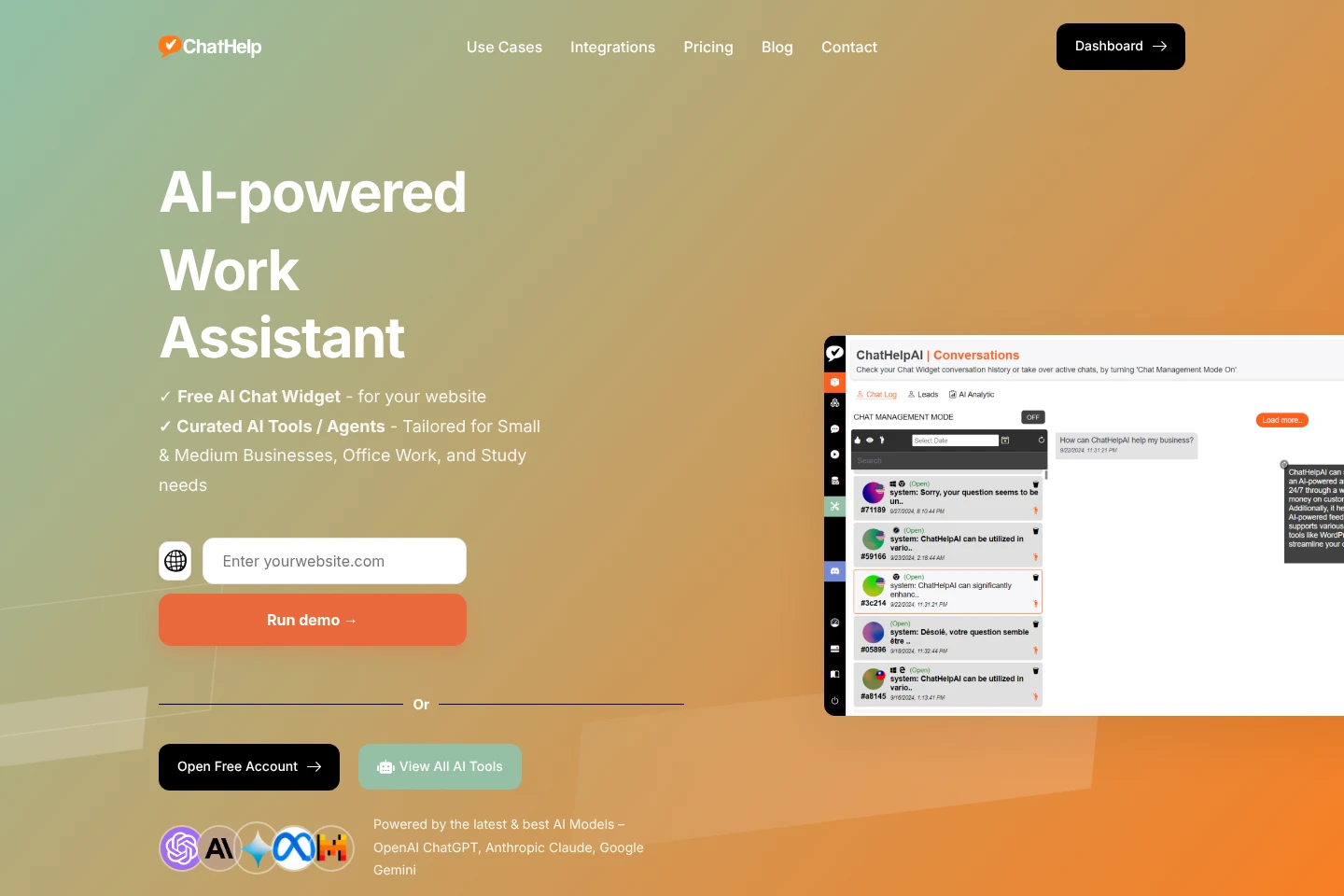
  4. ChatHelp.ai

    AI chatbots, knowledge bases, and tools for work

    Always Free · $0/month
  5. Chatbox AI

    One web workspace for GPT, Gemini, Claude and built-in AI tools

    Paid

Who it is for

  • People who want browser-based AI help for everyday questions, writing, summaries, or planning

  • Developers seeking explanations of errors, debugging suggestions, code examples, or test ideas

  • People preparing meeting notes, project updates, procedures, or other routine work documents

FAQ

Can I start chatting without creating an account?

Yes. The site says guests can start a browser chat without login or sign-up. Fair-use limits may apply; creating a free account is offered for saving chats and settings.

What can I use The TurboChat for?

It supports questions, writing drafts and rewrites, summaries, explanations, study help, planning, and coding assistance. Dedicated pages also cover work tasks and coding workflows.

Can I use ChatGPT and Gemini on the site?

The site links to a ChatGPT-style page and a Gemini-focused page. It describes them as dedicated chat routes and notes that The TurboChat is independent of, and not endorsed by, either company.

How are my messages and chat history handled?

Messages are sent to The TurboChat backend and may be processed by AI providers. The homepage says local chat history stays on the device by default; signing in with a free account can sync saved chats across devices.

Can I generate images from text?

Yes. The homepage links to an AI image generator and says it can create images from text for free. Other generator conditions are not stated on the supplied page.

What file text can I attach to a chat?

The interface lists TXT, MD, and CSV attachments, with a limit of 64 KiB and 2,400 characters. Attached text is included in the message sent to the server and AI providers when the user presses Send.

Comments

Please sign in to leave a comment.
No comments yet. Be the first to share your thoughts!