


TempEmailfree - Instant free disposable temporary email address generator to avoid spam and protect your privacy
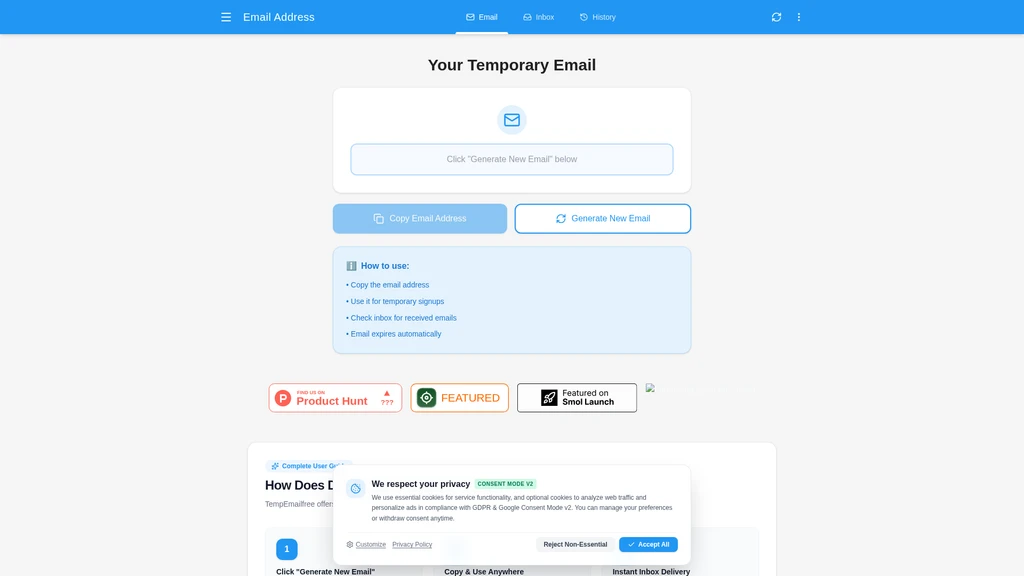
Launched on Sep 22, 2026TempEmailfree is a 100% free disposable temporary email service that lets you generate anonymous, no-signup mailboxes in one click. It is designed for regular internet users, developers, and QA testers who want to keep their primary personal or work email inboxes free of spam and safe from data breaches. The service delivers incoming emails and OTP verification codes instantly, with all messages automatically purged after your session ends.
Related Content

Copy.ai Review 2026: AI Copywriting Made Easy
Our honest Copy.ai review for 2026. We test Content Agents, AI Workflows, pricing ($29-$249/mo), and compare it to Jasper and Writesonic. Find out if it's worth it for your marketing team.

Rytr Review 2026: Is This Budget AI Writer Worth It?
Our hands-on Rytr review for 2026. We test features, pricing, content quality, and compare it to Jasper & ChatGPT. Find out if Rytr is the best budget AI writing tool.

Word Changer - Free AI tool to rewrite and improve your writing instantly
Writing always using repetitive words or need to avoid plagiarism? Word Changer is a free AI writing assistant that instantly rewrites any text with richer vocabulary and appropriate tone. Get multiple versions with one click, adjust formality level, check readability - all for free!

Unite - AI-powered platform for romantic fantasies and dream couple moments
Explore romantic fantasies and create special moments for your dream couple. This AI-powered platform lets you generate personalized romantic content and experience exclusive AI-created romantic experiences.
Comments