Managed cloud browsers
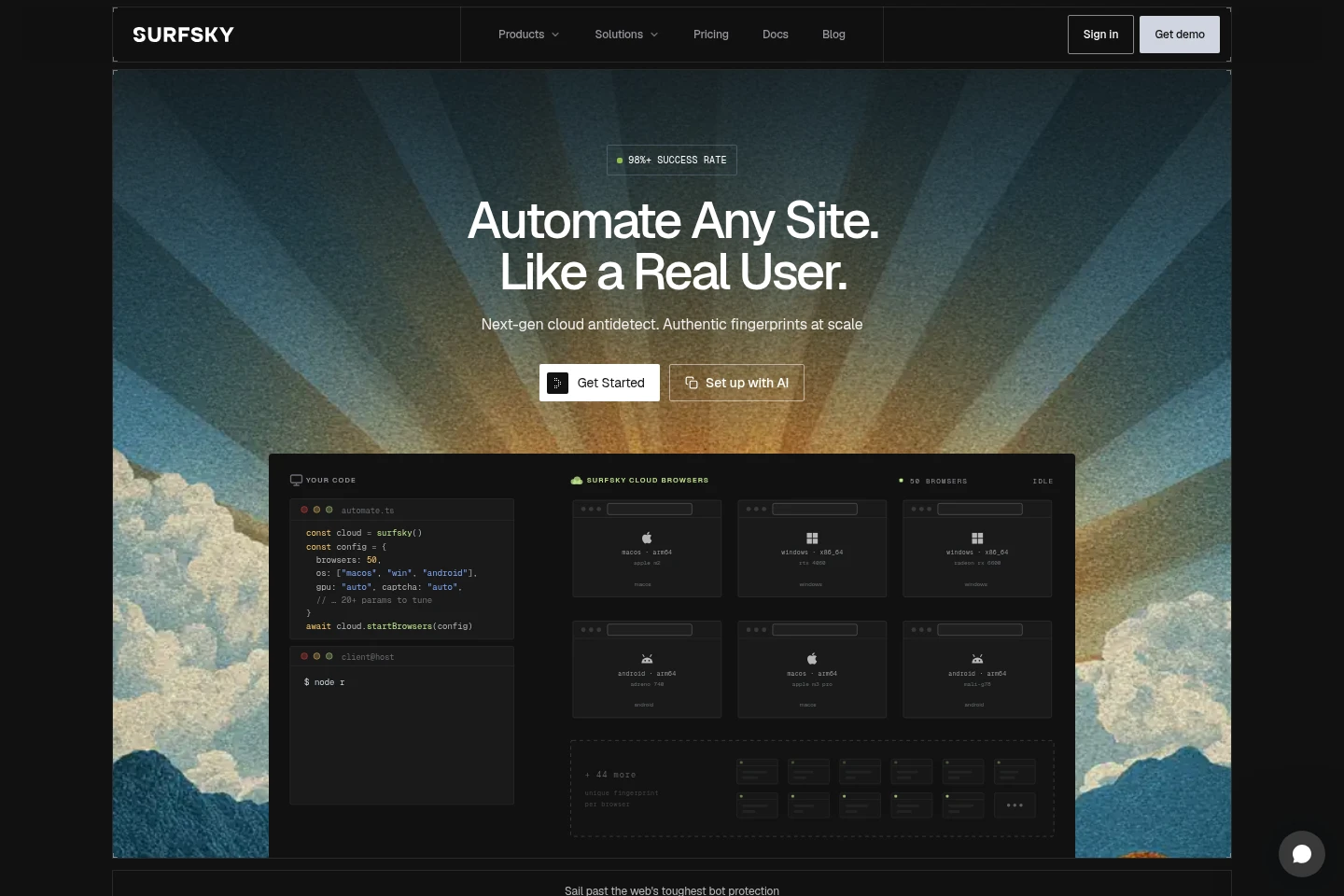
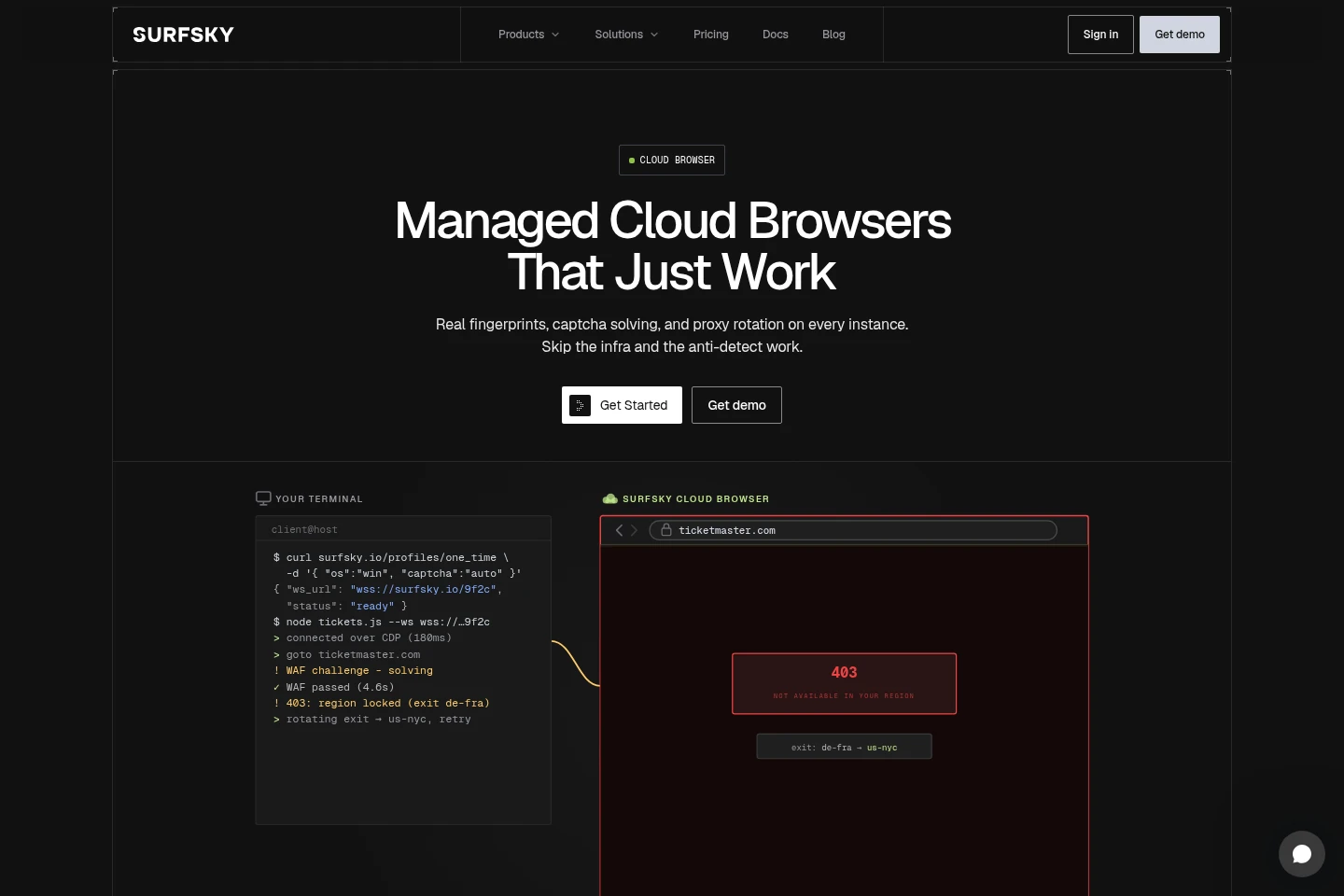
Surfsky runs isolated Chrome browsers in the cloud and returns a CDP WebSocket connection. Connect using compatible browser automation frameworks, with sessions running in parallel.
Device fingerprinting
Browsers use correlated device fingerprint parameters intended to match real devices. Fingerprint settings cover signals such as Canvas, WebGL, audio, fonts, screen, and WebRTC.
CAPTCHA solving
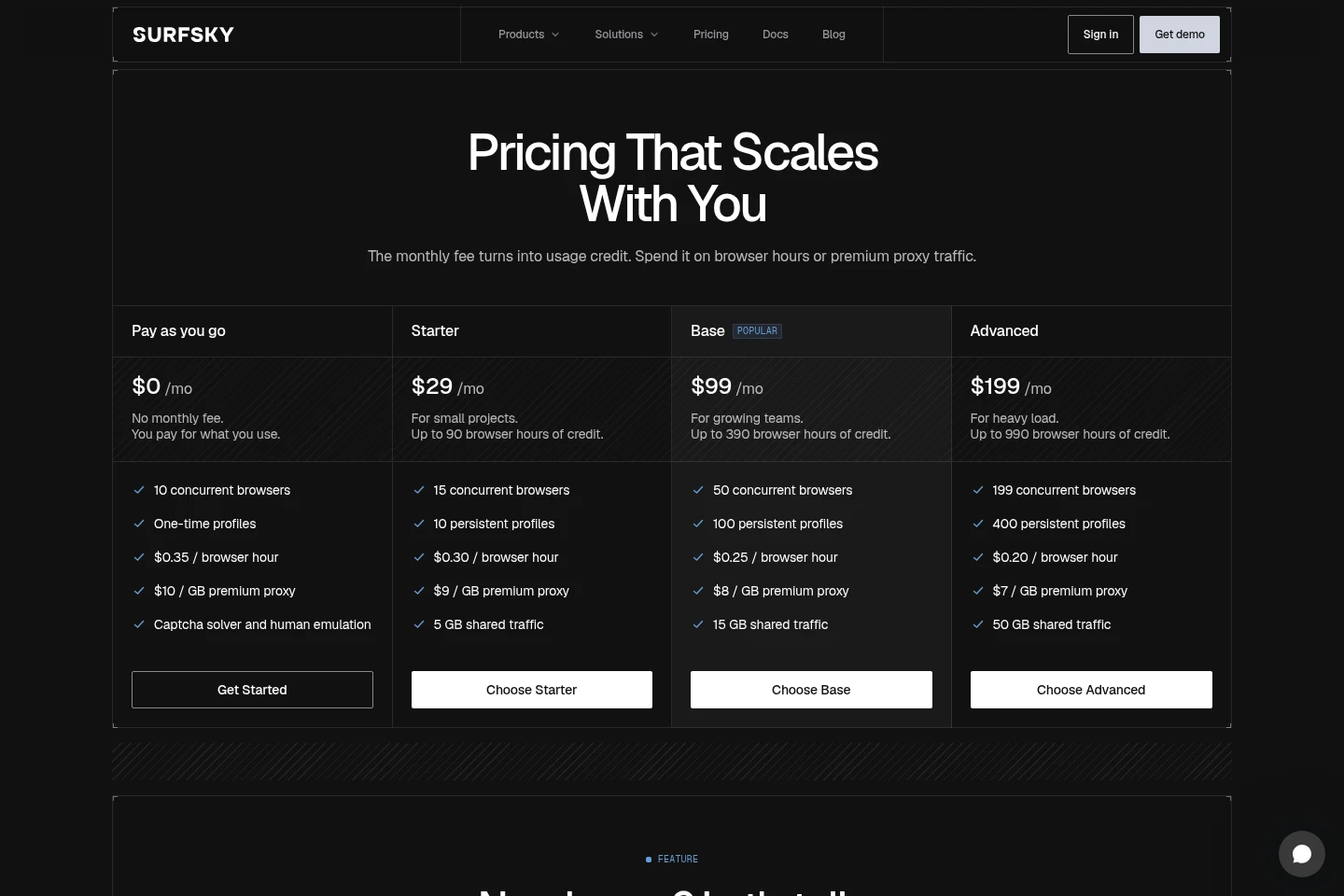
The service detects and solves supported CAPTCHA challenges within a browser session. CAPTCHA solving is included across the listed plans, with solves metered as usage.
Proxy connectivity
Sessions can use Surfsky residential and mobile proxies or customer-supplied proxies. Paid plans include specified shared traffic, while premium proxy traffic is charged per gigabyte.
Human interaction emulation
The browser can synthesize mouse, keyboard, and scroll actions through CDP. The service describes these actions as based on recorded human input data.








Comments