Monthly visits
23,674
2026-10
Monthly growth +7.4%

super.AI - Automate document workflows from plain language descriptions

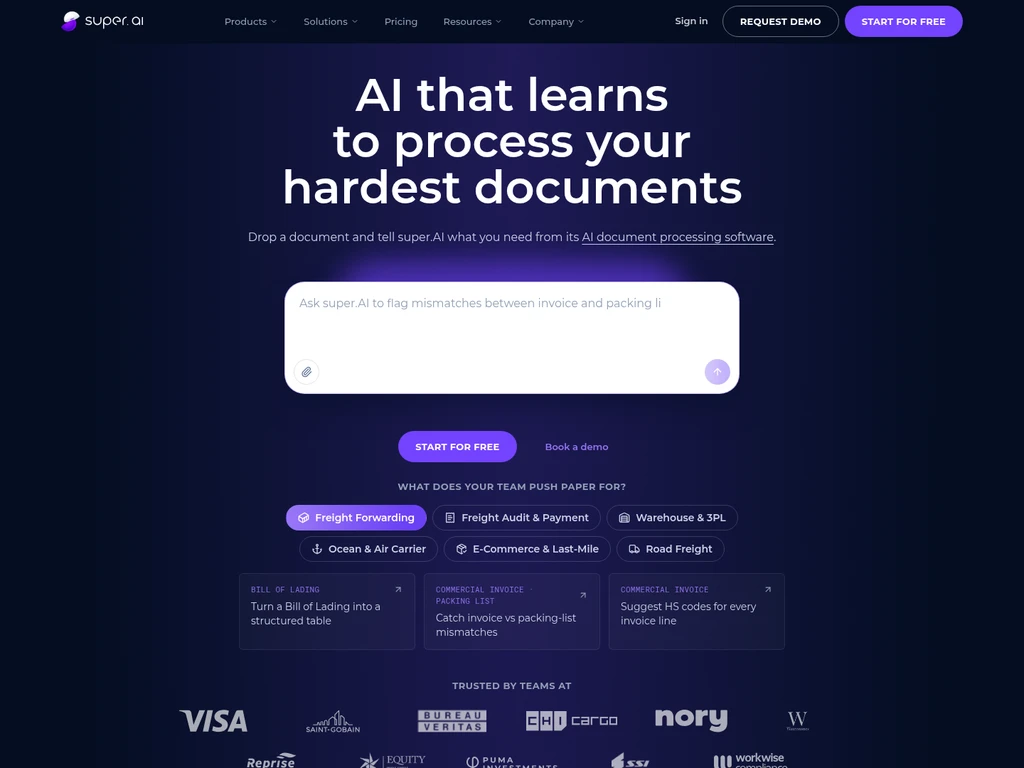
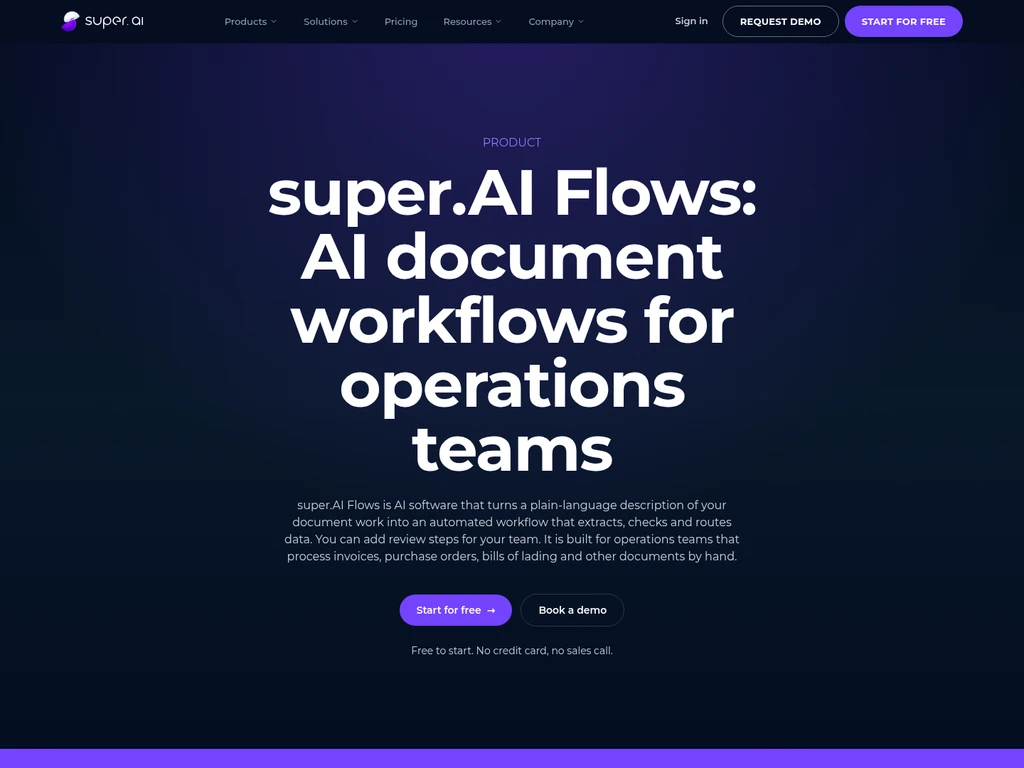
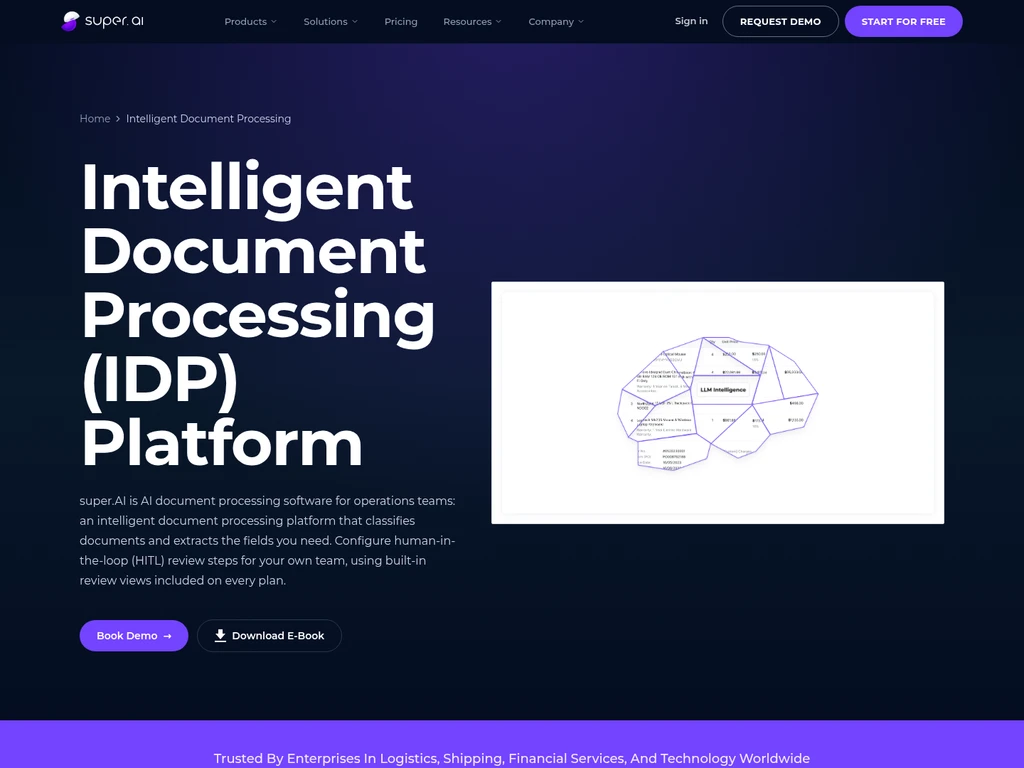
super.AI is an AI document processing platform built for operations teams handling invoices, bills of lading, insurance claims, and other business documents. Users describe their required workflows in plain language to automate classification, data extraction, validation, and routing without per-layout templates. The platform supports configurable human-in-the-loop review steps, exports structured results in common formats, and integrates with external systems via REST API and webhooks.

  • AI Data Tools
  • Document Parsing
  • Education
  • Healthcare
  • Finance
  • Insurance
  • Retail
  • Logistics
  • Manufacturing
  • document processing
  • workflow automation
  • data extraction
Visit WebsiteUpdate this product

243Views

Capabilities

Plain-language workflow builder

Generates executable AI document workflows from user plain-language descriptions. Takes uploaded sample documents and text instructions, then auto-wires processing steps, models, and routing logic.

Multi-format document processing

Ingests and processes multiple document types to extract structured data. Accepts PDFs, scanned images, photos, emails, and Office documents including low-quality scans and files with merged table cells.

Template-free data extraction

Pulls fields and table data from documents without requiring per-layout templates. Applies context-aware LLM intelligence and table recognition to handle varied, unstructured, and semi-structured document layouts.

Configurable human review steps

Pauses running workflows at user-defined points for team review and correction. Lets assigned reviewers confirm or edit extracted values before the workflow resumes with the corrected output.

Structured data export and integration

Delivers processed structured results to external destinations and systems. Supports exports to CSV, JSON, and Google Sheets, plus connections to external tools via REST API and webhooks.

Audit and workflow versioning

Maintains full records of all workflow activity and supports change rollbacks. Logs every step of each workflow run for compliance, and saves versioned workflow copies that can be restored to revert edits.


PricingFreemium

The platform offers a free tier with no credit card required, while Volume and Enterprise plans are available by contacting the company directly. Compare included features, security commitments, and processing volumes when selecting a plan.

PlanPriceIncluded features and limits
Free Plan

Free Plan, no cost, no credit card required

  • Includes the workflow builder and workflow templates

  • Provides built-in review views for your own team members

  • Supports CSV, JSON, and Google Sheets output formats

  • No mandatory sales call to access the plan

Volume Plan

Volume Plan, available by contacting the company

  • Supports higher volumes of document processing runs

  • Retains built-in team review views for output validation

  • Includes full REST API and webhook integration access

  • No managed review services included by default

Enterprise Plan

Enterprise Plan, available by contacting the company

  • Includes access to the SOC 2 Type II report and contractual security commitments

  • Offers dedicated enterprise-grade support and service terms

  • Supports large-scale production document processing workloads

  • No managed review services included by default

Pricing details for Volume and Enterprise plans are hosted on the official contact-us page. The super.AI Data Processing Crowd is only available as a separately agreed service outside standard plan terms.

Use cases

Invoice processing automation

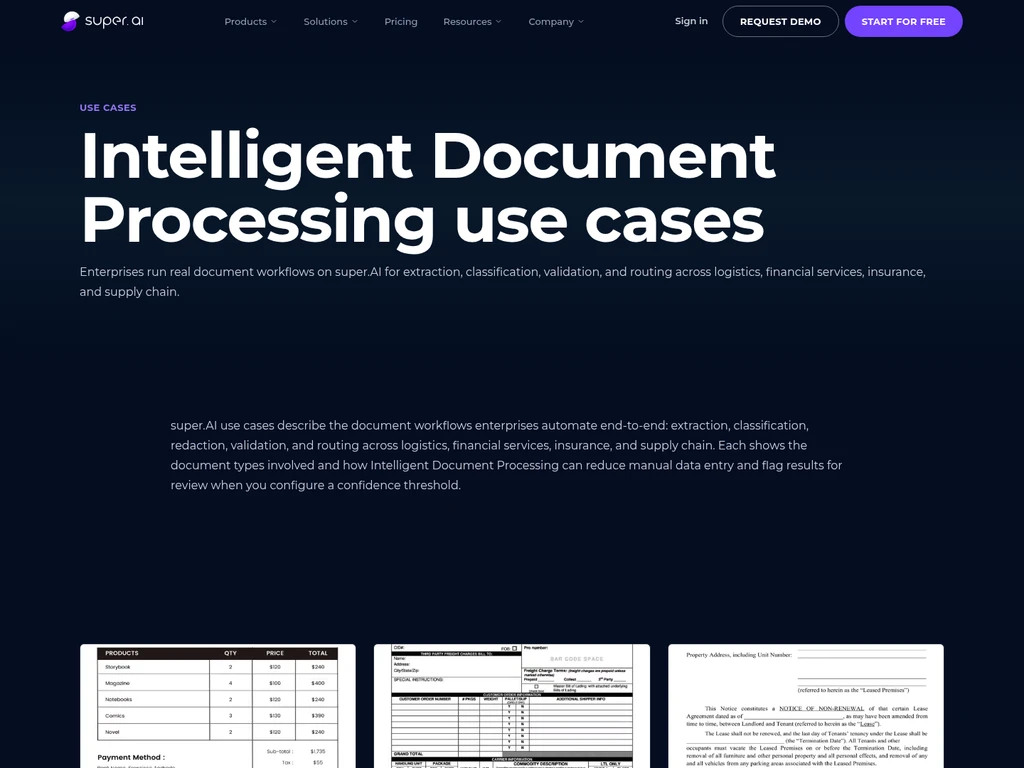
Teams manually process large volumes of incoming invoices to extract amounts, due dates, and receiver details. Users upload a sample invoice, describe required extraction rules in plain language, and run automated workflows to pull structured data, flag uncertain results for team review, and export outputs to accounting systems.

Bill of lading data extraction

Logistics teams manually pull cargo, shipper, and consignee details from batches of shipping paperwork. Users define the required fields via plain language prompts, process mixed batches of varied bill of lading layouts, and route validated structured data directly to supply chain management platforms.

Insurance claim form processing

Insurance operations teams manually review and extract data from submitted claim forms for initial processing. Users build workflows that classify incoming claims, extract key form fields, route low-confidence results to claims staff for review, and export structured outputs to internal claims management systems.

Customer onboarding KYC document processing

Financial services teams manually verify and extract data from identity and supporting documents during new customer onboarding. Users create automated workflows to classify submitted ID documents, pull required verification fields, add review steps for compliance staff, and deliver validated structured data to onboarding systems.

Limitations

  • Managed review services are not included in any standard super.AI plan

  • Access to the SOC 2 Type II report and contractual security commitments is restricted to Enterprise customers only

  • Use of the super.AI Data Processing Crowd requires a separate signed agreement

  • Self-service and Growth accounts do not include SOC 2 compliance commitments

Alternatives

Automaited

Streamline Your Document Processes Effortlessly

Automaited is an advanced AI-powered platform designed to automate document processing for SMEs, enterprises, and public institutions. With our solution, you can expect up to 91% faster processing times and an 80% reduction in errors. Our pre-trained AI, named Ada, understands a wide array of document types and requires no IT resources for implementation. Whether your organization operates on-premise or in the cloud, Automaited seamlessly integrates into your existing workflows, providing tailored automation that meets your specific business needs.

  • Free
  1. Instabase AI Hub

    AI document automation with traceable, validated outputs

    Contact Sales
  2. DeepKnit AI

    Automate document-heavy workflows across business systems

    Contact Sales
  3. AlgoDocs

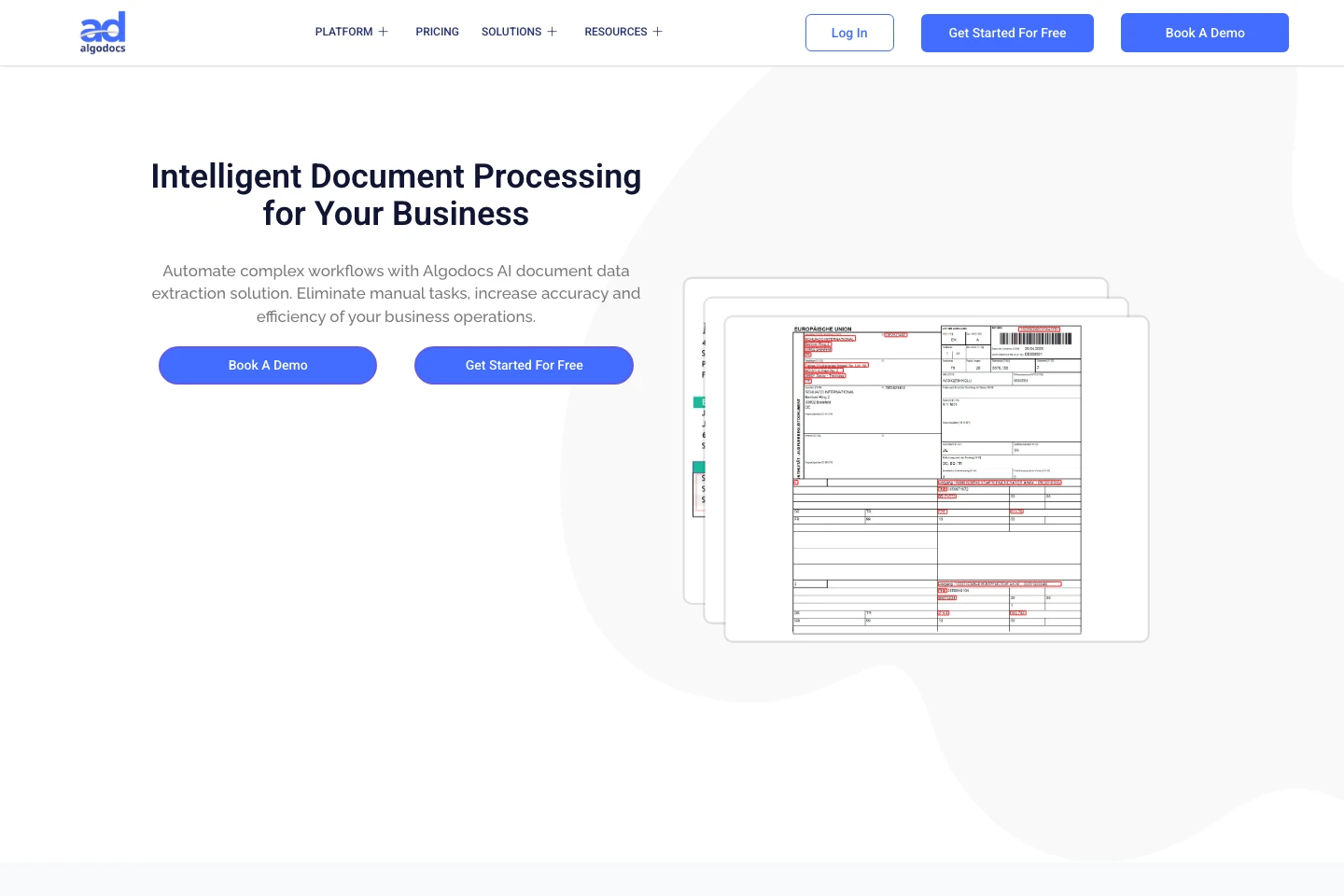
    Effortless data extraction from any document

    Freemium
  4. Vue.ai Intelligent Document Processing

    Automate document workflows from classification through processing

    Contact Sales
  5. OpenDocAI

    Automate data workflows swiftly

    Freemium

Who it is for

  • Operations teams that manually process large volumes of business documents

  • Accounts payable teams automating invoice data extraction and validation workflows

  • Logistics and supply chain teams processing shipping and customs documentation

  • Insurance claims teams streamlining claim form data intake and review processes

FAQ

Do I need technical expertise or an IT team to use super.AI?

No. You describe your required workflow in plain language, and the super.AI agent selects appropriate models, structures output, and wires up triggers and integrations without requiring code or dedicated IT project work.

What types of documents can super.AI process?

It can process PDFs, scanned images, photos, emails, and Office documents, including mixed-language invoices, multi-page contract packs, hand-corrected forms, low-quality scans, and tables with merged cells.

How do I get started with super.AI?

Drop a real document and type your requirements into the platform's interface, create an account with your email, and you will land directly in a chat with the super.AI agent that builds your first workflow for free with no credit card required.

Is super.AI ready for enterprise production use?

Yes. Workflows are deterministic, versioned, and support rollback; credentials are stored in a KMS-backed encrypted vault; every run keeps a full step-by-step audit trail, and results can be delivered through REST APIs, webhooks, and direct database write-back.

Is self-service covered by super.AI's SOC 2?

No. The SOC 2 Type II report, Trust Center access, and contractual security commitments apply only to Enterprise customers, while self-service accounts operate under terms that make no SOC 2 commitment.

Comments

Please sign in to leave a comment.
No comments yet. Be the first to share your thoughts!