
Monthly visits
0
2026-10

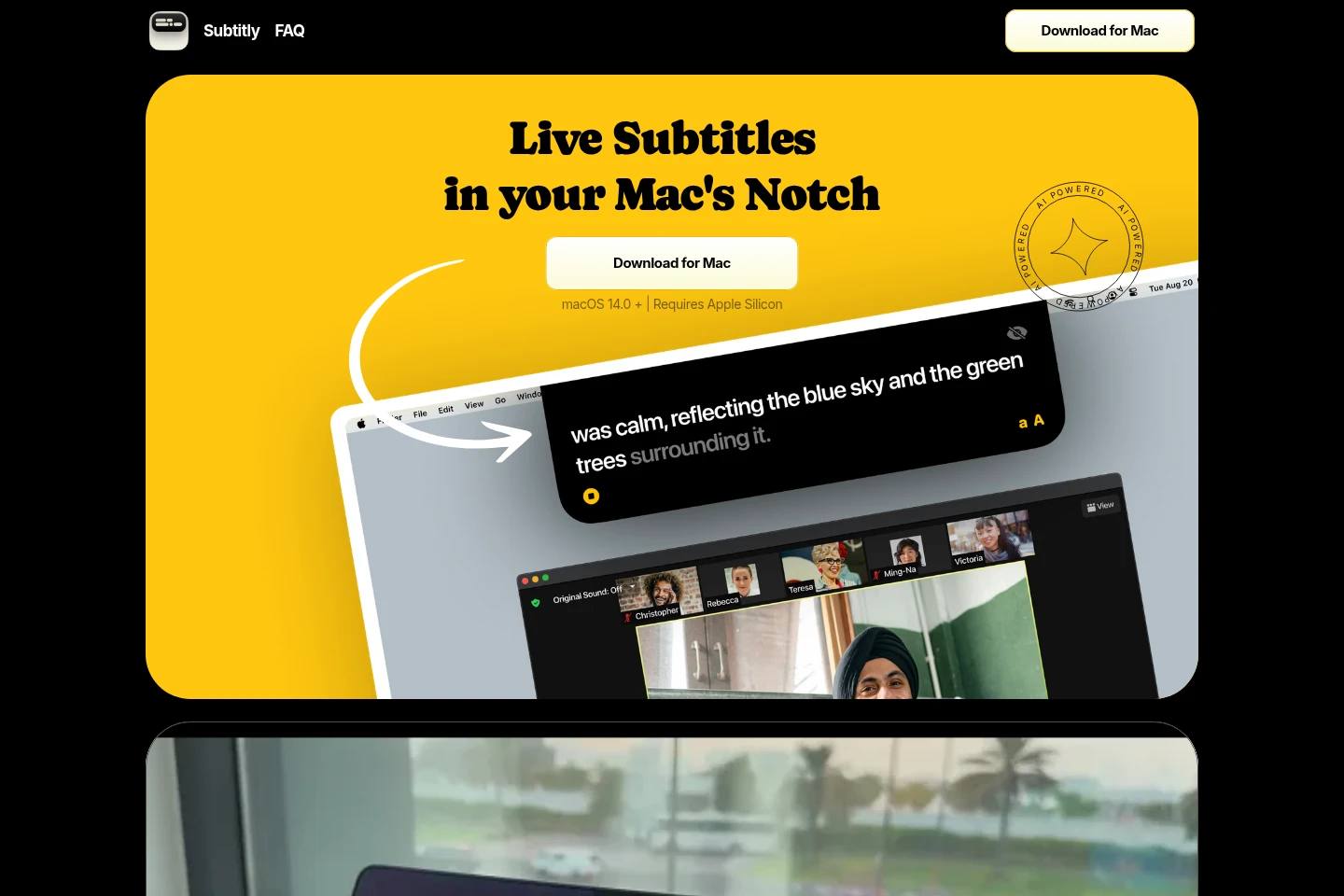
Subtitly - Live captions displayed in your Mac’s notch

Subtitly displays live subtitles in the notch of supported Macs and works with calls, streams, videos, and other audio. Users can save recordings for later analysis and use translation features. The app requires macOS 14.0 or later and an Apple Silicon Mac. On-device AI processing, live translation, and vocabulary insights are marked as coming soon.

Visit WebsiteUpdate this product

0Views

Capabilities

Live audio captions

Displays live subtitles in the notch of a supported Mac. It works with calls, streams, videos, and other audio; use requires macOS 14.0 or later and Apple Silicon.

Recording storage

Saves recordings for later analysis and improvement. Recordings are created from audio used with the app; the supplied pages do not specify storage limits or retention conditions.

Translation

Lets users translate when they want. The page separately marks live translation and vocabulary insights as coming soon, so those specific functions are not presented as currently available.

Pricing

Subtitly is offered as a one-time lifetime purchase. Compare the displayed purchase price and lifetime access; the page shows $99.99 alongside $199.

PlanPriceIncluded features and limits
Lifetime

$99.99 one-time

  • Lifetime access is stated.

  • The page also displays $199 beside the price. No payment schedule or additional plan quota is specified.

  • For Macs with Apple Silicon.

  • Requires macOS 14.0 or later.

Use cases

Follow spoken audio with live captions

When following a call, stream, video, or other audio is difficult, use Subtitly to display live subtitles in the Mac’s notch. A Mac running macOS 14.0 or later with Apple Silicon is required.

Review saved recordings for analysis

When a user wants to revisit audio after listening, save a recording with Subtitly and use it for analysis or improvement. The page does not specify recording limits or the available analysis tools.

Translate subtitle content when needed

When a user wants to understand content in another language, Subtitly offers translation on demand. Live translation is listed as coming soon, and the page does not identify supported languages.

Limitations

  • The app requires macOS 14.0 or later and a Mac with Apple Silicon.

  • On-device AI processing, live translation, and vocabulary insights are marked as coming soon, not currently available features.

Alternatives

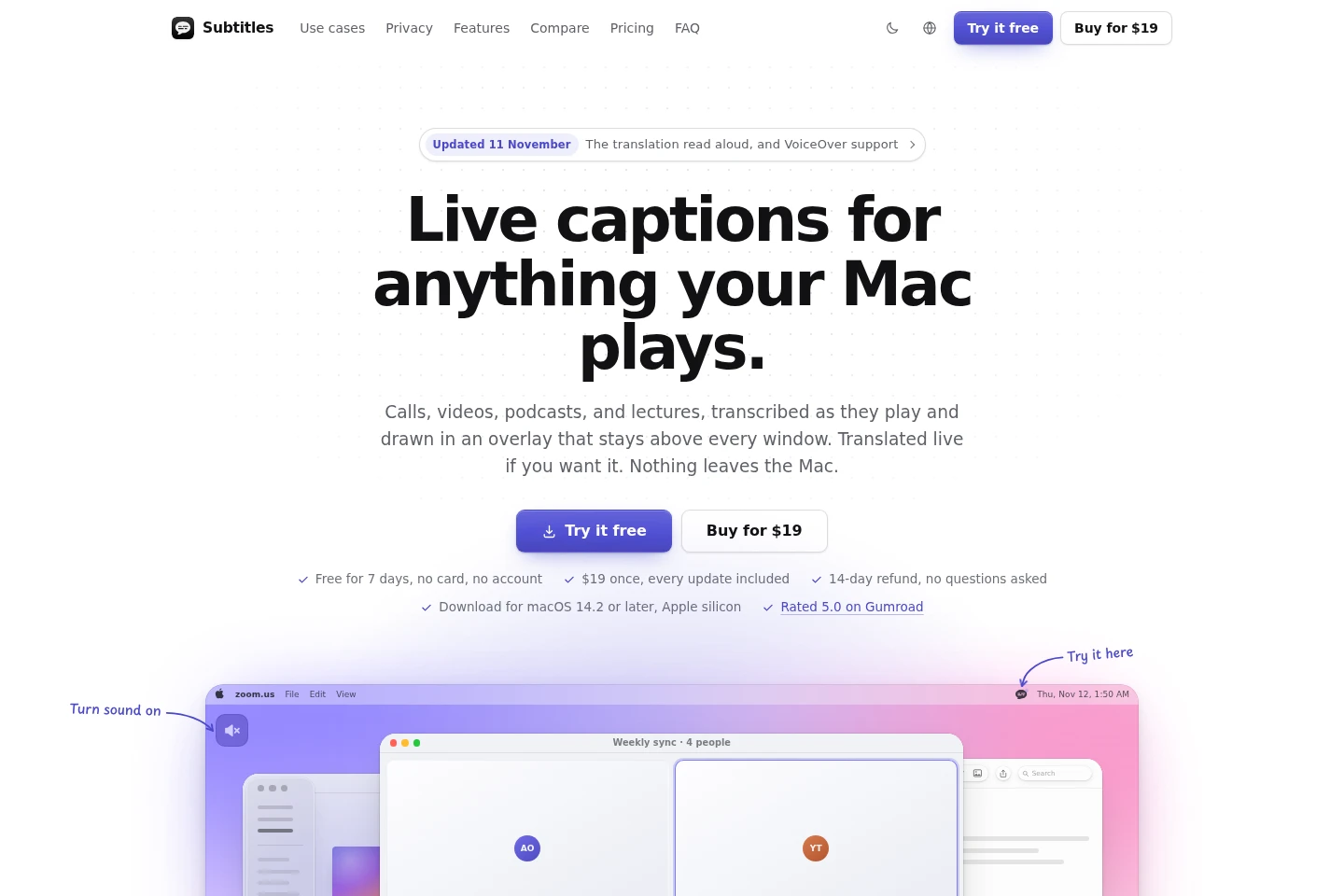
Subtitles

Live captions and translation for audio on your Mac

Subtitles is a macOS app that transcribes audio playing on your Mac and displays captions in an overlay above other windows. It can translate captions live, caption microphone input when selected, and let you rewind recent captions. Audio is processed locally; the app requires macOS 14.2 or later and Apple silicon.

  • Paid
  • Free trialFree for 7 days
  • Subtitles$19 once
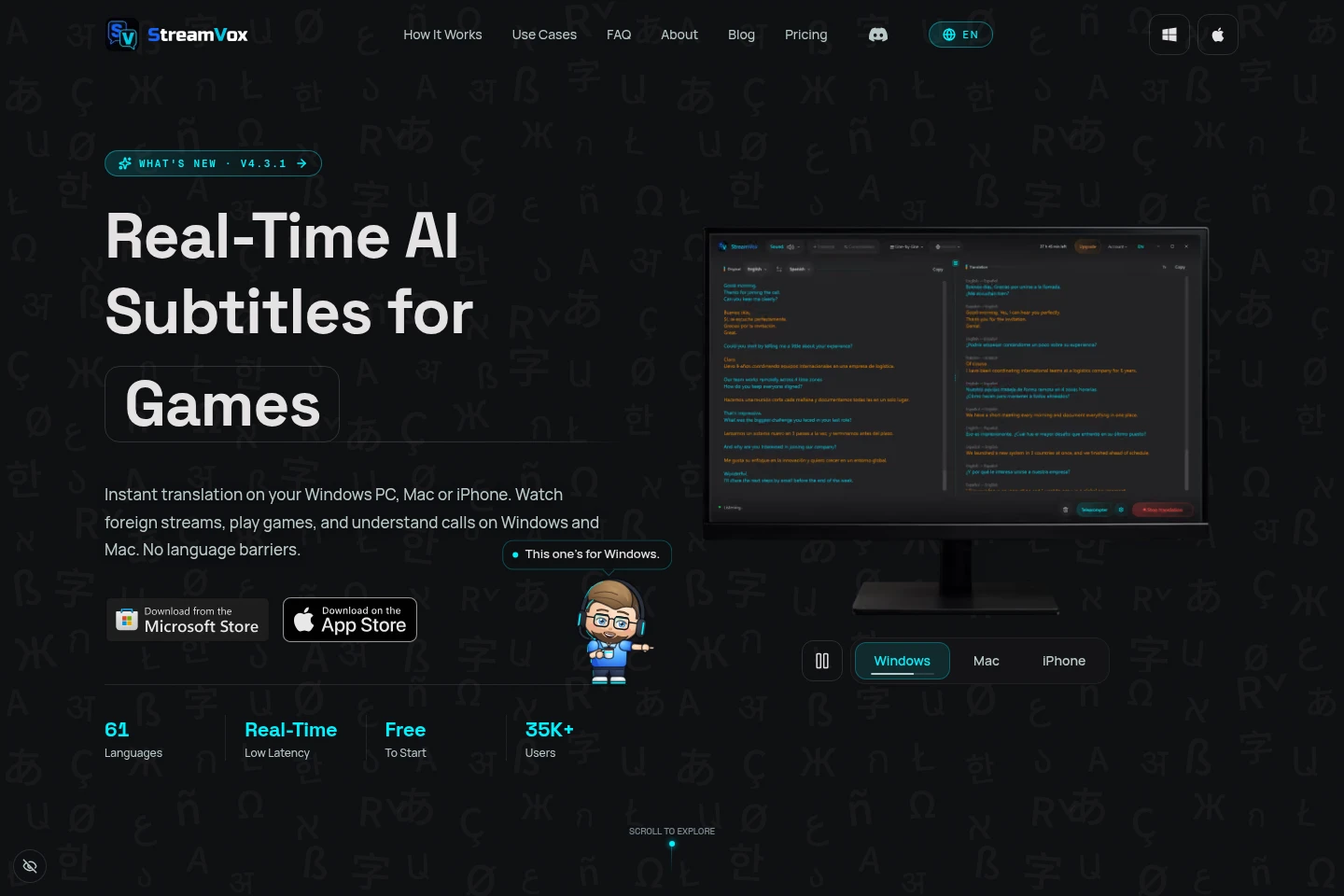
  1. StreamVox

    Real-time translated subtitles and speech for calls, video, and games

    Free Starter · $0 forever
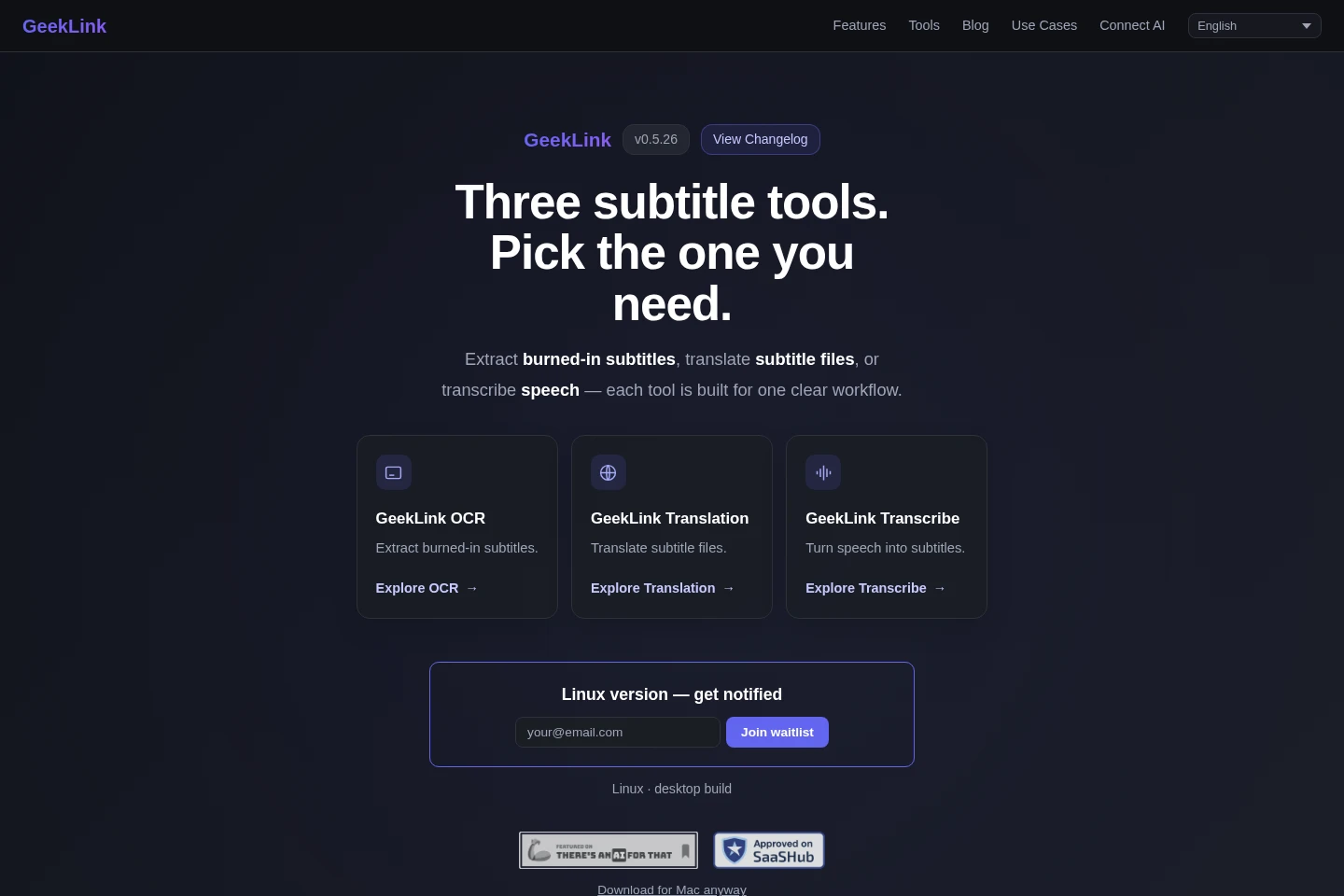
  2. GeekLink

    Extract, transcribe, and translate video subtitles locally

    Contact Sales
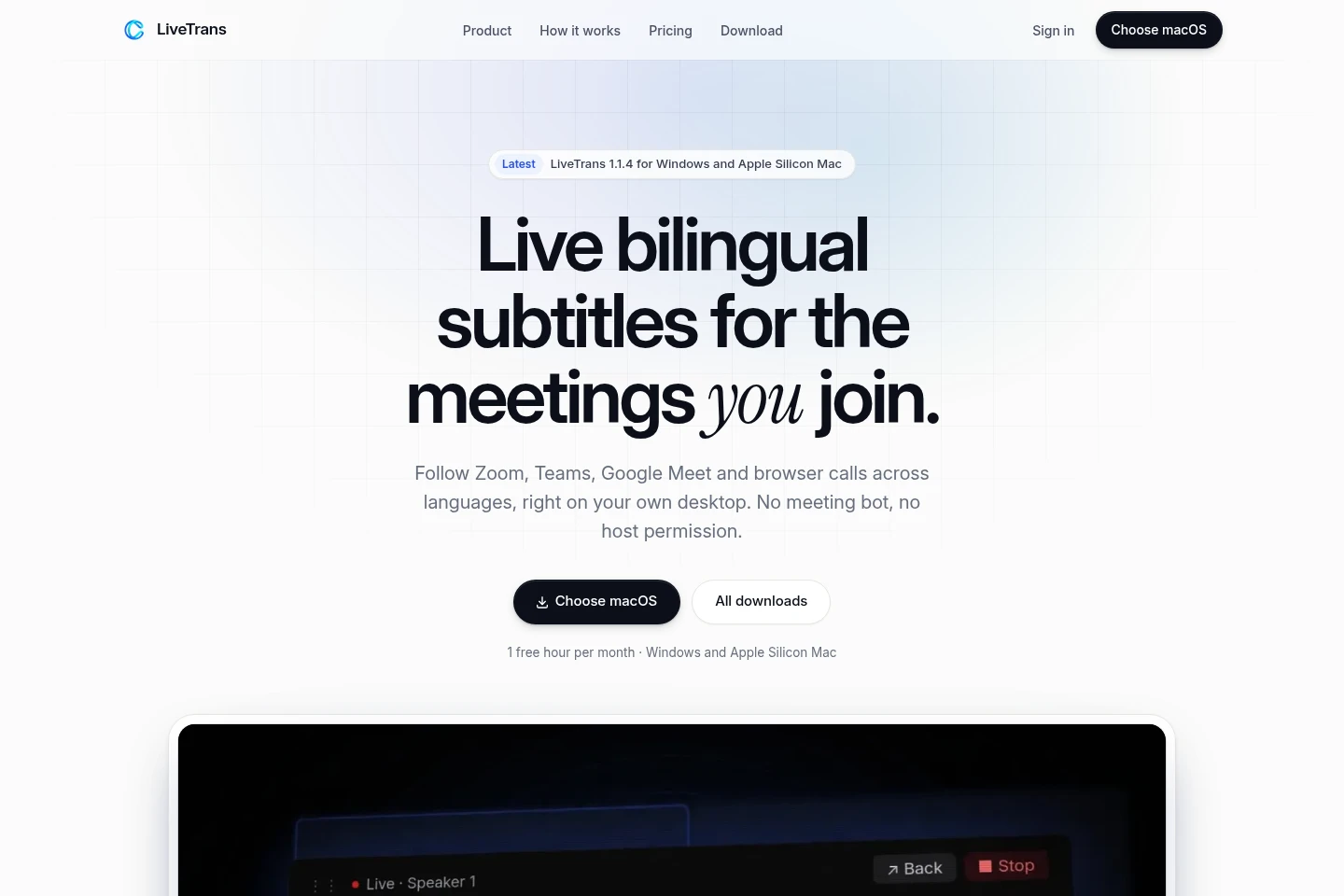
  3. LiveTrans

    Live translated subtitles for desktop meetings

    Free · $0/month
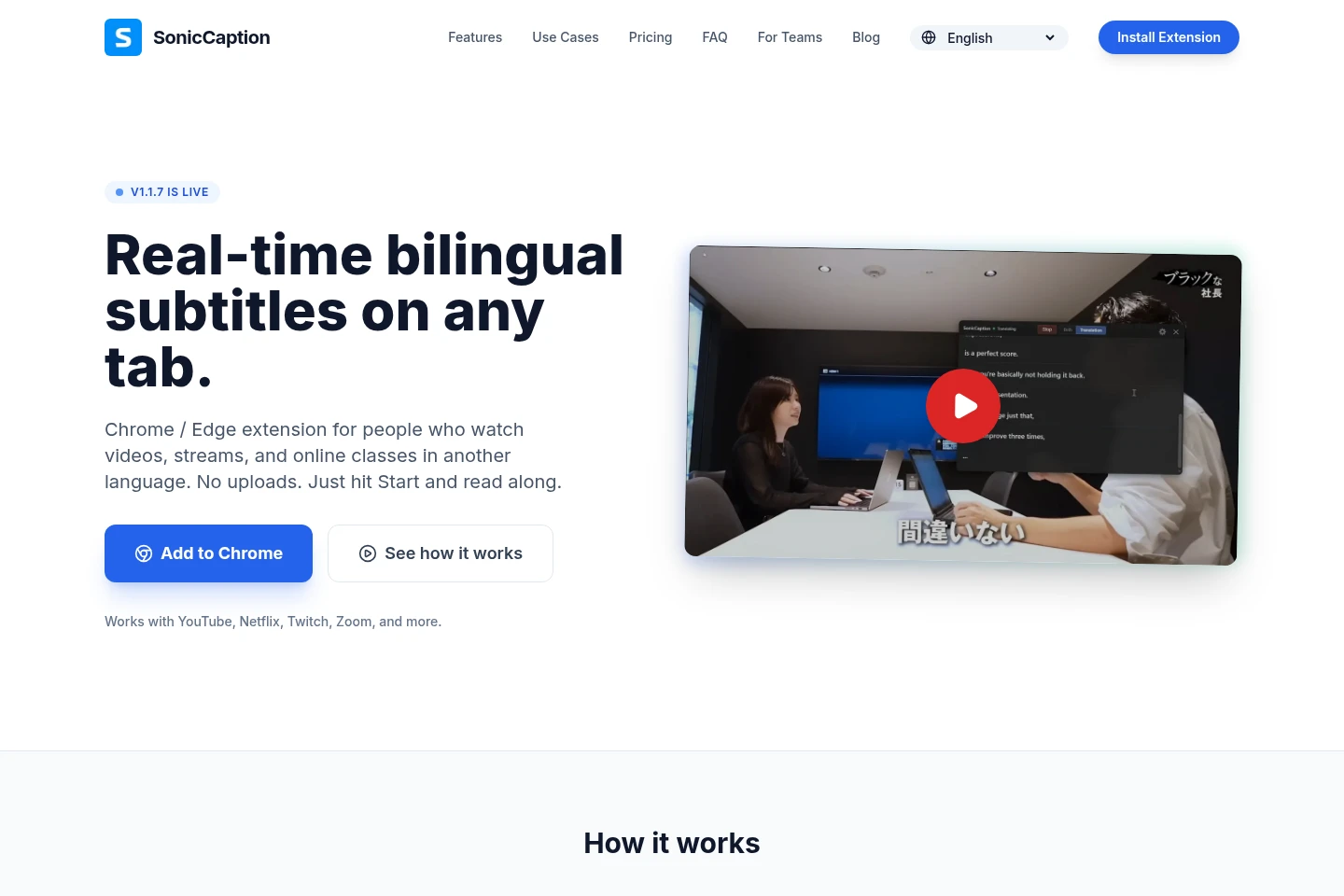
  4. SonicCaption

    Real-time bilingual subtitles for audio in your browser

    Free · $0
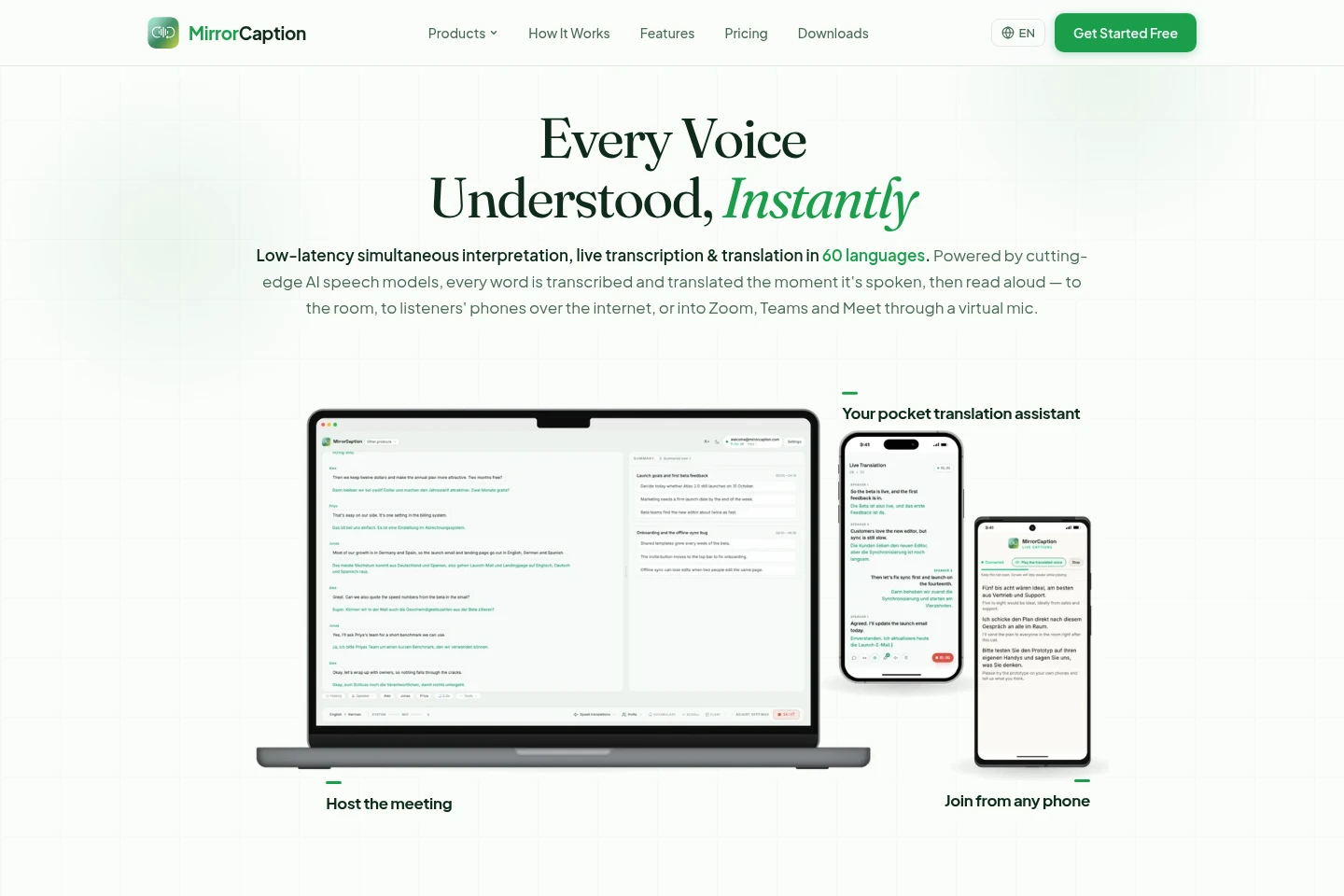
  5. MirrorCaption

    Live AI translation and captions for calls and conversations

    Pro · Pro: €54.99 / year or €5.99 / month

Who it is for

  • People following calls and media in a non-native language

  • Mac users who want live captions for calls, streams, videos, or other audio

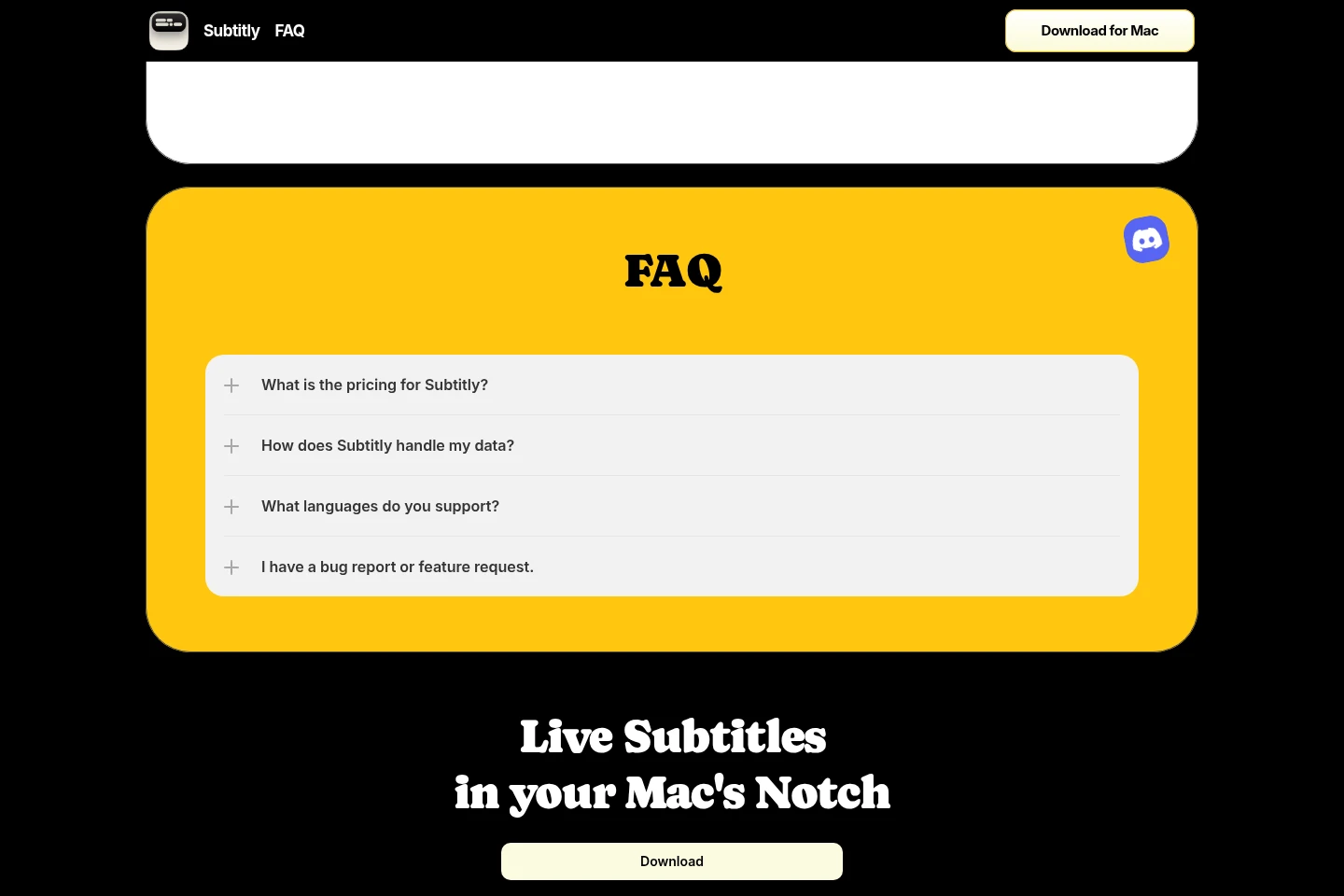
FAQ

What does Subtitly do?

Subtitly displays live subtitles in the notch of a supported Mac. It works with calls, streams, videos, and other audio.

Which Mac is required to use Subtitly?

A Mac with Apple Silicon running macOS 14.0 or later is required. The page does not specify support for Intel Macs or earlier macOS versions.

What languages does Subtitly support?

The supplied page does not identify supported languages. It mentions translation, but does not list languages.

How does Subtitly handle my data?

The page does not explain current data handling. On-device AI processing is marked as coming soon, so it should not be treated as a description of current processing.

Comments

Please sign in to leave a comment.
No comments yet. Be the first to share your thoughts!