


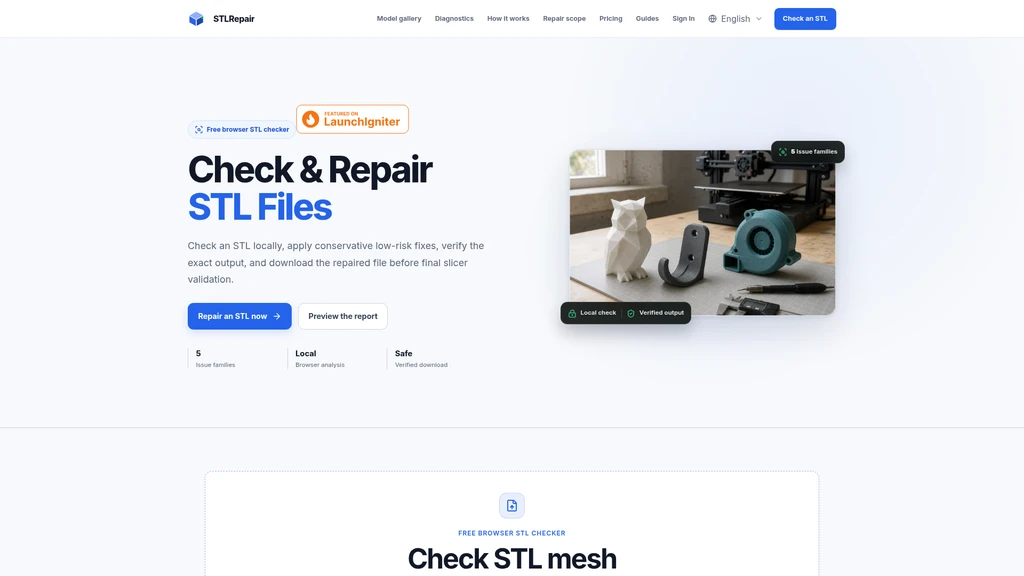
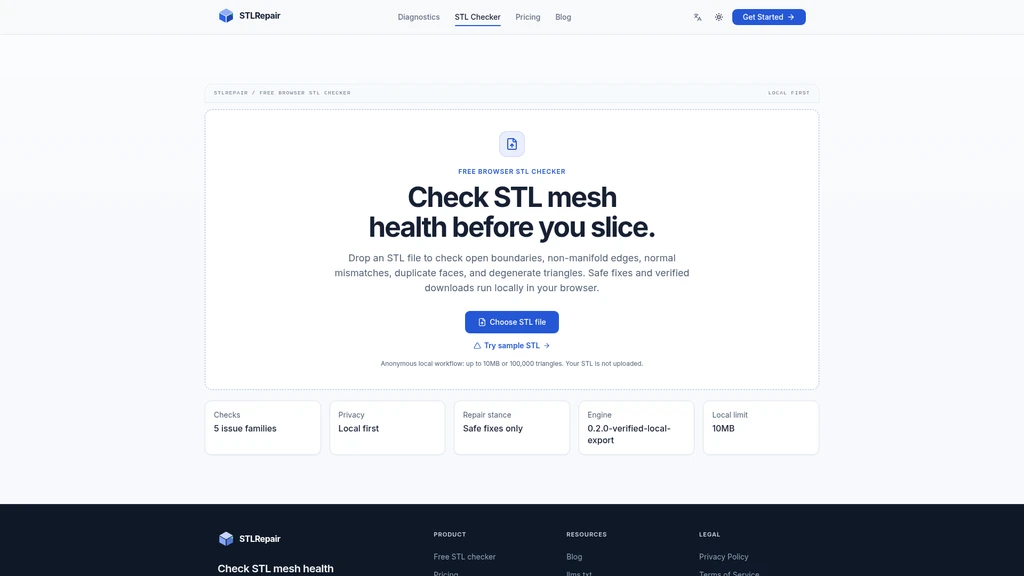
STLRepair - Free browser STL checker that runs locally without uploading your files
Launched on Sep 13, 2026STLRepair is a free browser-based STL file checker that analyzes and repairs 3D printing mesh files entirely locally on your device. It is built for 3D printing hobbyists and engineers who need to validate STL mesh health before slicing, without uploading their files to remote servers. The tool detects 5 core STL mesh issues, applies low-risk conservative fixes, and lets users preview results before downloading the adjusted file for further slicer validation.
Related Content

Copy.ai Review 2026: AI Copywriting Made Easy
Our honest Copy.ai review for 2026. We test Content Agents, AI Workflows, pricing ($29-$249/mo), and compare it to Jasper and Writesonic. Find out if it's worth it for your marketing team.

Rytr Review 2026: Is This Budget AI Writer Worth It?
Our hands-on Rytr review for 2026. We test features, pricing, content quality, and compare it to Jasper & ChatGPT. Find out if Rytr is the best budget AI writing tool.

Word Changer - Free AI tool to rewrite and improve your writing instantly
Writing always using repetitive words or need to avoid plagiarism? Word Changer is a free AI writing assistant that instantly rewrites any text with richer vocabulary and appropriate tone. Get multiple versions with one click, adjust formality level, check readability - all for free!

Unite - AI-powered platform for romantic fantasies and dream couple moments
Explore romantic fantasies and create special moments for your dream couple. This AI-powered platform lets you generate personalized romantic content and experience exclusive AI-created romantic experiences.
Comments