Monthly visits
324,057
2026-10
Monthly growth -12%

Sketch - Design, prototype and collaborate on a Mac

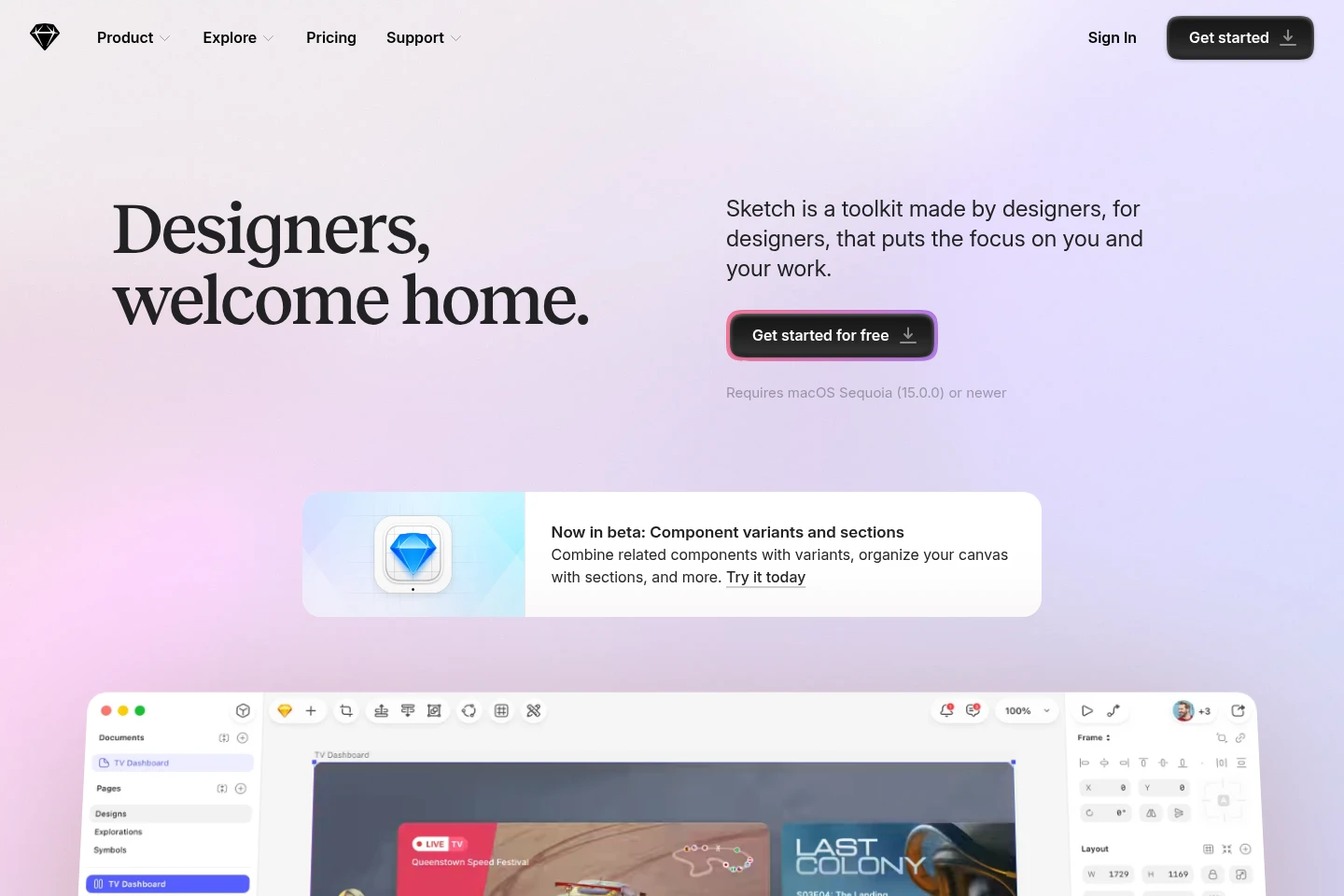
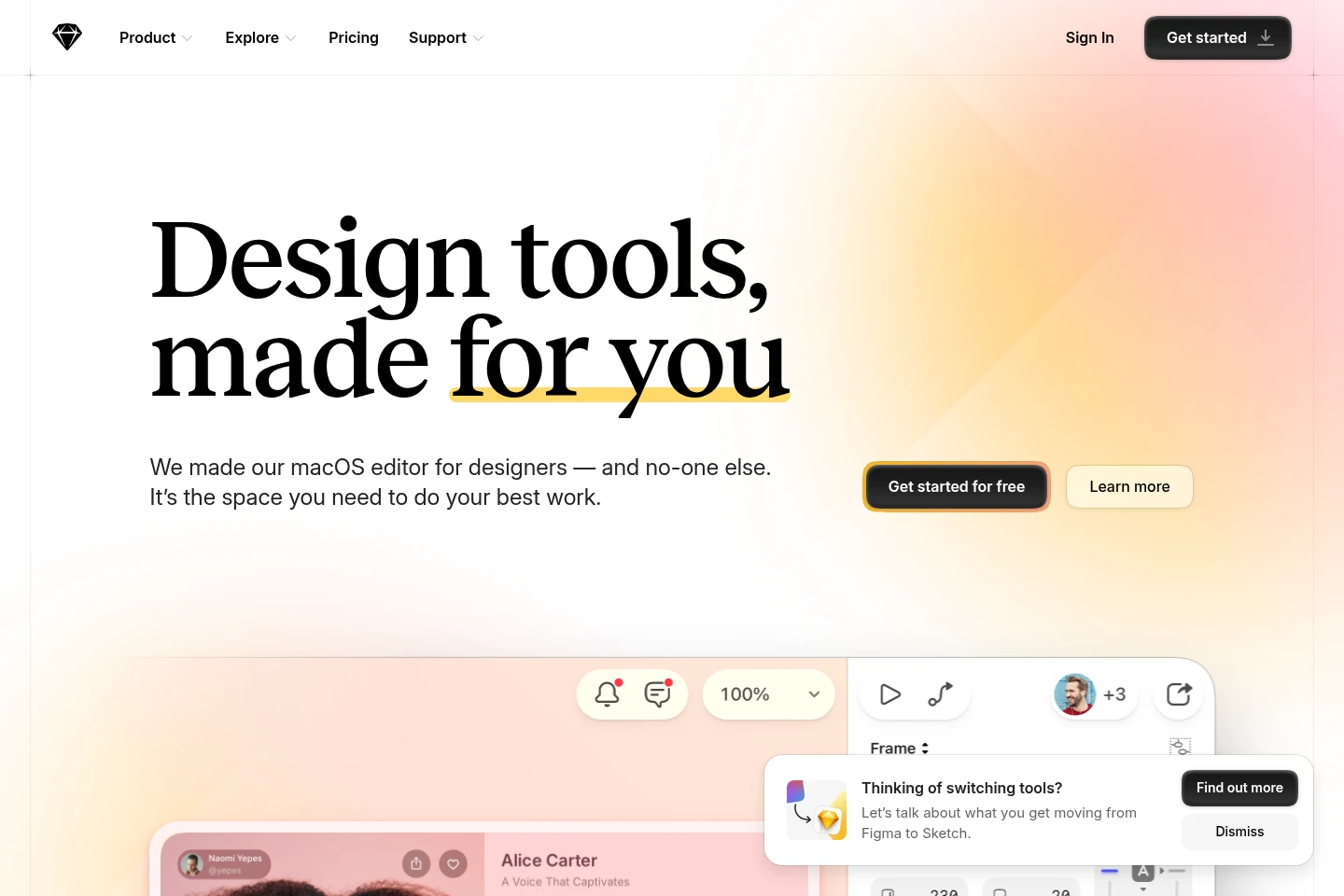
Sketch is a macOS design app for creating vector interfaces and prototypes, with tools for layout, typography and reusable design systems. Teams can share documents, comment and co-edit in real time, while developers inspect files and download assets. A web app supports viewing and handoff; Sketch also connects AI clients through its MCP server.

Visit WebsiteUpdate this product

1Views

Capabilities

Vector design and layout

Create vector graphics and interface layouts, producing editable design documents. Arrange layers with stacks and nested frames, adjust typography and use reusable symbols, colors and styles.

Interactive prototyping

Turn designs into prototypes for testing, producing interactive screens with transitions and overlays. Add animations, scroll areas and hover, press, drag or swipe interactions.

Team collaboration

Share design documents and gather feedback in a shared Workspace. Collaborators can comment in threads, co-edit in real time and view password-protected previews.

Developer handoff

Let developers inspect design files and retrieve assets and tokens. Free handoff tools are available, and viewers can inspect documents in a web browser.

MCP client connection

Connect supported AI clients to design documents through Sketch’s MCP server. Clients can work with frames and handle repetitive design-system tasks; no AI credits or add-ons are included or required.


PricingFreemium

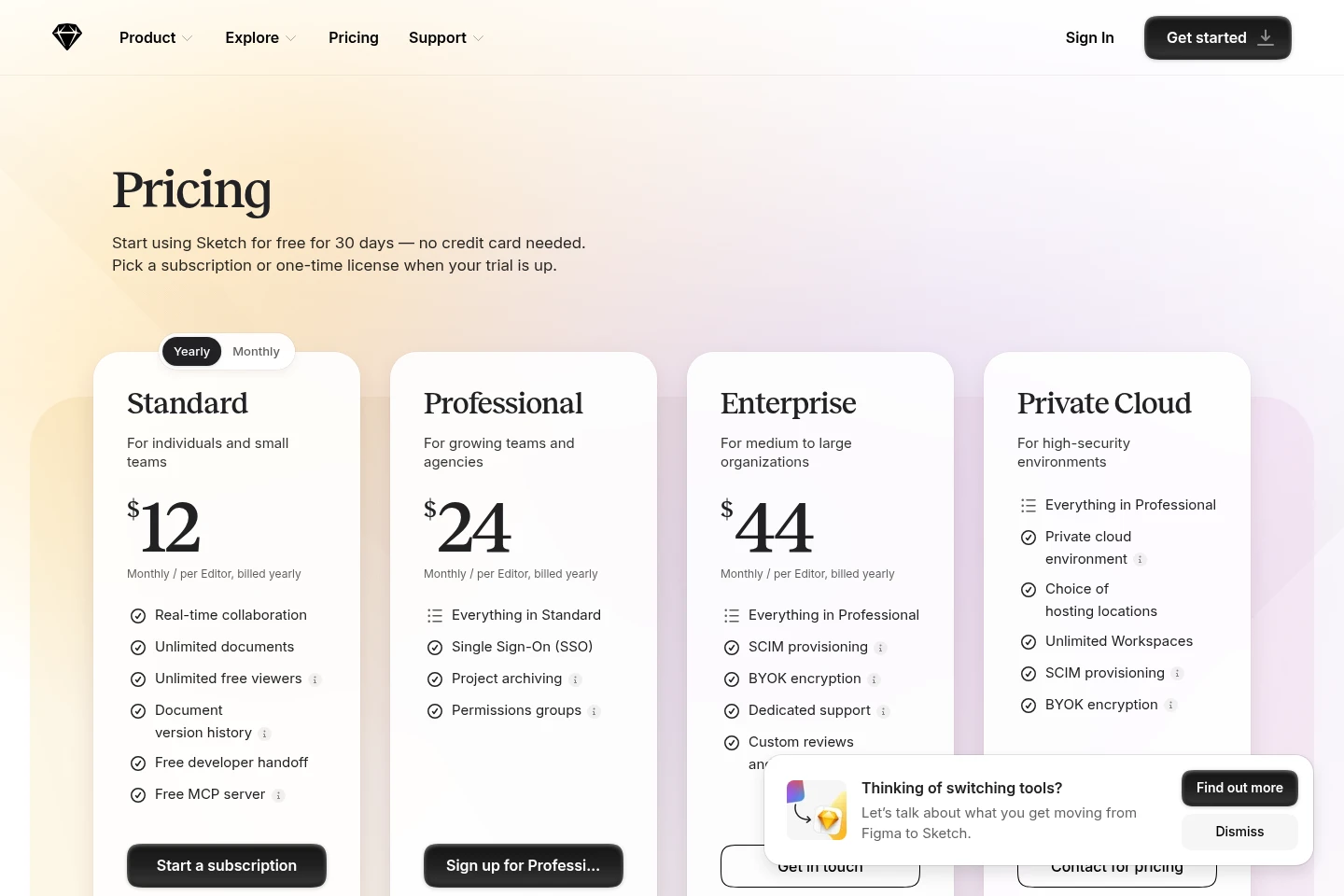
Sketch offers a 30-day free trial, followed by subscription plans or a one-time Mac-only license. Compare collaboration, security and hosting features, as well as whether the license includes online sharing.

PlanPriceIncluded features and limits
Standard

$12 per Editor/month, billed yearly

  • Real-time collaboration and unlimited documents

  • Unlimited free Viewers

  • Document version history

  • Free developer handoff and MCP server

Professional

$24 per Editor/month, billed yearly

  • Everything in Standard

  • Single Sign-On (SSO)

  • Project archiving

  • Permissions groups

Enterprise

$44 per Editor/month, billed yearly

  • Everything in Professional

  • SCIM provisioning and BYOK encryption

  • Dedicated support for teams with 15+ Editors

  • Custom reviews and terms for teams with 15+ Editors

Private Cloud

Contact for pricing

  • Everything in Professional

  • Isolated AWS cloud environment managed by Sketch

  • Choice of hosting locations and unlimited Workspaces

  • SCIM provisioning and BYOK encryption

Mac-only license

$120 per seat, one-time

  • Includes one year of updates

  • Native Mac app for design, prototyping and illustration

  • Offline, private work with locally saved documents

  • Free MCP server for AI tools

  • No collaborative features, online sharing or iOS-device previews; no free trial

Prices exclude VAT and other applicable taxes. Private Cloud has a one-time setup fee, and additional charges may apply for custom requirements. From 15 July 2026, customers in India must purchase or renew through a partner.

Use cases

Create interface layouts and vector assets

When preparing interface screens, icons or a design system, use vector editing, layout stacks, frames, typography and shared symbols. The result is an editable Sketch document that can be refined locally or shared.

Build and test interactive prototypes

When checking how a proposed interface behaves, turn design screens into prototypes with overlays, animation and scroll areas. Preview them in a web browser or on iPhone and iPad.

Share designs and collect feedback

When reviewing work with collaborators, share documents or protected previews from a Workspace. Reviewers can comment in threads, and editors can co-edit in real time.

Prepare design files for developer handoff

When developers need implementation references, invite them to inspect design files and download assets or export tokens. Viewers can use browser-based inspection without an editor seat.

Limitations

  • The native Sketch editor requires macOS Sequoia (15.0.0) or newer.

  • The Mac-only license excludes collaborative features, online document sharing and iOS-device previews.

  • The Mac-only license does not include a free trial.

  • Enterprise dedicated support and custom reviews and terms are for teams with 15 or more Editors.

  • Private Cloud pricing has a one-time setup fee; additional charges may apply for custom requirements.

  • Direct purchases from customers in India are no longer supported from 15 July 2026; purchase or renewal must be arranged through a partner.

Alternatives

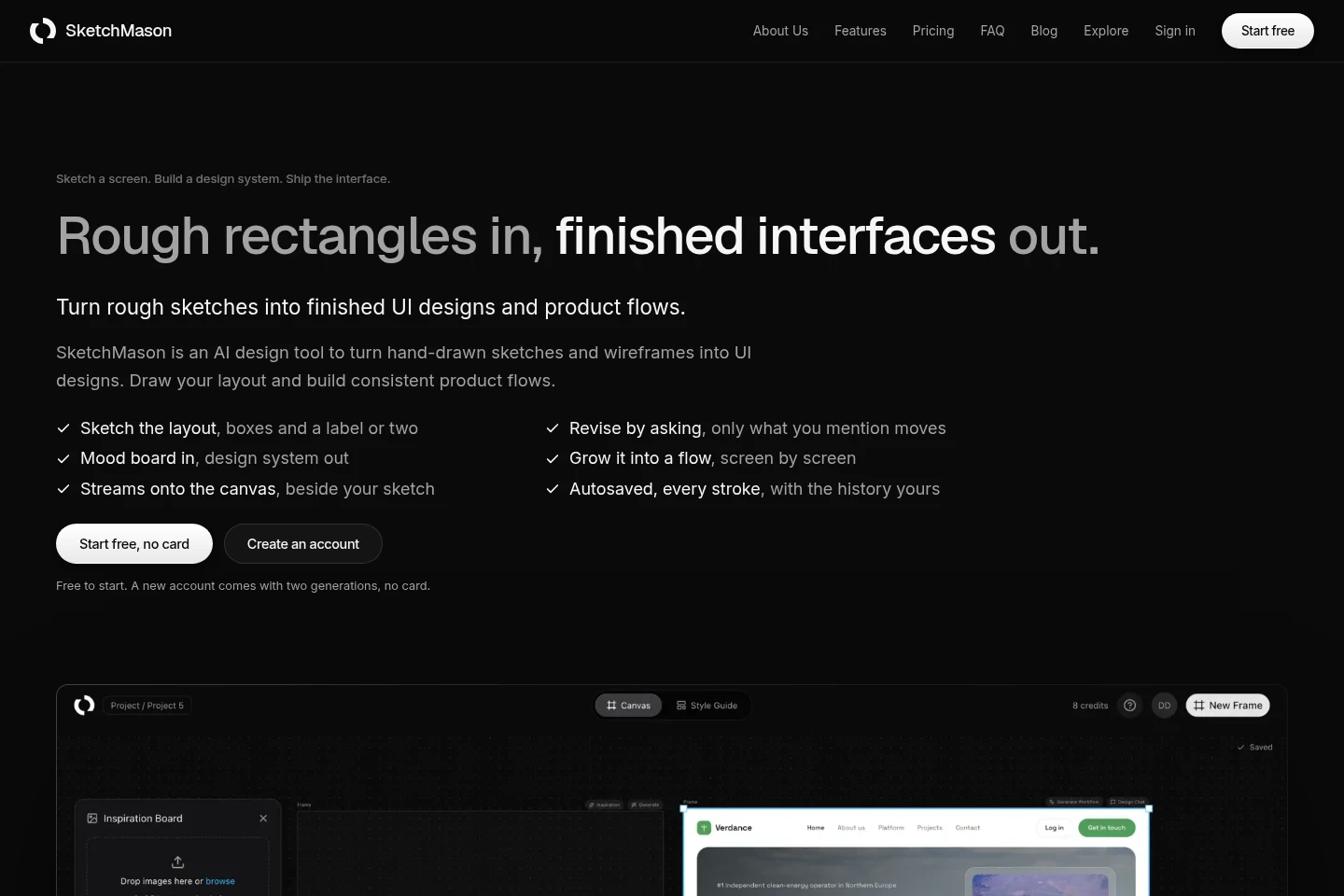
SketchMason

Turn hand-drawn sketches into consistent UI designs

SketchMason uses AI to turn labelled hand-drawn sketches and wireframes into UI designs on a canvas. Reference images can inform a shared design system, and generated screens can be revised or extended into product flows. The editor also offers autosave, history and standalone HTML export.

  • Cloud
  • Freemium
  • Free$0 to start
  • Starter$19 a month, billed monthly
  • Studio$49 a month
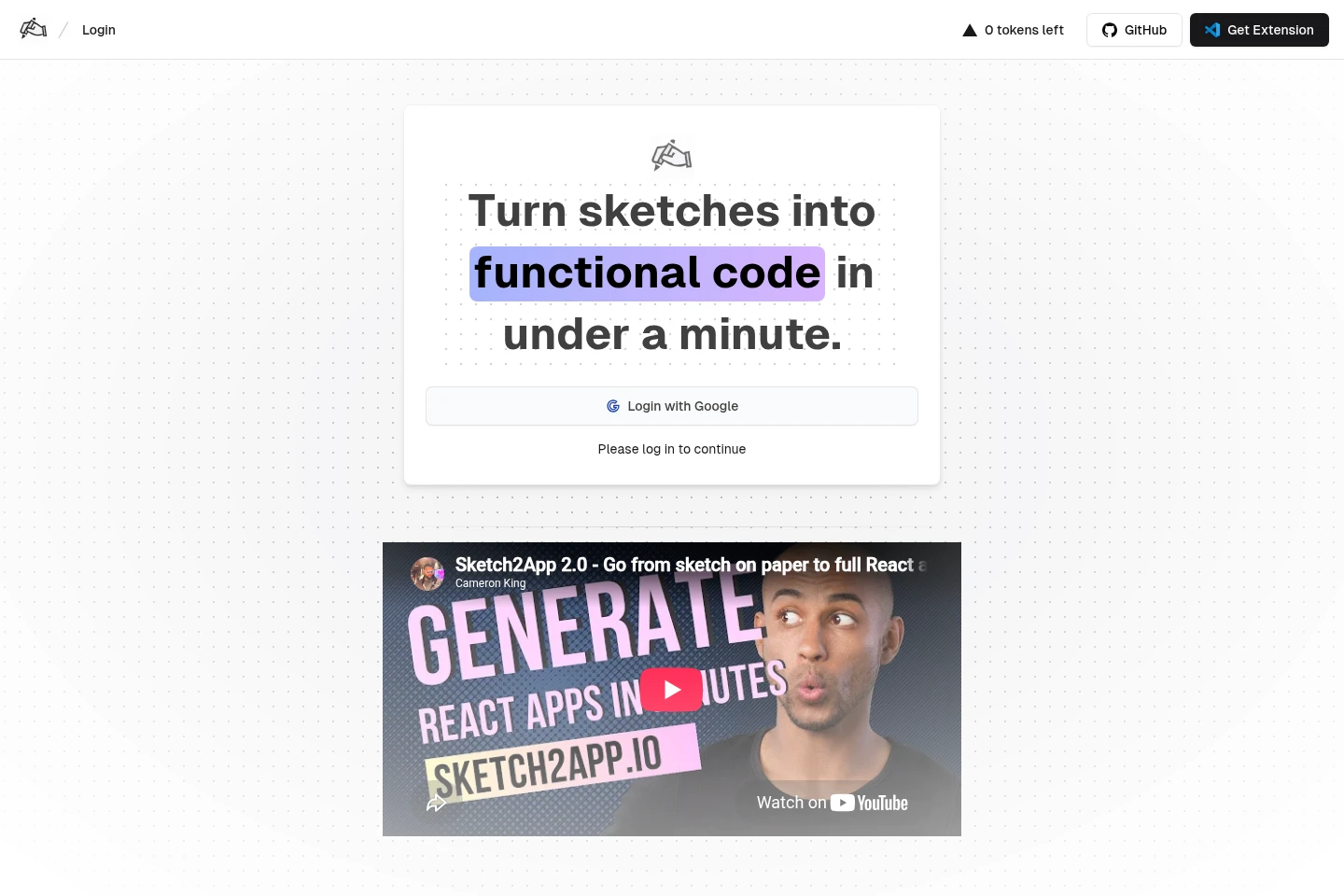
  1. Sketch2App

    Turn hand-drawn sketches into functional code in under a minute

    Paid
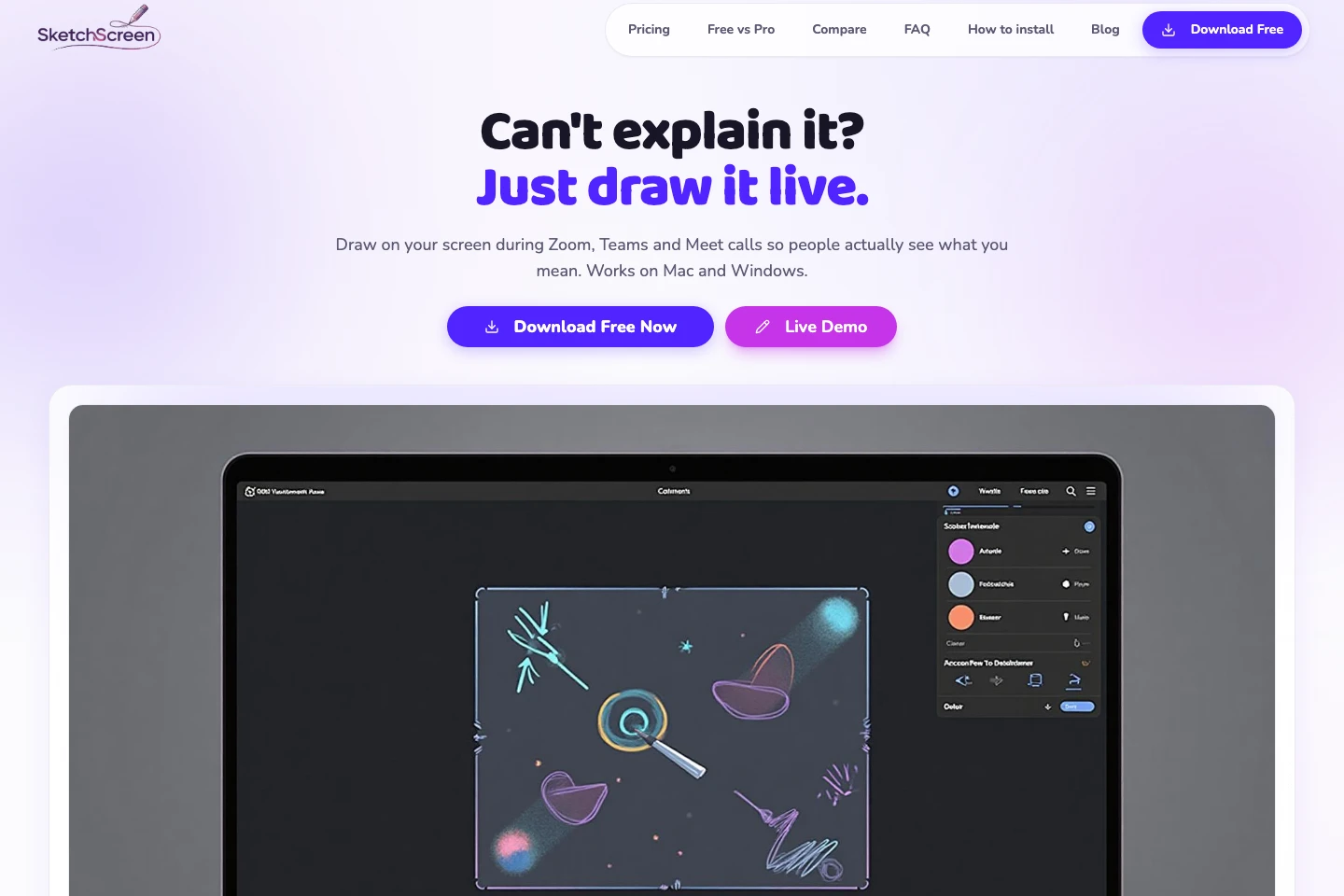
  2. SketchScreen

    Live Excalidraw-style screen annotation for Windows and Mac — draw on your desktop during Zoom, Teams, and demos.

    Freemium
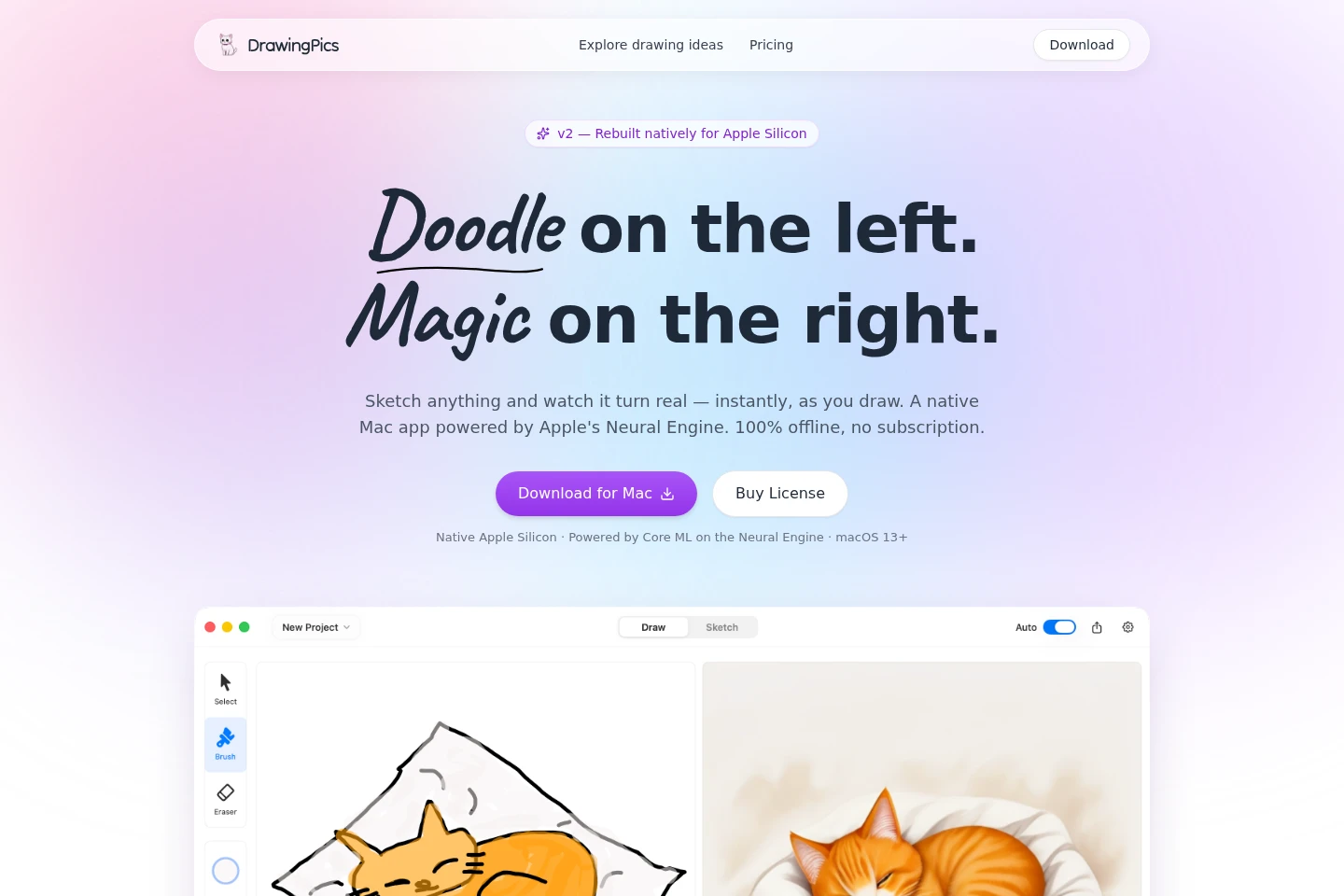
  3. DrawingPics

    Turn Mac sketches into images in real time

    Personal Lifetime · $9.90 one-time
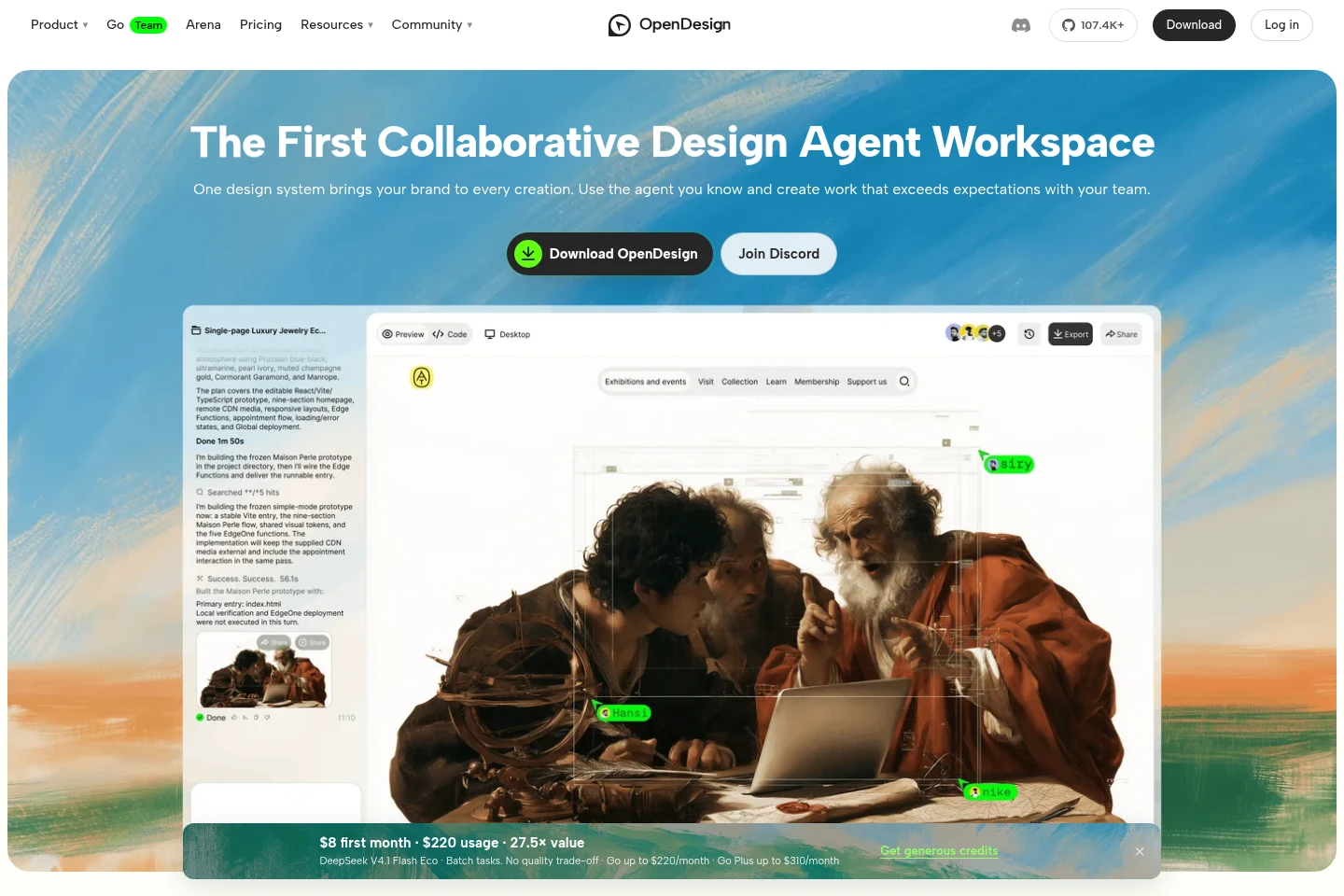
  4. OpenDesign

    Create editable prototypes with your coding agent

    Free · Free
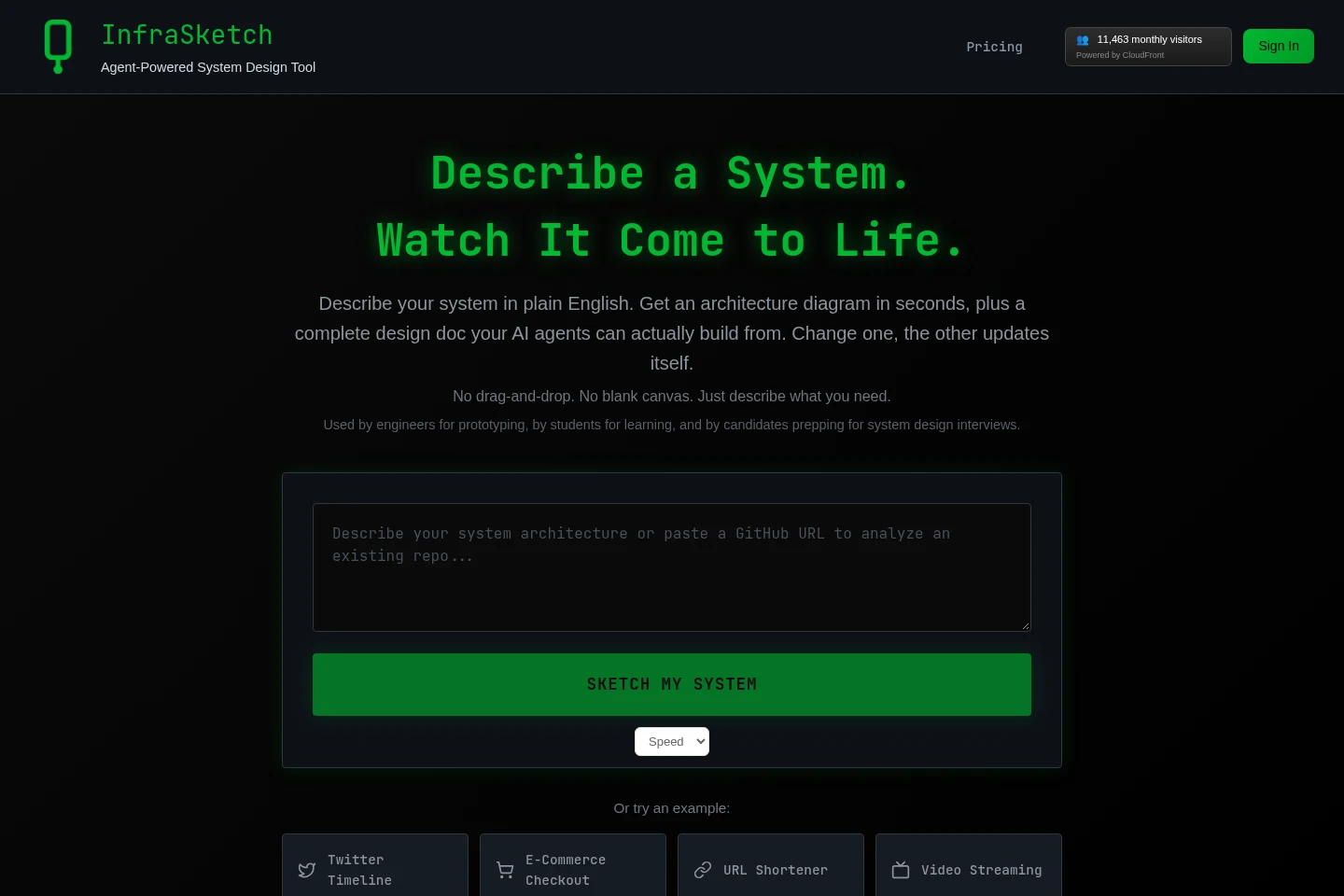
  5. InfraSketch

    Turn plain-language system descriptions into synchronized architecture diagrams and design docs

    Free · $0 forever

Who it is for

  • Interface designers creating vector-based product screens and design systems

  • Design teams that need shared documents, feedback and real-time co-editing

  • Developers who need to inspect designs and retrieve implementation assets

  • Mac users who want to design and prototype offline in a native app

FAQ

Is there a free plan for Sketch?

No general free plan is offered. Students and teachers can request a free Workspace with one Editor seat, while eligible institutions can request one with multiple seats; unlimited Viewers are also free.

How long is the free trial?

Sketch offers a 30-day free trial with no credit card required. The pricing page says to choose a subscription or one-time license when the trial ends.

Can I use Sketch without an internet connection?

Yes. The native Mac app supports offline design, and the Mac-only license is for offline work with locally saved documents; it excludes collaboration and online sharing.

Which plan includes private cloud hosting?

Private Cloud includes an isolated AWS environment managed by Sketch, a choice of hosting locations, unlimited Workspaces, SCIM provisioning and BYOK encryption. A one-time setup fee applies, and additional custom requirements may cost extra.

Can developers inspect designs without an editor seat?

Yes. Free Viewers can browse, comment on and inspect documents in the web app, and developer handoff tools let developers inspect files and download assets.

Comments

Please sign in to leave a comment.
No comments yet. Be the first to share your thoughts!