Automatic screenshot categorization
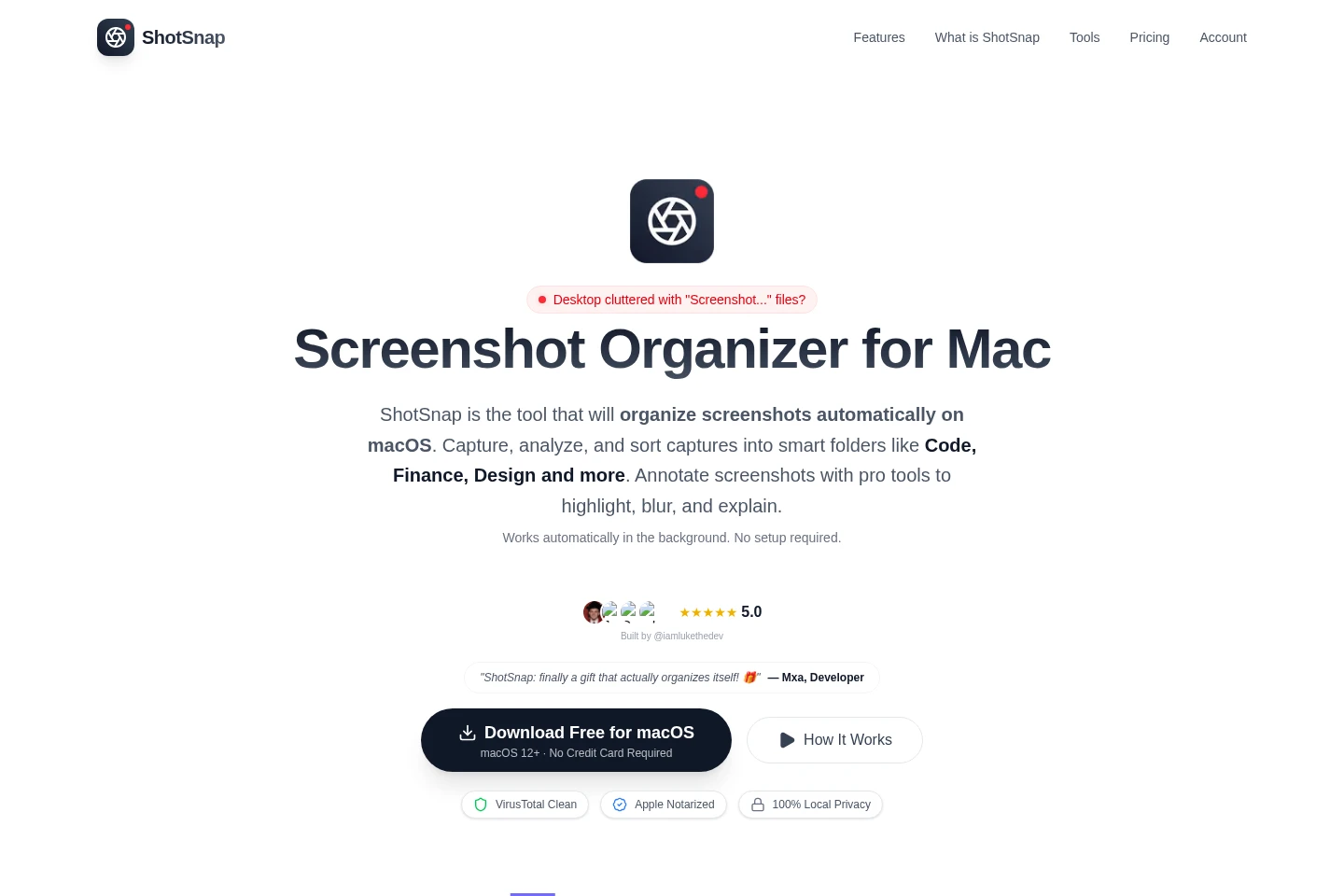
Categorizes new screenshots by their content and moves them into folders. ShotSnap intercepts captures and uses AI-powered categorization; users can set custom smart folders, category-specific save paths, and visual category icons.
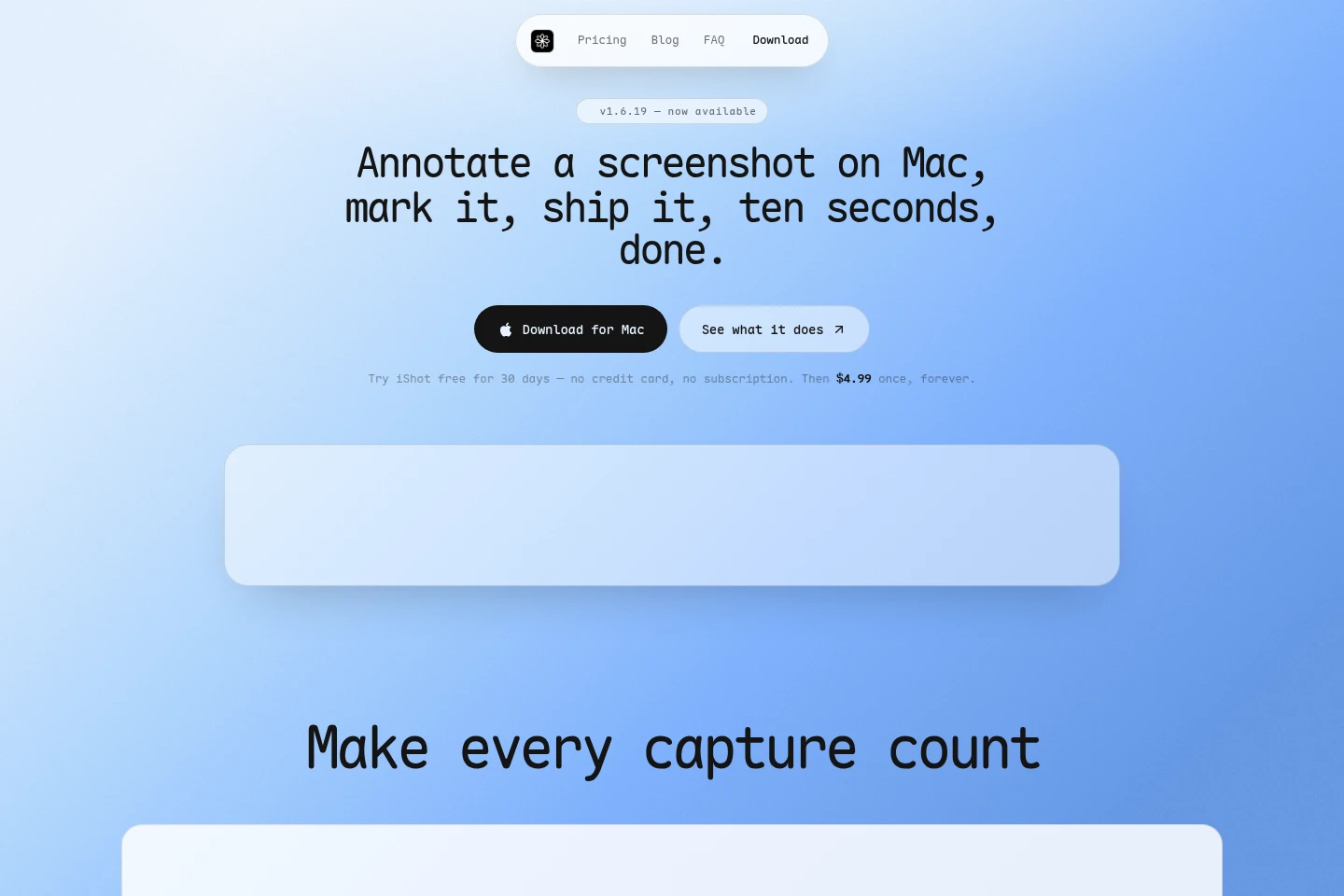
Adds visual annotations to screenshots for explanations and feedback. The editor includes drawing and shape tools, customizable arrows and lines, sticky notes, numbered labels, and blur for sensitive information.
AI screenshot analysis
Analyzes screenshots and provides answers, code explanations, text extraction, and contextual suggestions. The app identifies GPT-4 Vision and offers a natural-language chat interface and OCR.
Screenshot history and search
Stores and searches screenshot history, with options to restore or copy captures. Search can use content or date, and the page describes history storage as unlimited.
Screenshot capture controls
Captures the full screen or a selected region and provides an instant preview. Controls include the Cmd+Shift+S global shortcut, region selection, a capture overlay, and drag-and-drop management.










Comments