Monthly visits
18,227
2026-10
Monthly growth +219.9%

RouteSketcher - Turn map sketches into GPX routes for GPS art

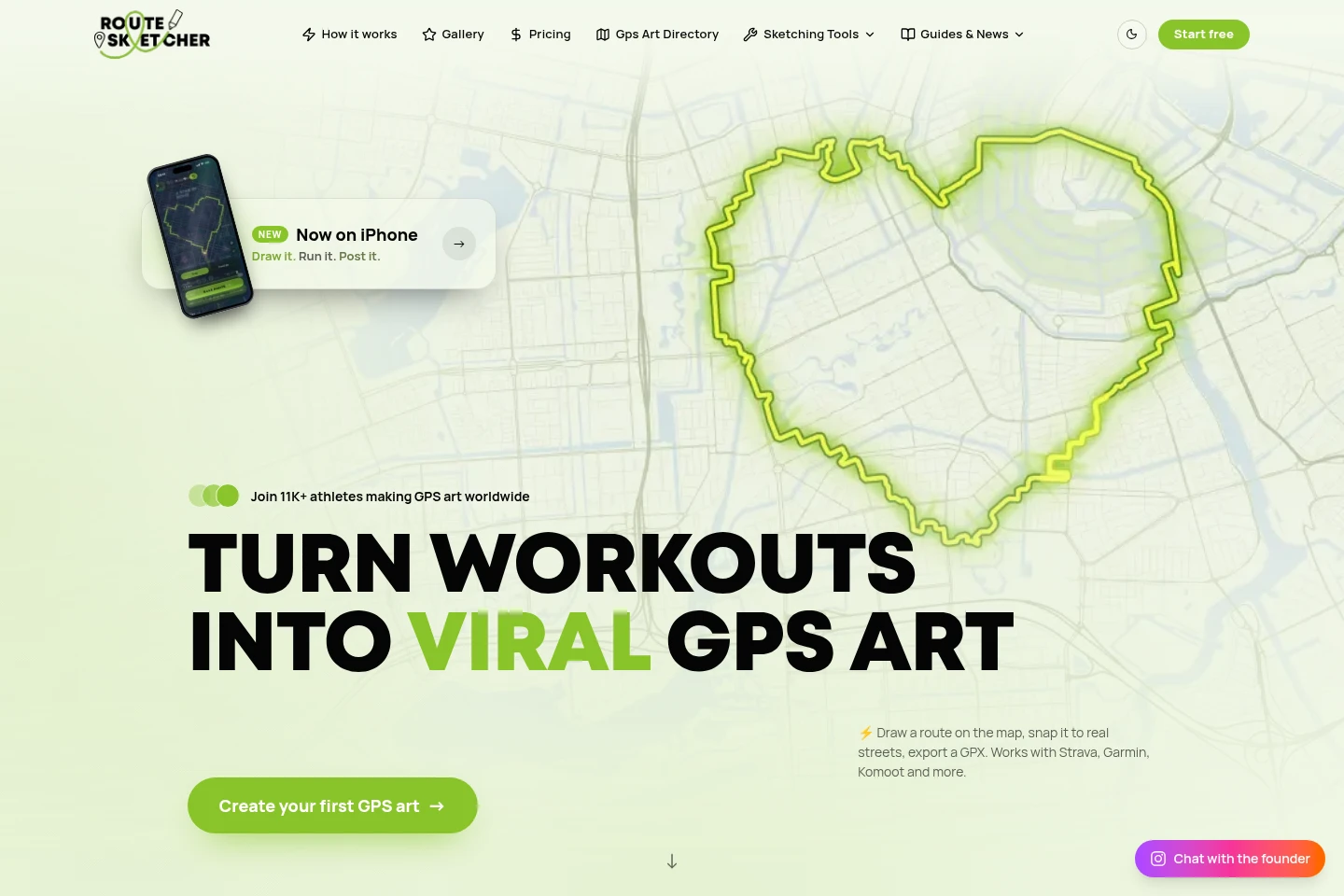
RouteSketcher lets you draw shapes on a map, snap them to real streets and export routes as GPX files for Strava, Garmin, Komoot and compatible devices. Create designs freehand, choose ready-made shapes, use AI-generated doodles, trace photos or import GPX files. The free GPS Art Explorer includes two sketches; GPS Artist offers unlimited sketching for a one-time payment.

Visit WebsiteUpdate this product

2Views

Capabilities

Map route sketching

Draw a shape on a map and turn it into a route that follows real streets. Sketch freehand, choose a ready-made shape, position and resize it over a location, then use street and path data to snap its lines to roads, trails or cycleways.

AI doodle generation

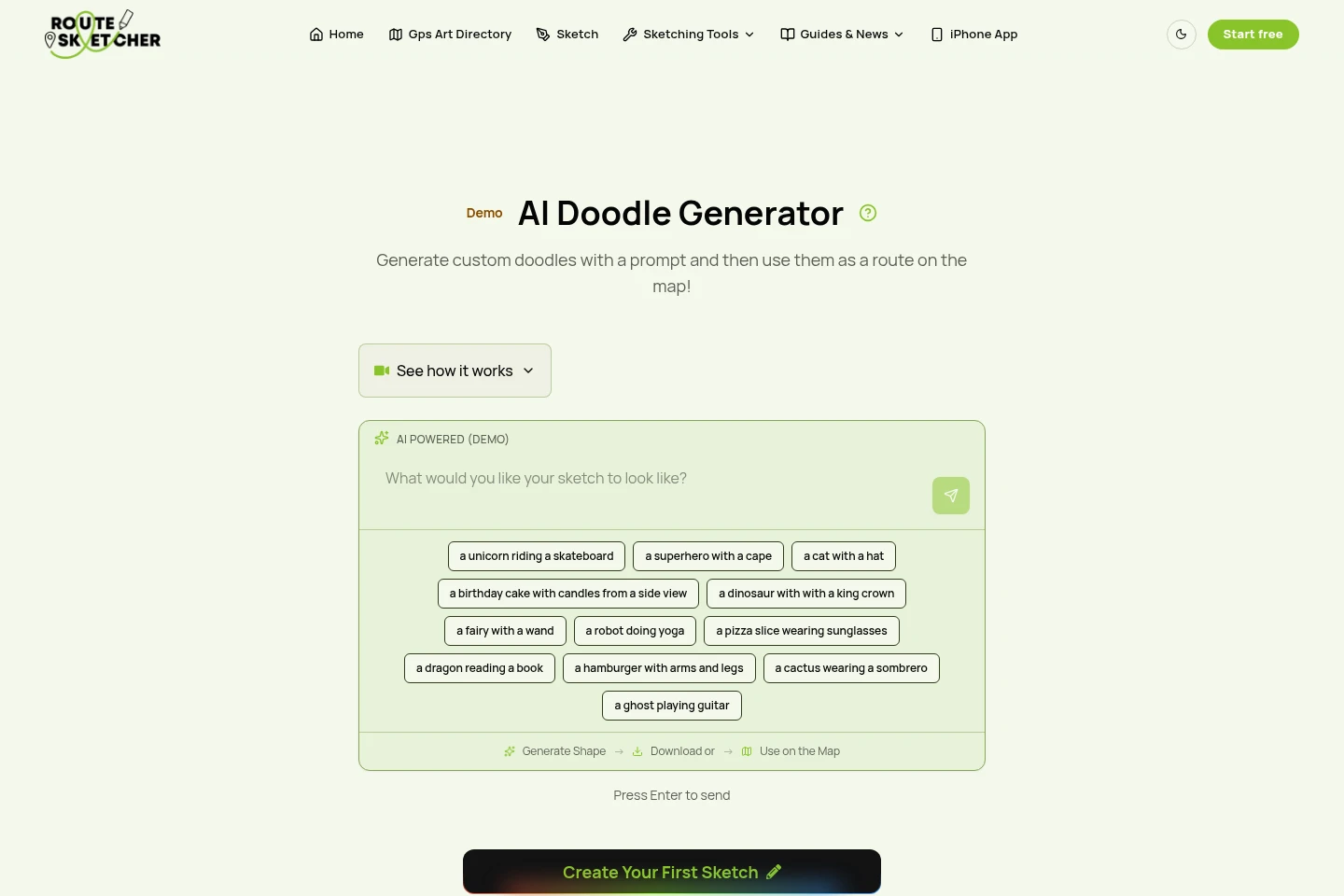
Generate a doodle from a text prompt and use its outline as a route on a map. Describe the shape you want, generate it with the AI Doodle Generator, then download the doodle or place it on the map; the generator is identified as beta in the plans.

Photo tracing

Convert an uploaded photo into a route by tracing its image. Upload a photo and use automatic tracing to create a route outline; the homepage describes this process as taking 20 seconds.

GPX import and export

Import GPX routes and export sketches as GPX files for compatible outdoor apps and devices. Download a route to use with services including Strava, Garmin Connect and Komoot, or follow it on a compatible watch.

Social image and video export

Export artwork for sharing on social platforms. Download a transparent PNG or video overlay, and create a short flyover video from a saved sketch for Instagram, TikTok or Stories.

PricingFreemium

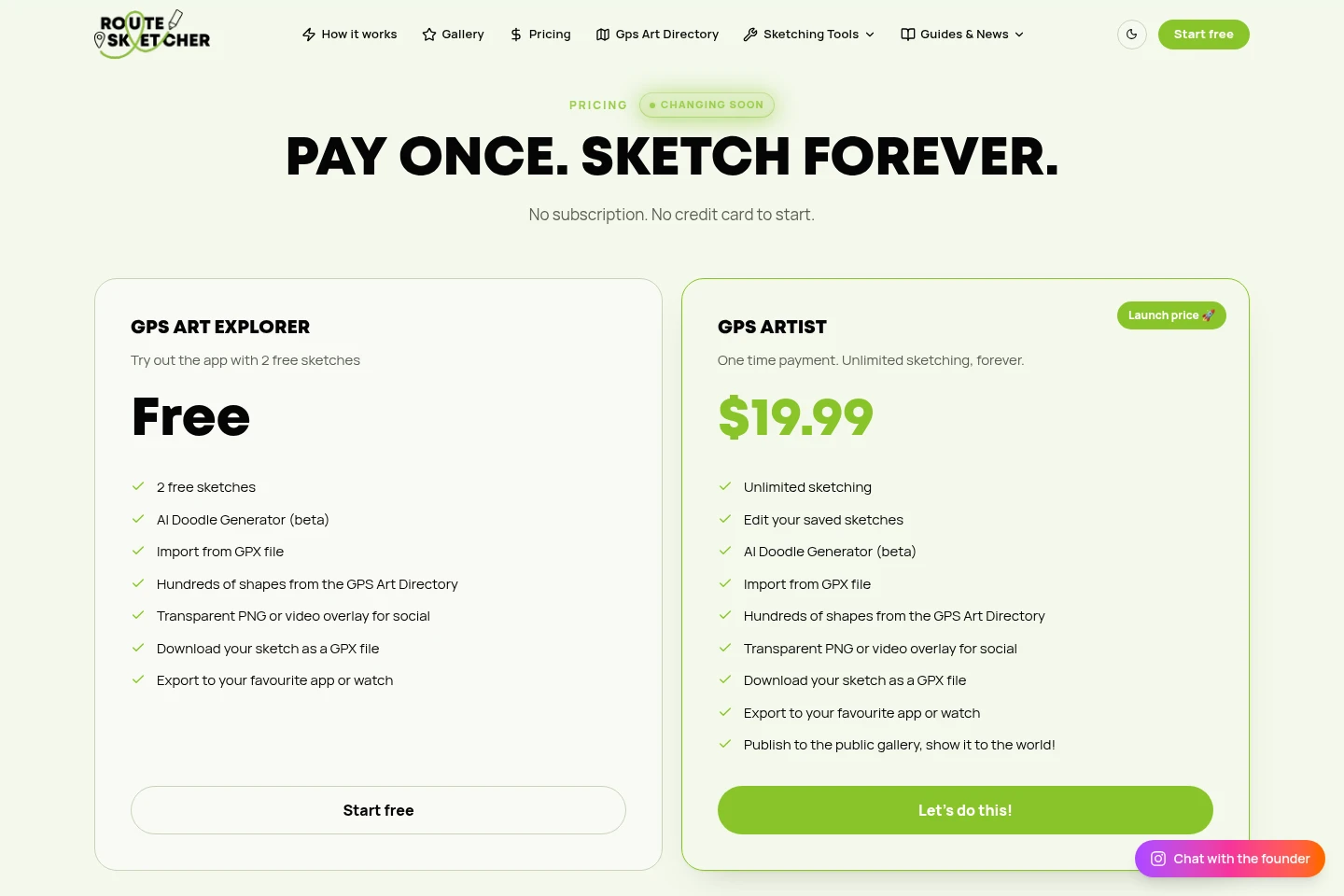
RouteSketcher offers a free plan and a one-time-payment plan, with no subscription. Compare sketch limits and whether you need saved-sketch editing or public-gallery publishing when choosing.

PlanPriceIncluded features and limits
GPS Art Explorer

Free

  • Includes 2 sketches.

  • AI Doodle Generator is included in beta.

  • Import routes from GPX files.

  • Includes hundreds of GPS Art Directory shapes.

  • Exports transparent PNG or video overlays.

  • Downloads sketches as GPX files.

GPS Artist

One-time payment; launch price shown without an amount

  • Unlimited sketching.

  • Edit saved sketches.

  • AI Doodle Generator is included in beta.

  • Import routes from GPX files.

  • Includes hundreds of GPS Art Directory shapes.

  • Publish creations to the public gallery.

The pricing section says there is no subscription and no credit card is needed to start. The GPS Artist launch price is labeled as changing soon; no amount is shown in the supplied pricing content.

Use cases

Plan a GPS art running route

When planning a run, walk or ride that should draw a shape on a map, sketch or select a design and position it over a city. Snap it to real streets and paths, export the GPX, then follow it with a compatible app or watch.

Turn a photo into a route

When a photo should provide the outline for GPS artwork, upload it and use automatic tracing to make a route. The traced route can be placed on the map and exported as a GPX file.

Share a finished GPS art design

After creating a sketch, export a transparent PNG or video overlay for social sharing. GPS Artist users can also publish a creation to the public gallery, while saved sketches can be turned into short flyover videos.

Limitations

  • The GPS Art Explorer plan is limited to two sketches; unlimited sketching is listed for GPS Artist.

Alternatives

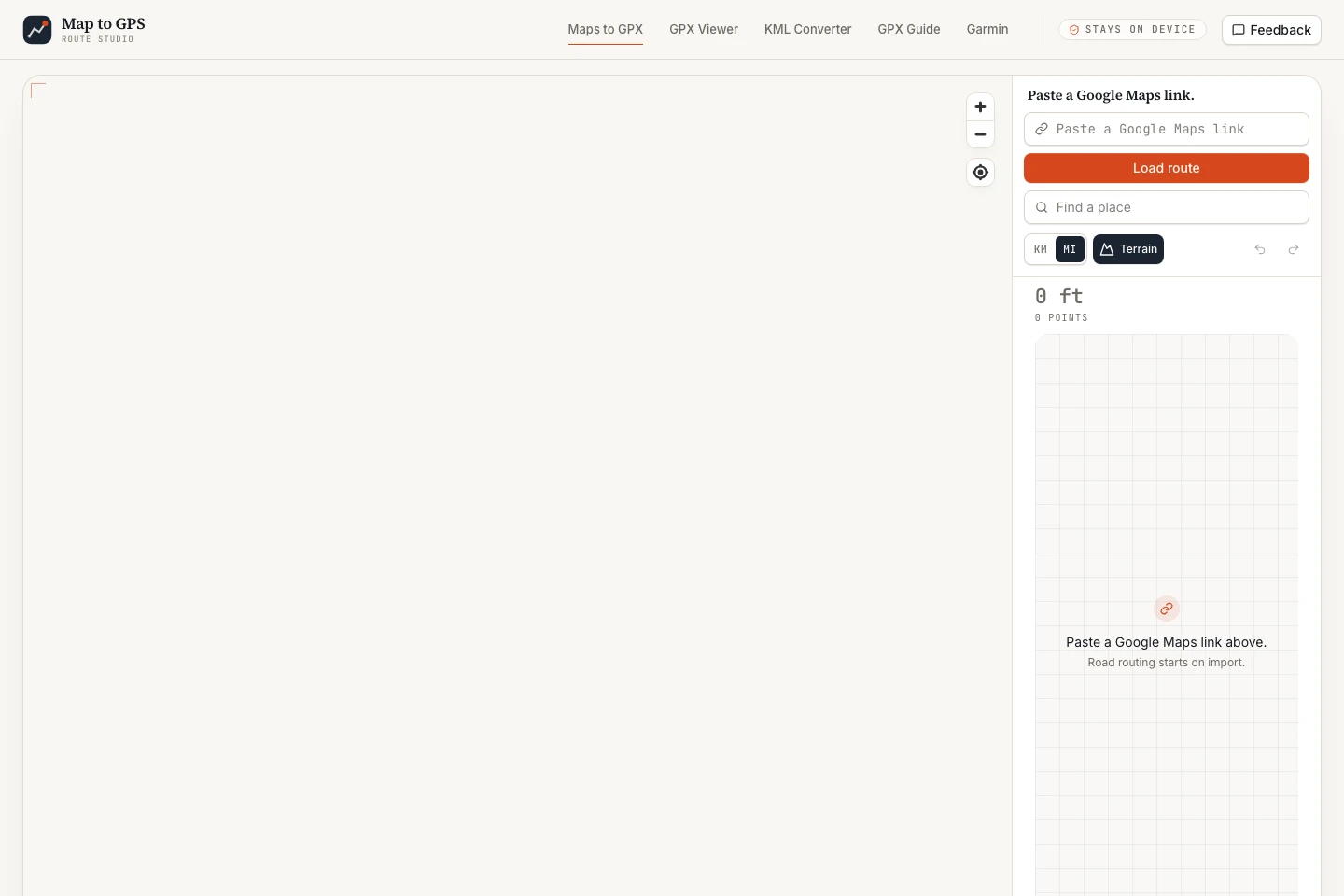
Map to GPS

Convert Google Maps routes to GPX for Garmin, Wahoo, and other GPS devices — free, no signup.

Google Maps to GPX is a free browser tool that lets users paste a Google Maps directions link to extract stops, rebuild a road-following route using OpenStreetMap routing data, and export a valid GPX 1.1 file. It is designed for hikers, cyclists, drivers, and anyone who needs to move planned Google Maps routes to GPS devices and outdoor navigation apps. All core link parsing runs locally on the user's device to protect privacy, with only minimal, unidentifiable stop data sent to a public routing server.

  • Free
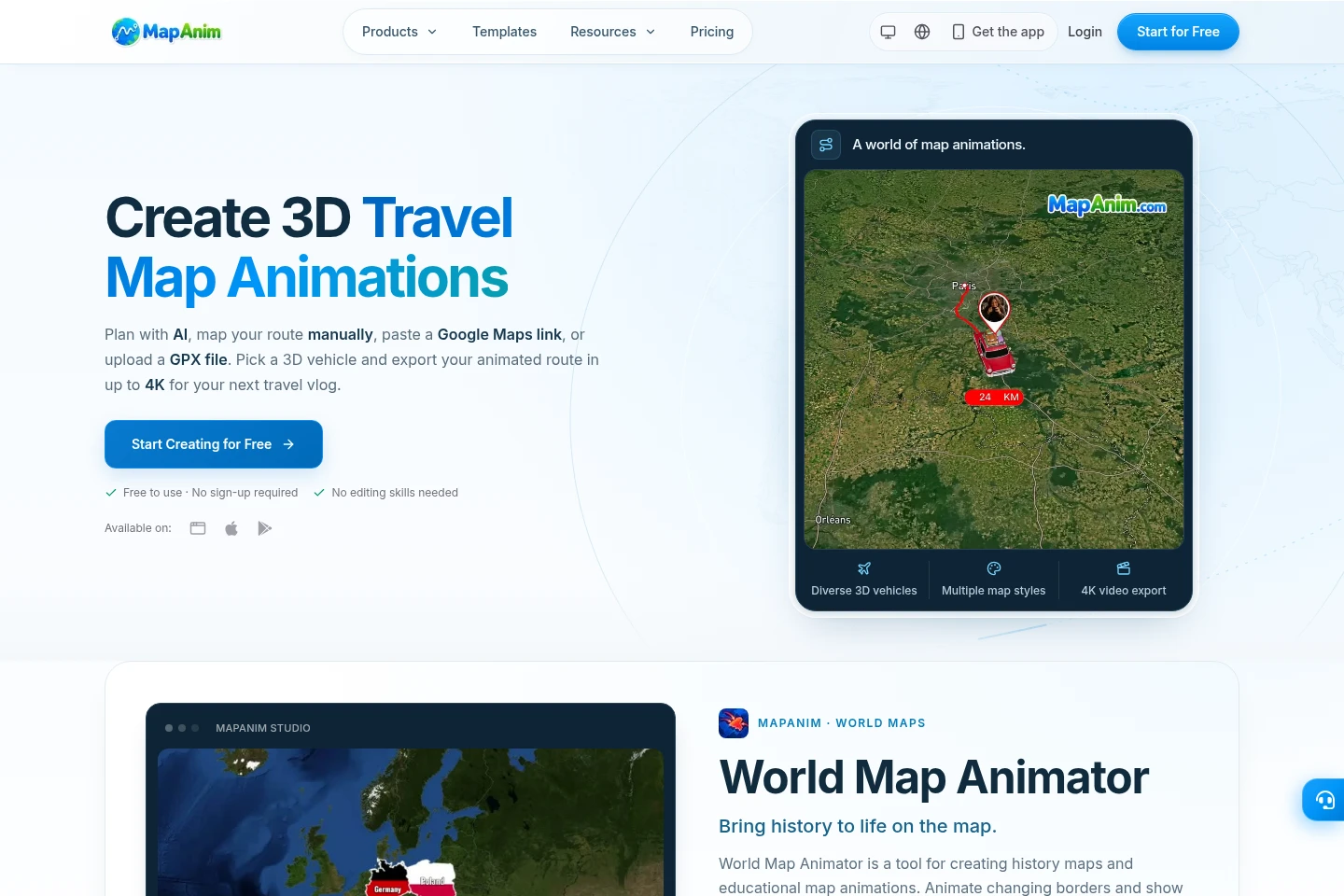
  1. MapAnim

    Create animated route and world map videos

    Monthly Plan · $4.99 USD / month
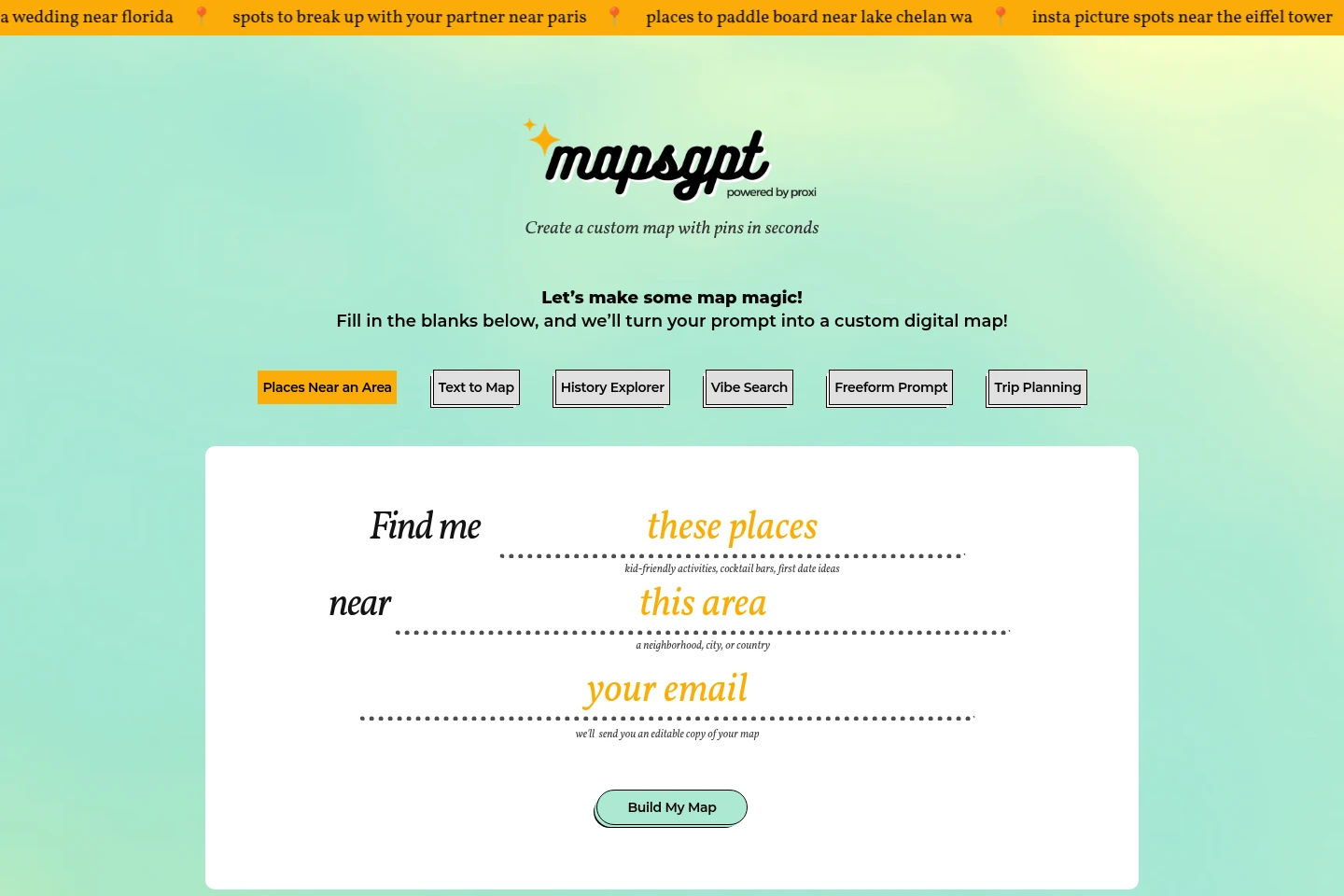
  2. MapsGPT

    Turn a place prompt into an editable map with pins

    Free · Free
  3. ImageToSketch

    Turn photos into pencil sketches and clean line art

    Contact Sales
  4. AutoDraw

    Transform sketches into art instantly

    Free
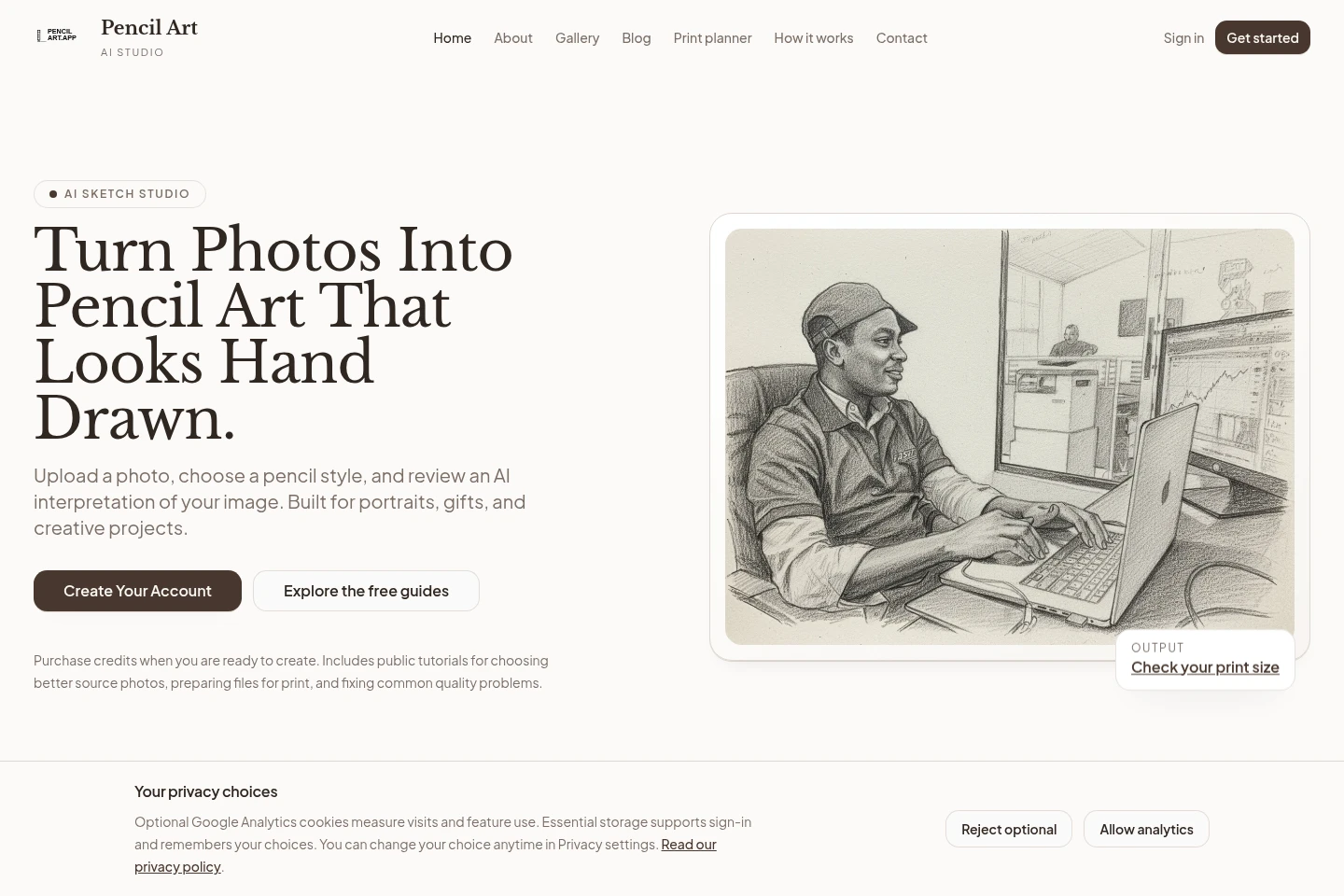
  5. PencilArt.app

    Turn photos into AI-generated pencil sketches

    Contact Sales

Who it is for

  • Runners, cyclists and walkers creating GPS art routes

  • Outdoor route planners who want map designs exported as GPX

  • GPS art creators who want to publish designs in a public gallery

FAQ

How does RouteSketcher create a GPS art route?

Draw freehand on the map, choose a ready-made shape or describe a shape for the AI to draw. Position it over a location, snap it to real streets and paths, then export the route as a GPX file.

Which apps and devices can use exported routes?

Any app or device that accepts GPX files can use an exported route. The site names Strava, Garmin Connect, Garmin watches, Komoot, Suunto, Coros and Wahoo, among others.

Can I use a route without snapping it to roads?

Yes. The FAQ says you can download the unsnapped freehand version instead of using road snapping. It mentions open spaces such as beaches, parks and tracks as examples.

What does the free GPS Art Explorer include?

GPS Art Explorer is free and includes two sketches, the AI Doodle Generator in beta, GPX import, shapes from the GPS Art Directory, transparent PNG or video overlay export, and GPX downloads.

Does RouteSketcher offer refunds?

Yes. Purchases are refundable within 15 days by emailing [email protected] with the purchase details. After 15 days, purchases are final.

Comments

Please sign in to leave a comment.
No comments yet. Be the first to share your thoughts!