Discover the easiest way to remove backgrounds from images automatically and for free!
How It Works
Remove.bg uses sophisticated AI algorithms to analyze images and identify the subject against the background. Upon processing, it separates the subject from the background, allowing for immediate removal. This technology learns from millions of images to improve accuracy and efficiency. The process involves several steps:
- Upload Image: Users upload an image they want to edit.
- AI Processing: The AI analyzes the image, detecting edges and the main subject.
- Background Removal: Once the subject is identified, the background is removed automatically.
- Download Options: Users can download the result in different formats, including PNG and JPEG.
- Integration Options: For users needing bulk processing or integration into their workflows, Remove.bg offers an API and plugins for design software, making it versatile for various applications.
This system provides a fast, reliable method for users to enhance their images without extensive manual editing, making it a popular choice for both casual users and professionals alike.
Usage
To use Remove.bg, simply follow these steps:
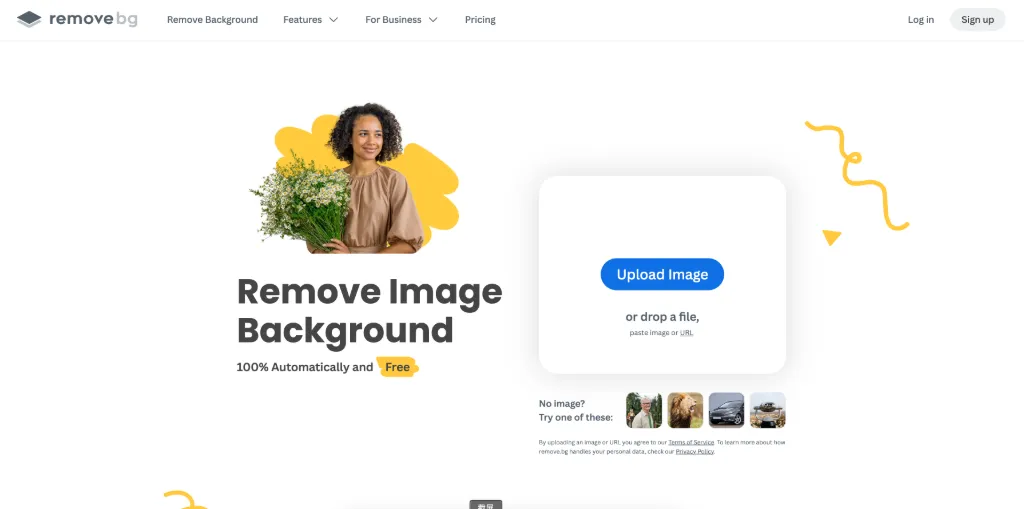
- Visit the Website: Go to www.remove.bg.
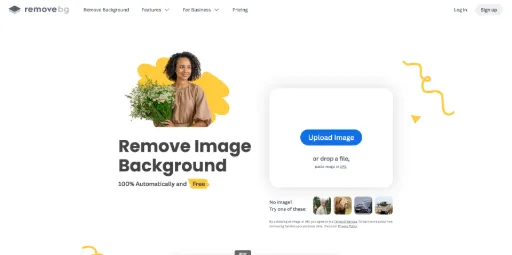
- Upload Image: Click on the upload button to select the image you want to edit.
- Automatic Processing: Wait a few seconds as the AI processes your image.
- Download the Result: Once processed, download your image in the desired format.
It's that simple! Enjoy hassle-free background removal at your fingertips.
Ecommerce
Easily remove backgrounds from product images to create a clean and professional look, enhancing online store appeal.
Photography
Photographers can quickly isolate subjects in portraits or product shots, saving editing time and improving workflow efficiency.
Graphic Design
Designers can use Remove.bg to create transparent backgrounds for logos or promotional materials, streamlining their design process.
Social media managers can quickly create eye-catching visuals by removing backgrounds from images for posts or ads.
Marketing Campaigns
Marketers can enhance their campaigns by using clean, background-free images to focus attention on the product or message.
Personal Projects
Individuals can create personalized cards or gifts by removing backgrounds from photos, adding a unique touch to their projects.
Features
- Automatic Background Removal: Remove backgrounds from images in just five seconds with a single click.
- AI-Powered Technology: Utilizes advanced AI to deliver high-quality background removal.
- Multiple Output Formats: Supports transparent PNGs and white backgrounds for versatile use.
- Software Integration: Integrates with popular design programs and offers API for workflows.
- Bulk Processing: Efficiently handles thousands of images for quick editing.
- User-Friendly Interface: Intuitive design makes it easy for anyone to use.
Free Plan (Lifetime): Free
- Remove backgrounds for free
- Access to basic features
- User-friendly interface
Pro Plan (Monthly): $19/month
- Unlimited background removals
- High-resolution downloads
- Priority support
- Advanced features
FAQ
- What is Remove.bg and how does it work?
Remove.bg is an AI-powered tool that automatically removes backgrounds from images within five seconds, simplifying the editing process.
- Is Remove.bg free to use?
Yes, Remove.bg offers free functionality, although additional features may come with subscription plans.
- Can I integrate Remove.bg with my design software?
Absolutely! Remove.bg provides plugins for popular design programs and an API for seamless integration.
- What image formats does Remove.bg support?
Remove.bg supports various formats including PNG and JPEG.
- Is Remove.bg suitable for professionals?
Yes, Remove.bg is designed for professionals in photography, marketing, eCommerce, and more.
- How quickly can I remove a background using Remove.bg?
You can remove backgrounds in just five seconds with one click using Remove.bg.
- Can I use Remove.bg for bulk image processing?
Yes, Remove.bg is capable of processing thousands of images quickly, perfect for bulk editing.
- What types of users benefit from Remove.bg?
Remove.bg is beneficial for individuals, photographers, marketers, developers, eCommerce businesses, and media professionals.





Comments