

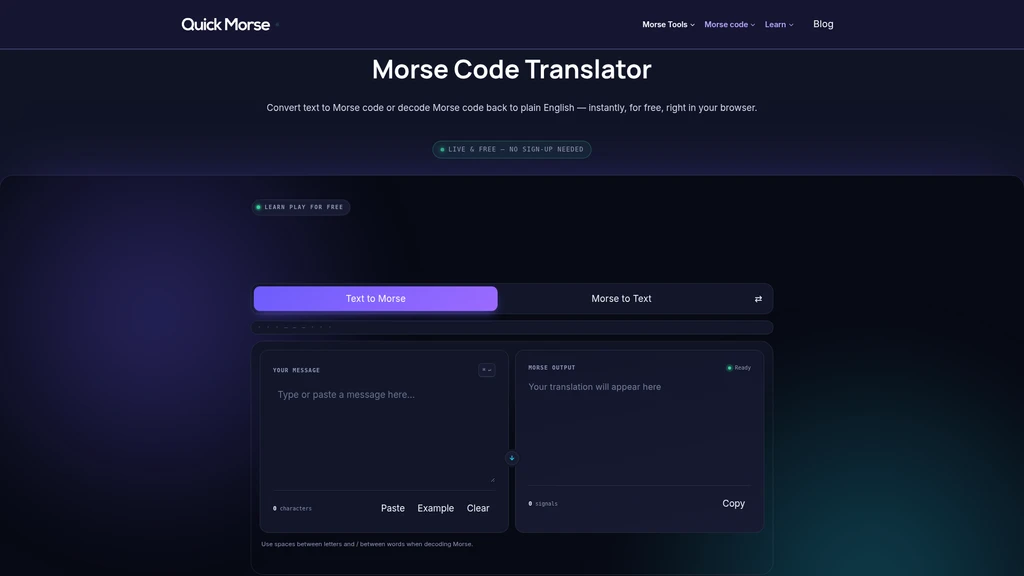
QuickMorse - Free instant Morse code translator that converts text to Morse and decodes Morse back to plain text directly in your browser, no sign-up required
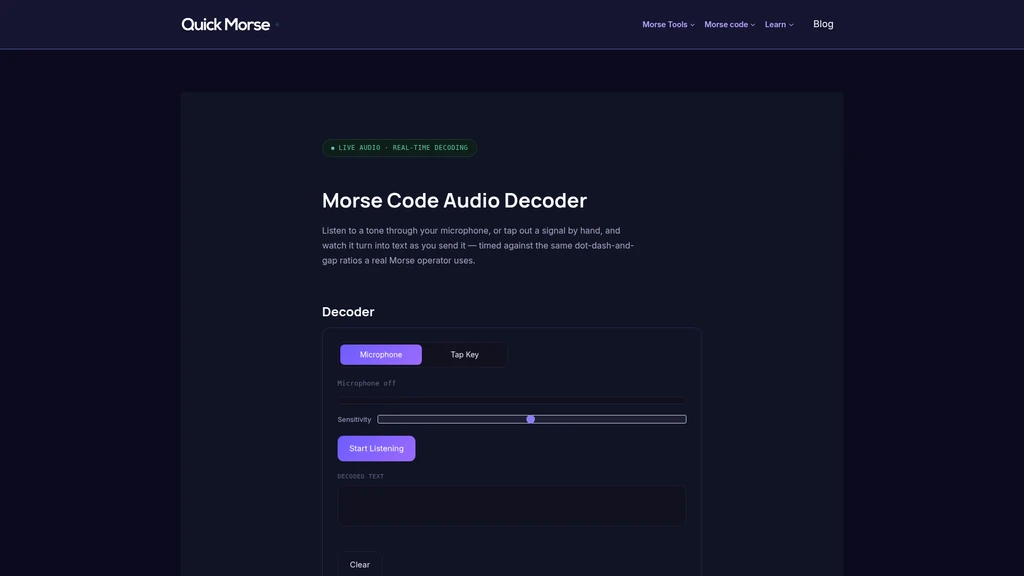
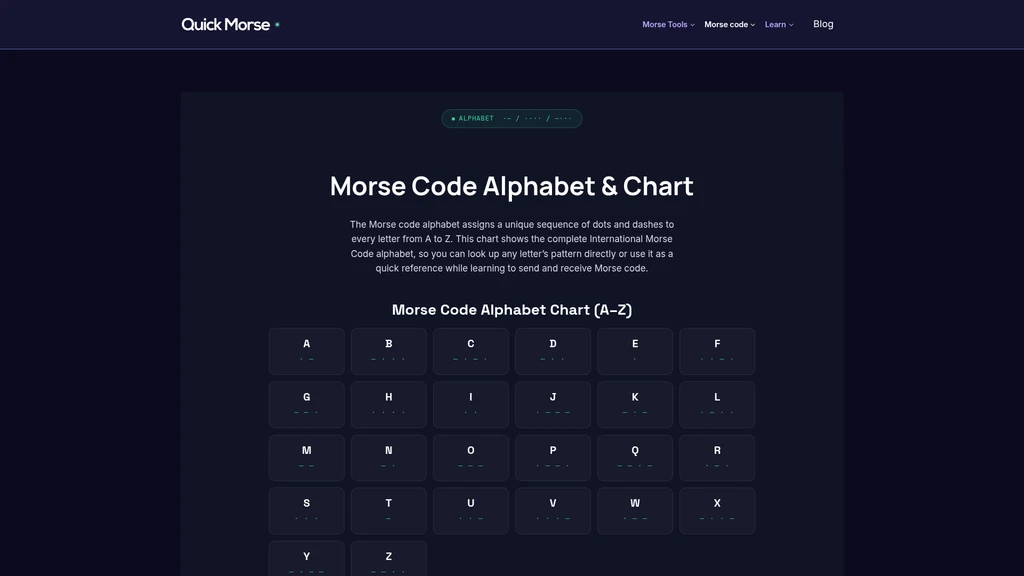
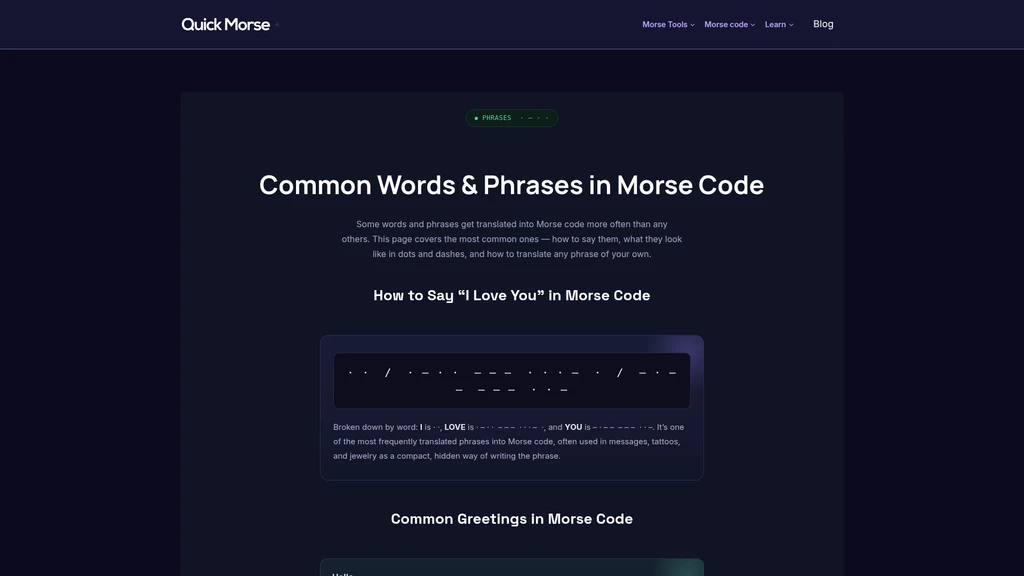
Launched on Sep 21, 2026QuickMorse is a free browser-based utility that supports bidirectional translation between plain text and standard International Morse Code. It is designed for amateur radio operators, hobbyists, students, and anyone who needs fast, no-fuss Morse code conversion without account creation or extra downloads. Users can adjust transmission speed, enable vibration feedback, and access built-in learning resources to work with Morse code efficiently.
Related Content

Copy.ai Review 2026: AI Copywriting Made Easy
Our honest Copy.ai review for 2026. We test Content Agents, AI Workflows, pricing ($29-$249/mo), and compare it to Jasper and Writesonic. Find out if it's worth it for your marketing team.

Rytr Review 2026: Is This Budget AI Writer Worth It?
Our hands-on Rytr review for 2026. We test features, pricing, content quality, and compare it to Jasper & ChatGPT. Find out if Rytr is the best budget AI writing tool.

Word Changer - Free AI tool to rewrite and improve your writing instantly
Writing always using repetitive words or need to avoid plagiarism? Word Changer is a free AI writing assistant that instantly rewrites any text with richer vocabulary and appropriate tone. Get multiple versions with one click, adjust formality level, check readability - all for free!

Unite - AI-powered platform for romantic fantasies and dream couple moments
Explore romantic fantasies and create special moments for your dream couple. This AI-powered platform lets you generate personalized romantic content and experience exclusive AI-created romantic experiences.
Comments