Notes, calendar, and to-do panels
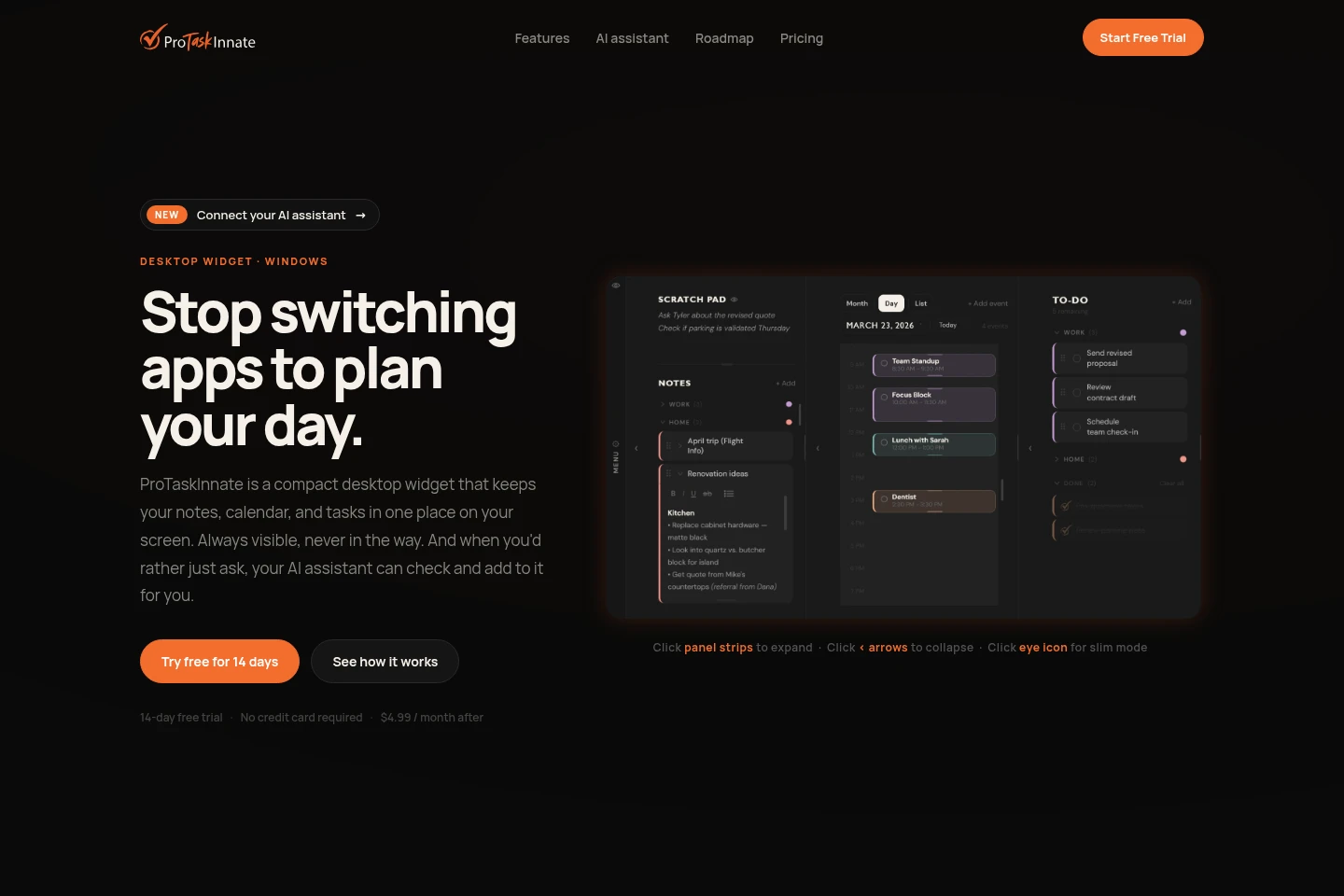
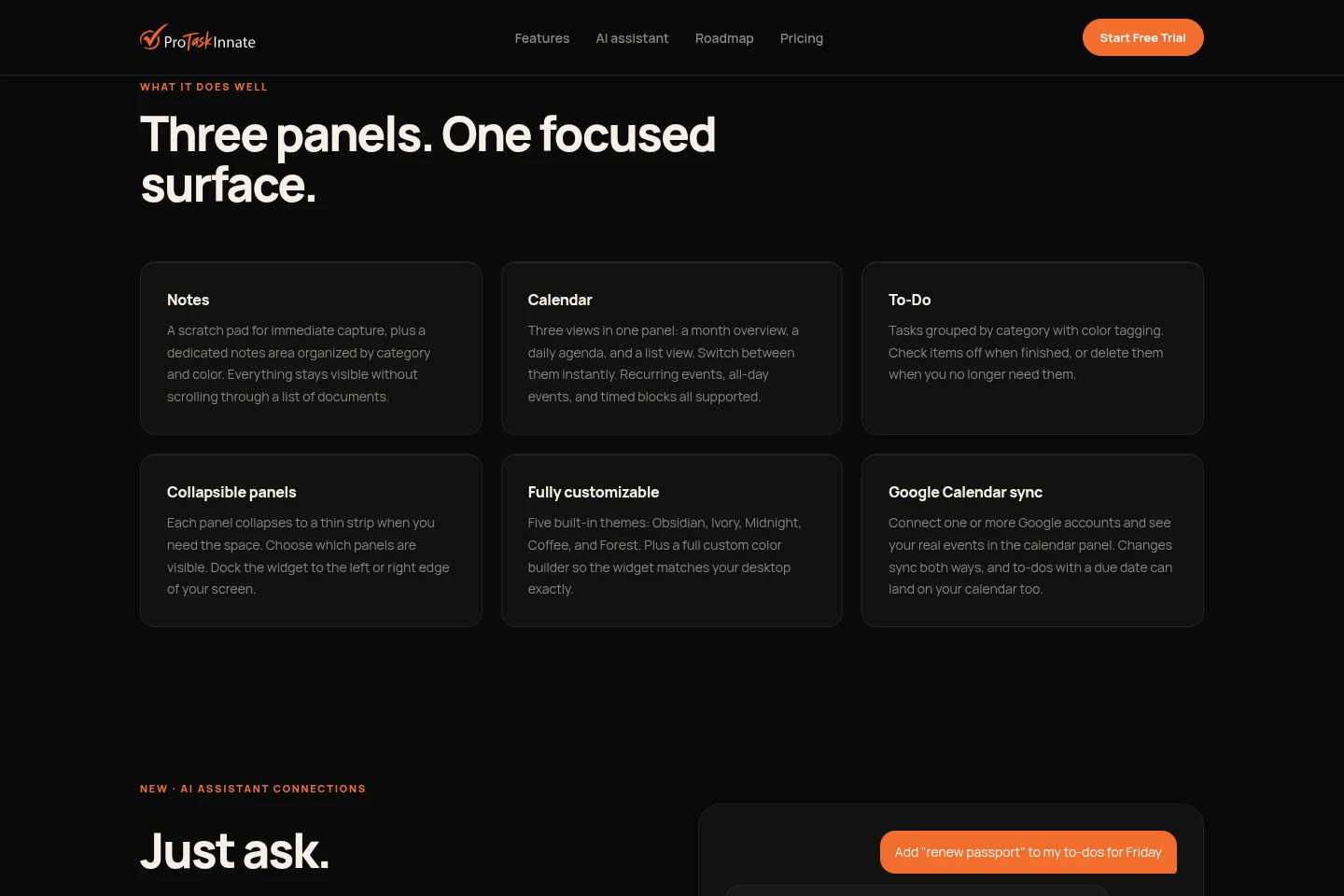
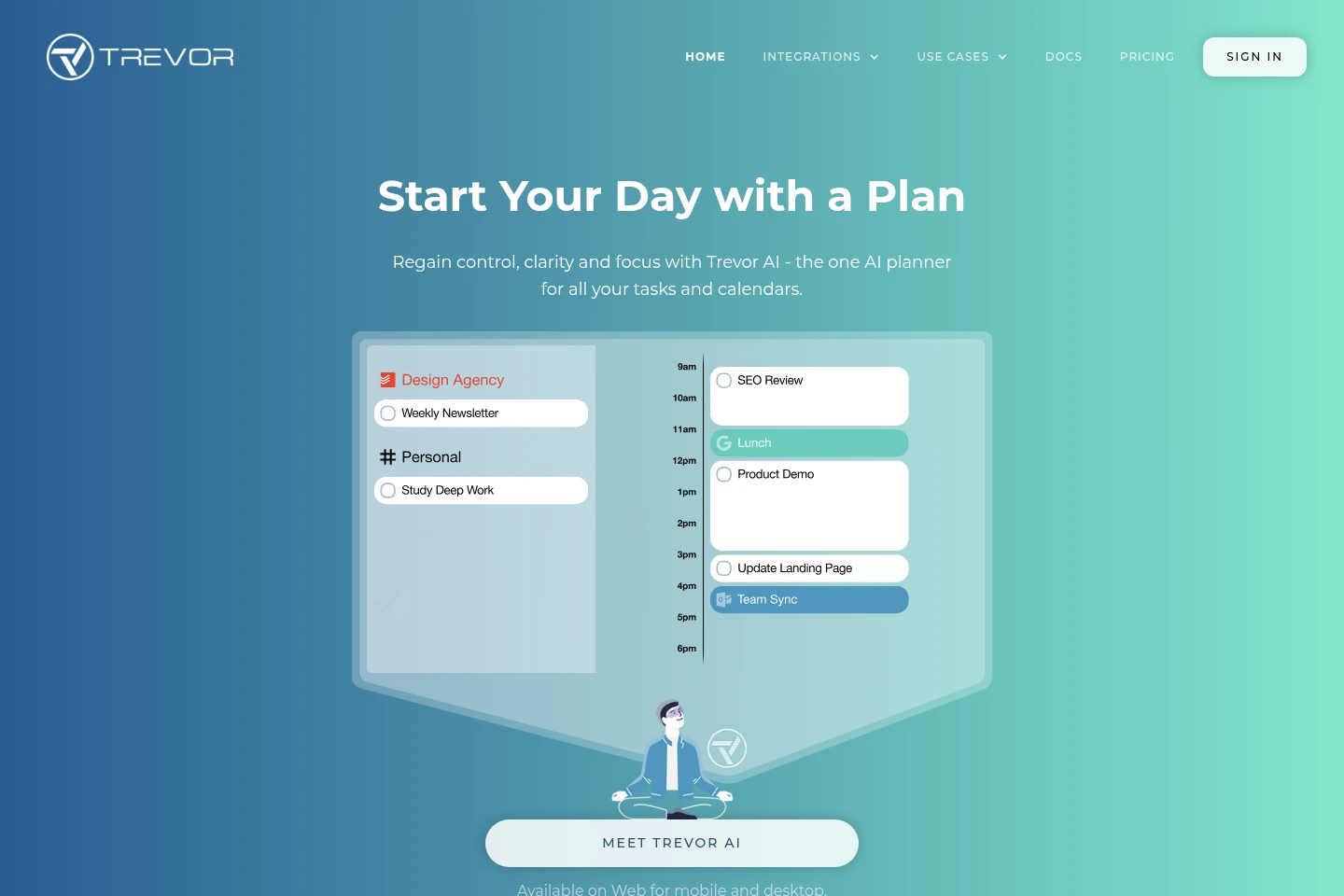
The desktop widget displays notes, calendar events, and to-do items together on screen. Notes and tasks can be grouped by category; tasks can be color-tagged and completed or deleted.
Calendar views and event types
The calendar panel shows month, daily agenda, and list views. It supports recurring, all-day, and timed events, with views that users can switch between.
Google Calendar synchronization
The calendar syncs events with one or more connected Google accounts in both directions. To-dos with due dates can also appear on the calendar.
AI assistant connections
Compatible AI assistants can check planner information and add notes or tasks through custom connectors. Users must enable AI access in Settings → Connections; it is off by default.
Users can collapse panels, choose which are visible, dock the widget to either screen edge, and select from five built-in themes or set custom colors.
Encrypted cross-device sync
Notes, events, and to-dos sync across devices after sign-in with Google or an email code. Synced data is described as end-to-end encrypted.


Comments