Unicode text formatting
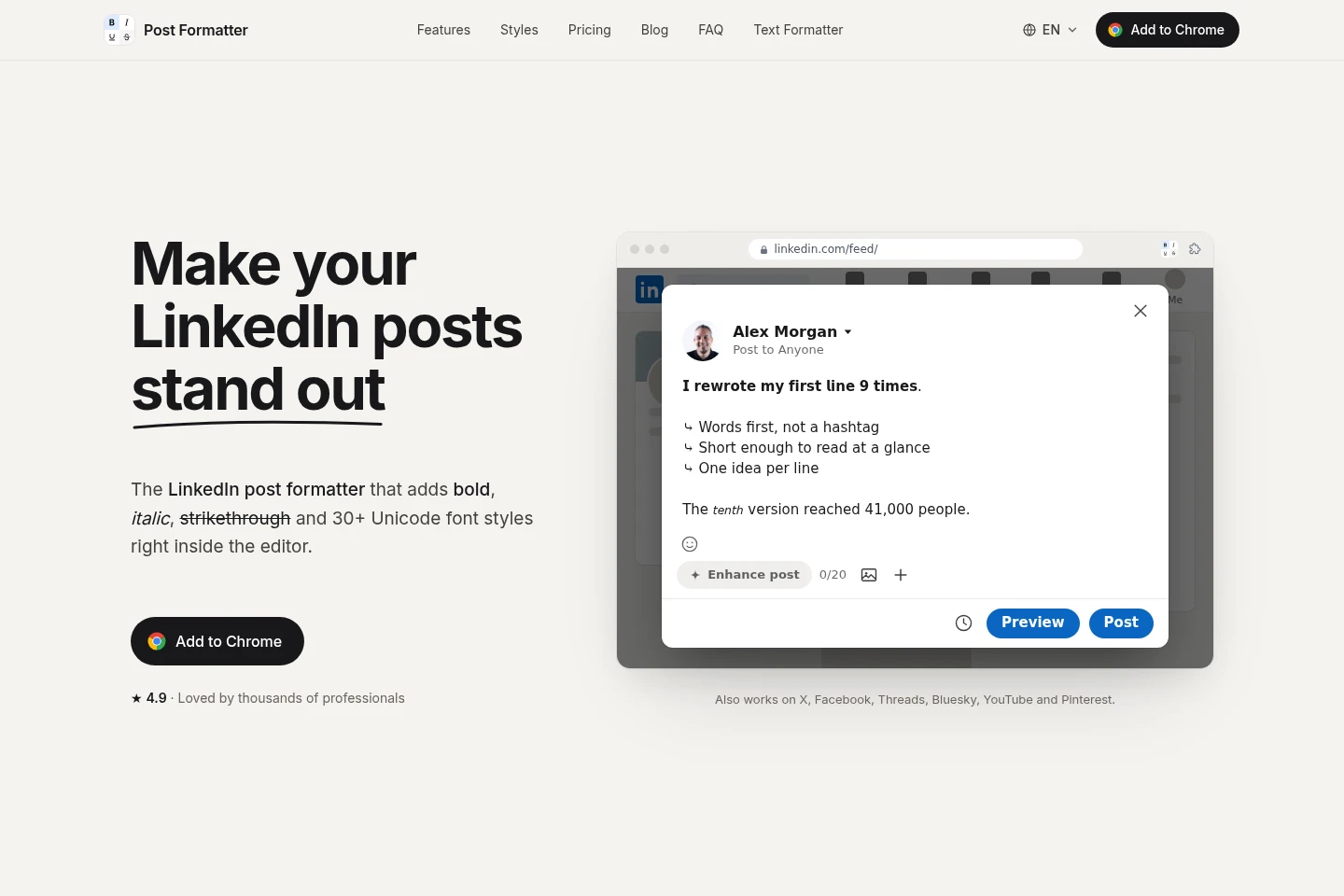
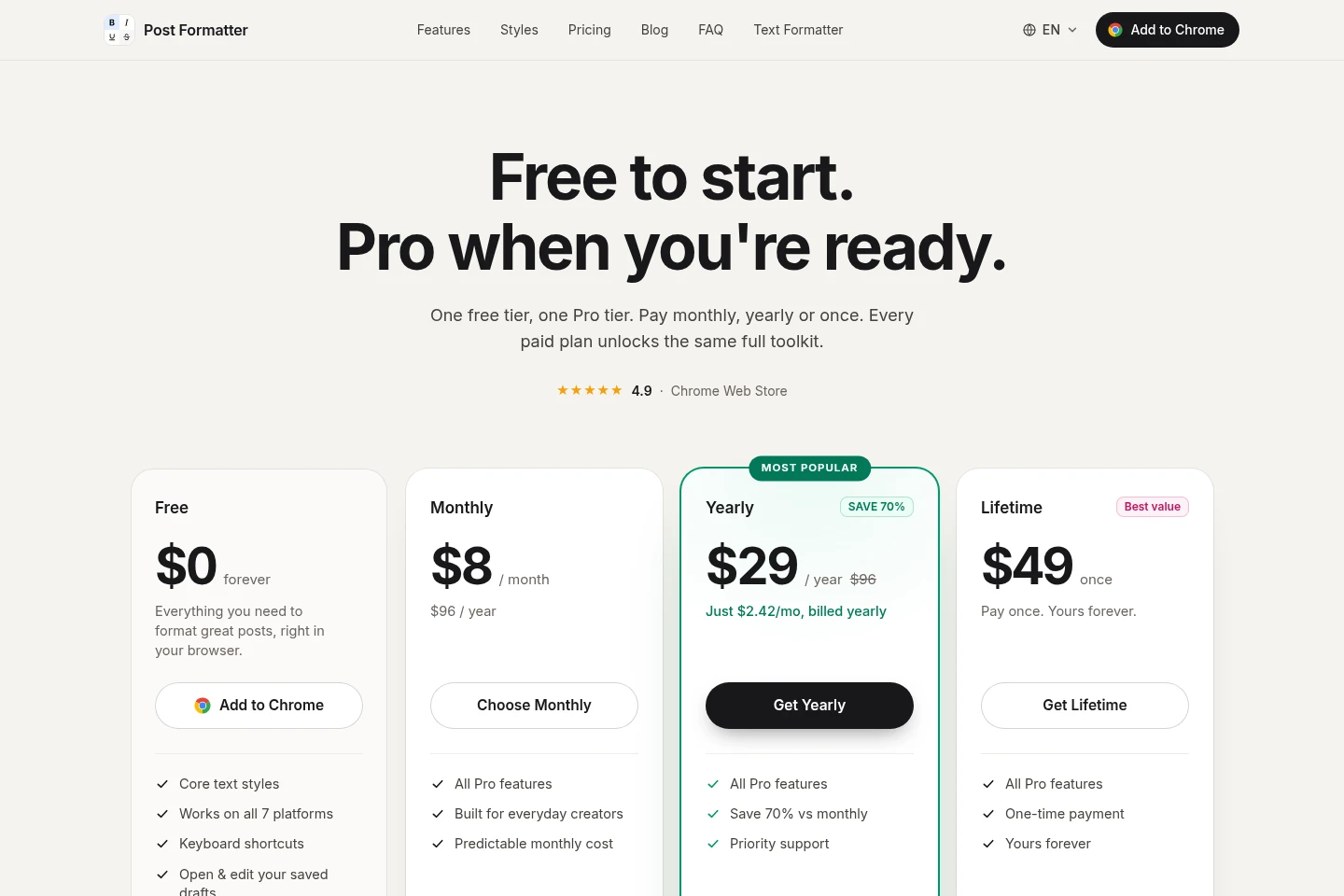
Apply bold, italic, underline, strikethrough, and more than 30 Unicode styles to selected text or posts. Choose a style from the extension and insert it into the editor; basic styles are free, while premium styles have limited free trial uses.
Post preview and hook check
Preview post layouts and check opening text before publishing. Live LinkedIn preview updates as you type, while platform mockups and hook checks identify text shown before the “more” cutoff.
Draft and saved-post management
Save drafts and posts, then organize and retrieve them. Pro adds folders, tags, search, ready-to-post status, and insertion from the toolbar or right-click menu.
Smart Paste conversion
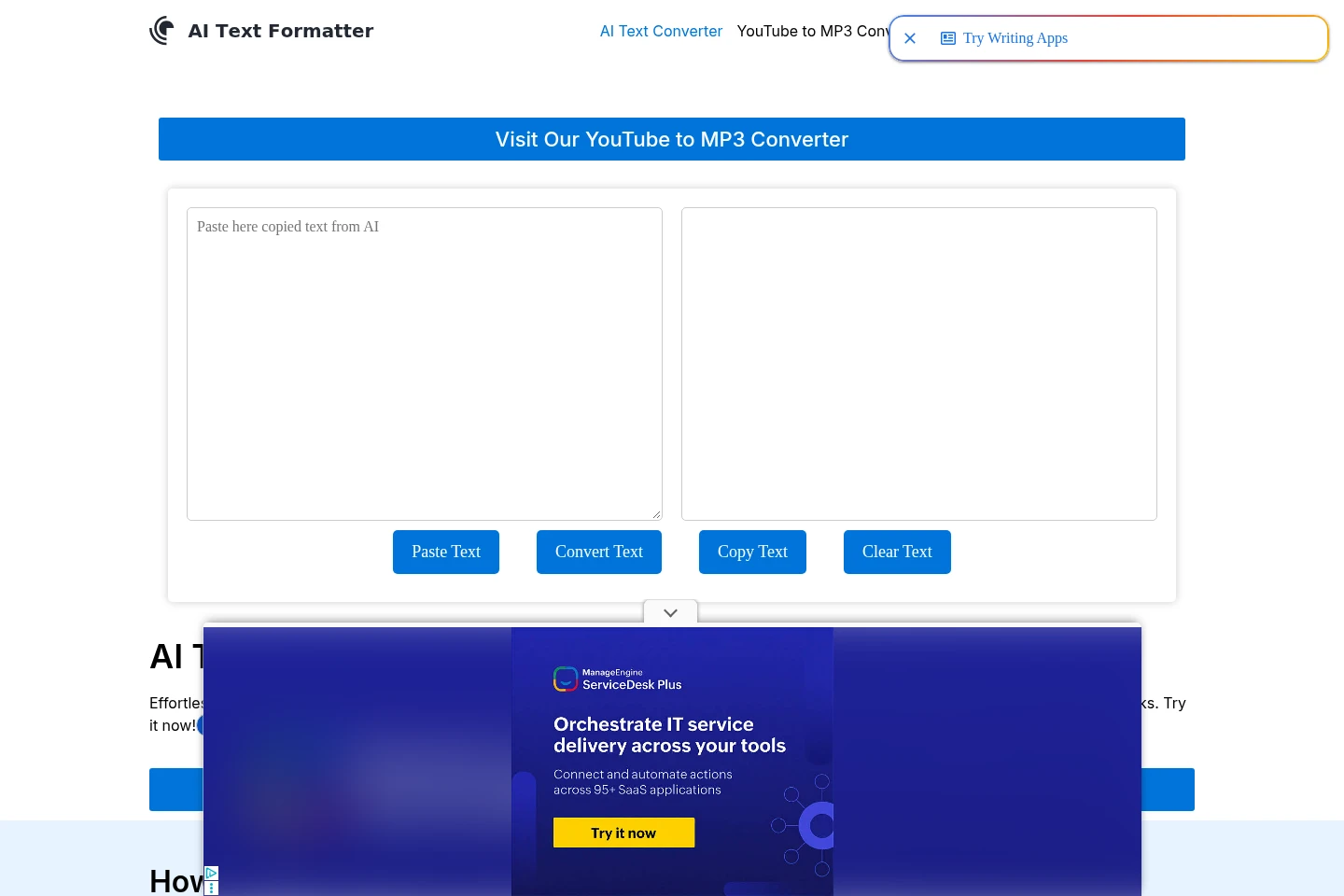
Convert supported formatting into Unicode when pasting from Google Docs, Word, Notion, or Markdown. Bold, italic, strikethrough, underline, and lists are converted automatically.
AI proofreading and auto-styling
Proofread text and apply bold or italic emphasis with AI inside the post editor. This Pro feature requires the user's own OpenRouter API key; model requests go directly from the browser to OpenRouter.
Post insights
Review impressions, engagement, and posting-time information from LinkedIn posts while browsing. Insights are available in Pro, and the page says this data is stored only in the browser.









Comments