Monthly visits
2,666
2026-10

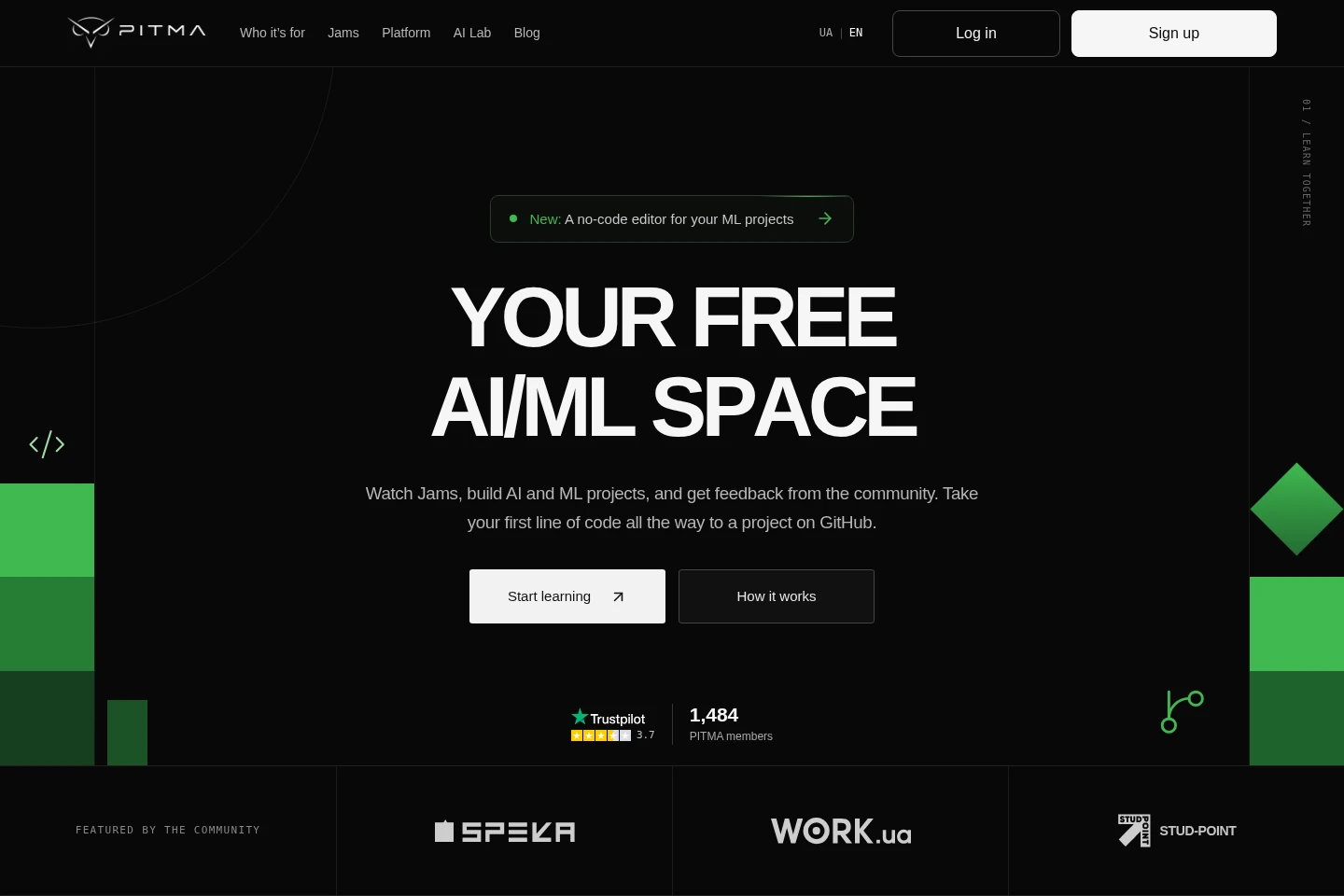
PITMA Hub - Free AI and ML lessons, projects, and community feedback

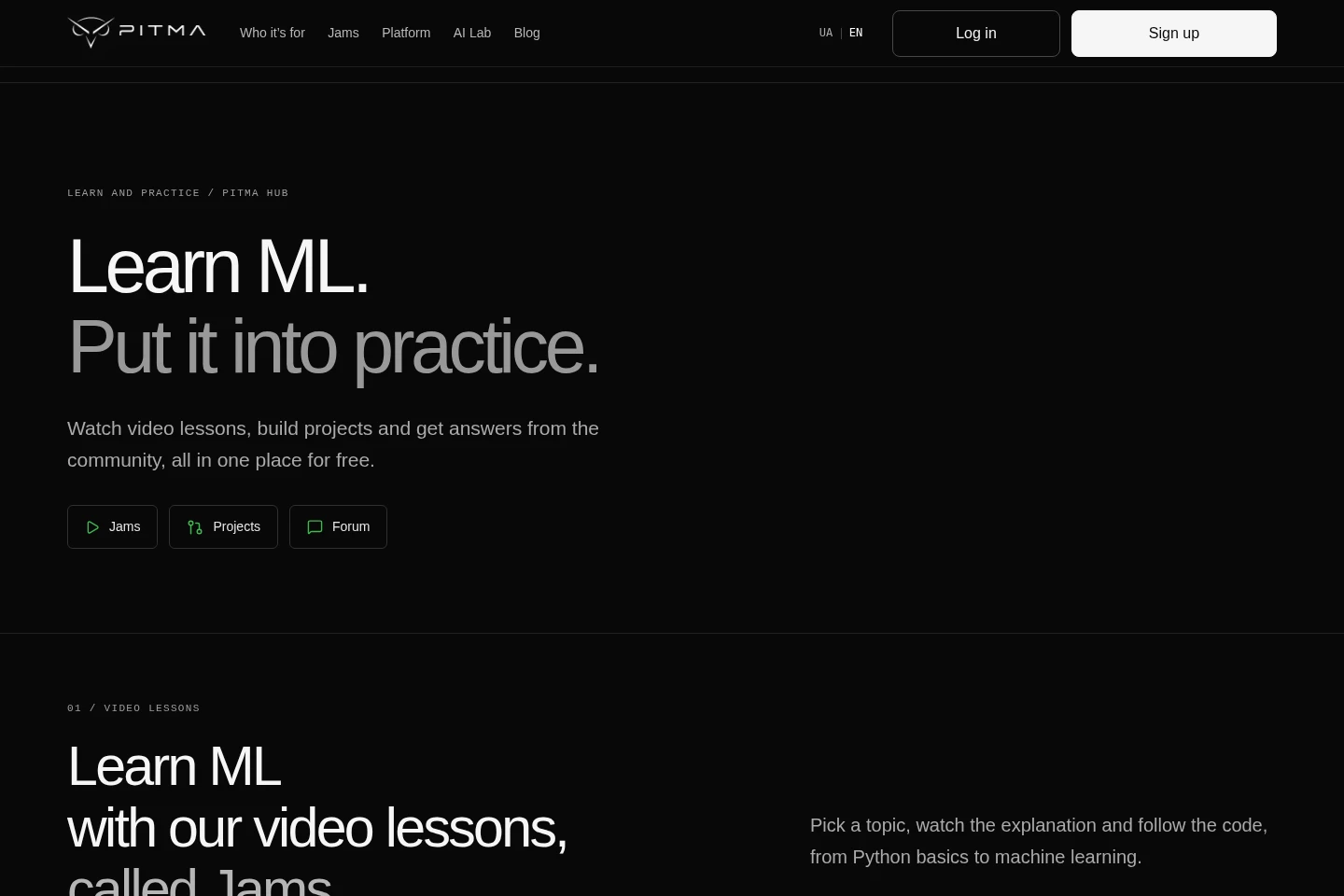
PITMA Hub is a free online learning space for artificial intelligence and machine learning. Users watch topic-based video lessons called Jams, create and share projects for community review, discuss questions in a forum, and build no-code ML workflows in AI Lab before opening a Python notebook in Google Colab.

Visit WebsiteUpdate this product

0Views

Capabilities

AI and ML video lessons

Topic-based Jams teach Python and machine learning through video explanations and code to follow. Users choose a topic and watch lessons in the lesson library.

Project sharing and review

The project workflow lets learners write code, submit a pull request, receive community feedback, and publish a completed project to the community gallery and GitHub.

Community discussion forum

The forum lets members ask questions, discuss code or concepts, search discussions, and share answers with other learners.

AI Lab no-code workflows

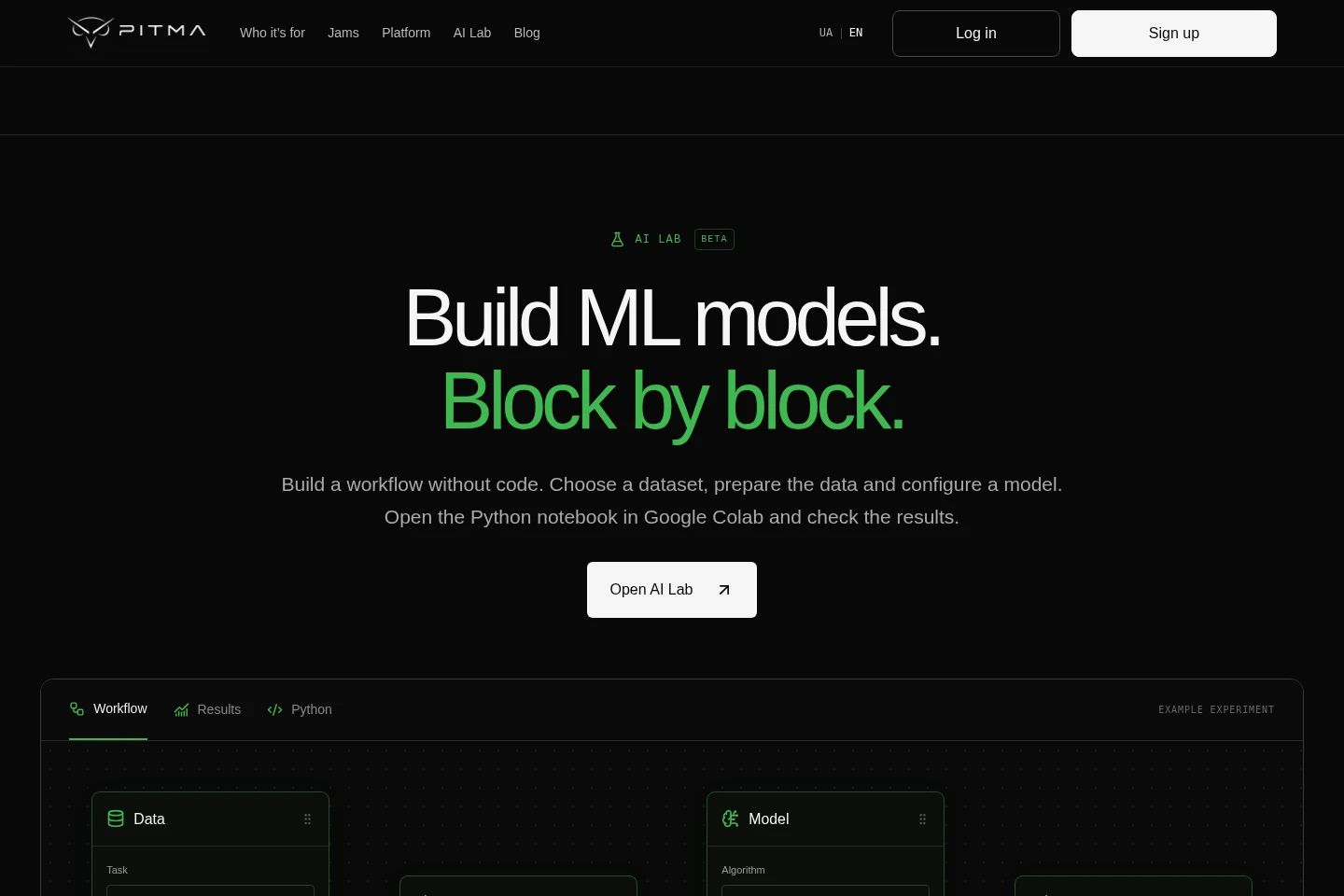
AI Lab builds ML experiments from configurable blocks without coding. Users choose a dataset, prepare data, configure and compare models, then open a Python notebook in Google Colab to run it and inspect results.

PricingFree

PITMA Hub is presented as free to use. The supplied pages do not list paid plans, prices, or billing periods to compare.

Use cases

Learn Python and machine learning concepts

When building foundational or specialist AI and ML knowledge, learners select a topic in the Jam library, watch a video explanation, and follow the code from Python basics to machine learning topics.

Build and publish a machine learning project

When practicing an idea from a lesson, learners write code, submit a pull request for community review, make changes based on feedback, and share the finished project in the gallery and on GitHub.

Create and run a no-code ML experiment

When exploring a dataset with a machine learning model, users configure a workflow in AI Lab, prepare the data, select a model and metrics, then open the generated Python notebook in Google Colab to run and evaluate it.

Ask questions about code or ML concepts

When stuck on an implementation or concept, members post a question in the forum, search discussions, and exchange explanations with the community.

Limitations

  • AI Lab workflows are presented as a beta, and running the experiment and checking results requires opening the Python notebook in Google Colab.

Alternatives

AI Online Course

Learn AI through tutorials, quizzes, and coding projects

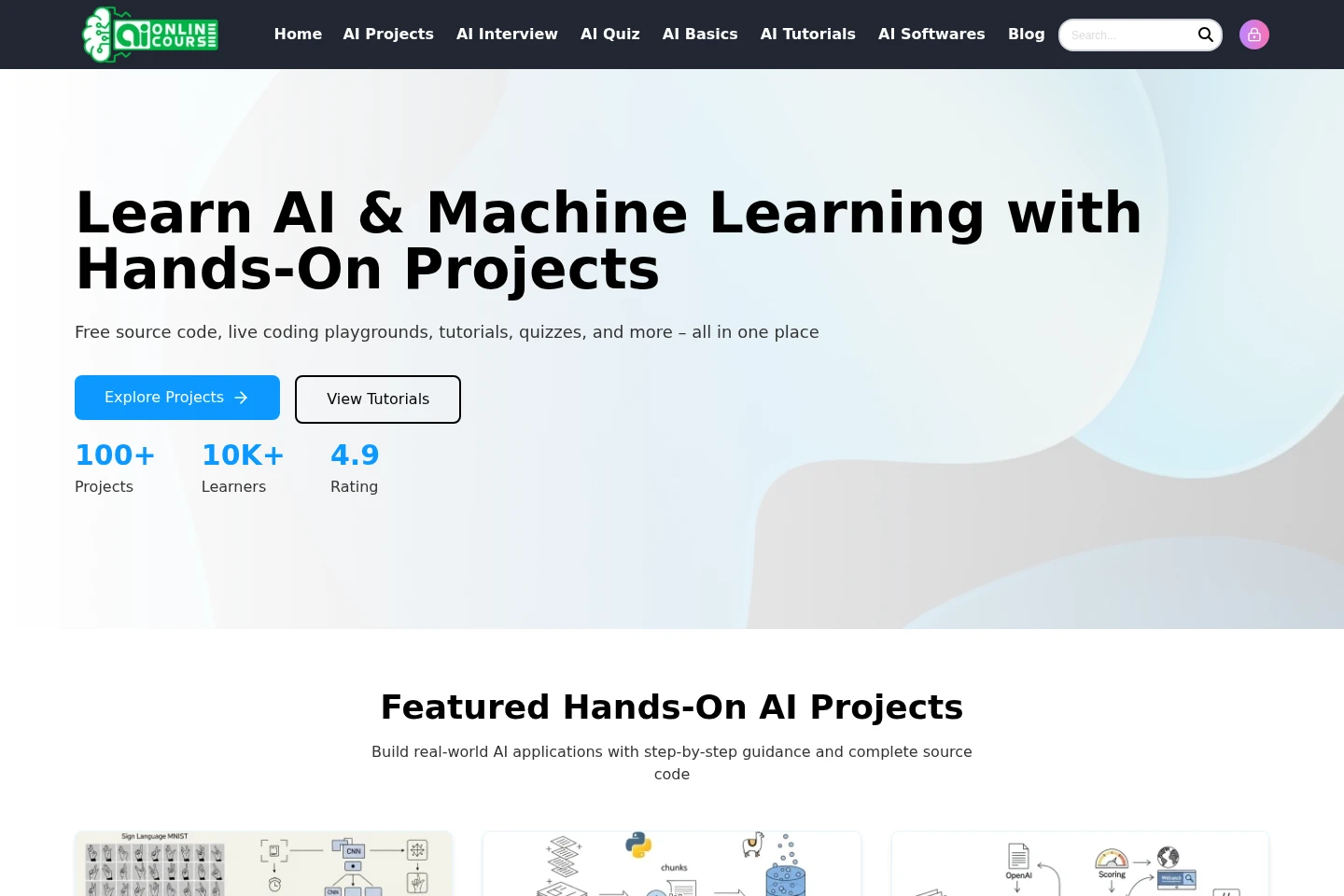
AI Online Course provides tutorials, AI basics, quizzes, interview questions, and hands-on projects with source code and live coding playgrounds. Learners can explore topics including machine learning, natural language processing, and data science, test their knowledge with quizzes, and inspect listed AI software tools.

  • Contact Sales
  1. Lablab.ai

    Empower your creativity with AI

    Freemium
  2. OpenMAIC

    Generate interactive AI classrooms from topics or documents

    Freemium
  3. LearnBuddy

    Turn AI learning goals into guided practice and project work

    Contact Sales
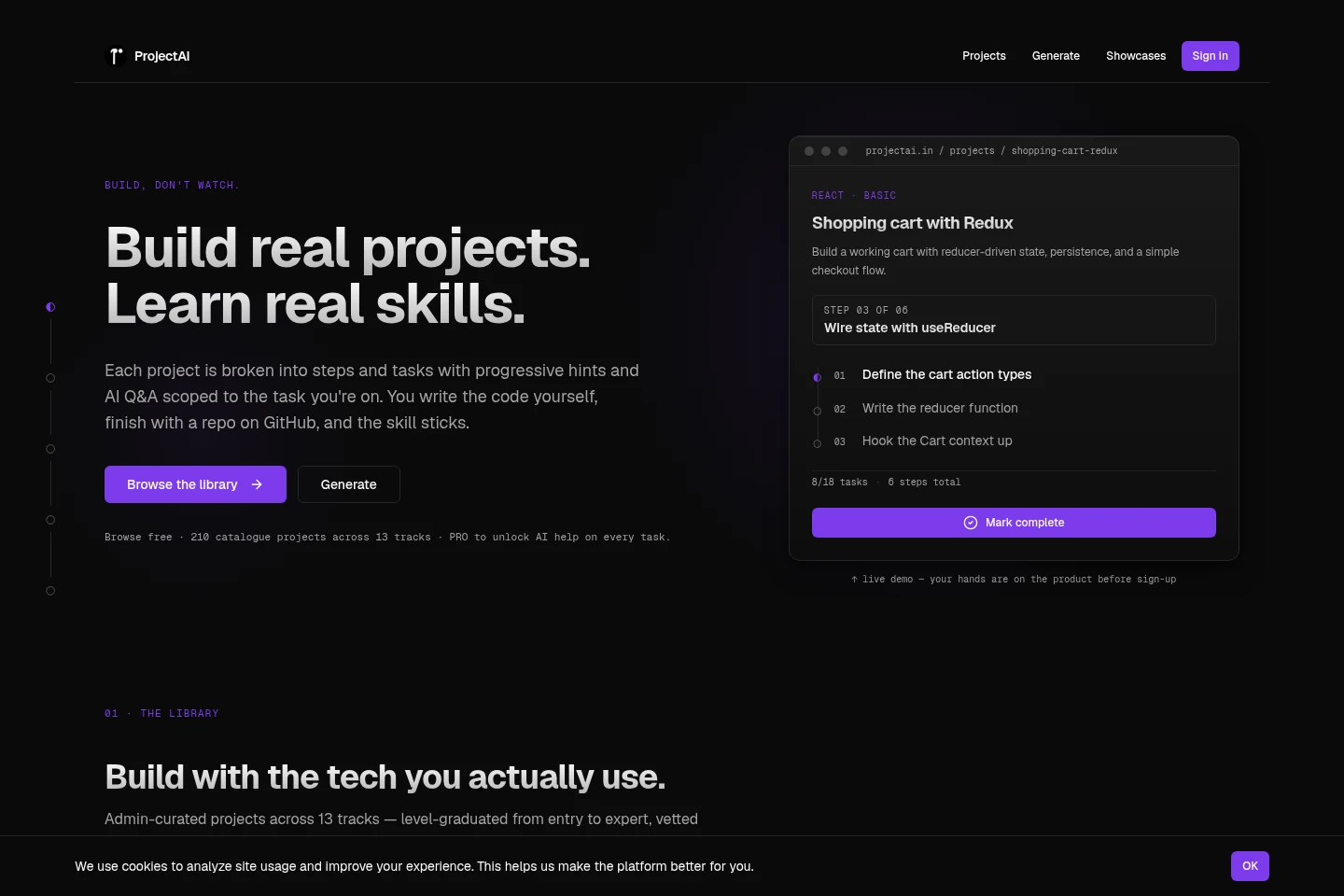
  4. ProjectAI

    Learn programming by building guided projects

    Free · Free forever
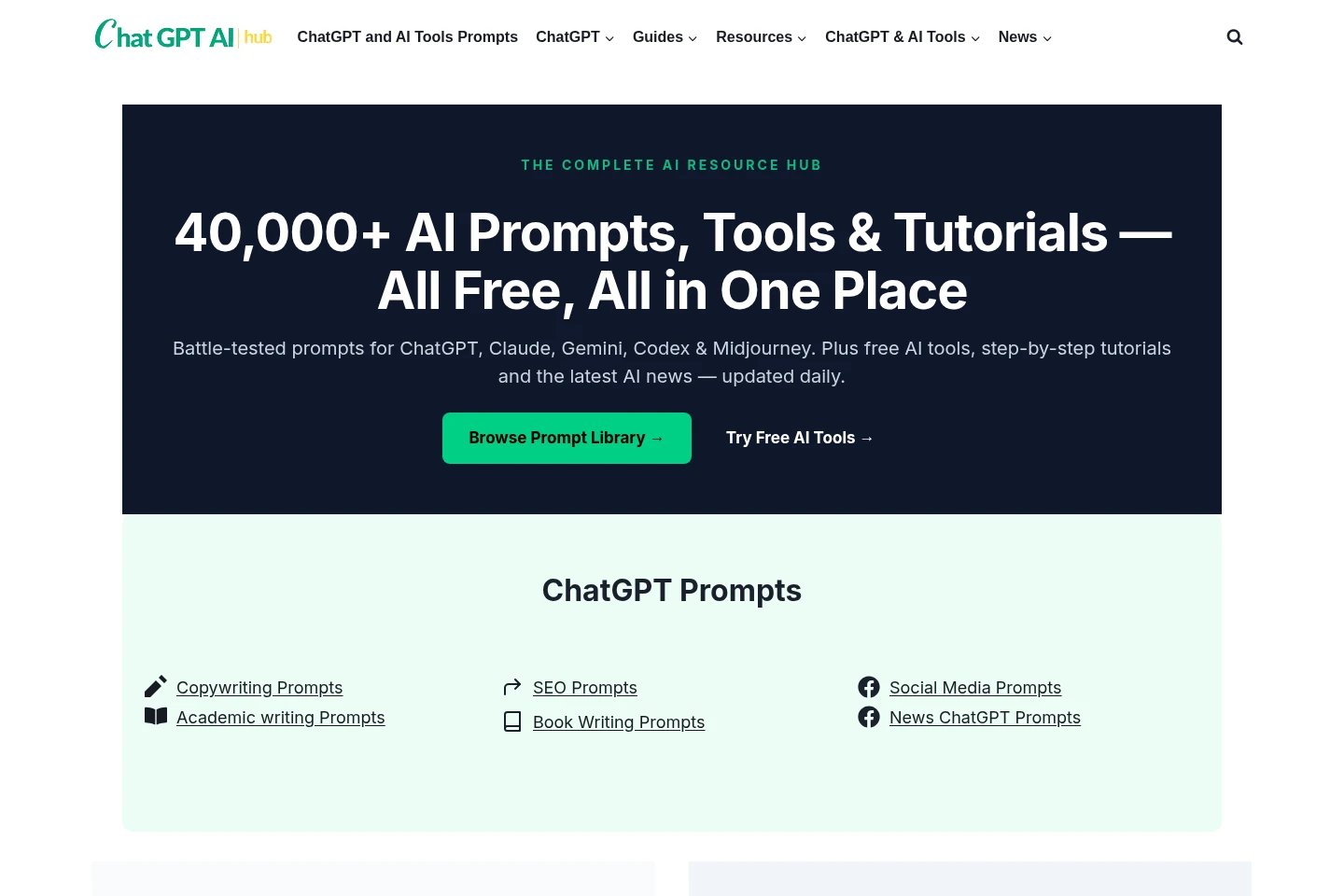
  5. ChatGPT AI Hub

    Empower your creativity with AI tools

    Freemium

Who it is for

  • People new to AI and machine learning who need sequenced lessons to build foundational skills.

  • Developers who want to add AI and ML tools to their stack and build solutions with models.

  • Data professionals who want to develop analytics and data science skills using machine learning and neural networks.

  • Learners ready to explore specialist AI topics such as RAG and reinforcement learning beyond introductory material.

FAQ

Is PITMA Hub free to use?

Yes. The site describes lessons, projects, community feedback, and learning as free. It does not provide paid plan prices or billing terms in the supplied pages.

What are Jams?

Jams are PITMA's video lessons. Learners choose a topic, watch an explanation, and follow code covering subjects from Python basics to machine learning.

How does project review work?

Learners write code and submit a pull request. Community members can request changes or approve the work before it is merged and published to the gallery.

How do I run an AI Lab experiment?

Configure a dataset and model workflow in AI Lab, then open its Python notebook in Google Colab to run the cells and inspect results.

Can I share completed work on GitHub?

Yes. The project workflow describes publishing completed work to GitHub after code review and sharing it with the community.

Comments

Please sign in to leave a comment.
No comments yet. Be the first to share your thoughts!