Text and image generation
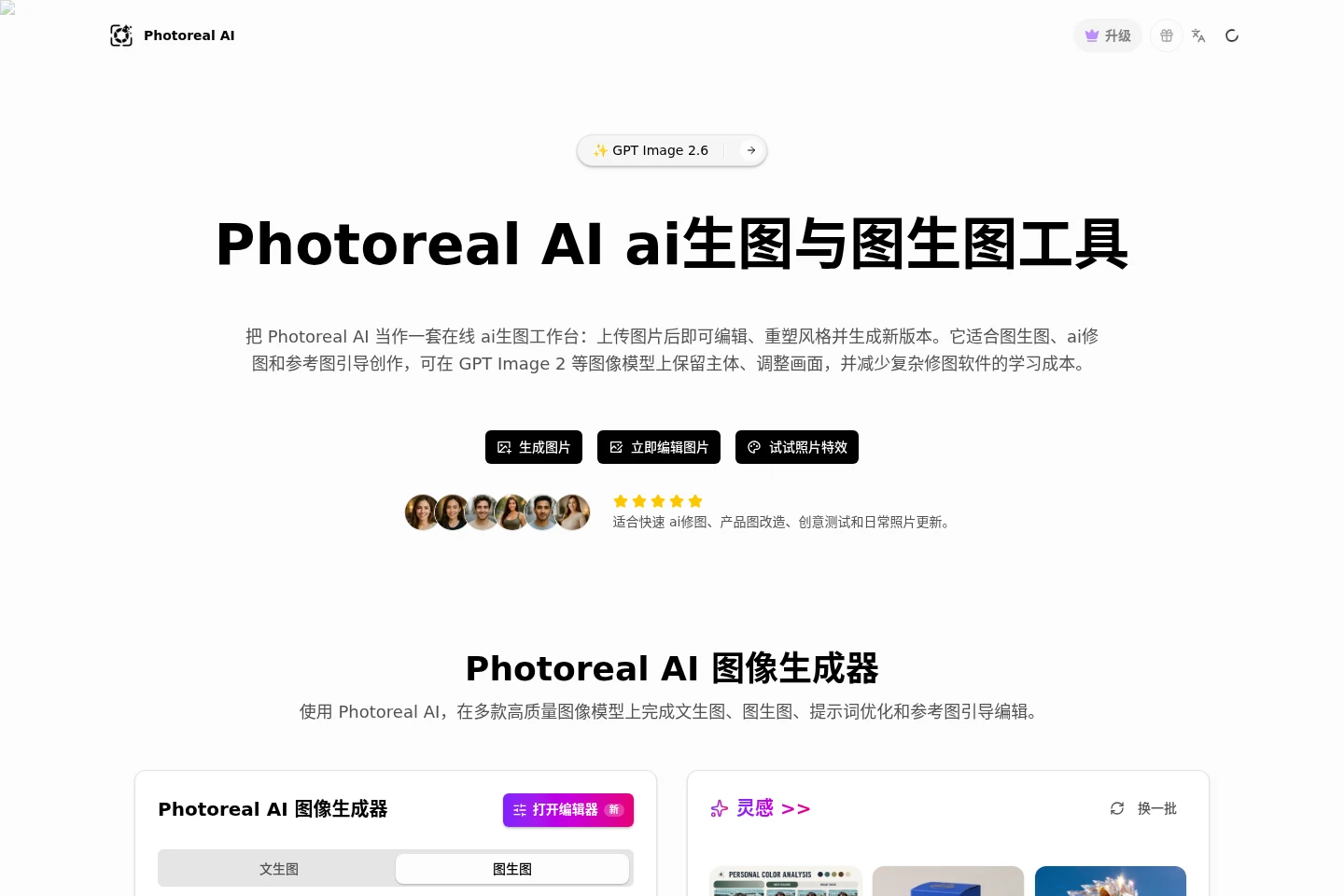
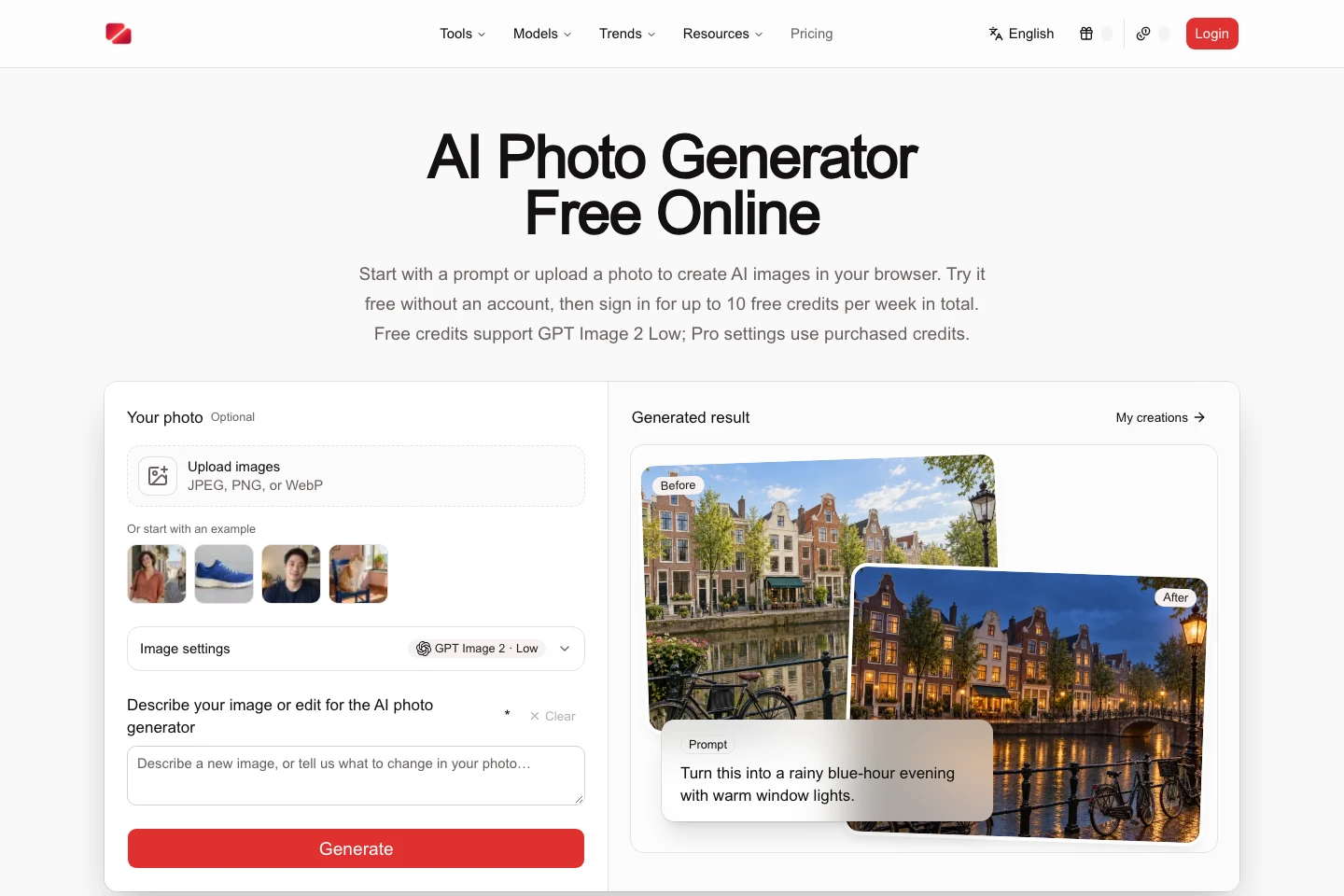
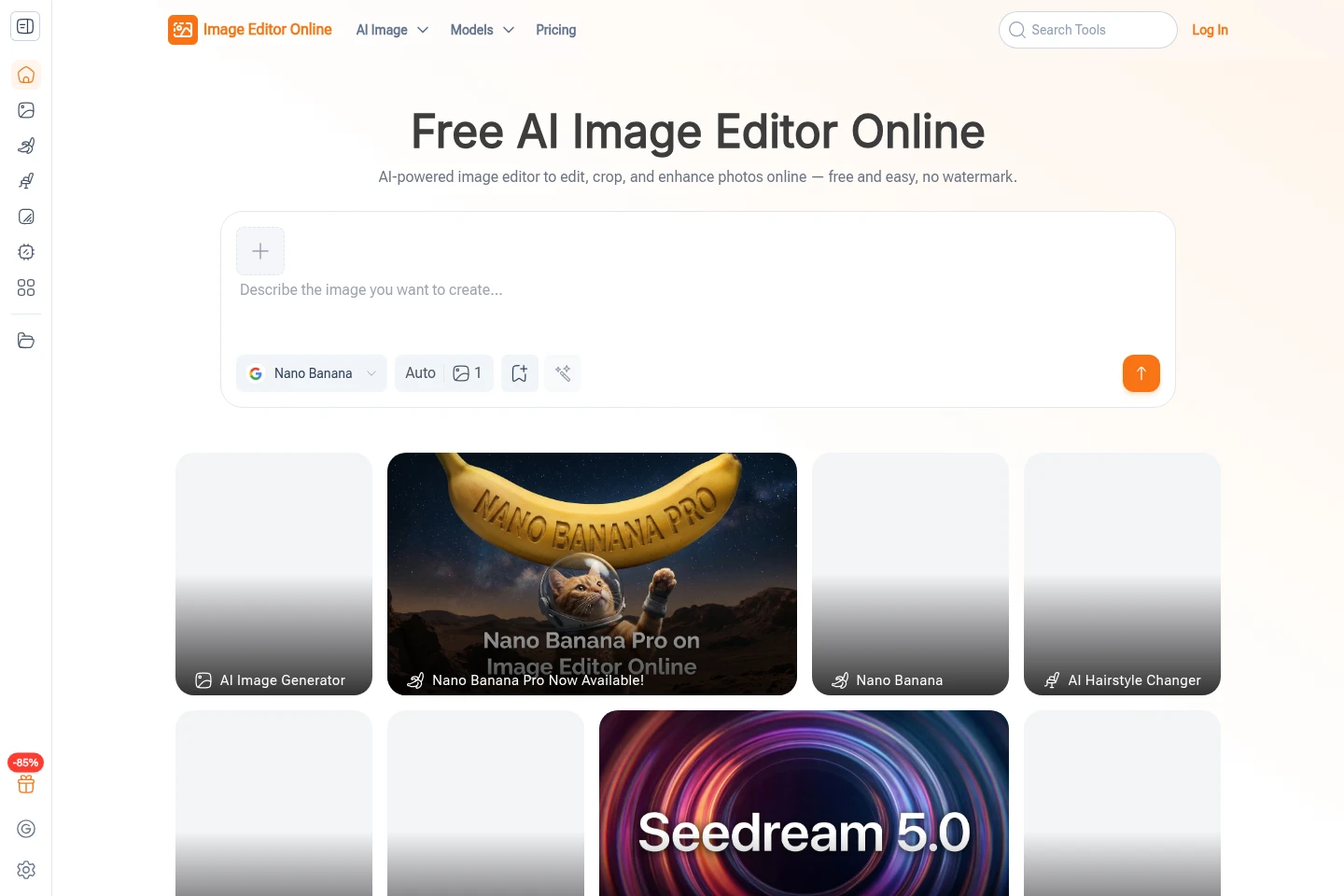
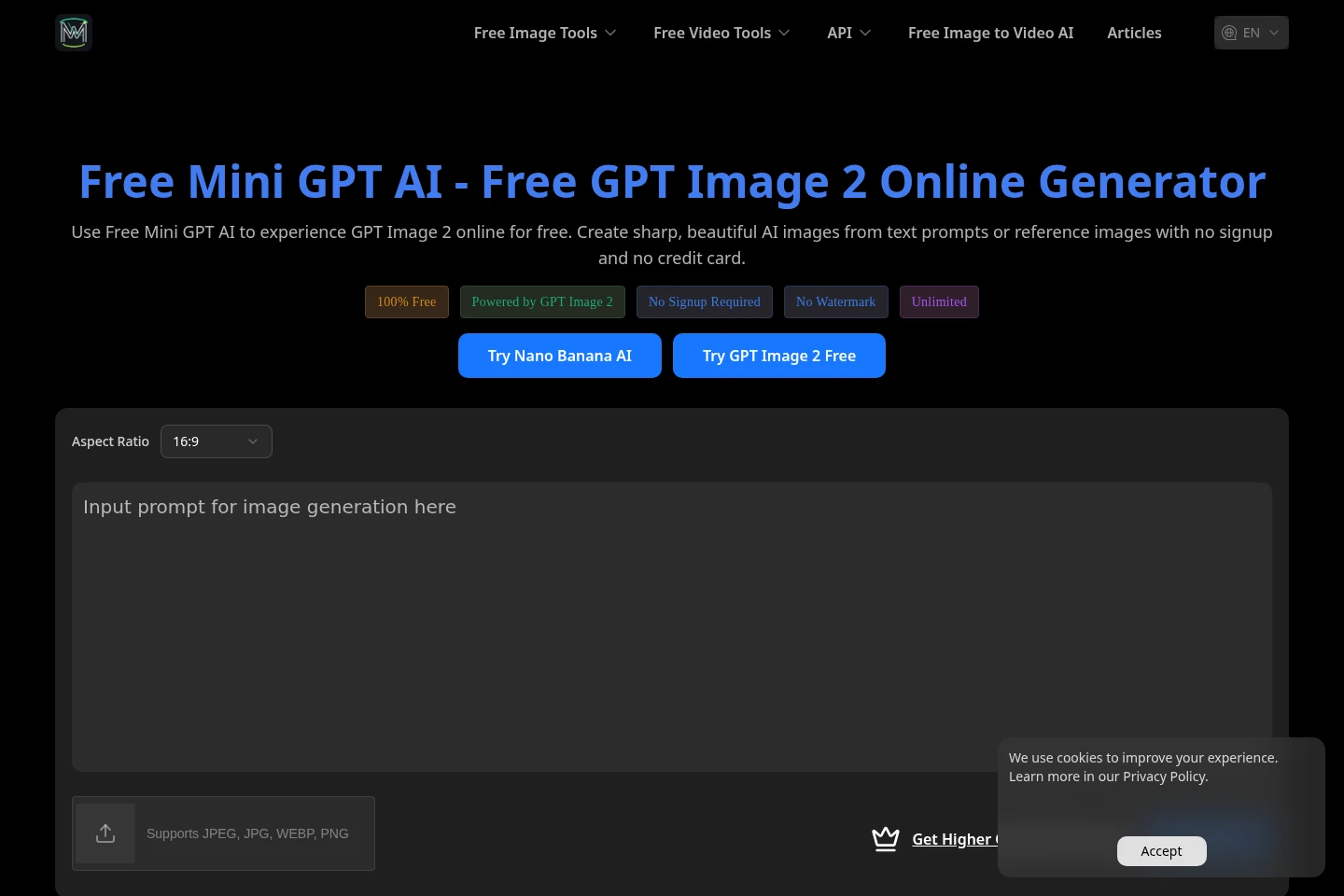
Generate images from text prompts or uploaded reference images, with outputs created by selectable image models. Upload up to four reference images, enter a prompt, choose settings such as aspect ratio and quality, and run the generation after signing in.
Prompt-guided image editing
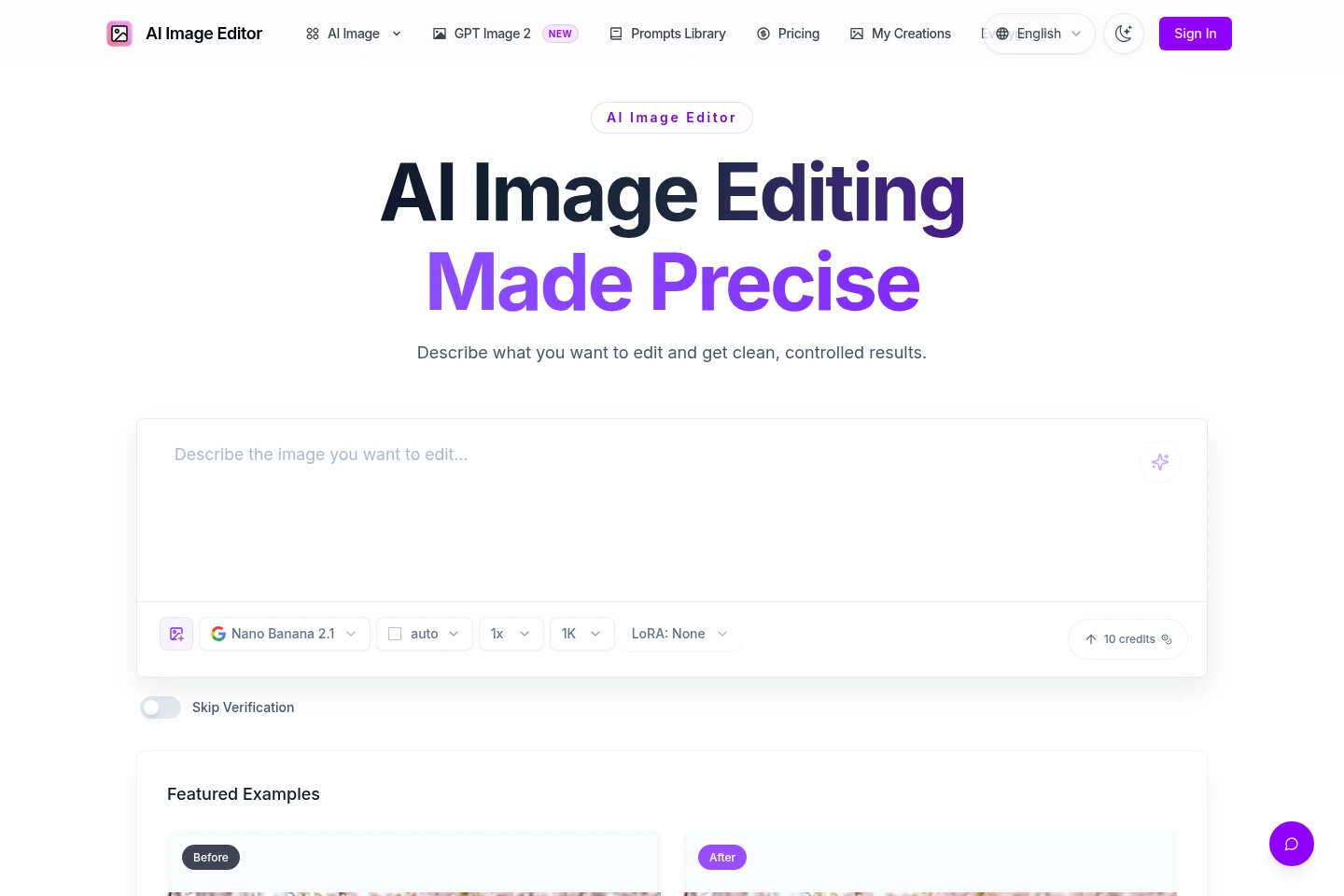
Create edited image versions by describing the desired changes in a prompt. Inputs can include photos, product images, sketches, or generated images; the editor uses them as visual references and can preserve the main subject and composition while changing style, lighting, or background.
Prompt optimization
Expand a rough idea into a more detailed image prompt before generating. The prompt tool can add details about the subject, composition, lighting, style, and image quality to guide the model.
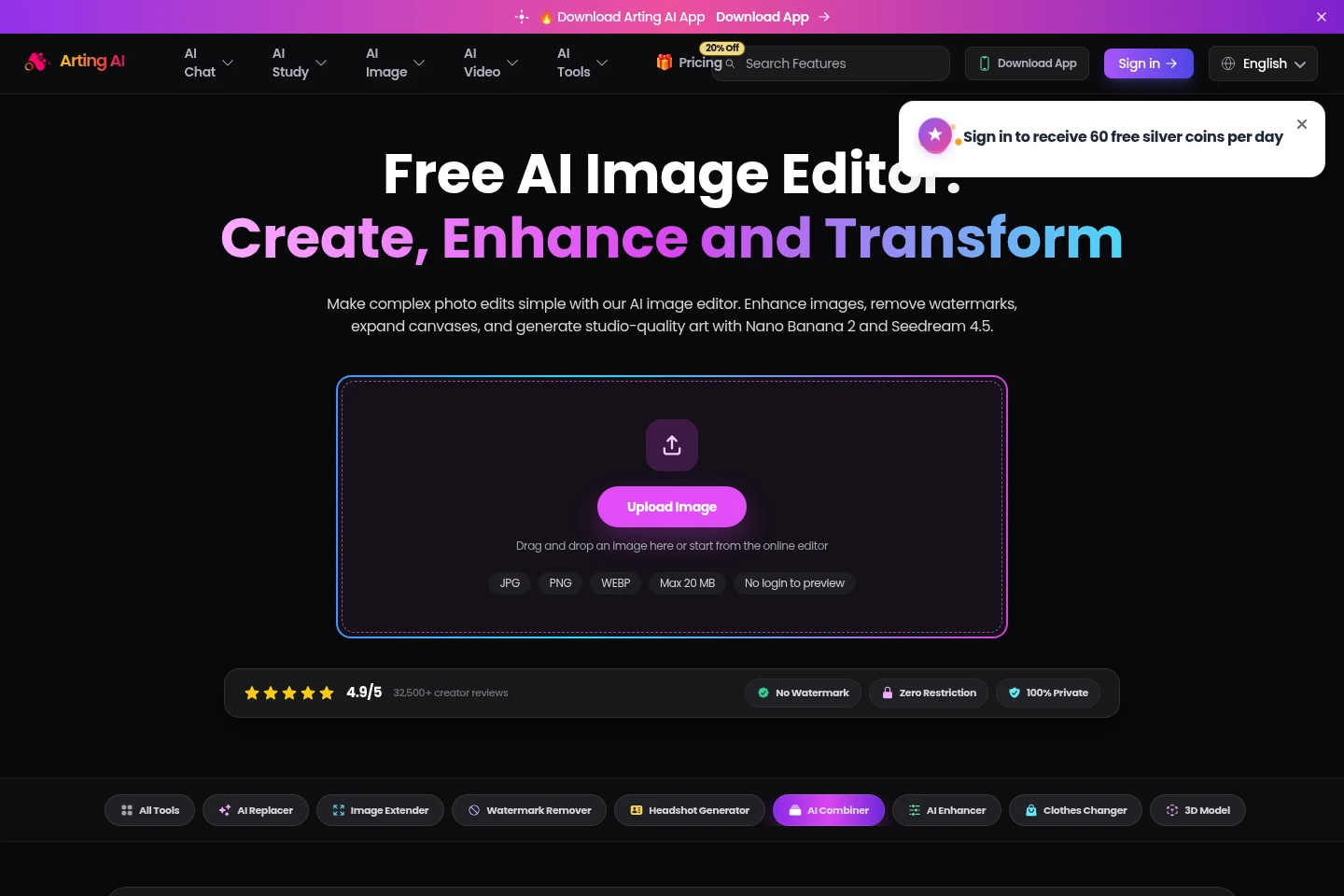
Apply individual edits such as background changes, object removal, image extension, text removal, recoloring, and restoration. Choose a listed tool, provide an image, and use the resulting edited image for further review or download.







Comments