Monthly visits
1,906
2026-10
Monthly growth +2,702.9%

PDFPeer - Ask questions and get summaries from your PDFs

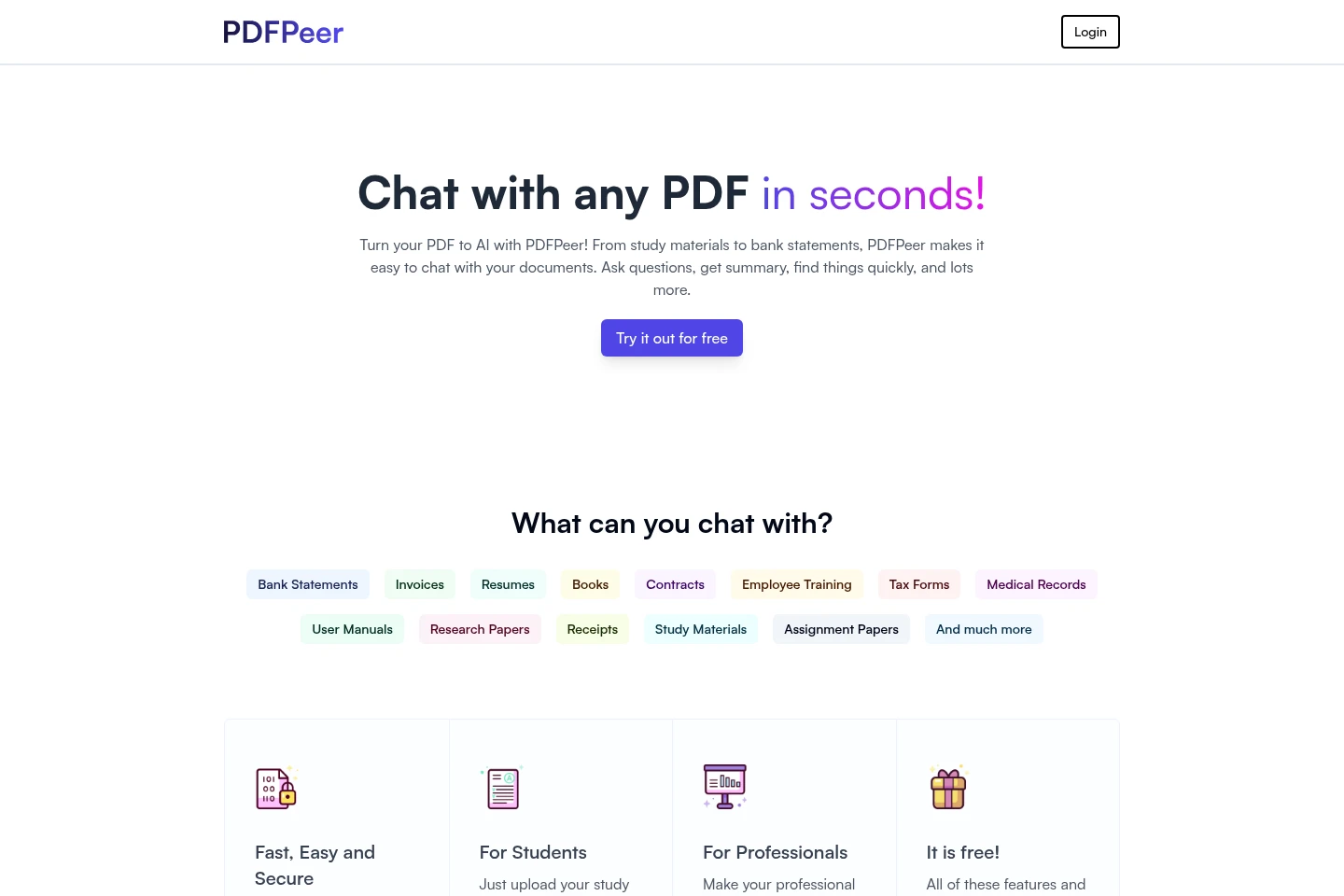
PDFPeer lets you upload PDFs and chat with their contents. Ask questions, request summaries, and find information in documents such as study materials, contracts, resumes, and bank statements. The Free plan limits each PDF by file size and page count and caps daily questions; paid options include unlimited access and a one-time lifetime deal.

Visit WebsiteUpdate this product

0Views

Capabilities

Chat with PDF contents

Ask questions about an uploaded PDF and receive answers based on its contents. Upload a document, then enter questions in the chat; the Free plan limits each document and daily questions.

Summarize PDF documents

Request a summary of an uploaded PDF to review its contents. Upload a document and ask PDFPeer for a summary; the Free plan allows one PDF, up to 10 MB and 200 pages.

Find information in PDFs

Ask PDFPeer to locate information in uploaded documents, including resumes and study materials. The Free plan limits daily questions, while the Unlimited Plan advertises unlimited questions and PDFs.

PricingFreemium

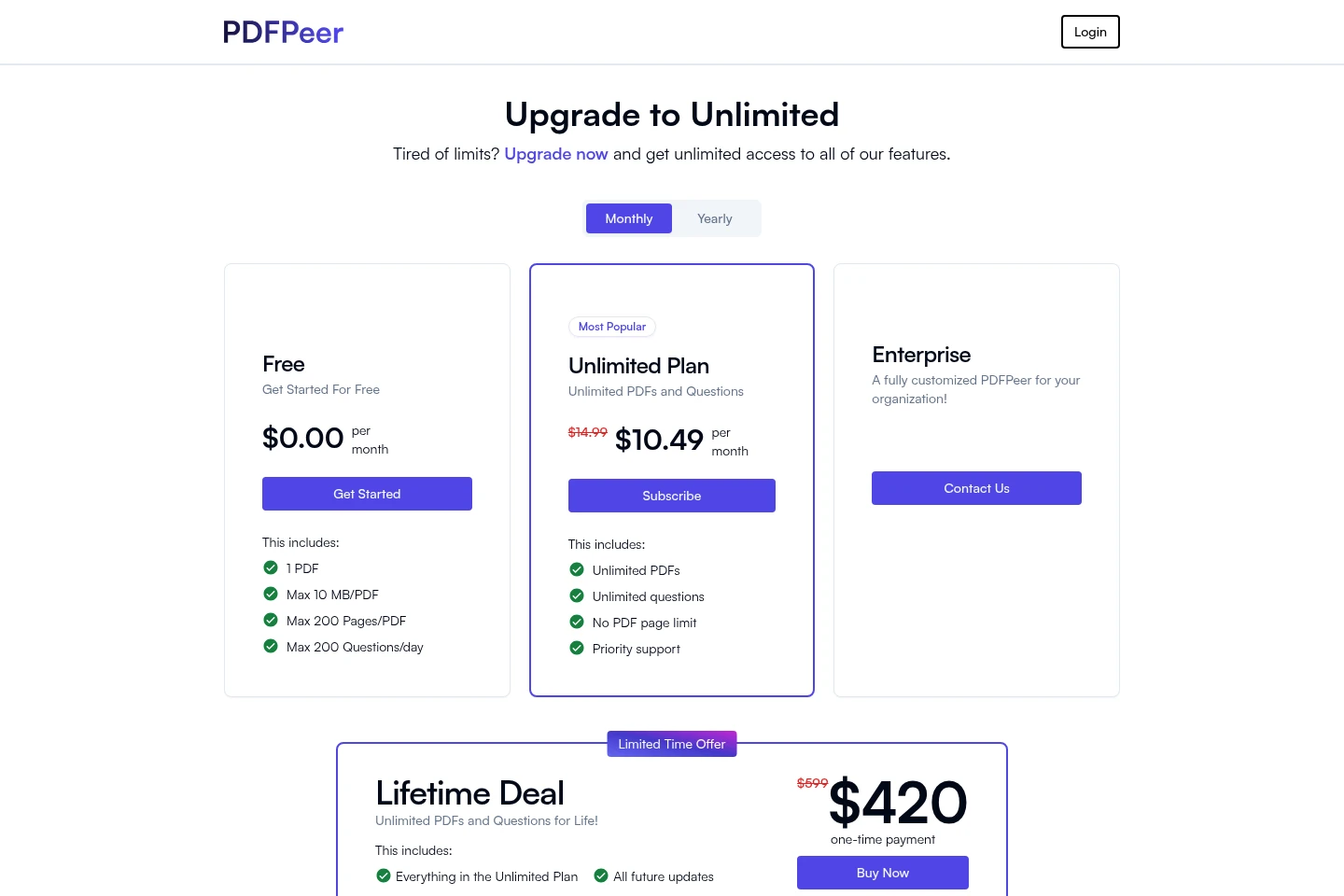
PDFPeer offers a free plan, a paid Unlimited Plan, a customized Enterprise option, and a one-time Lifetime Deal. Compare PDF and question limits, support, customization, and included updates; the Unlimited Plan page displays monthly and yearly billing options.

PlanPriceIncluded features and limits
Free

$0.00 per month

  • Includes 1 PDF.

  • Maximum 10 MB per PDF.

  • Maximum 200 pages per PDF.

  • Maximum 200 questions per day.

Unlimited Plan

$14.99 and $10.49 displayed; billing interval for each amount is unspecified

  • Unlimited PDFs.

  • Unlimited questions.

  • No PDF page limit.

  • Priority support.

Enterprise

Contact for pricing

  • Fully customized PDFPeer for an organization. The page directs interested users to Contact Us.']},{

  • id

  • lifetime-deal

  • priceText

  • $599 and $420; one-time payment

  • details

Use cases

Review study materials and lecture notes

When preparing from lengthy study materials, upload a PDF and ask questions about its contents or request a summary. The responses help surface information from the uploaded document.

Review contracts and workplace documents

When working with contracts, financial reports, manuals, or training documents, upload a PDF and ask questions or request a summary. PDFPeer provides responses based on the document's contents.

Summarize resumes in a PDF

When reviewing resumes combined into a PDF, upload the file and ask for a summary or relevant candidate information. The site describes this use for finding relevant candidates.

Limitations

  • On the Free plan, only one PDF is included, with a maximum size of 10 MB and 200 pages per PDF.

  • On the Free plan, users can ask a maximum of 200 questions per day.

Alternatives

PDF Summarizer

Chat with PDFs and find the passages behind each answer

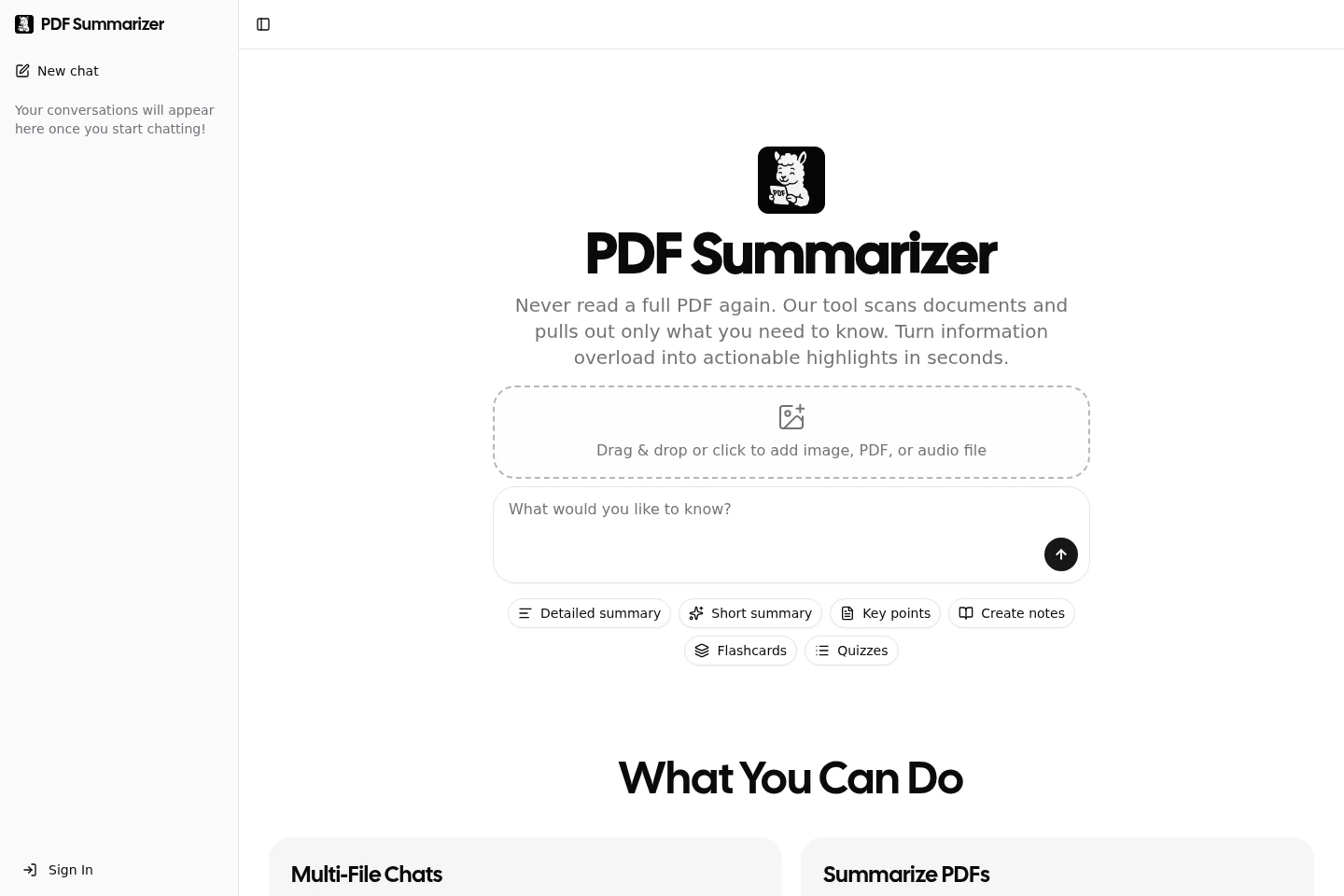
PDF Summarizer lets users upload PDFs and other supported files, create summaries, key points, notes, flashcards, or quizzes, and ask questions in a chat. It can combine multiple PDFs in one conversation, show the document beside the chat, and link answers to source passages. The homepage states that PDF uploads can be up to 50 MB and 500 pages.

  • Cloud
  • Paid
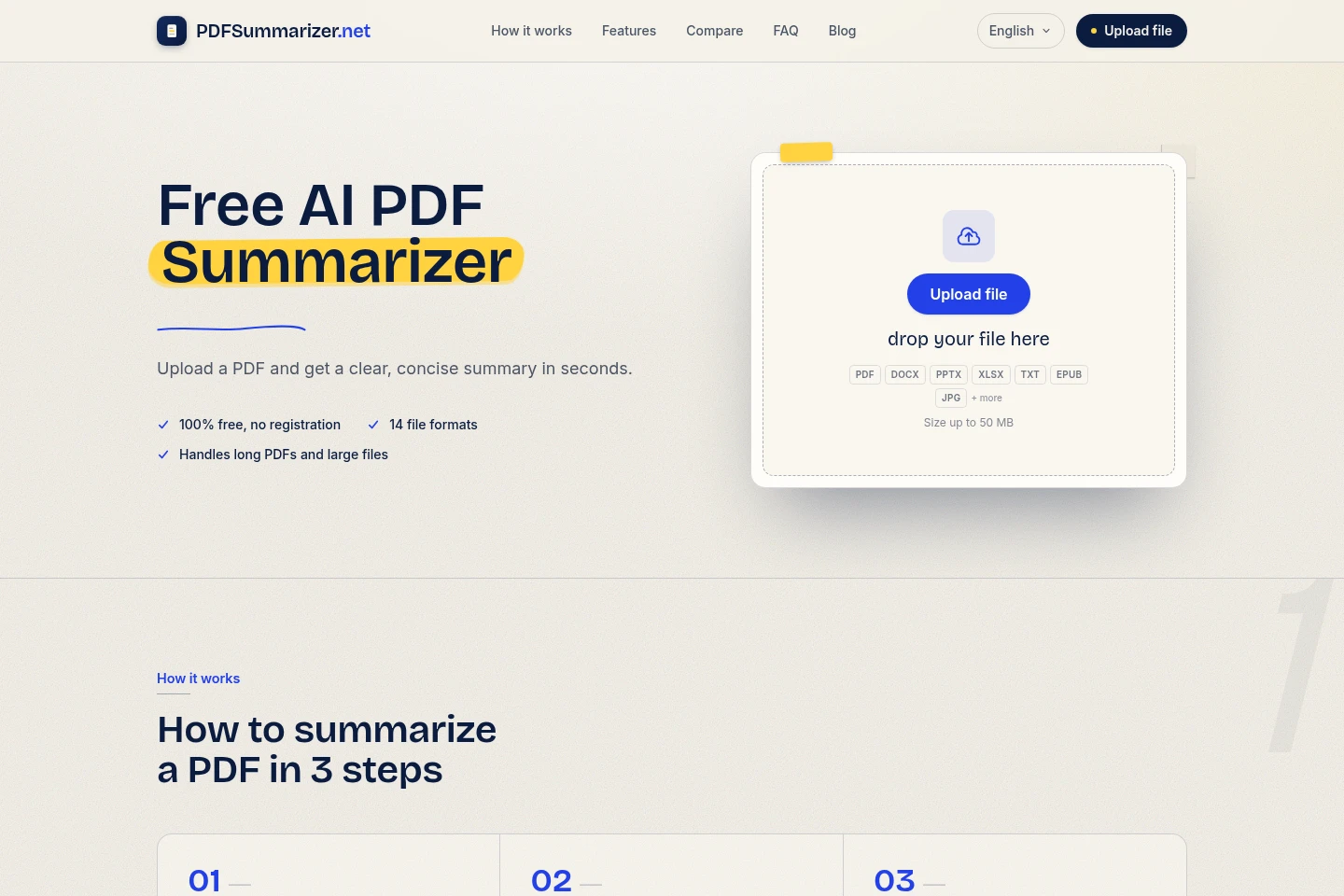
  1. PDFSummarizer.net

    Summarize documents and ask questions about their contents

    Free · Free; $0
  2. ChatPDF

    Your PDF AI for instant answers and insights

    Freemium
  3. ChatPDF

    AI-powered PDF chat assistant for document analysis

    Freemium
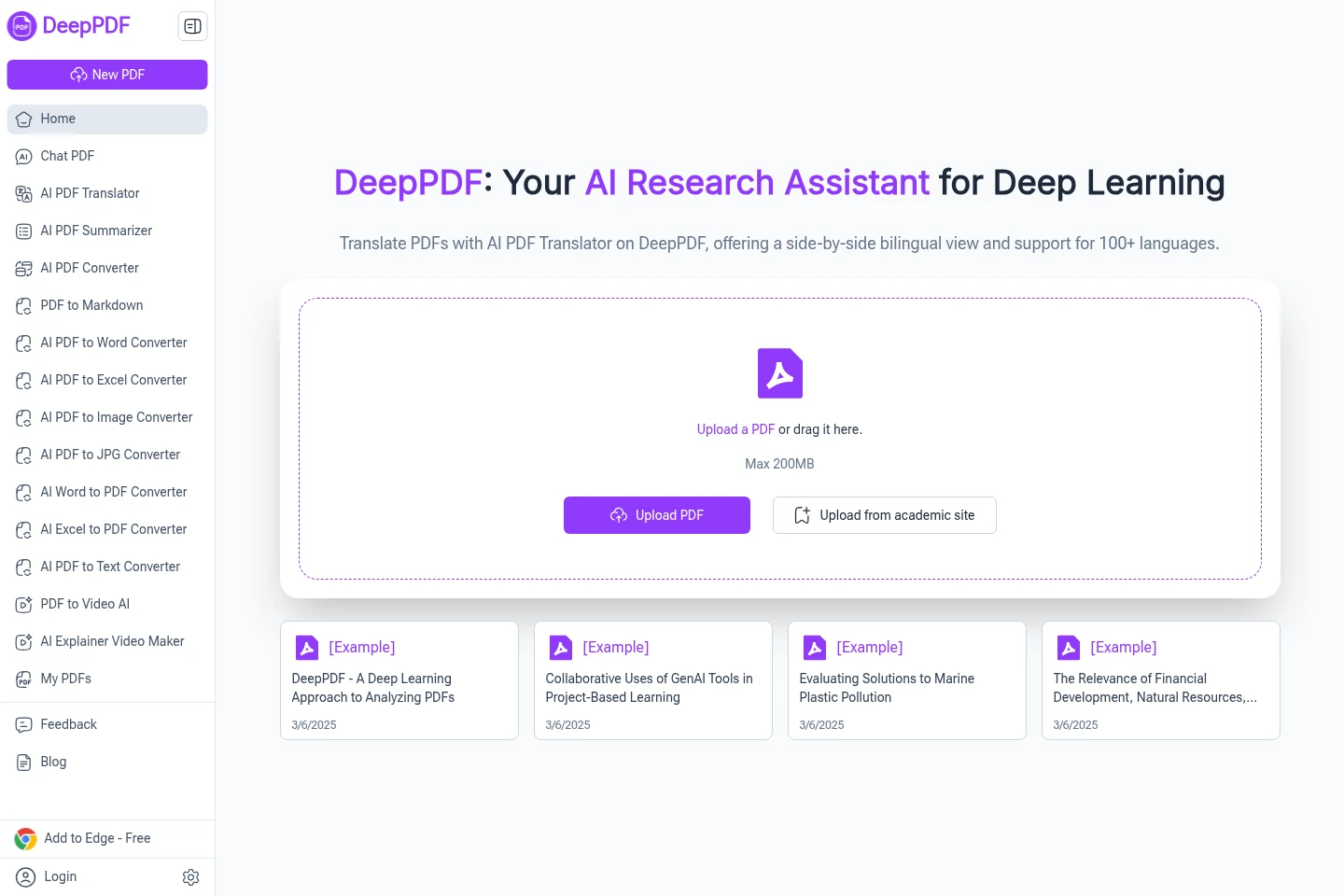
  4. DeepPDF

    Chat with PDFs, summarize and analyze documents with AI

    Free · $0, always free
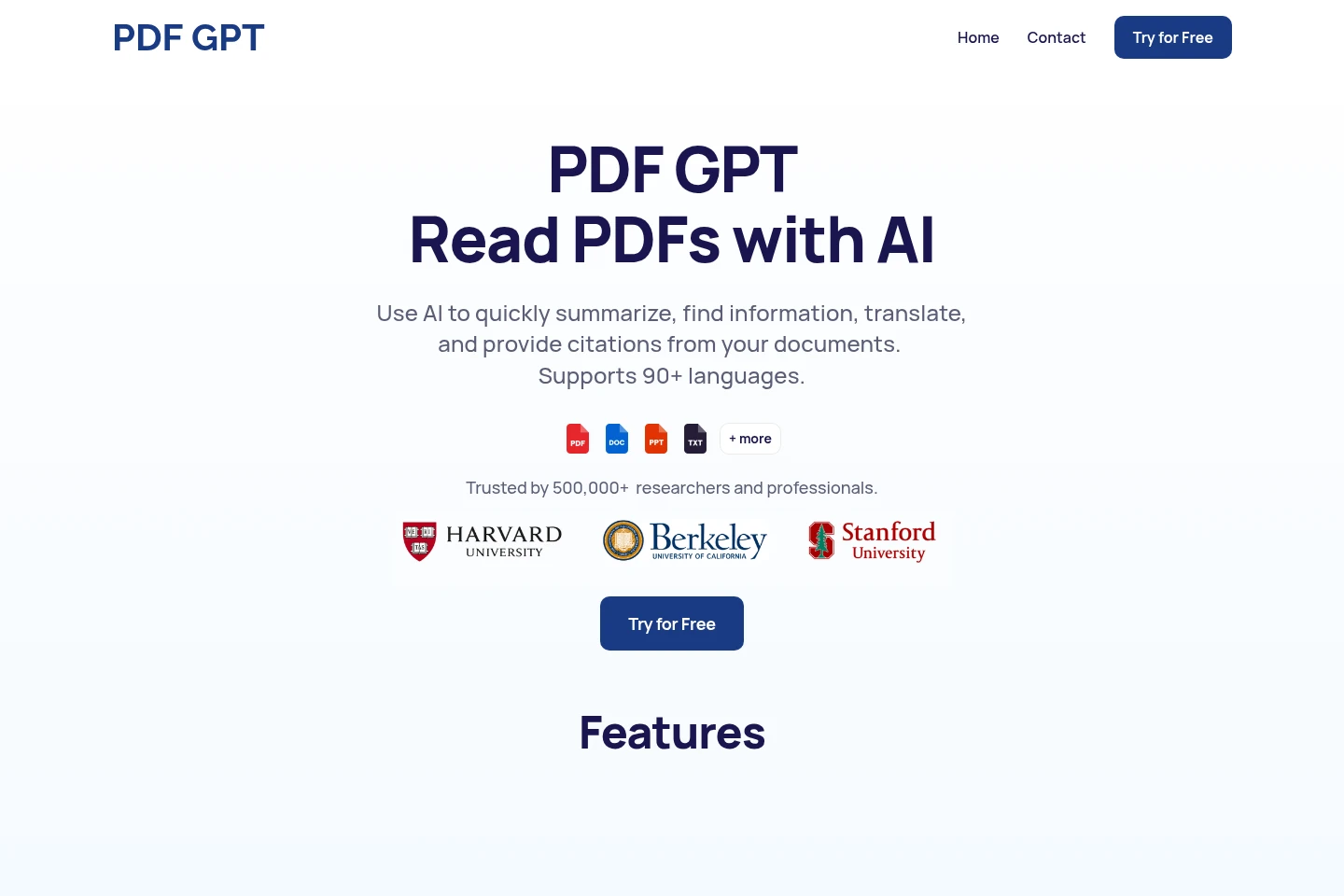
  5. PDF GPT

    Ask questions, search, and get cited answers from PDFs

    Contact Sales

Who it is for

  • Students who need to ask questions about study PDFs and lecture notes

  • Professionals who need to query or summarize contracts, reports, and other work PDFs

  • Recruiters who need to summarize resumes and find relevant candidate information in PDFs

FAQ

What can I do with a PDF in PDFPeer?

You can chat with an uploaded PDF, ask questions, request a summary, and find information in its contents. The site lists documents such as books, contracts, resumes, and study materials.

What are the Free plan limits?

The Free plan includes one PDF, with a maximum of 10 MB and 200 pages per PDF, and allows up to 200 questions per day.

What does the Unlimited Plan include?

The Unlimited Plan lists unlimited PDFs and questions, no PDF page limit, and priority support. Its pricing page displays $14.99 and $10.49 alongside monthly and yearly billing options, without specifying the payment interval for each displayed amount.

Is there a one-time purchase option?

Yes. The Lifetime Deal is described as a one-time payment and includes unlimited PDFs and questions, everything in the Unlimited Plan, and future updates. The page displays $599 and $420 as the deal prices.

Can an organization get a customized PDFPeer?

Yes. The Enterprise option is described as a fully customized PDFPeer for an organization, and the pricing page provides a Contact Us option.

Comments

Please sign in to leave a comment.
No comments yet. Be the first to share your thoughts!