PDF editing and organization
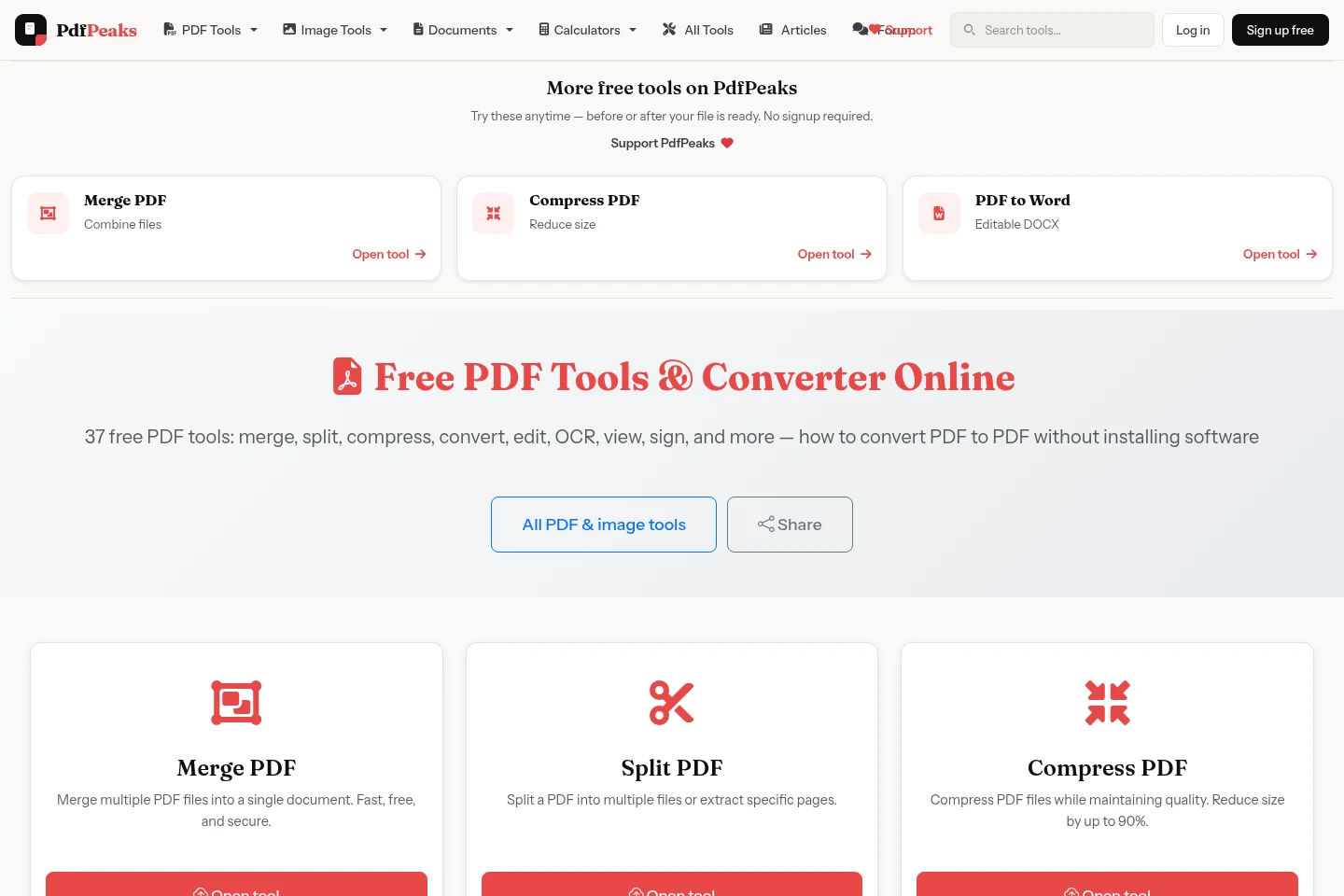
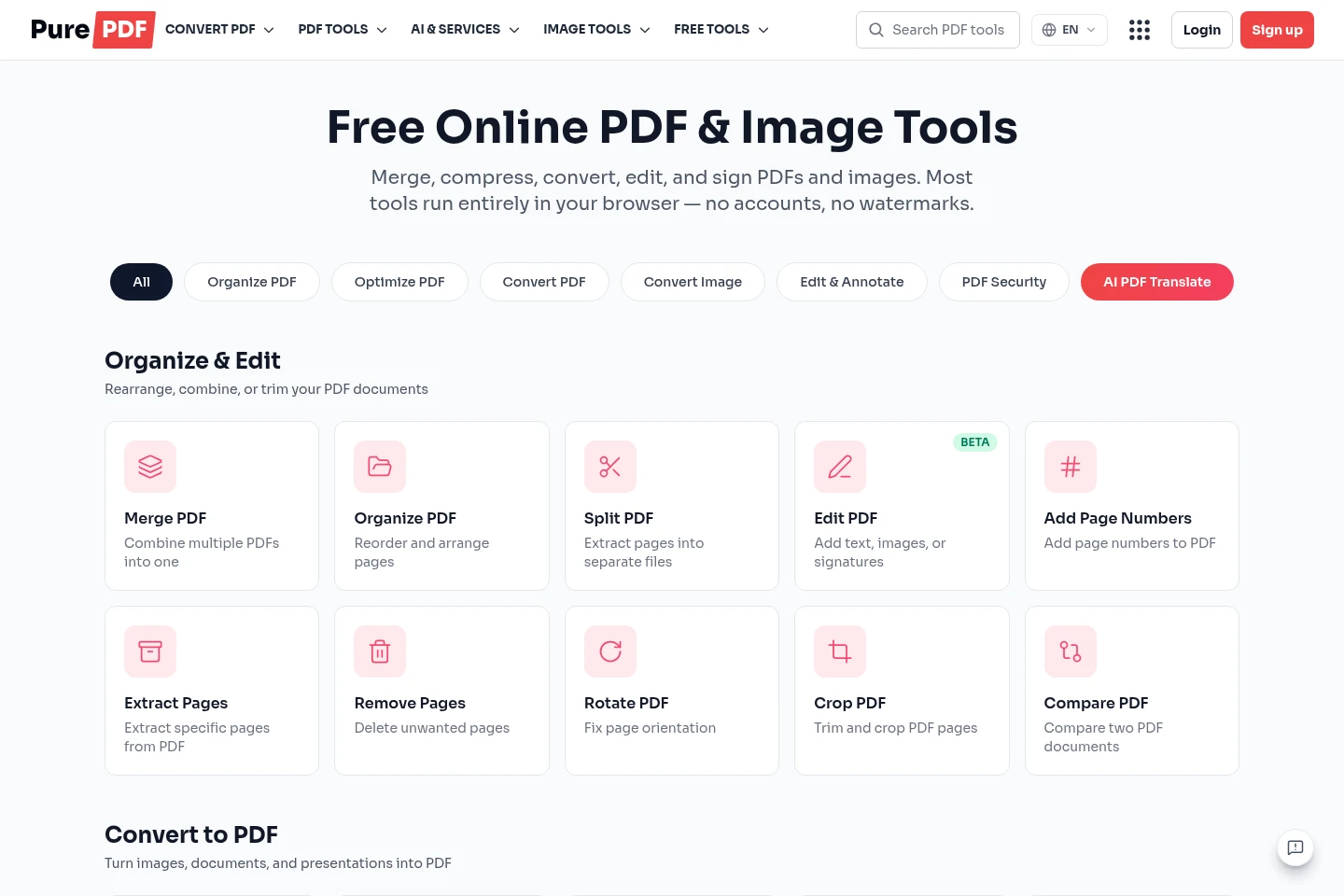
Edit and organize PDF files, producing revised documents with arranged or selected pages. Upload PDFs to merge files, split pages, reorder or delete pages, add text and annotations, sign, or fill forms.
PDF and image conversion
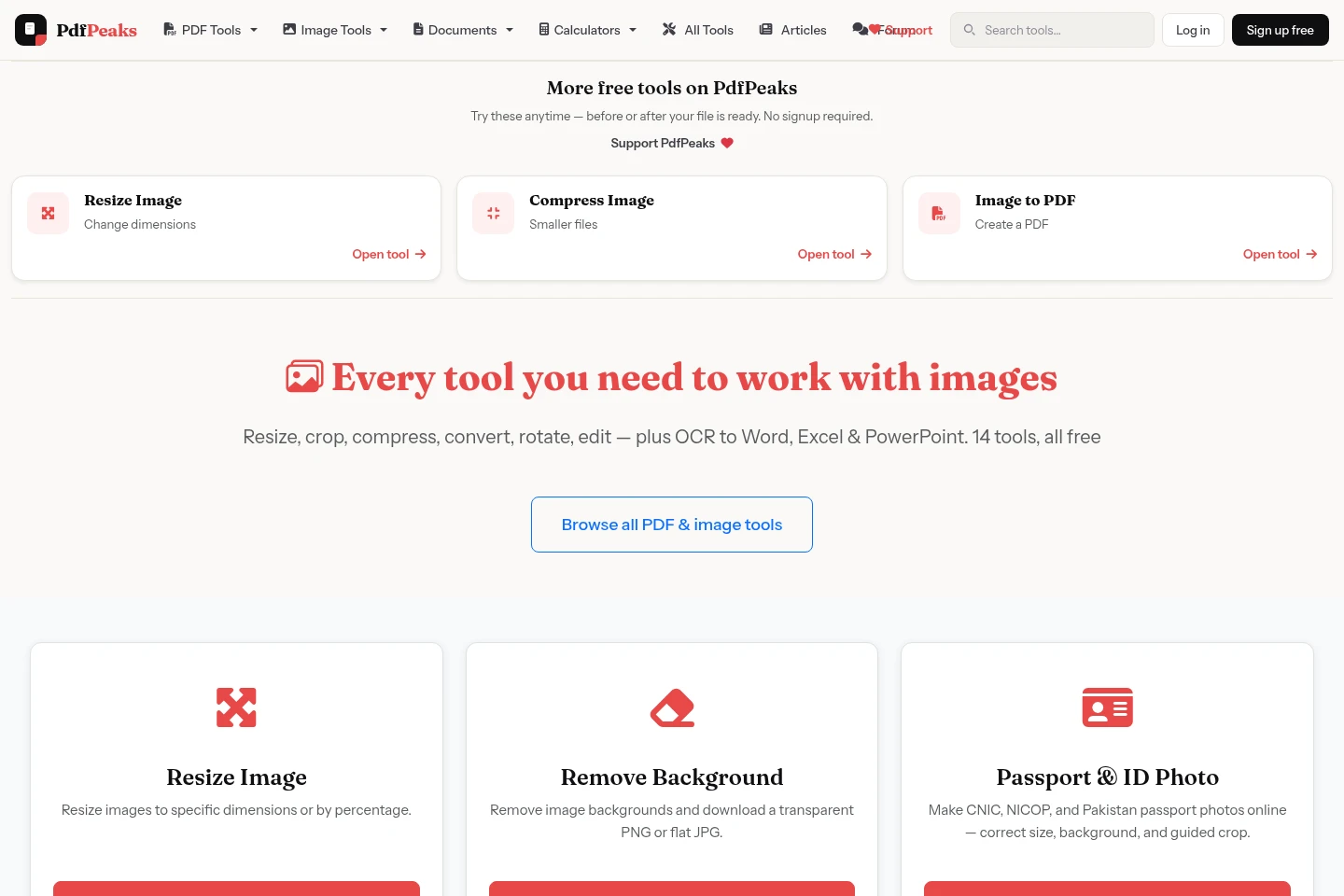
Convert PDFs, images, and Office files into downloadable files in other formats. Upload a supported PDF, image, DOCX, XLSX, or PPTX and choose an available output such as Word, Excel, PowerPoint, JPG, PNG, or PDF.
PDF and image compression
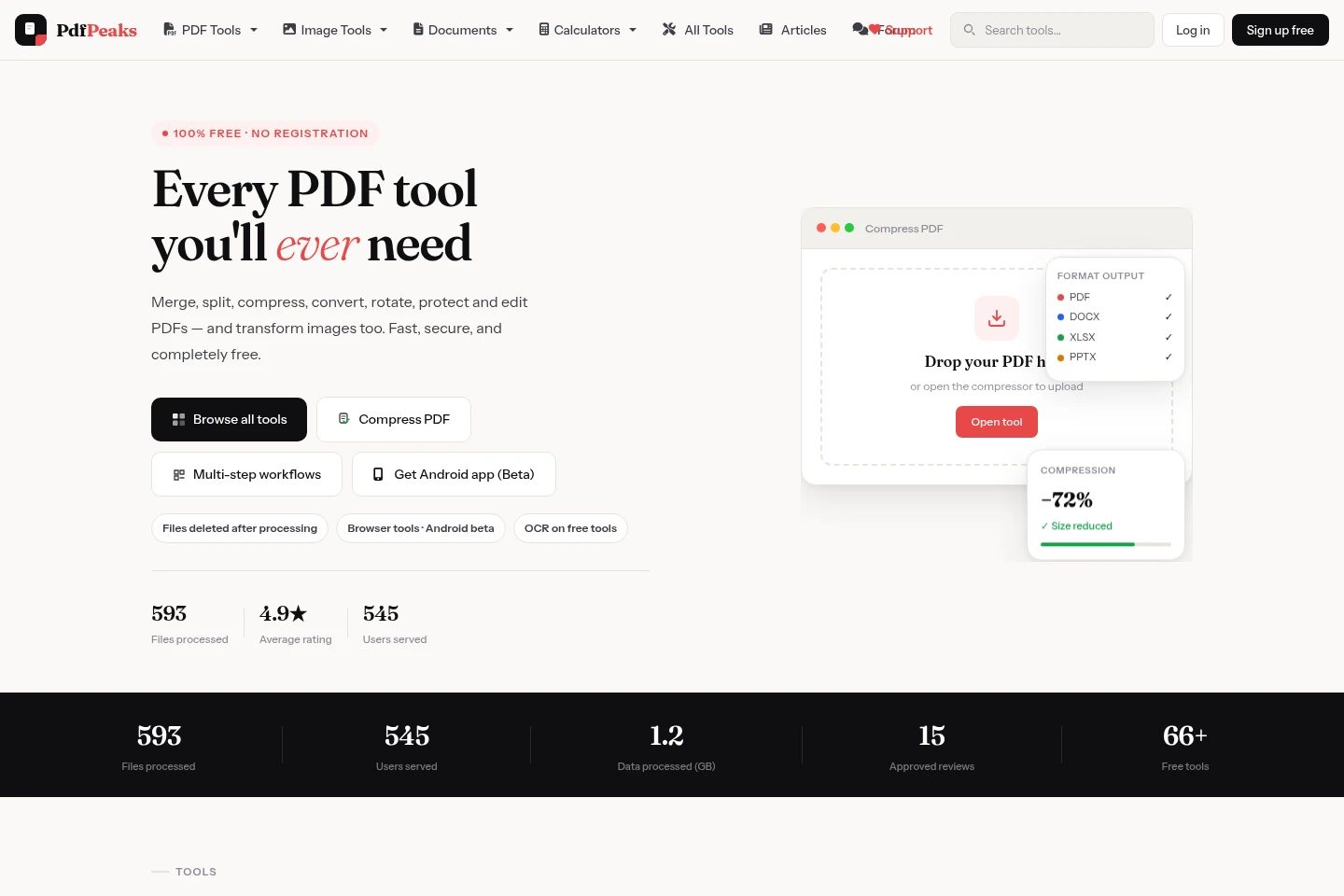
Reduce the file size of PDF documents and images, producing a smaller file. Upload the file to the relevant compression tool; the PDF tool is presented for reducing files to meet email or 200 KB limits.
OCR and text extraction
Extract machine-readable text or data from scanned PDFs and images, producing searchable PDFs, TXT files, or editable Office documents. Upload a scan and use OCR tools to create a text layer or export recognized content.
PDF security and redaction
Apply password protection or remove known password protection, and permanently redact selected PDF regions. Upload a PDF and choose the relevant security action; unlocking is for passwords the user knows.










Comments