Menu import and editing
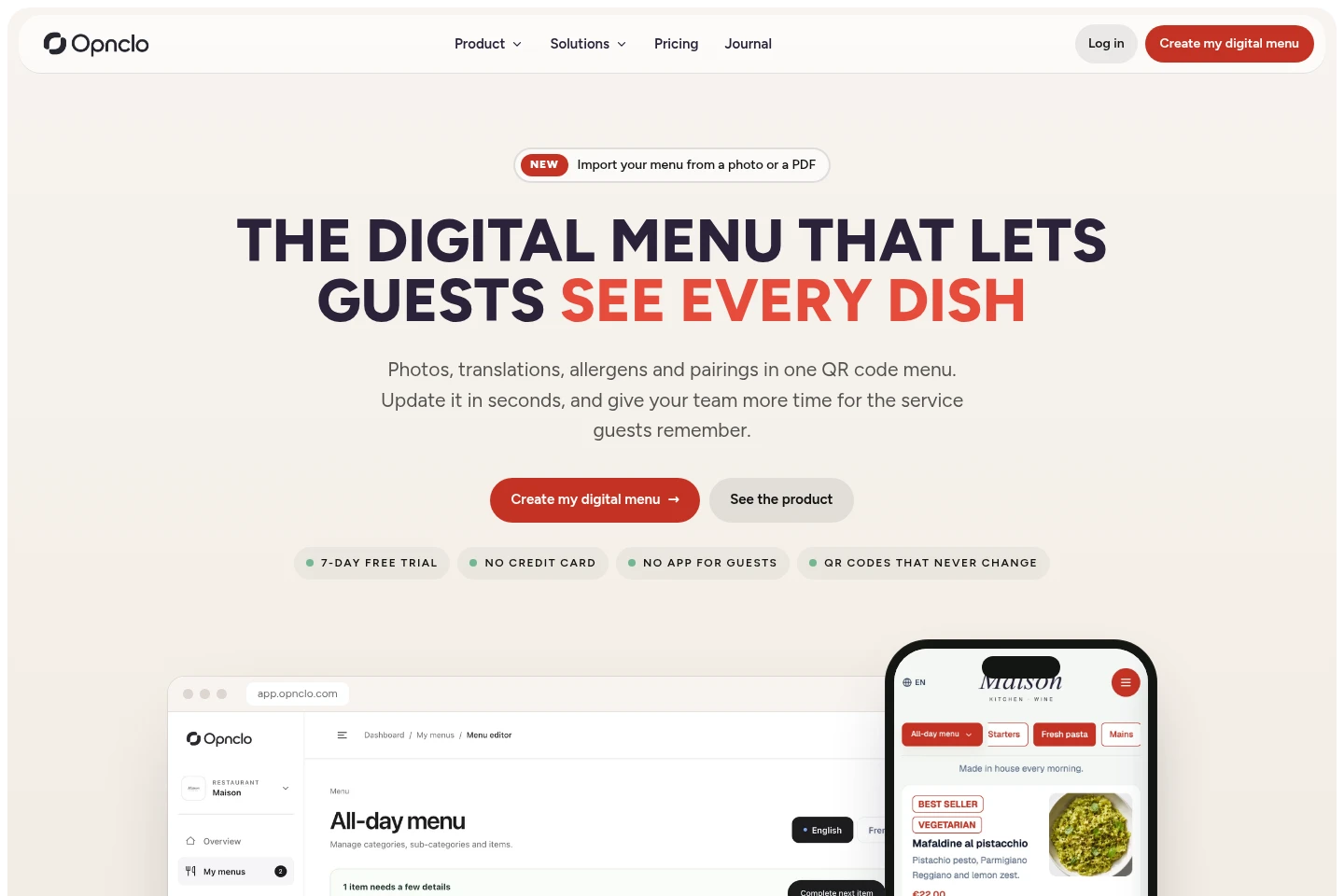
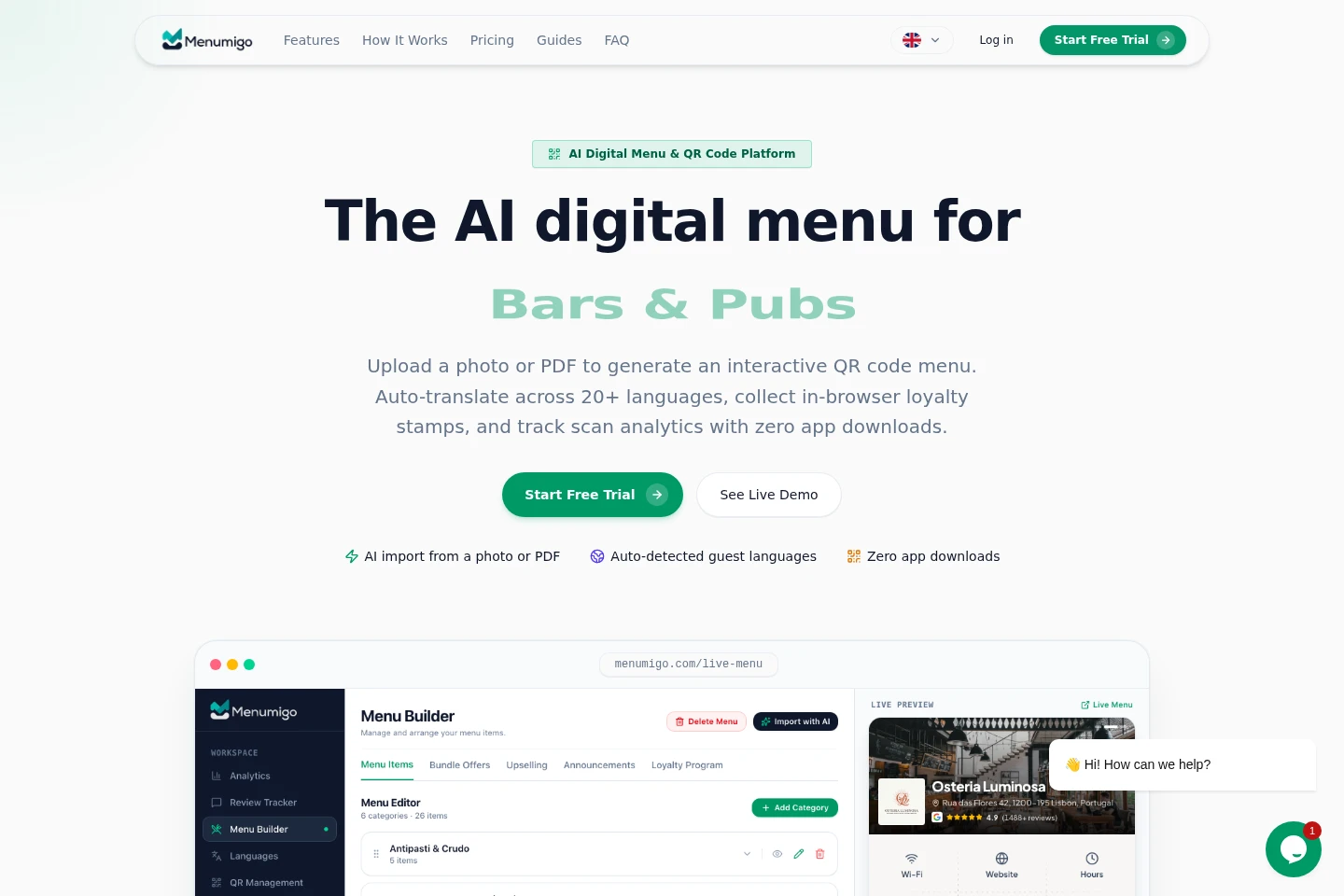
Import menu content and edit it in an online menu editor. Inputs include PDF files, photos, links or a blank menu; review the extracted dishes, prices and allergens before publishing.
Publish a menu that guests open by scanning a QR code, with updates appearing without reprinting the code. Customize the code with restaurant colors and download print-ready files.
Translate menu content into as many as three additional languages beyond the main language. Translations run when saved, and restaurant staff can review and edit them before publication.
Allergen display and filtering
Show the 14 major allergens on menu dishes and let guests filter out dishes they cannot eat. Staff add or review allergen information in the menu editor.
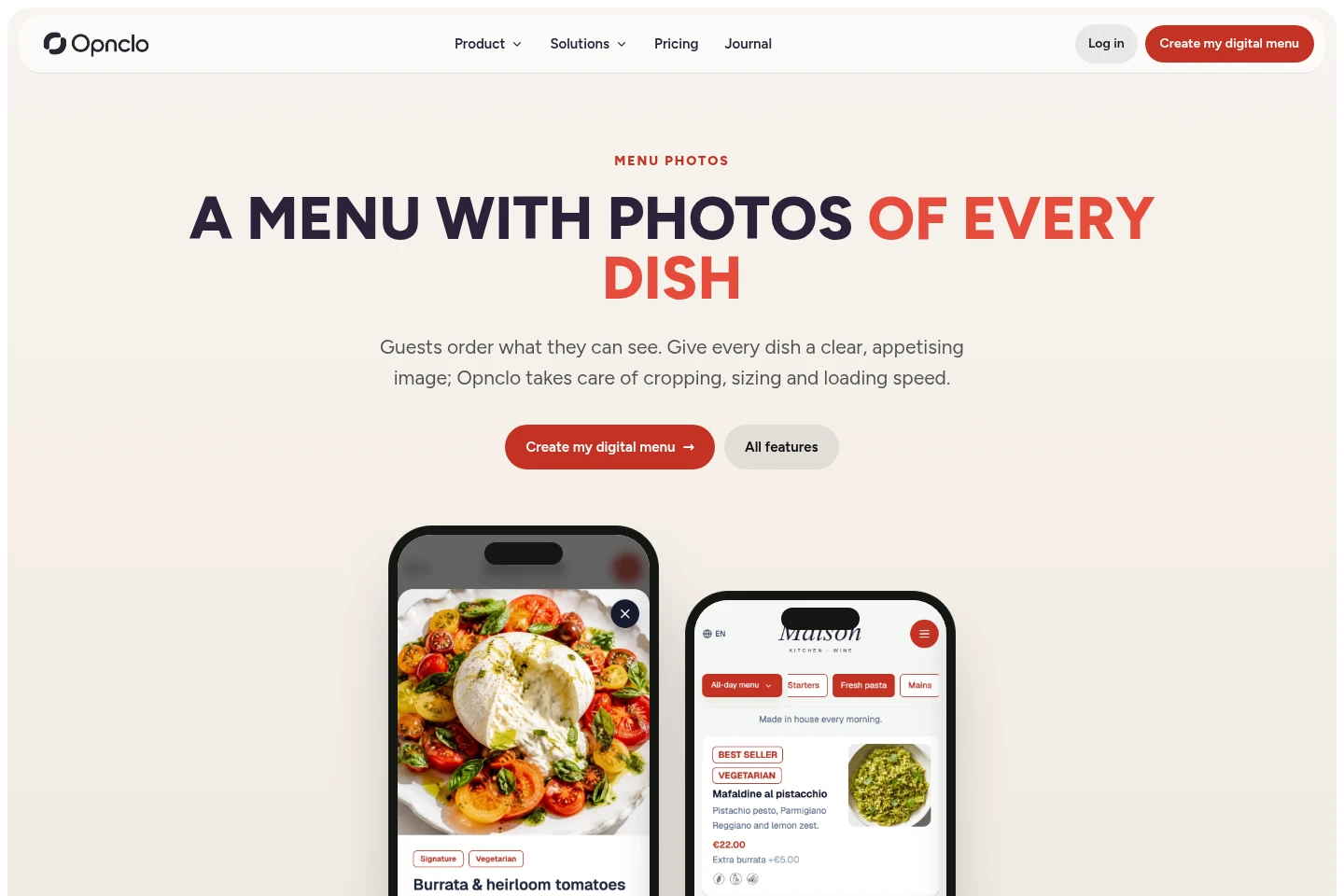
View QR scans, menu and dish views, and which dishes guests open or skip. Analytics also identify dishes that may benefit from photos.
Dish pairings
Link up to 20 pairing suggestions to a dish, such as wine, sides or desserts. Pairings appear in the digital menu for guests.









Comments