Screen recording
Capture a display or window and save pointer movement and clicks separately from the video pixels. Capture uses the operating system’s recording path on Windows, macOS, and Linux; system audio is supported without an extra driver.
Timeline video editing
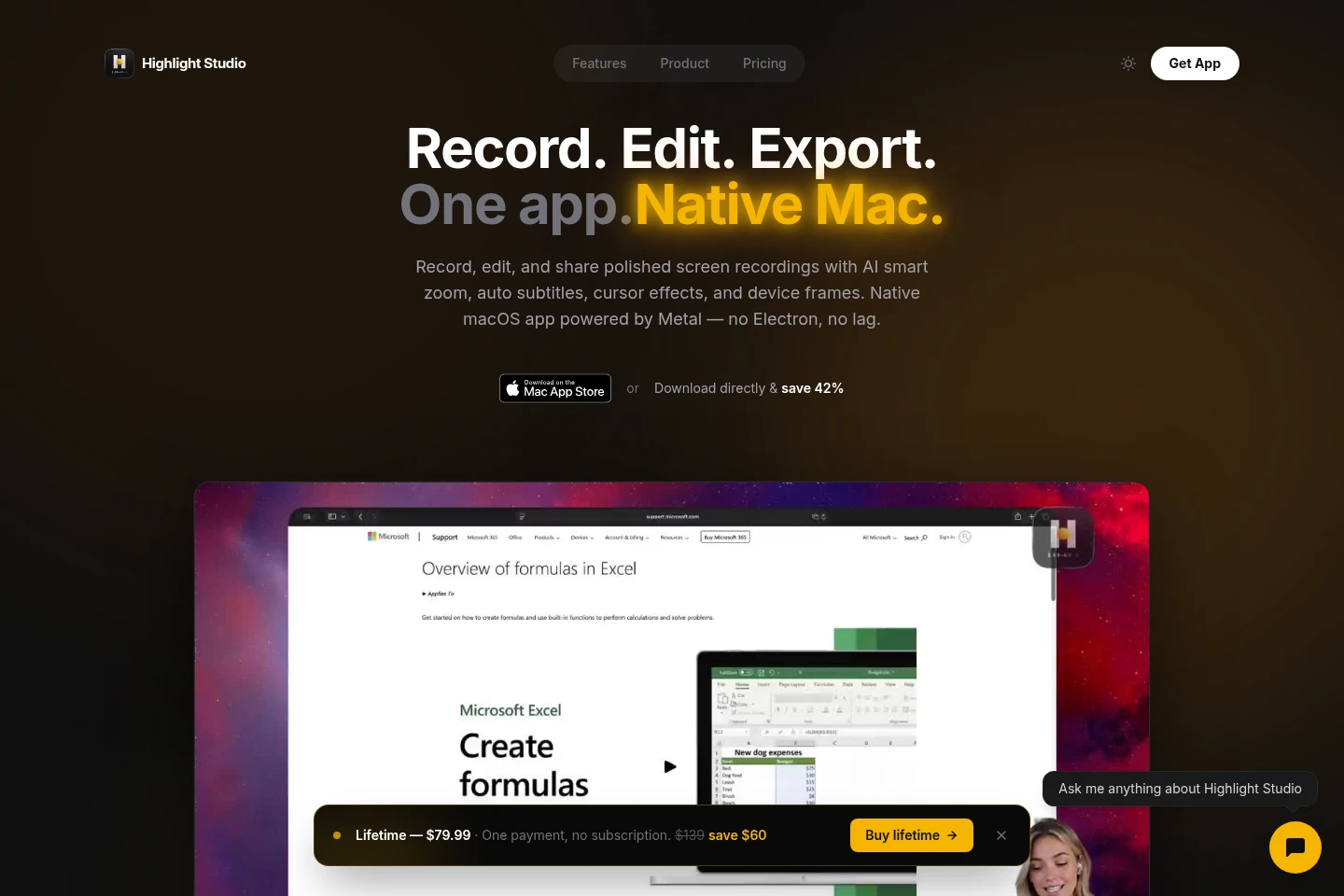
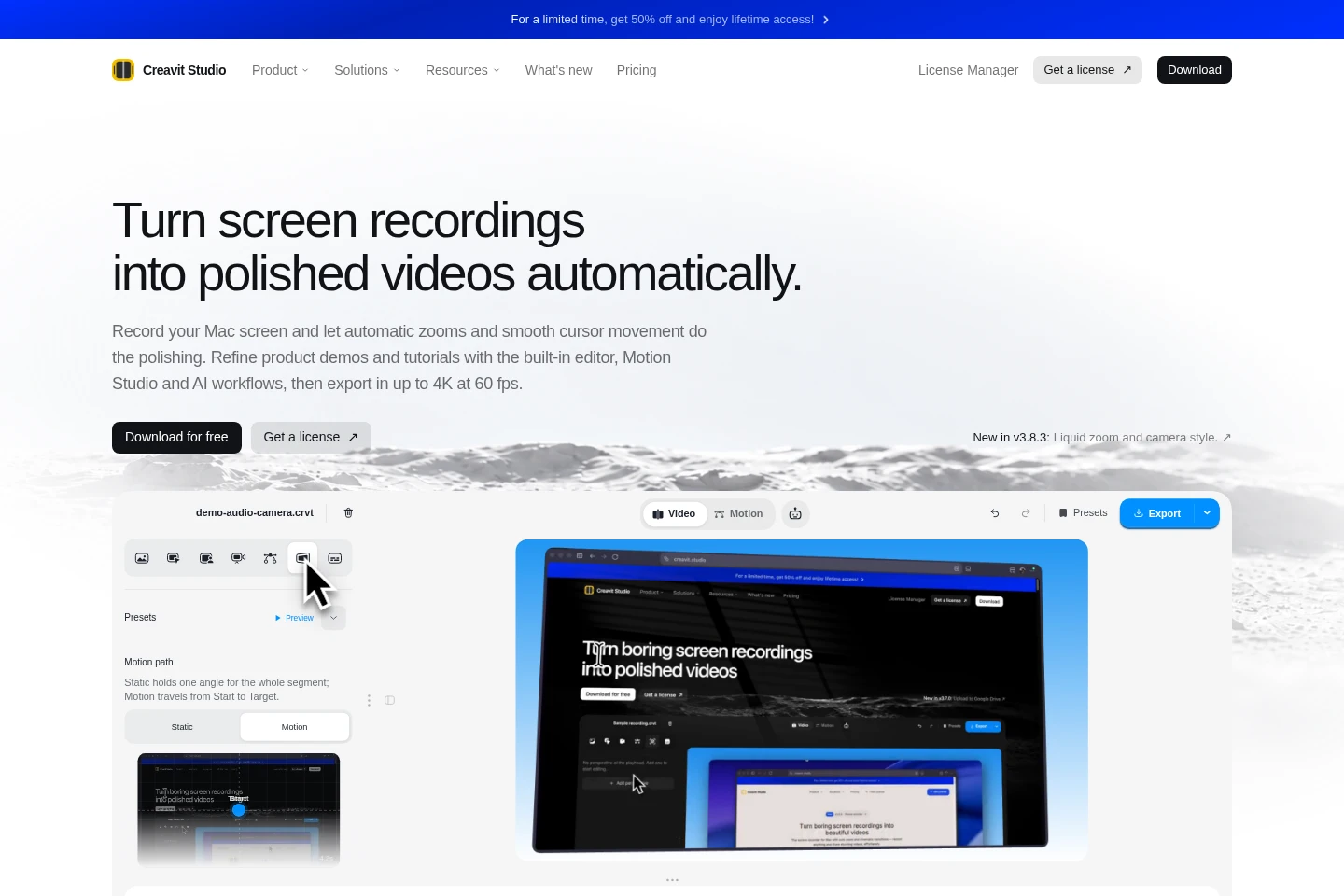
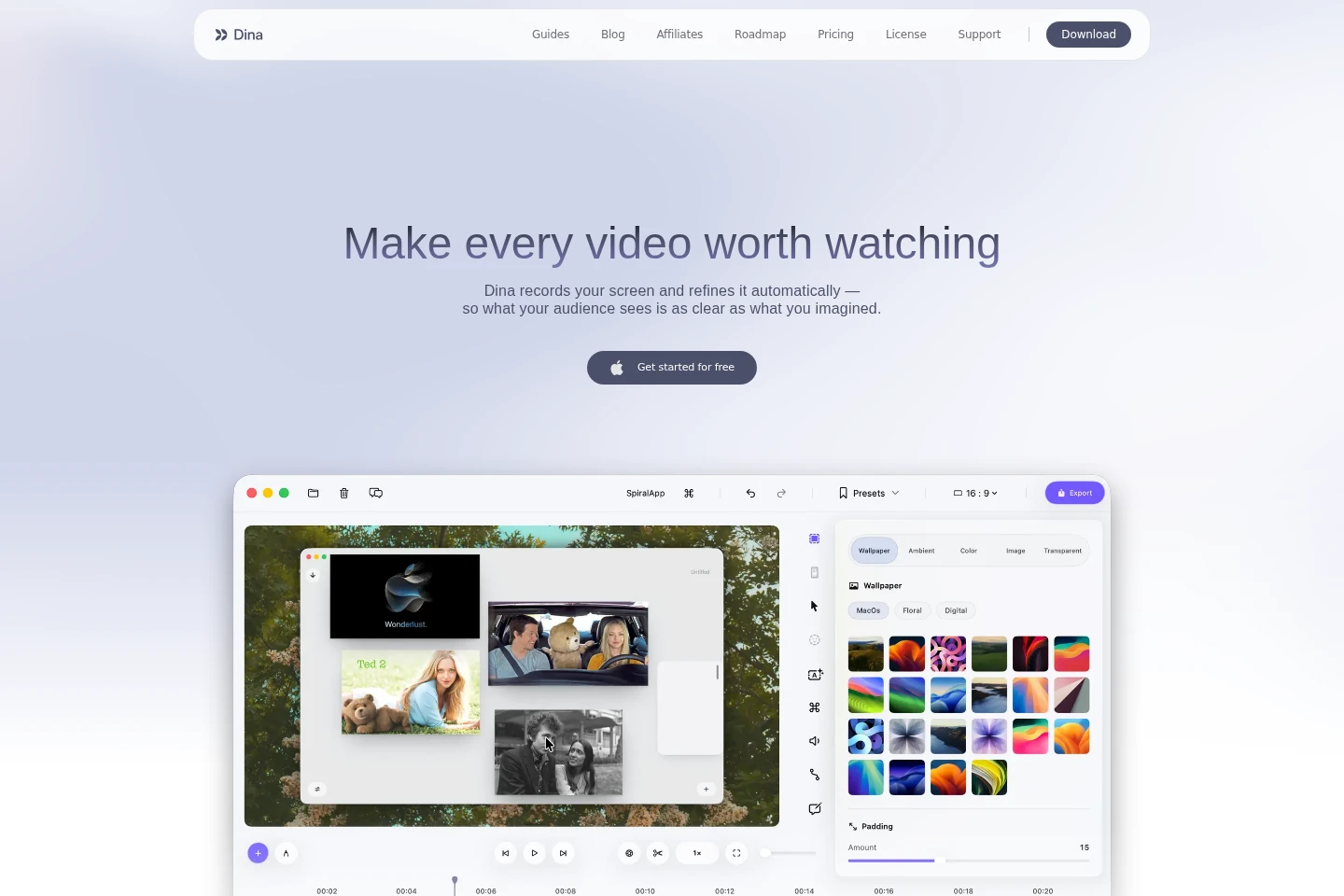
Edit recordings on a timeline and export finished video files. Adjust backgrounds, frames, cursor appearance, zooms, speed, and trims; edits remain changeable, and exports include MP4 or GIF options.
Automatic zooms
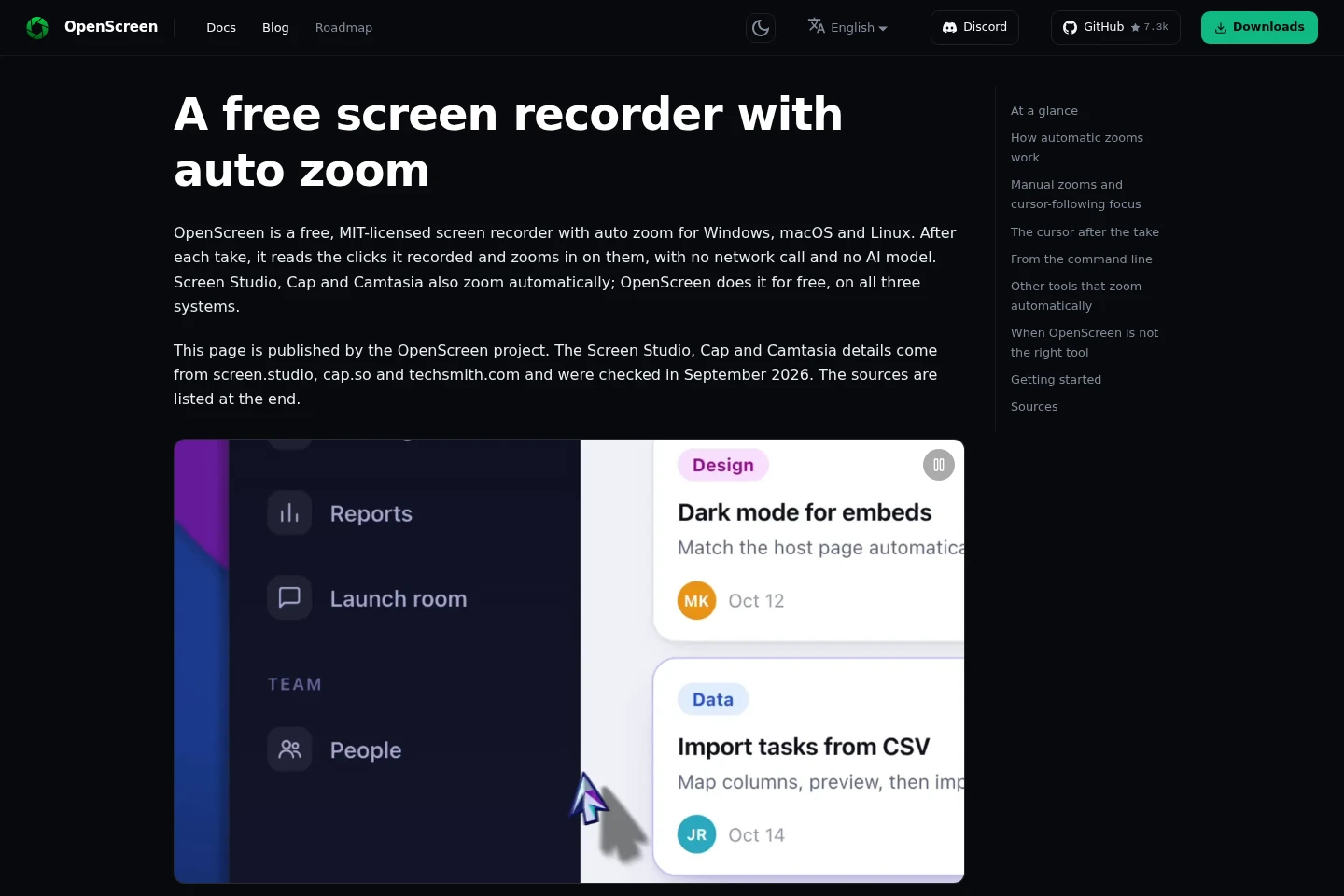
Create editable zooms around recorded clicks and place them on the timeline. The deterministic rule runs locally without AI or a network call, and users can switch it off, change the zooms, or add zooms manually.
Local captions and transcript editing
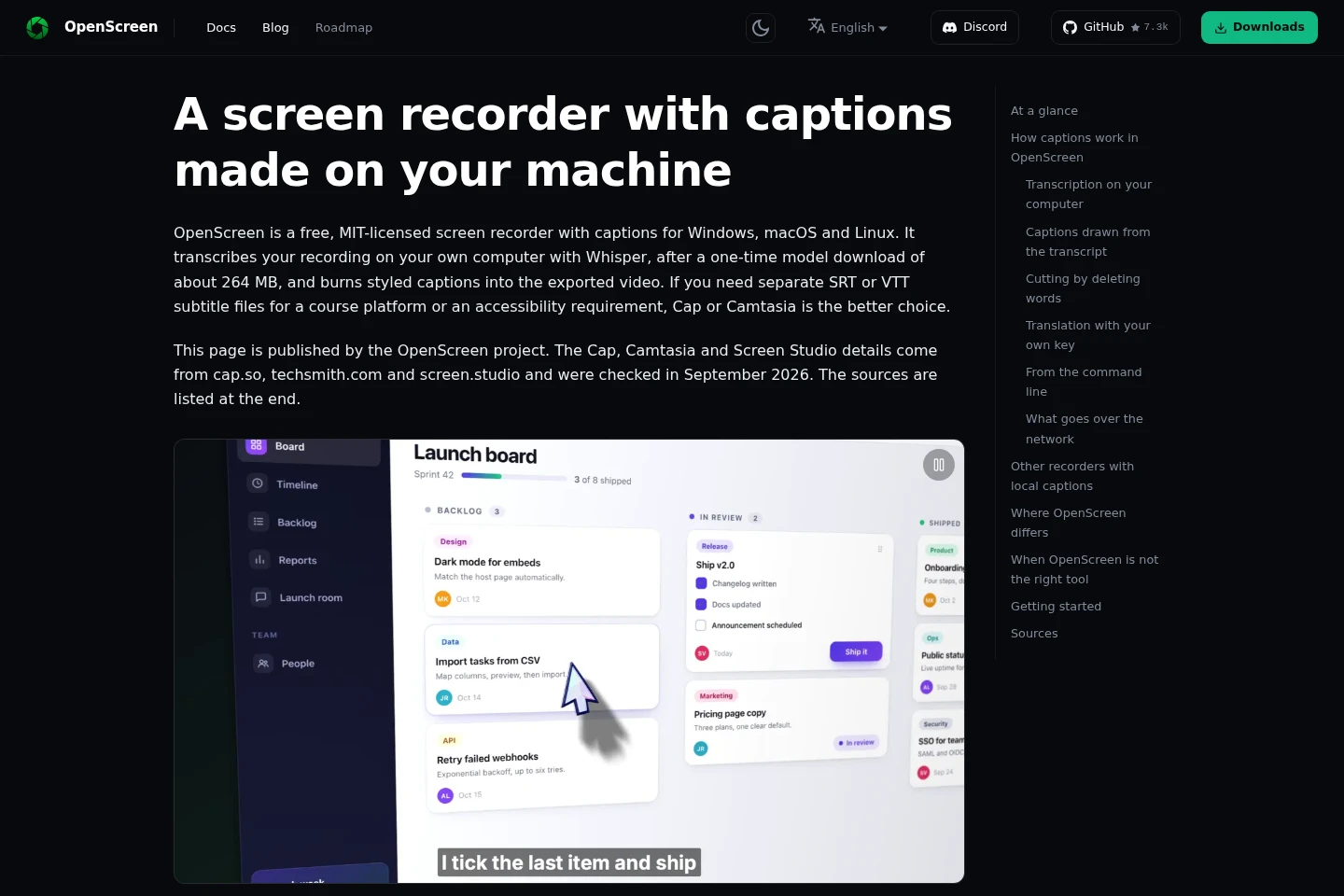
Transcribe audio locally with whisper.cpp and use the transcript to edit words or silences and style captions. The Whisper model downloads once on first use; transcription then works offline, and captions can be burned into exported video.










Comments