Capture audio and text
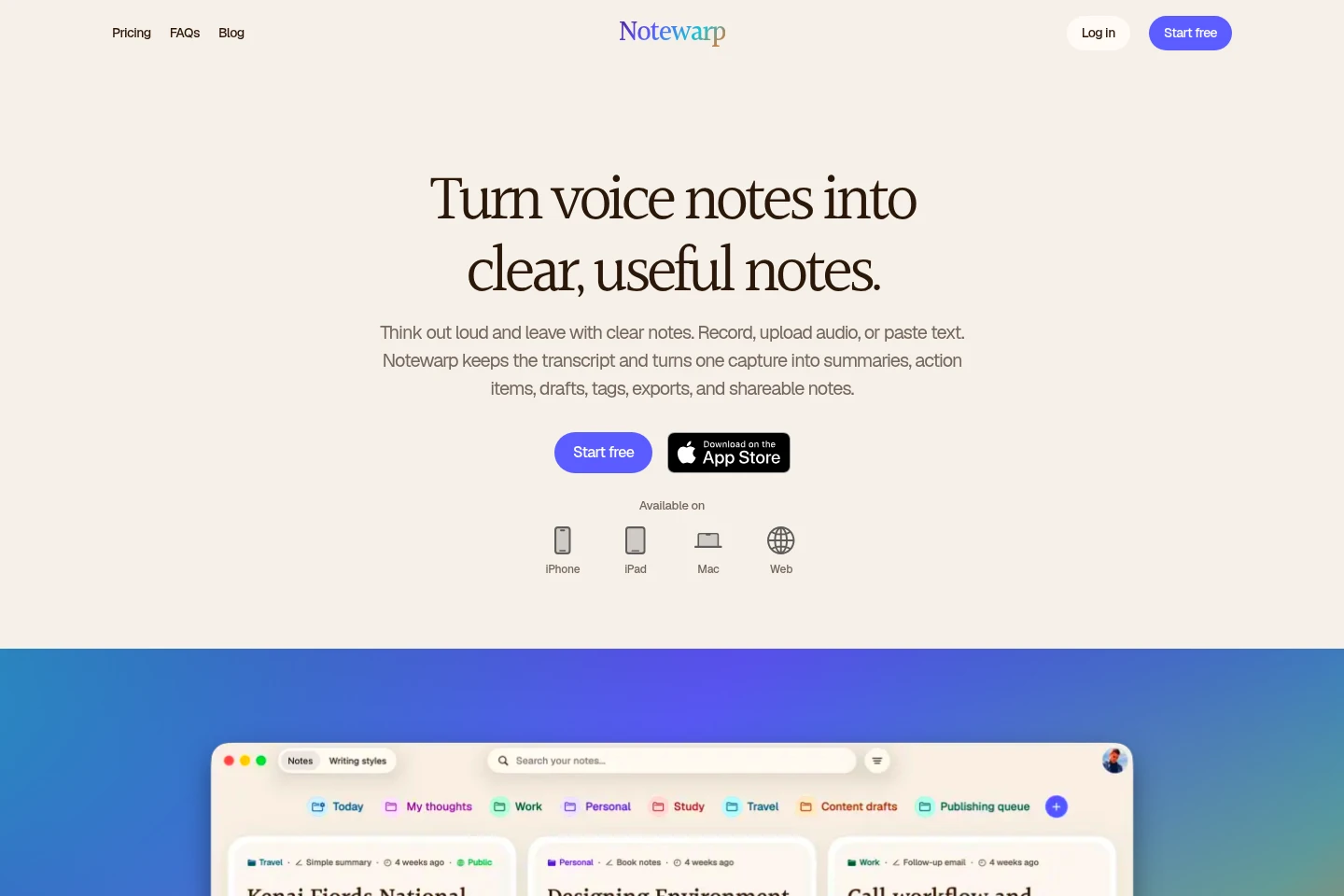
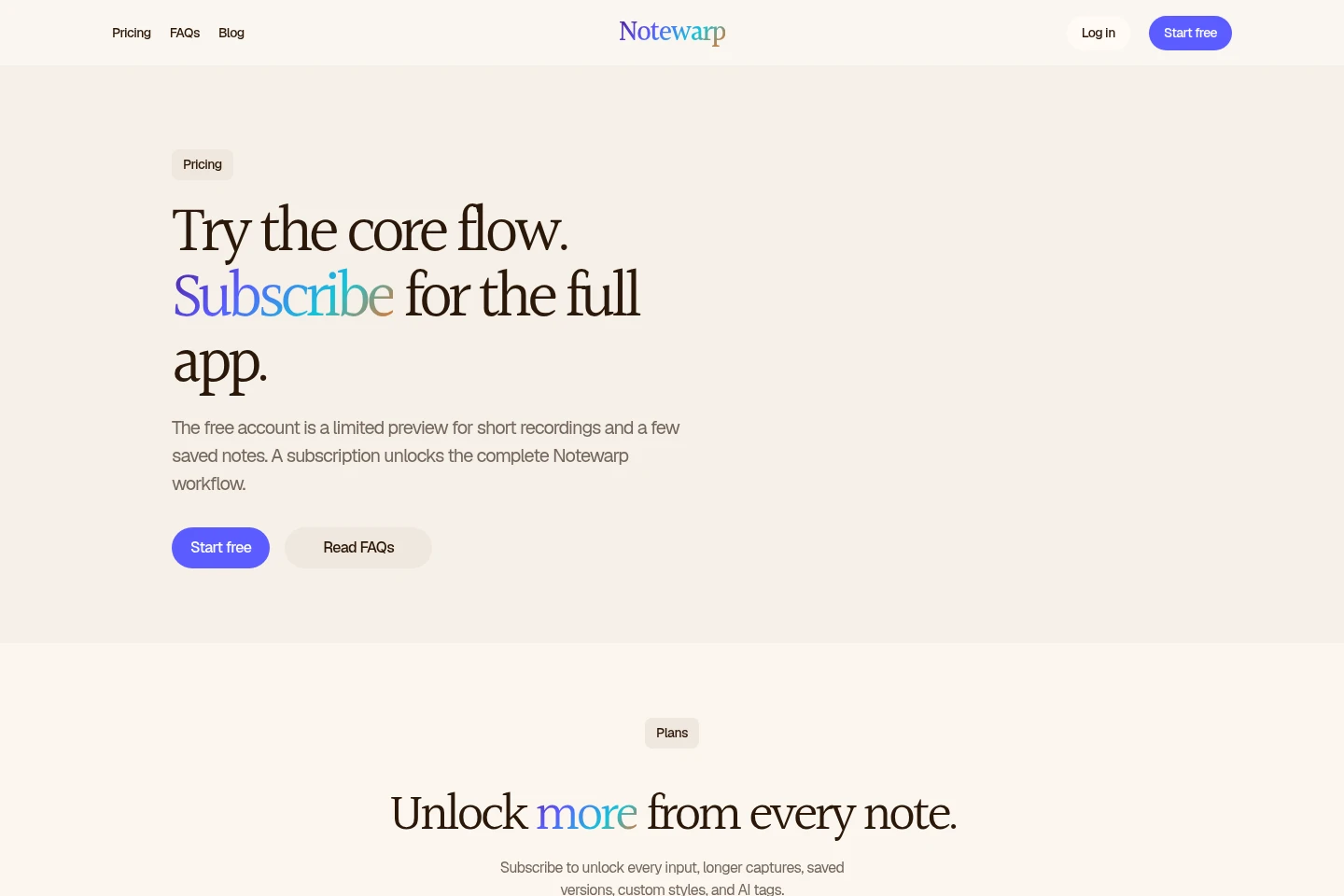
Record audio, upload audio or files, import links, scan text, or paste and write text to create a source capture. The free preview limits recordings to 2 minutes and excludes uploads, links, files, and text entry; a subscription includes those inputs.
Generate notes and drafts
Use AI to turn a capture into a cleaned note, summary, executive brief, blog post, or other selected writing style. The source and transcript remain associated with the note, and the meaning is kept close while structure, tone, and detail change.
Organize and search notes
Search notes and place them in color-coded folders; an automatic outline also provides navigation through headings, lists, and key sections. The free preview includes four folders and one smart folder, while a subscription includes folders and smart folders.
Export and share notes
Save or share notes as PDF, Word, plain text, HTML, or Markdown, and share notes as pages or links. Export and sharing options are presented as ways to use completed notes.








Comments