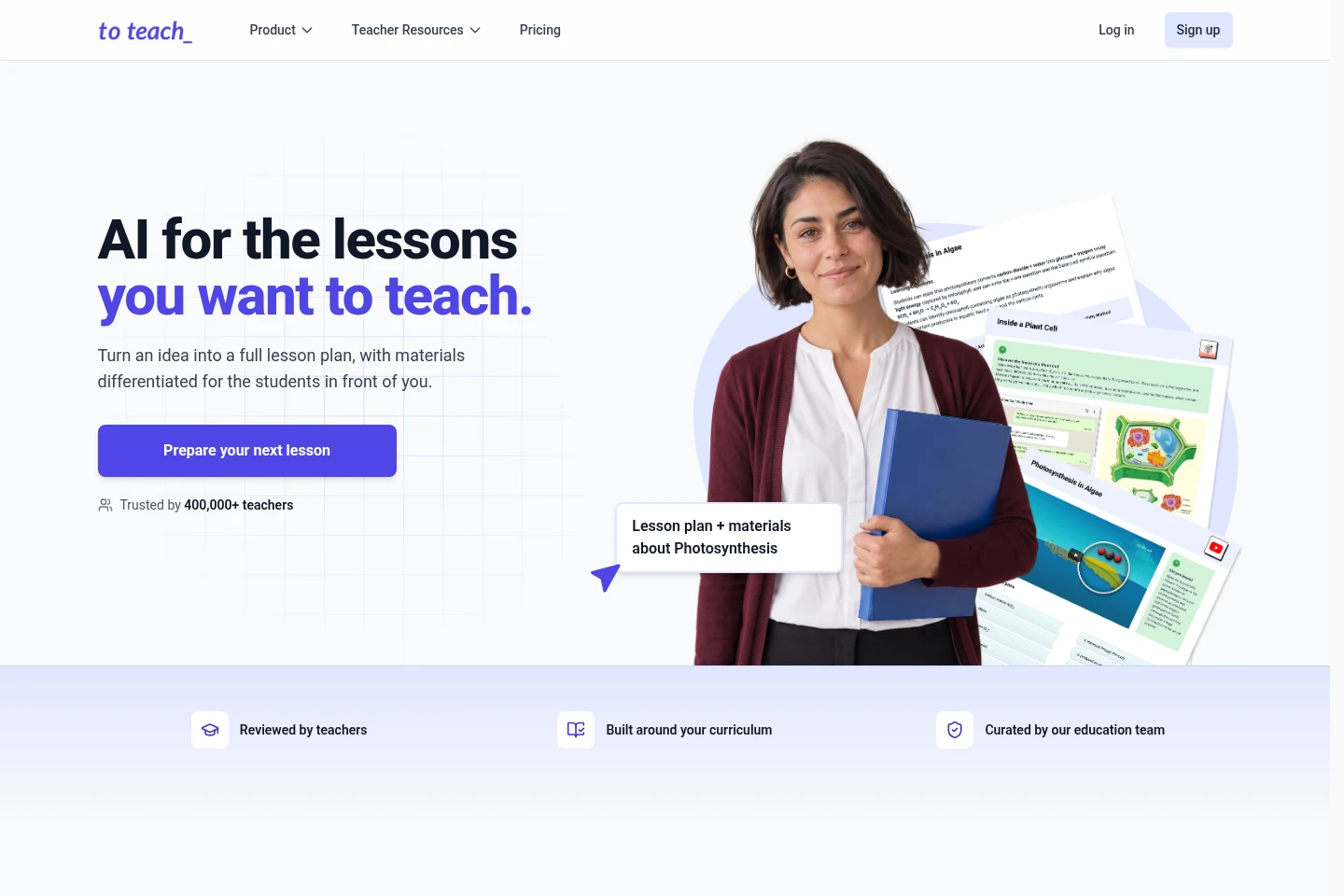

To-teach.ai is an AI-powered platform for teachers featuring 800+ ready-made exercises and worksheets. Create AI-generated lesson plans, customize materials, and export H5P content for Moodle integration. Includes a free tier.
- Freemium


MakeLesson helps tutors and independent teachers turn PDFs, photos, text, or topics into interactive lessons with AI. Students complete them through a shared link, objective answers are checked automatically, and submissions can be reviewed in one dashboard. The service also includes lesson scheduling and payment tracking.
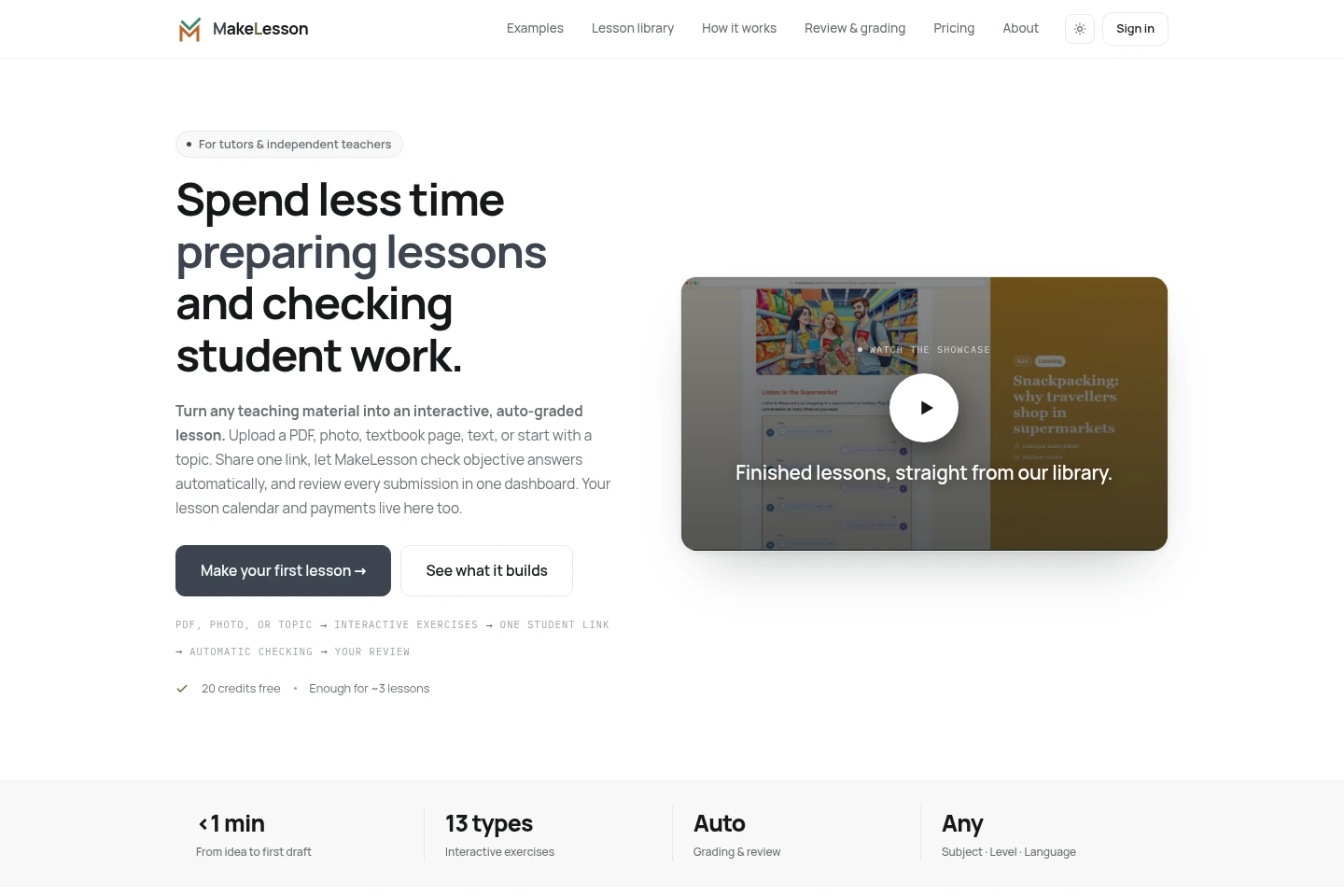
Create interactive lessons from a topic, text, PDF, photo, or textbook page. AI can draft the lesson and its exercises, while teachers can edit the result by chatting or manually.
Build lessons using 13 exercise types, including quizzes, matching, listening, flashcards, and crosswords. Students answer in an online worksheet designed for phones, tablets, and computers.
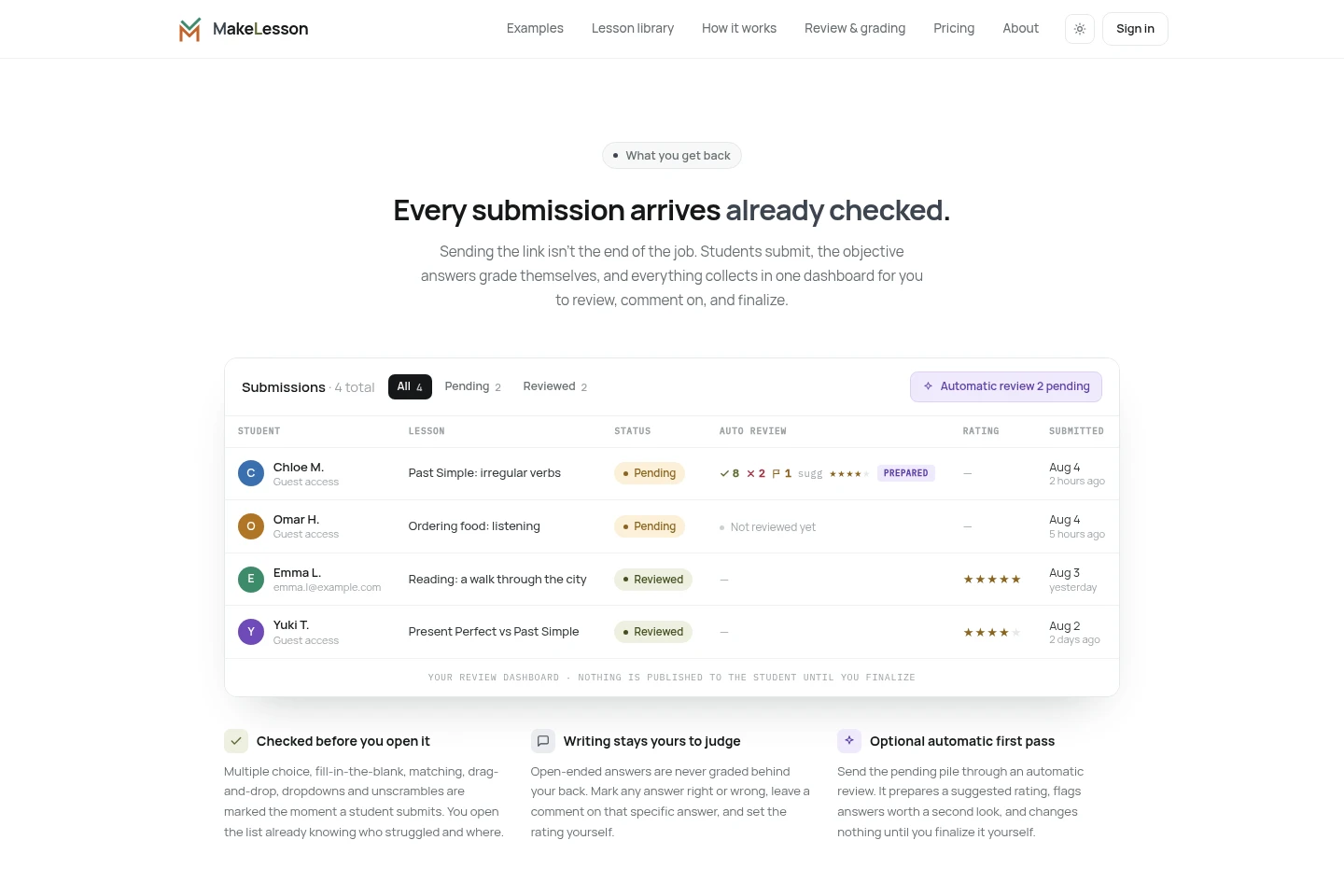
Automatically check supported objective answers and collect submissions in a review dashboard. Teachers assess open responses themselves, comment on answers, and finalize optional AI review suggestions.
Share a lesson using one link so students can open and complete it on their devices without an account or installation. Teachers can review student work after submission.
Manage lesson calendars, students, and payments within MakeLesson. These management features do not use AI credits, though the Free plan limits Calendar and Payments to five students.
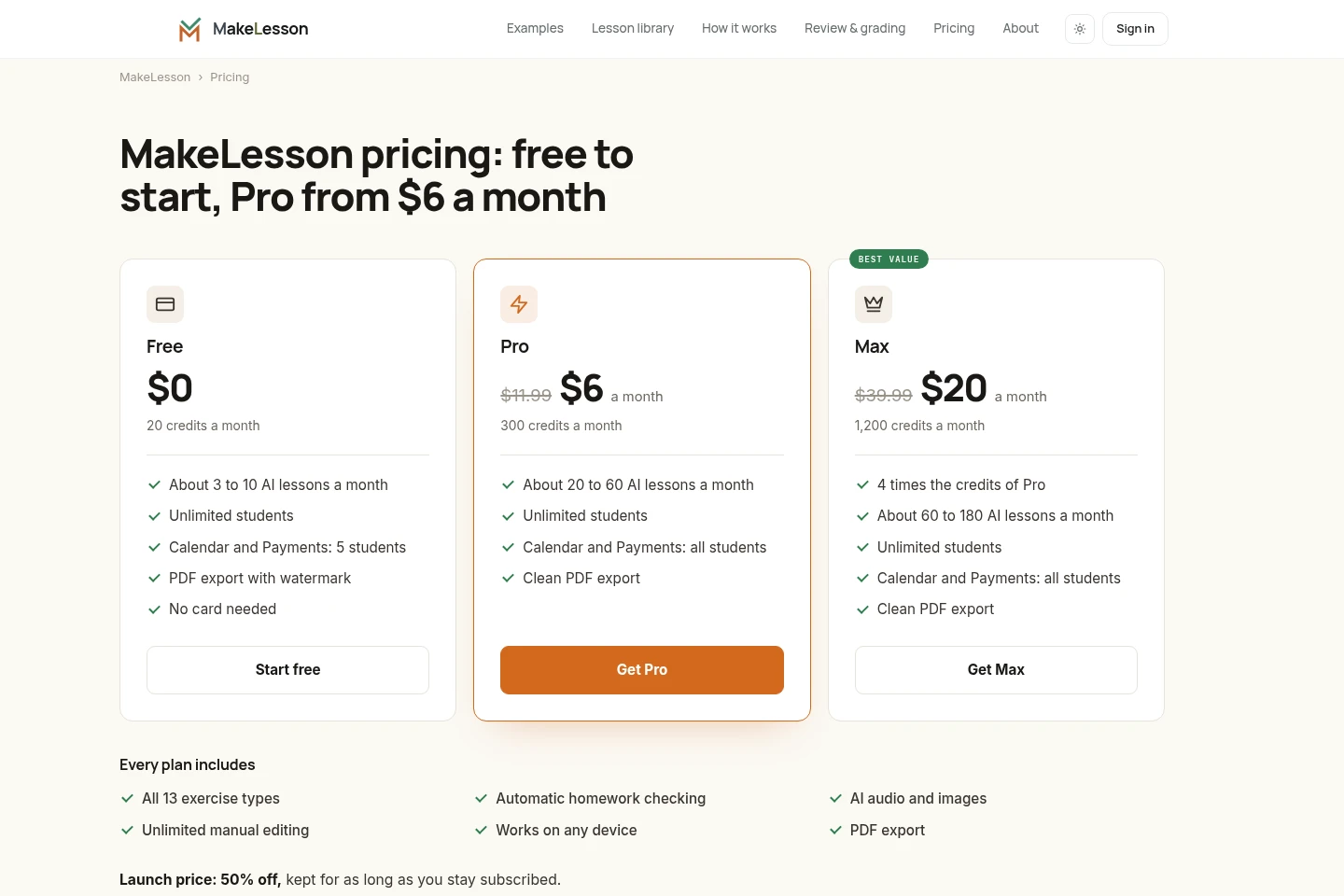
MakeLesson has a free plan and two paid monthly subscriptions. Compare monthly AI credits, estimated lesson volume, and the number of students covered by Calendar and Payments; all plans include the core exercise types and homework checking.
| Plan | Price | Included features and limits |
|---|---|---|
| Free | $0 |
|
| Pro | $6 per month; regular price $11.99 |
|
| Max | $20 per month; regular price $39.99 |
|
Calendar, Students, and Payments require no AI credits and are included in every plan. Students never pay for MakeLesson. Credits are used for AI lesson creation and editing, AI audio and images, and automatic homework review.
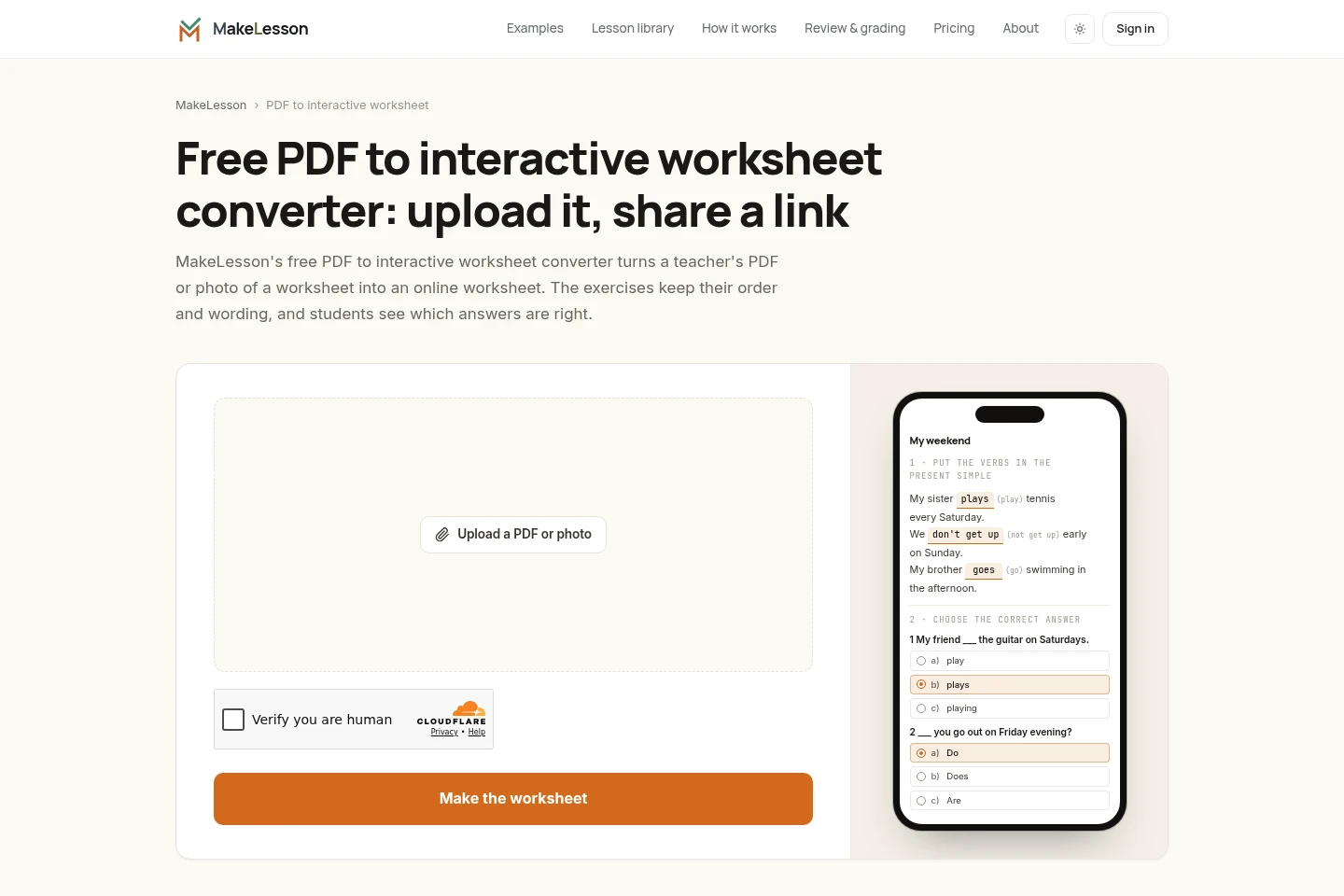
When a tutor has a PDF, printed worksheet, textbook page, photo, or scan, they can upload it to make an interactive worksheet. The exercises retain their order and wording, and students receive a link to complete them online.
When preparing a lesson from scratch, a teacher can enter a topic or text and let AI draft exercises, then edit the result. The finished lesson can be shared with students through one link.
After students submit a linked lesson, MakeLesson automatically checks supported objective answers and gathers the work in a dashboard. Teachers review open-ended answers, add comments, and decide whether to apply suggested automatic review.
When managing tutoring appointments and payments, tutors can use MakeLesson's calendar, student records, and payment features. These are included in every plan, with Calendar and Payments limited to five students on Free.
Open-ended writing is not automatically marked; teachers assess those answers in the review dashboard.
The Free plan limits Calendar and Payments to five students; Pro and Max include these features for all students.
PDF or photo uploads on the dedicated worksheet converter page are limited to 3 MB per file.
To-teach.ai is an AI-powered platform for teachers featuring 800+ ready-made exercises and worksheets. Create AI-generated lesson plans, customize materials, and export H5P content for Moodle integration. Includes a free tier.
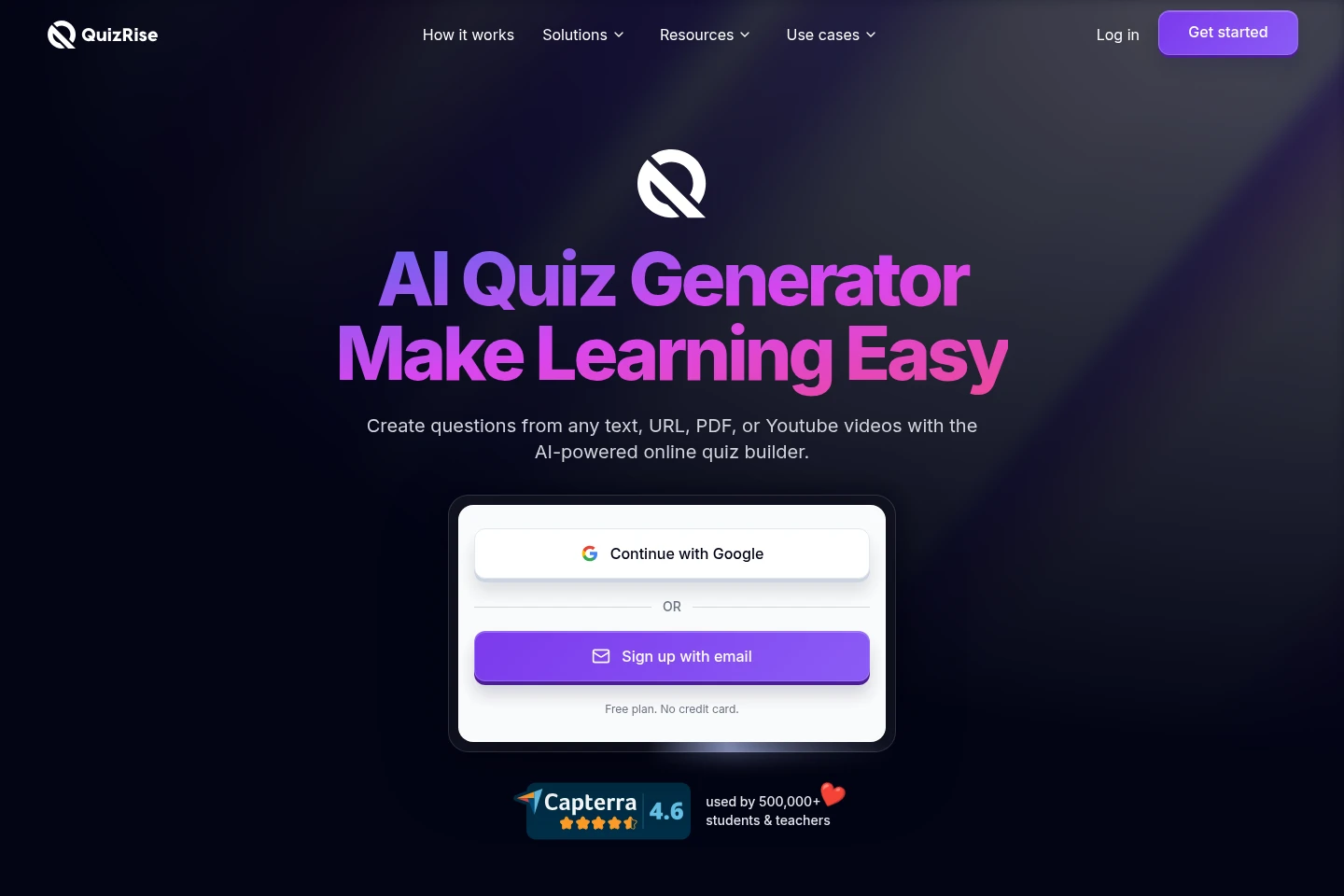
Turn learning materials into quizzes and study tools
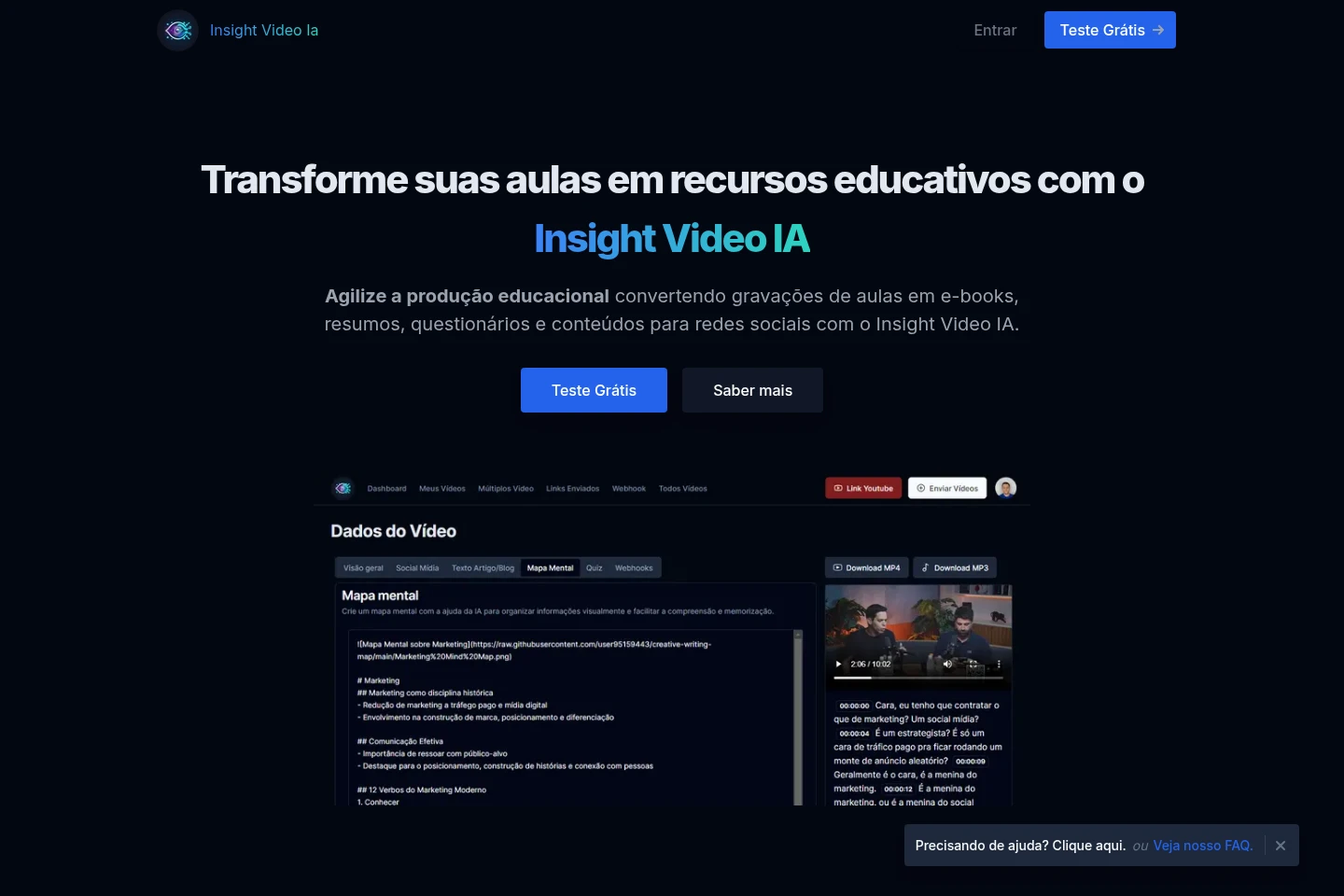
FreeTurn lecture videos into editable learning resources
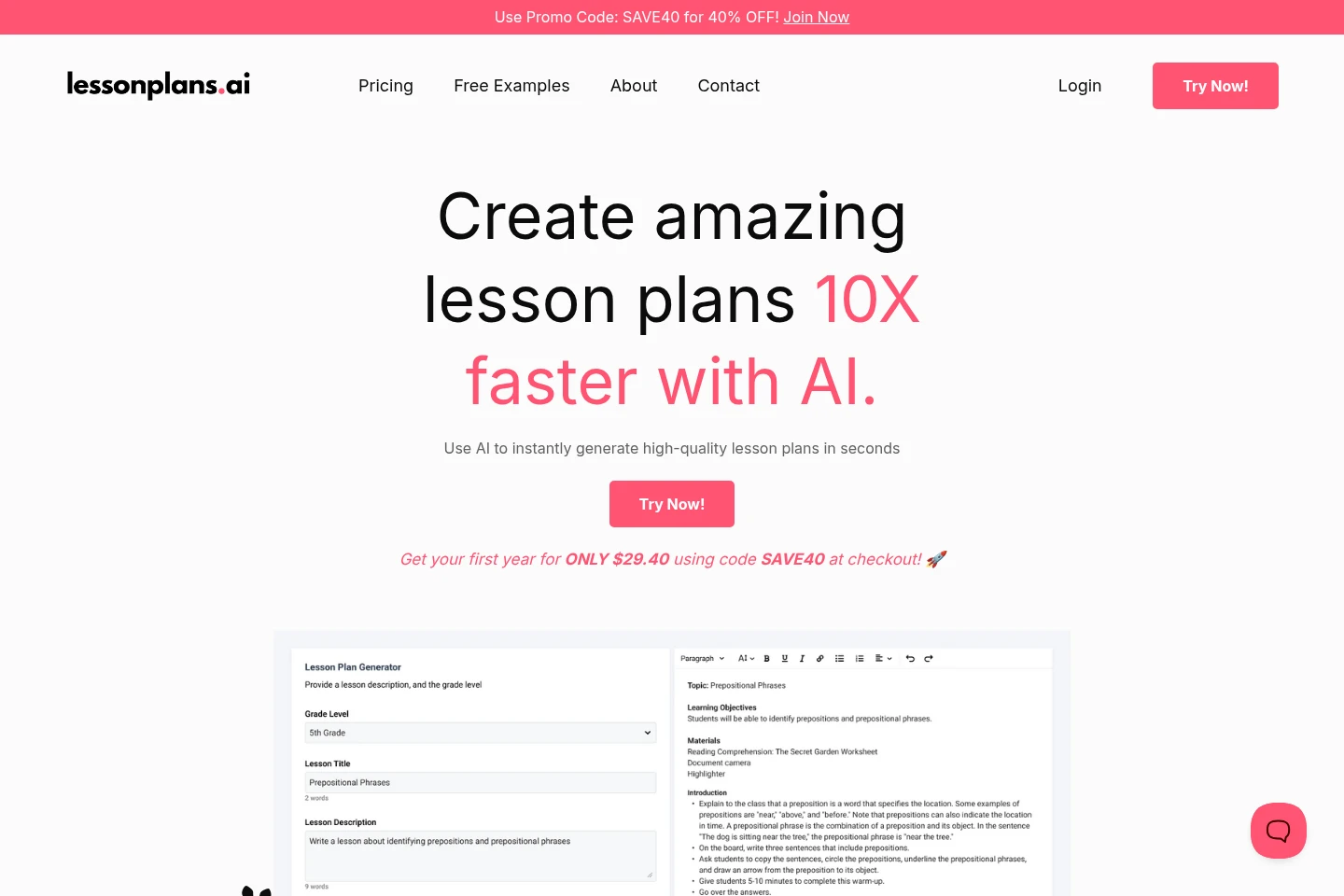
Contact SalesTransform your lesson planning experience with AI
FreemiumTransform your teaching with instant resources
PaidTurn your study documents into an AI-built learning path
Contact SalesPrivate tutors who prepare lessons and manage student work
Independent teachers who assign interactive online worksheets
Online tutors who share lessons and review homework remotely
Yes. The Free plan costs $0, includes 20 credits a month and unlimited students, and does not require a card. Calendar and Payments on Free cover five students.
Credits are used for creating and editing lessons with AI, including AI audio and images, and for automatic homework review. Manual editing, Calendar, Students, and Payments do not use credits.
The listed estimates are about 3 to 10 lessons a month on Free, 20 to 60 on Pro, and 60 to 180 on Max. The plans provide 20, 300, and 1,200 monthly credits respectively.
Students do not pay for MakeLesson and can open a shared lesson link without an account or installation. Teachers need to sign in to save, print, or assign a worksheet made with the PDF converter.
Yes. Pro and Max are listed at 50% off their regular prices, and the launch price is kept for as long as the subscription remains active.
Yes. MakeLesson says you can cancel whenever you like. Pro and Max are paid monthly subscriptions.






Comments