Transform your ideas into stunning presentations effortlessly
How It Works
MagicSlides utilizes advanced AI algorithms to analyze your input—be it text, video, or PDF—and automatically generate a cohesive presentation. The process begins when you provide a topic or upload content. The AI then extracts key points and organizes them into slides, ensuring that the information flows logically and is visually appealing. Users can customize the generated slides by adding images, charts, and other multimedia elements to enhance their presentations. The platform also supports integration with popular tools such as Google Slides and Figma, allowing for easy editing and sharing. Every presentation created is designed to be professional and tailored to the user's needs, making MagicSlides a powerful solution for anyone looking to create impactful presentations quickly. With its intuitive interface and robust functionality, users can focus on their content while the AI handles the design, creating an efficient workflow that saves time and effort.
Usage
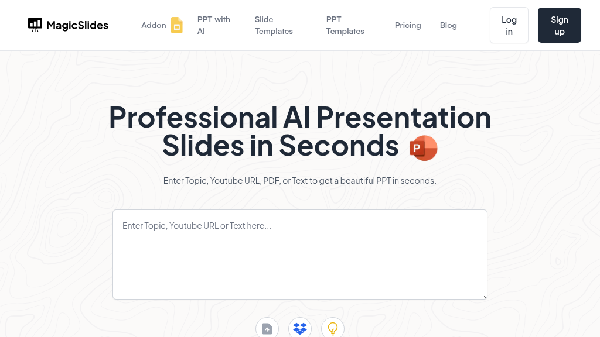
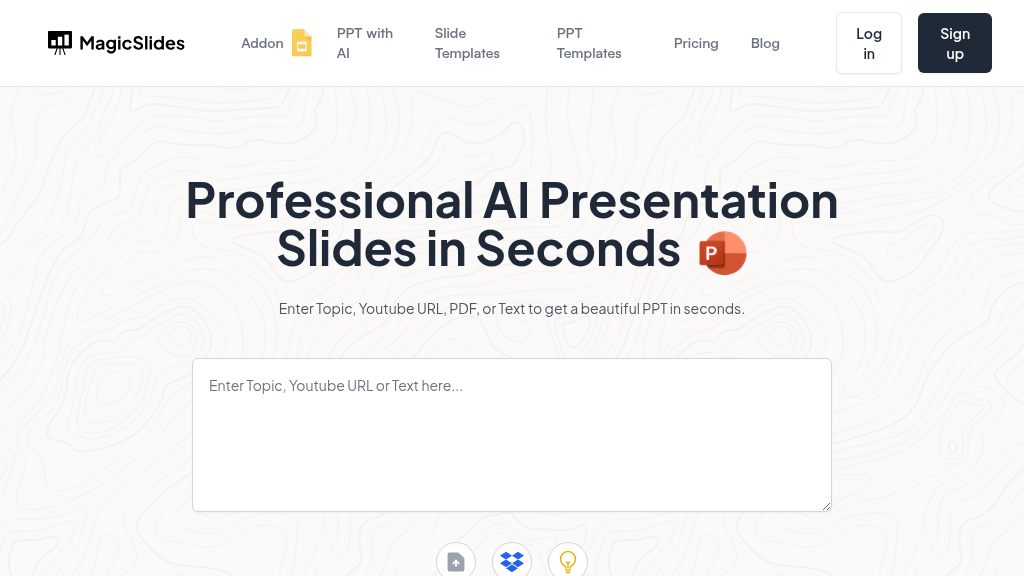
To start using MagicSlides, simply log in or sign up for free on the MagicSlides website. Once you’re logged in, select the type of content you want to convert into a presentation—be it text, a YouTube video, a PDF, or a topic. Enter the necessary information, such as the topic or upload your file. Within seconds, the AI will generate a stunning presentation that you can further customize to your liking. You can add images, charts, and other elements to make your presentation more engaging. Finally, download or share your presentation directly from the platform.
Lecture Preparation
Use MagicSlides to create lecture presentations quickly from your notes or references, making class preparation a breeze.
Business Pitch
Craft a compelling business pitch deck in minutes by inputting your ideas or relevant documents, impressing potential investors.
Conference Presentations
Generate professional presentations for conferences by converting relevant YouTube videos or PDFs into slides.
Marketing Campaigns
Create visually appealing presentations for marketing campaigns by transforming data and insights into slides.
Client Proposals
Quickly create client proposals or reports by converting PDFs or documents into professional presentations.
Educational Resources
Develop educational resources and materials for students by converting lecture notes or articles into presentations.
Features
- Instant PPT Generation: Create stunning PowerPoint presentations in seconds from topics, text, YouTube videos, PDFs, and more.
- Multilingual Support: Supports over 100 languages, making it accessible to users globally.
- AI-Powered Features: Utilizes artificial intelligence to generate professional slides tailored to your content.
- Integration with Popular Tools: Seamlessly integrates with Google Slides, Figma, and ChatGPT for enhanced productivity.
- User-Friendly Interface: Designed for ease of use, enabling users to create presentations without prior experience.
- Flexible Subscription Plans: Offers various subscription options to suit individual and team needs.
Essential (Billed annually): $6.7/month
- 10 presentations/month
- PDF conversion (5 pages)
- YouTube video conversion (up to 16 min)
- Character input limit (12,000)
- Slides per presentation (up to 10)
- Images from Google
Pro (Billed annually): $12.4/month
- 50 presentations/month
- PDF conversion (5 pages)
- YouTube video conversion (up to 16 min)
- Character input limit (12,000)
- Slides per presentation (up to 15)
- AI images
Premium (Billed annually): $23.3/month
- Unlimited presentations
- PDF conversion (20 pages)
- YouTube video conversion (up to 1 hour)
- Character input limit (100,000)
- Slides per presentation (up to 50)
- AI images
FAQ
- What support does MagicSlides offer for users?
MagicSlides provides support via email at support@magicslides.app for installation, licensing, and usage issues.
- Can I generate presentations in different languages with MagicSlides?
Yes, MagicSlides supports over 100 languages, allowing users to create presentations in their preferred language.
- Is there a limitation on the number of presentations I can create?
The number of presentations you can create varies by subscription plan. For example, the Essential Plan allows 10 presentations per month.
- How does the PDF to PPT feature work in MagicSlides?
Users can upload a PDF document, and MagicSlides will automatically convert it into a professional PowerPoint presentation.
- What is the character input limit for presentations?
Depending on the plan, the character input limit ranges from 12,000 to 100,000 characters.
- Can I cancel my subscription to MagicSlides at any time?
Yes, you can cancel your subscription easily through the manage subscription link.
- Are there any tools that integrate with MagicSlides for enhanced functionality?
Yes, MagicSlides integrates with Google Slides, Figma, ChatGPT, and Zapier for enhanced functionality.
- How can I start using MagicSlides?
Simply log in or sign up on MagicSlides.app, and you can start creating presentations for free without a credit card.





Comments