
Monthly visits
8,431
2026-10
Monthly growth -26.6%

Kensa - Generate AI videos from text prompts and images

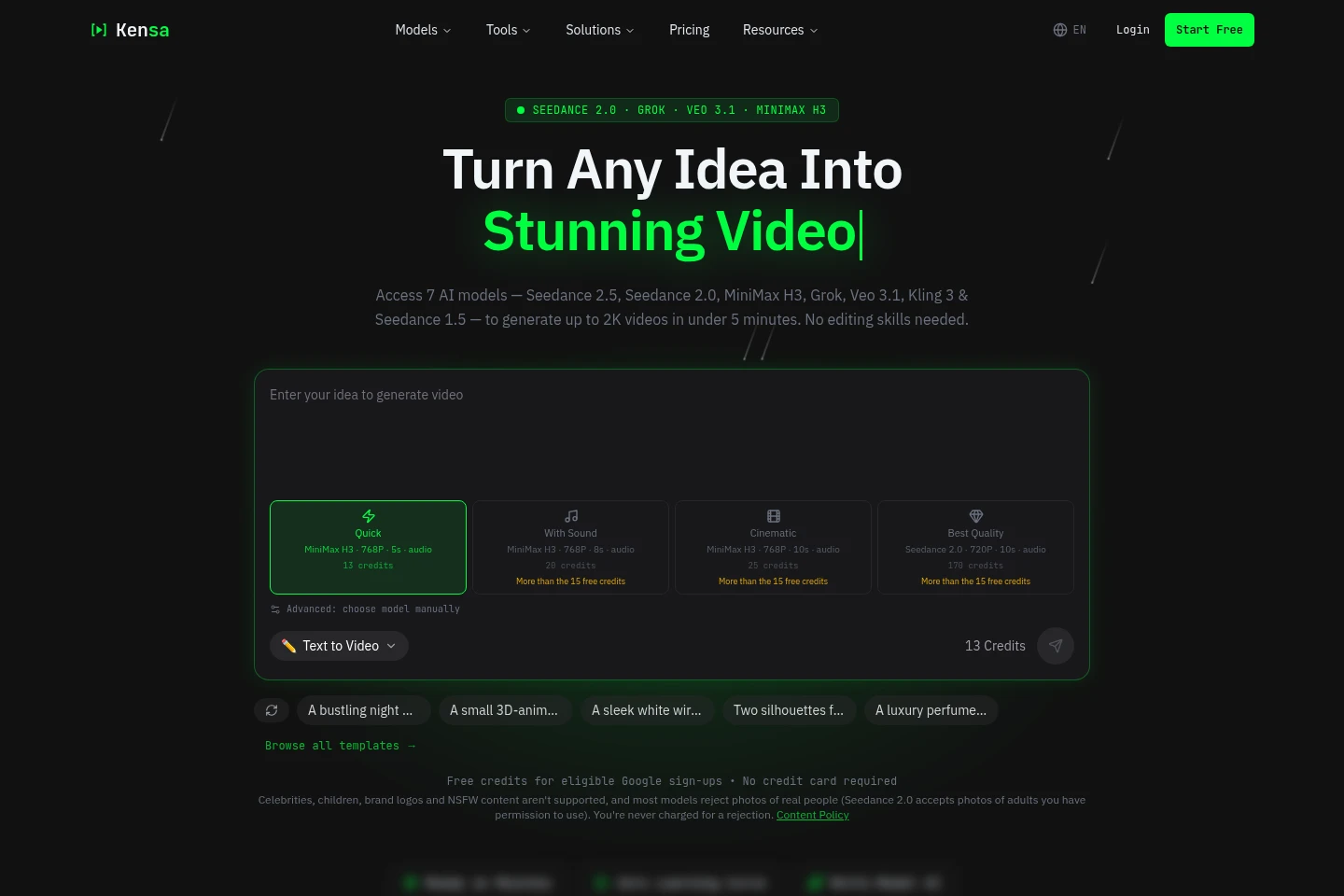
Kensa is a web-based AI video generation platform that turns text prompts, starting images, or reference images into video. Users can choose among seven models, set supported video options, and generate clips using credits. Most clips take 1–4 minutes. Eligible Google sign-ups receive 15 credits valid for 3 days; paid subscriptions and one-time credit packs are also offered.

Visit WebsiteUpdate this product

3Views

Capabilities

Text-to-video generation

Generates a video clip from a text prompt. Enter a scene description and choose an available model; model options determine the supported duration, resolution, aspect ratio, and credit cost.

Image-to-video generation

Animates an uploaded image into a video clip. Upload a photo or illustration and choose an available model; some models make the output follow the image's aspect ratio.

Reference-image guidance

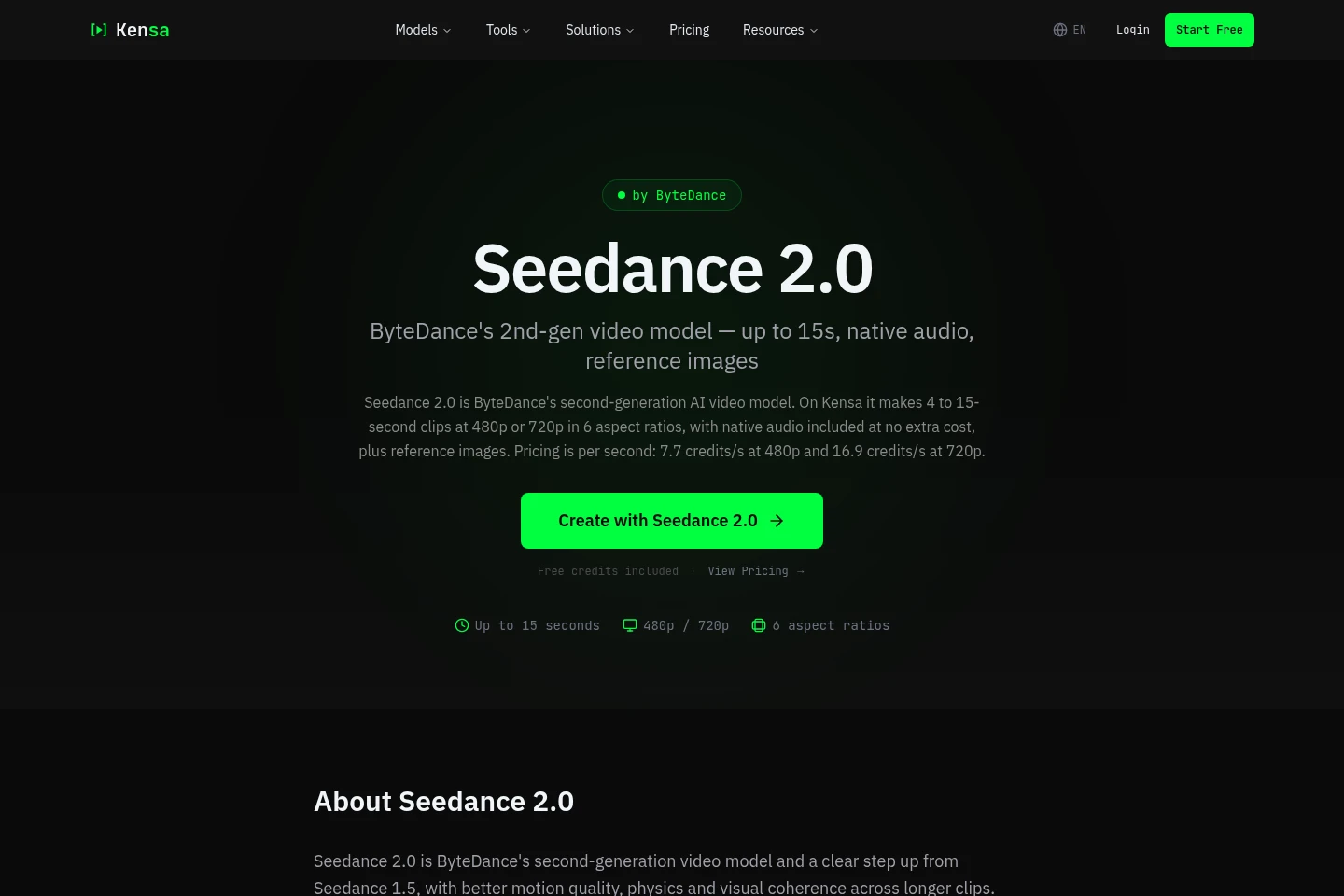
Uses reference images to guide generated video appearance. Select a supported model and provide reference images; Seedance models support up to three references, with model-specific generation settings.

AI video model selection

Provides access to seven AI video models from one credit balance. Choose a model for a generation; supported duration, resolution, audio, and credit costs vary by model.

Pricing

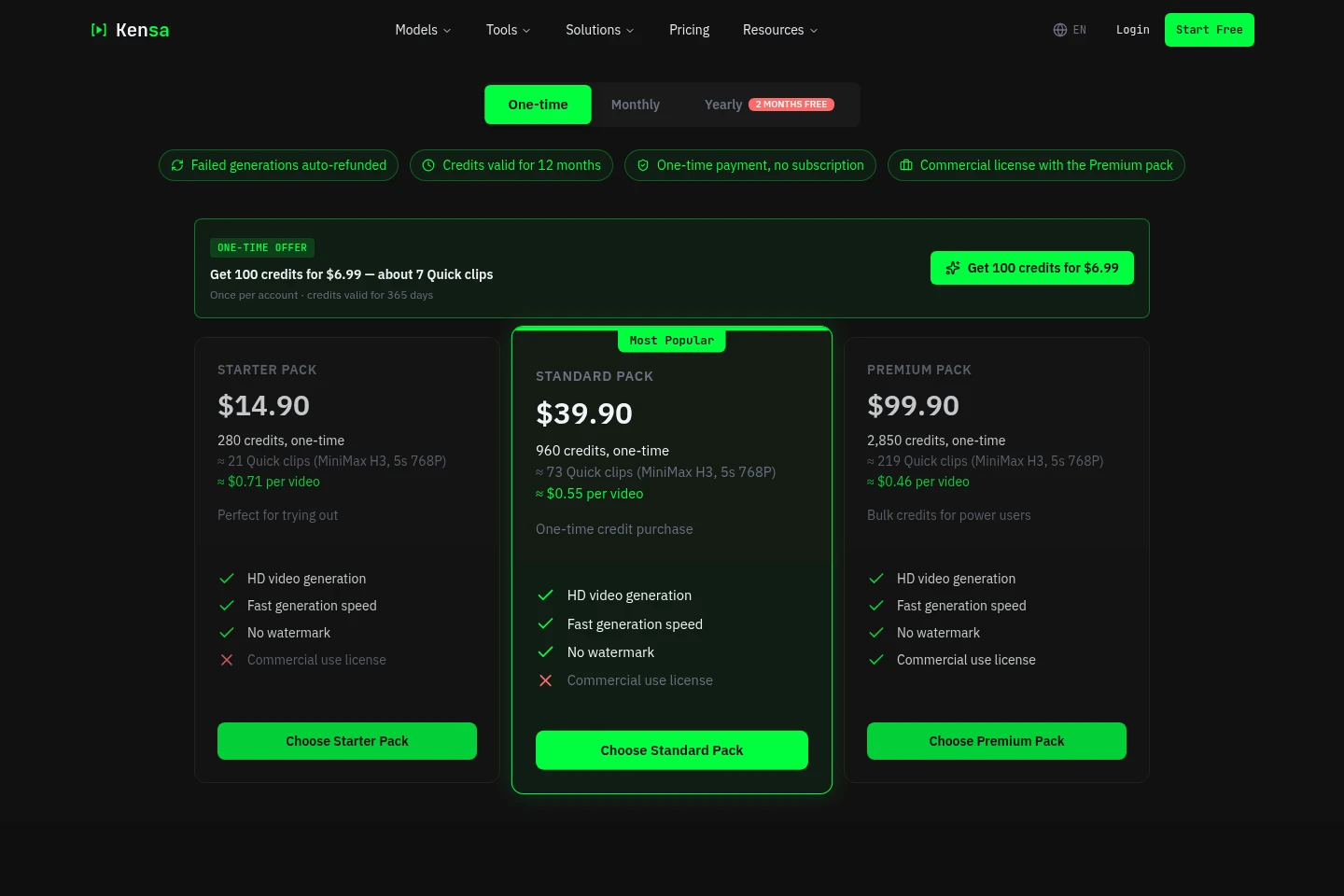
Kensa offers recurring subscriptions and one-time credit packs. Compare included credits and commercial-use licensing; the cost of each video generation also depends on its model and settings.

PlanPriceIncluded features and limits
Starter Pack

$14.90 one-time

  • 280 credits per pack.

  • Includes HD video generation.

  • Includes fast generation speed.

  • Generated videos have no watermark.

  • Commercial-use license is not included.

Standard Pack

$39.90 one-time

  • 960 credits per pack.

  • One-time credit purchase.

  • Commercial-use license is not included.

Premium Pack

$99.90 one-time

  • 2,850 credits per pack.

  • Includes a commercial-use license. This is the only pack stated to include one. Available comparisons on the pricing page describe generation quality, speed, and watermarks for packs, but do not specify all corresponding Standard Pack attributes. A subscription remains an alternative for repeat access. Failed generations return credits automatically.

  • One-time credit purchase.

Basic

$9.90/month

  • 280 credits per month.

  • Commercial-use license is not included. Credits are the same as the Starter Pack quantity but are recurring rather than a one-time pack. A subscription can be compared with packs on its billing frequency and stated features; no extra pack-only features should be inferred.

  • Recurring subscription plan.

Pro

$29.90/month

  • 960 credits per month.

  • Includes a commercial-use license.

  • Recurring subscription plan.

Ultimate

$79.90/month

  • 2,850 credits per month.

  • Includes a commercial-use license.

  • Recurring subscription plan.

Credit packs are one-time purchases; subscriptions are recurring. Subscription refunds are handled case by case. Unused credit packs can be refunded within 7 days of purchase. Credits are valid for 12 months, as stated on the pricing page.

Use cases

Create video clips for social media

When preparing short-form social content, describe a scene or upload an image and generate a clip using a suitable model. Supported aspect ratios include vertical formats, and some models generate native audio.

Animate product images for video ads

When preparing a product showcase or advertisement, upload a product image and generate an image-to-video clip. Seedance reference images can help maintain a subject's appearance across a generation.

Compare outputs from video models

When choosing a look or generation cost for a project, use Kensa's model options to generate clips with different models. Compare the resulting videos and the displayed credit costs before generating.

Limitations

  • Free credits require an eligible new Google sign-up, are unavailable in some regions, expire after 3 days, and produce watermarked videos until the first purchase.

  • Celebrities, children, brand logos, and NSFW content are not supported; most models reject photos of real people, while Seedance 2.0 accepts permitted photos of adults.

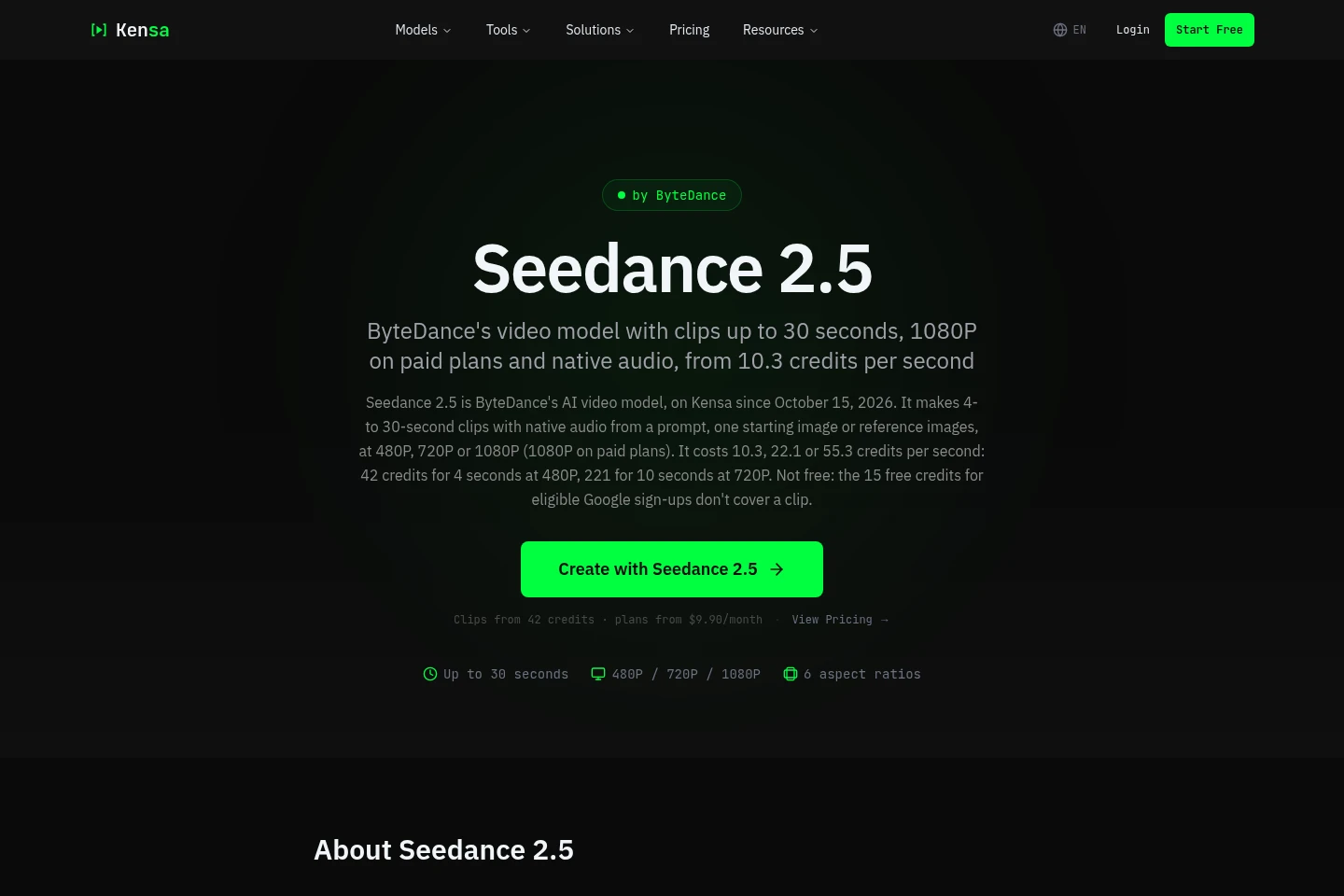
  • Seedance 2.5 output at 1080P is available only on paid plans.

  • Kling 3 is listed as under maintenance in the supplied pricing FAQ.

Alternatives

Textideo

Generate AI videos from text prompts and images

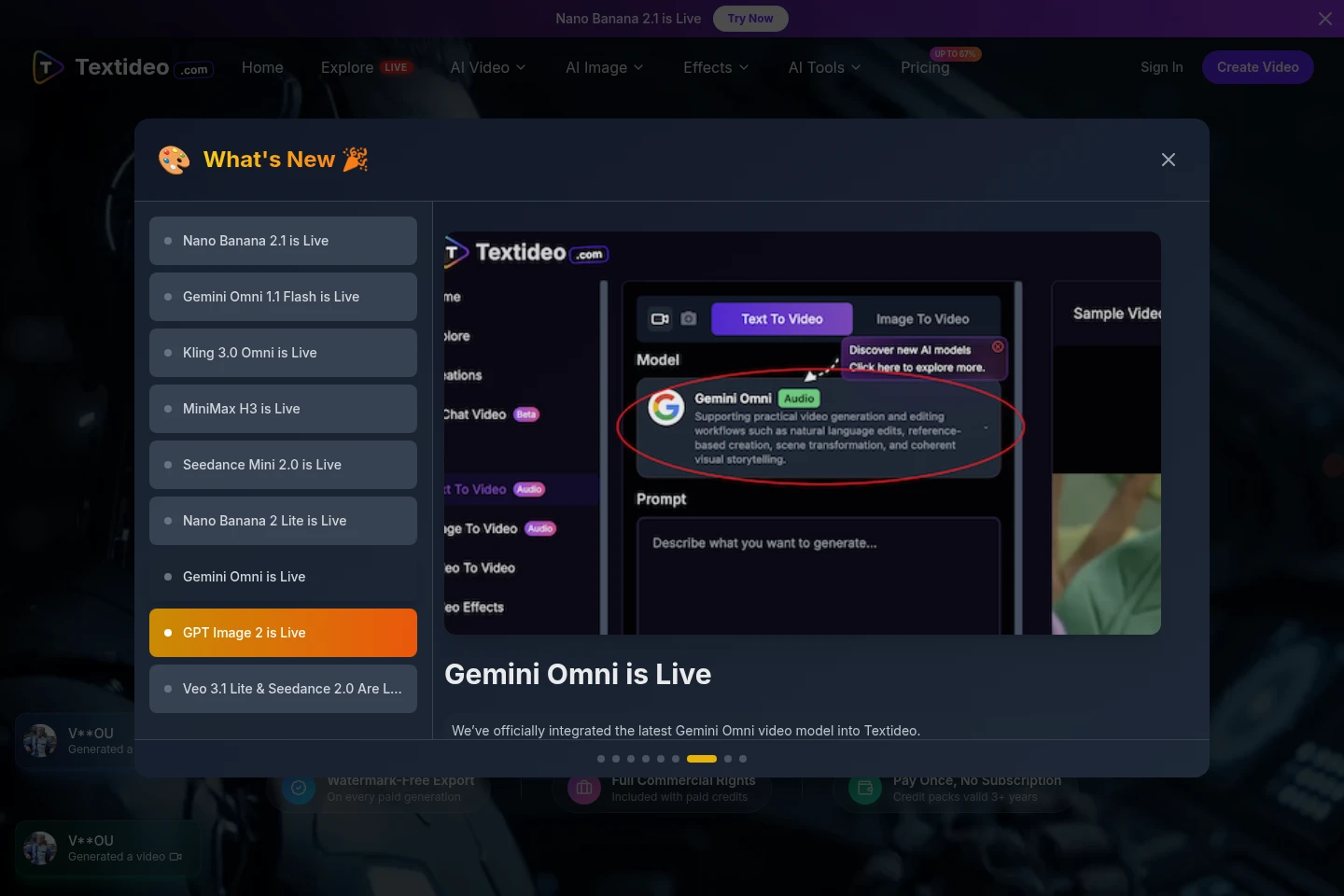
Textideo is a browser-based creative platform for generating videos from text prompts and images. Its tools also create and transform images, produce speech and music, and support video effects, avatars, lip sync, and script writing. Video settings include resolution, duration, and aspect ratio; paid plans and one-time credit packs are available.

  • Cloud
  • Paid
  • Basic$9.92/month or $119/year, billed yearly
  • Pro$41.58/month or $499/year, billed yearly
  • Studio$83.25/month or $999/year, billed yearly
  • Starter Pack$9.99 one-time
  • Creator Pack$36.99 one-time
  • Producer Pack$99.99 one-time

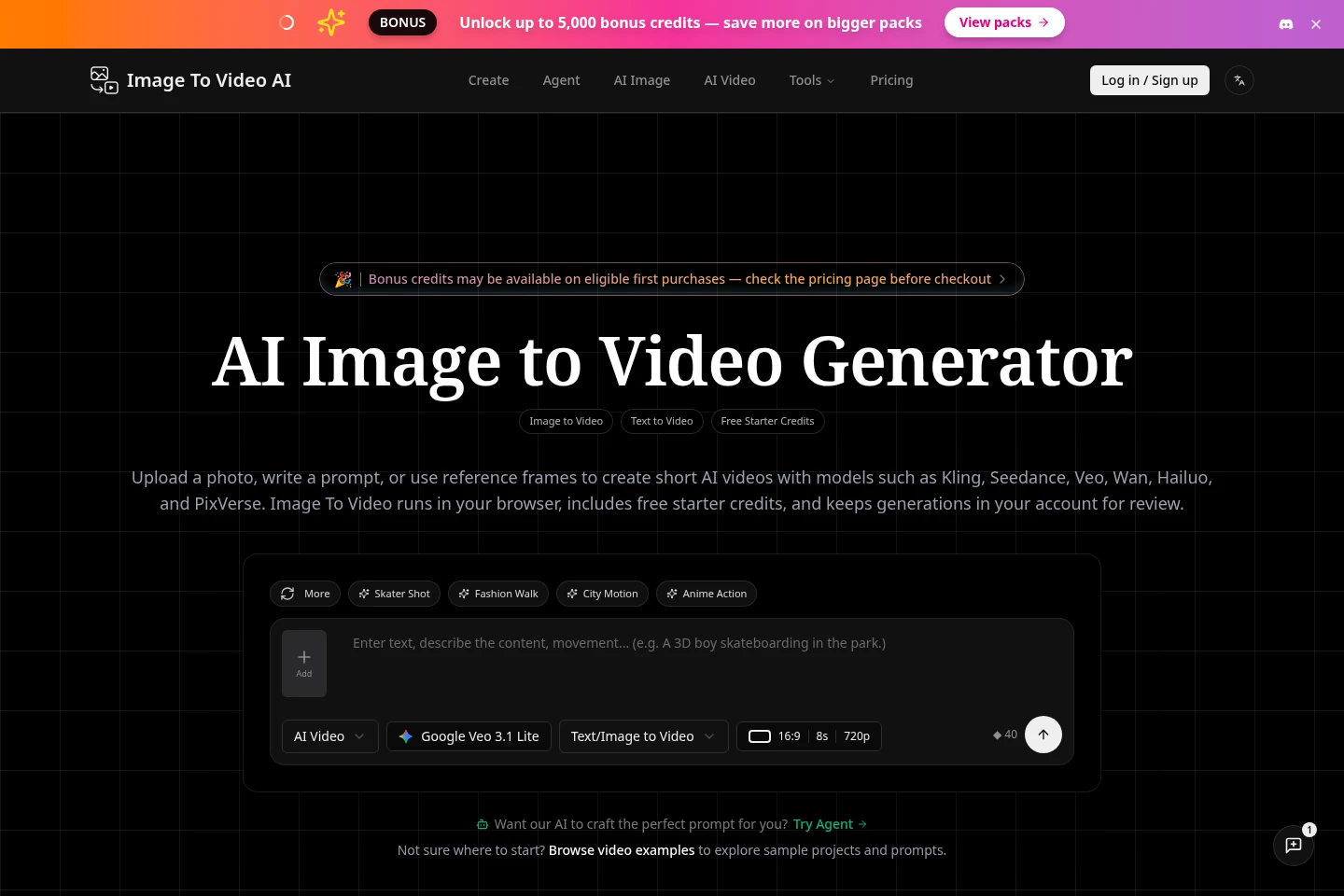
  1. Image To Video AI

    Create short AI videos from images, prompts, and frames

    Basic · $59.99 billed annually
  2. Text2Vid

    Generate short AI videos from text prompts or images

    Starter · $49.90 one-time
  3. Seavid AI

    Generate AI videos and images from prompts, images, and references

    Free · Free
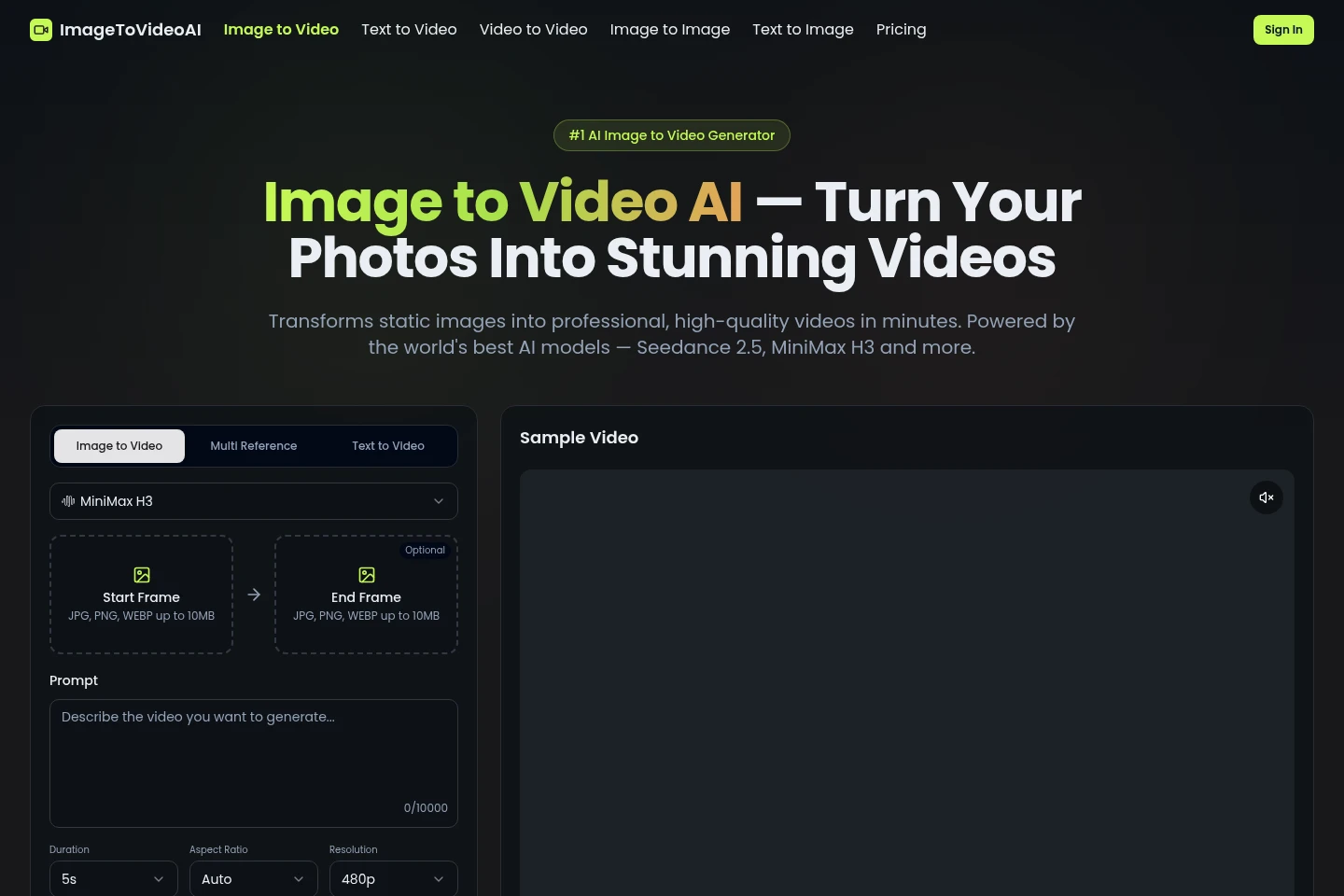
  4. ImageToVideoAI

    Turn images and prompts into AI-generated videos

    Lite · Lite: $14.90/month, billed annually at $178.80 total
  5. meigen

    Generate AI videos and images from prompts and visual inputs

    Starter · $19.90/month; $99.90 USD billed yearly

Who it is for

  • Video creators who need clips generated from prompts or images

  • E-commerce sellers and marketers creating product video content

  • Creative agencies producing video assets for campaigns and clients

FAQ

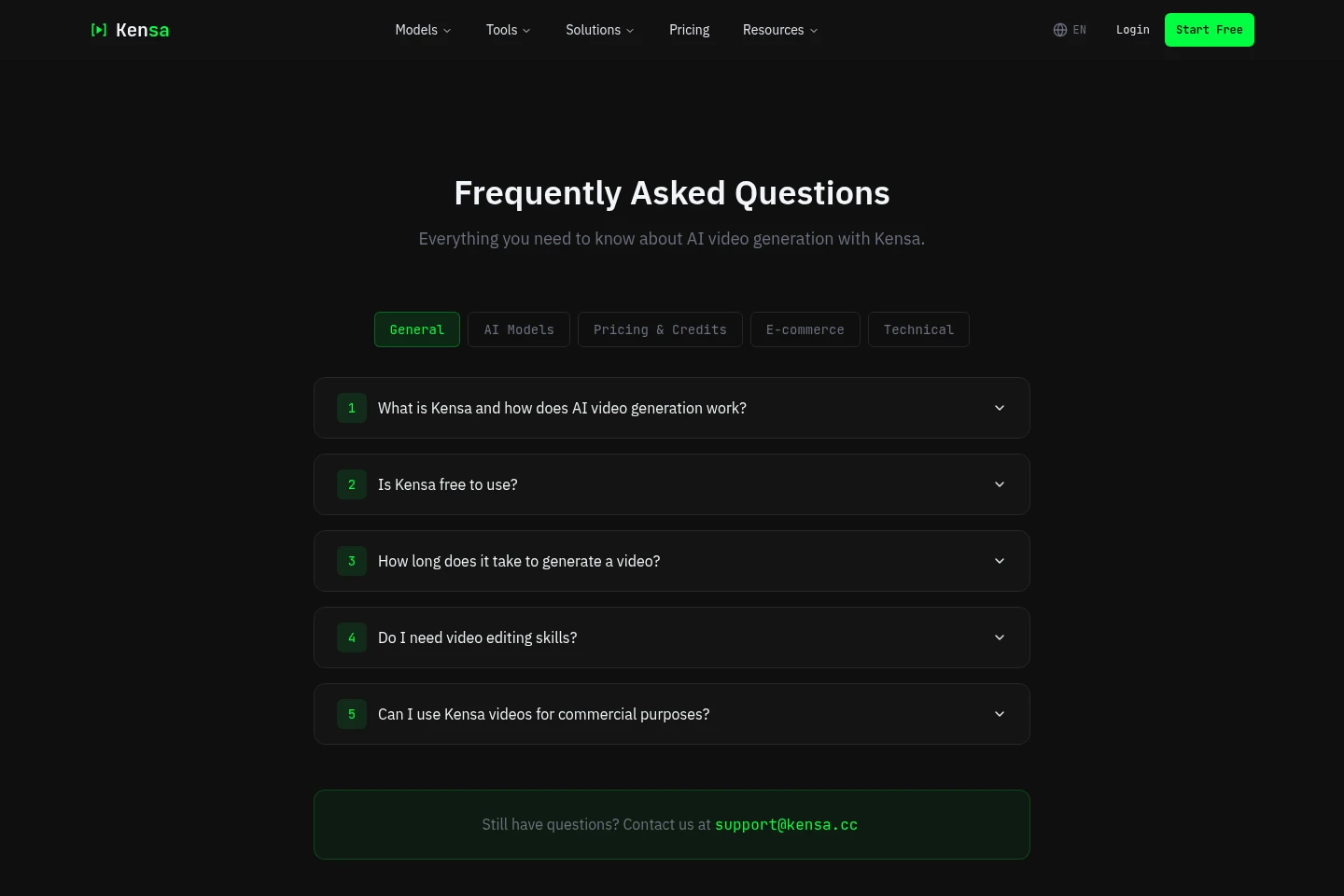
How do I get free credits?

Eligible new accounts created with Google sign-up receive 15 free credits, with no credit card required. Availability varies by region, the credits expire after 3 days, and videos made with them are watermarked until the first purchase.

Which video models does Kensa offer?

Kensa lists Seedance 2.5, Seedance 2.0, MiniMax H3, Grok Image Video, Veo 3.1, Kling 3, and Seedance 1.5 Pro. The supplied FAQ says Kling 3 is under maintenance; model settings and credit costs differ.

Can I use generated videos commercially?

Commercial use is included with the Pro or Ultimate subscription and the Premium Pack. The Basic subscription and Starter Pack and Standard Pack do not include a commercial-use license.

How are generation credits charged?

Each generation uses credits according to the selected model and settings, and Kensa displays the exact cost before generation. Credits are available through subscriptions or one-time credit packs; failed generations are automatically refunded.

How long do video generations take?

Most clips are ready in 1–4 minutes, depending on model, duration, and resolution. Longer clips can take longer.

Comments

Please sign in to leave a comment.
No comments yet. Be the first to share your thoughts!