Photo-based listing drafts
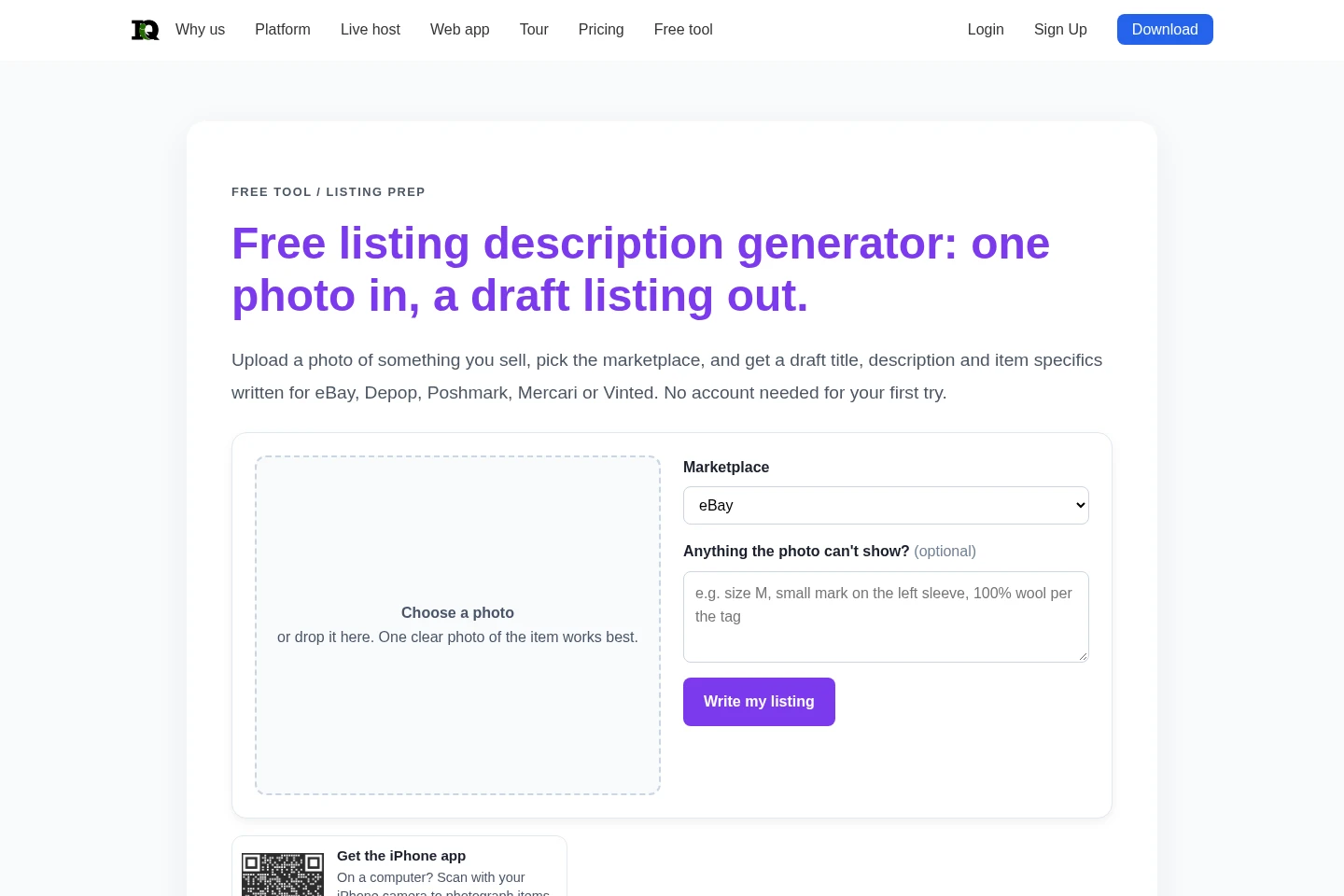
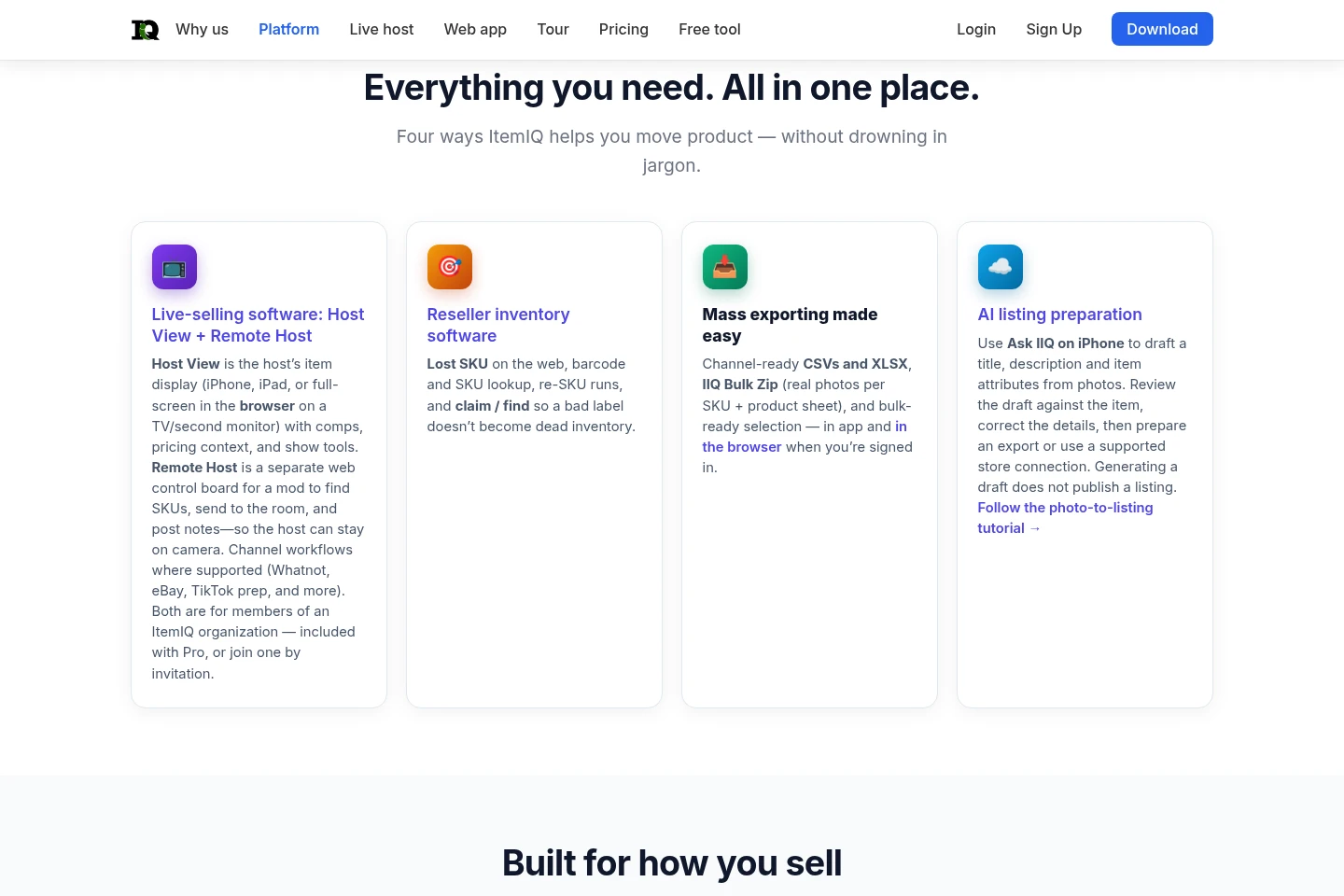
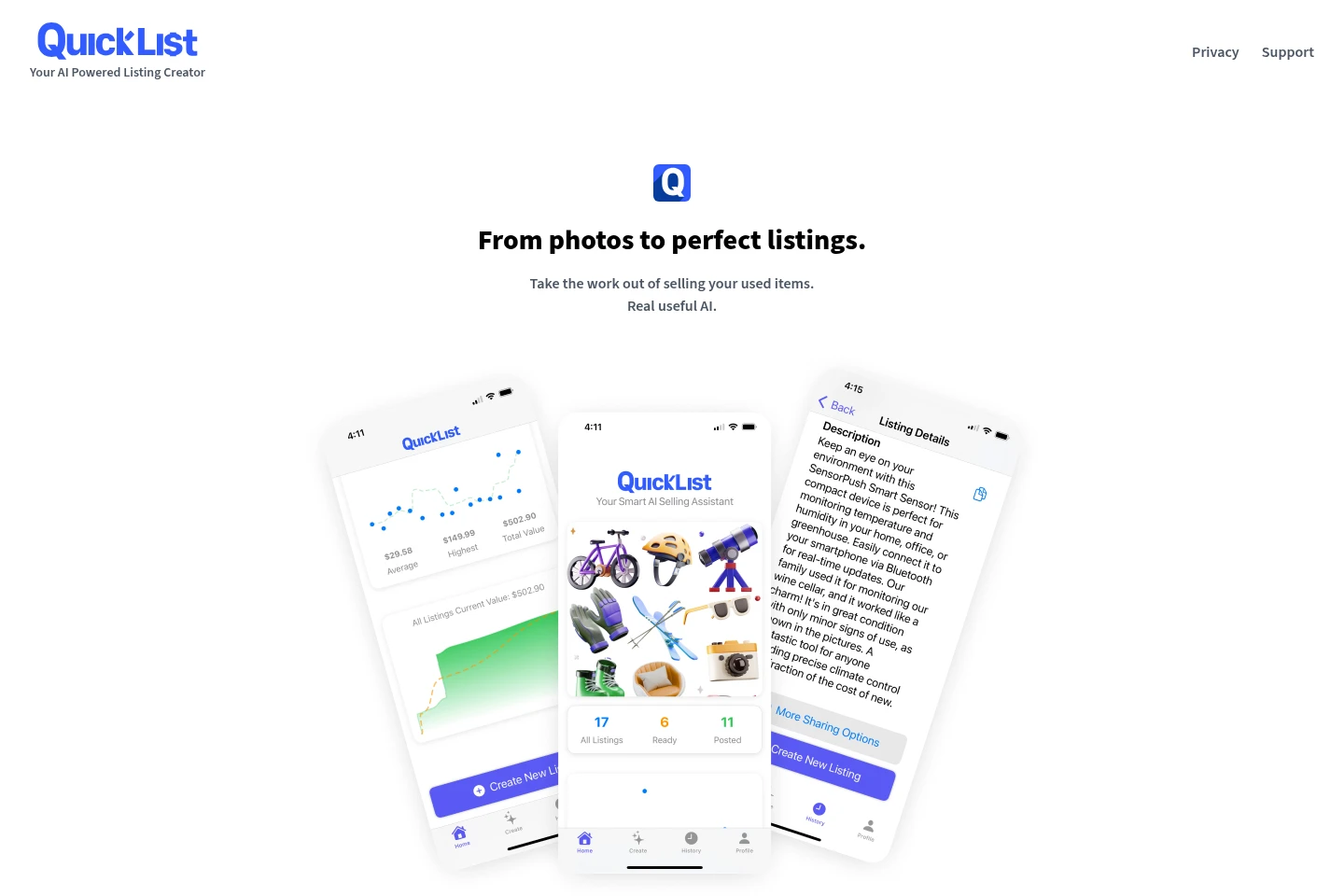
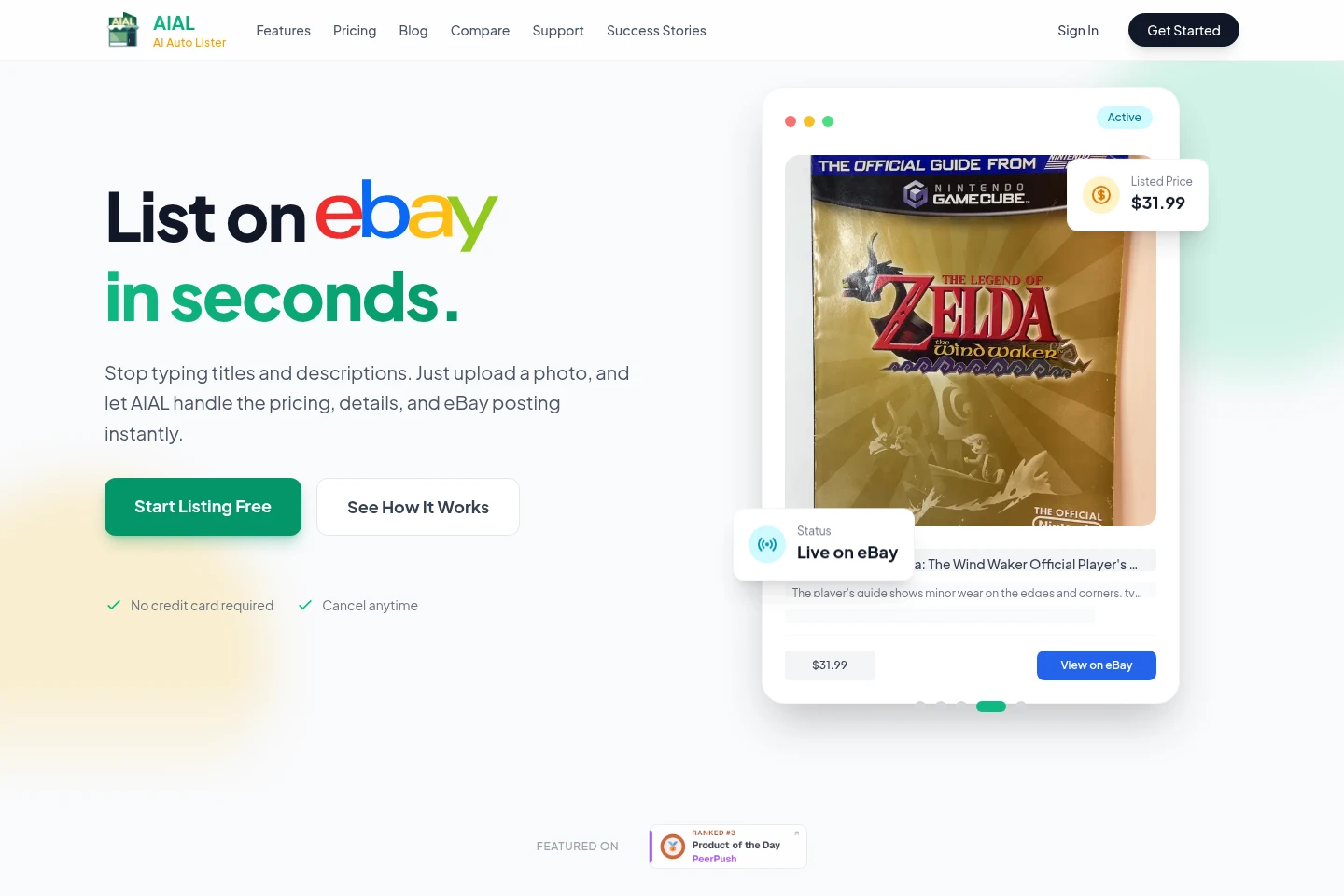
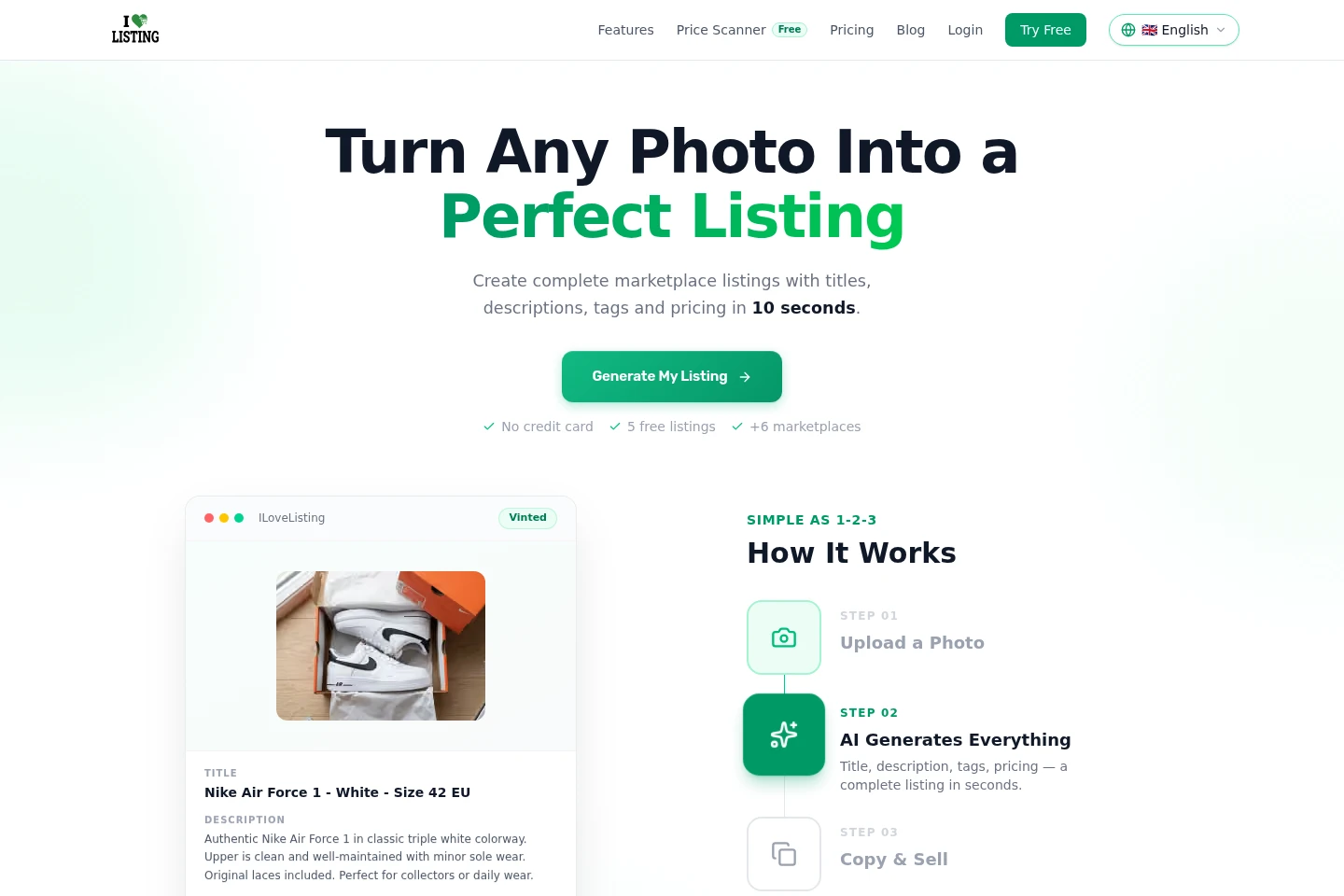
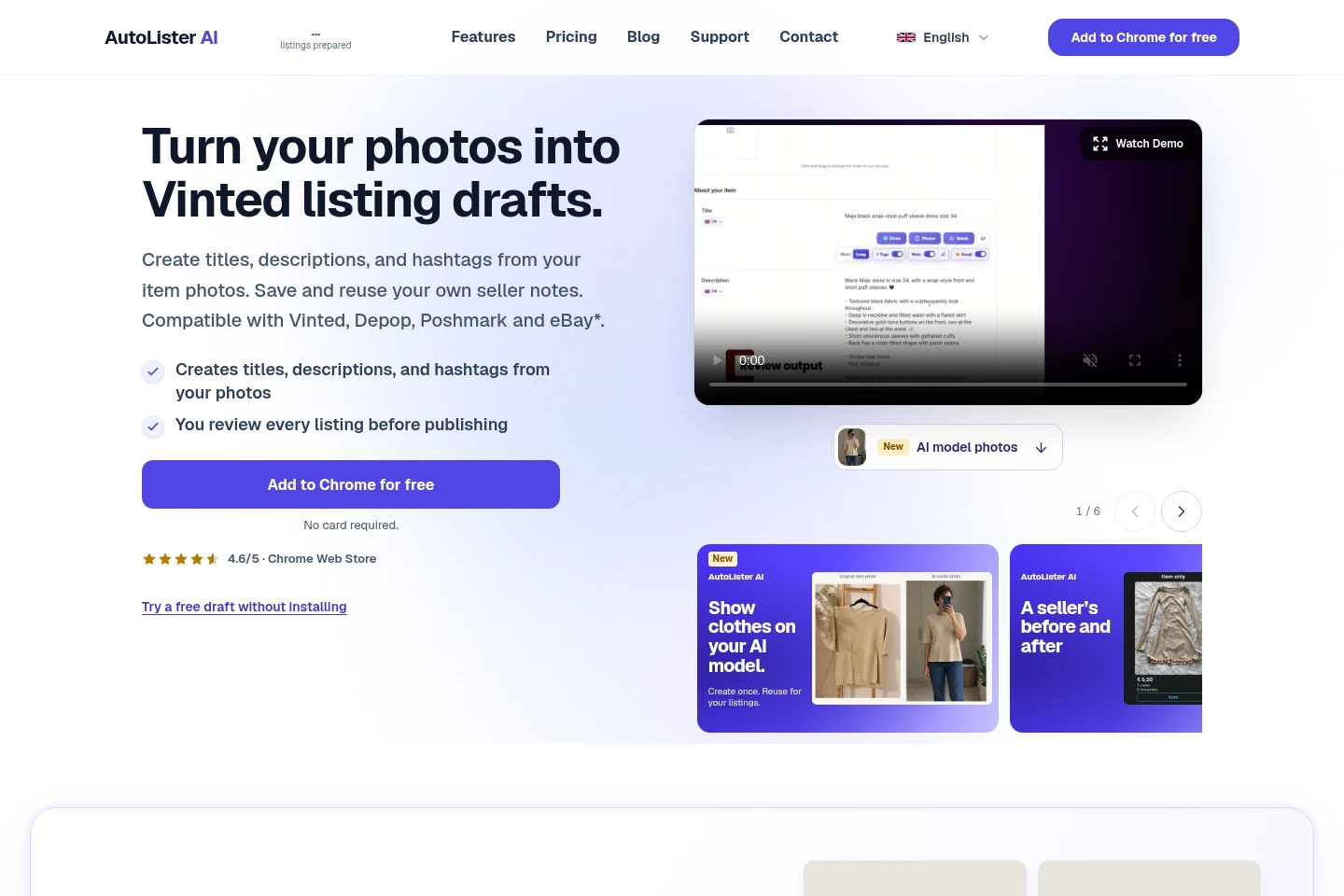
Create a draft title, description, and item specifics from item photos. Choose a marketplace and review the generated text; the one-photo web generator needs no account for the first try, and drafts do not publish listings.
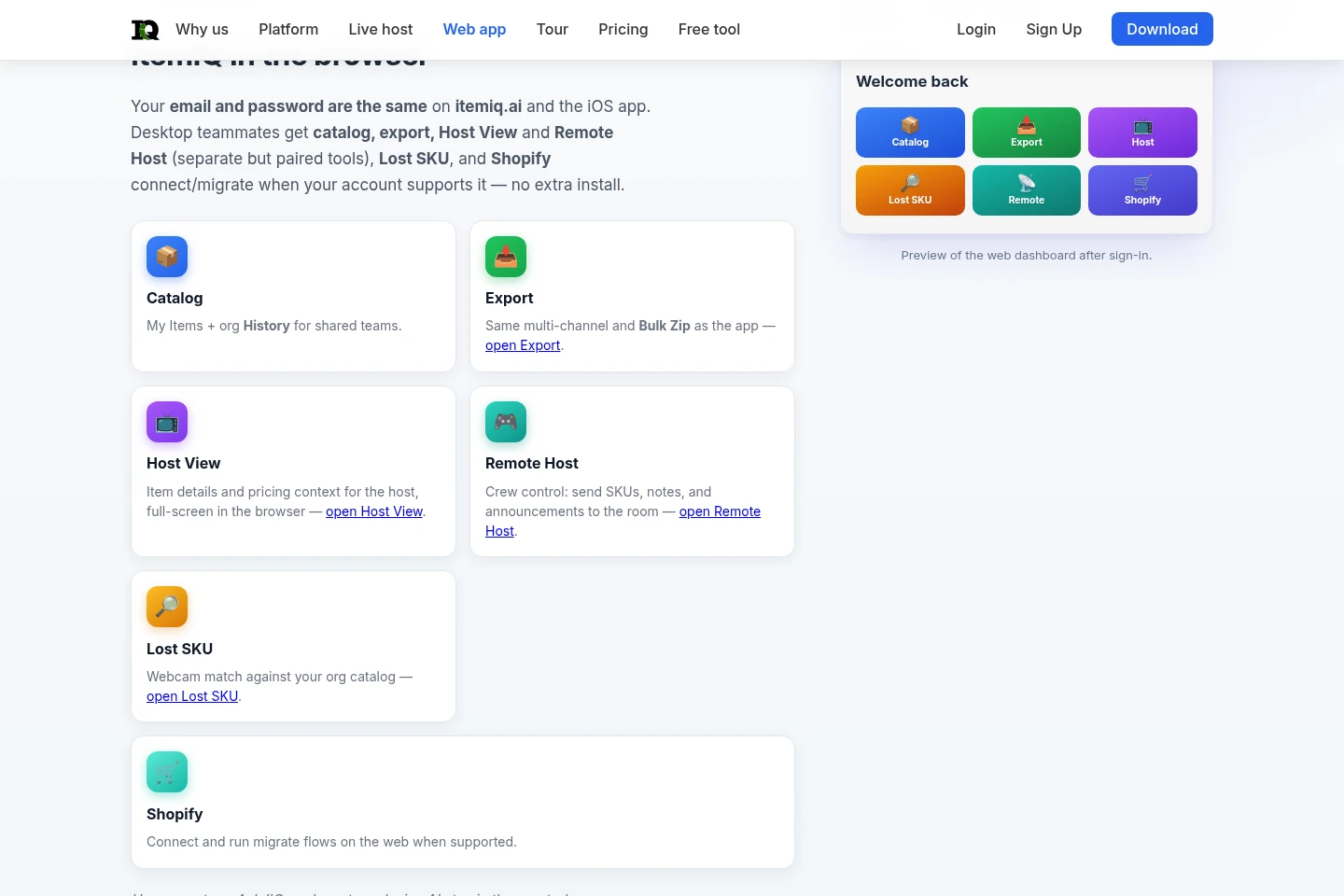
Organize item records with photos, SKUs, and shelf locations, and find or claim catalog items. Use barcode, scan, text, or web photo lookup workflows to locate items and correct SKU problems.
Bulk listing exports
Export selected inventory in channel-ready formats, including CSV and XLSX, or as an IIQ Bulk Zip with photos and a product sheet. Bulk exports are available in the app and signed-in browser workflows.
Live show coordination
Display item details and pricing context with Host View, and let crew members use Remote Host to find SKUs, send them to the room, and post notes or announcements. These tools require membership in an ItemIQ organization.








Comments