Image-to-3D generation
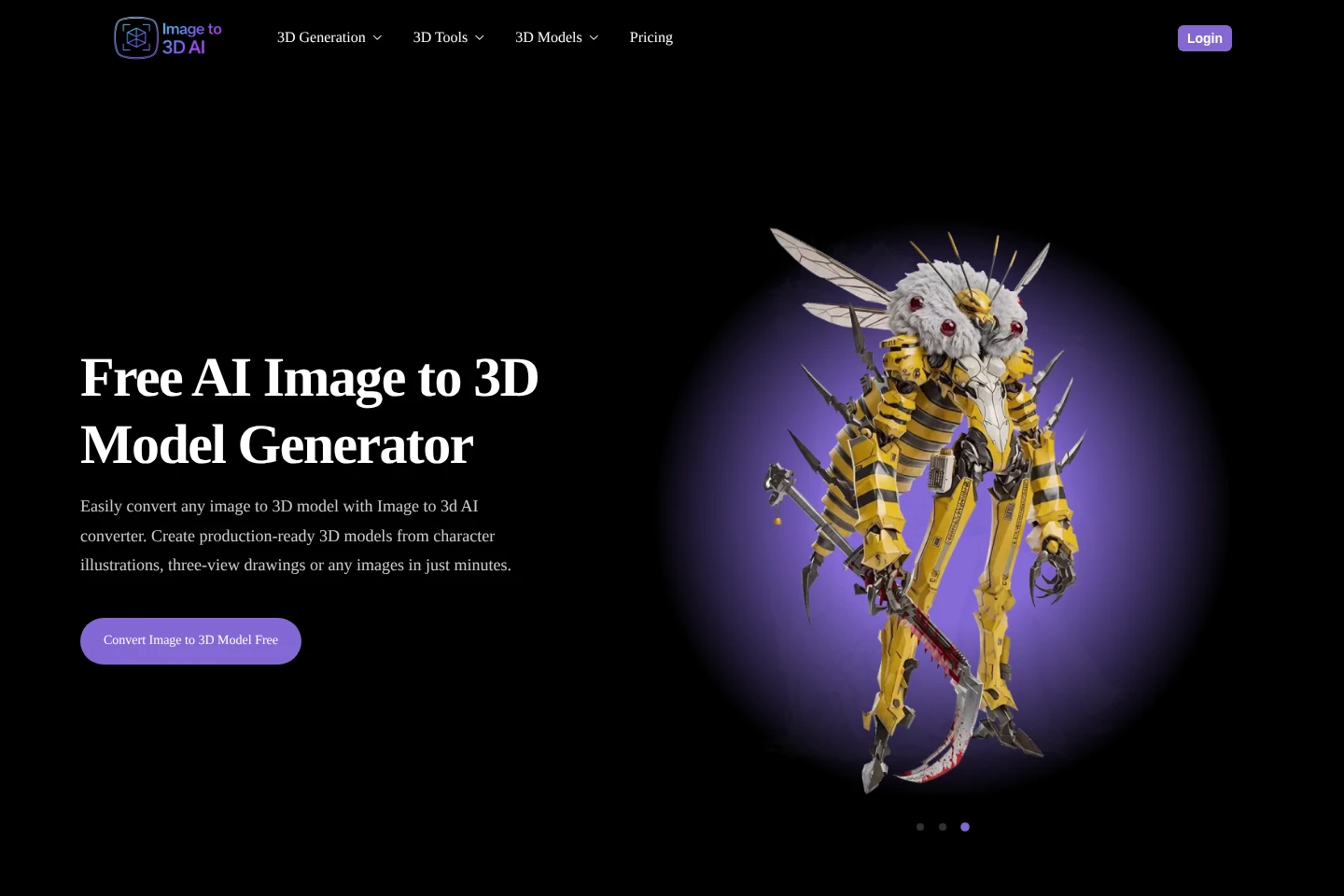
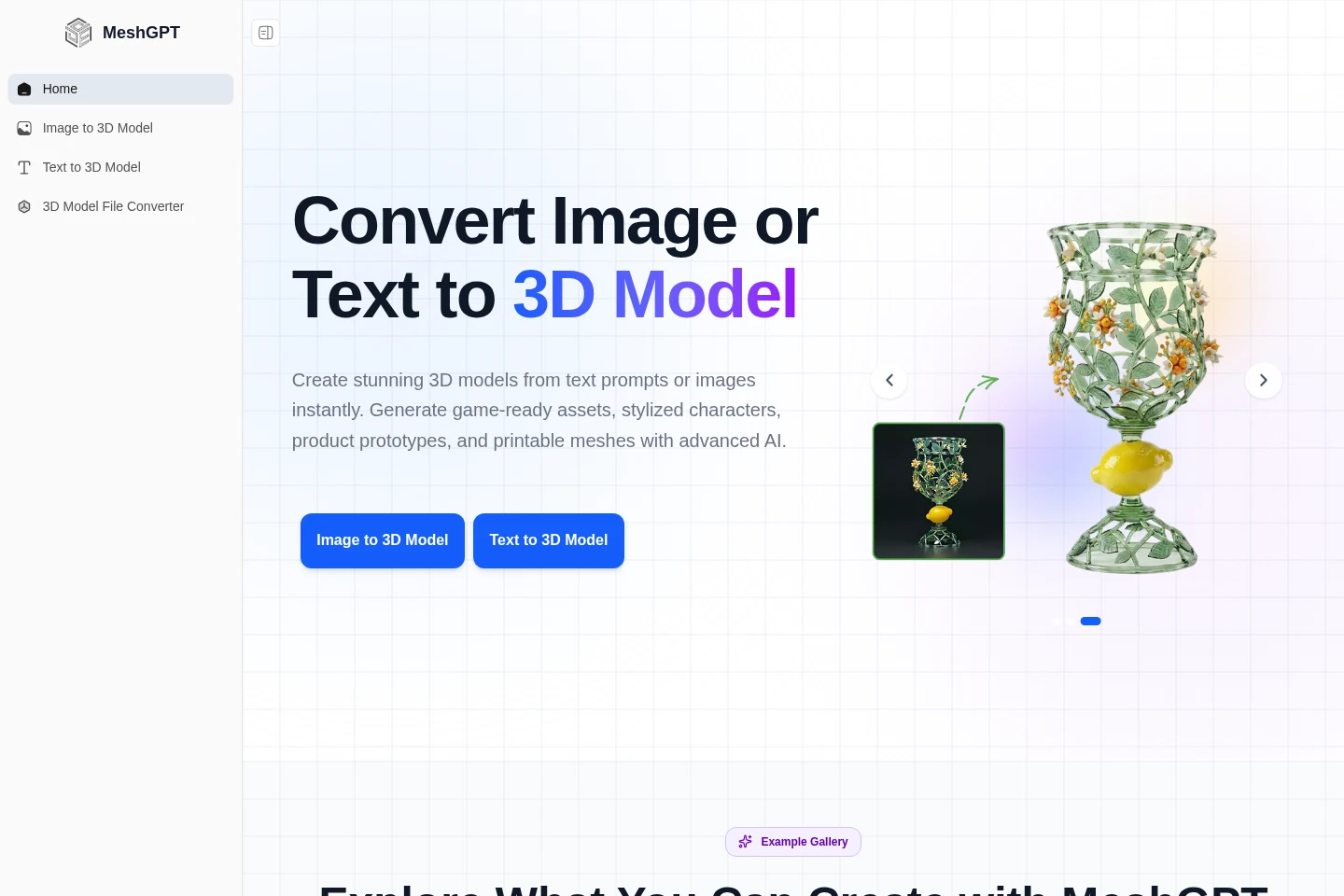
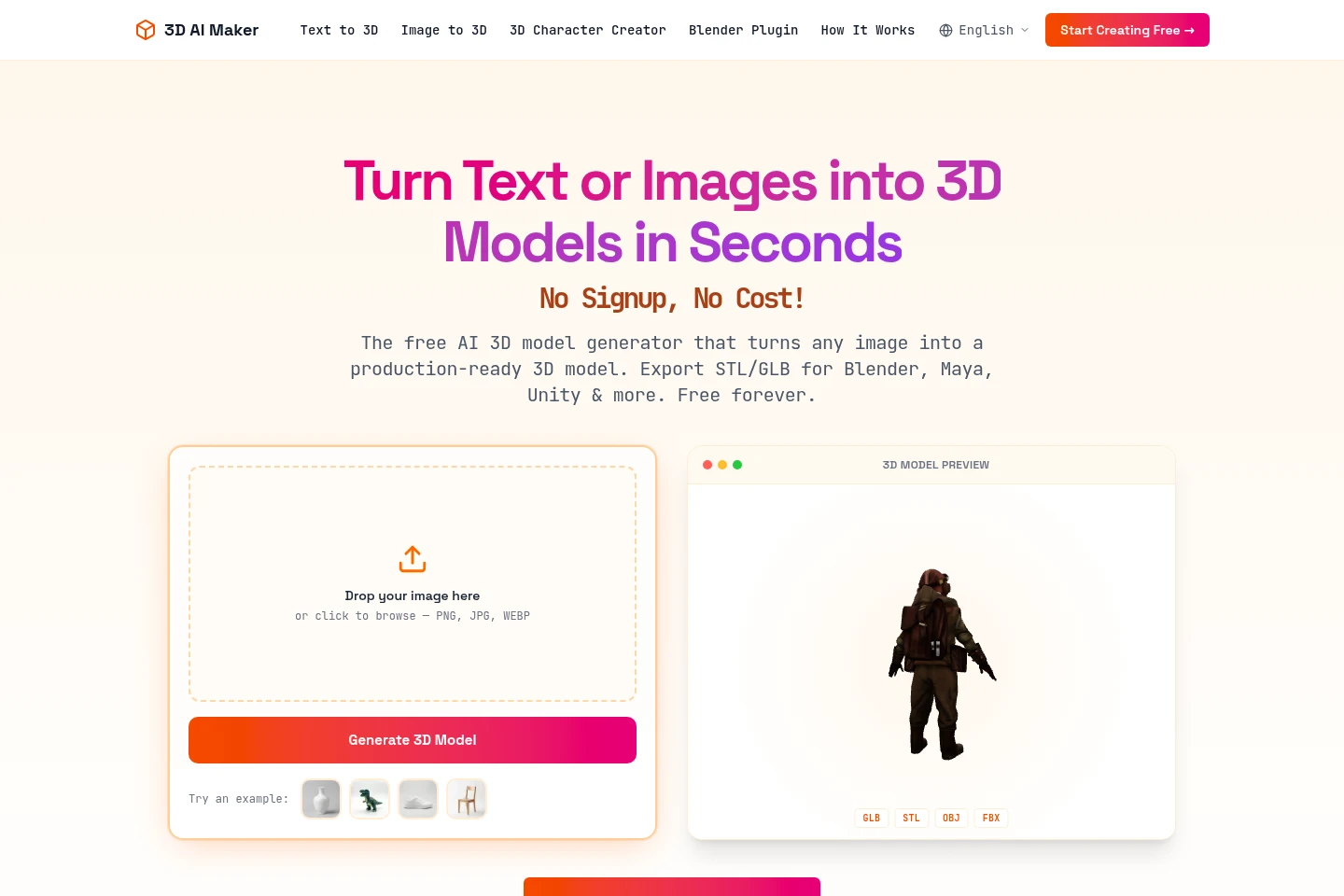
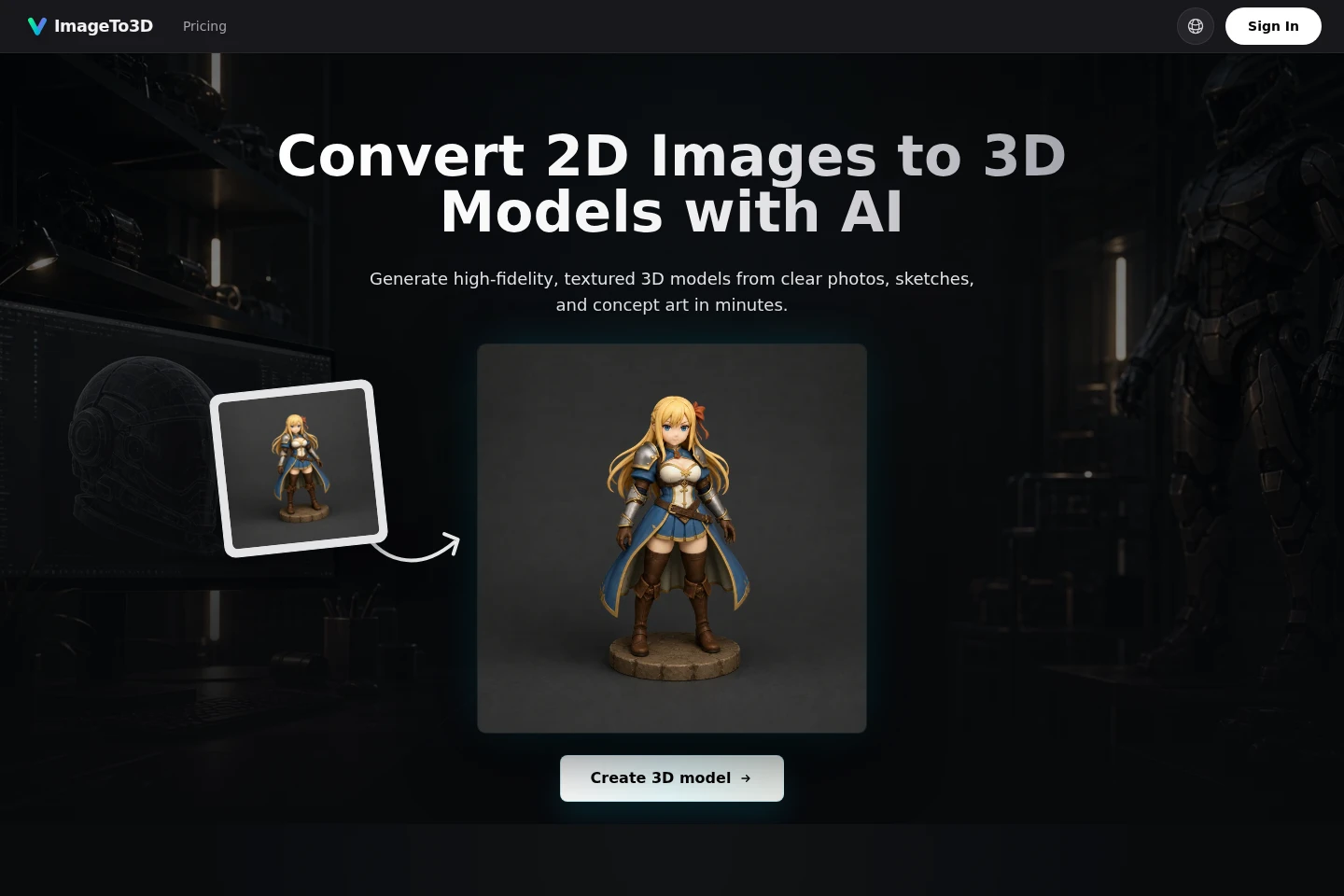
Generates a 3D model from an uploaded reference image and a text description. Upload a JPG, PNG, or WEBP image of up to 6 MB, describe the object, then choose a model and license option.
Text-to-3D generation
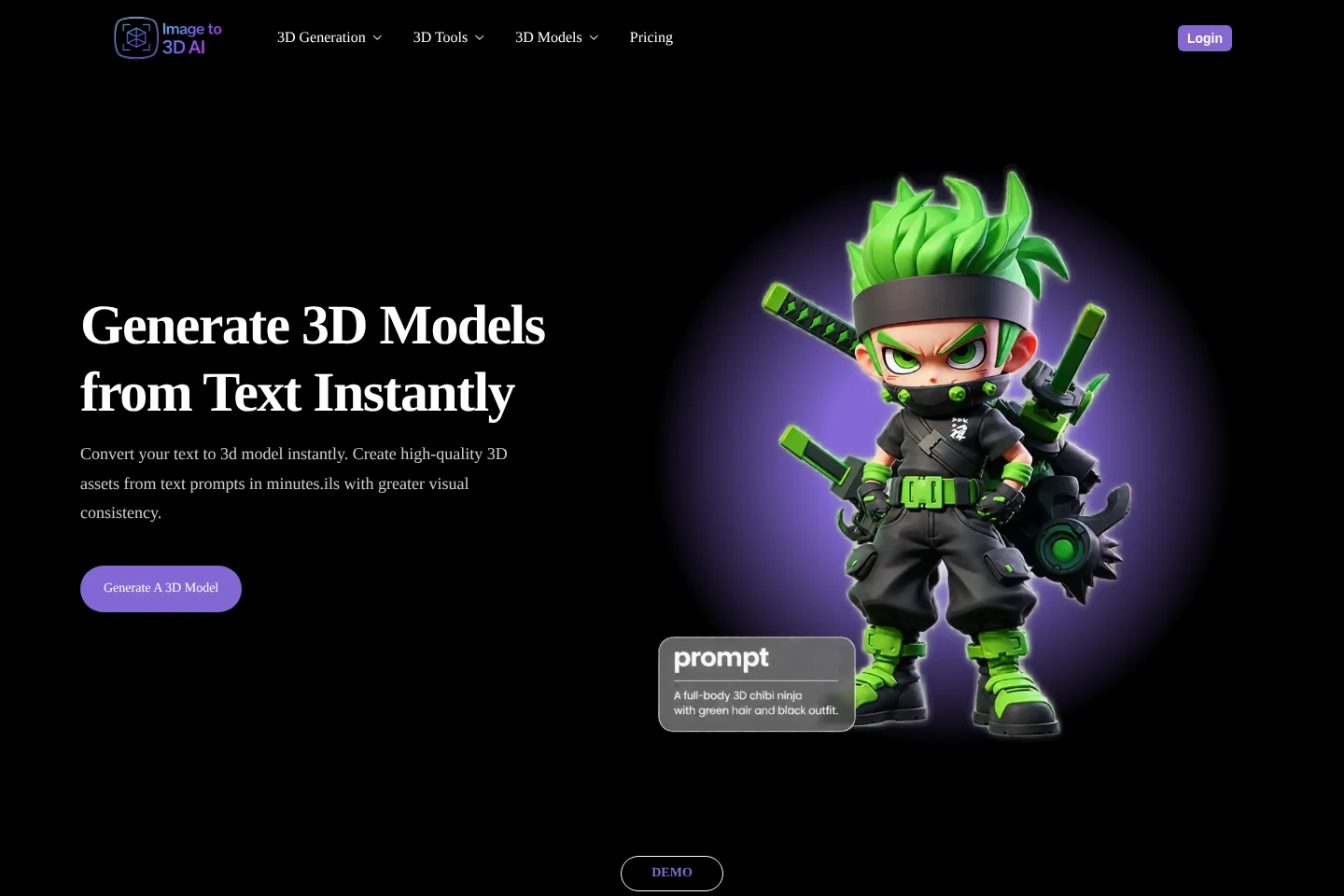
Creates a 3D model from a plain-text prompt. Enter an object description, select generation options such as texture or geometry, face count, and output format, then generate the model.
Multi-view reconstruction
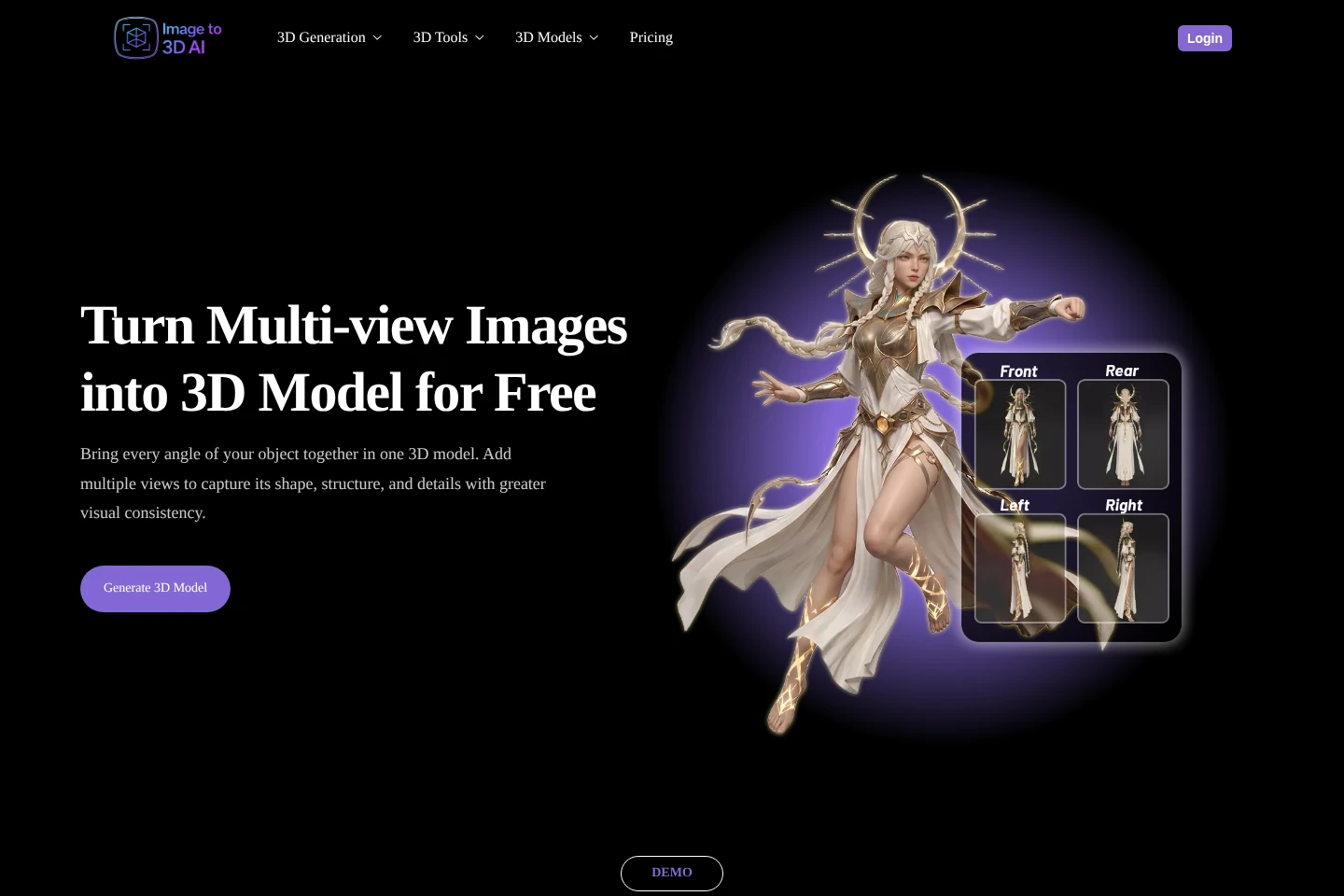
Combines multiple images of an object into a 3D model. Upload 2 to 8 views, including a front view, and adjust mesh options such as target face count before generation.
3D model output options
Produces textured or geometry-only meshes and lets users set mesh face count and output format. Available format choices shown include GLB, STL, USDZ, and FBX; PBR material can also be enabled.





Comments