SVG icon editing
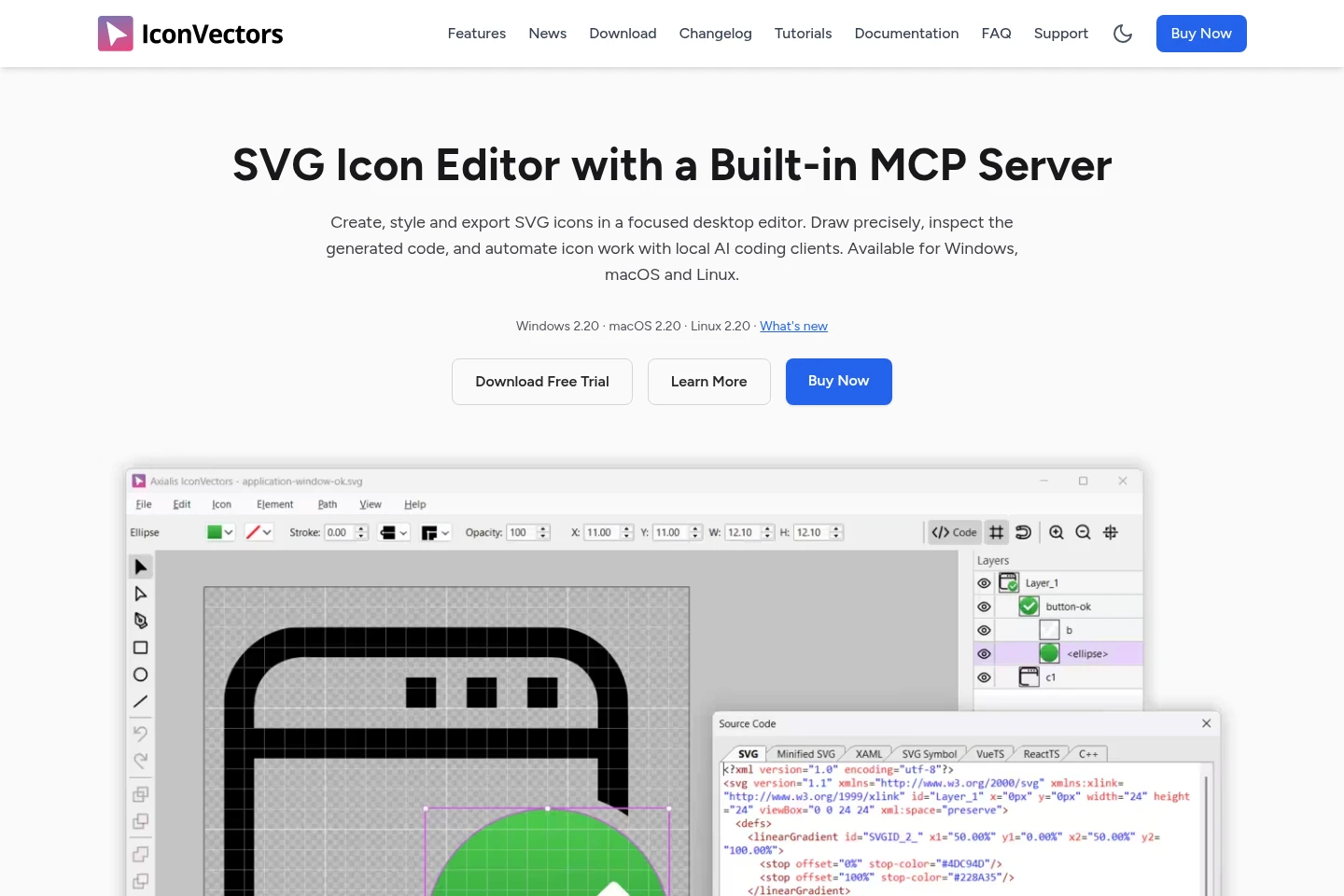
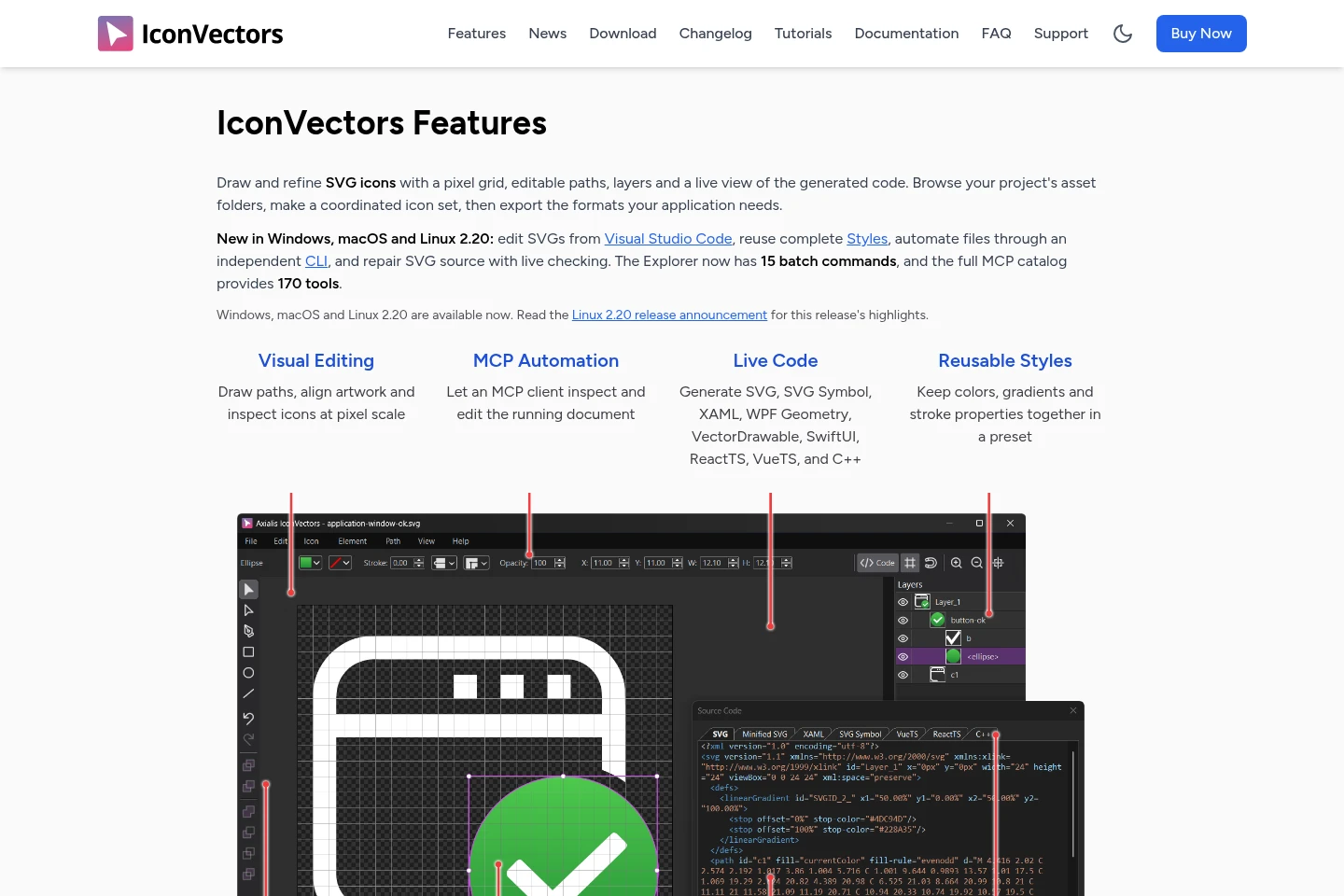
Draw and refine SVG icons, with editable paths, layers and a live view of generated source code. Use grid and vector tools to adjust artwork in the desktop editor.
Icon code export
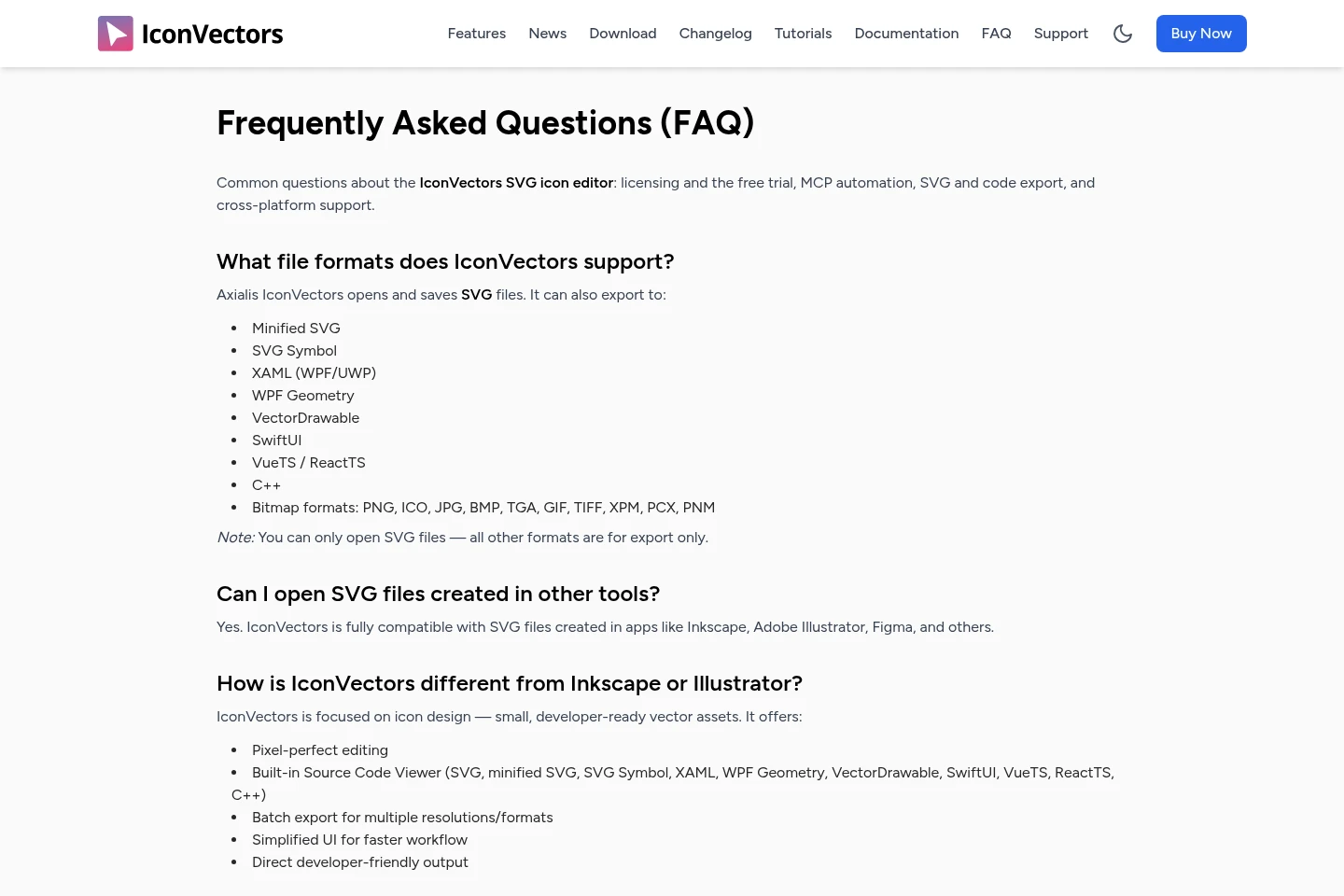
Export icons as SVG and code for formats including XAML, WPF Geometry, VectorDrawable, SwiftUI, ReactTS, VueTS and C++. Choose output for the target application; non-SVG formats are export-only.
Reusable Styles
Save fills, gradients, strokes and opacity in Style libraries and apply presets to artwork or groups of files. Embedded styles can manage shared CSS definitions inside an SVG.
CLI and MCP automation
Run file checks, exports and transformations through the CLI, or connect a local MCP client to operate on the running editor. MCP tool profiles provide 40, 80 or 170 tools, depending on version and profile.
Visual Studio Code editing
Open standalone SVG files, supported static asset references or self-contained inline SVG blocks in IconVectors from VS Code. Save edits back to the asset or tracked block; inline updates can require review when selected.













Comments