
Monthly visits
240,030
2026-10
Monthly growth +0.2%

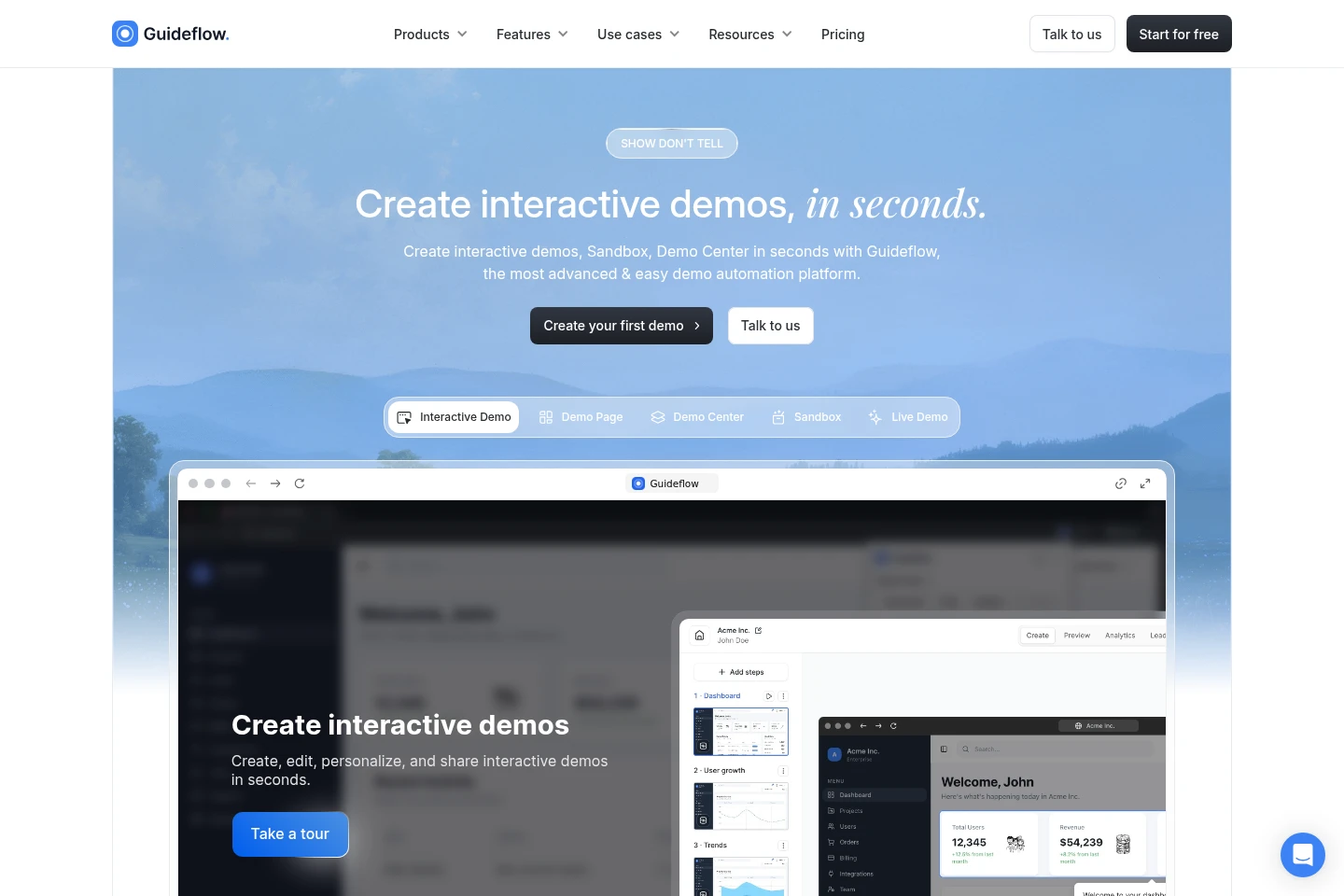
Guideflow - Create, customize, and share interactive product demos

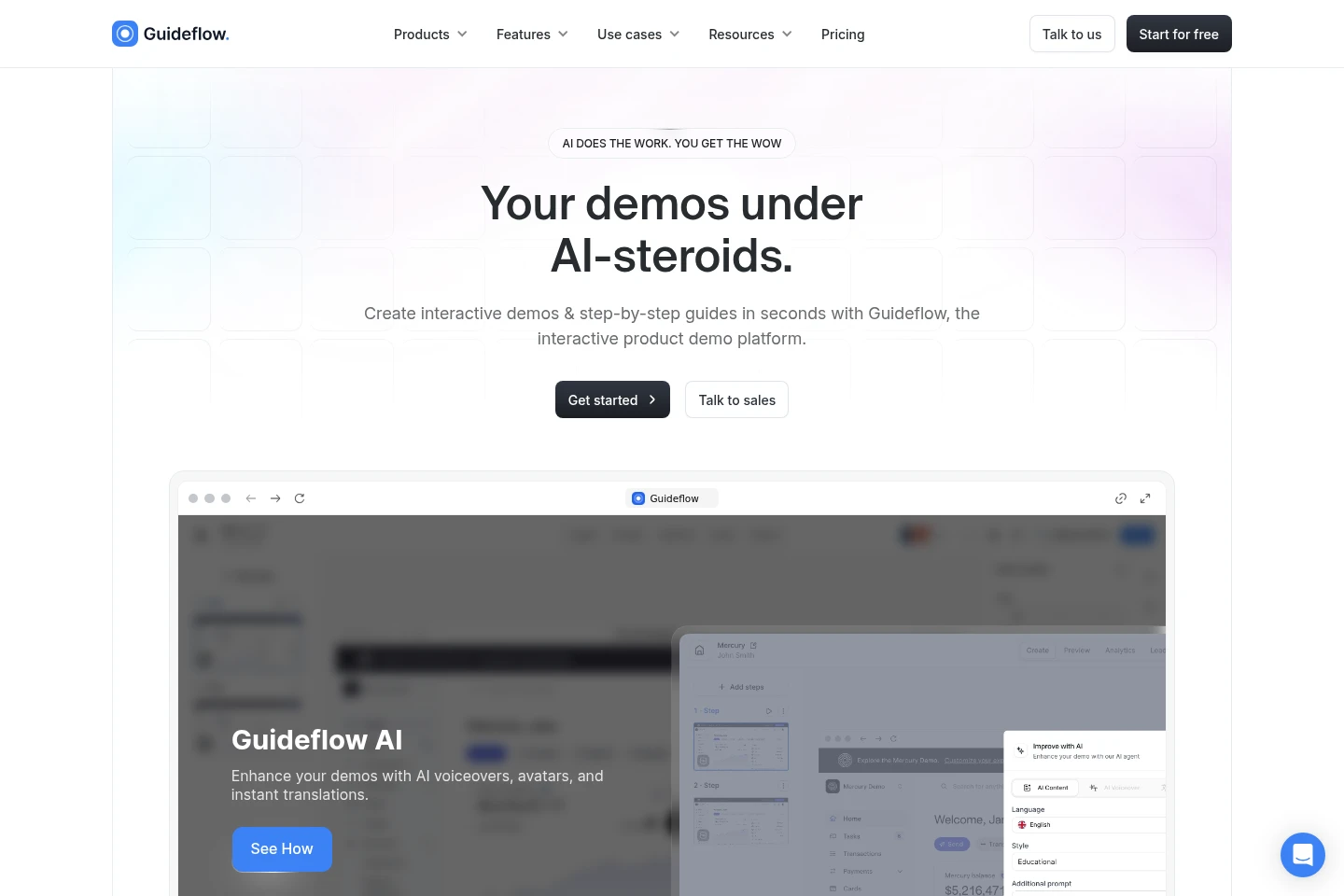
Guideflow captures website or app workflows as interactive demos and step-by-step guides. Users can edit the captured steps, personalize content, use AI to adjust demos and translations, share demos through links or embeds, and review engagement analytics. The product also offers sandbox, demo center, mobile demo, and live demo options.

Visit WebsiteUpdate this product

1Views

Capabilities

Workflow capture

Capture a website or app workflow in a browser and turn it into a demo. Follow the actions to record, then finish the capture to create steps.

Demo editing

Edit demo steps and add notes, colors, images, logos, text, and graphs. The builder supports team collaboration and can customize captured content.

AI demo adjustment

AI adjusts demos and guides, including steps, popups, translations, voiceovers, and avatars. The AI feature can polish the flow for an intended audience.

No-code personalization

Personalize demo text, images, and graphs using a no-code editor. Users can hide or blur elements and tailor content for leads.

Sharing and analytics

Share demos through public links, embeds, email, Notion, social platforms, or ads, and review impressions, completion, collected leads, and conversions.

PricingFreemium

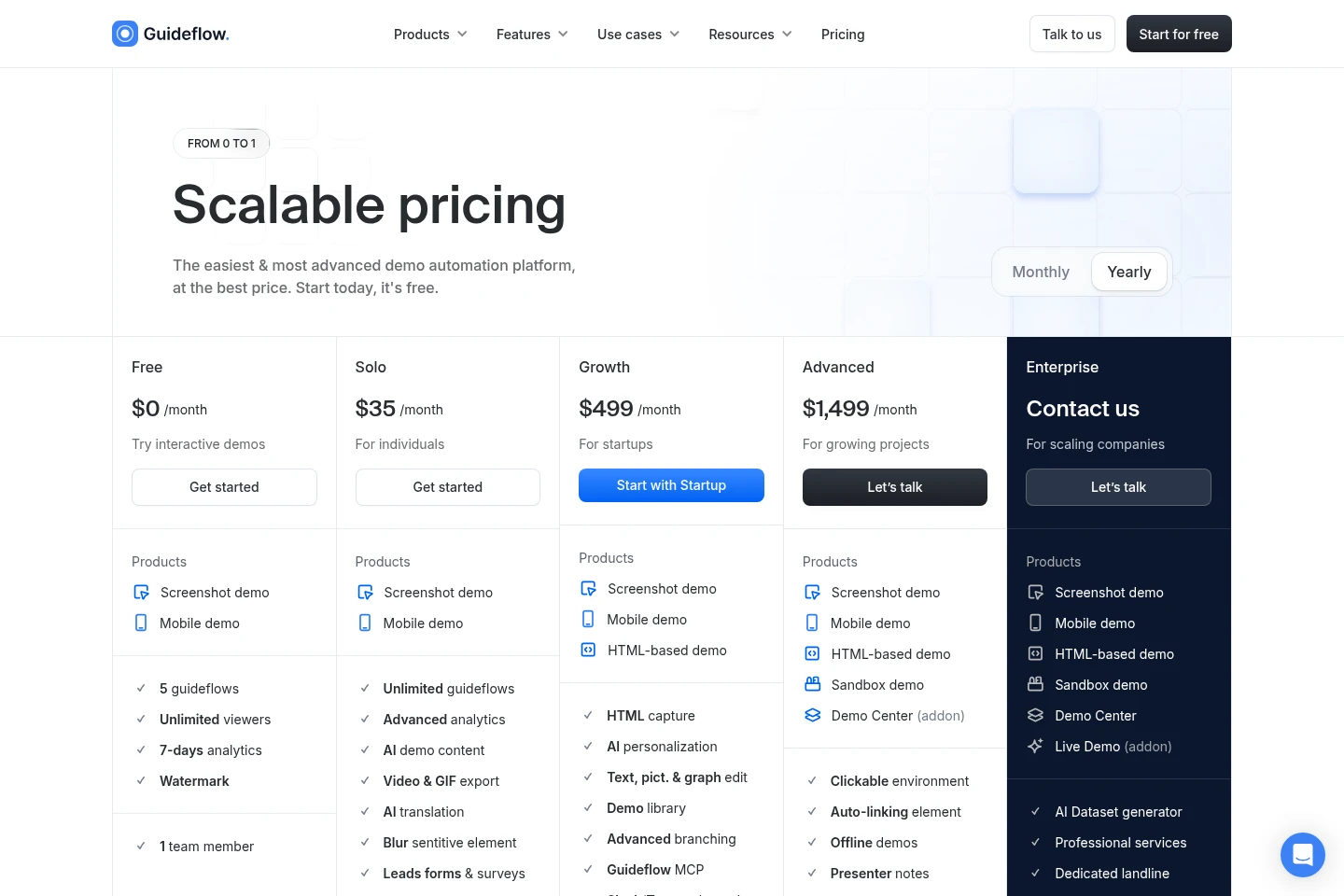
Guideflow has a free plan and paid plans, with monthly and yearly billing options shown. Compare included demo types, analytics, AI features, member limits, and collaboration or support provisions when choosing.

PlanPriceIncluded features and limits
Free

$0/month

  • 5 guideflows

  • Unlimited viewers

  • 7-days analytics

  • Watermark included

  • 1 team member

Solo

$40

  • For individuals

  • Unlimited guideflows

  • Advanced analytics

  • AI demo content

  • 1 member included; +$35 per additional user

Startup

$599

  • For startups

  • HTML-based demo and HTML capture

  • AI personalization

  • Demo library and advanced branching

  • 10 members included; +$50 per additional user

Advanced

$1,799

  • For growing projects

  • Sandbox demo

  • Demo Center available as an add-on

  • Offline demos

  • Custom seat number

Enterprise

Contact us

  • For scaling companies

  • Demo Center

  • Live Demo available as an add-on

  • AI Dataset generator

  • Professional services

Growth

$499 or $1,499

  • Guideflow MCP listed at $35

  • The pricing page displays Growth with $499 and $1,499 prices; their billing periods or mapping are not specified in the supplied page text.

  • Pricing page also displays $35 alongside Guideflow MCP; the page text does not clarify its billing period.

The pricing page offers Monthly and Yearly selections, but the supplied text does not unambiguously associate every displayed paid price with a billing period. Confirm the selected billing term and applicable price on the pricing page.

Use cases

Show a product through interactive demos

When prospects need to explore a product, teams capture a website or app flow and share the resulting interactive demo. Public links and embeds let viewers follow the demonstrated steps.

Personalize demos for sales prospects

When a sales team presents a product to different leads, it can edit demo content, hide or blur elements, and tailor the experience. The resulting demos can be shared with prospects.

Guide users through product tasks

When users need help following a product workflow, teams create step-by-step interactive guides from captured flows. Edited guides can be shared as links or embedded in other materials.

Limitations

  • The Free plan limits accounts to 5 guideflows, 1 team member, and 7-days analytics, and includes a watermark.

  • The Solo plan includes 1 member; additional users cost $35 each.

  • The Startup plan includes 10 members; each additional user costs $50.

  • The Advanced plan specifies a custom seat number rather than a fixed member quota.

Alternatives

Escourtly

Record product flows as interactive demos prospects can explore

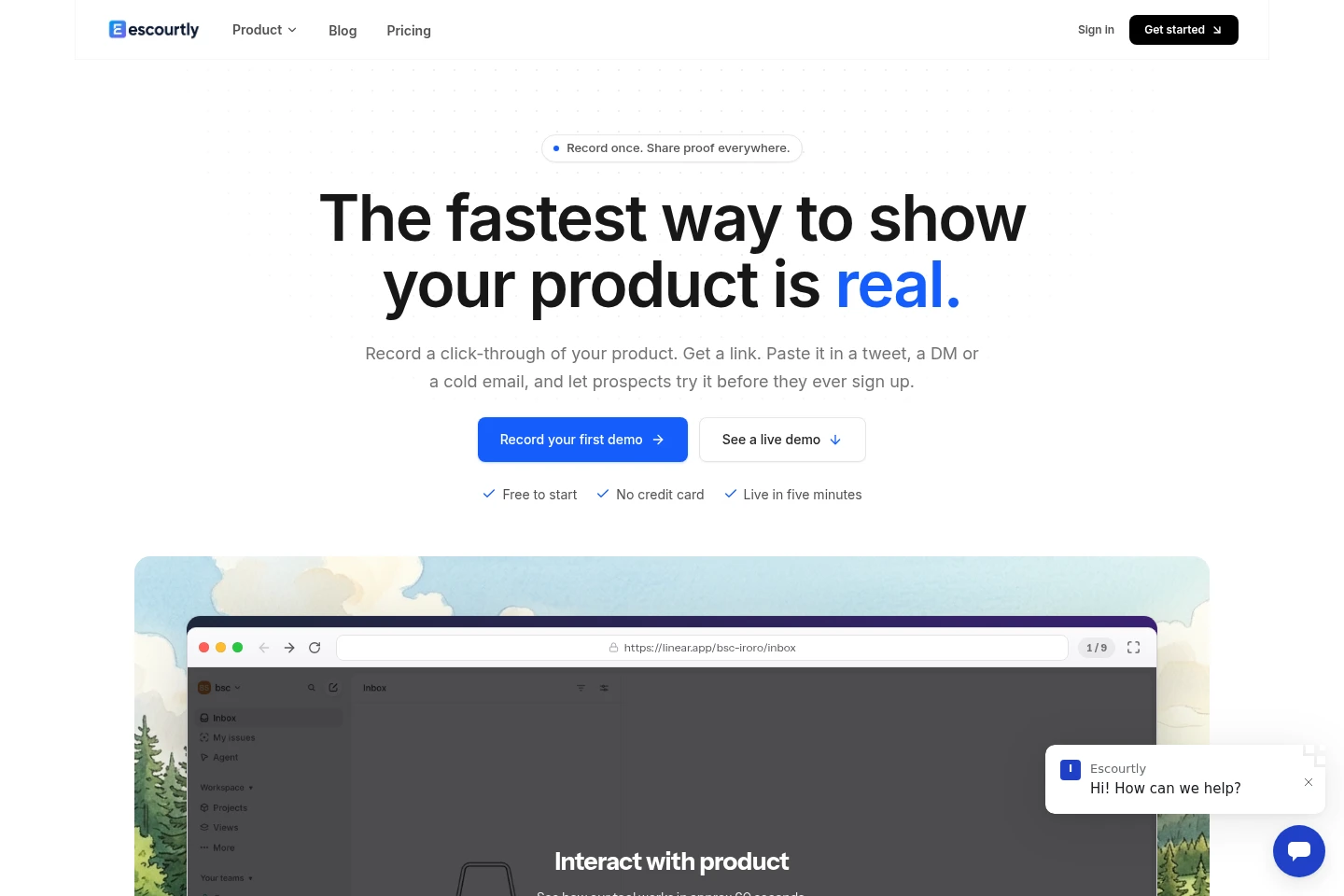
Escourtly is a browser-based tool for creating and sharing interactive product demos. Record a product flow with its Chrome extension, edit captured steps with captions, hotspots, blur and zoom, then publish a shareable link or embed. Viewers can click through without an account or download, while creators can inspect step drop-off and connect lead forms to supported CRMs or a webhook.

  • Cloud
  • Freemium
  • Founder Plan$49 per month, billed monthly
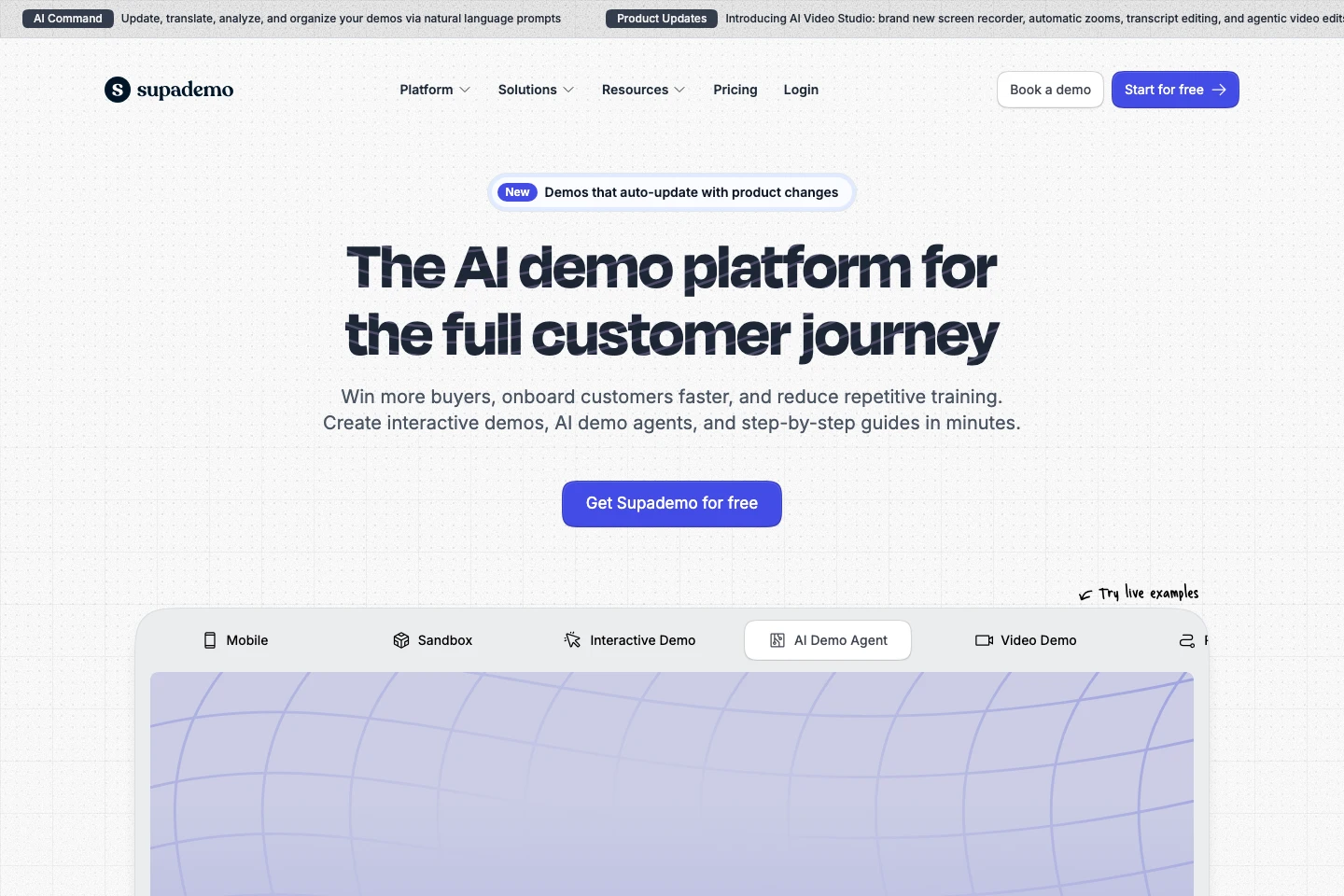
  1. Supademo

    Create engaging demos that drive conversions

    Freemium
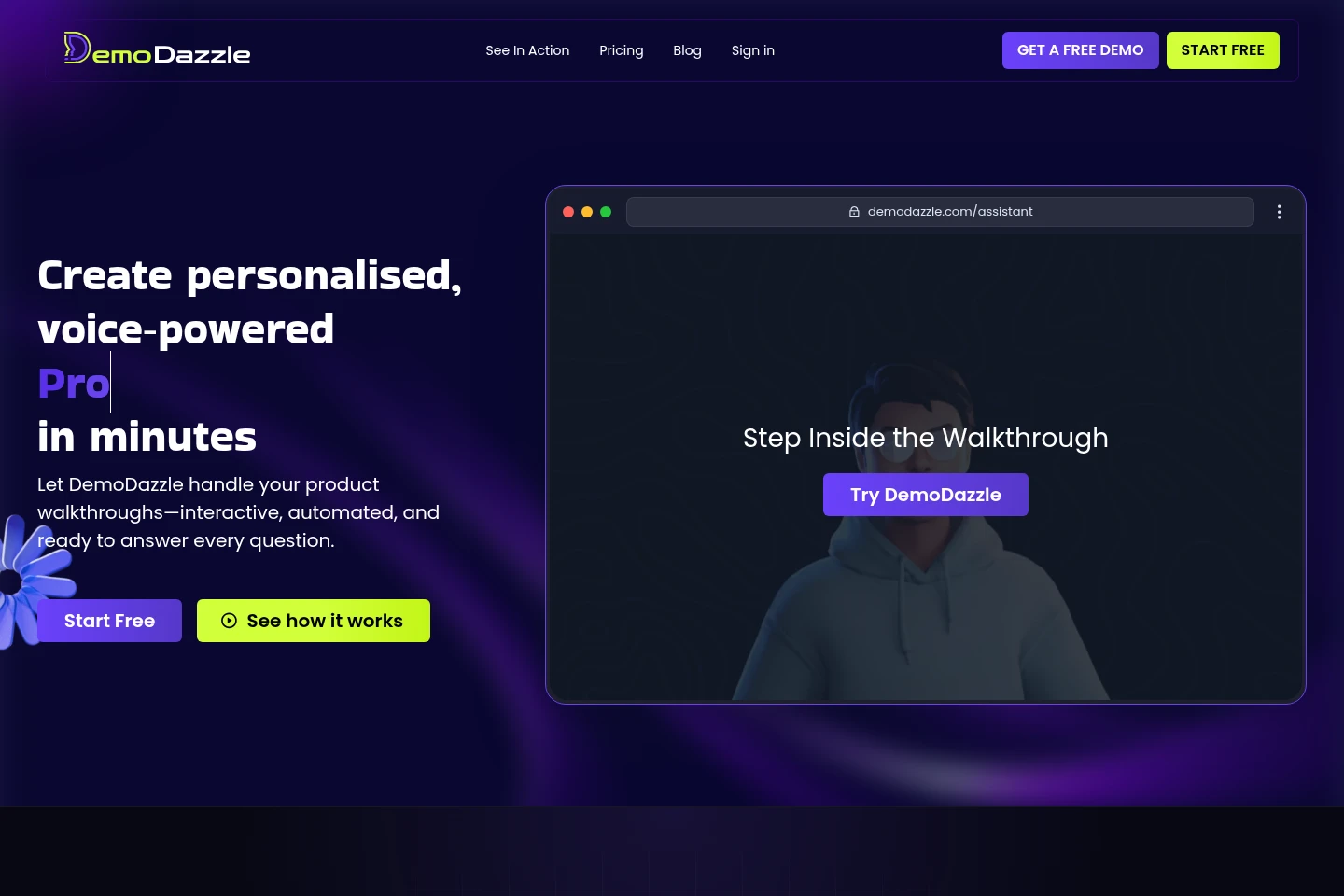
  2. DemoDazzle

    Create interactive, AI-guided product walkthroughs

    Starter · $5.00 for 30 tokens
  3. ShowMeHow

    Generate professional tutorial videos instantly

    Free
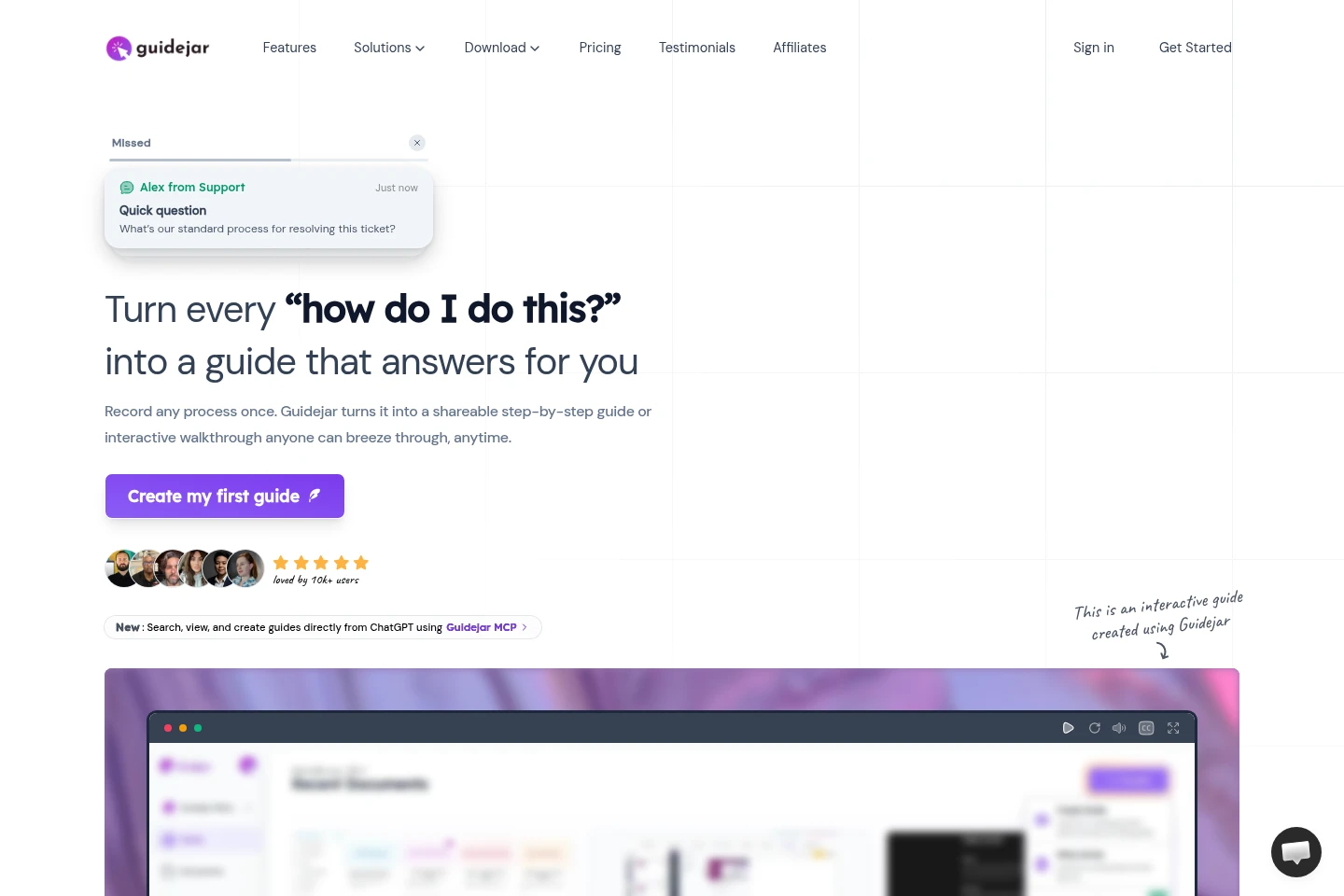
  4. Guidejar

    Record a process and turn it into shareable step-by-step guides

    Starter · Free
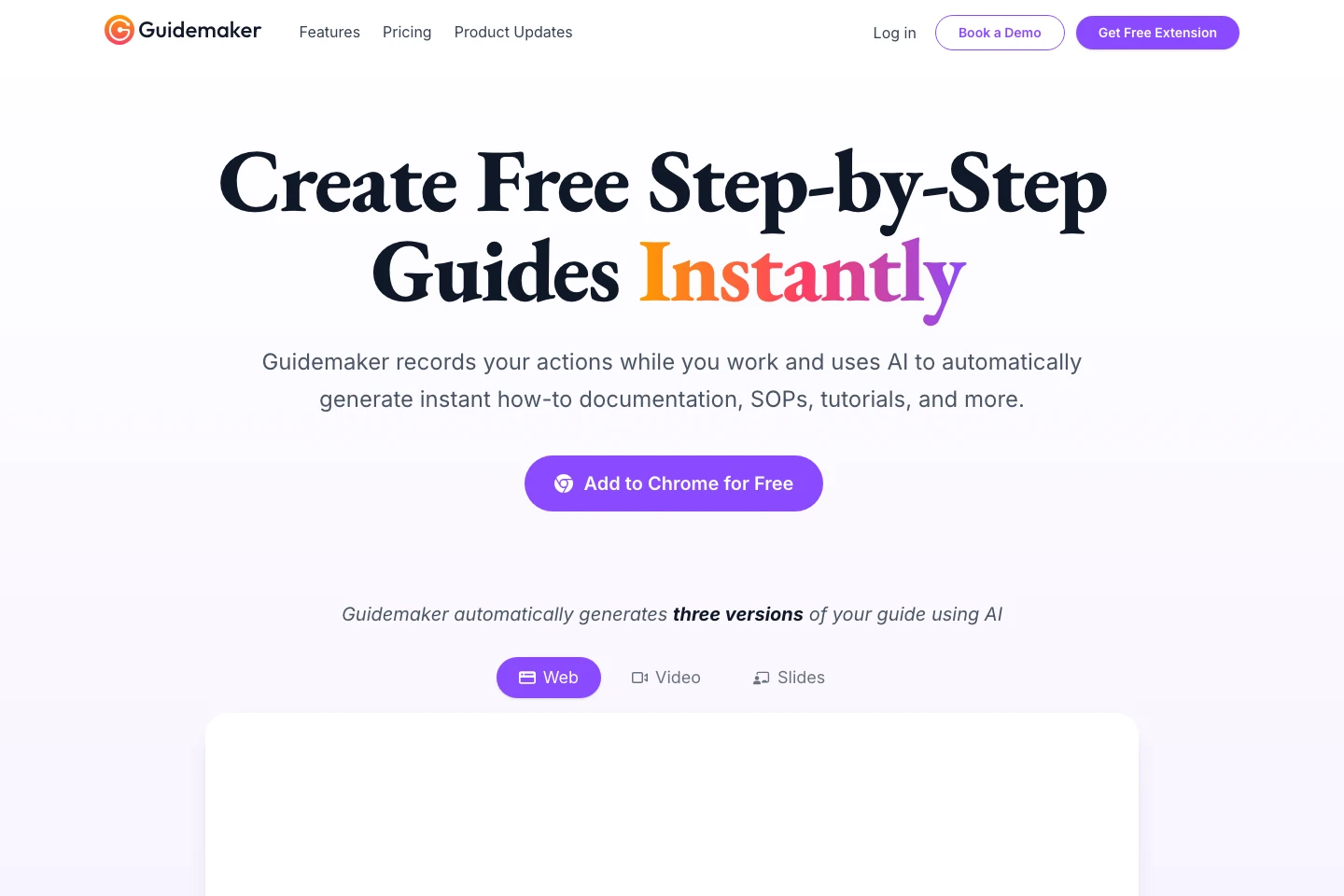
  5. Guidemaker

    Free AI SOP Generator for Step-by-Step Visual Guides

    Freemium

Who it is for

  • Product marketing teams presenting product value and collecting qualified leads

  • Sales and pre-sales teams tailoring product demonstrations for prospects

  • Customer success and support teams creating guides for customer workflows

FAQ

What can teams create with Guideflow?

Teams can create interactive product demos, step-by-step guides, sandbox demos, demo centers, mobile demos, and live demos. Specific products and features depend on the selected plan.

How does Guideflow capture a demo?

Capture a website or app flow in the browser by performing the actions you want to demonstrate, then finish the capture. Guideflow generates an interactive demo or guide from that recorded flow.

How can a demo be shared?

Demos can be shared using public links, embedded on websites, and shared through email, Notion, social platforms, or ads. Available sharing options may depend on the product configuration.

What analytics does Guideflow provide?

Guideflow describes real-time analytics for impressions, completion rate, leads collected, and conversions. The Free plan includes 7-days analytics.

Does Guideflow include AI features?

Yes. Guideflow describes AI adjustment of demo steps, popups, translations, voiceovers, and avatars. The pricing page lists AI demo content for Solo and AI personalization for Startup.

Comments

Please sign in to leave a comment.
No comments yet. Be the first to share your thoughts!