Batch image editing
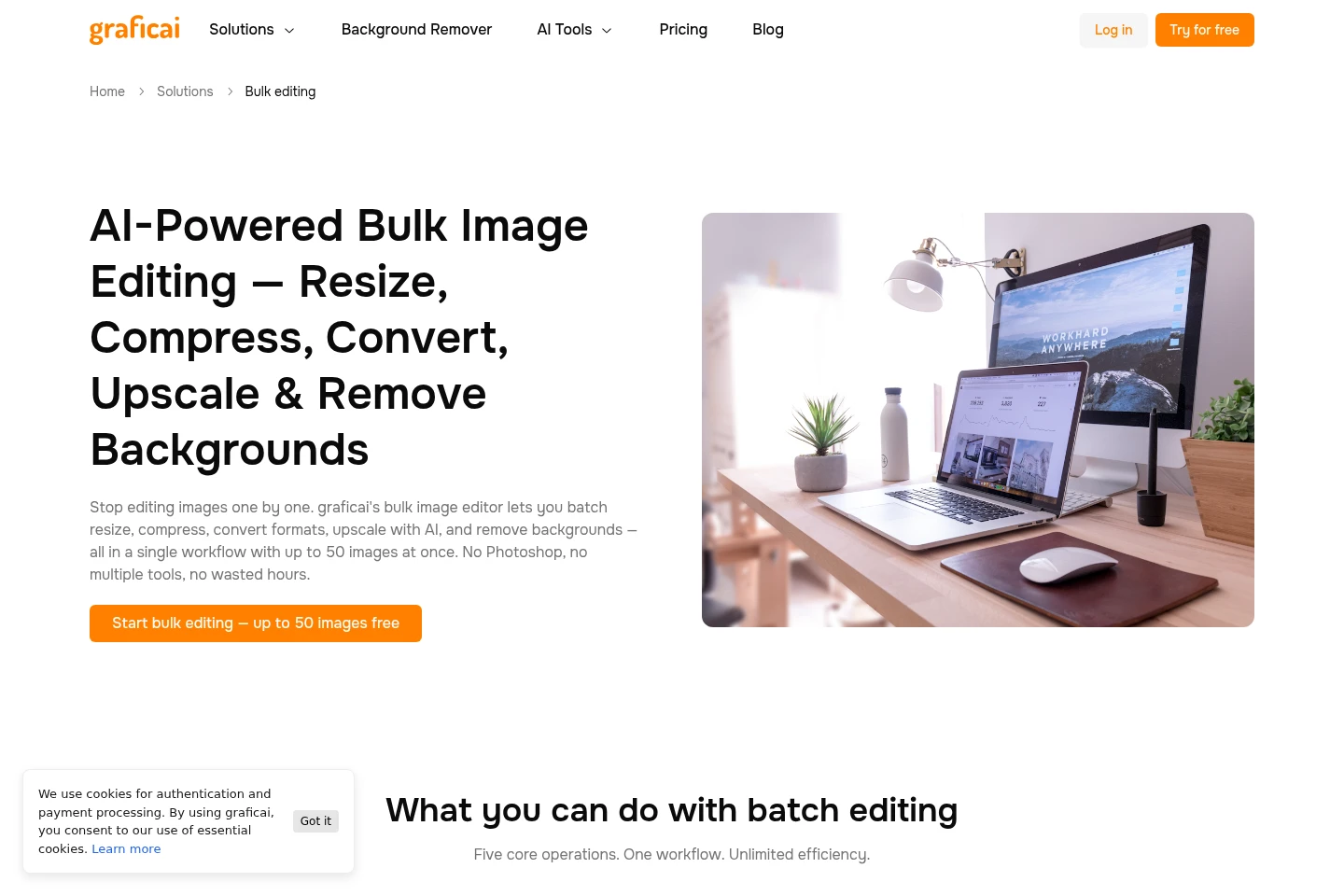
Edit batches of up to 50 images with resize, compression, format conversion, AI upscaling, or background removal. Upload JPG, PNG, WebP, or AVIF files from a device or the image library, choose operations and settings, then download files individually or in a ZIP.
AI image generation and editing
Generate and modify product visuals using AI tools for backgrounds, retouching, variations, face swaps, virtual try-on, and pose changes. Choose a tool and provide an image, model photo, reference, or prompt as applicable; credit costs vary by operation.
Image optimization
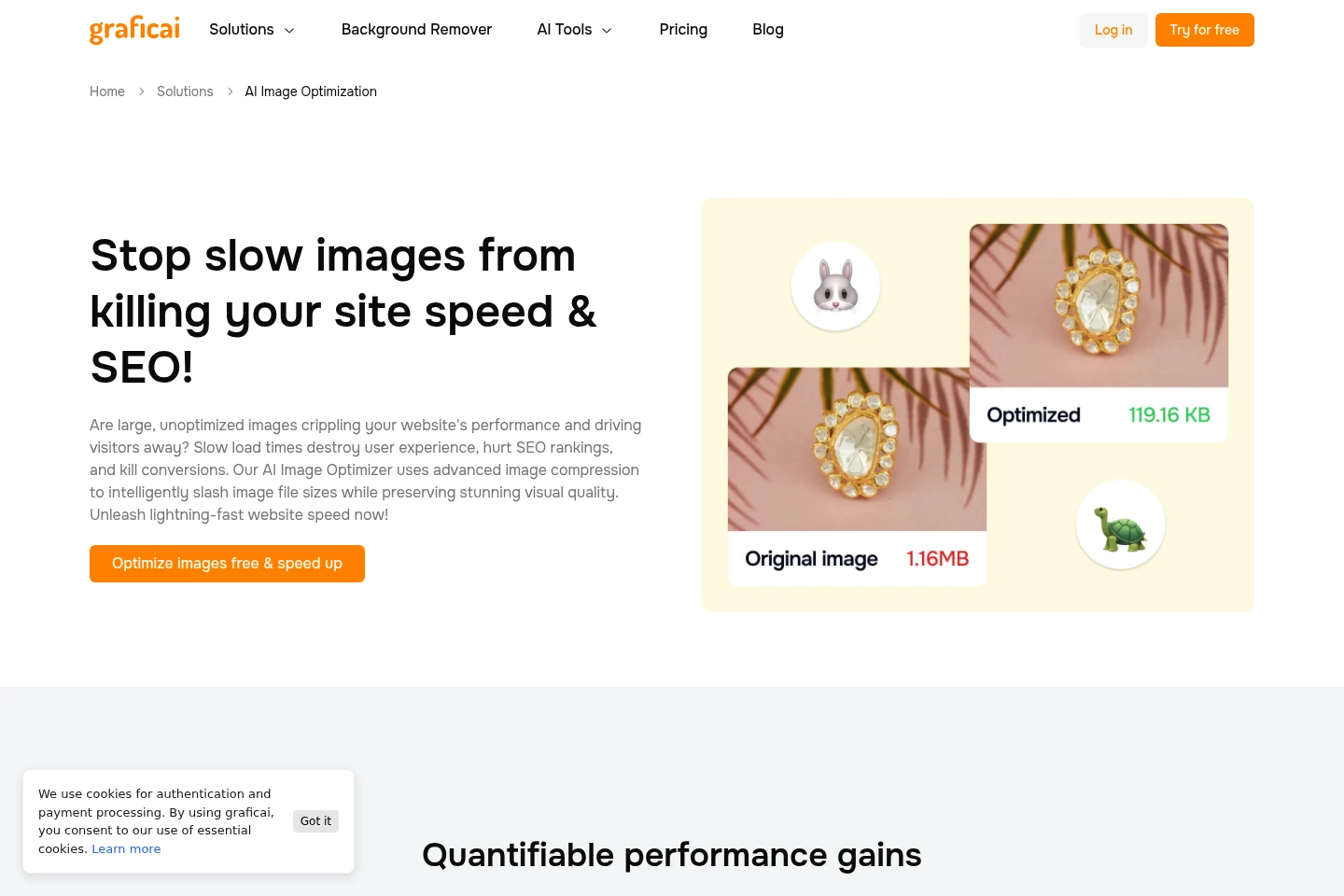
Compress and convert images to reduce file size and prepare assets for web use. Choose lossy or lossless compression and formats such as WebP, AVIF, PNG, or JPEG; bulk optimization supports up to 50 images.
Image library and catalog workflows
Store, search, and organize images in folders, then prepare product assets for listings. Users can import product data through CSV, map images to products, and export image names and public URLs.
Canvas editing
Select or draw areas on a canvas to direct AI edits to specific parts of an image. Combine visual selections with e-commerce editing tools to change or refine product imagery.









Comments