How It Works
"Imagine having a ChatGPT-like assistant that understands every line of code in your GitHub repository - that's GitHub Chat in a nutshell. It's not just about answering questions; it's about revolutionizing how developers interact with codebases."
What Is GitHub Chat? The AI-Powered Code Explorer You Didn't Know You Needed
🤖 GitHub Chat Explained: ChatGPT Meets GitHub Repositories
GitHub Chat is like giving your repositories a voice. It's an AI-powered tool that lets you chat with any public GitHub repository as if it were a knowledgeable team member. Forget digging through files - just ask questions about the codebase and get precise answers.
What makes it special?
- 🧠 Full repository understanding - indexes up to 500MB of code
- 🔍 Semantic search - finds relevant code even if you don't know exact terms
- 💬 Conversational interface - ask follow-up questions like you would with a colleague
```mermaid graph TD A[GitHub Repository] --> B(GitHub Chat Indexing) B --> C[Vector Embeddings] C --> D[AI Chat Interface] D --> E[Developer Questions] E --> F[Precise Code Answers] ```
🛠️ How GitHub Chat Works: Under the Hood
The magic happens in two simple steps:
- Repository Indexing
```bash
curl -X POST https://api.github-chat.com/verify \
-H "Content-Type: application/json" \
-d '{"repo_url": "https://github.com/your/repo"}'
```
- Chat with Your Code
```bash
curl -X POST https://api.github-chat.com/chat/completions/sync \
-H "Content-Type: application/json" \
-d '{
"repo_url": "https://github.com/your/repo",
"messages": [{"role": "user", "content": "Explain the main architecture"}]
}'
```
The AI provides responses with:
- 🤔 Rationale - how it approached your question
- 💡 Answer - the actual response with markdown formatting
- 📂 Contexts - exact files referenced with metadata
| Feature | GitHub Chat | GitHub Copilot | |---------|------------|---------------| | Scope | Entire repository | Current file | | Best For | Understanding existing code | Writing new code | | API Access | Public REST API | IDE-only | | Learning Curve | Ask natural questions | Learn completion patterns |
Pro Tip: They're complementary! Use Copilot to write code and GitHub Chat to understand existing implementations.
🚀 Real-World Use Cases You'll Love
Developers are using GitHub Chat for:
- 🕵️ Onboarding - "Show me all API endpoints" beats days of code reading
- 🔍 Debugging - "Why does this function fail with null inputs?"
- 📚 Documentation - Automatically generate project overviews
- 👥 Team Collaboration - Share repository insights via API
```mermaid pie title GitHub Chat Use Cases "Code Understanding" : 45 "Debugging Help" : 25 "Documentation" : 20 "Team Onboarding" : 10 ```
💡 Getting Started with GitHub Chat
Ready to chat with your code? Here's how:
- Visit github-chat.com/owner/repo for instant access
- Or use the simple API:
```python
import requests
# Index first requests.post("https://api.github-chat.com/verify", json={"repo_url": "your_repo_url"})
# Then chat response = requests.post("https://api.github-chat.com/chat/completions/sync", json={ "repo_url": "your_repo_url", "messages": [{"role": "user", "content": "Your question"}] }) ```
Bonus: Try the API Playground to experiment without coding!
🔮 The Future of Code Exploration
GitHub Chat represents a shift in how we interact with codebases. Instead of: ``` grep -r "functionName" . ``` We're moving toward: ``` "Where is the authentication logic implemented?" ```
As AI understands code better than ever, tools like GitHub Chat will become as essential as version control. The question isn't whether you'll use it - but which repository you'll explore first.
"In a world drowning in code, GitHub Chat isn't just another tool—it's your lifeline to understanding."
Features
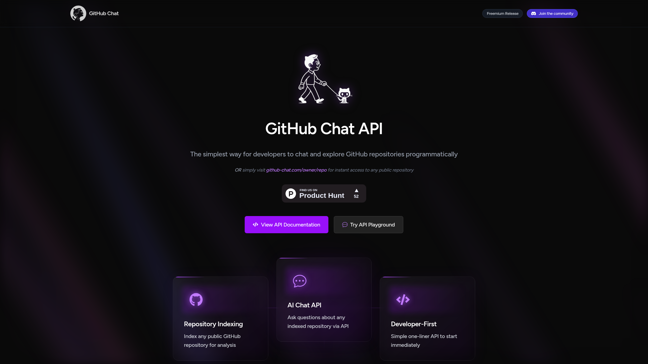
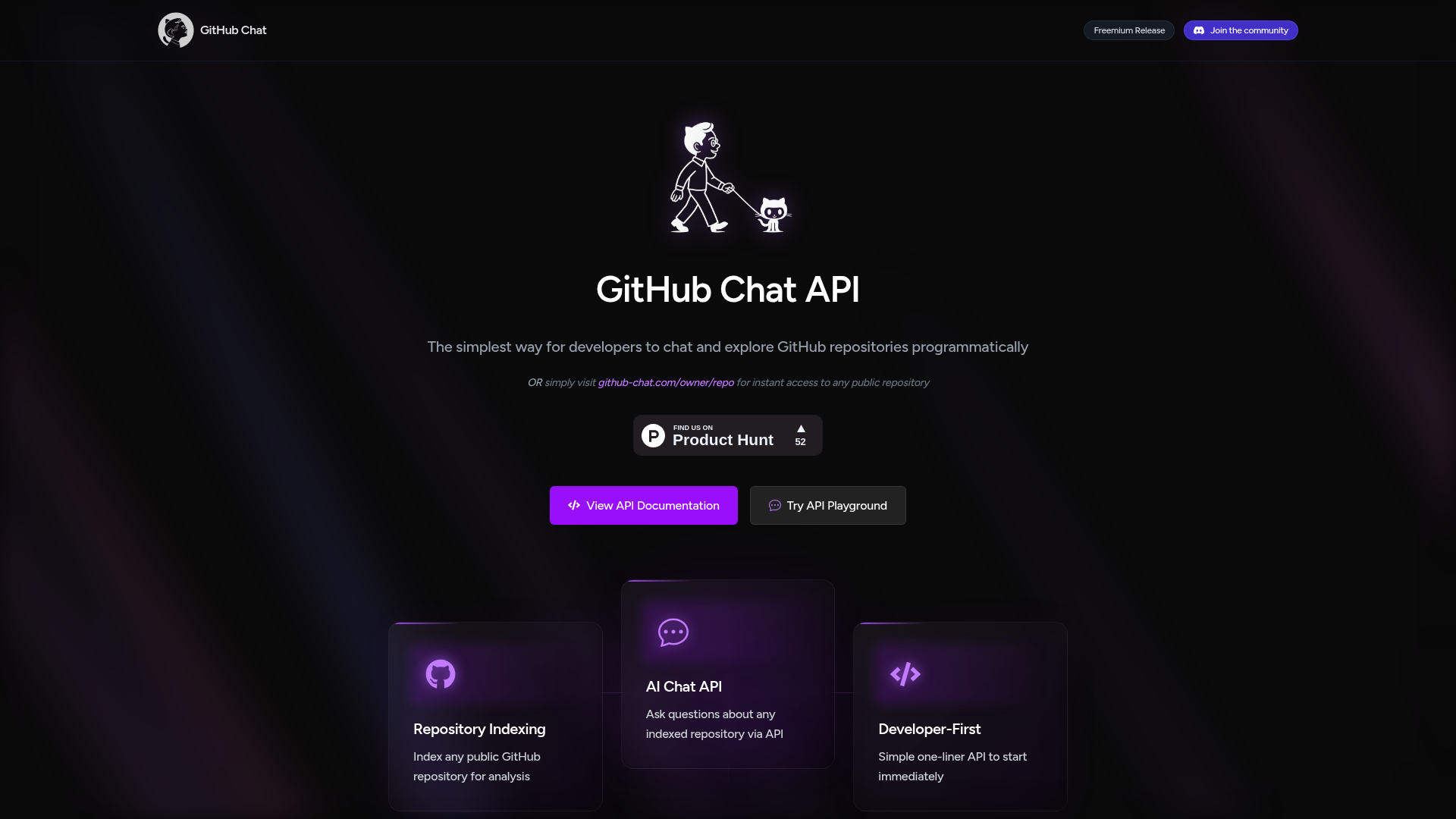
- Repository Indexing: Index any public GitHub repository for AI-powered analysis.
- AI Chat API: Ask questions about indexed repositories and receive detailed AI responses.
- Developer-First: Simple one-liner API for quick integration into workflows.




Comments