
Monthly visits
8,059
2026-10
Monthly growth +49.2%

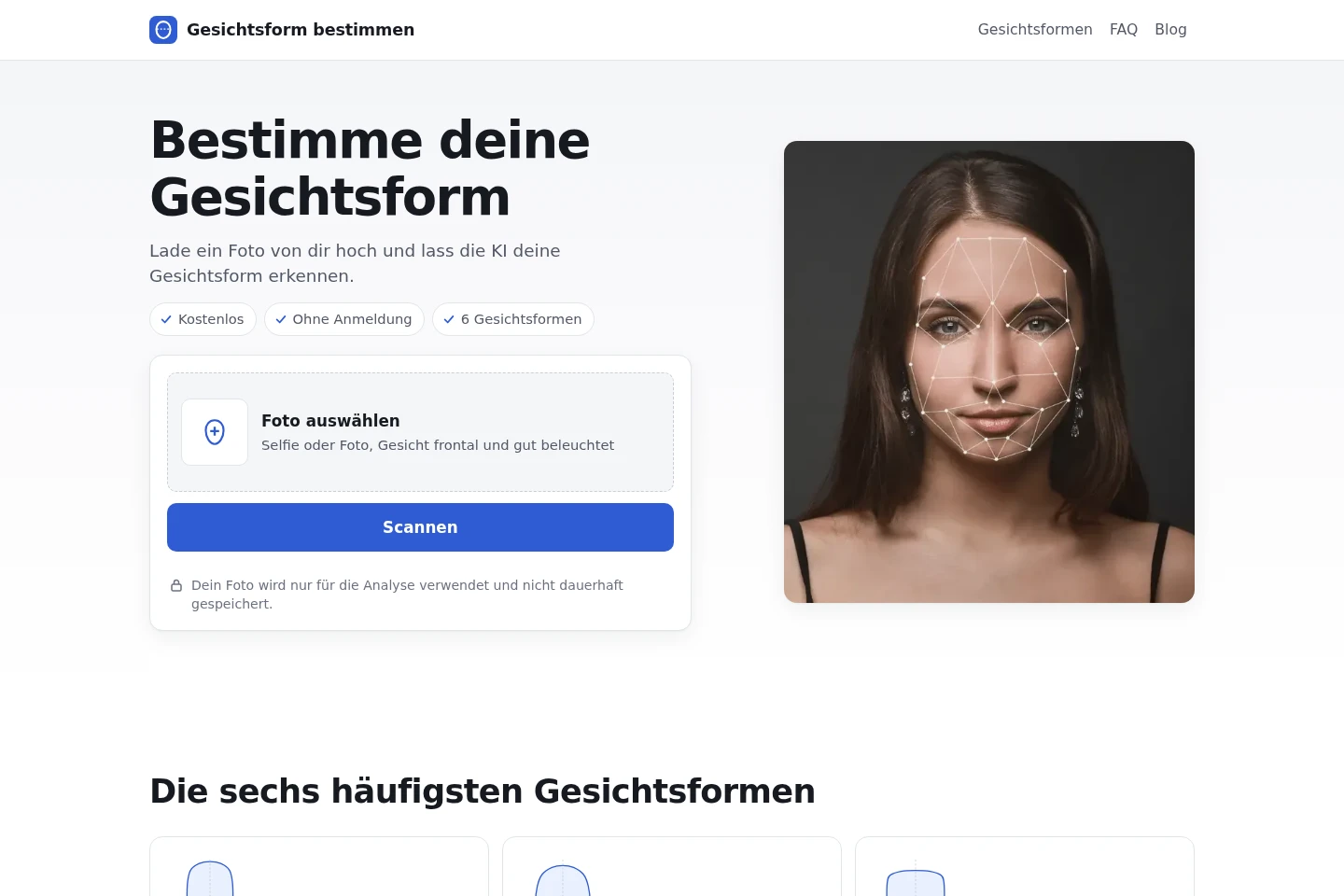
Gesichtsform bestimmen - Use AI to identify your face shape from a photo

Gesichtsform bestimmen is a free website tool that analyzes an uploaded photo using image processing and AI algorithms. It identifies one of six face shapes: oblong, oval, square, round, heart-shaped, or diamond-shaped. No account is required. Photos are used for analysis and are not permanently stored.

Visit WebsiteUpdate this product

0Views

Capabilities

Photo-based face analysis

Analyzes an uploaded photo and identifies a face shape. It uses image processing and AI algorithms to identify facial features and contours; a frontal, well-lit photo is recommended.

Six-shape classification

Classifies a face as oblong, oval, square, round, heart-shaped, or diamond-shaped. The analysis uses identified facial features and contours to determine the category.

Photo-use restriction

Uses uploaded photos only for face-shape analysis and does not permanently store them. The page says photos are not used for other purposes.

PricingFree

The face-shape analysis is free to use, with no account required. There are no paid plans listed; users can compare the six face-shape categories returned by the photo analysis.

Use cases

Identify a face shape from a photo

When someone wants to identify their face shape, they can upload a selfie or other photo for analysis. The tool examines facial features and returns one of six face-shape categories; a clear, frontal, well-lit image is recommended.

Compare estimates from different photos

When someone wants to compare face-shape assessments, they can submit different photos because the page says analysis can be repeated without a count limit. Results may vary with photo quality and how clearly the face is visible.

Limitations

  • The analysis is designed for a single face in a photo; group photos may not allow the tool to distinguish and analyze each person accurately.

  • Photo quality and visibility affect the assessment; poor-quality images or obscured facial features can lead to uncertainty.

Alternatives

FaceShape

Detect face shapes and explore style guidance

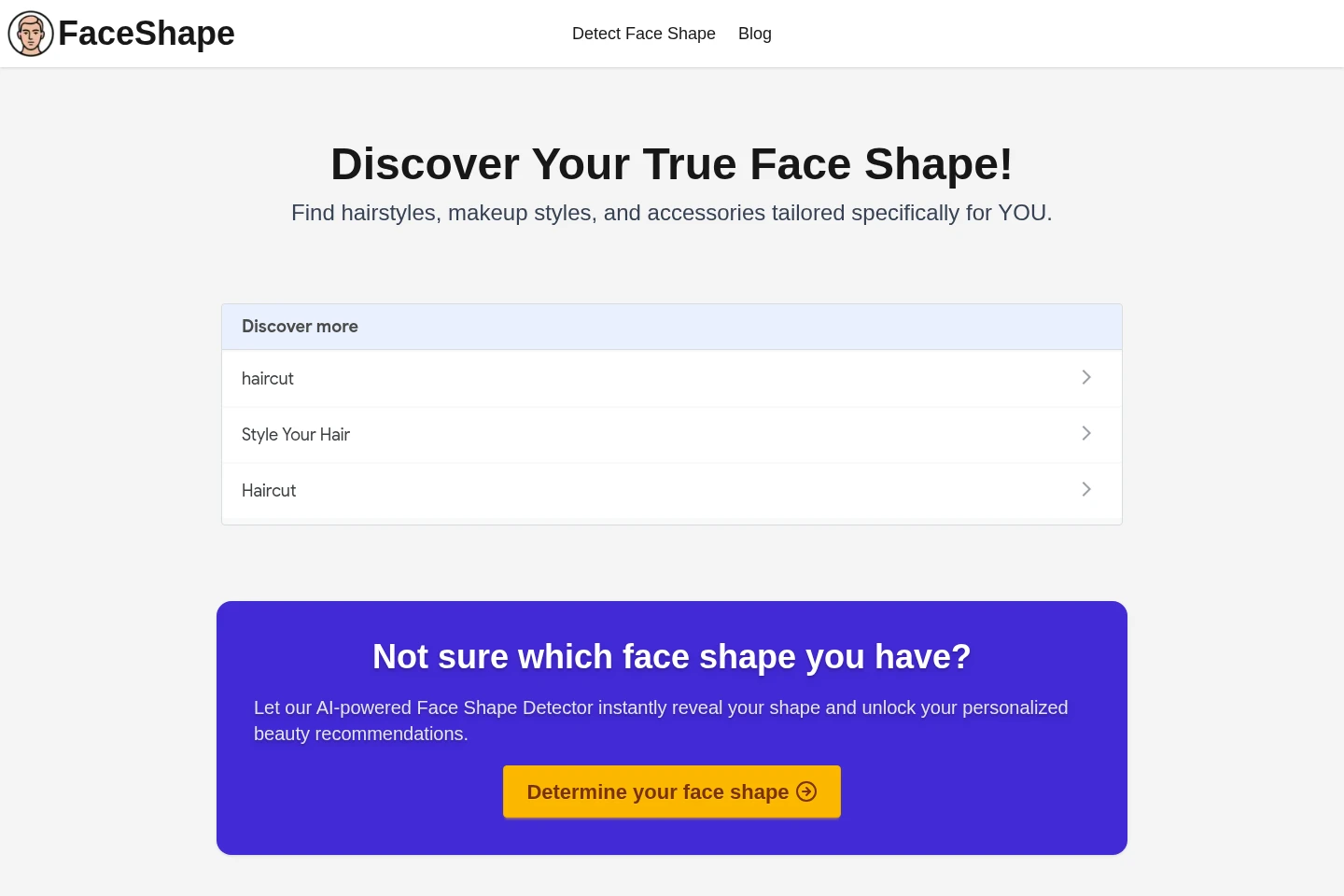
FaceShape is a free online tool that analyzes an uploaded photo and identifies up to five faces. It estimates each face’s likelihood across seven shape categories, including oval, round, square, heart, diamond, oblong, and pear. The site also provides hairstyle, makeup, and accessory guidance, plus articles about face shapes and styling.

  • Cloud
  • Free
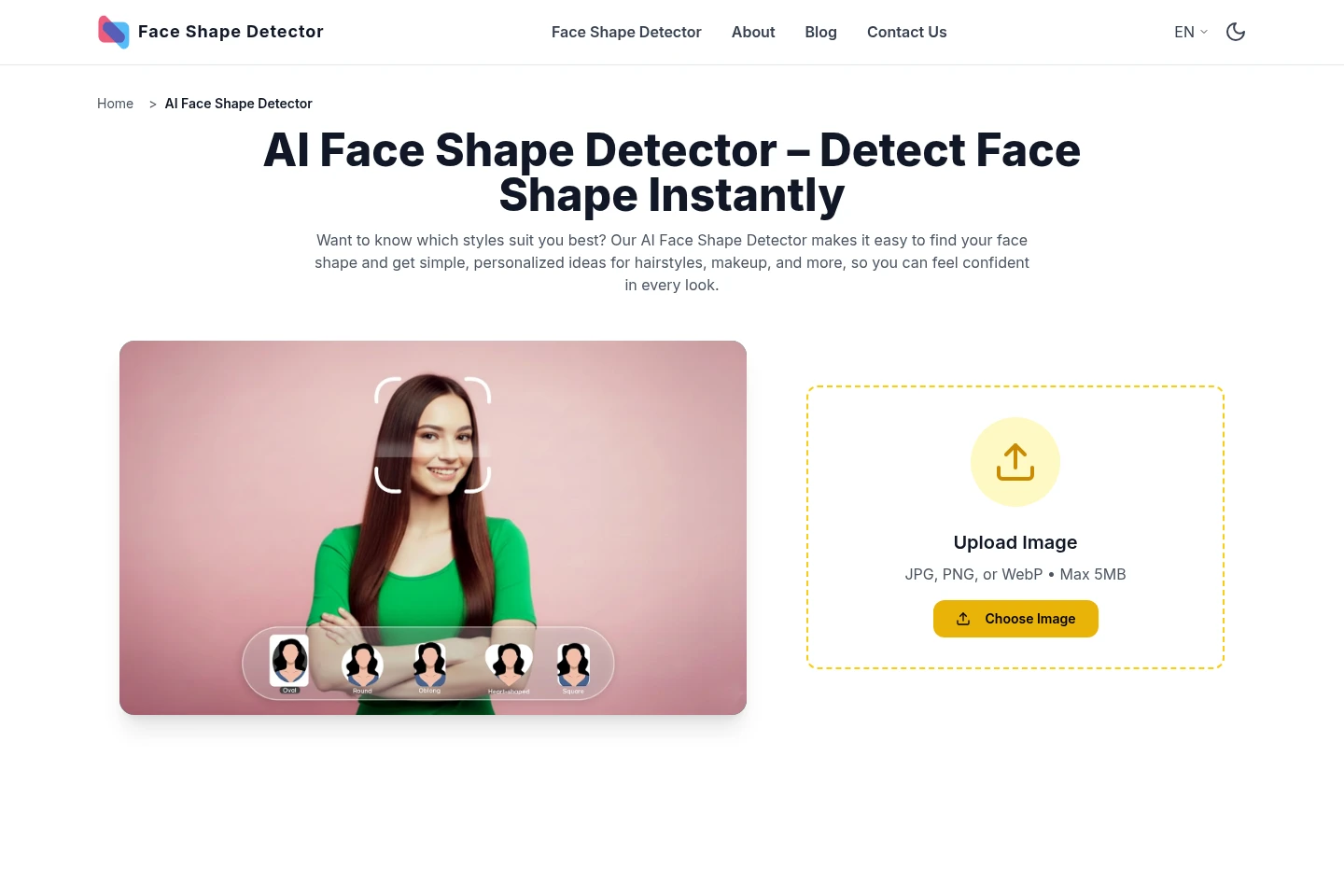
  1. AI Face Shape Detector

    Analyze your face shape and explore tailored style suggestions

    Free
  2. Face Shape Detector

    Analyze a photo to identify face shape and explore style suggestions

    Free · Free
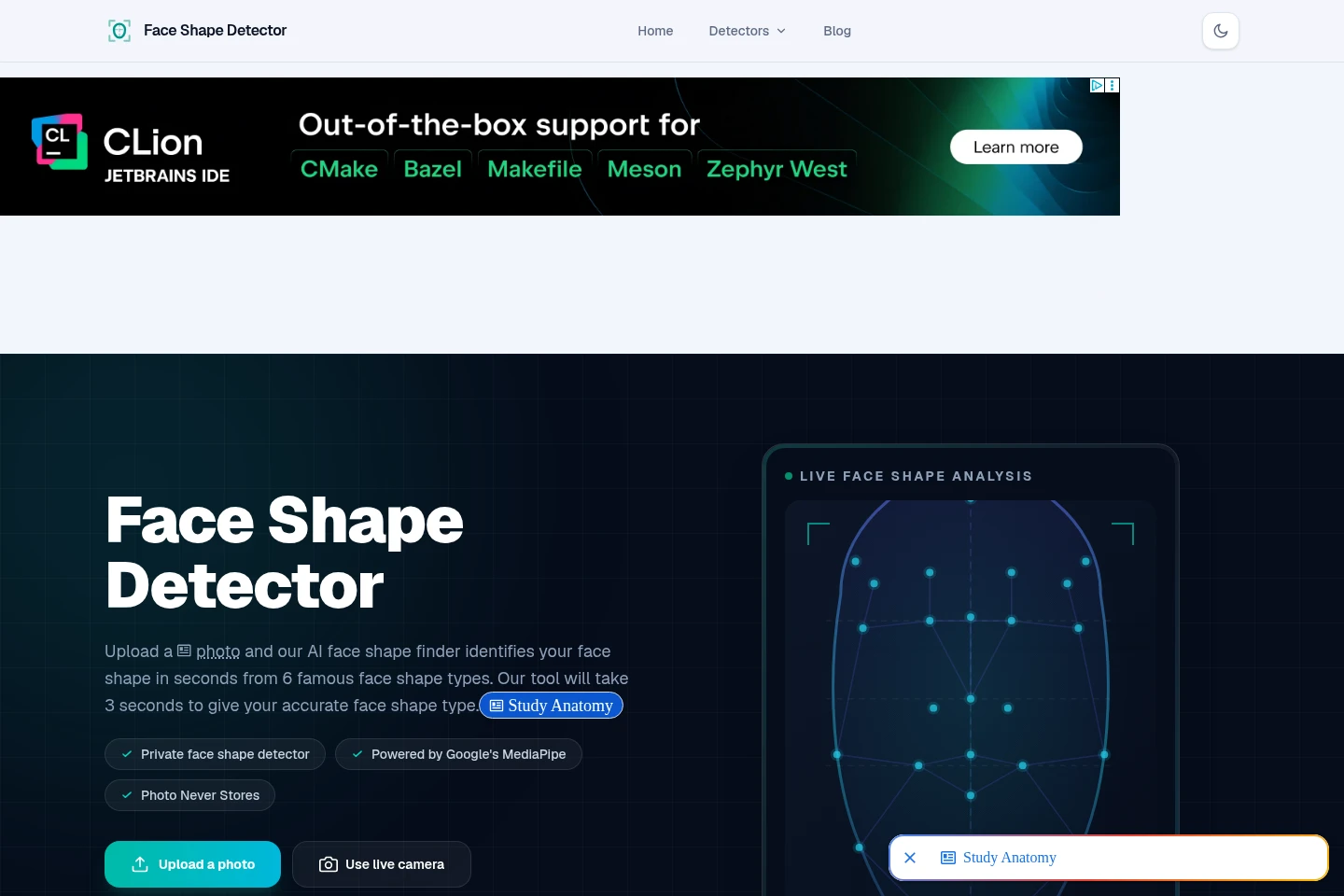
  3. Face Shape Detector

    Identify face shape from a photo or live camera capture

    Free
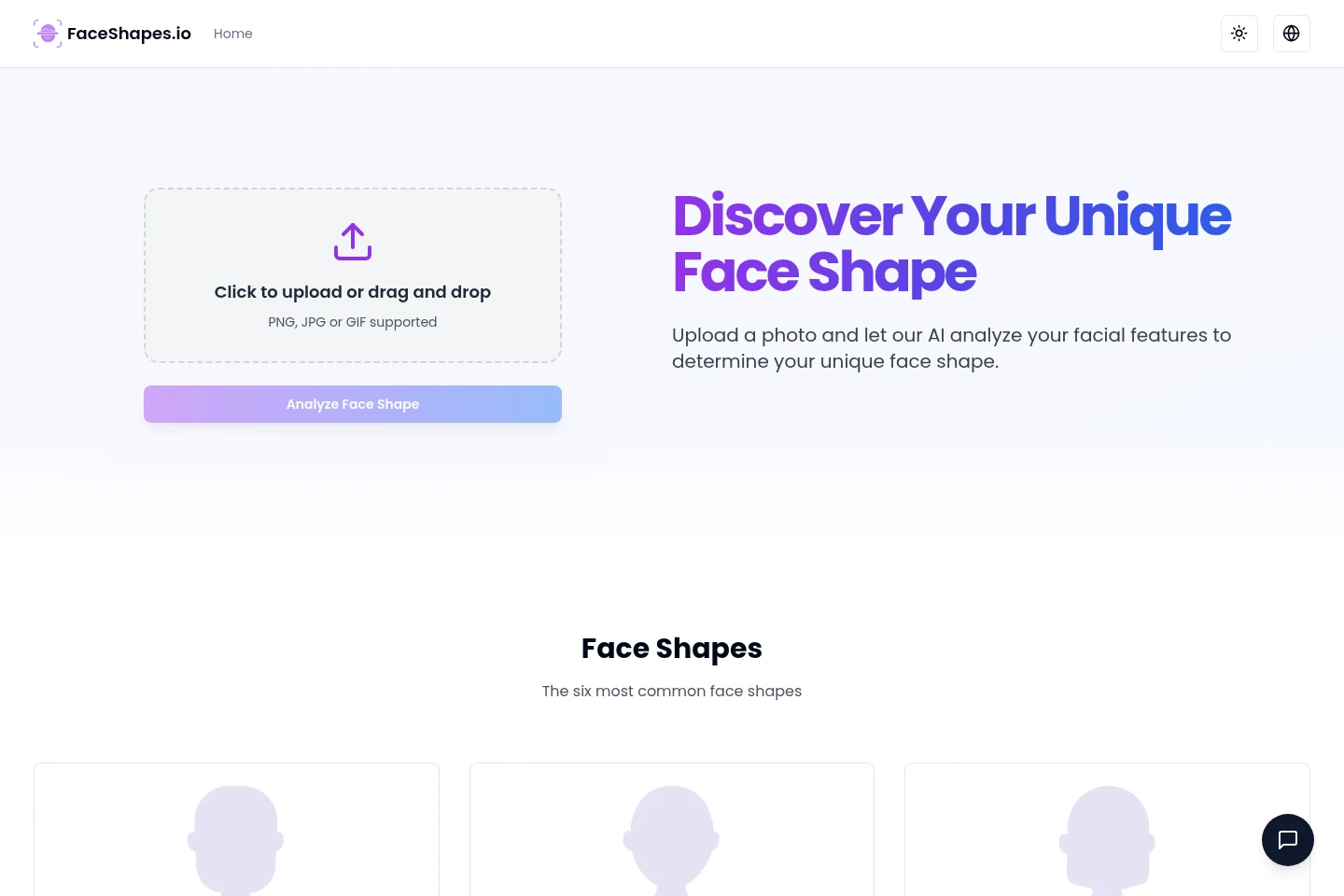
  4. FaceShapes.io

    AI face-shape analysis from a photo or marked facial lines

    Contact Sales
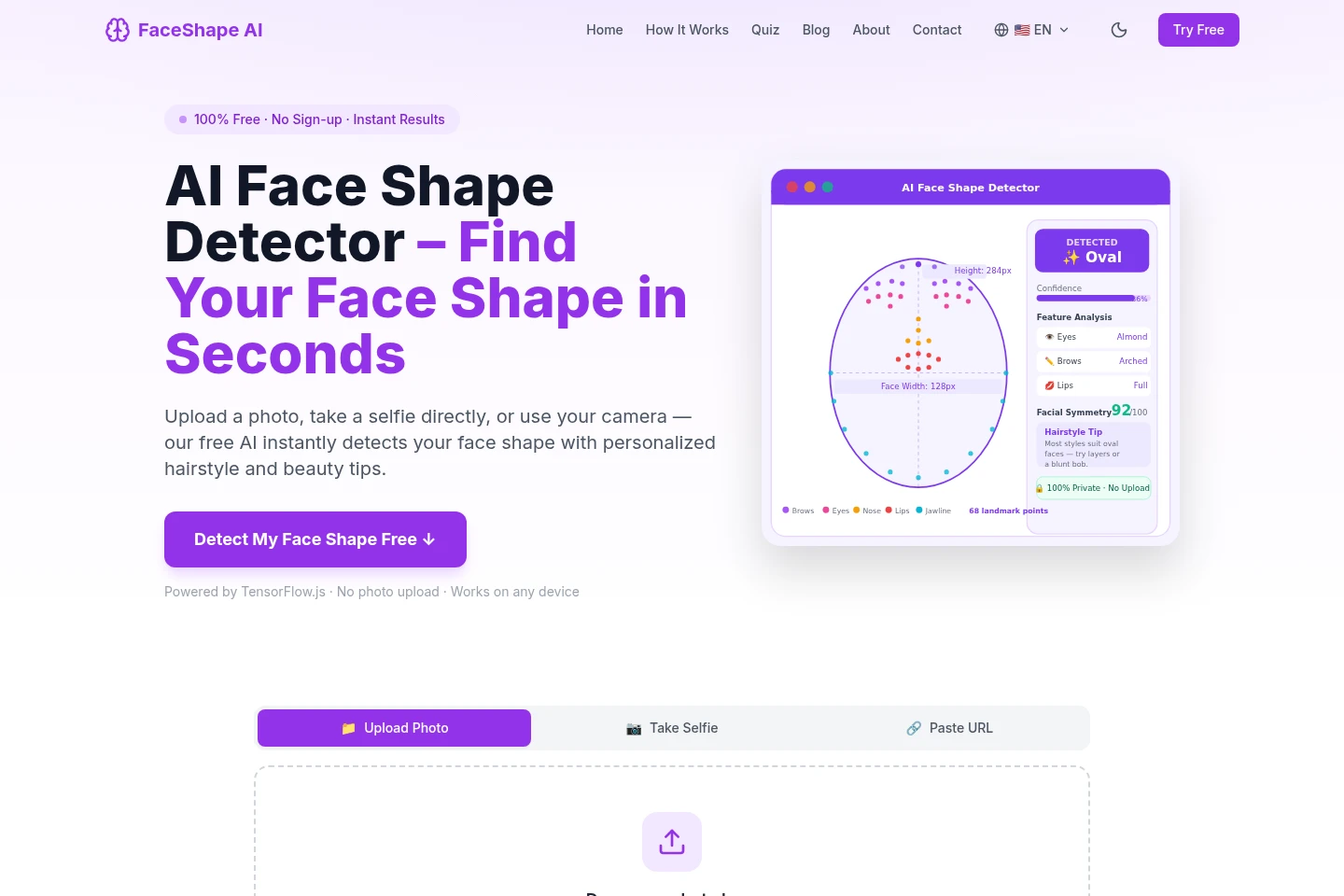
  5. FaceShape AI

    Detect face shape and get beauty tips in your browser

    Free

Who it is for

  • People who want to identify their face shape from a personal photo without creating an account.

  • People who want to compare face-shape estimates from multiple personal photos at no charge.

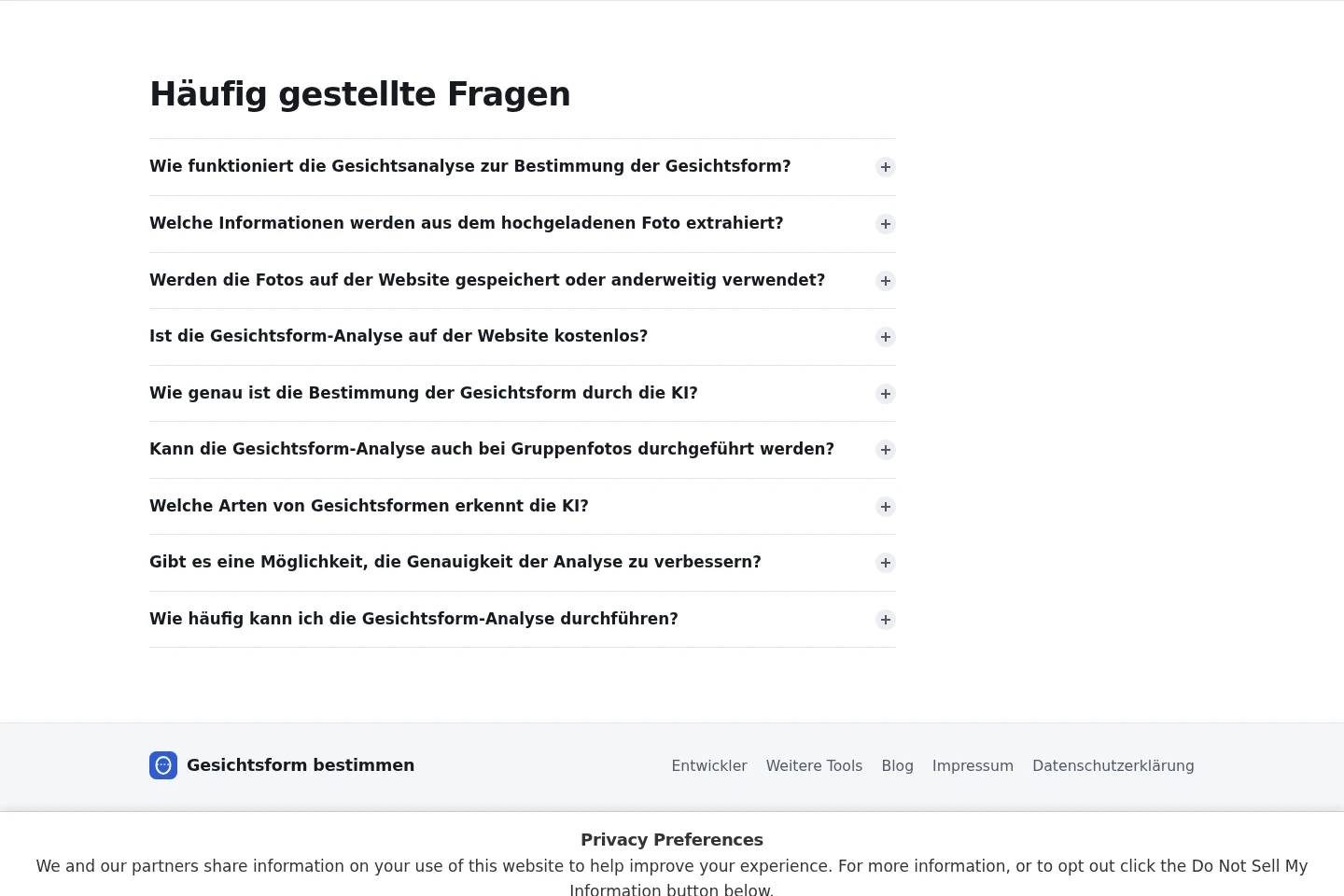
FAQ

How does the face-shape analysis work?

It analyzes an uploaded photo using image-processing and AI algorithms. The site says it identifies features such as the eyes, nose, mouth, and facial contours, then uses mathematical and statistical techniques to determine a face shape.

What information is extracted from a photo?

The analysis uses the position and shape of facial features, including the eyes, nose, and mouth, as well as the face's contours. These details are used to assess face shape.

Are uploaded photos stored or used for other purposes?

The site says photos are used only for face-shape analysis and are not permanently stored. It also says they are not stored or used for other purposes.

Is the face-shape analysis free?

Yes. The site says the analysis is free for all users and that advertising on the website funds the service.

Which face shapes can the tool identify?

It identifies six categories: round, oval, oblong, diamond-shaped, heart-shaped, and square. The site notes that individual variations can occur within these general categories.

Can I analyze a group photo?

The analysis is intended for a single face in an uploaded photo. The site says it may not distinguish individual faces in group photos, so it may not provide a precise assessment.

Comments

Please sign in to leave a comment.
No comments yet. Be the first to share your thoughts!