Text and image video generation
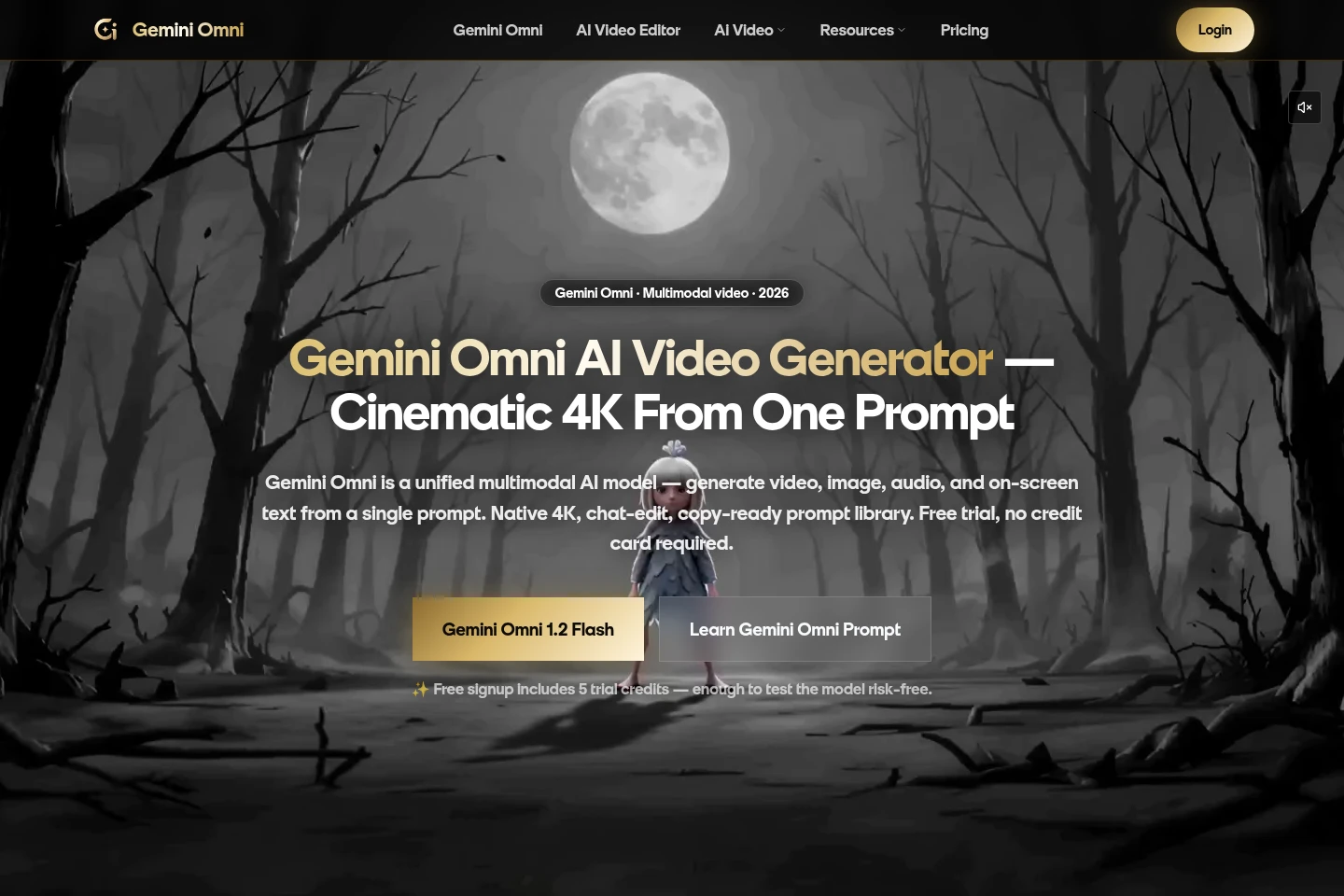
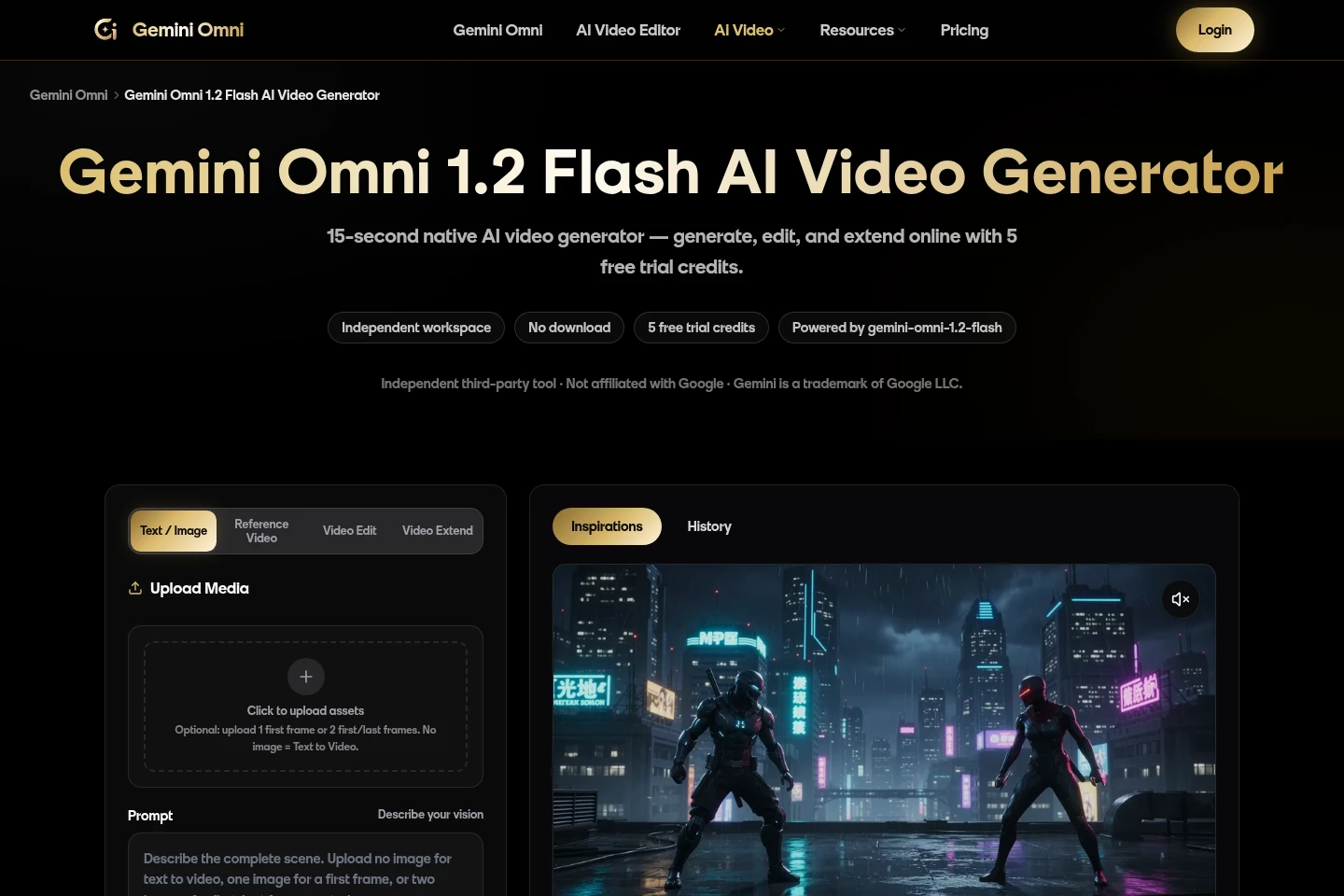
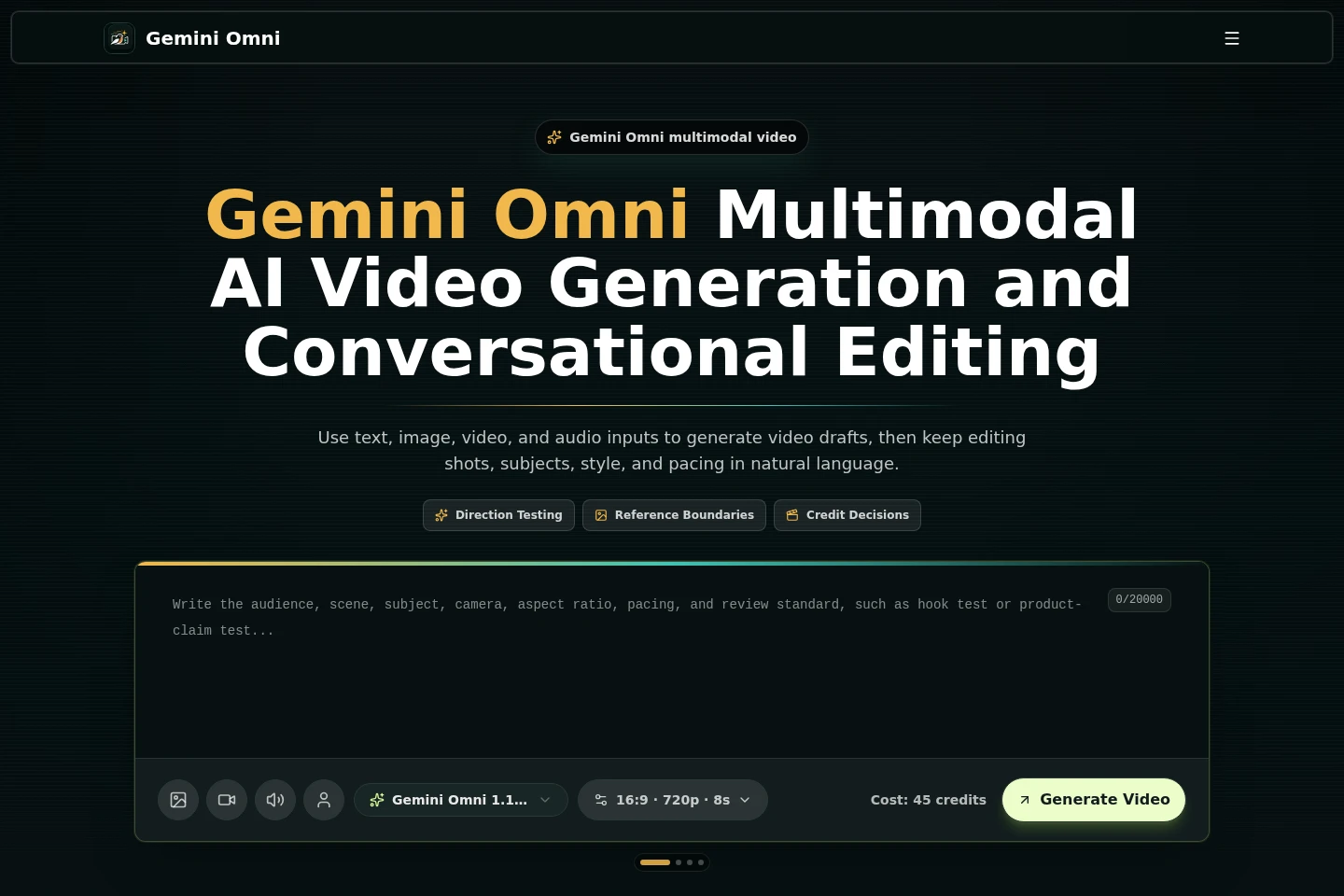
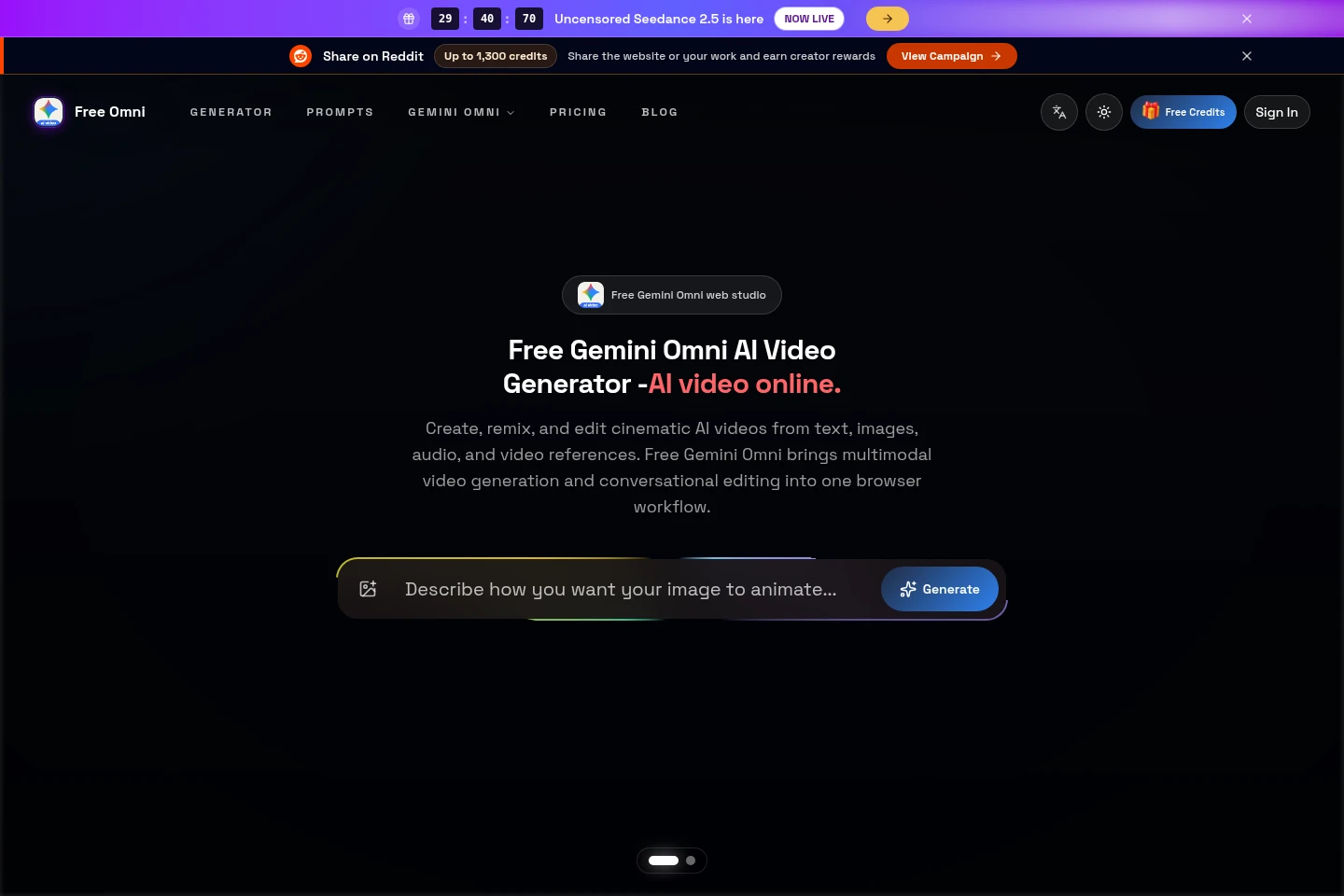
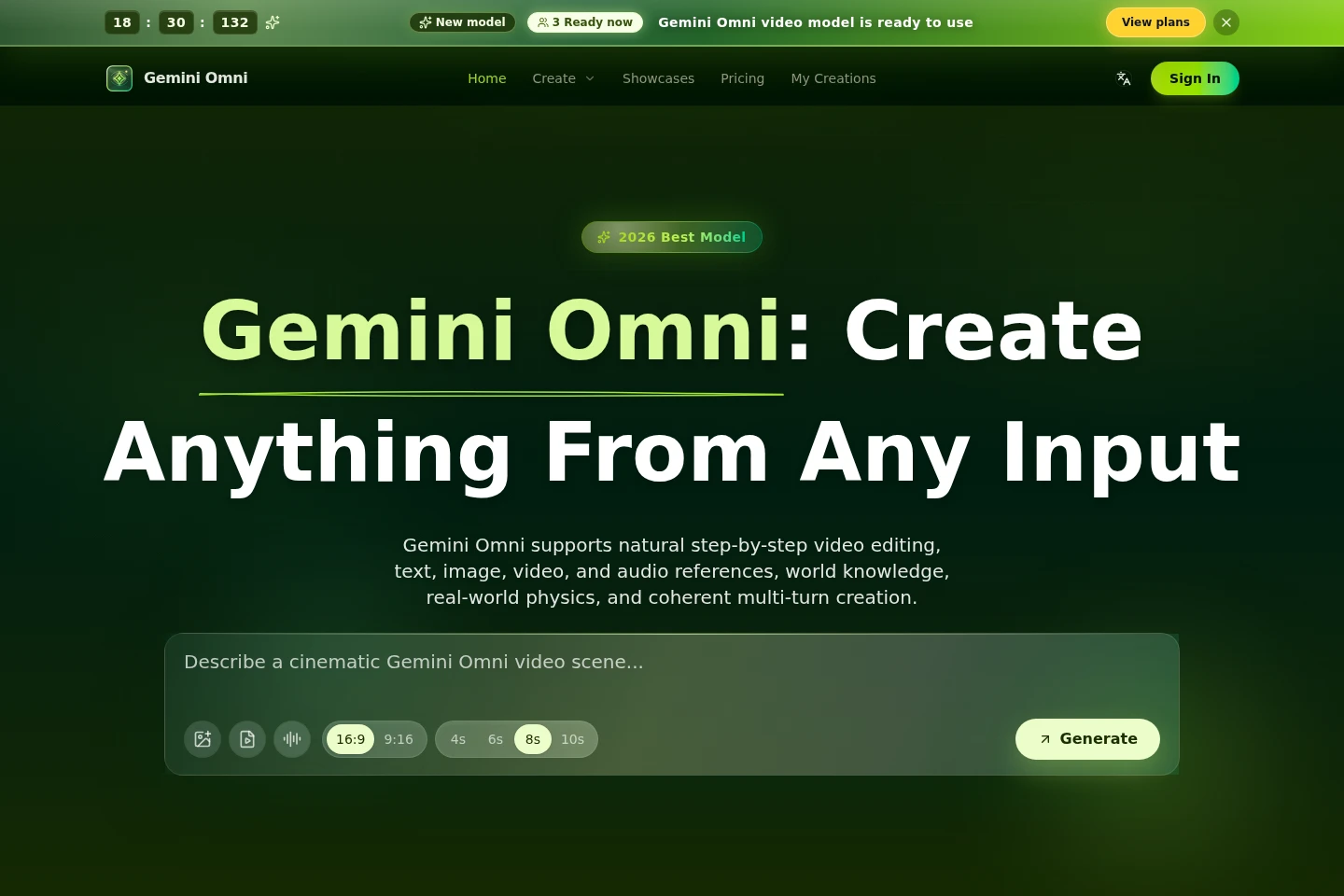
Generate video from a text prompt or an uploaded image. Choose duration, aspect ratio, and output resolution in the workspace; Gemini Omni 1.2 Flash supports clips up to 15 seconds and outputs up to 4K.
Reference-guided generation
Guide a generated scene with visual references. The Gemini Omni 1.2 Flash workflow accepts up to 10 images or three short video clips, while the available controls include first-frame and first-last-frame image inputs.
Prompt-based video editing
Revise an existing clip using follow-up text instructions. Upload source video and describe changes such as lighting, background, or clothing; edits are rerun through the credit meter at the selected resolution.
Video scene extension
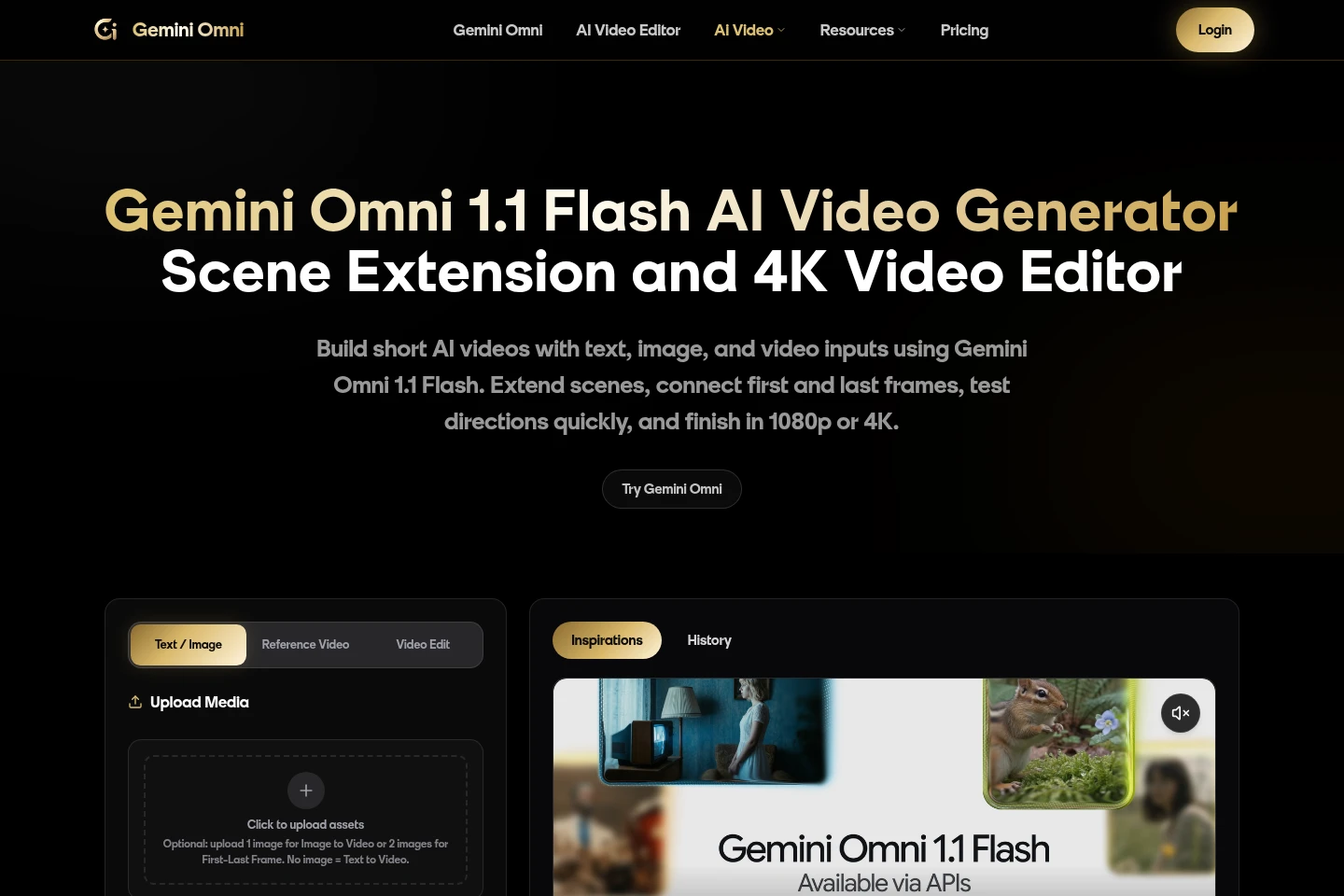
Continue a shot from an existing video or image sequence. Provide the source material and use the extension workflow to carry forward the scene's direction, setting, and action.
Video export controls
Set framing and output resolution before generating a video. The workspace lists landscape 16:9 and portrait 9:16, with resolution choices varying by model and including up to 4K.










Comments