Monthly visits
2,582
2026-10
Monthly growth +1,965.6%

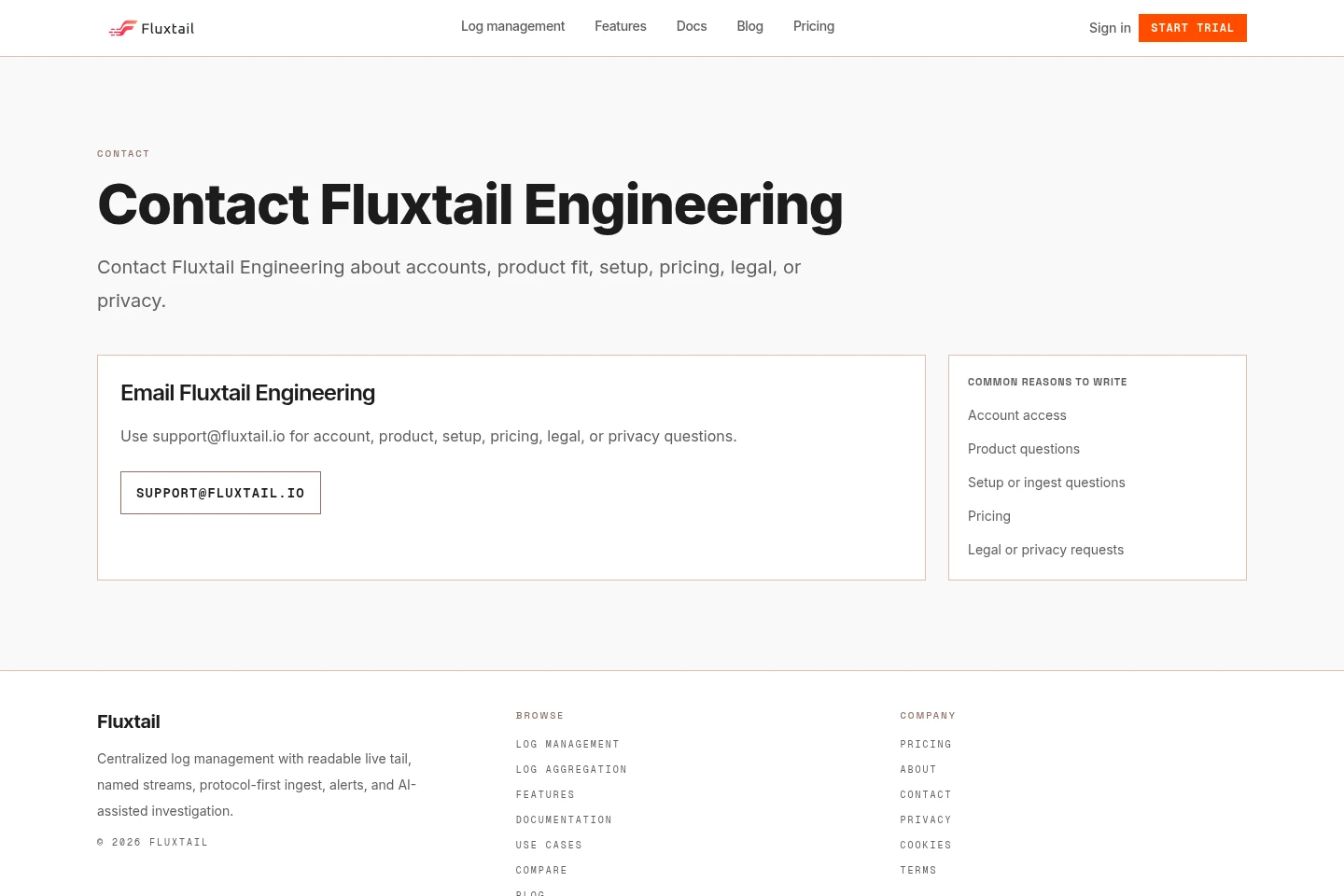
Fluxtail - Centralize logs and investigate them from AI tools

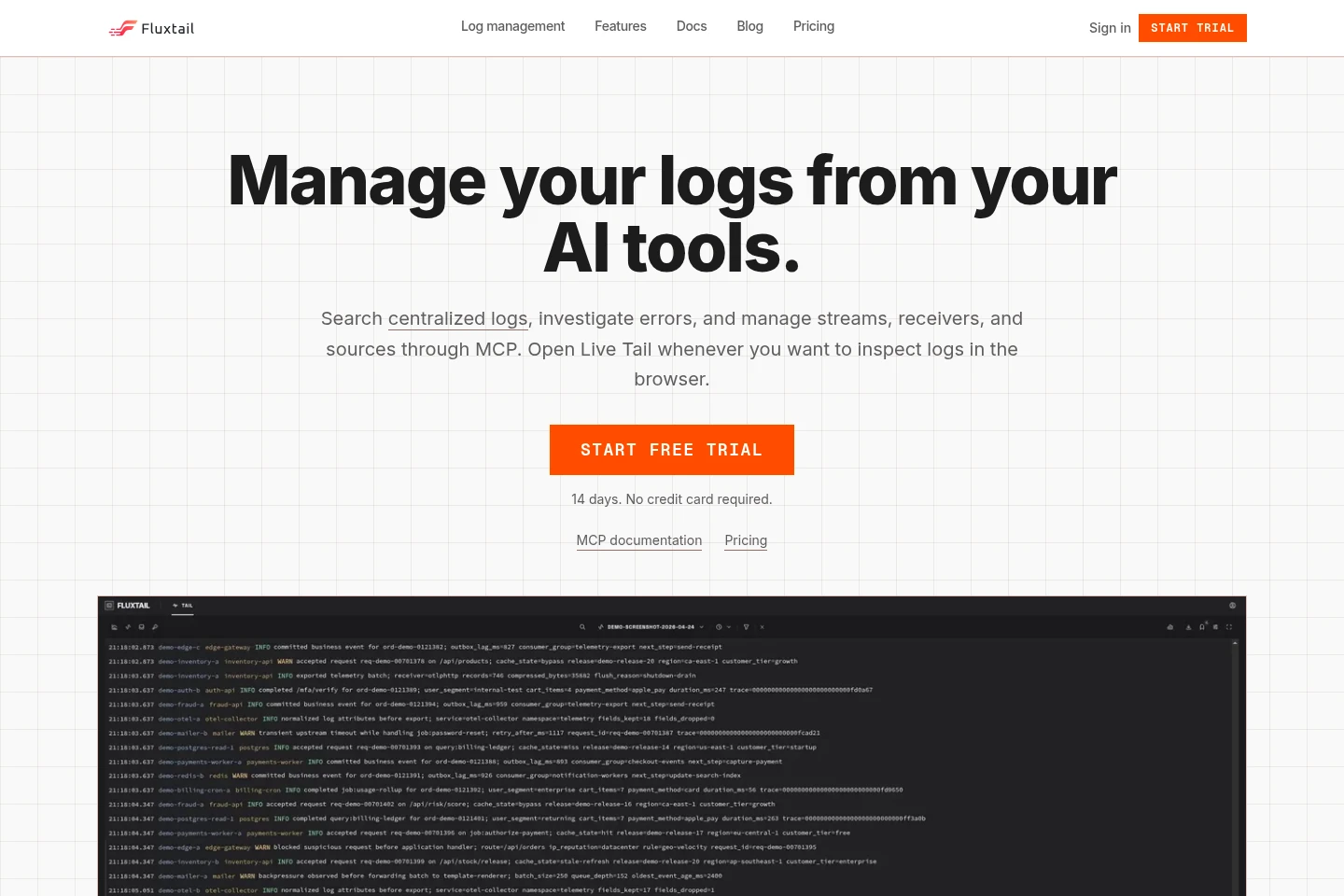
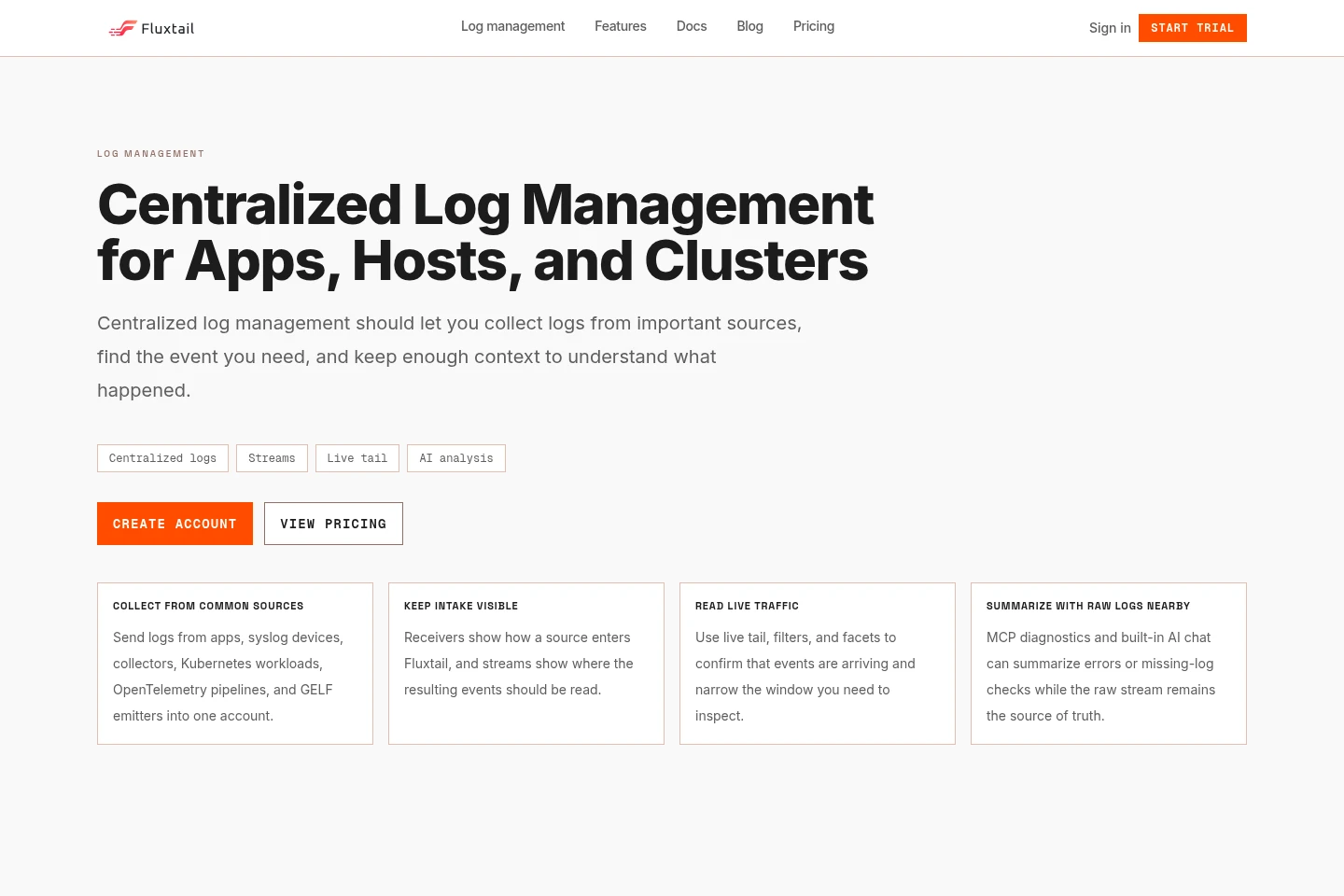
Fluxtail collects logs from applications, hosts, and clusters into searchable streams. Users can inspect live traffic, filter events, configure alerts, and investigate errors through hosted MCP connections or built-in AI chat. Plans include fixed storage quotas and retention periods; a 14-day trial is available without a credit card.

Visit WebsiteUpdate this product

1Views

Capabilities

Multi-protocol log ingestion

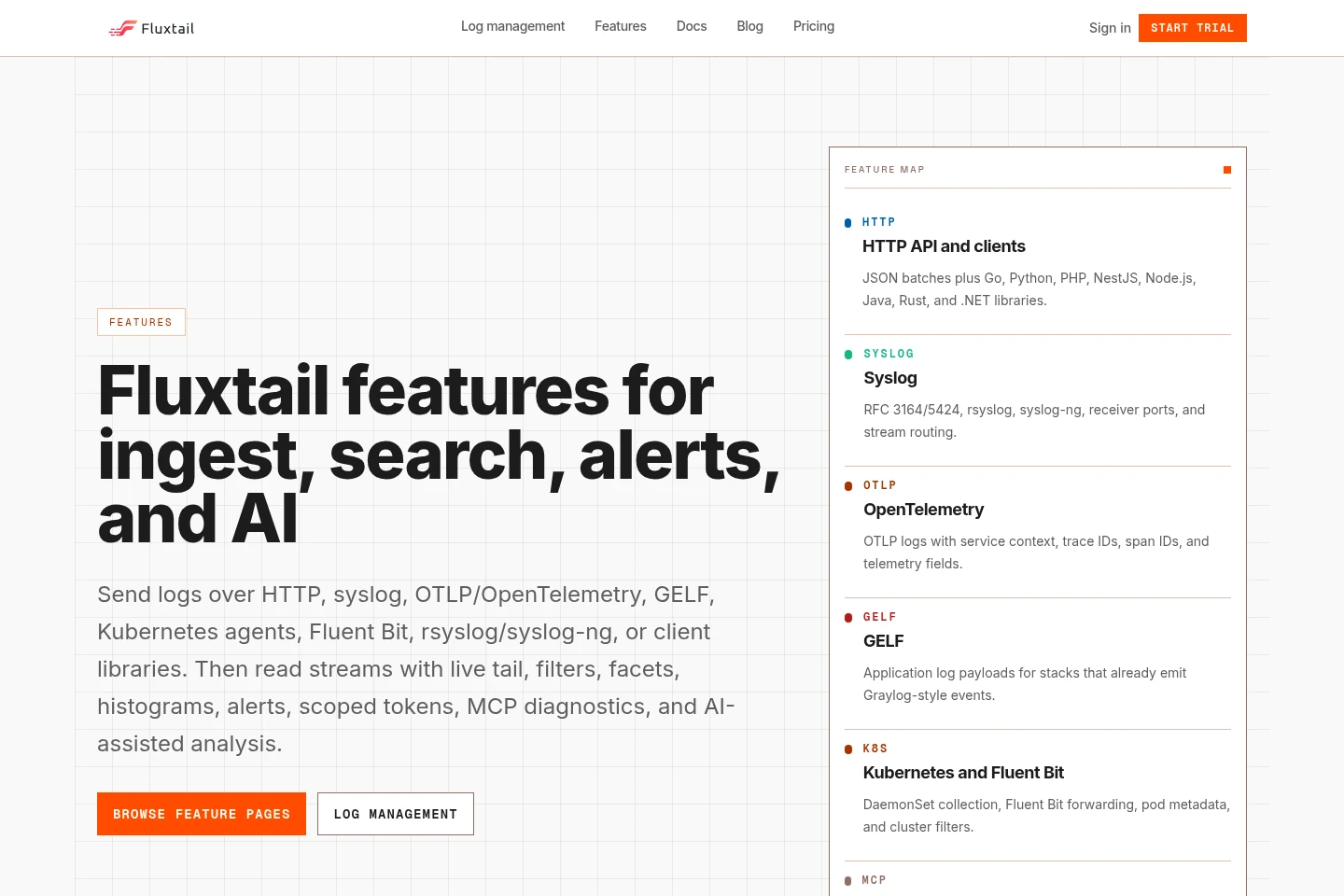
Ingests application and infrastructure logs into Fluxtail streams. Inputs include HTTP, syslog, OTLP/OpenTelemetry, GELF, Kubernetes agents, Fluent Bit, and supported client libraries; dedicated ports and native sources require a paid plan.

Live log search and filtering

Displays incoming events in live tail and helps narrow historical or current log data. Users can search streams and apply time windows, host, app, severity, label, Kubernetes, and field-based filters.

Usage and quota alerts

Provides alerts related to usage and quotas. Alert configuration and notification conditions are subject to the account’s available features and permissions.

Hosted MCP diagnostics

Lets connected AI tools search logs, summarize errors, check receiver health, and diagnose missing logs. Access uses OAuth and approved permissions; proposed changes are applied only after confirmation.

AI log analysis

Built-in AI chat can group repeated failures and summarize a bounded time window alongside the raw log rows. Summaries can be checked against those rows, which remain the source of truth.


PricingFree trial

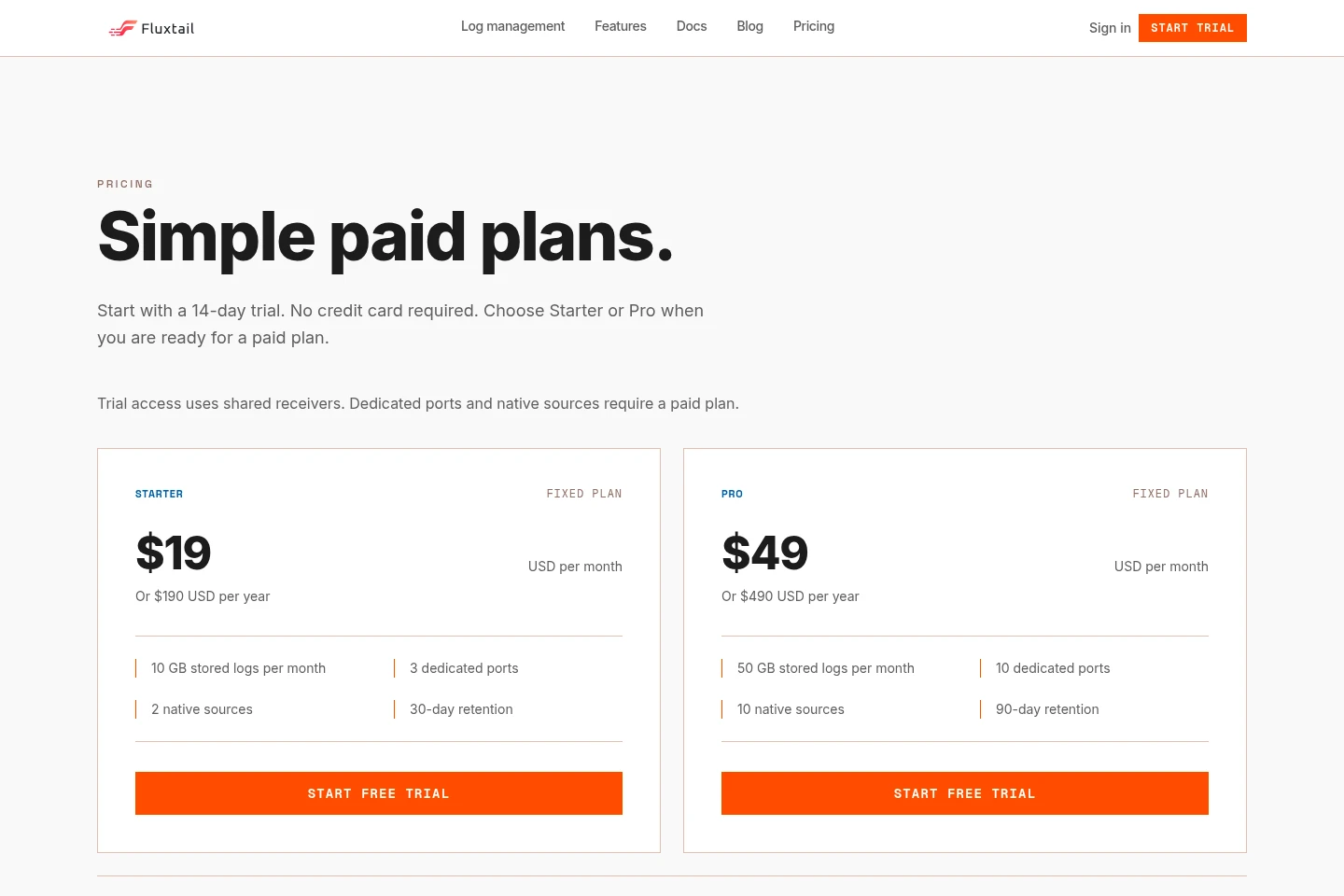
Fluxtail offers paid monthly or annual plans, plus a 14-day trial. Compare each plan’s stored-log quota, dedicated ports, native sources, and retention period; prices are fixed with no usage overage fees.

PlanPriceIncluded features and limits
Starter

$19 USD/month or $190 USD/year

  • 10 GB of stored logs per month

  • 3 dedicated ports

  • 2 native sources

  • 30-day retention

Pro

$49 USD/month or $490 USD/year

  • 50 GB of stored logs per month

  • 10 dedicated ports

  • 10 native sources

  • 90-day retention

Hard plan limits apply. Fluxtail rejects new traffic when a hard limit is reached. Trial access uses shared HTTP receivers; dedicated ports and native sources require a paid plan.

Use cases

Ingest logs from applications and infrastructure

When logs come from several applications, hosts, or clusters, send them through supported protocols, agents, or client libraries. Fluxtail routes events into streams where users can read and filter them centrally.

Investigate errors in incoming log streams

When a deployment or service is producing errors, inspect live traffic and filter events by time, host, application, severity, or fields. This helps locate relevant raw rows and compare activity over time.

Diagnose missing logs and receiver health

When expected events are not appearing, check receiver health and use diagnostics through the hosted MCP connection or built-in AI chat. The tools provide checks and summaries; users can verify findings in raw logs.

Limitations

  • During the 14-day trial, log intake uses shared HTTP receivers; dedicated ports and native sources require a paid plan.

  • New S3/ALB sources start inactive and require AWS credentials entered in the browser under Settings > Sources.

  • MCP actions depend on account role and approved permissions; proposed changes are applied only after confirmation.

  • Fluxtail rejects new traffic when a hard plan limit is reached.

Alternatives

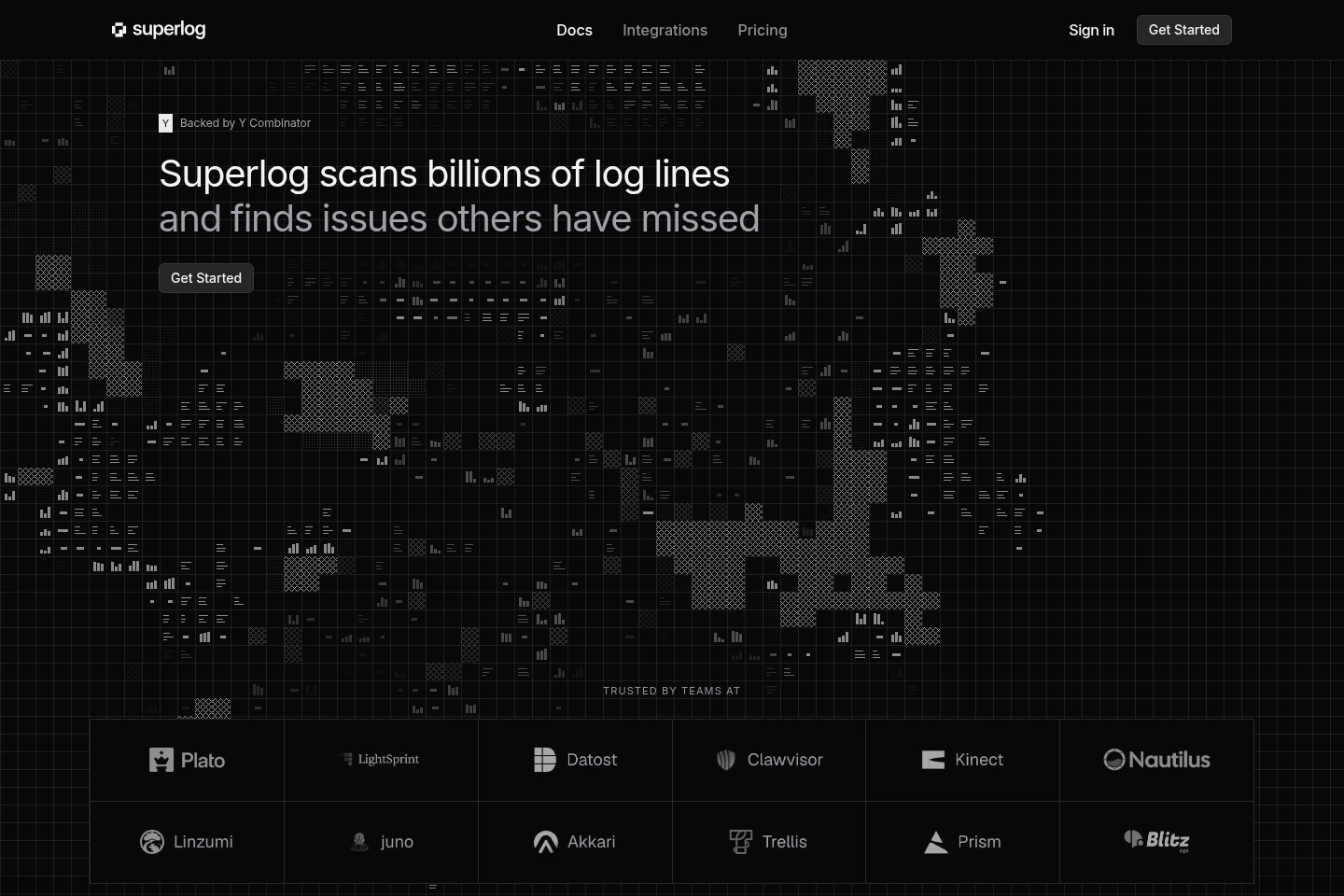
Superlog

Investigate production errors with telemetry and AI agents

Superlog connects code, cloud services, error trackers, and observability tools so agents can investigate production issues. Teams can store and query logs, traces, and metrics, create dashboards and alerts, and run automated investigations from alerts, Slack, webhooks, or schedules. Findings can be reviewed in Slack, with pull requests available for fixes.

  • Cloud
  • API
  • Freemium
  • Free$0 per month
  • Pro$100 per month
  • Team$200 per month
  • EnterpriseCustom pricing
  1. Fluxmail

    Give AI agents controlled access to your email

    Pro · $15/month or $120 billed yearly
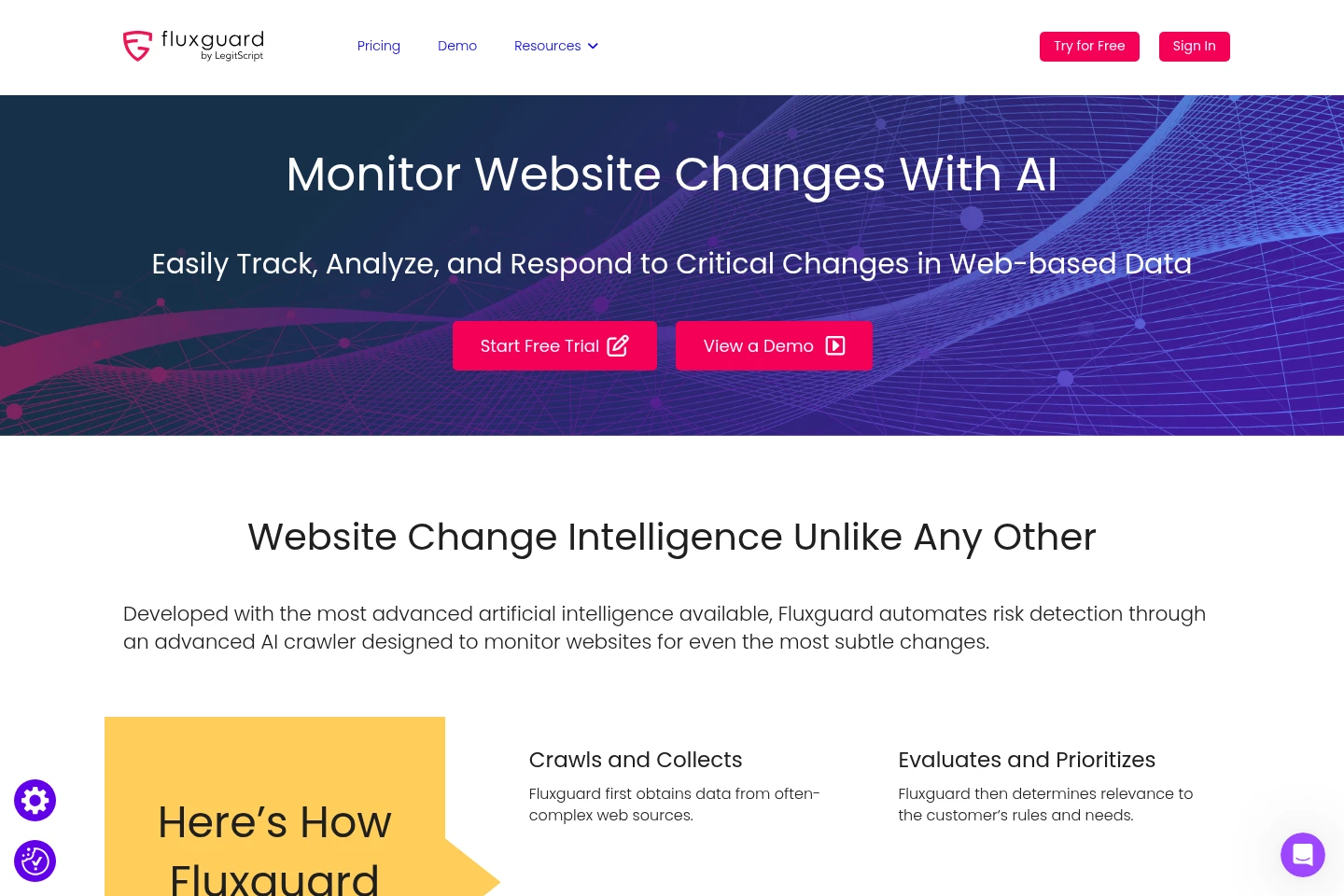
  2. Fluxguard

    Monitor website changes effortlessly with AI

    Freemium
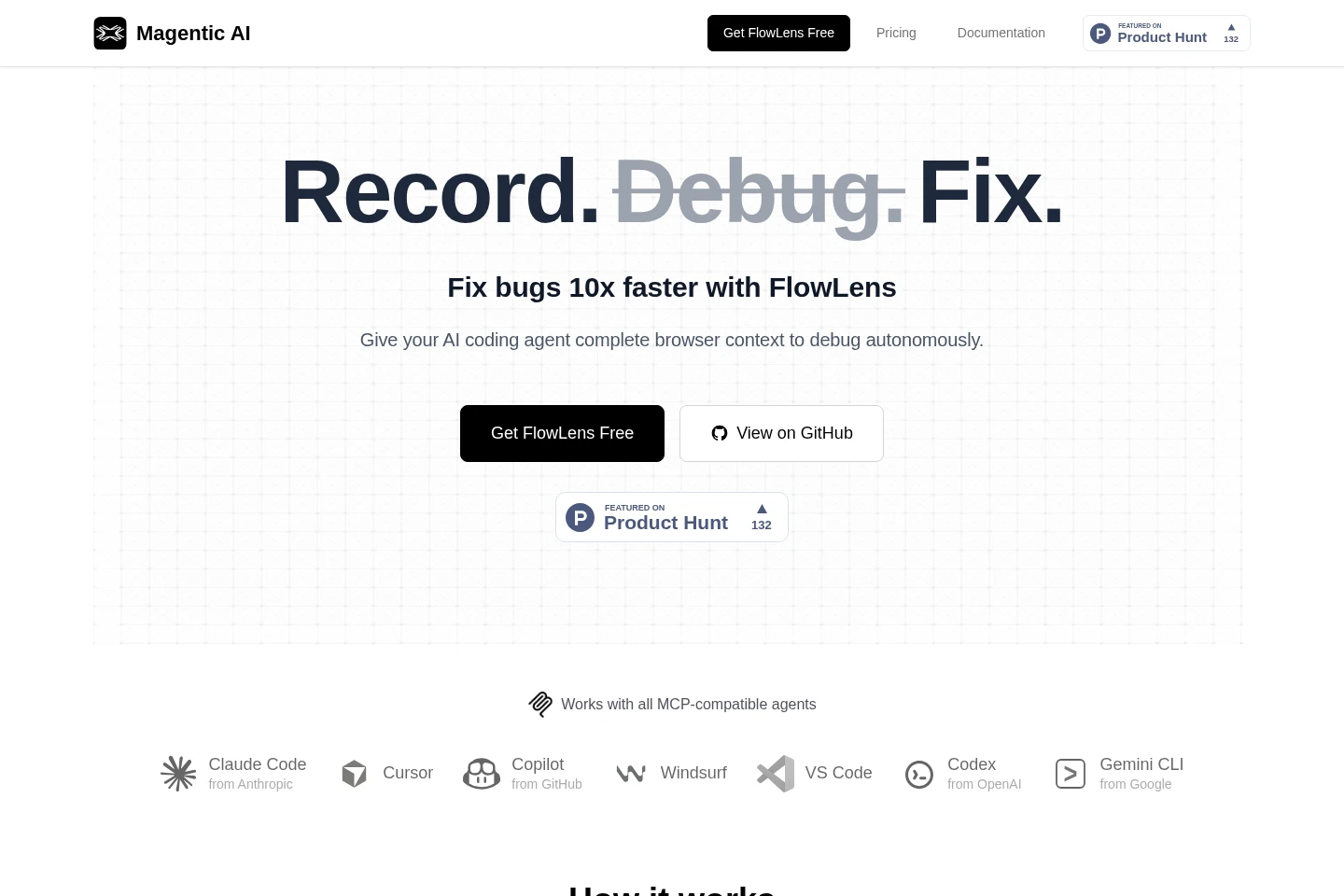
  3. FlowLens

    Capture browser bug context for AI-assisted debugging

    Free · $0 forever
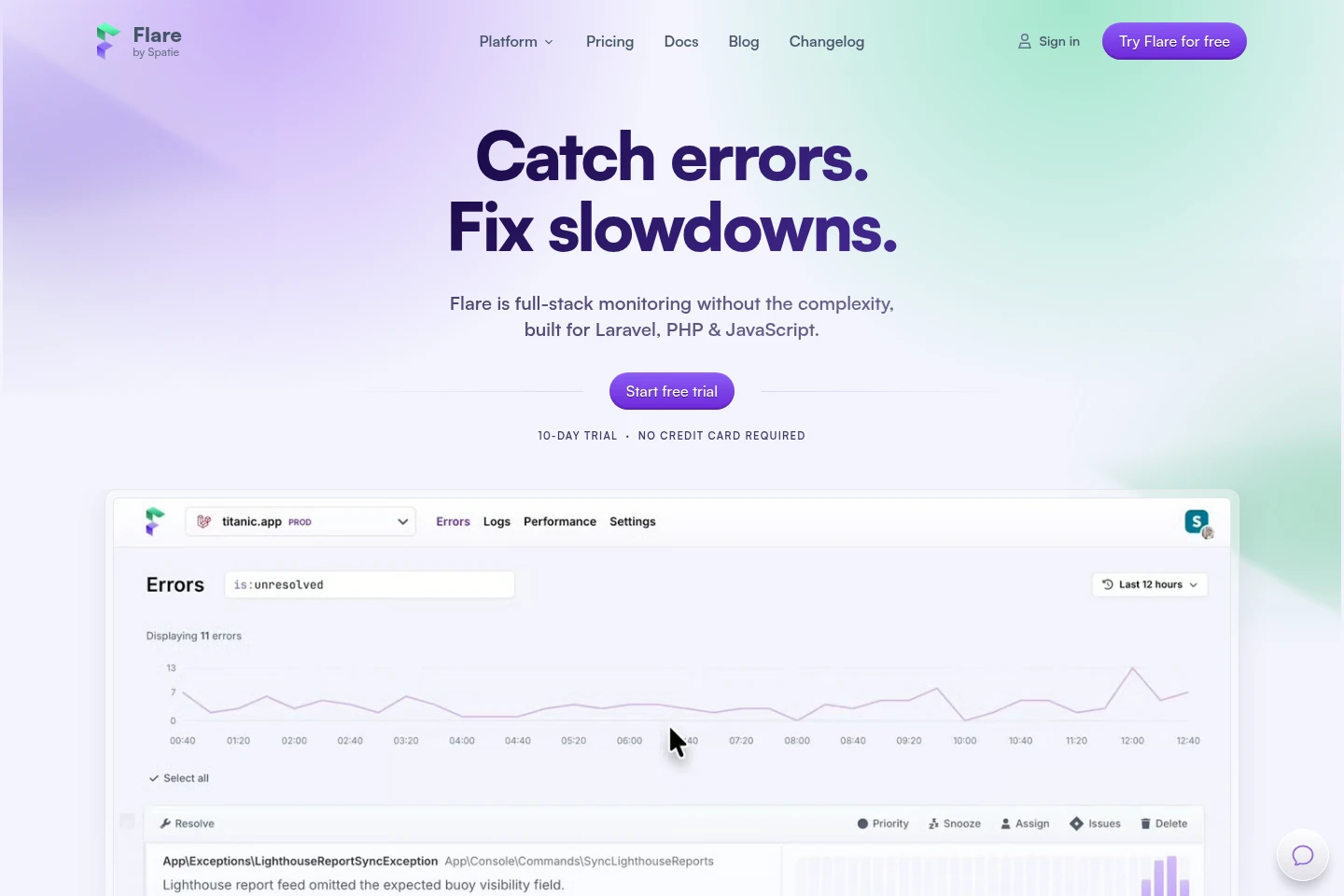
  4. Flare

    Track application errors, performance, and logs in one place

    Hobby · $9/month or $99/year
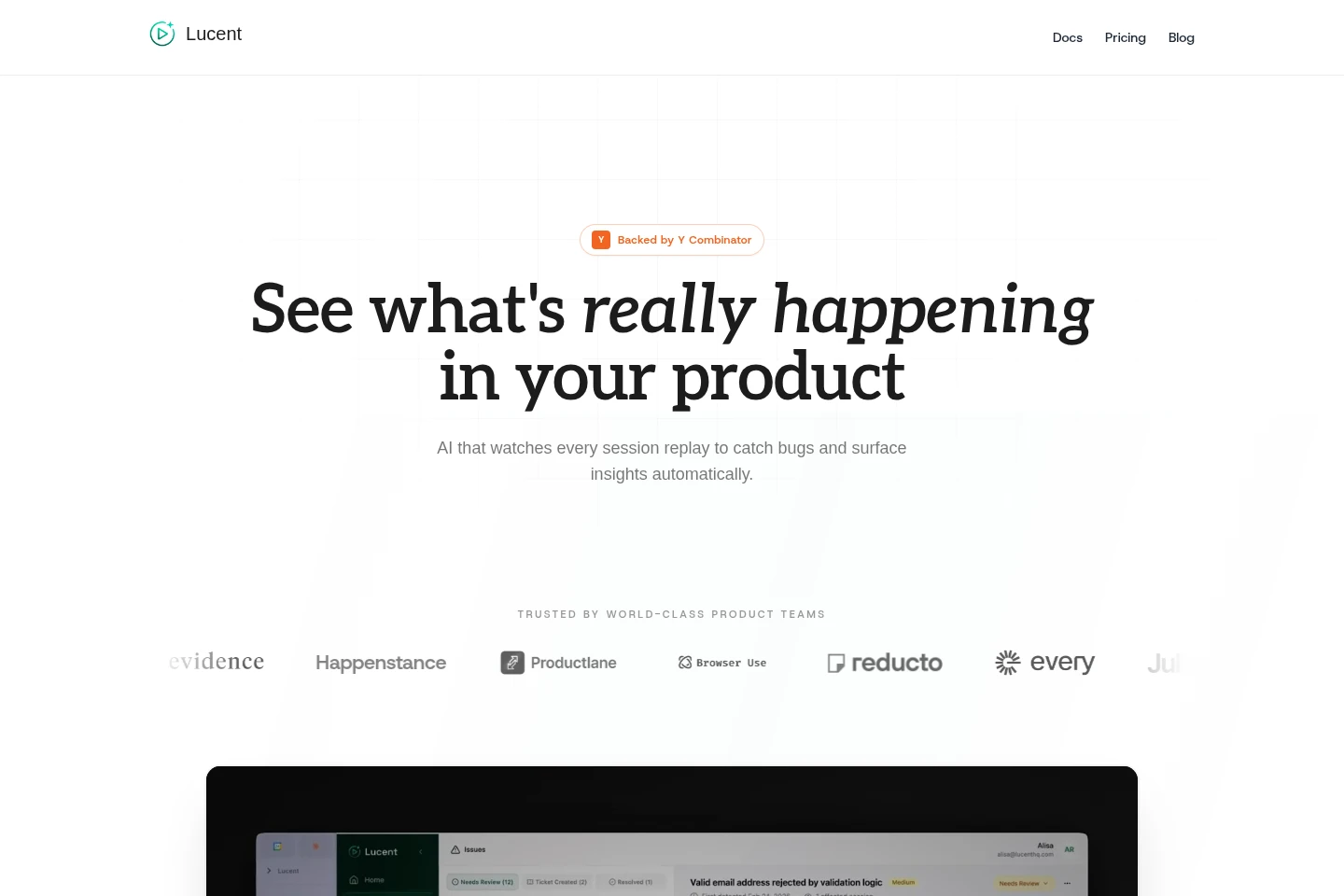
  5. Lucent

    AI session replay analysis for bugs and product insights

    Starter · $499/mo

Who it is for

  • Software and operations teams that need to collect and inspect application or infrastructure logs

  • Kubernetes operators who need cluster log context, filters, and live inspection

  • Developers using Codex, Claude Code, Gemini CLI, or VS Code with Copilot to investigate logs

FAQ

How long does the Fluxtail trial last?

The trial lasts 14 days and does not require a credit card. Trial access uses shared receivers; dedicated ports and native sources require a paid plan.

What are the Starter and Pro prices?

Starter costs $19 USD per month or $190 USD per year. Pro costs $49 USD per month or $490 USD per year; both plans have fixed prices and no usage overage fees.

What log volumes and retention do the plans include?

Starter includes 10 GB of stored logs per month and 30-day retention. Pro includes 50 GB per month and 90-day retention; hard plan limits apply.

Can AI tools manage Fluxtail logs through MCP?

Yes. Connect Codex, Claude Code, Gemini CLI, or VS Code with Copilot through the hosted MCP server, then approve access to a Fluxtail account. Actions depend on role and permissions, and proposed changes require confirmation.

Does the trial include dedicated ports and native sources?

No. Trial access uses shared HTTP receivers. Dedicated ports and native sources are available on paid plans.

Comments

Please sign in to leave a comment.
No comments yet. Be the first to share your thoughts!