
Monthly visits
0
2026-10
Monthly growth -100%

Files Go - Search, organize and work with files on Windows

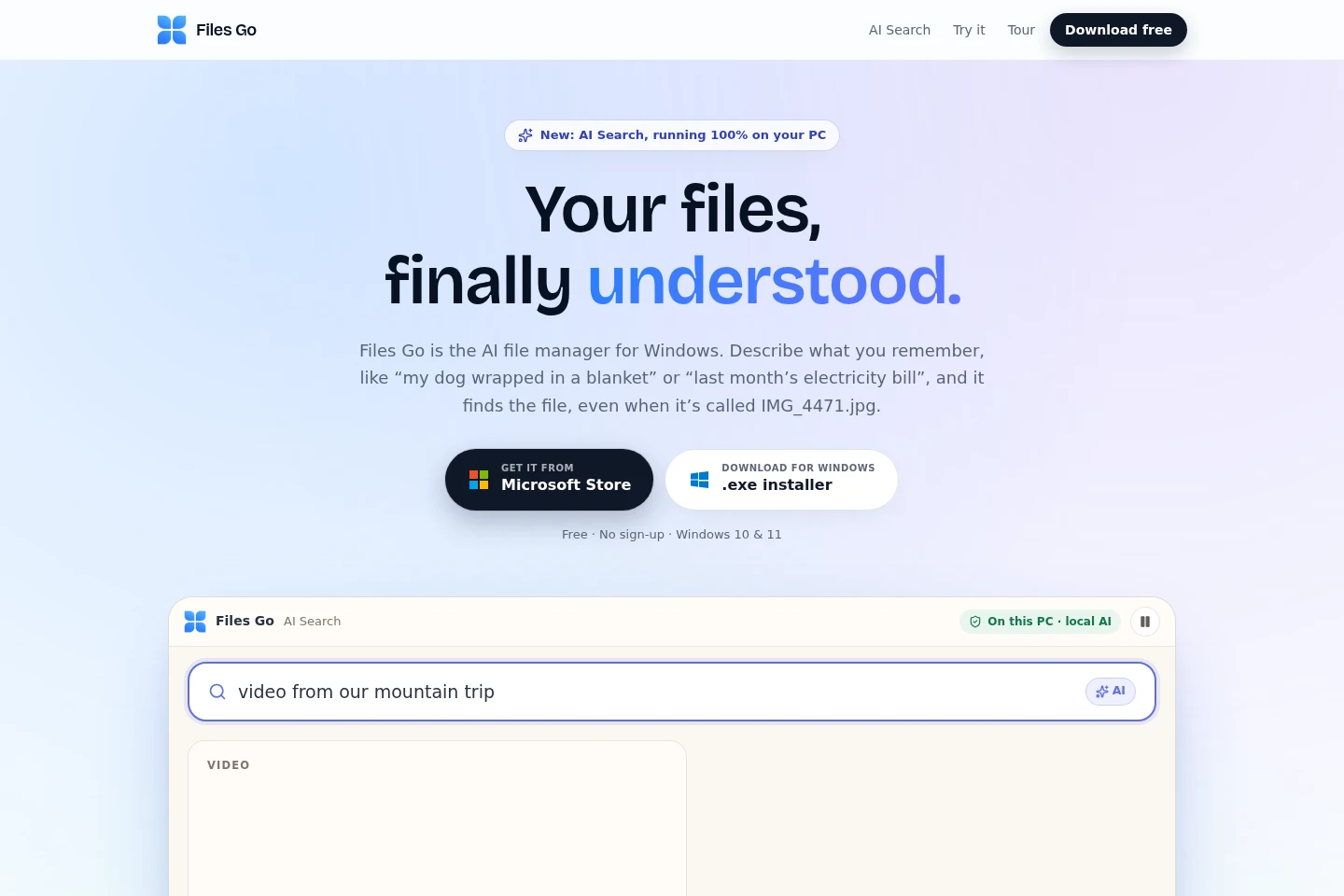
Files Go is a free Windows 10 and 11 desktop app for finding and managing files. Search by filename, document text or meaning with on-device AI; preview documents, recover typing history, sort media, and use tools for video downloads, dictation and phone-to-PC control.

Visit WebsiteUpdate this product

1Views

Capabilities

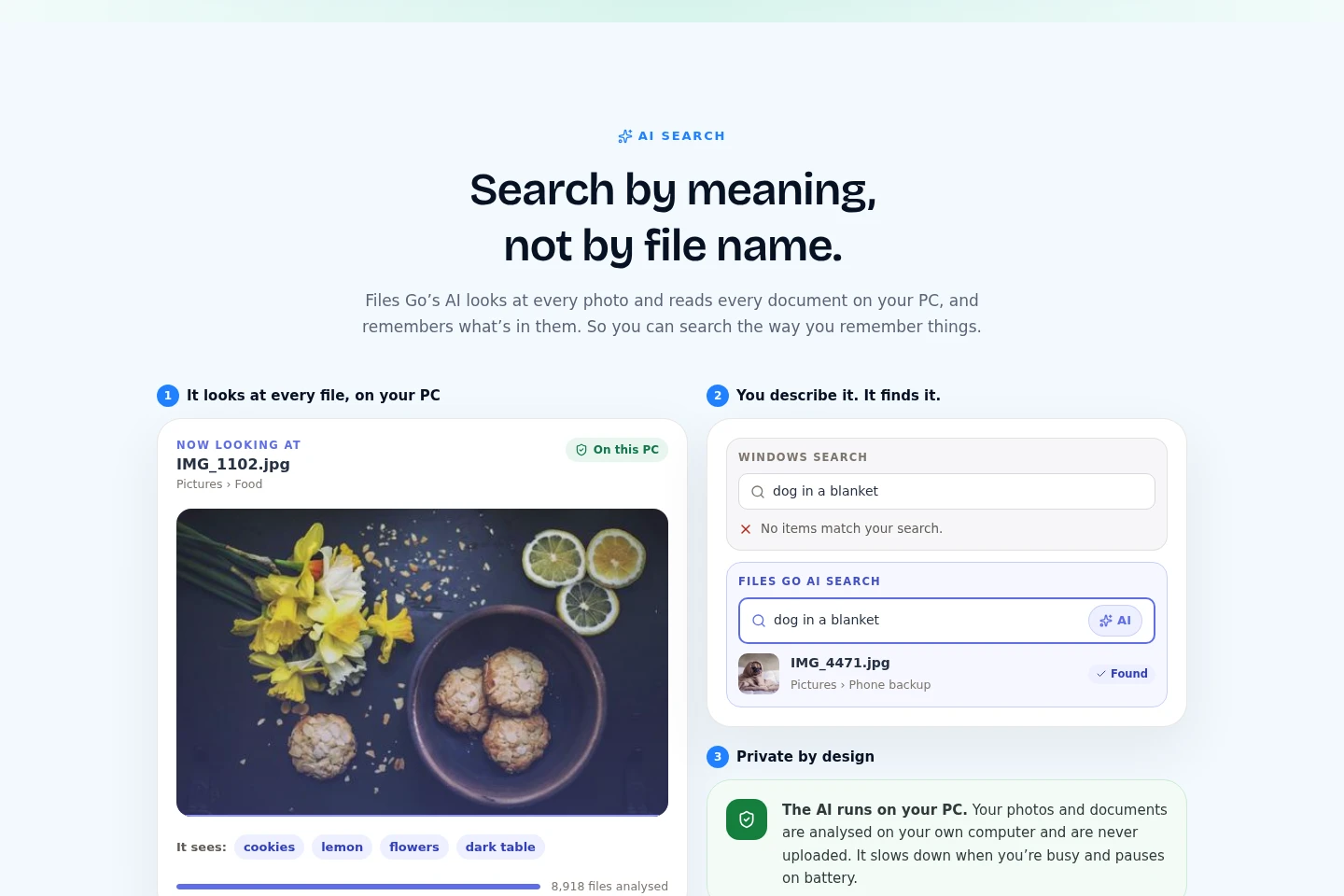
Finds files by filename, words inside documents, or described meaning, and displays matching results. It indexes files on the PC and searches supported document text and photo content locally.

Document previews

Shows document contents in a preview without opening a separate application. Hover over or select supported files such as PDF, Word, Excel, PowerPoint, Markdown and JSON to inspect them.

Typing history recovery

Stores typed text locally so users can find and copy it again. The feature works across Windows apps and keeps history for a few days.

Media organization and downloads

Groups photos and videos and can download web videos to the PC. Users can browse media by date and select available download quality, up to 4K where supported.

Windows productivity utilities

Provides utilities including dictation, read-aloud, a PIN-protected Safe Folder, clipboard history and phone connection. Availability and behavior vary by utility; some extras use the internet.

PricingFree

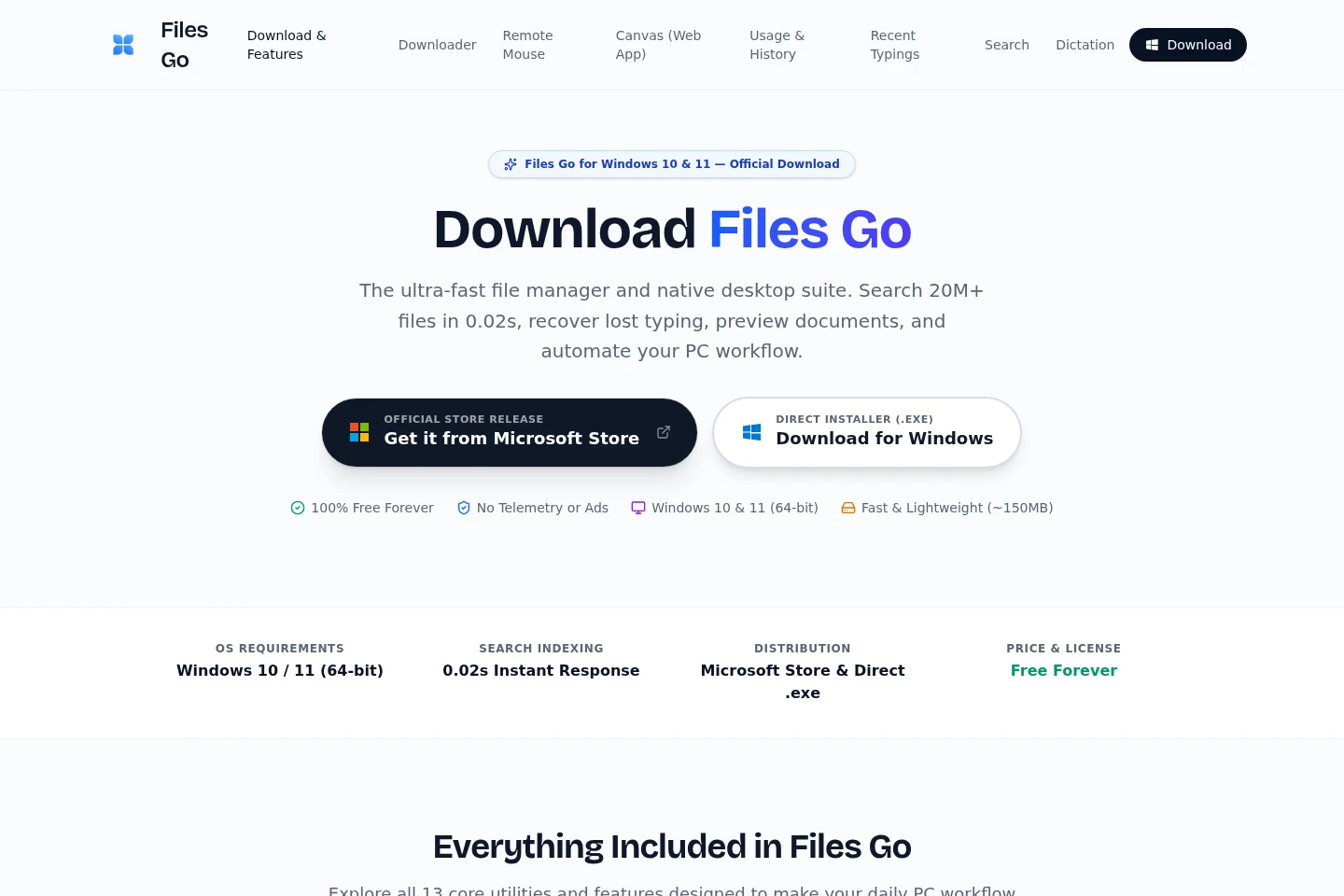
Files Go is offered free for Windows 10 and 11, with no sign-up required. There are no paid plan choices listed; users should check Windows compatibility and the listed utilities.

Use cases

Find a file from a remembered description

When the filename is unknown or unhelpful, describe what a photo or document contains or search words remembered from its text. Files Go searches locally and returns matching files to open or locate in their folders.

Inspect a document without opening it

When deciding which document to use, hover over or select a supported file to view its contents in a preview. This lets users read supported PDFs, Office documents and other listed formats without launching another app.

Recover text typed in another app

When a tab closes or a long message is lost, search Files Go's local typing history and copy the saved text back. The history is kept on the PC for a few days.

Limitations

  • Files Go is a Windows app for Windows 10 and 11, not a phone app.

  • AI search and typing history run on the PC; some extras, including dictation and video downloads, use the internet.

  • Typing history is retained for only a few days, according to the homepage.

Alternatives

AI Finder

Effortlessly locate files with AI

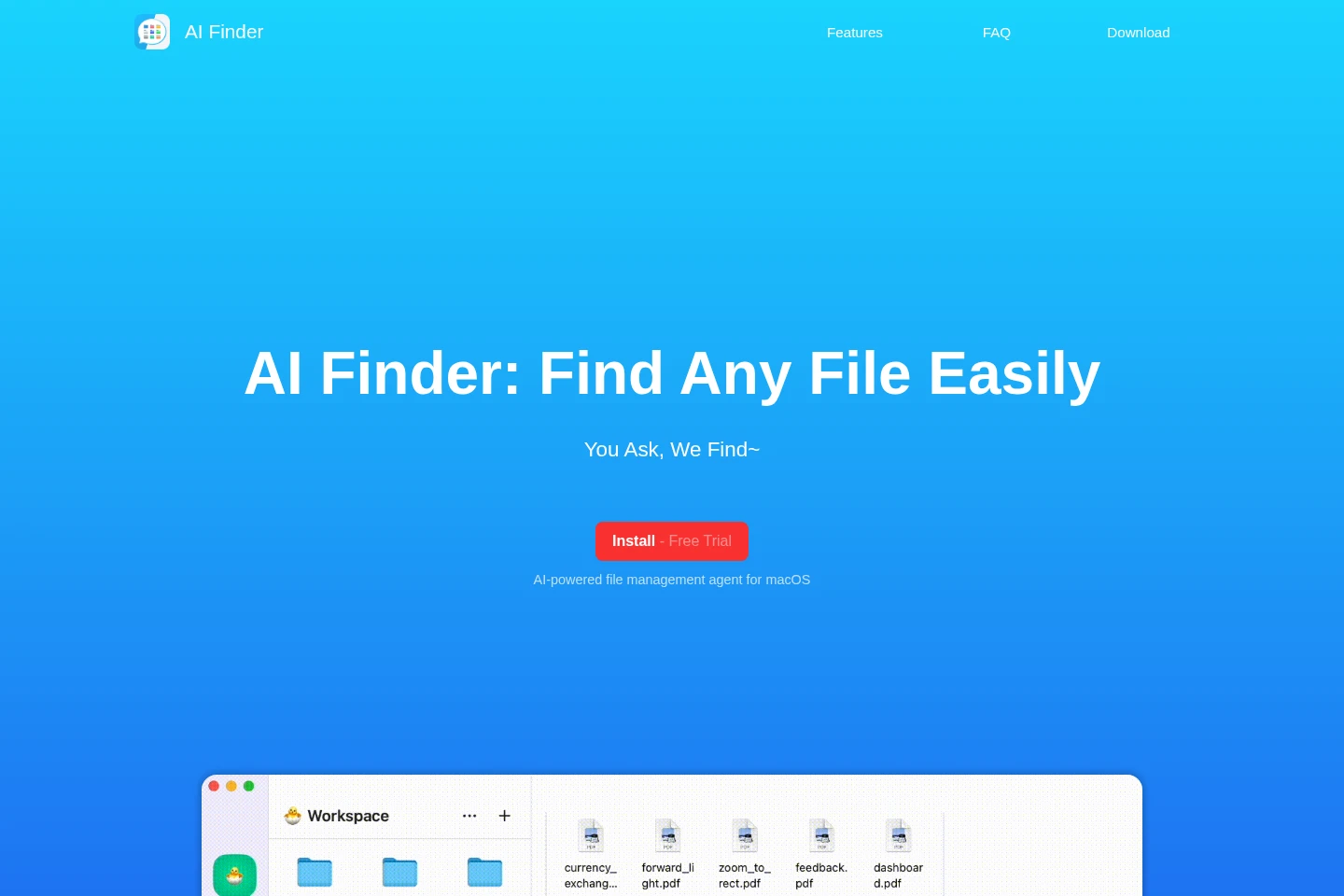
AI Finder is an intelligent file management tool designed to enhance your productivity by allowing you to search for files using natural language queries. No more cumbersome searches or complex folder hierarchies—simply type what you’re looking for, and AI Finder delivers instant results. This tool is perfect for professionals, students, and anyone who manages a significant amount of digital content. With its user-friendly interface and smart algorithms, AI Finder helps you find any file effortlessly, ensuring you spend less time searching and more time focusing on your tasks. Experience seamless integration with your existing file systems and enjoy a smarter way to manage your digital life.

  • Paid
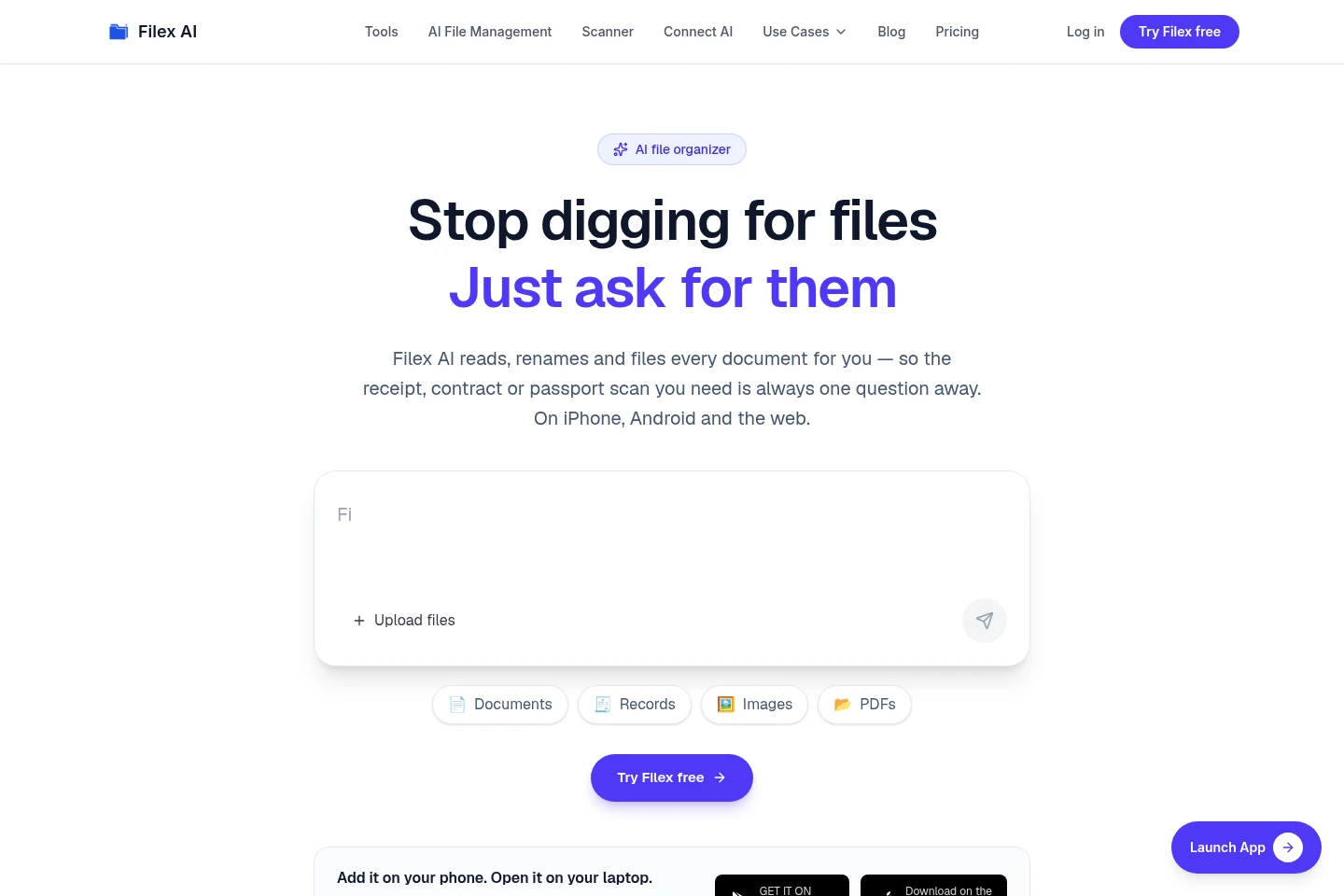
  1. Filex AI

    Organize files and find them by asking

    Free · $0
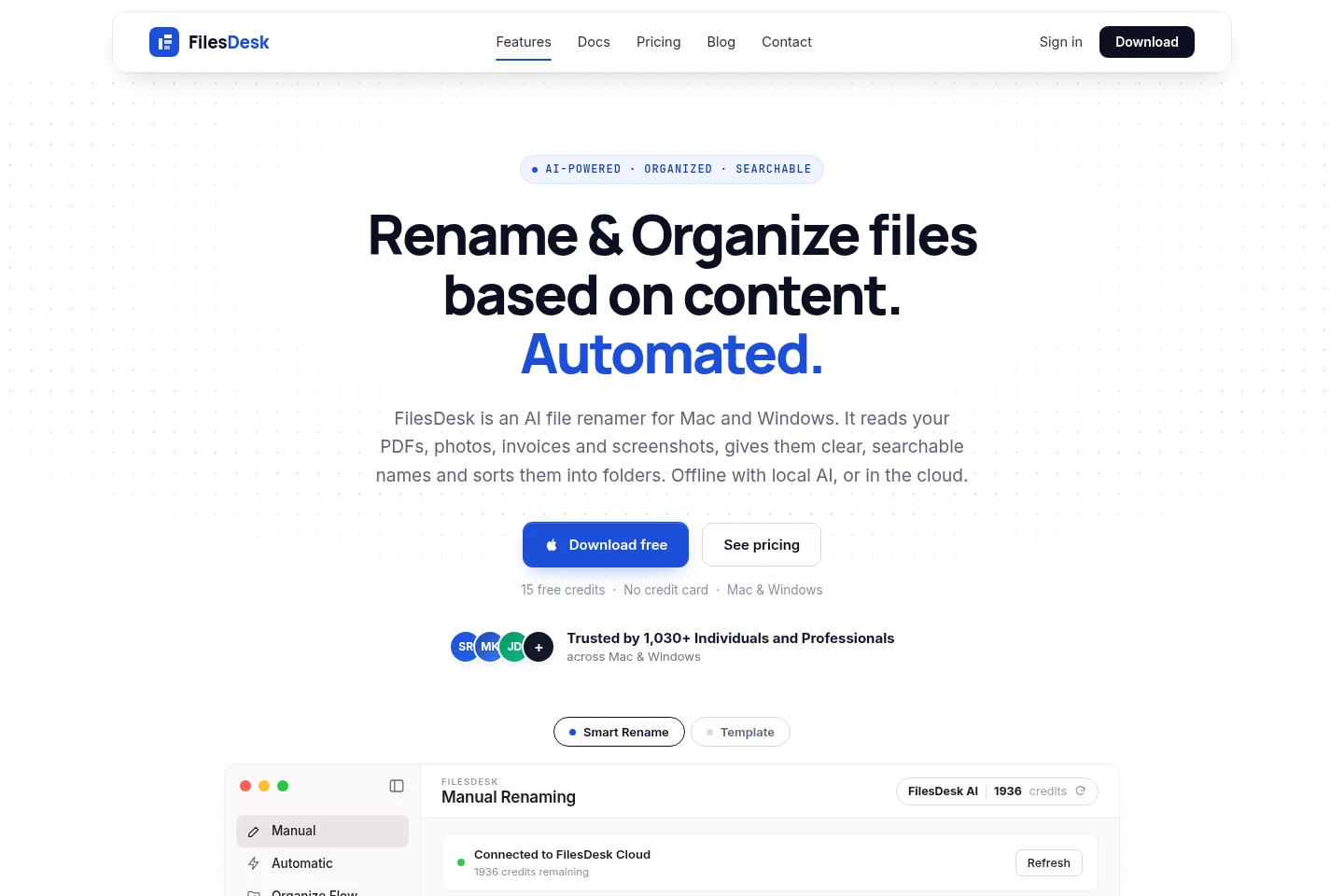
  2. FilesDesk

    Rename and organize files from their contents

    Free · $0
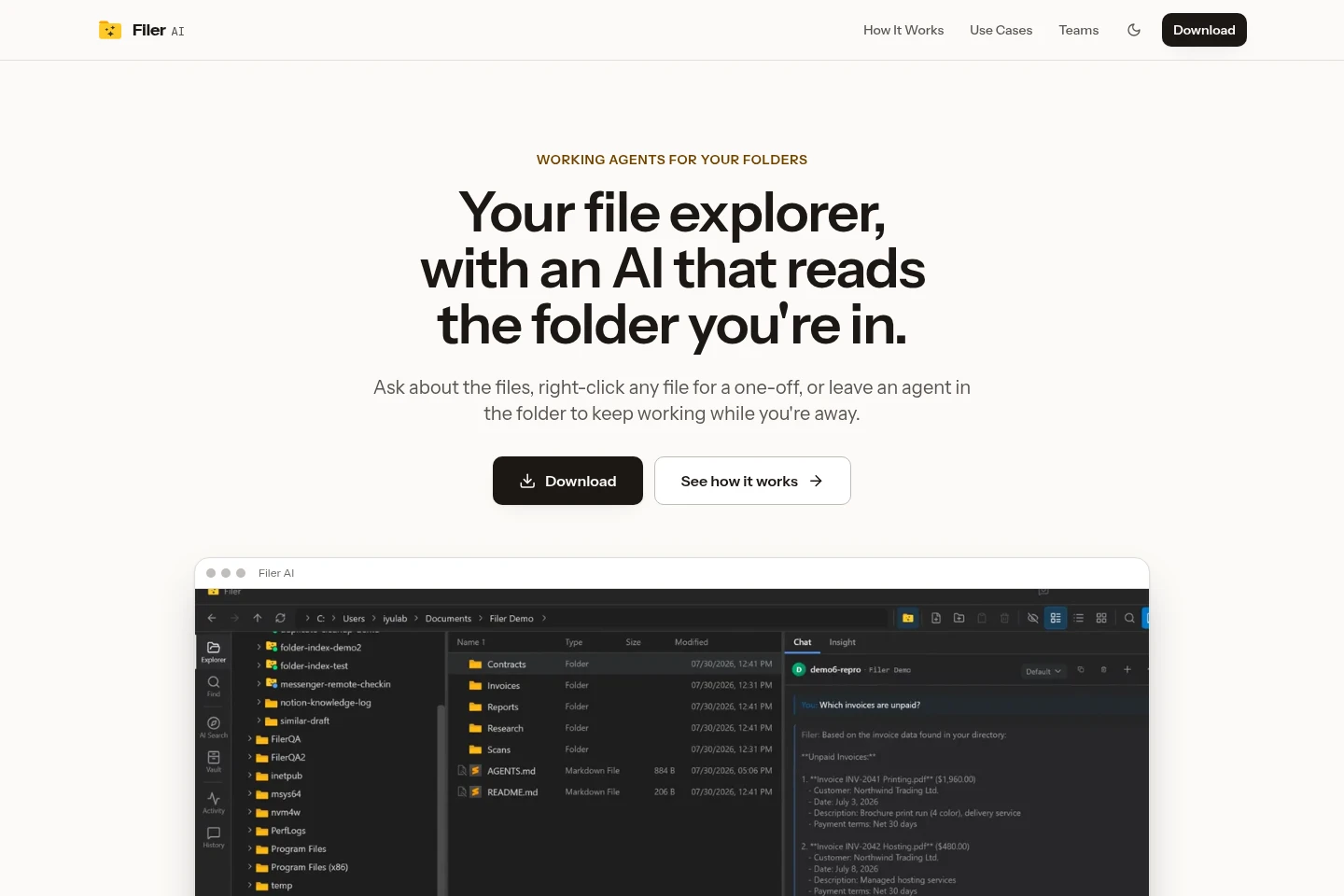
  3. Filer AI

    A file explorer with AI that works within your folders

    Free
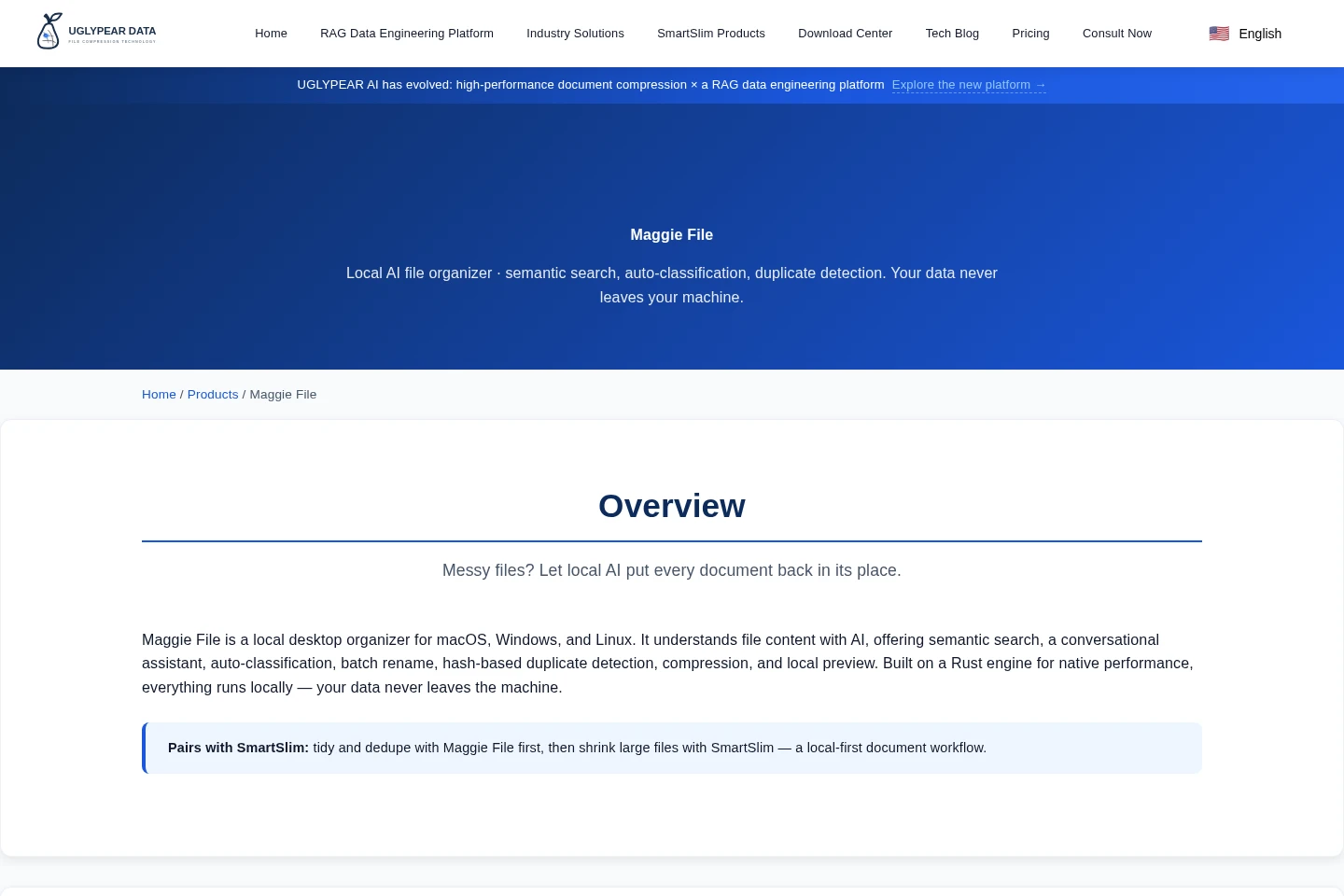
  4. Maggie File

    Organize local files with AI search and classification

    Free · ¥0; free forever
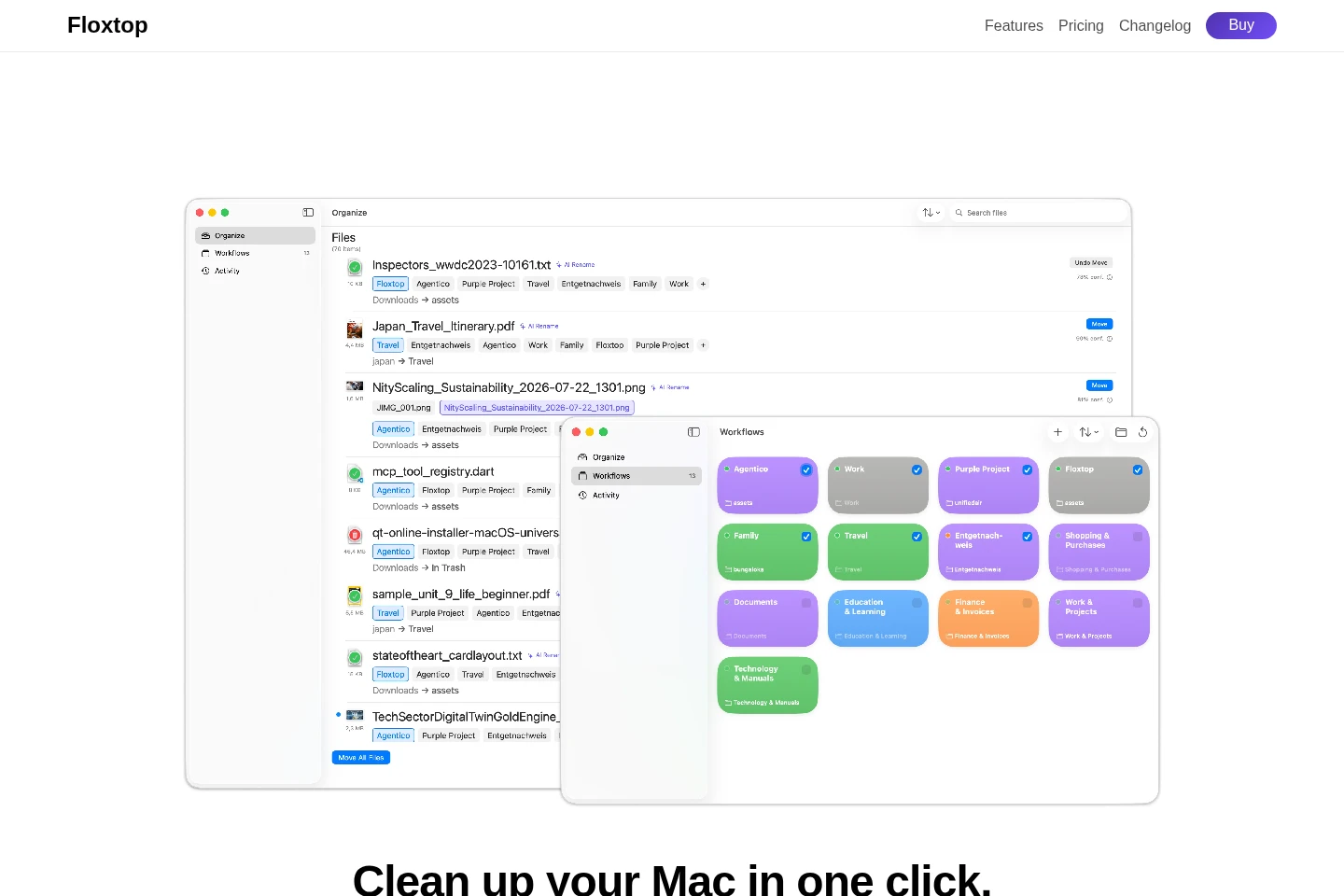
  5. Floxtop

    On-device Mac file organization and content-based renaming

    Floxtop Free · $0

Who it is for

  • Windows PC users who need to search files by content or meaning

  • People who frequently inspect PDFs and Office documents without opening them

  • Windows users who want local utilities for typing recovery and phone-to-PC control

FAQ

Is Files Go free to use?

Yes. Files Go is free for Windows 10 and Windows 11, and the homepage says no sign-up is needed.

Does Files Go replace File Explorer?

No. It works alongside File Explorer; files remain where they are, while Files Go helps search, preview and open them.

Where are files and typing history kept?

On the PC for search, AI Search and Typing History; the homepage says these do not upload files. Some extras, such as dictation and video downloads, use the internet.

What operating system does Files Go require?

A 64-bit PC running Windows 10 or Windows 11 is listed on the download page. The homepage also identifies those Windows versions as supported.

Comments

Please sign in to leave a comment.
No comments yet. Be the first to share your thoughts!