Monthly visits
164,524
2026-10
Monthly growth -0.5%

FaceFusion - Run AI-powered face manipulation locally on your machine

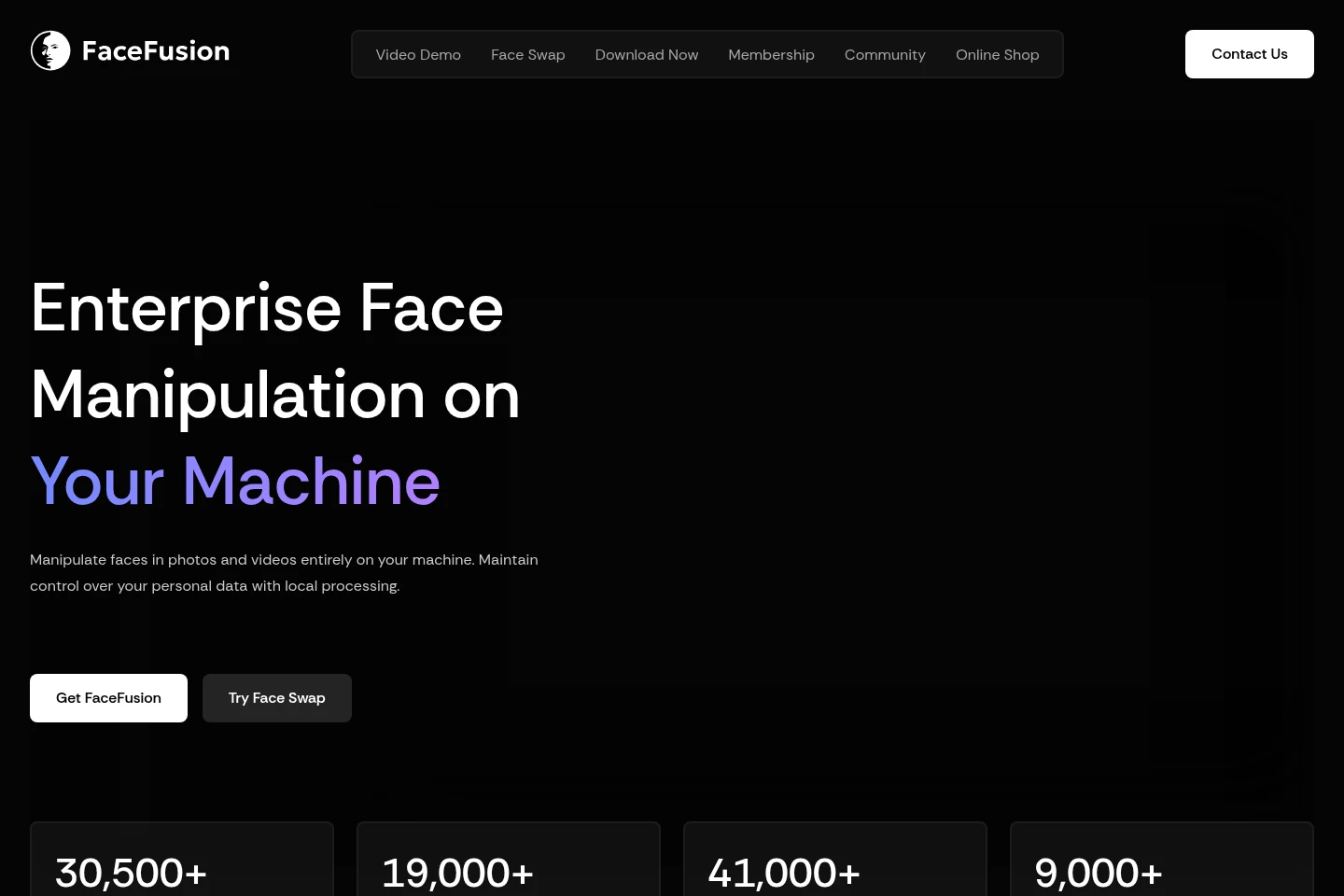
FaceFusion is software for manipulating faces in photos and videos on your own machine. Its listed tools include face swapping, masking, enhancement, lip synchronization, and frame processing. The homepage describes local processing and offers Windows and macOS installers for a one-time purchase, alongside monthly memberships and links to community resources.

Visit WebsiteUpdate this product

4Views

Capabilities

Local face manipulation

Processes faces in photos and videos on the user's machine. Inputs are local media; the homepage describes local processing without cloud queues or transmitting data.

Face swapping and masking

Swaps faces and uses precision masking in image and video workflows. The homepage lists Face Swap and describes face swapping with AI models and masking.

Face and frame enhancement

Enhances facial detail and can upscale video frames by up to 8x. The homepage lists Face Enhancer and Frame Enhancer with these functions.

Lip synchronization

Generates lip movements matched to an audio track. The homepage lists Lip Syncer as a tool for synchronizing lip movements with audio.

Installer setup automation

The Windows and macOS installers automate installation of GIT, Conda, and FFmpeg, let users choose an accelerator, and add launch shortcuts. Installer availability and price differ by operating system.

PricingFreemium

FaceFusion lists separate one-time installer purchases and monthly memberships. Compare the operating system for installer purchases and the monthly price and listed membership benefits when choosing a plan.

PlanPriceIncluded features and limits
Windows Installer

$20, one-time purchase

  • Installer for Windows.

  • Automates GIT, Conda, and FFmpeg installation.

  • Lets users choose an accelerator.

macOS Installer

$30, one-time purchase

  • Installer for macOS.

  • Automates GIT, Conda, and FFmpeg installation.

  • Lets users choose an accelerator.

Explorer

$20/mo

  • Membership plan; billing currency is not stated.

  • Includes priority Discord support.

  • Includes feature voting and early access.

Creator

$40/mo

  • Membership plan; billing currency is not stated.

  • The page describes this tier for people regularly posting content.

  • No additional tier benefits are listed in the supplied page text.

Producer

$100/mo

  • Membership plan; billing currency is not stated.

  • The page describes this tier for filmmakers and storytellers.

  • No additional tier benefits are listed in the supplied page text.

The installer prices are shown without a currency designation. Membership prices are shown per month, also without a stated currency. The page does not describe annual billing.

Use cases

Manipulate faces in local photos and videos

When working with photos or videos that should be processed on the user's machine, use FaceFusion's local media workflow to manipulate faces without sending the media to a cloud service, as described on the homepage.

Install FaceFusion with an operating-system installer

When setting up FaceFusion on Windows or macOS, purchase the corresponding installer. It automates listed dependency installation, offers an accelerator choice, and creates shortcuts for launching the software.

Limitations

  • The Windows Installer and macOS Installer are separate purchases, listed at $20 and $30 respectively.

  • Premiere Pro, Nuke, DaVinci Resolve, and OBS Studio are marked Available Soon in the plugin section.

Alternatives

AI Face Studio

Effortless AI face transformations for everyone

AI Face Studio offers state-of-the-art AI technology to deliver realistic face transformations and edits efficiently. With features like effortless face swaps, dynamic clothing changes, and versatile style conversions, users can create stunning visuals with ease. The platform supports multi-face transformations and high-definition exports, ensuring quality and flexibility for all creative projects. Designed for both beginners and experienced users, it provides a seamless user experience and a range of pricing plans to suit different needs.

  • Freemium
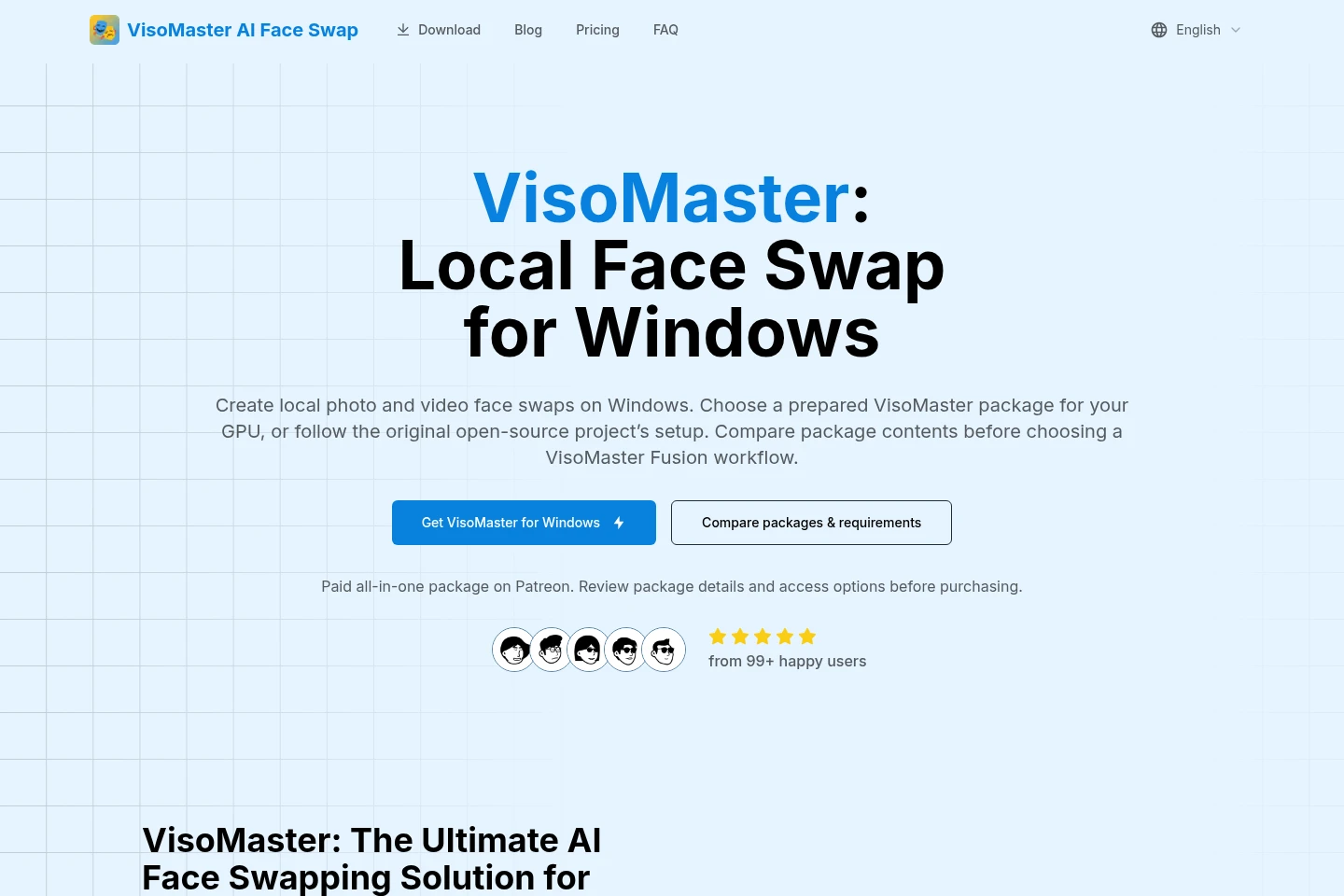
  1. VisoMaster AI Face Swap

    Create local face swaps in photos and videos on Windows

    All-in-One Package · $19.99 USD one-time; shown reduced from $59.99
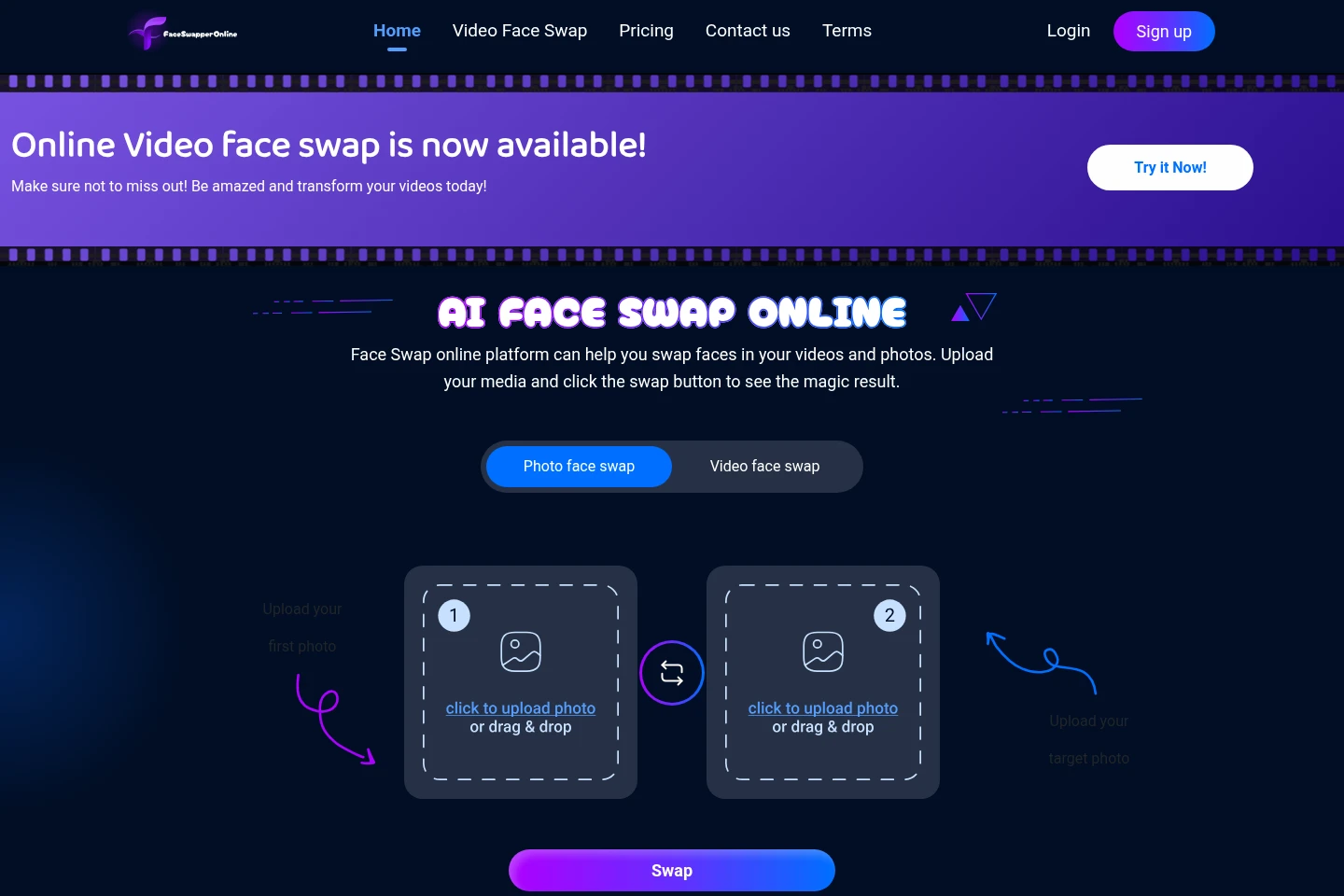
  2. AiFaceSwapOnline

    Transform your media with AI precision

    Paid
  3. Face Swag

    AI-powered face swap tool for instant photo transformation

    Freemium
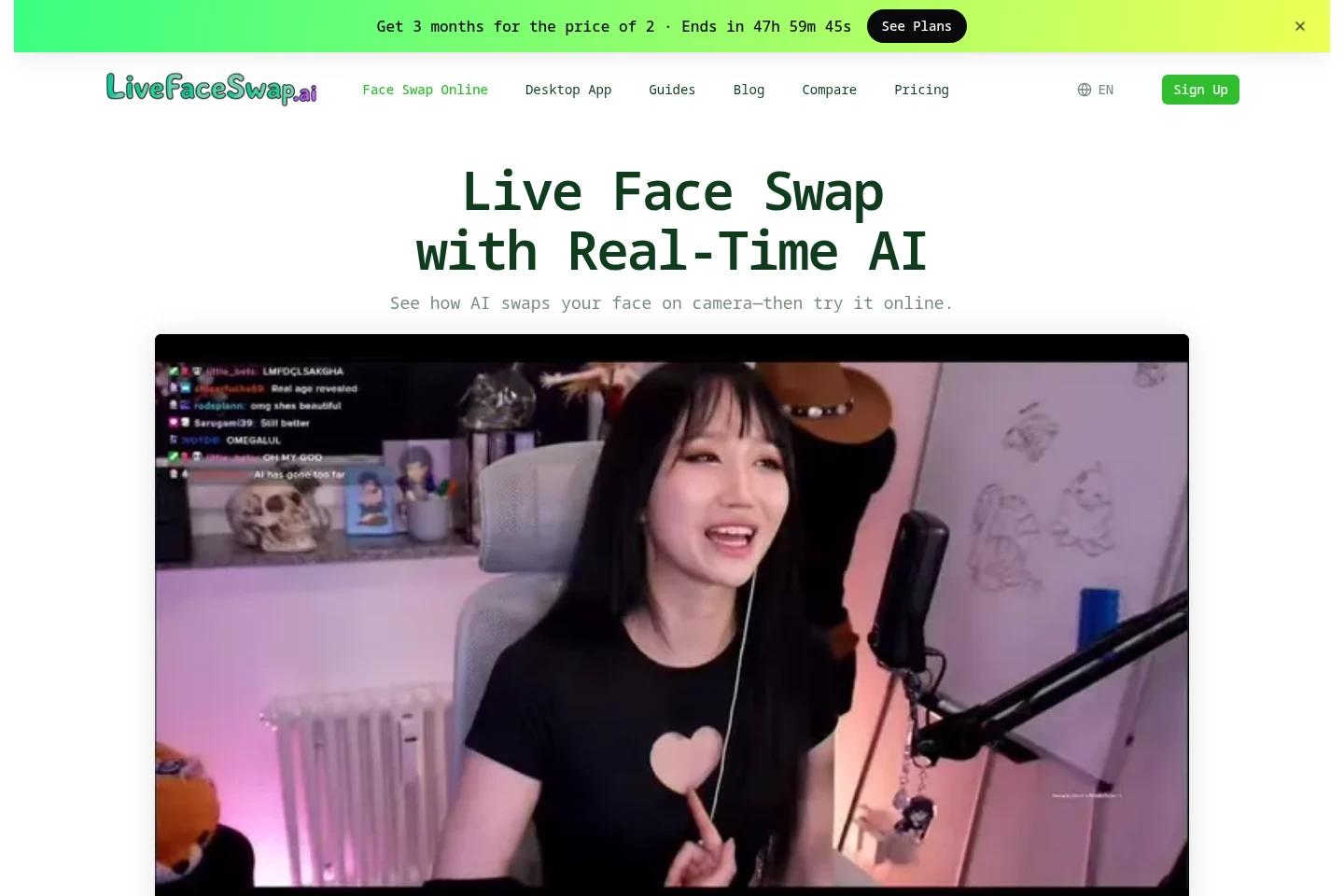
  4. LiveFaceSwap AI

    Swap faces on live camera video with cloud AI

    Basic · $12/month; billed $36 / 3 months
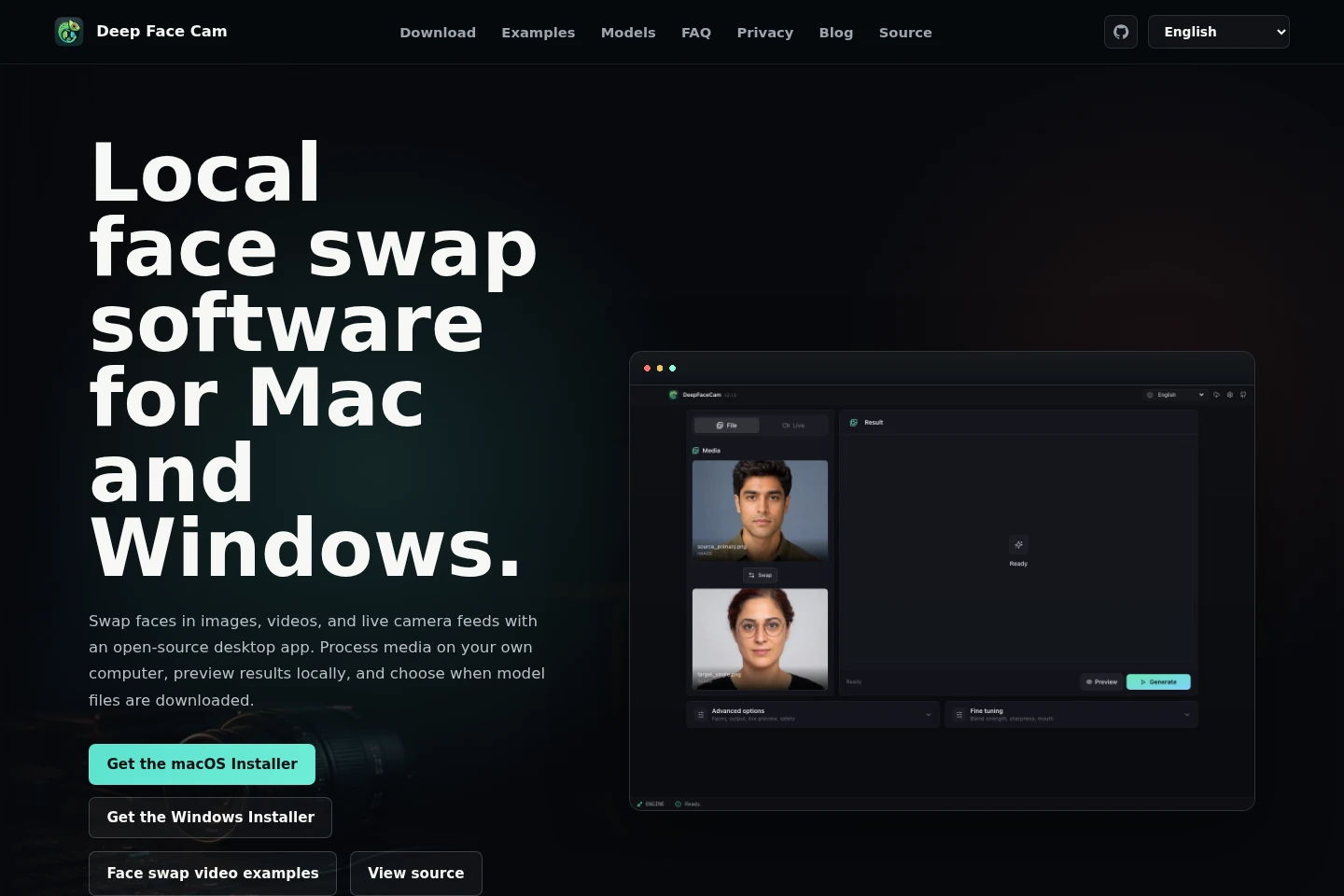
  5. Deep Face Cam

    Local face swapping for images, video, and live camera

    Contact Sales

Who it is for

  • Creators who need to manipulate faces in locally stored photos or videos

  • Windows and macOS users who want an installer to automate software setup

FAQ

Does FaceFusion process media locally?

The homepage says photos and videos are manipulated entirely on your machine. It describes local processing and says data stays on the machine rather than being transmitted.

What do the Windows and macOS installers cost?

The homepage lists the Windows Installer for $20 and the macOS Installer for $30. It presents each as a separate purchase; no currency is stated.

What do the installers set up?

The installers automate GIT, Conda, and FFmpeg installation, allow an accelerator to be chosen, and create a Start menu entry and desktop shortcut. The homepage also says they can launch without manual environment activation and be uninstalled.

Which video-editing plugins are available now?

The plugin section marks After Effects as Available Now. Premiere Pro, Nuke, DaVinci Resolve, and OBS Studio are marked Available Soon.

What are the monthly membership plans?

The homepage lists Explorer at $20/mo, Creator at $40/mo, and Producer at $100/mo. The listed memberships are recurring monthly plans; the page does not state a currency.

Comments

Please sign in to leave a comment.
No comments yet. Be the first to share your thoughts!