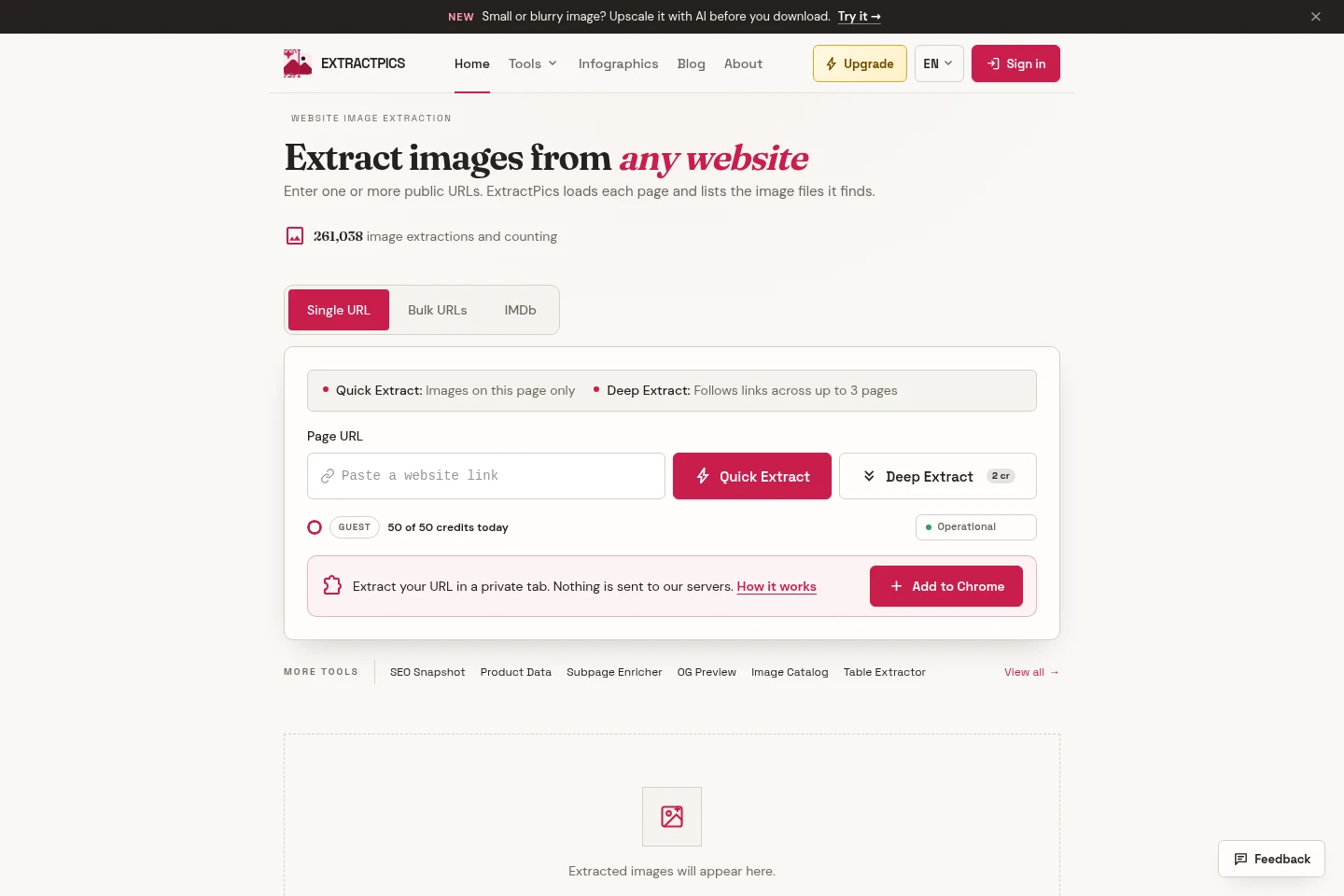
Finds and lists image files loaded by public webpage URLs. Quick Extract checks the supplied page, while Deep Extract follows links across up to three pages; image sources can include lazy-loaded content and CSS backgrounds.
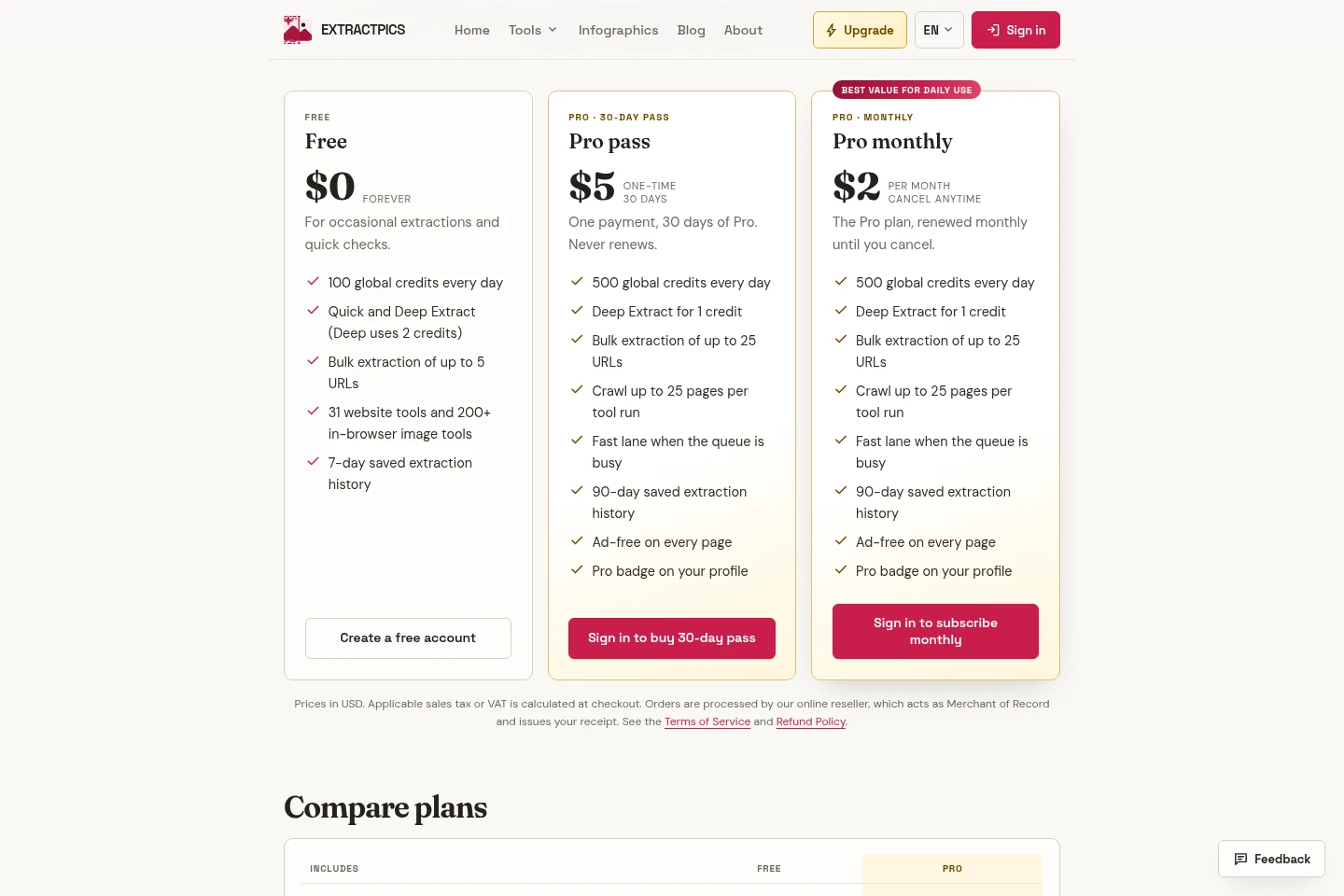
Processes multiple public page URLs in one extraction workflow. Users can add URLs in bulk, with the maximum batch size depending on plan: five URLs on Free and 25 on Pro.
Image selection and download
Lets users select found images, copy their URLs, or download selected images together as a ZIP. Download settings can convert WebP and AVIF, preserve animations as GIF, and include a CSV of file URLs, sizes, formats, and pages.
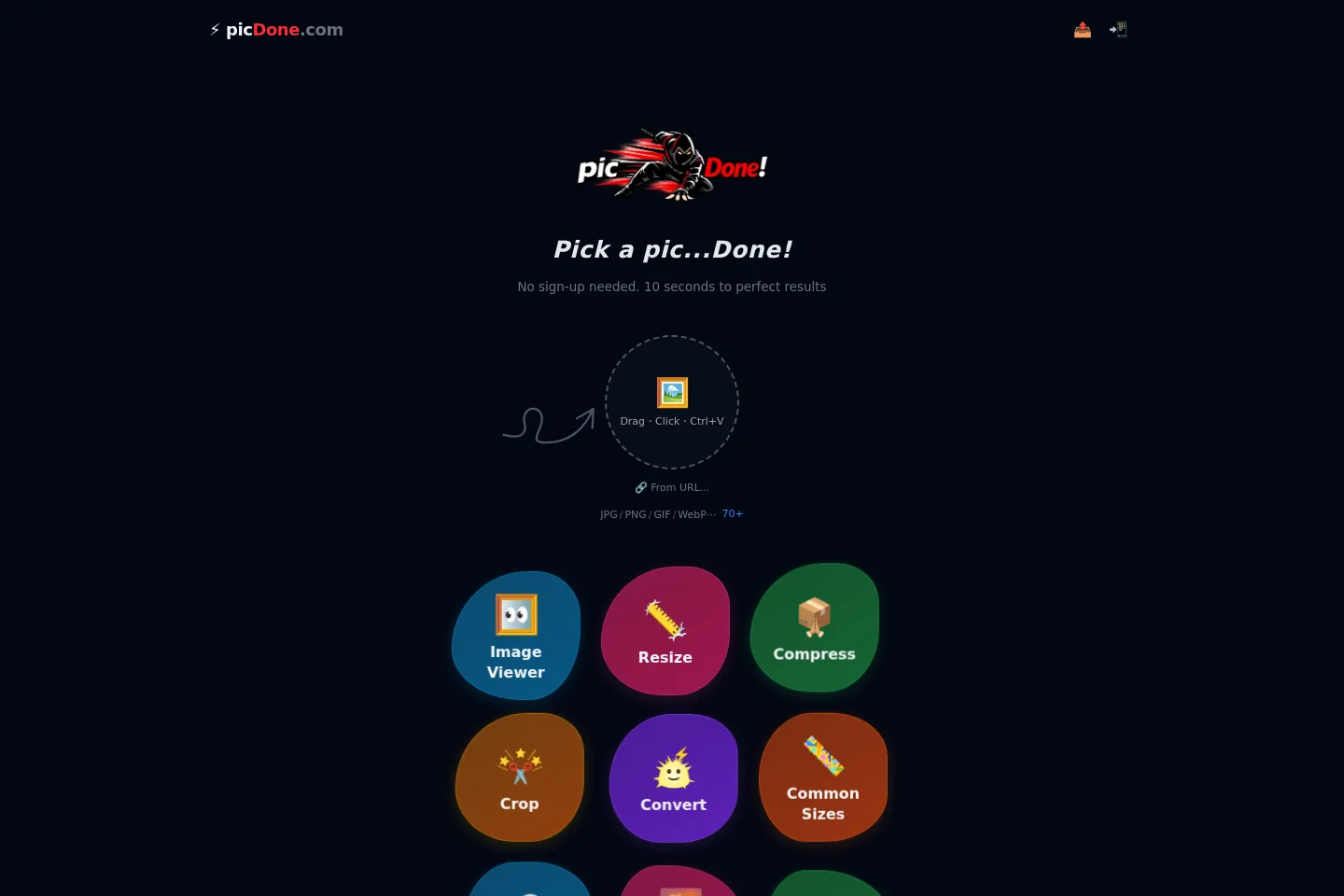
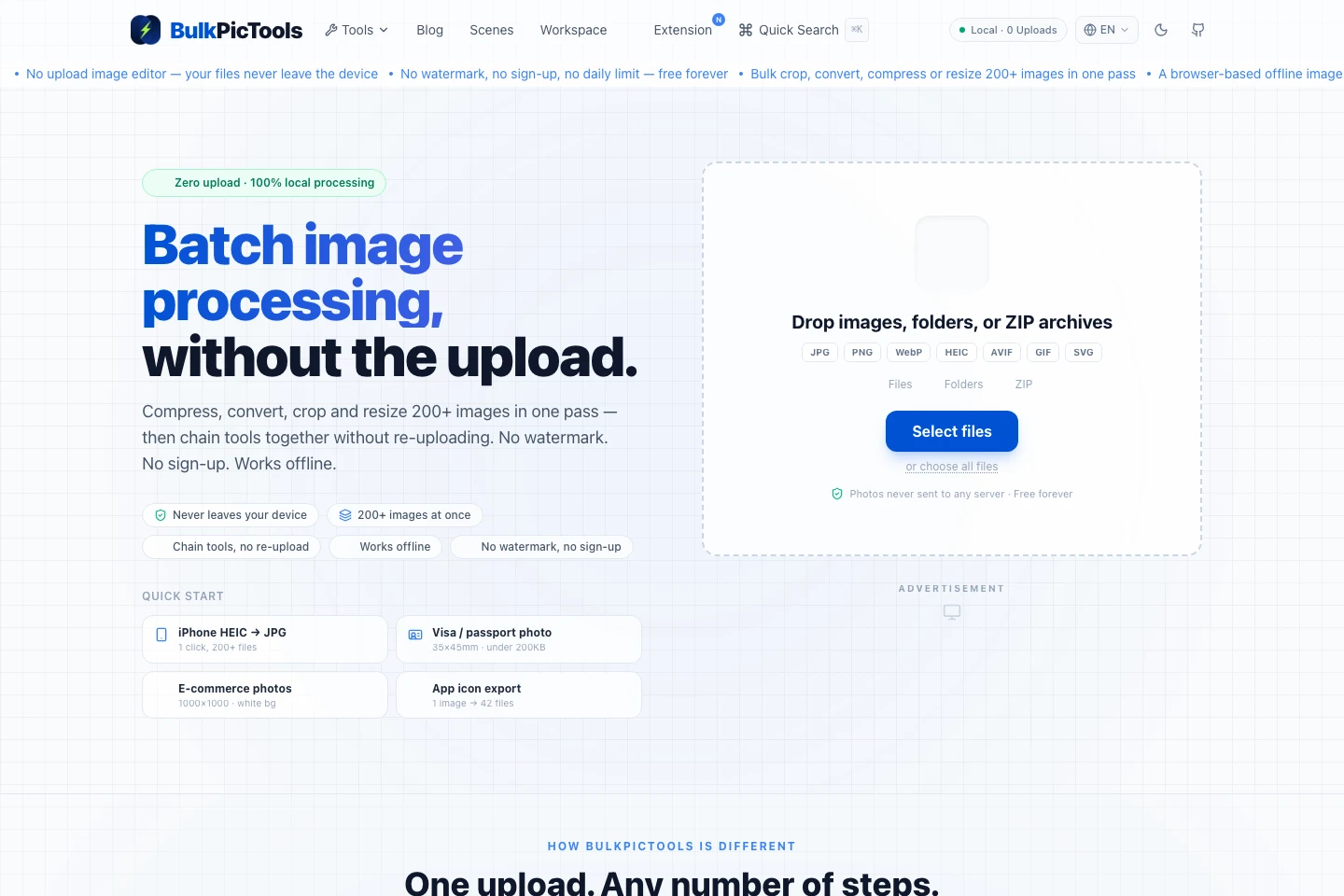
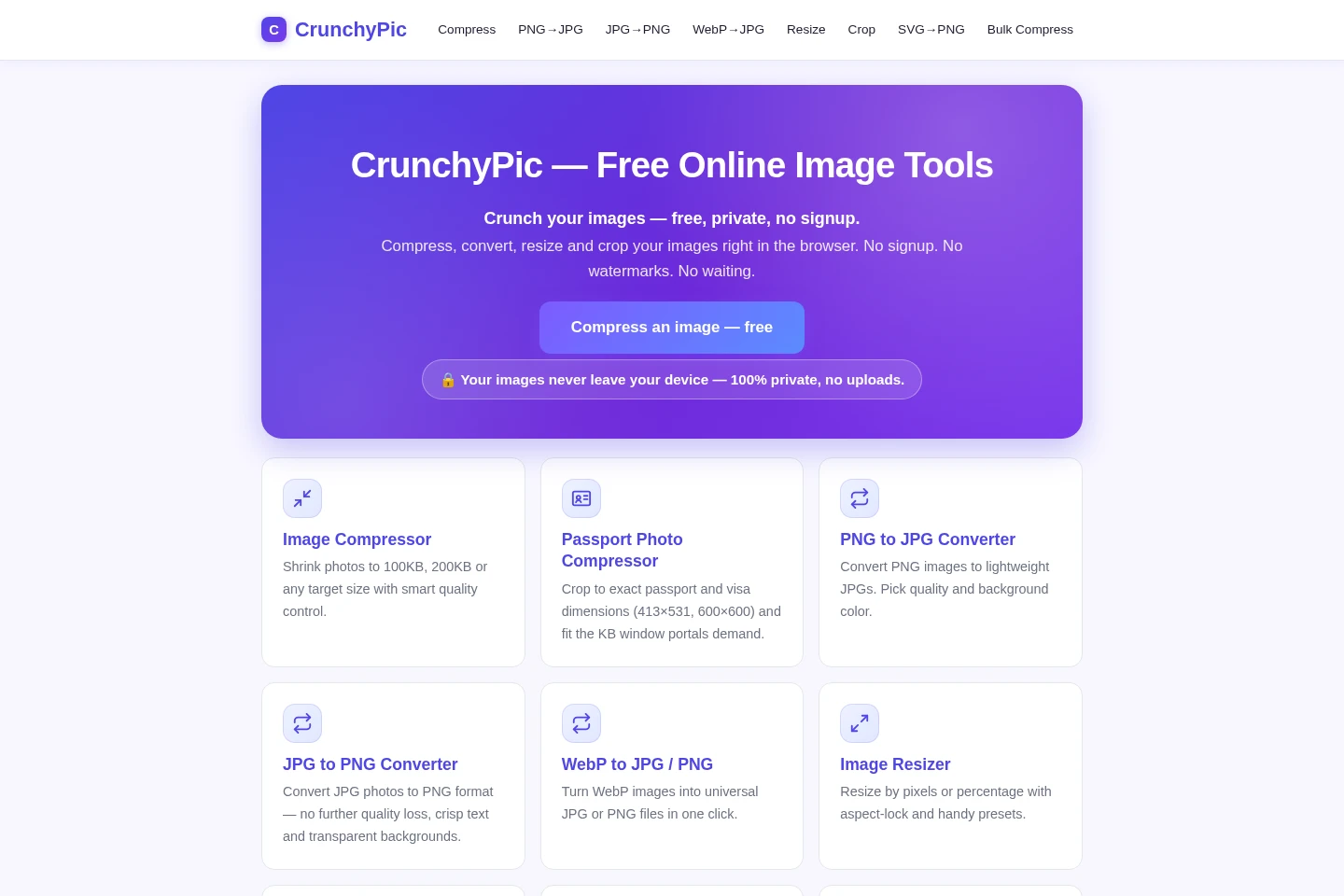
Provides tools to edit and inspect files in the browser, including resizing, cropping, compression, format conversion, and EXIF reading. Most tools process files in the browser without uploading them to ExtractPics.







Comments