Text-to-video generation
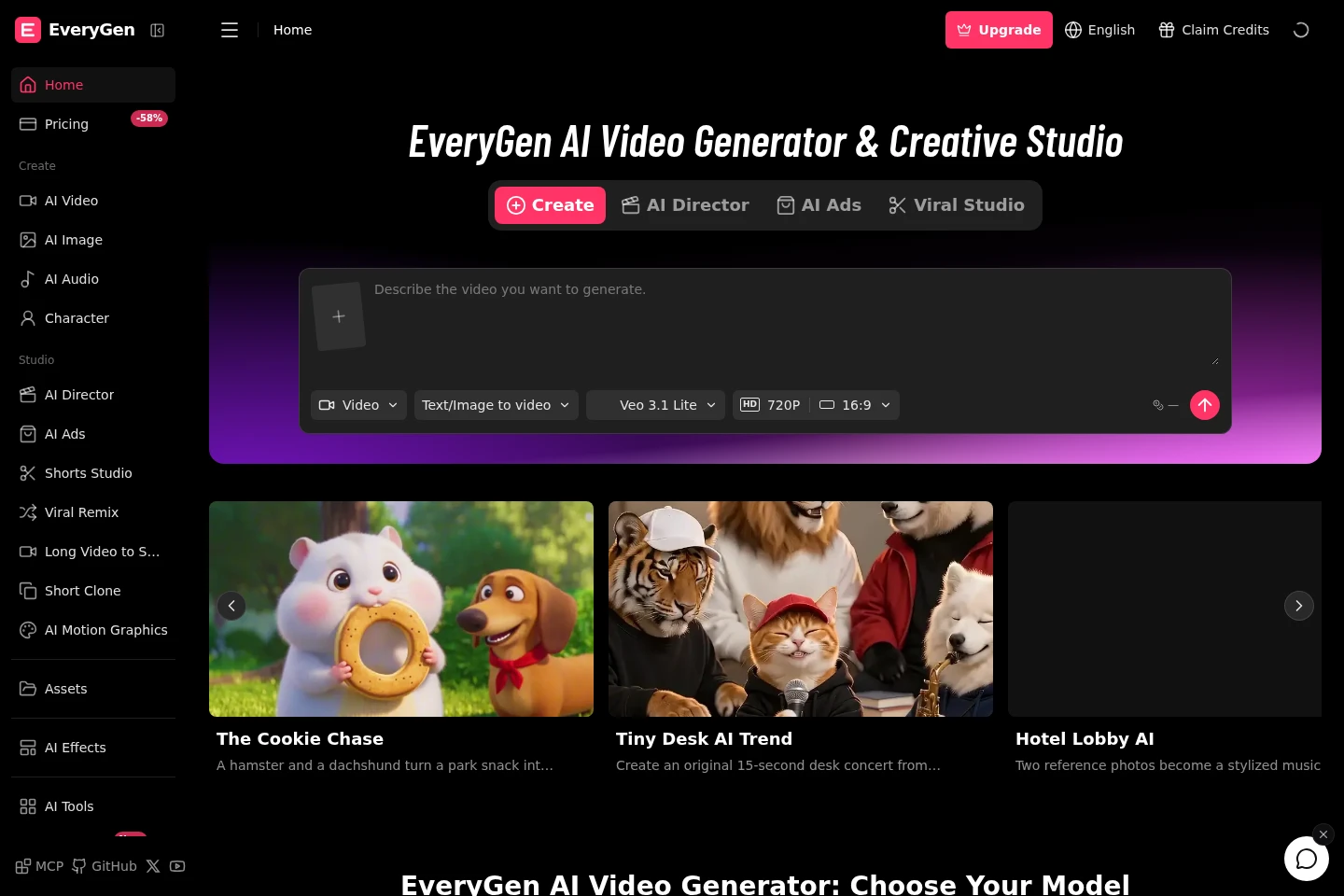
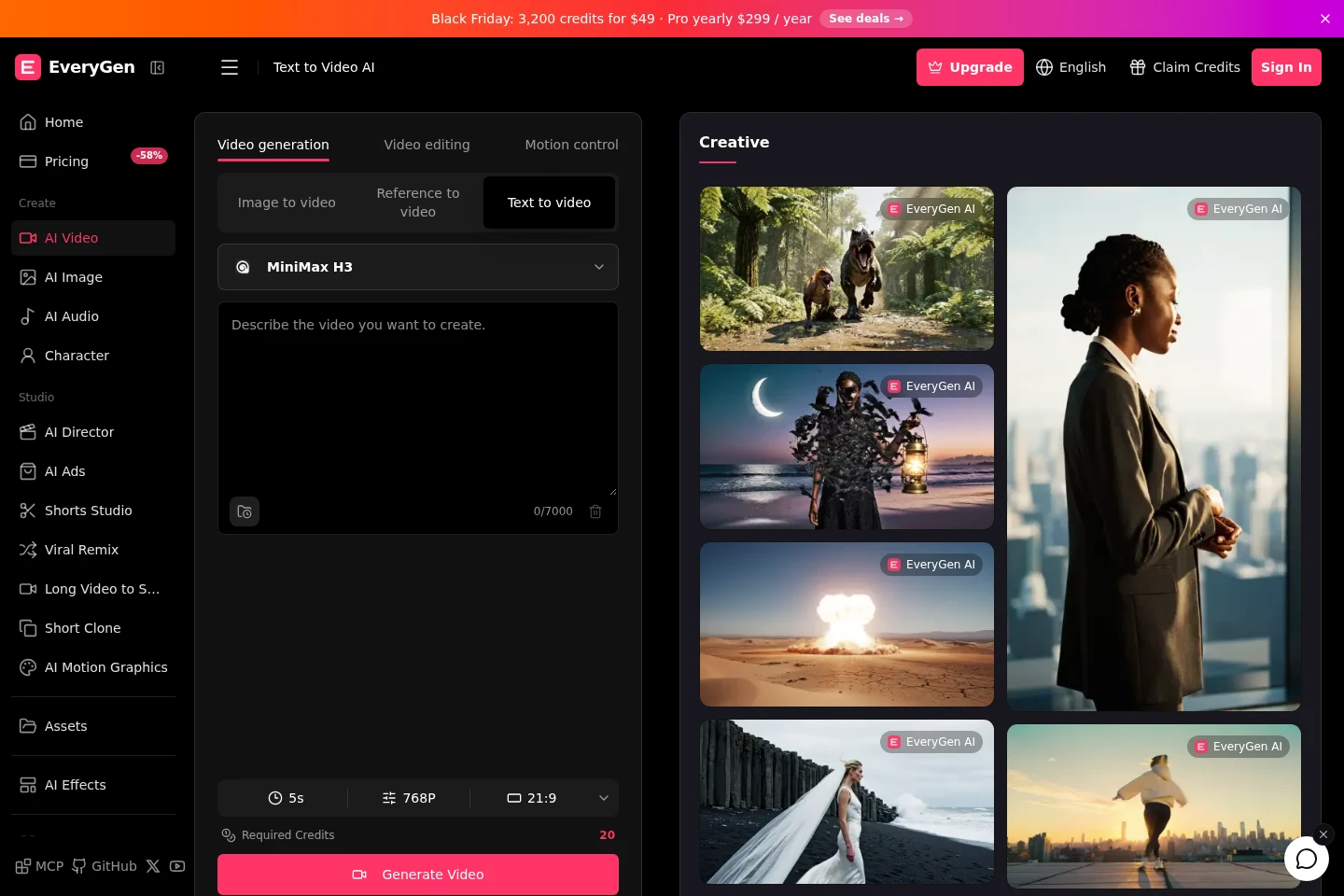
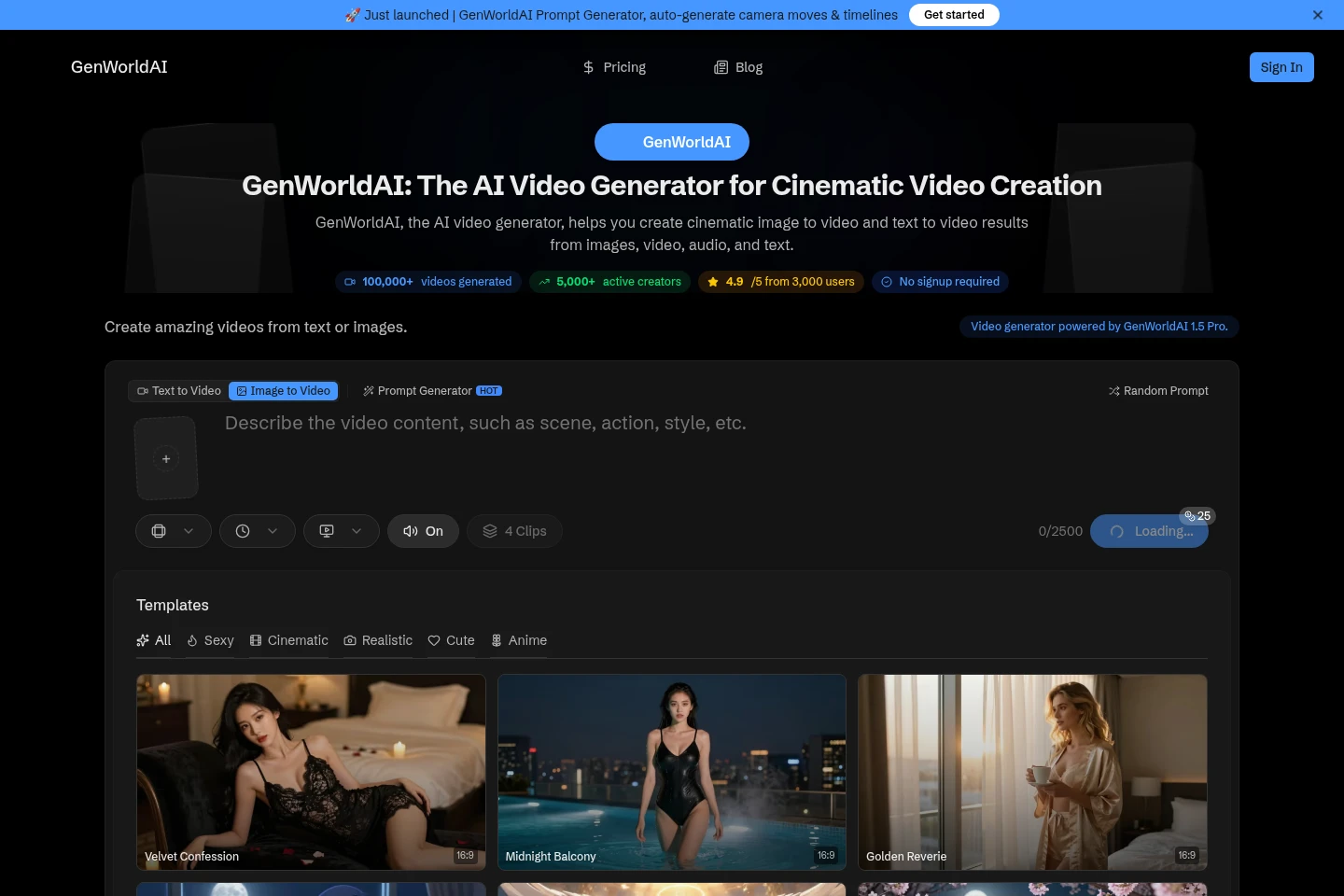
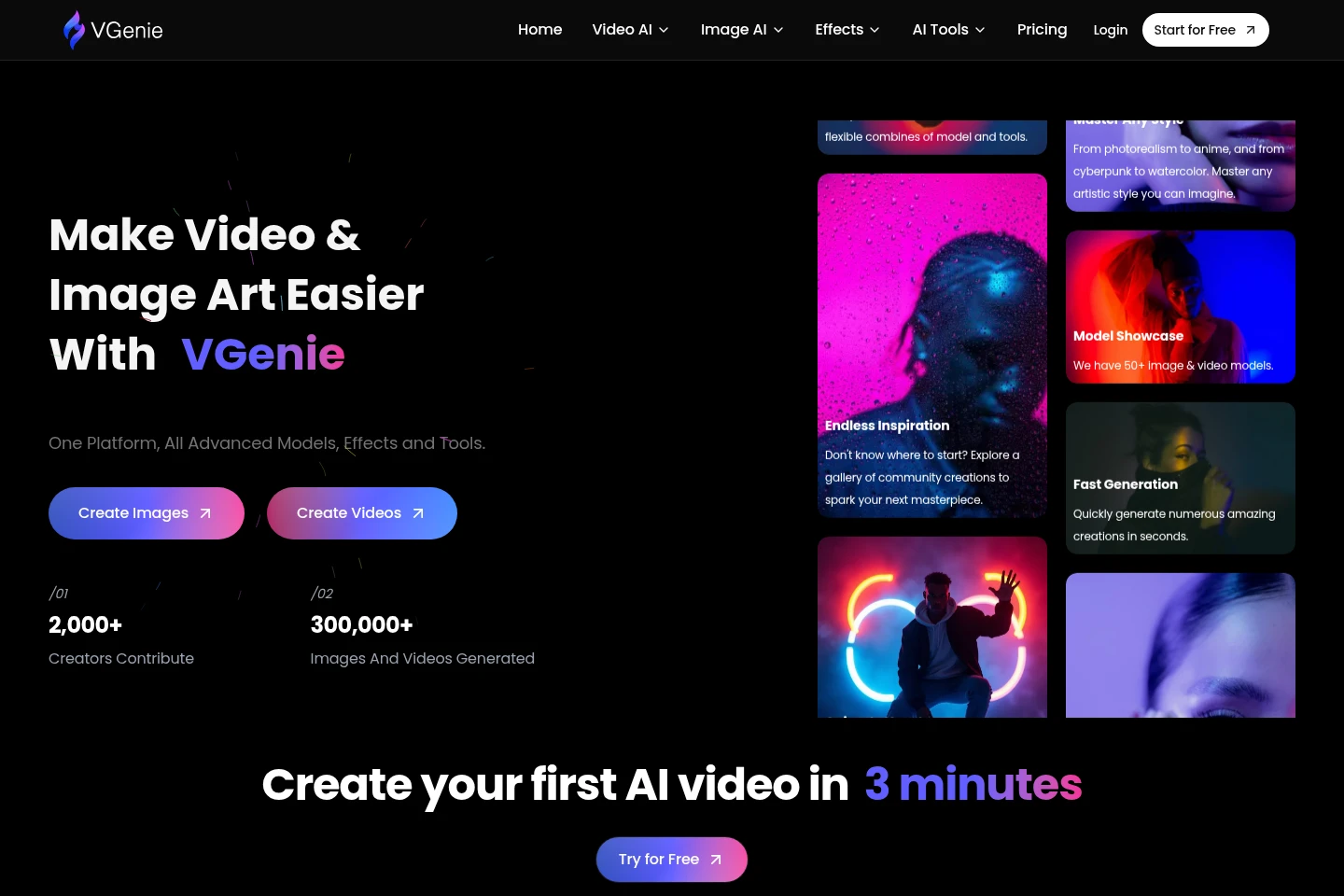
Generates video clips from a written prompt. Enter a subject, action and camera direction, choose an available model and settings, then review the resulting clip; available lengths and output options vary by model and plan.
Image-to-video generation
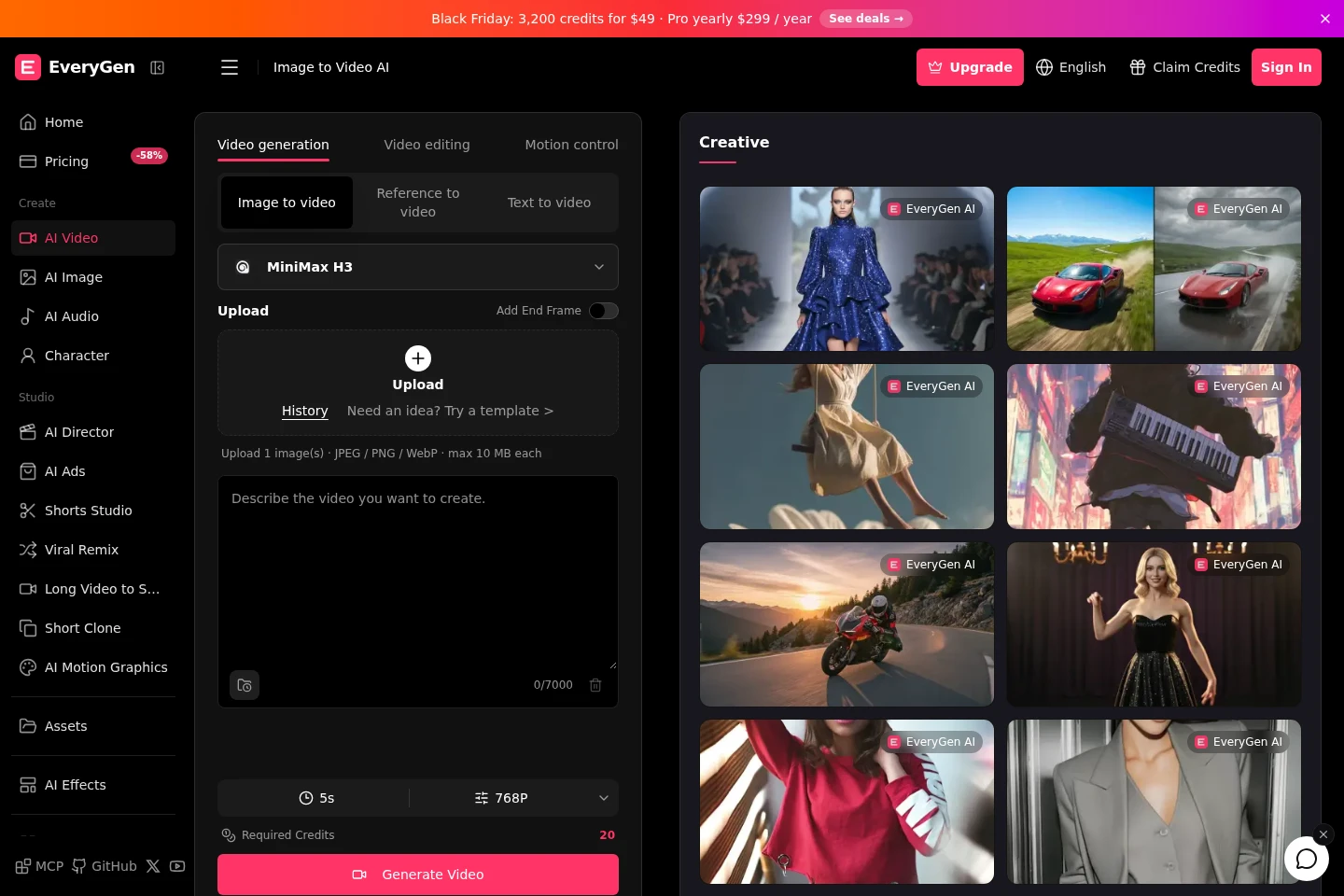
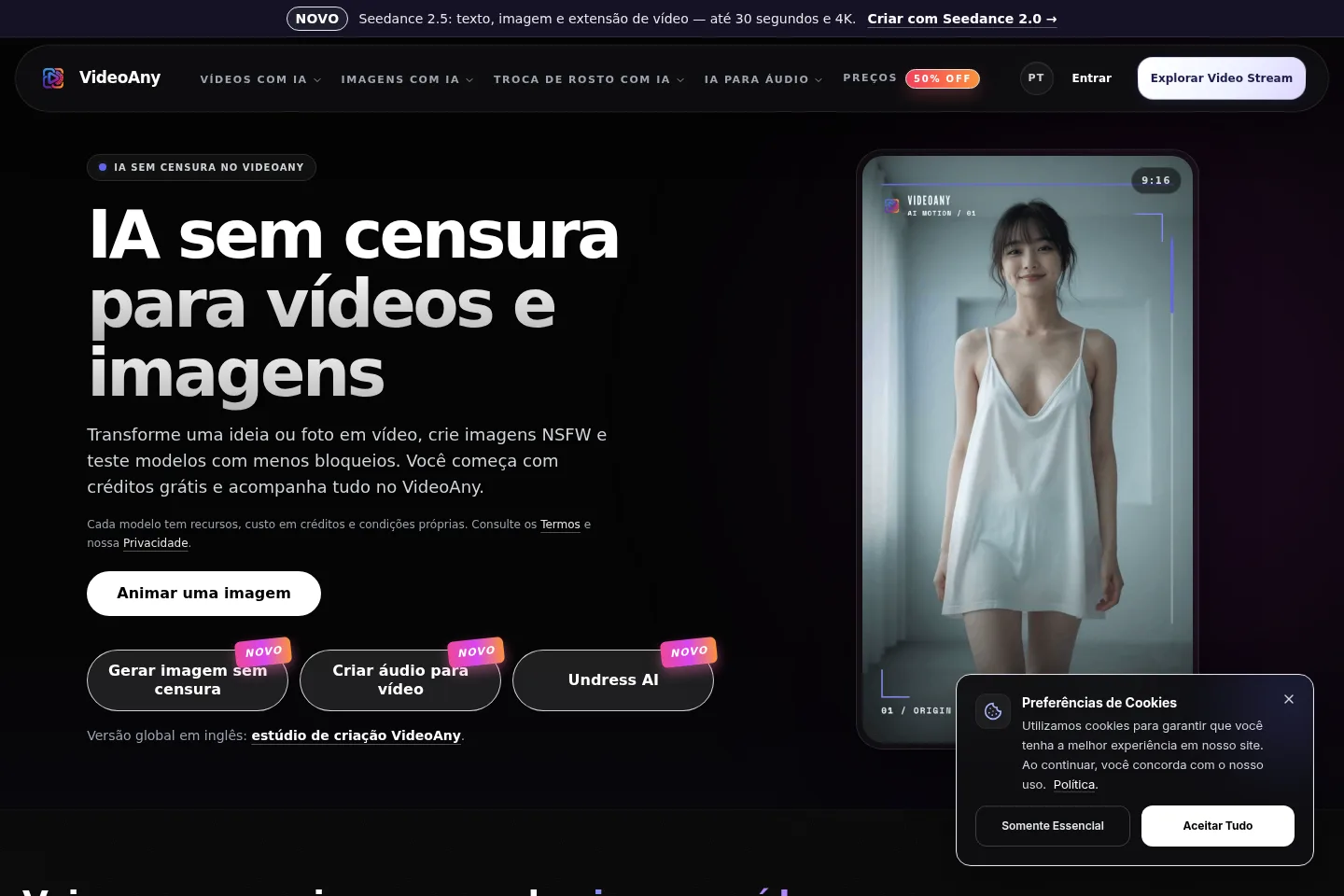
Animates a still image into a video clip. Upload a JPEG, PNG or WebP image and add a motion prompt; supported models and settings determine the resulting movement, framing and clip options.
AI image generation and editing
Creates and edits images using selectable AI models. Provide text or reference images and choose available quality settings; model-specific reference-image limits and daily free-image allowances apply.
Multi-scene video studio
Plans and creates videos through the EveryGen Studio workflow. Users can work with scenes, voice, music and sound, and use chat and planning tools; Studio requires a paid plan or credit pack.
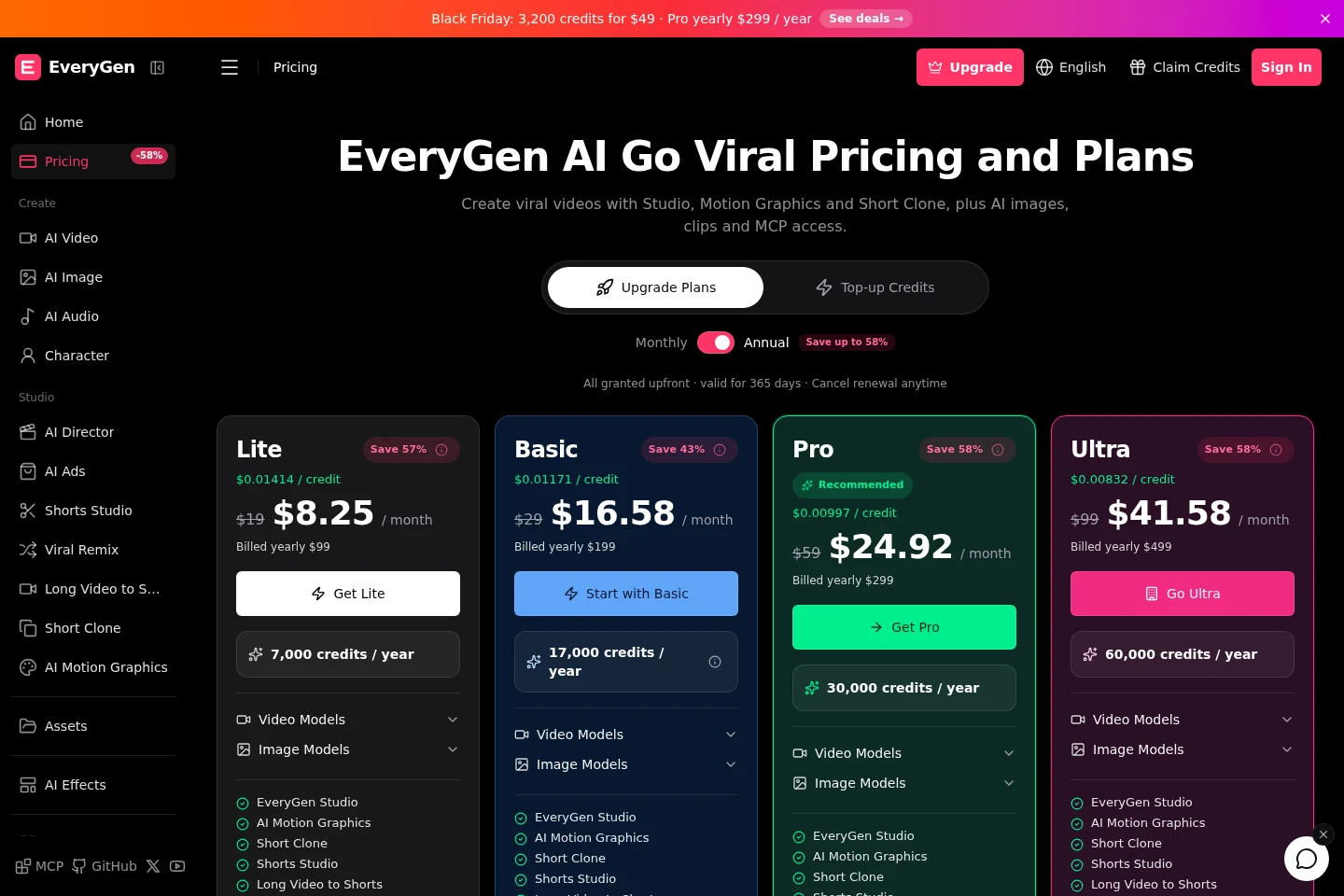
Provides tools including AI Motion Graphics, Short Clone, Shorts Studio, Long Video to Shorts and Viral Remix. Access and generation capacity depend on the selected paid plan.






Comments