
Monthly visits
624
2026-10
Monthly growth +2,396%

easiest.ai - AI agents, chat, and terminal tools in one workspace

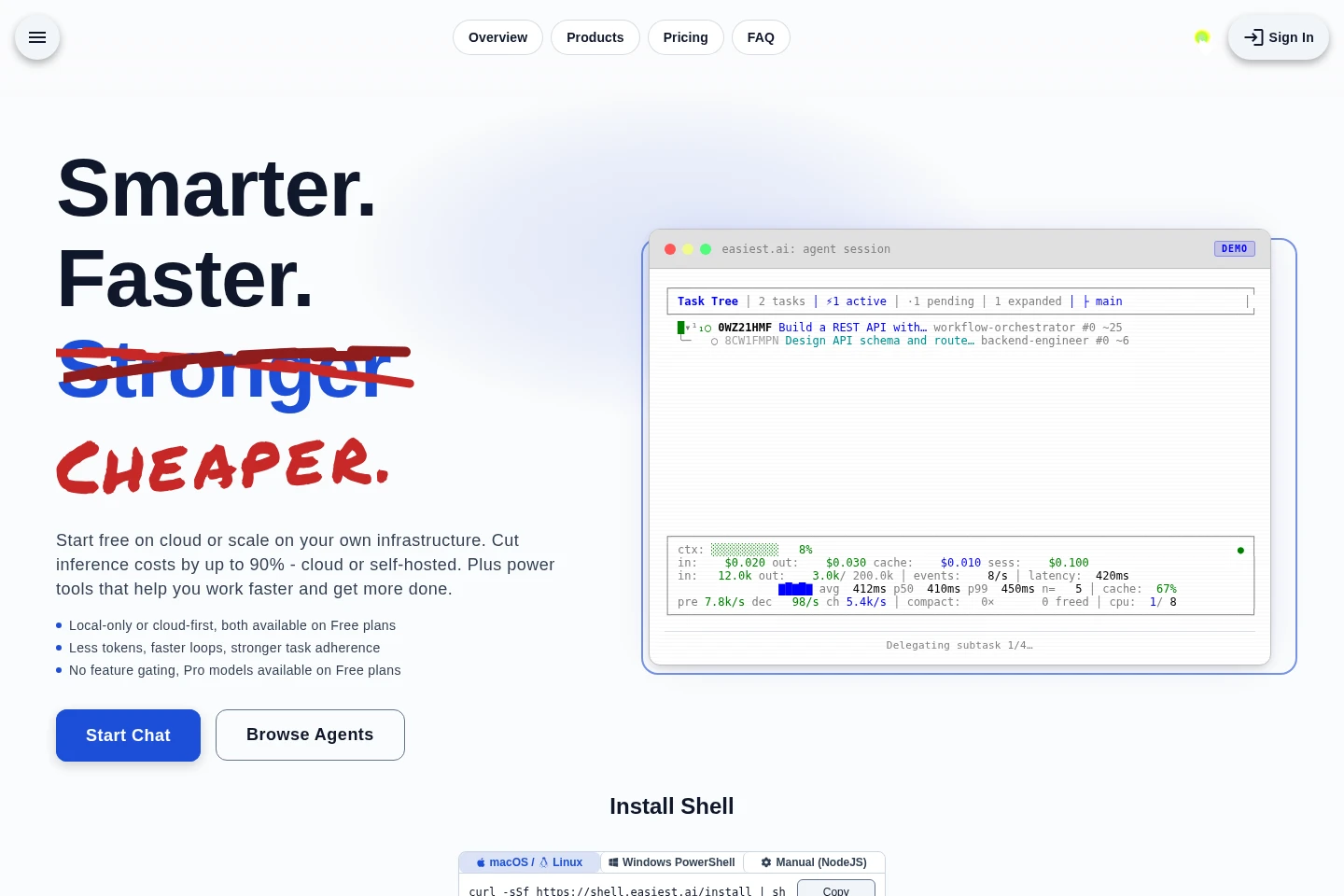
easiest.ai brings AI agent chat and Shell tools together in a workspace, with a browser app and terminal access. Users can choose models and configure agent instructions, while automatic context compaction and token-cost tracking support task workflows. Plans include the full Chat and Shell product; a native desktop app is listed as coming soon.

Visit WebsiteUpdate this product

0Views

Capabilities

AI agent chat

Chat with specialist agents in the web app and keep conversations organized. Choose a model for each agent, set custom instructions, and review session history.

Terminal agent tools

Run specialist agents and tools from a terminal using Shell. Tasks can operate in a specified workspace, with combined and batched calls for supported workflows.

Automatic context compaction

Automatically summarize long conversations to reduce the tokens retained in context. Compaction happens without manual truncation as a conversation grows.

Token cost tracking

View token use and cost attribution by task in real time. Task listings show agent-level usage and costs where available.

PricingFreemium

easiest.ai offers a free plan for non-commercial use, a $99-per-user monthly Professional subscription, and Custom volume pricing. Compare commercial rights, support, deployment options, and included management features.

PlanPriceIncluded features and limits
Free

$0; free

  • Non-commercial use only

  • Chat and Shell with no feature gating

  • 53 agents, 61 tools, and 106 themes

  • Community support via docs

  • Zero dependencies and no runtime needed

Professional

$99 per user / month

  • Commercial license grant

  • Chat and Shell with every feature and all updates

  • Standard support by email

  • 14-day trial with no credit card

Custom

Custom volume pricing per user

  • Chat and Shell deployed to fit the business

  • Dedicated cloud, on-premises, or air-gapped infrastructure

  • Custom MSA / DPA

  • Volume discounts scale with users

  • Priority support with defined response targets

  • User management and grace window

The pricing page describes flat per-user pricing with no per-token markups or hidden fees. Custom infrastructure and deployment are arranged for business needs.

Use cases

Run agent tasks from chat or terminal

When a developer wants an agent to work on a task, they can start a session in Chat or run a Shell task from a terminal. They can select an agent and model, apply custom instructions, and organize conversations or task activity.

Keep long agent conversations in context

When an agent session grows over time, automatic context compaction summarizes earlier messages to reduce retained context. This helps avoid manually truncating the conversation; the product presents token use and costs for task activity.

Configure agents for repeatable work

When different tasks need different working conventions, users can assign custom instructions and model choices to agents. Shell also provides tools for combining or batching supported operations from a terminal.

Limitations

  • The Free plan is restricted to non-commercial use; commercial work requires a plan with a commercial license grant.

  • The native Desktop app is marked as coming soon and is not presented as currently available.

Alternatives

Chatly

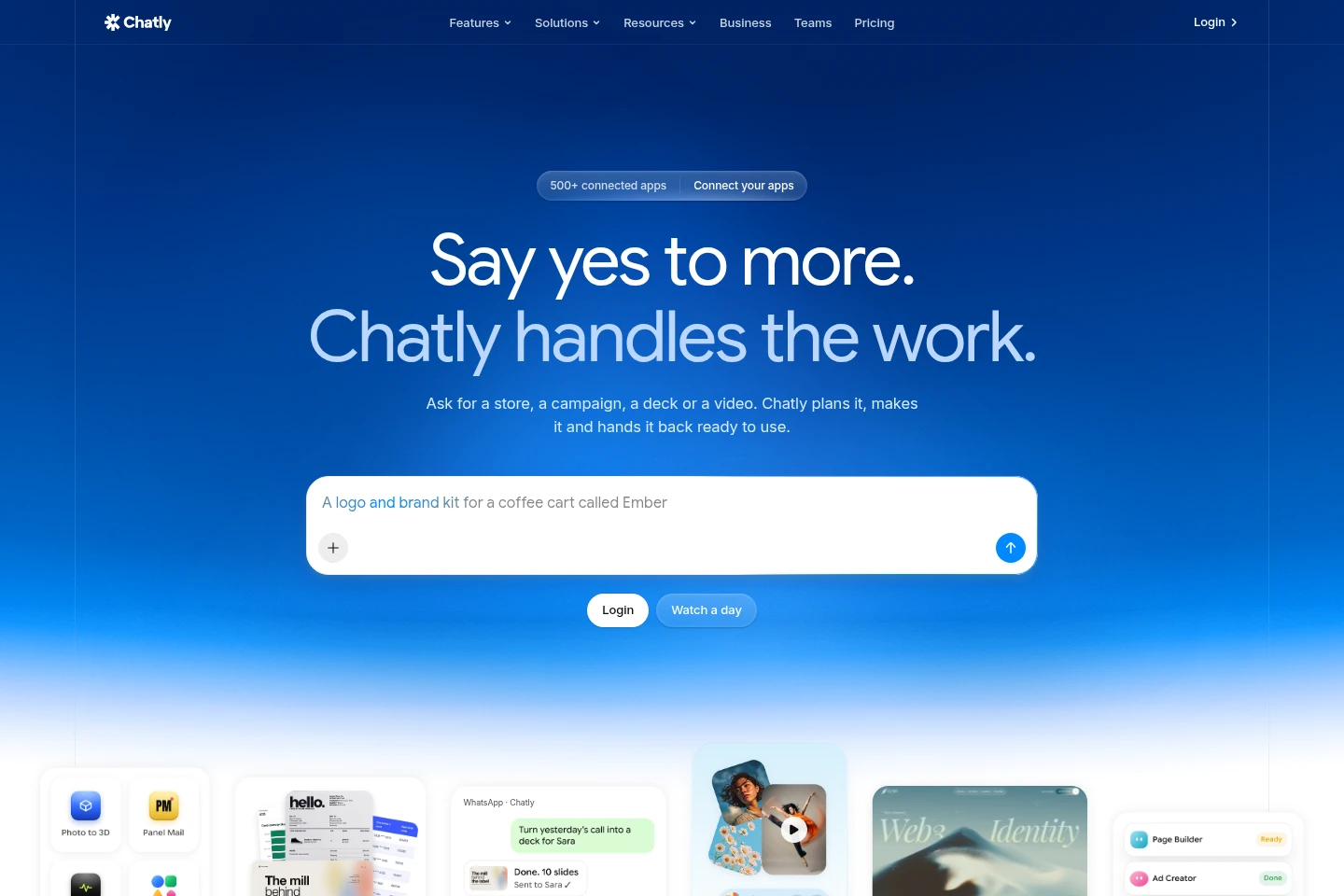
AI agent for creating and coordinating finished work

Chatly is an AI workspace available on web, desktop, and mobile. It brings multiple AI models and connected apps into a chat-based agent that can plan tasks, create documents, presentations, spreadsheets, websites, images, and videos, and run scheduled or event-triggered workflows. Users can review work before it is published or spend is committed.

  • Cloud
  • Paid
  • Standard$18 per month, billed quarterly
  • Professional$36 per month, billed quarterly
  • Ultra$183 per month, billed quarterly

  1. Alpaca Chat

    Chat with top AI models

    Free
  2. Appsmith Agents

    Enterprise AI with continuous context

    Free
  3. EasyClaw

    Run AI agents from a native desktop app

    Freemium
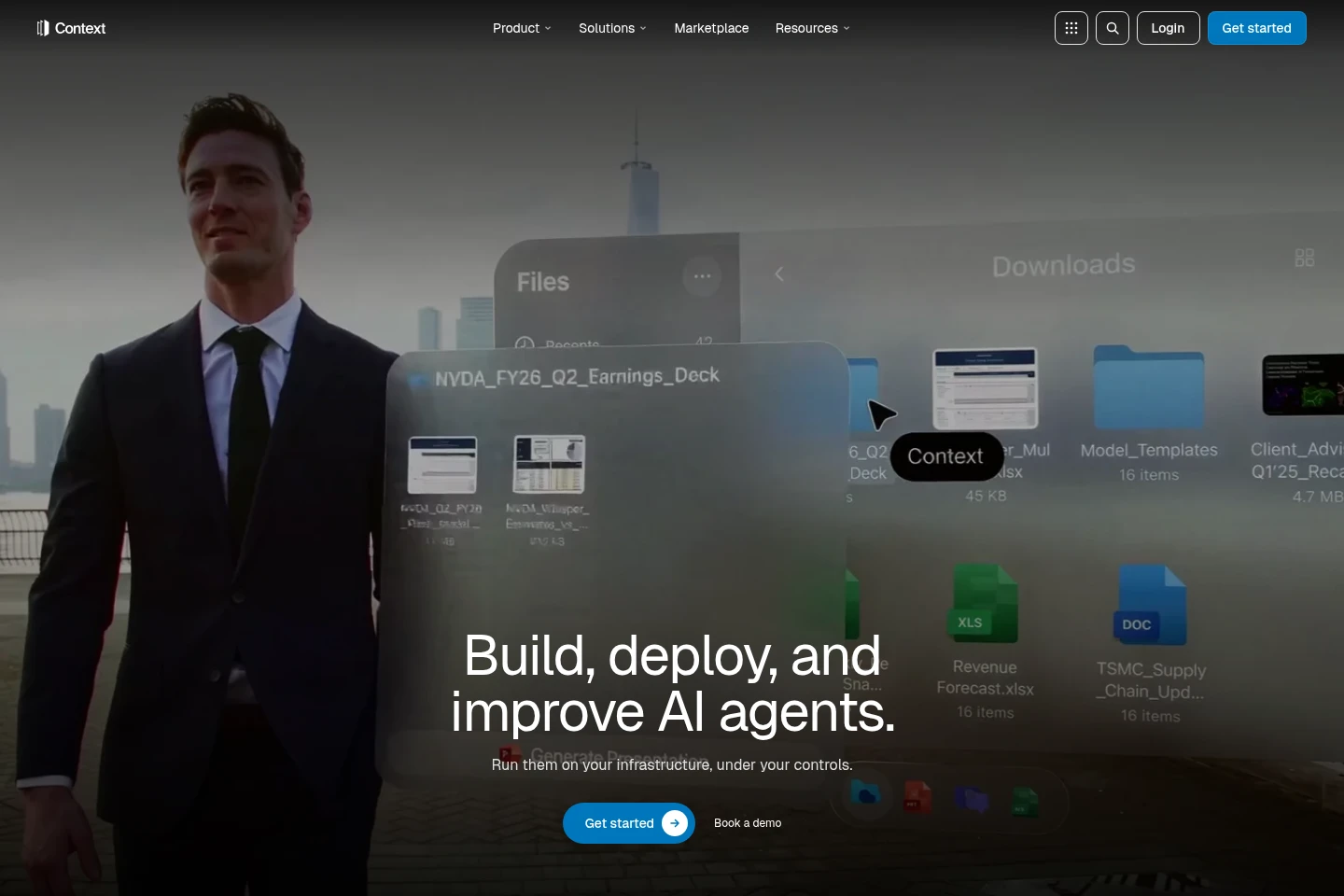
  4. Context

    Build and run AI agents in a controlled workspace

    Contact Sales
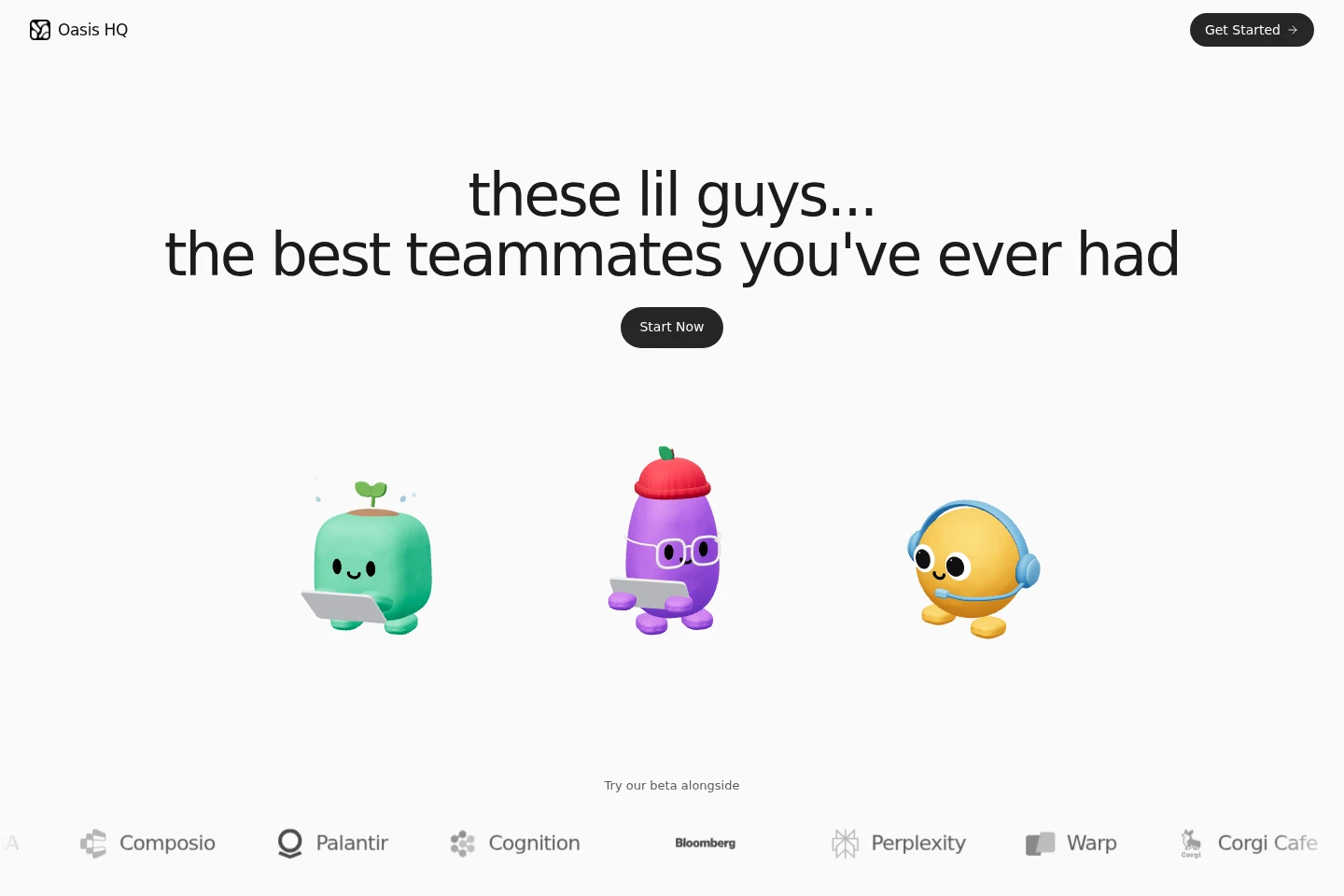
  5. Oasis HQ

    Give AI agents shared tools, memory, and team workflows

    Contact Sales

Who it is for

  • Developers who want to run specialist AI agents on code and project tasks

  • Professionals and growing teams seeking agent workflows with visible token costs

FAQ

Can the Free plan be used for commercial work?

No. The Free plan is listed as free for non-commercial use; the Professional plan includes a commercial license grant.

What is included in the Free plan?

The Free plan is described as fully functional, not a demo, and includes Chat and Shell without feature gating, 53 agents, 61 tools, and 106 themes. It is for non-commercial use.

Does Professional include a free trial?

Yes. Professional includes a 14-day trial with no credit card required.

What deployment options does Custom offer?

Custom can be deployed on dedicated cloud, on-premises, or air-gapped infrastructure. Custom infrastructure and deployment are tailored to the business's needs.

How does easiest.ai charge for Professional?

Professional costs $99 per user per month. The pricing page describes flat per-user pricing with no per-token markups or hidden fees.

Is the Desktop app available now?

No. The native Desktop app is labeled as coming soon; Chat and Shell are the products described as included in current plans.

Comments

Please sign in to leave a comment.
No comments yet. Be the first to share your thoughts!