

Monthly visits
1,132
2026-10
Monthly growth +1.7%

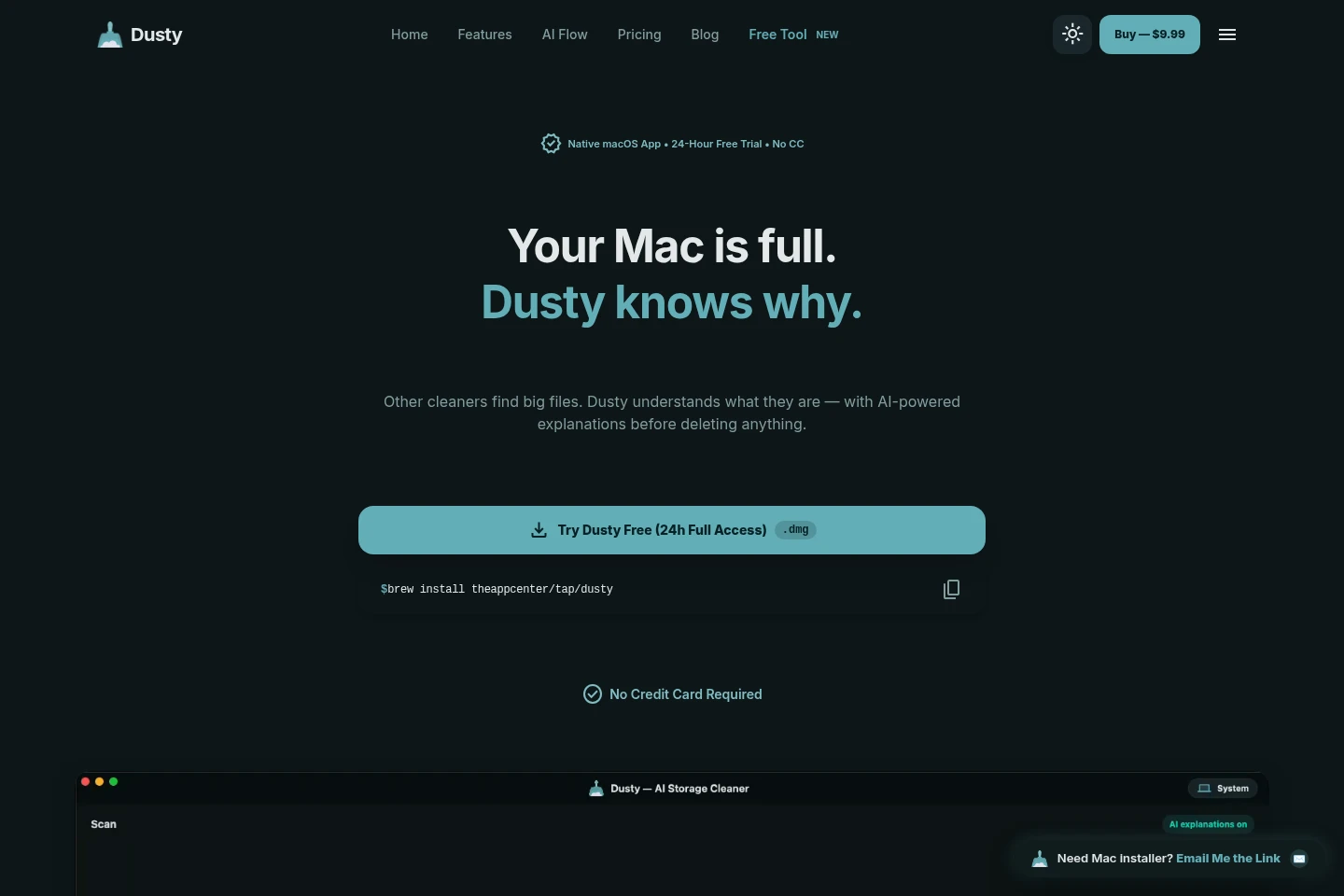
Dusty - Understand Mac storage before cleaning it

Dusty is a native macOS storage cleaner that maps disk usage, identifies caches and other files, and explains items before deletion using Google Gemini. It can offload iPhone and iPad backups to cloud storage or an external SSD, uninstall apps with their associated files, and send deletions to Trash for review. Scanning runs locally; file metadata is sent to Gemini only when requesting an AI explanation.

Visit WebsiteUpdate this product

0Views

Capabilities

Visual disk usage map

Displays directory hierarchy and disk usage in an interactive circular map. Users can inspect paths, drill into folders, and reveal mapped locations in Finder.

Gemini file explanations

Explains what a folder is for and classifies its cleanup risk. Dusty sends file metadata, including paths, sizes, categories, and dates, to Google Gemini; a personal Gemini API key enables unmetered requests.

iOS backup offloading

Moves iPhone and iPad backups to iCloud Drive, Google Drive, OneDrive, or an external SSD and supports restoring them to the Mac. The feature is part of the System Data & iOS Hub.

App removal with residual files

Removes an app and associated caches, support files, and sandboxes. Removed files go to macOS Trash first, where they can be reviewed and restored.

Local storage scanning

Scans Mac storage on the device to identify large, old, developer, and cache files. File contents are not sent to a server; metadata is sent to Gemini only for requested explanations.

PricingFree trial

Dusty offers a 24-hour free trial and one-time paid licenses, with no recurring subscription. Compare the number of covered Macs, trial duration, and included license and update terms when choosing.

PlanPriceIncluded features and limits
Solo Lifetime

$9.99 once

  • Perpetual license for 1 Mac

  • Includes Concentric Radar Lens and System Data & iOS Hub

  • Includes 1-Click App Uninstaller and Gemini 1.5 Flash explanations

  • Includes future major v2.x updates

  • 30-day money-back guarantee

Family / Multi-Mac

$19.99 once

  • Personal license for up to 3 Macs

  • Includes Concentric Radar Lens and System Data & iOS Hub

  • Includes 1-Click App Uninstaller and priority Gemini explanations

  • Includes perpetual updates and macOS compatibility patches

  • 30-day money-back guarantee

24-Hour Free Trial

$0.00 for 24 hours

  • All features included during the trial

  • Unlimited cleaning during the 24-hour period

  • No credit card required

  • After the trial, cleaning pauses until a plan is chosen

Use cases

Find folders using Mac disk space

When Mac storage is difficult to inspect, use the interactive disk map to view directory sizes and navigate into nested folders. Dusty shows paths and usage and can reveal a selected folder in Finder.

Check unfamiliar files before deleting

When a cache or system directory is unclear, request a Gemini explanation and risk classification before choosing whether to remove it. Only metadata is sent for the explanation, and deletions go to Trash first.

Move iPhone backups off the Mac

When iPhone or iPad backups occupy Mac storage, use the System Data & iOS Hub to move them to supported cloud storage or an external SSD. Dusty also provides a restore action to return an offloaded backup to the Mac.

Uninstall apps and associated files

When removing a Mac application, use the app uninstaller to find its application bundle and associated caches, support files, and sandboxes. Removed items enter macOS Trash for review and possible restoration.

Limitations

  • The app requires macOS 13 or newer and is described for Apple Silicon and Intel Macs.

  • After the 24-hour trial, cleaning features pause until a plan is chosen; scans and AI explanations remain available for review.

  • The managed cloud proxy includes up to 10 AI scan explanations per day per device; entering a personal Gemini API key enables unmetered AI requests.

  • AI explanations send file metadata, including paths, to Google Gemini; paths may contain a username or folder names.

  • The available license options cover one Mac or up to three personal Macs; the pages do not describe a Windows or Linux app.

Alternatives

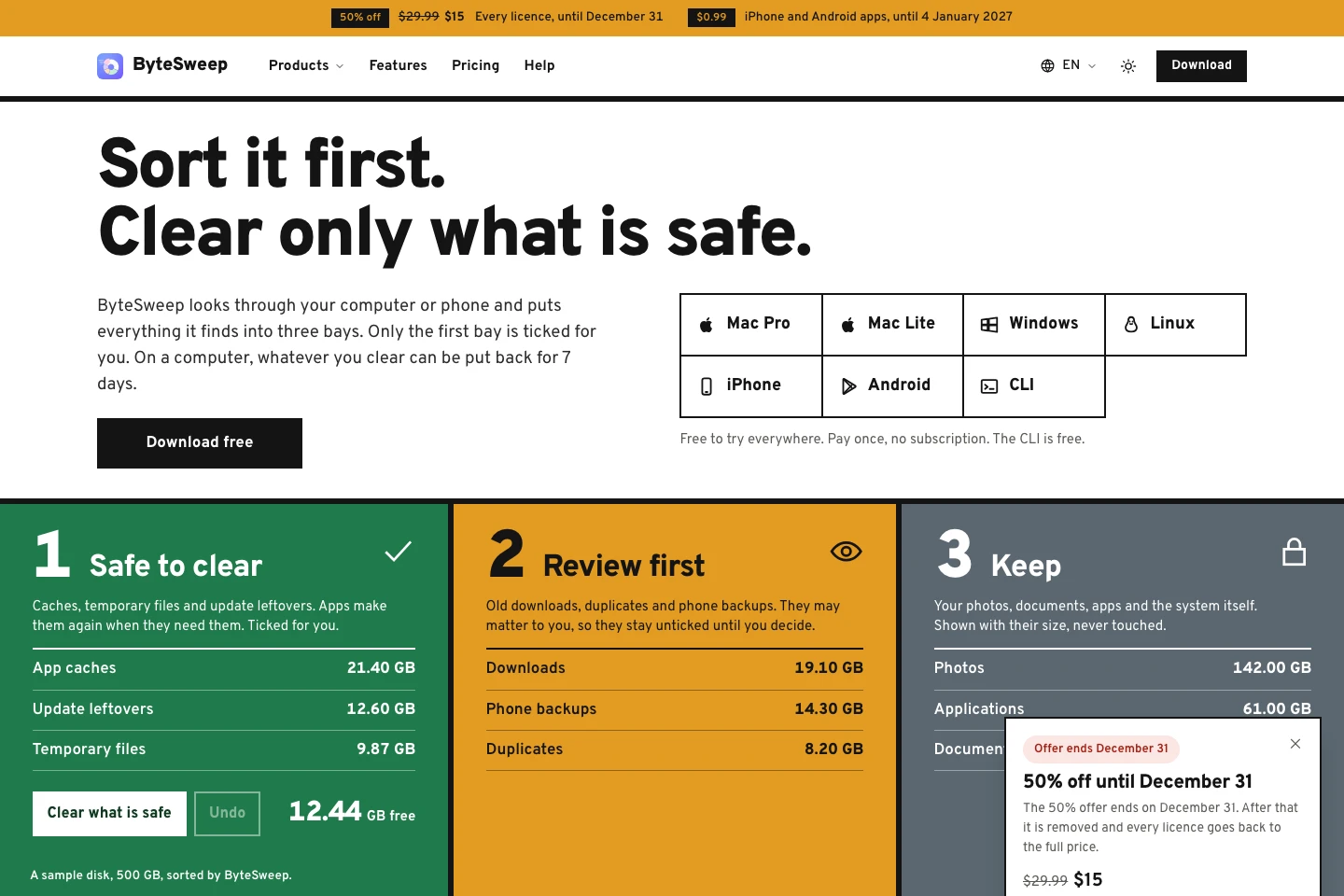
Bytesweep

A graphical du that knows what not to delete

Bytesweep is a cross-platform disk space analyzer and safe cleanup tool for macOS and Linux, designed to give users full visibility into their storage usage with 8 distinct interactive visualization views. It classifies files into clear safety tiers to prevent accidental deletion of critical data, with one-click sweep and one-click undo functionality that moves all removed items to a local restore point. The tool runs entirely offline except for minimal license checks, requires no user account, and uses a one-time perpetual payment model that unlocks access for up to 3 devices.

  • Paid
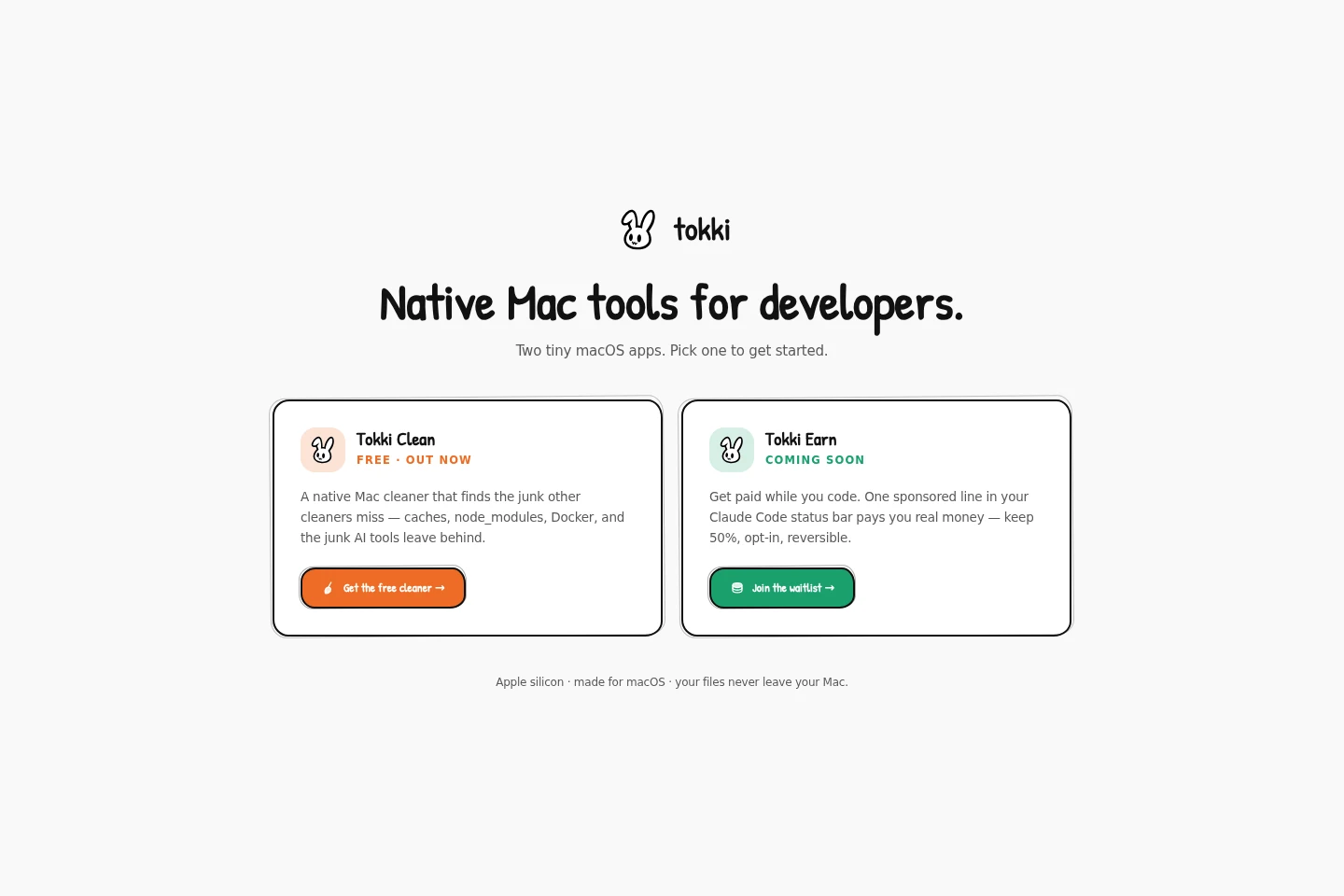
  1. Tokki

    Native Mac tools for cleaner storage and developer workflows

    Free · Free, forever
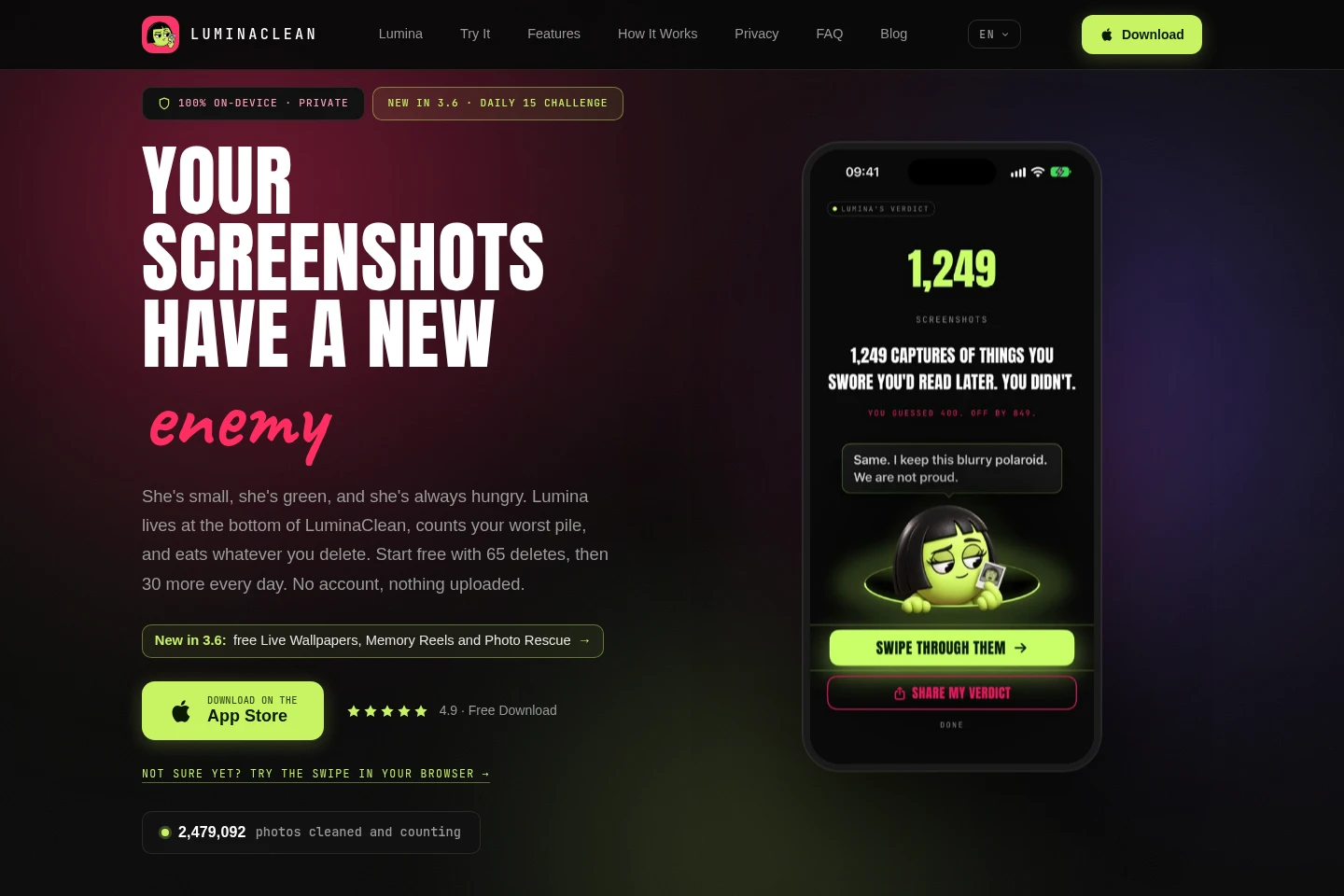
  2. LuminaClean

    Clean photos, make reels, and rescue images on iPhone

    Free · Free
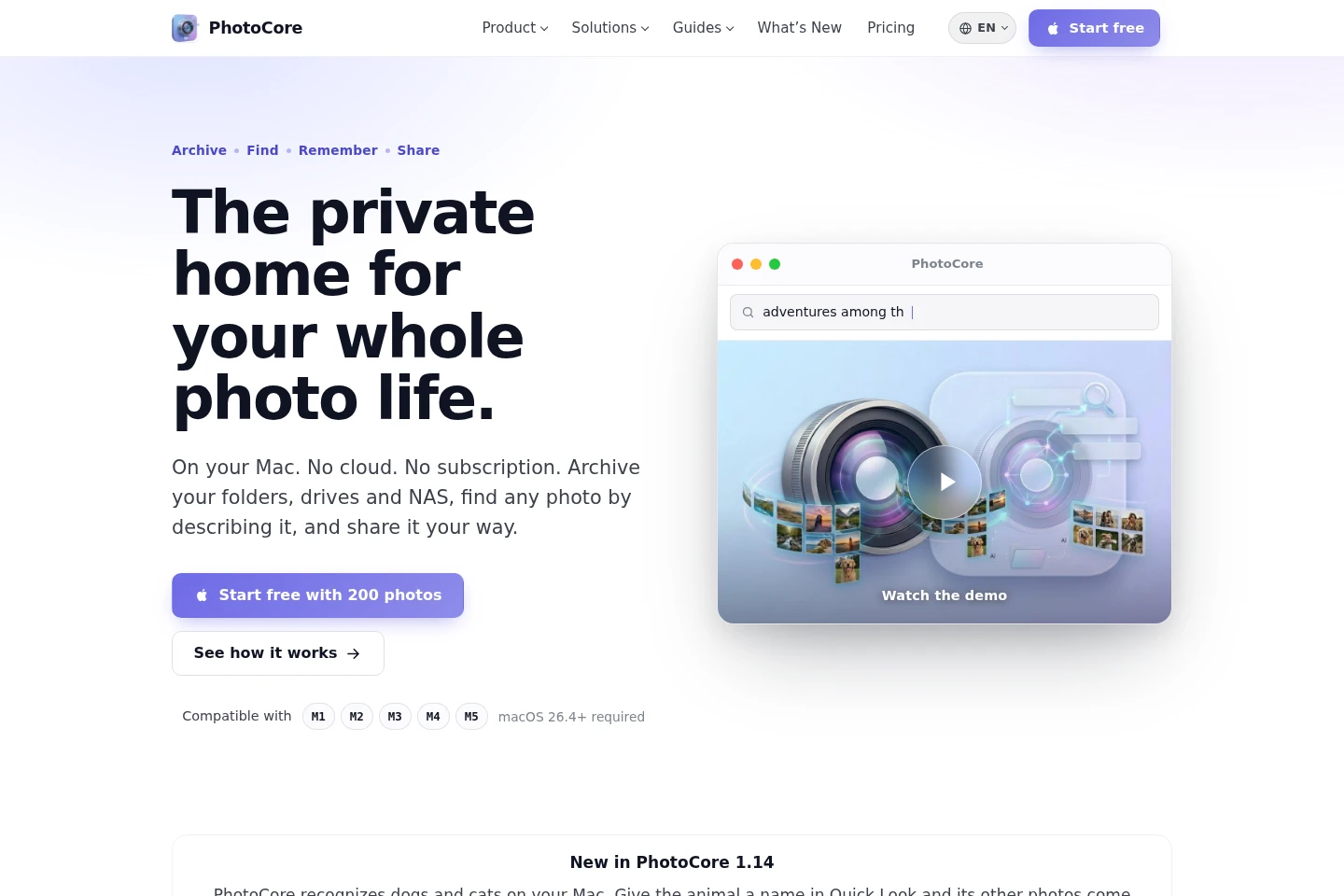
  3. PhotoCore

    Archive and search photos privately on your Mac

    PhotoCore Light · $0; free
  4. GPT Watermark Remover

    Detect and clean invisible characters in AI text and documents

    Free · Free: $0
  5. Purifai

    Clean AI and web text locally before you paste on Mac

    One-time purchase · One-time purchase; price not stated

Who it is for

  • Mac users who need to inspect and reclaim local disk storage

  • Mac developers looking to locate project folders, build caches, and developer files

  • Households needing a personal Dusty license for up to three Macs

FAQ

Can I try Dusty before buying it?

Yes. The 24-hour trial includes all features without a credit card. After 24 hours, cleaning pauses until you choose a plan, while scans and AI explanations remain available to review.

What does Dusty send to Google Gemini?

File contents are not sent. For an explanation, Dusty sends metadata such as the file name, path, size, category, and modification date; paths can include your username or folder names.

Which macOS versions and Macs are supported?

Dusty supports macOS 13 and newer and is described as a universal app for Apple Silicon and Intel Macs.

How many AI explanations are included?

The managed cloud proxy includes up to 10 AI explanations per day per device. Add a personal Google Gemini API key in app Settings for unmetered AI requests.

What happens to files Dusty removes?

Removed files go to macOS Trash first, so you can review and restore them. Review selected items before deletion, including when working with system files.

Can I get a refund after purchase?

Yes. Dusty offers a 30-day money-back guarantee; email [email protected] within 30 days of purchase to request a full refund.

Comments

Please sign in to leave a comment.
No comments yet. Be the first to share your thoughts!