Monthly visits
1,922
2026-10
Monthly growth -68.2%

Draw3D - Turn sketches and 3D blockouts into controlled renders and video

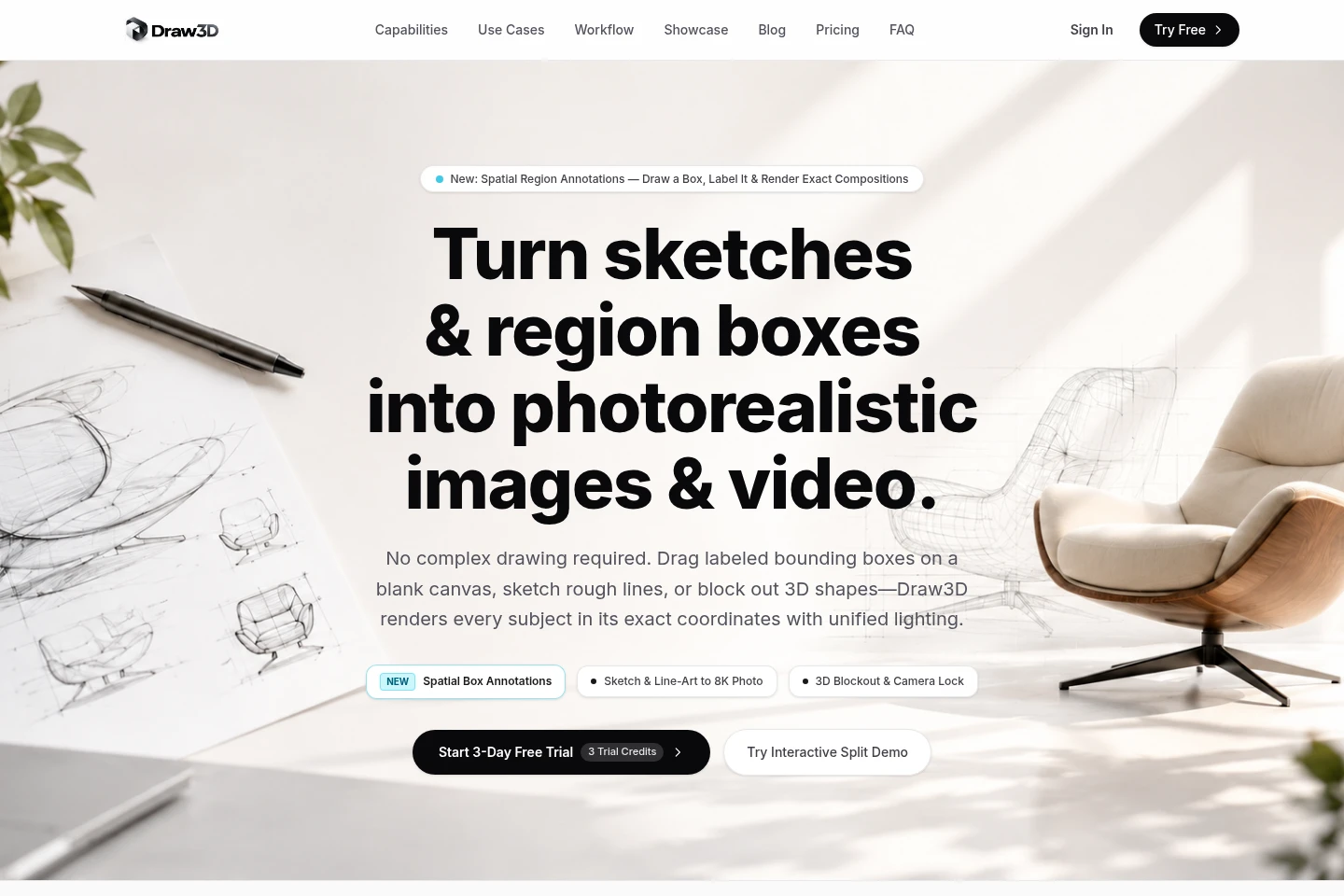
Draw3D is a generative creative studio for converting sketches, line art, architectural drawings, and 3D blockouts into images and video. Users can guide geometry, lighting, materials, and camera perspective, then export high-resolution renders or motion clips. It also provides image upscaling and browser-based sketching and importing.

Visit WebsiteUpdate this product

3Views

Capabilities

Sketch rendering

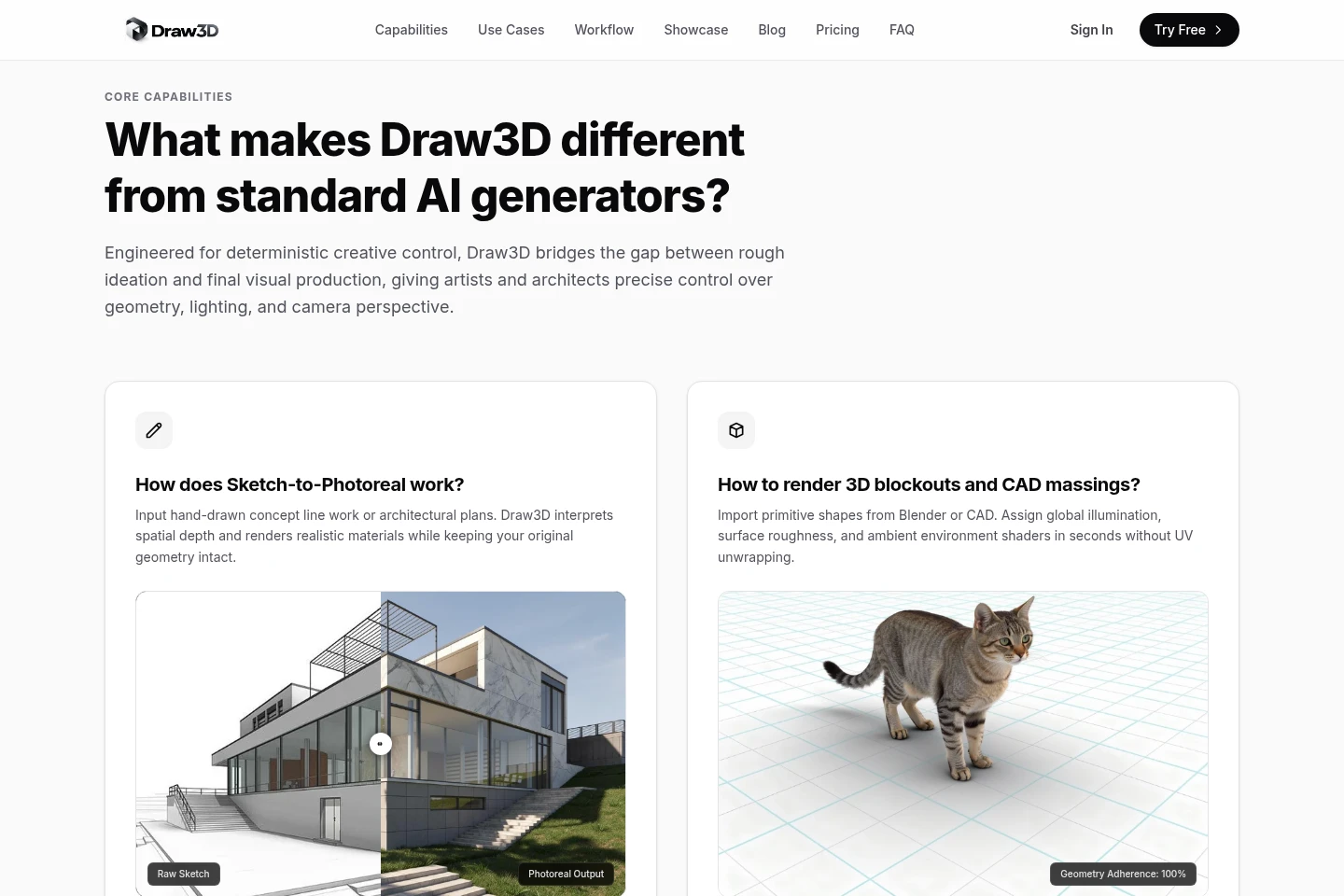
Converts hand-drawn lines and architectural plans into realistic-material images while retaining the input geometry. Supply a sketch or drawing; spatial depth and edge conditioning guide the rendered result.

3D blockout rendering

Turns imported primitive 3D shapes into rendered scenes with assigned lighting and surface properties. Import shapes from Blender or CAD, then set global illumination, roughness, and environment without UV unwrapping.

Storyboard video generation

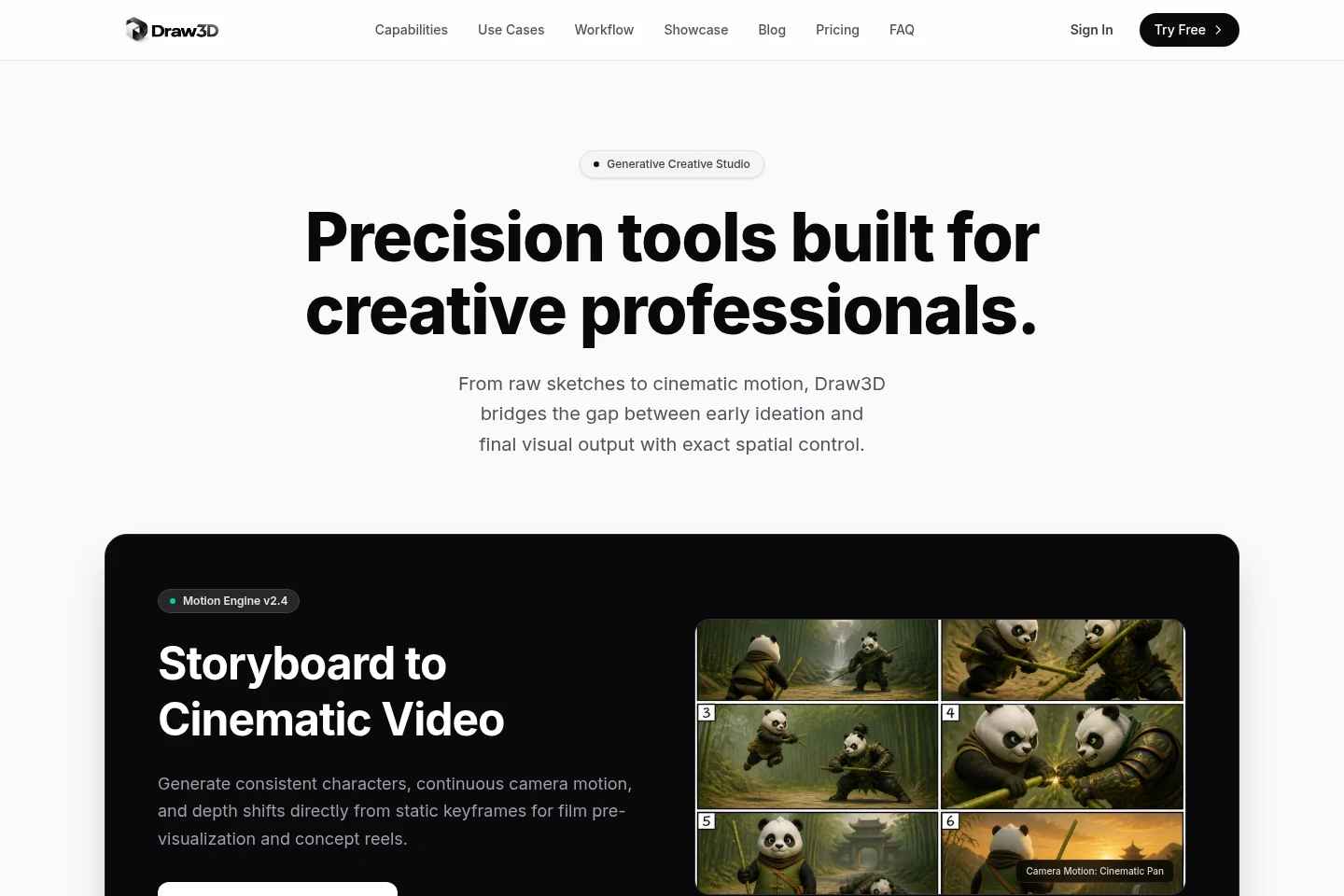
Creates video with camera motion, depth shifts, and movement from a photo keyframe or storyboard drawing. The feature also accepts static keyframes for cinematic motion and can produce turntable clips.

Image upscaling

Upscales concept renders to high resolution while retaining fine detail. Draw3D describes 8K exports and an 8x AI upscaler; the Professional plan lists ultra-res 8x generation.

Browser drawing and export

Lets users sketch on a browser canvas, import images or CAD outlines, and export renders or motion. Supported image imports include PNG, JPG, and WebP, with screenshots from named 3D and design applications also described.

PricingFree trial

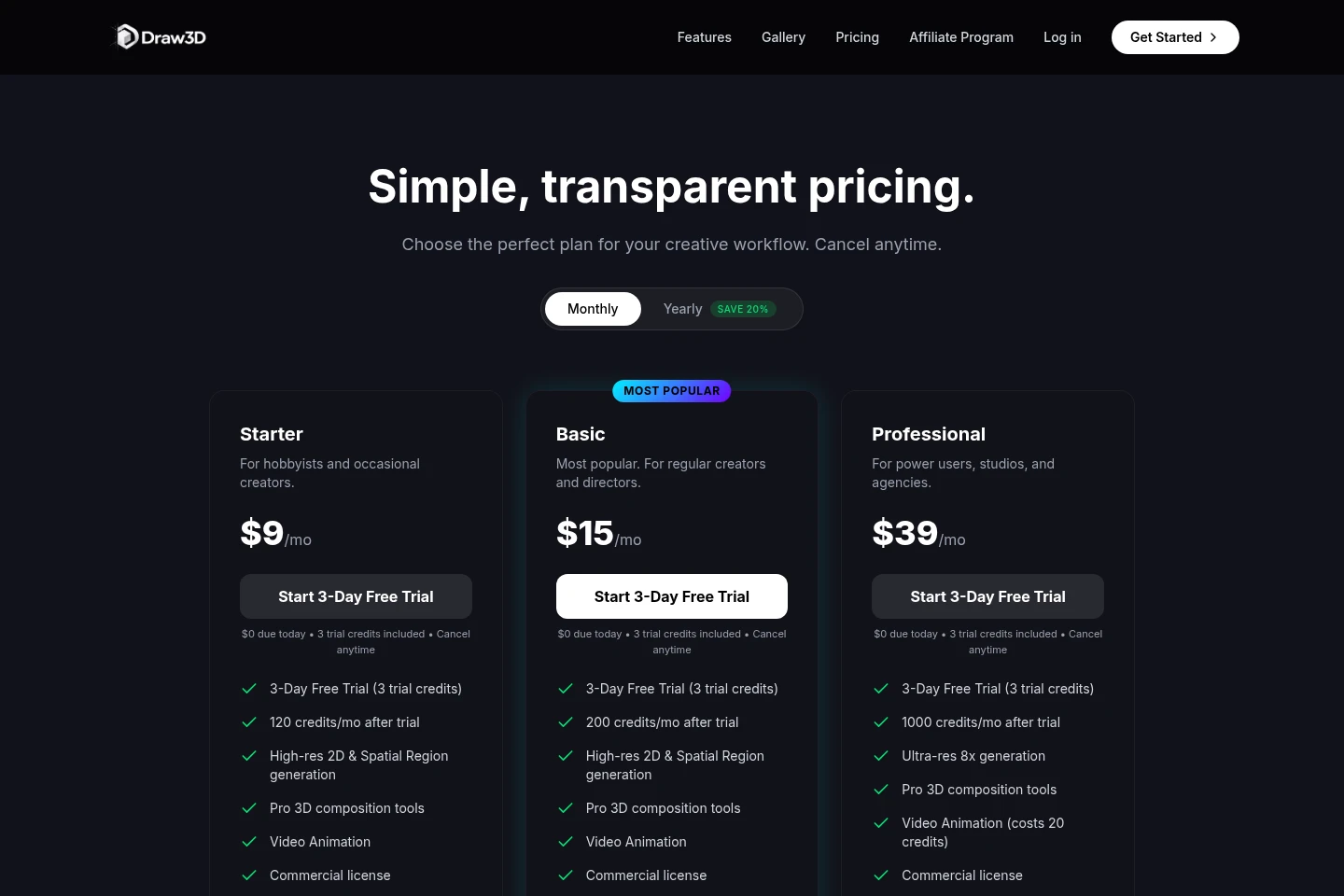
Draw3D offers recurring monthly plans, with Starter beginning with a 3-day free trial. Compare monthly credit allowances, generation tools, support, and export or resolution features when choosing a plan.

PlanPriceIncluded features and limits
Starter

$9/mo; 3-day free trial

  • 3 trial credits; $0 due today

  • 120 credits per month after trial

  • High-res 2D and Spatial Region generation

  • Pro 3D composition tools and Video Animation

  • Commercial license and standard support

Basic

$15/mo

  • 200 credits per month after trial

  • Priority support

  • Plan description says it is for regular creators and directors

Professional

$39/mo

  • 1,000 credits per month after trial

  • Ultra-res 8x generation

  • Video Animation costs 20 credits

  • 24/7 Priority support

The pricing page says subscriptions can be canceled anytime and displays a yearly billing option with 20% savings, but gives no yearly price amounts or payment schedule.

Use cases

Visualize sketches as rendered concepts

When a designer has hand-drawn line work or an architectural drawing, they can submit it to generate an image with realistic materials. Spatial-depth and edge controls are intended to preserve the original strokes and proportions.

Render a 3D scene blockout

When a scene has been roughed out in primitive forms, users can import shapes or screenshots from Blender, CAD, SketchUp, or Maya. They can set materials and lighting, then export a high-resolution visual.

Create motion from a storyboard

When a concept needs motion visualization, users can provide a photo keyframe or storyboard drawing. Draw3D generates camera movement and depth shifts, with video clips available for export.

Limitations

  • The Starter trial includes 3 credits, and the plan lists 120 credits per month after the trial; further generation is credit-limited by plan.

  • Video Animation on the Professional plan costs 20 credits per generation.

  • The FAQ grants full commercial rights to generations under Pro and Studio plans; it does not state those rights for every plan.

  • The listed import formats are PNG, JPG, and WebP; the workflow also describes CAD outlines and screenshots from specified design tools.

Alternatives

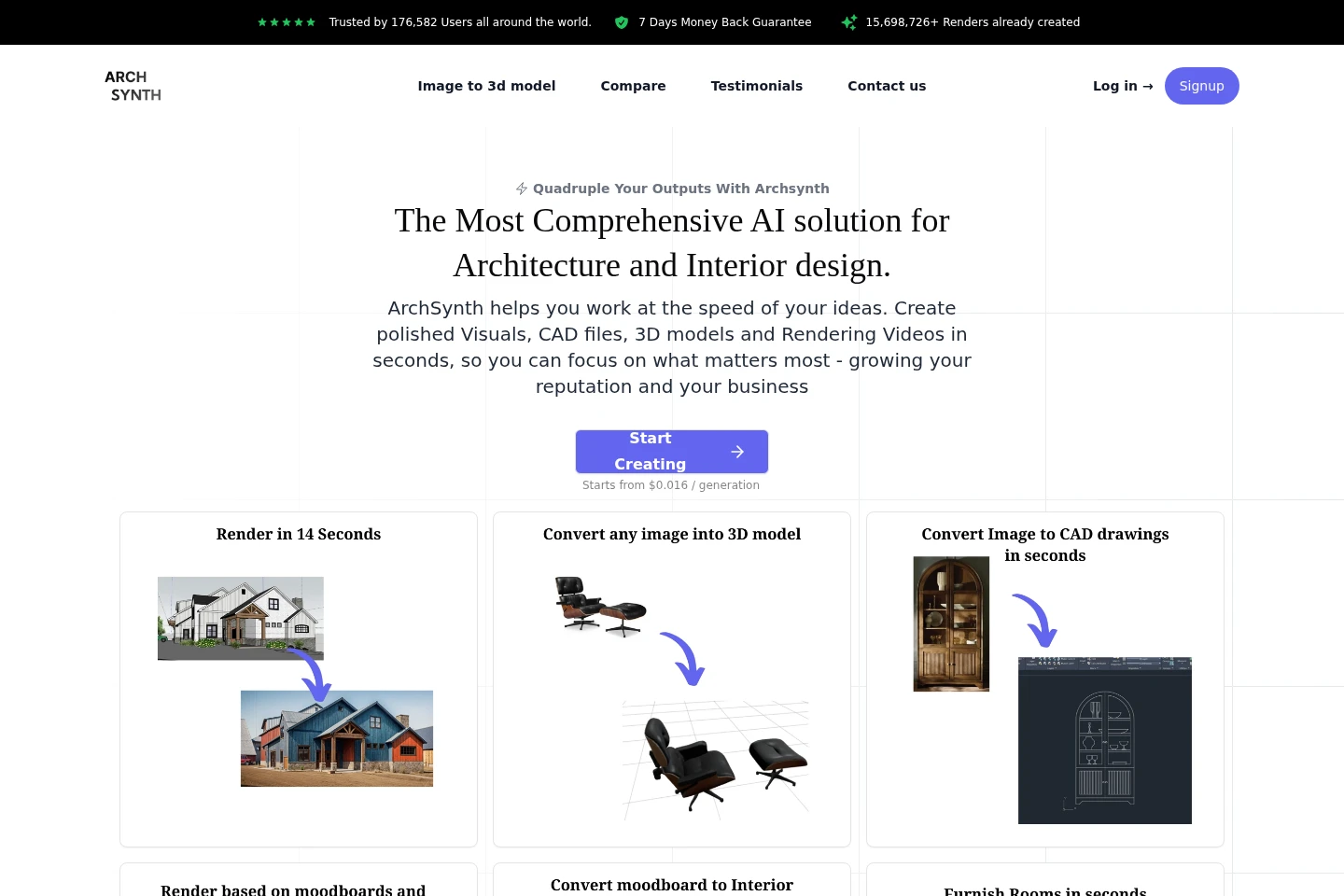
ArchSynth

Transform Sketches into Stunning Visuals

ArchSynth is the leading AI tool for architects and designers, transforming the way you create and visualize architectural designs. With the ability to render in as little as 14 seconds, ArchSynth takes your 2D sketches and converts them into breathtaking 3D models effortlessly. Utilize prebuilt templates to fine-tune your style or describe your custom style in words, allowing the AI to bring it to life. This tool not only enhances the quality of your work but also inspires creativity with its moodboard features. Trusted by over 18,415 users worldwide, ArchSynth is designed to future-proof your workflow and boost your design capabilities, allowing you to double your rates while saving countless hours in the design process.

  • Paid
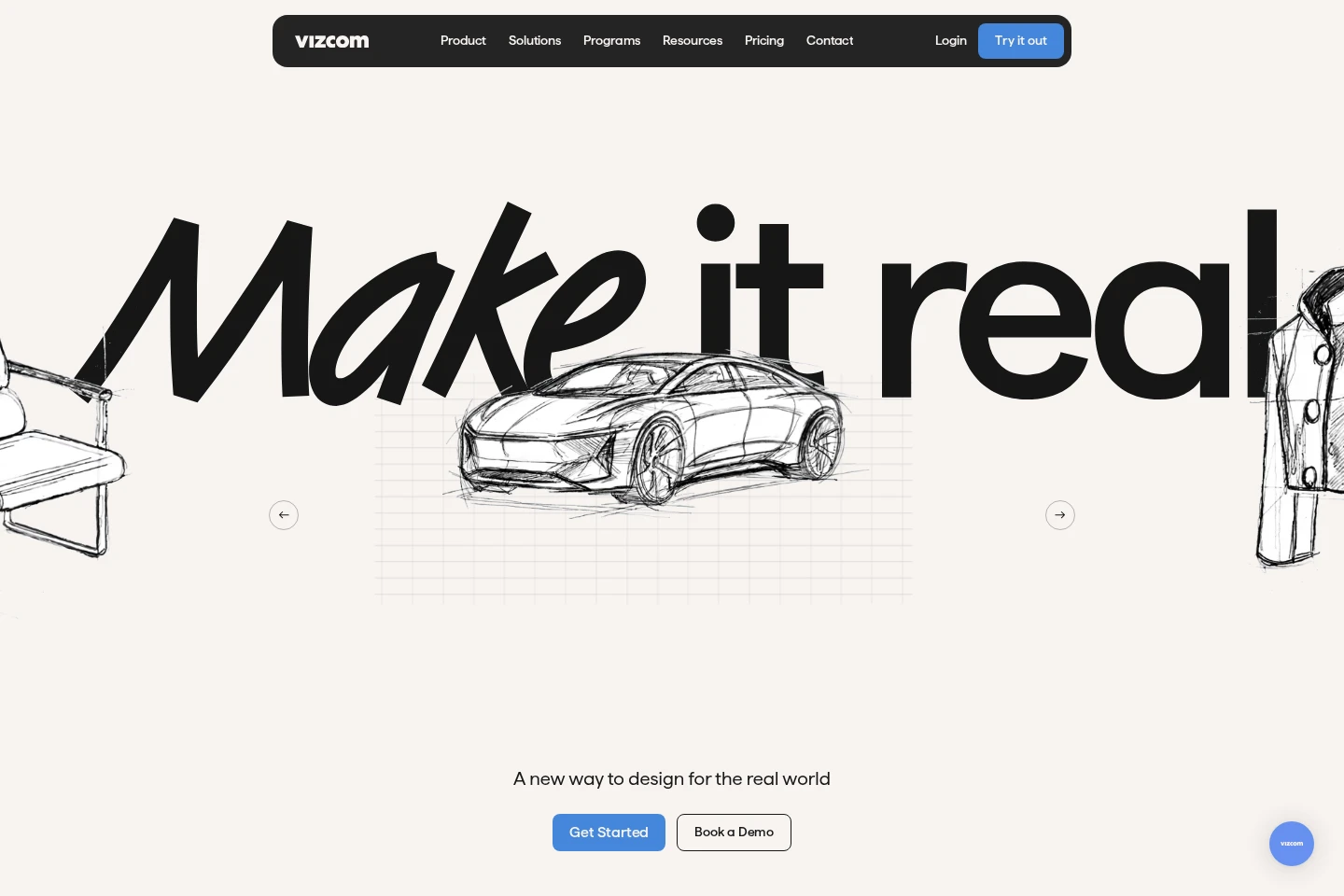
  1. Vizcom

    Transform sketches into high-quality 3D models

    Freemium
  2. Scribble Diffusion

    Transform sketches into refined images effortlessly

    Free
  3. 3Dpresso

    Transform Videos into Stunning 3D Models

    Freemium
  4. AutoDraw

    Transform sketches into art instantly

    Free
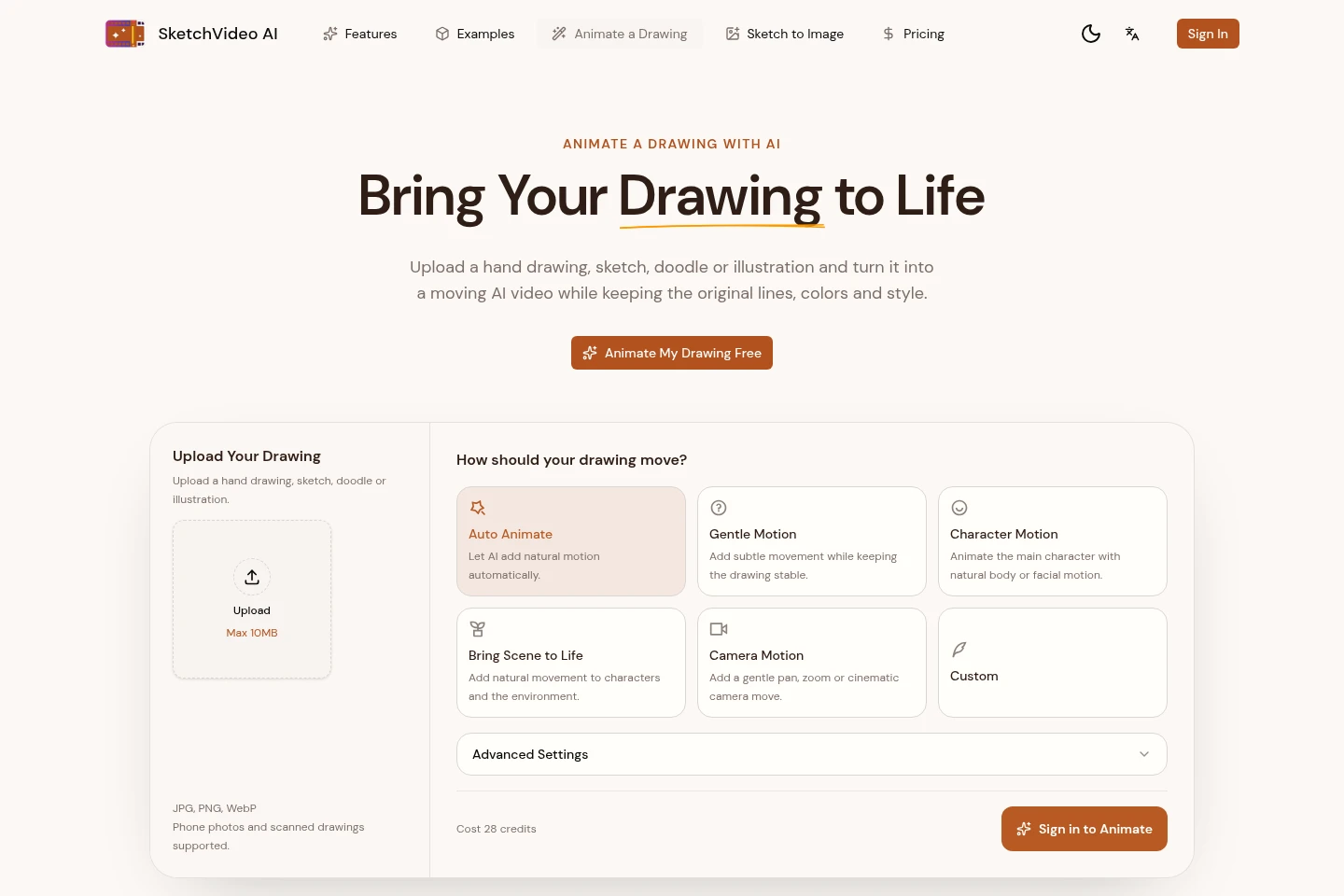
  5. SketchVideo AI

    Turn drawings into short animated videos

    Free · $0 per month

Who it is for

  • Industrial designers who need rendered product concepts from sketches or 3D blockouts

  • Architects who need to visualize architectural drawings and spatial designs

  • Concept artists who need controlled image rendering and storyboard-based motion

  • Creative studios and agencies that need production visuals and video exports

FAQ

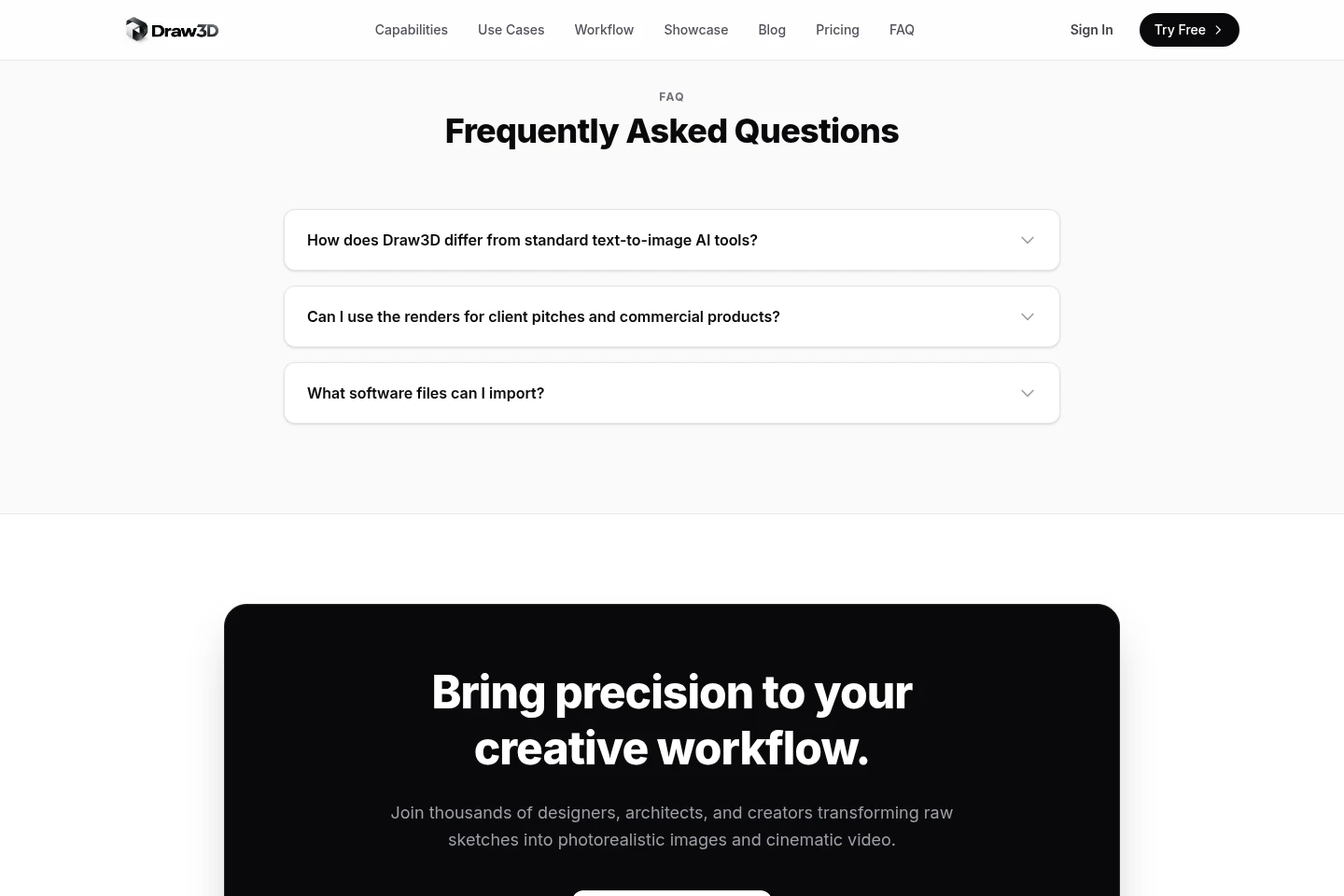
How does Draw3D differ from standard text-to-image tools?

Draw3D uses spatial depth control and edge conditioning to preserve stroke placement, architectural proportions, and 3D camera angles. The FAQ contrasts this with standard text-to-image models that may vary geometry and perspective.

Can I use renders commercially?

Yes, for generations created under Pro and Studio plans, which the FAQ says include full commercial rights and 8K production export support. The pricing page names Starter, Basic, and Professional, so the FAQ's plan labels do not map clearly to every listed plan.

What image files can I import?

PNG, JPG, and WebP files are supported. The page also says users can upload CAD outlines or import screenshots exported from Photoshop, Procreate, Blender, SketchUp, Maya, Rhino, or AutoCAD.

How does the free trial work?

The Starter plan offers a 3-day free trial with 3 trial credits and $0 due today. It lists 120 credits per month after the trial, and says the subscription can be canceled anytime.

Comments

Please sign in to leave a comment.
No comments yet. Be the first to share your thoughts!