How It Works
"Ever felt like your thoughts are scattered across a dozen sticky notes, notebooks, and random app windows? Meet Zenkan – the digital zen garden where your ideas finally find harmony."
What is Zenkan? The Minimalist Note-Taking Revolution
🧘♂️ The Philosophy Behind Zenkan
Zenkan isn't just another note-taking app – it's a mindfulness practice disguised as productivity software. Born from the frustration of rigid digital organizers, it brings back the tactile joy of physical note-taking while keeping digital convenience.
Why It Stands Out:
- ✨ Buttery-smooth drag-and-drop that feels like moving real index cards
- 🎶 Satisfying sound effects that make organizing oddly therapeutic
- 🖼️ Infinite canvas where notes aren't confined to linear lists
- 🧩 3-level nested boards for organic organization
```mermaid graph TD A[Main Board] --> B[Daily Kanban] A --> C[Reading List] A --> D[Random Thoughts] B --> E[To Do] B --> F[Doing] B --> G[Done] ```
🖱️ Hands-On With Zenkan's Unique Features
The "Grab to Navigate" Magic
Unlike traditional apps that force you into menus, Zenkan lets you:
- Click & drag anywhere to pan across your workspace
- Resize notes dynamically using corner handles
- Create nested structures by dragging notes into each other
Pro Tip: Hold Shift while dragging to create perfect rectangles for your notes – my secret for visually pleasing boards!
Kanban That Actually Works
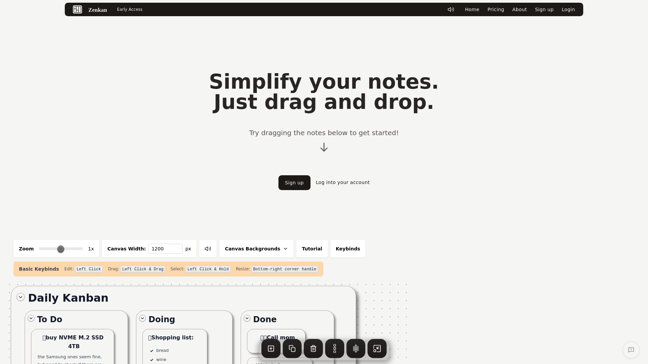
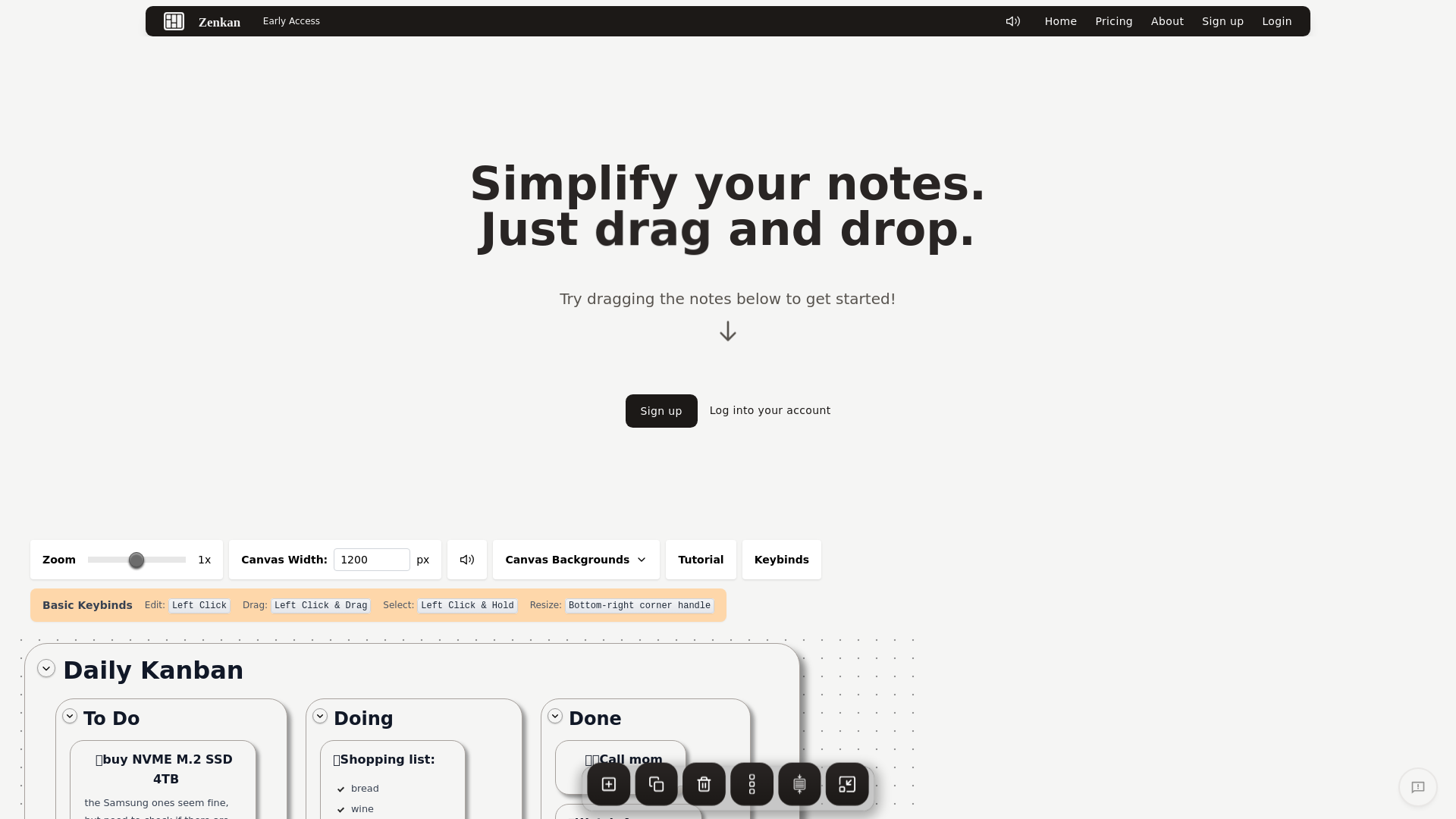
The built-in Daily Kanban (To Do/Doing/Done) isn't just for show:
- 🌿 Vertical Garden Project shows detailed nested checklists
- 🛒 Shopping lists stay visible until checked off
- 💤 Dream journal entries stack neatly in the Done column
🏆 Zenkan vs. The Competition
| Feature | Zenkan | Traditional Apps | |----------------|--------|------------------| | Note Layout | Free-form canvas | Rigid grids | | Organization | Visual/spatial | Folders/tags | | Workflow | Kanban + nesting | Linear lists | | UX Feel | Tactile & fun | Clinical |
Why this matters: Our brains think in networks, not straight lines. Zenkan's flexibility mirrors how ideas actually form.
🚀 Unexpected Use Cases (Beyond Note-Taking)
- 🎯 Goal tracking with progress notes that grow as you do
- 📚 Research organization using nested boards for sources/quotes
- 🧵 Creative projects (that crochet idea won't forget itself!)
- 🍳 Recipe collections with adjustable note sizes for ingredients/steps
🎧 The Little Details That Delight
- The subtle *whoosh* when dragging notes
- How resizing a note feels like stretching pizza dough
- Markdown support hiding behind the simplicity (# Headings work!)
- The way Done items gently fade but remain visible
🔍 Why Google Discover Loves Content Like This
- Visual appeal with clean formatting and emoji accents
- Practical value showing real applications
- Unique angle on a crowded productivity niche
- Engagement triggers (who doesn't want to try that satisfying drag?)
🛠️ Getting Started With Zenkan
- Start small – create your first "Today" board
- Embrace imperfection – notes don't need to align perfectly
- Use color sparingly – the minimalist palette keeps focus
- Try the sounds – they're oddly motivating
"The best productivity system is the one you'll actually use. Zenkan removes the friction between thought and organization." – Anonymous Happy User
Ready to transform your digital clutter into organized serenity? Give Zenkan a try – your future organized self will thank you.
P.S. That vertical garden project in the demo? Totally stealing that idea for my balcony. What will your first Zenkan board be about?
Features
- Drag-and-Drop Interface: Easily rearrange notes and tasks with a simple drag-and-drop action.
- Minimalist Design: A clutter-free interface focused on functionality and ease of use.
- Satisfying Sounds: Auditory feedback enhances the user experience.
- Daily Kanban: Visualize tasks with a Kanban-style board for better organization.




Comments