Monthly visits
2,366
2026-10
Monthly growth -43.7%

dmux - Run AI coding agents in parallel with tmux and Git worktrees

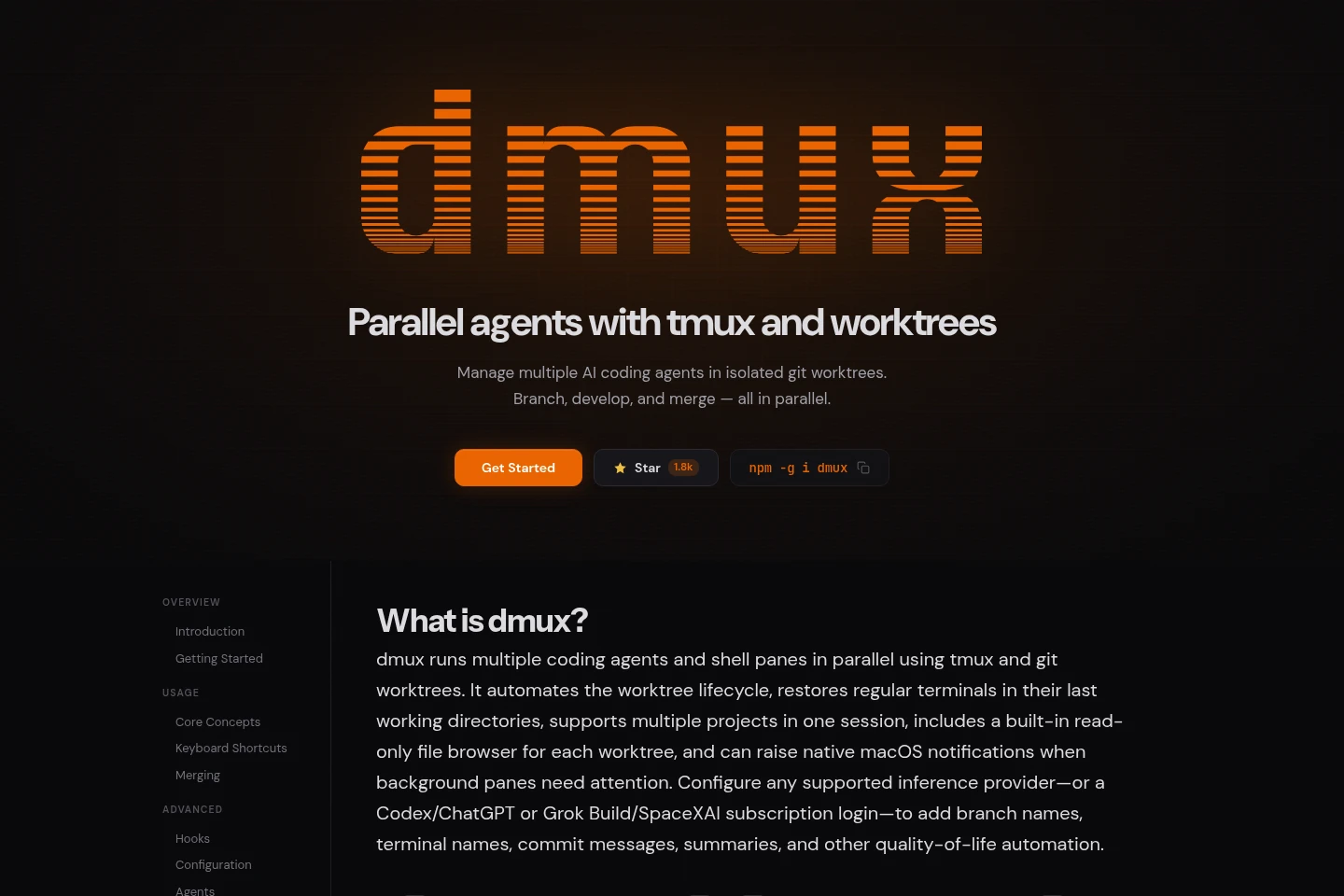
dmux is a terminal-based pane manager for running AI coding agents and shell sessions in parallel inside isolated Git worktrees. It manages worktree and branch lifecycles, tracks pane status, and provides tools to inspect and merge changes. It supports multiple projects and agents, with optional inference-provider configuration for names, summaries, and other automation.

Visit WebsiteUpdate this product

1Views

Capabilities

Parallel agent sessions

Run AI coding agents and shell panes concurrently in separate Git worktrees. Create a pane with a task description and selected agent; dmux associates it with its own branch and worktree.

Worktree and branch management

Create and manage isolated Git worktrees and branches for panes. dmux tracks their lifecycle and can merge completed work into the main branch, with cleanup after merge.

Pane status and attention tracking

Track whether panes are working, analyzing, waiting, or idle, and show an attention indicator when a pane needs attention. On macOS, background panes can also trigger native notifications.

Read-only worktree file browser

Browse files and directories in a pane's worktree without leaving dmux. Search and sort entries, then preview file contents or Git diff output; the browser is read-only.

Project and terminal sessions

Manage project-scoped tmux sessions, regular terminal panes, and multiple projects in a shared session. dmux records terminal working directories for session restoration and supports hiding panes without stopping them.

Inference-provider automation

Use a configured inference provider to generate branch and terminal names, commit messages, summaries, and pane-state analysis. Provider setup is optional, and supported provider or subscription logins determine available model access.


Pricing

The supplied pages do not list paid plans or prices. dmux is installed as a terminal tool, and users configure any optional inference-provider access separately; compare provider access and included usage for those services.

Use cases

Run coding agents on parallel tasks

When several coding tasks need separate working environments, create panes from task descriptions and select an installed agent for each. dmux runs them concurrently in isolated worktrees and keeps their branches separate for later review.

Review and merge agent changes

When an agent finishes work, inspect its worktree using the read-only file browser or Git diff preview, then use the pane menu to merge changes into the main branch. The associated worktree and branch are removed after merge.

Manage multiple projects and terminals

When development spans multiple Git repositories or shell sessions, use project-scoped tmux sessions and attach multiple projects to one session. Hide panes without stopping them, restore regular terminals to their recorded directories, and focus on one project's panes.

Limitations

  • dmux requires tmux, Node.js, and at least one AI coding agent to get started; the product does not replace those dependencies.

  • The built-in file browser is read-only; it can preview files and Git diffs but does not edit them.

  • Native attention notifications are available on macOS; on other platforms dmux works without the native notification helper.

  • Inference-provider features such as automatic names and summaries require configuring an inference provider; this setup is optional.

  • Rich image-paste flows that rely on terminal-specific clipboard protocols may still be blocked by tmux, even with dmux compatibility settings.

Alternatives

Agentastic Dev

Coordinate coding agents in a native macOS IDE

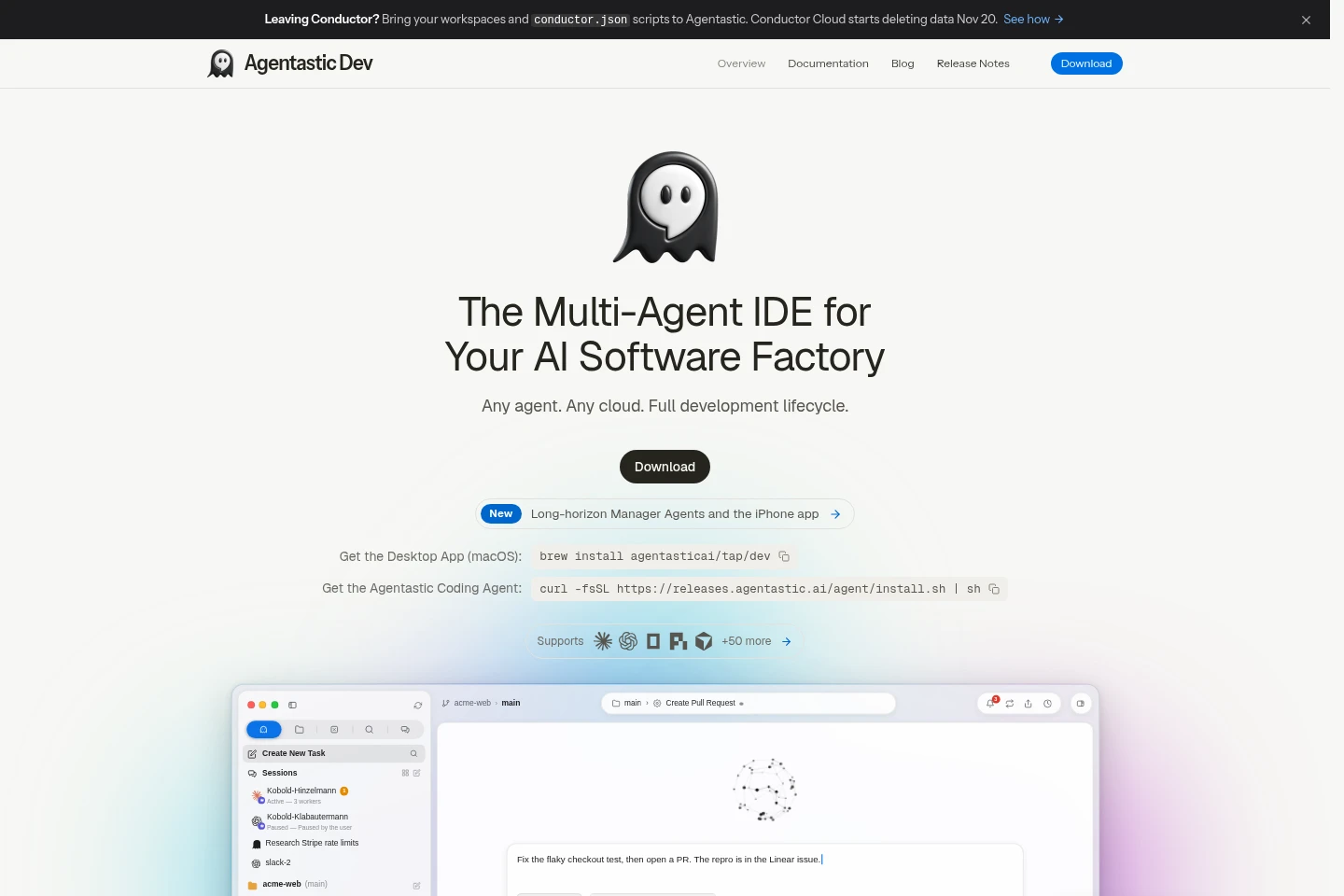
Agentastic Dev is a native macOS IDE for running coding agents in parallel. It gives tasks isolated git worktrees or containers, terminals, browser access, and diff review in one workspace. It supports built-in agent integrations, remote development servers, and long-running manager agents.

  • Free
  1. ADE — Agentic Development Environment

    Orchestrate AI coding agents across your machines

    Free
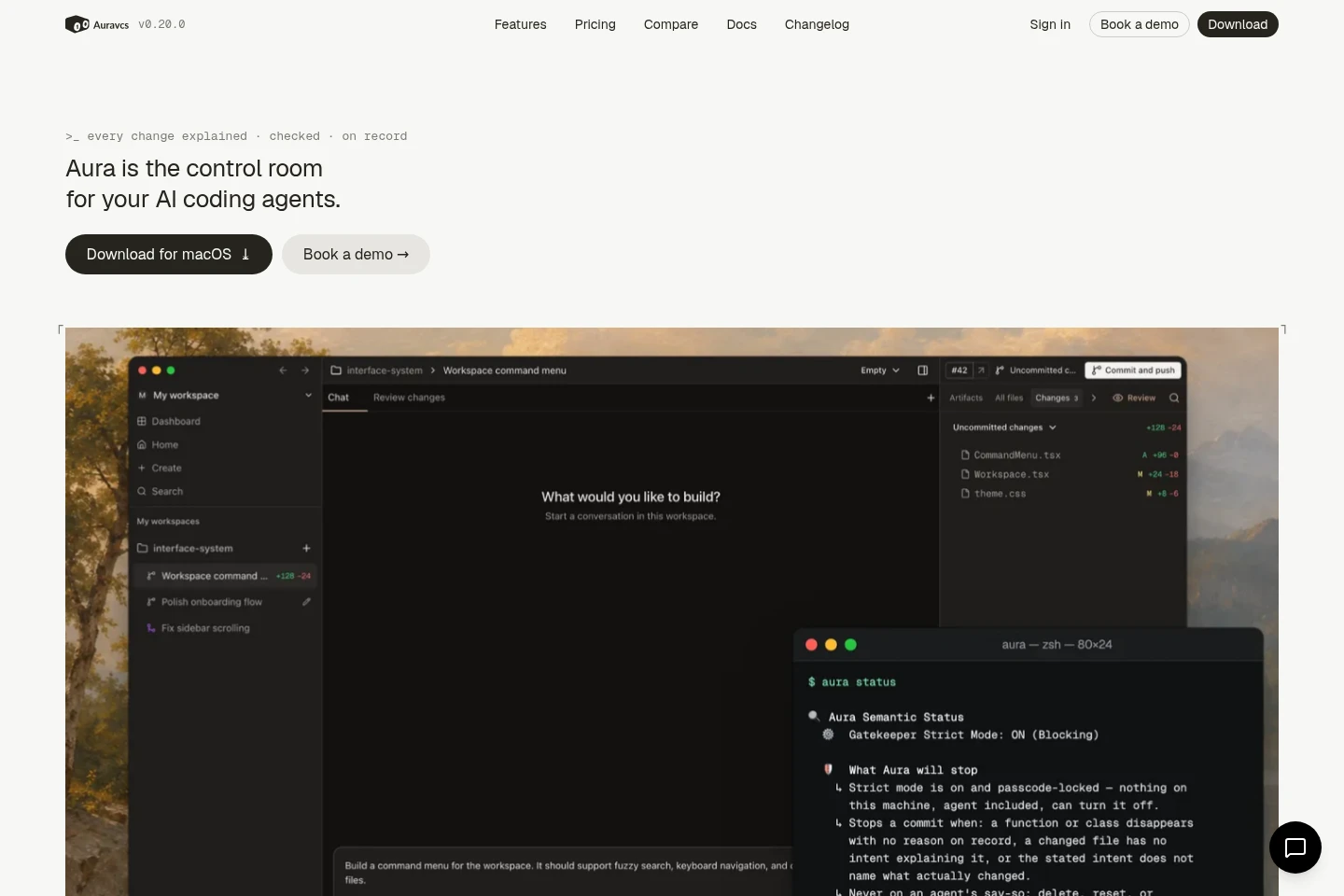
  2. Aura

    Review and coordinate AI coding agent work on your Git projects

    Open source · Free
  3. Aider

    AI pair programming tool in your terminal

    Free
  4. cmux

    A native Mac terminal for parallel agent workflows

    Free · $0/mo
  5. AgentGrid.io

    A shared workspace for people and AI agents

    Free

Who it is for

  • Developers who run AI coding agents alongside their terminal work

  • Developers who need isolated branches and worktrees for concurrent Git tasks

  • Developers coordinating terminal sessions across multiple Git repositories

FAQ

What do I need before installing dmux?

Install tmux and Node.js, and have at least one AI coding agent available. dmux is installed with npm using npm -g i dmux, then launched from a Git repository.

Which coding agents can dmux run?

dmux can run supported coding agents in panes, including Claude Code, OpenCode, Codex, Grok, Cline, Gemini, Qwen, Amp, pi, Cursor, Copilot, and Crush. The agent must be installed and available in your environment.

Do I need an inference-provider API key?

No. Provider setup is optional. If configured, you can use supported providers with an API key, or choose ChatGPT subscription or Grok Build subscription and reuse the corresponding CLI login and included plan usage.

Can I merge an agent's changes into my main branch?

Yes. Select the pane, open its menu, and choose the merge flow to bring its work back to the main branch. dmux can auto-commit during the merge and removes the worktree and branch after merging.

Does dmux send notifications when an agent needs attention?

On macOS, background panes can send native notifications when they reach a waiting or attention-needed state. Notifications can be disabled, and a fully focused selected pane does not notify; other platforms work without the native helper.

Can I edit files in the built-in browser?

No. The file browser is read-only. It can search and sort files and directories and preview file contents or Git diffs within a pane's worktree.

Comments

Please sign in to leave a comment.
No comments yet. Be the first to share your thoughts!