Monthly visits
10,236
2026-10
Monthly growth -3.6%

DancingAI - Create dance videos from photos, prompts, or reference clips

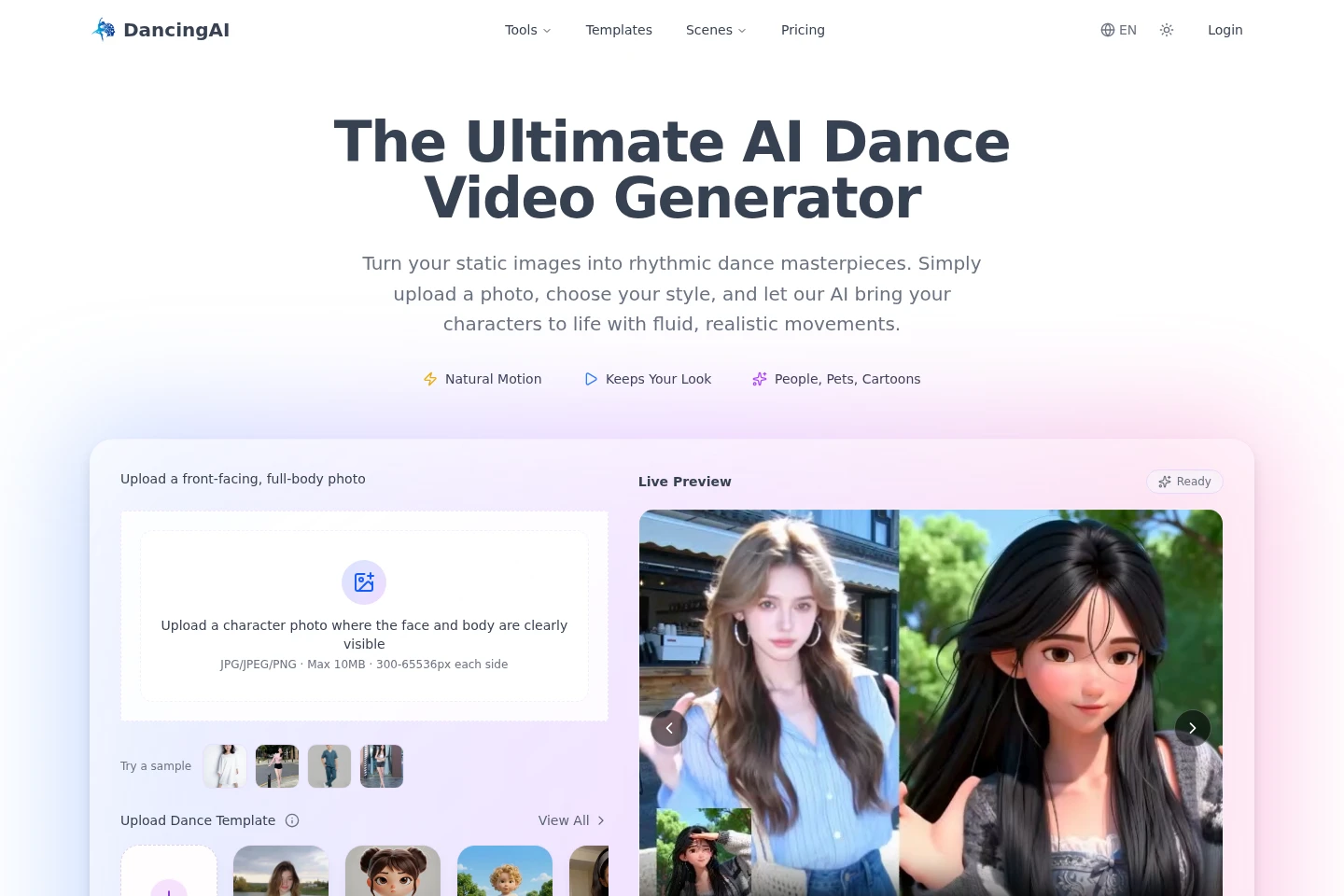
DancingAI generates AI dance videos from a subject photo, a written prompt, or a reference dance clip. Users can describe choreography and scene details, choose templates, or guide motion with a video. Generated videos can be downloaded as MP4 files; uploaded photos must be JPG, JPEG, or PNG and no larger than 10 MB.

Visit WebsiteUpdate this product

2Views

Capabilities

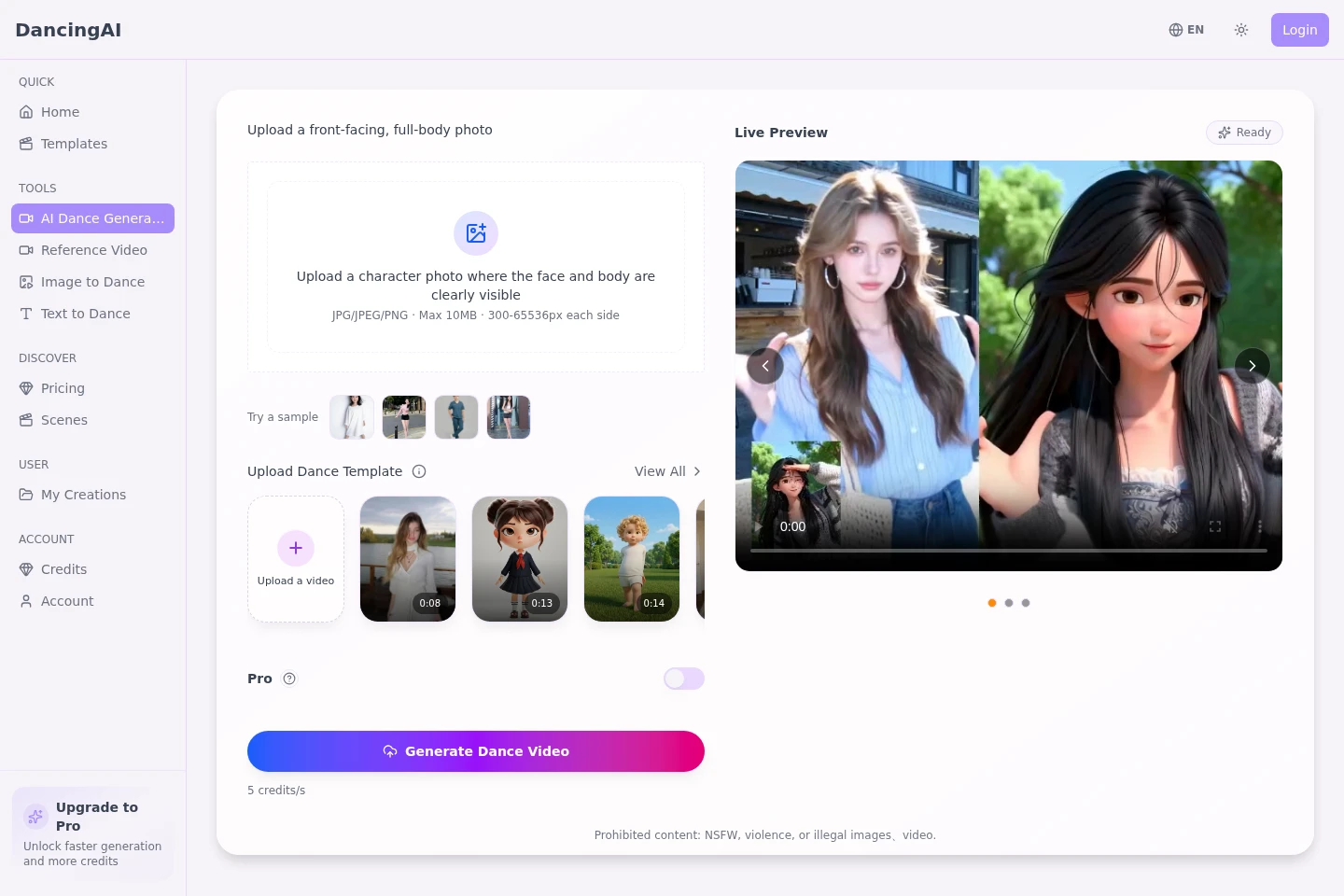
Photo-to-dance generation

Generates a dance video from a subject photo and a motion prompt. Upload a clear front-facing or full-body image in JPG, JPEG, or PNG format, up to 10 MB, then describe the desired movement.

Reference motion transfer

Generates a dance video that follows choreography from an uploaded reference clip. Provide a subject image and a dance video; clear, stable, short clips with visible full-body movement are recommended.

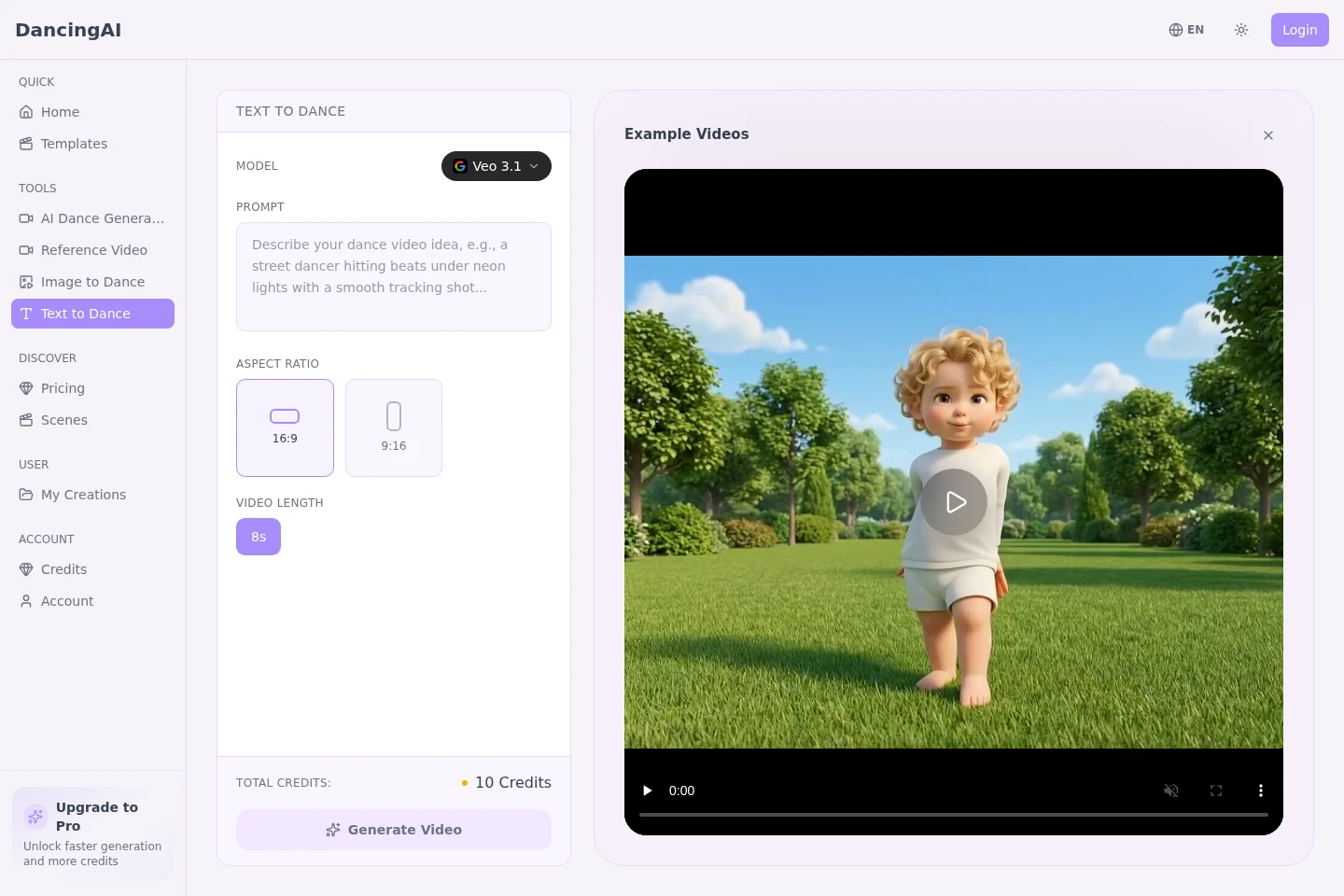
Text-to-dance generation

Creates a dance video from written direction and outputs a generated video without requiring a photo or reference clip. Prompts can specify the dancer, choreography, camera movement, lighting, pacing, and mood.

Dance templates

Provides dance video templates that can be selected as a starting point for generation. The homepage lists example dances and templates, and users can view the full template collection.

Pricing

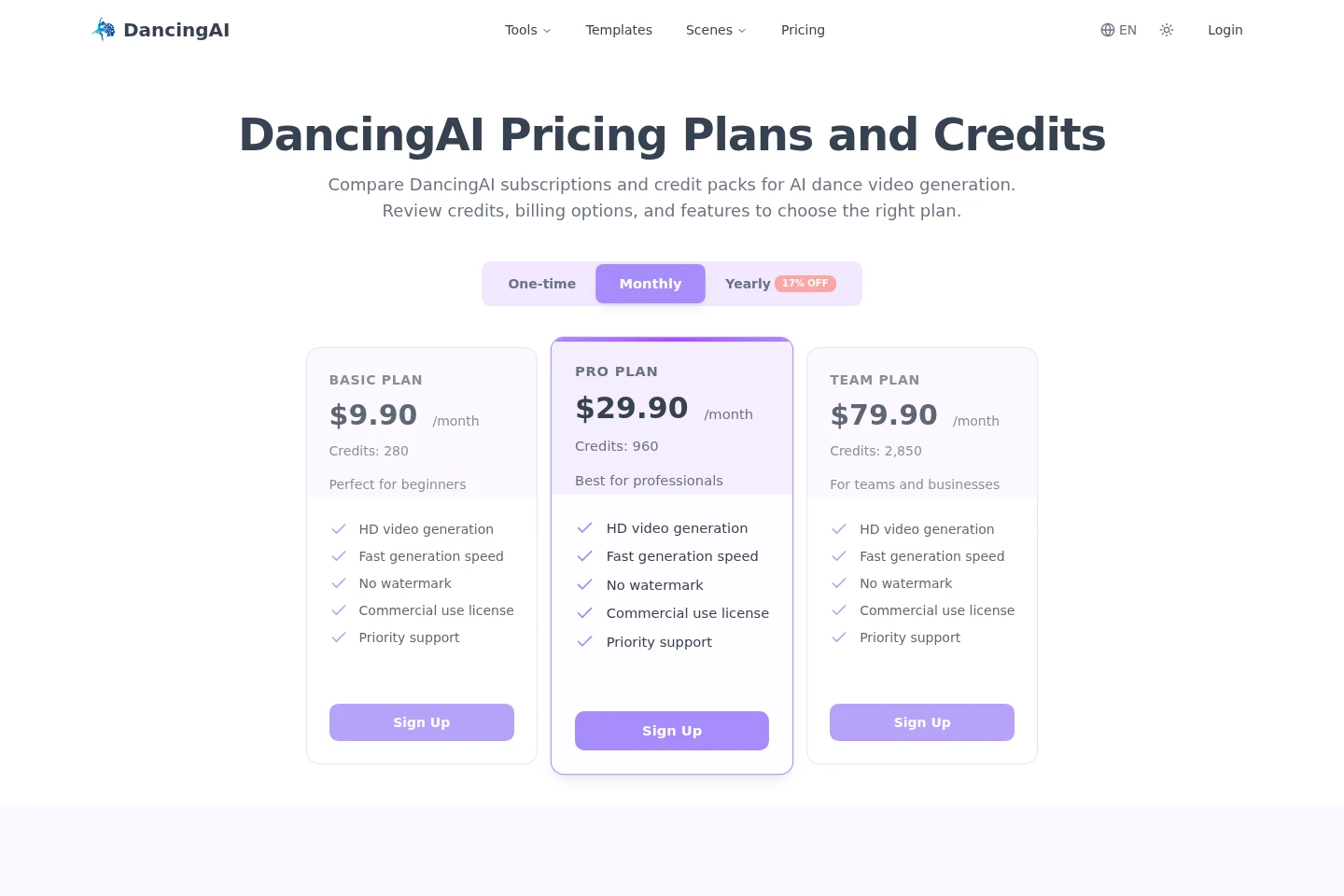
DancingAI offers paid plans with one-time, monthly, and yearly billing options. Compare the displayed credit allowance and included features; the page shows Basic Plan's monthly price and credit amounts for all three plans.

PlanPriceIncluded features and limits
Basic Plan

$9.90 per month

  • 280 credits

  • HD video generation

  • Fast generation speed

  • No watermark

  • Commercial use license

  • Priority support

Pro Plan

$29.90; billing period not shown

  • 960 credits

  • Plan is named Pro Plan

  • The supplied pricing page does not list further included features

Team Plan

$79.90; billing period not shown

  • 2,850 credits

  • Plan is named Team Plan

  • The supplied pricing page does not list further included features

The pricing page presents one-time, monthly, and yearly options and labels yearly billing as 17% off. It does not specify which displayed plan prices correspond to each billing option.

Use cases

Animate a photo into a dance clip

When a creator has a photo and wants a dance animation, they upload a clear subject image, describe the movement or select a template, and generate a video to download and share.

Transfer choreography from a reference clip

When a specific dance sequence should guide a character's movement, users provide a subject image and reference dance video. The clip guides choreography, rhythm, and motion in the generated result.

Visualize a dance idea from text

When the starting point is a written choreography or scene concept rather than source media, users describe the dancer, movement, camera, and atmosphere. DancingAI generates a video for reviewing the visual direction.

Limitations

  • Uploaded subject photos must be JPG, JPEG, or PNG files no larger than 10 MB; the subject should be clearly visible.

  • The reference workflow is more controllable with short clips showing clear, stable, full-body movement; long or chaotic clips are not recommended.

  • The homepage prohibits NSFW, violent, or illegal images and videos.

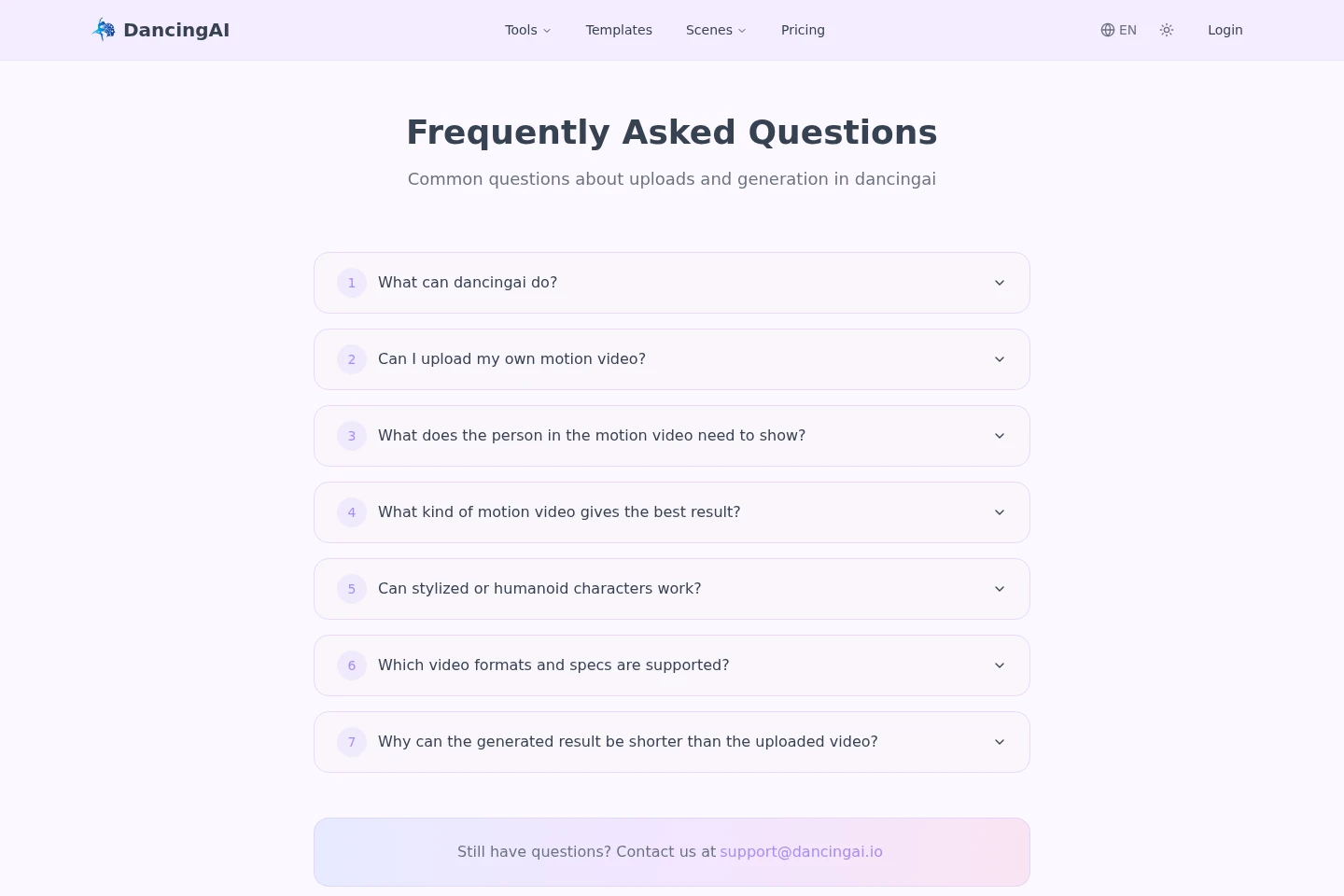
  • The generated result may be shorter than the uploaded motion video; the supplied FAQ lists this question but does not provide its answer.

Alternatives

Dance AI

Turn photos and artwork into AI dance videos

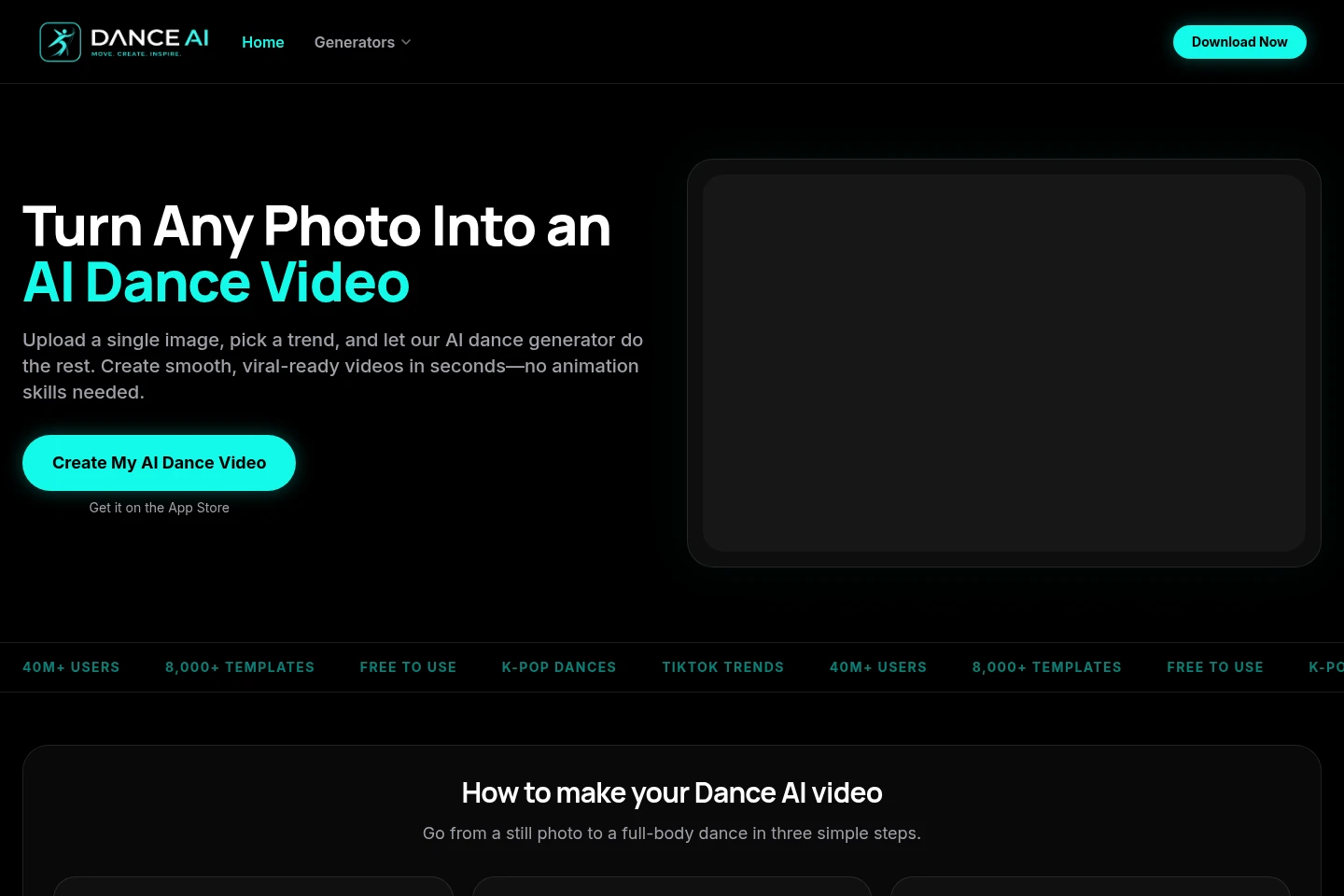
Dance AI animates a single photo, illustration, character, or other image into a dance video using AI. Choose from dance templates, including TikTok trends and K-pop routines, and optionally adjust lighting, mood, or camera movement with a text prompt. The site also describes uploading a dance video to transfer its motion to an image. Generated videos can be downloaded as MP4 files.

  • Cloud
  • Free
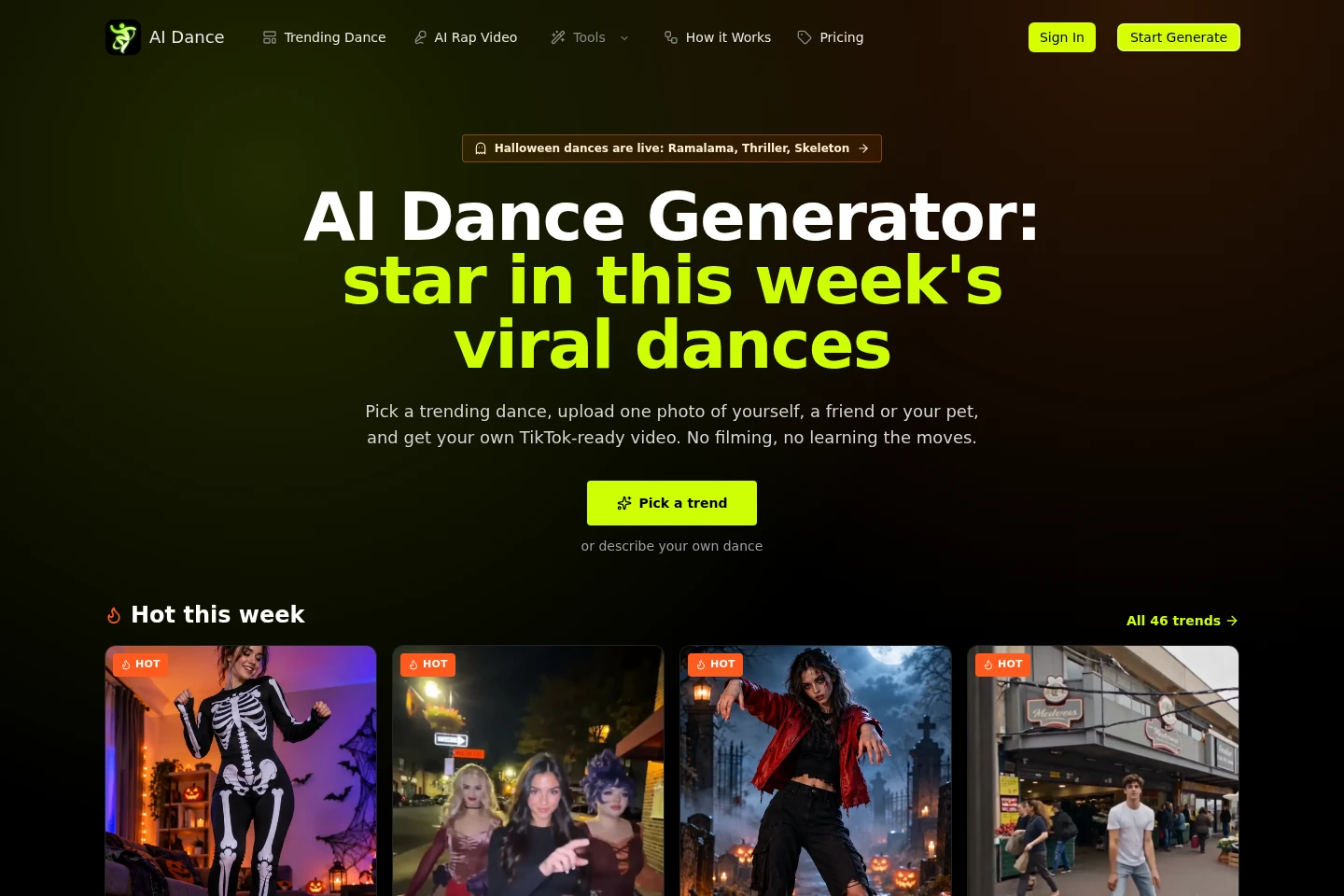
  1. AI Dance

    Turn a photo into a dance video with AI

    Starter Yearly · $15/month, billed yearly
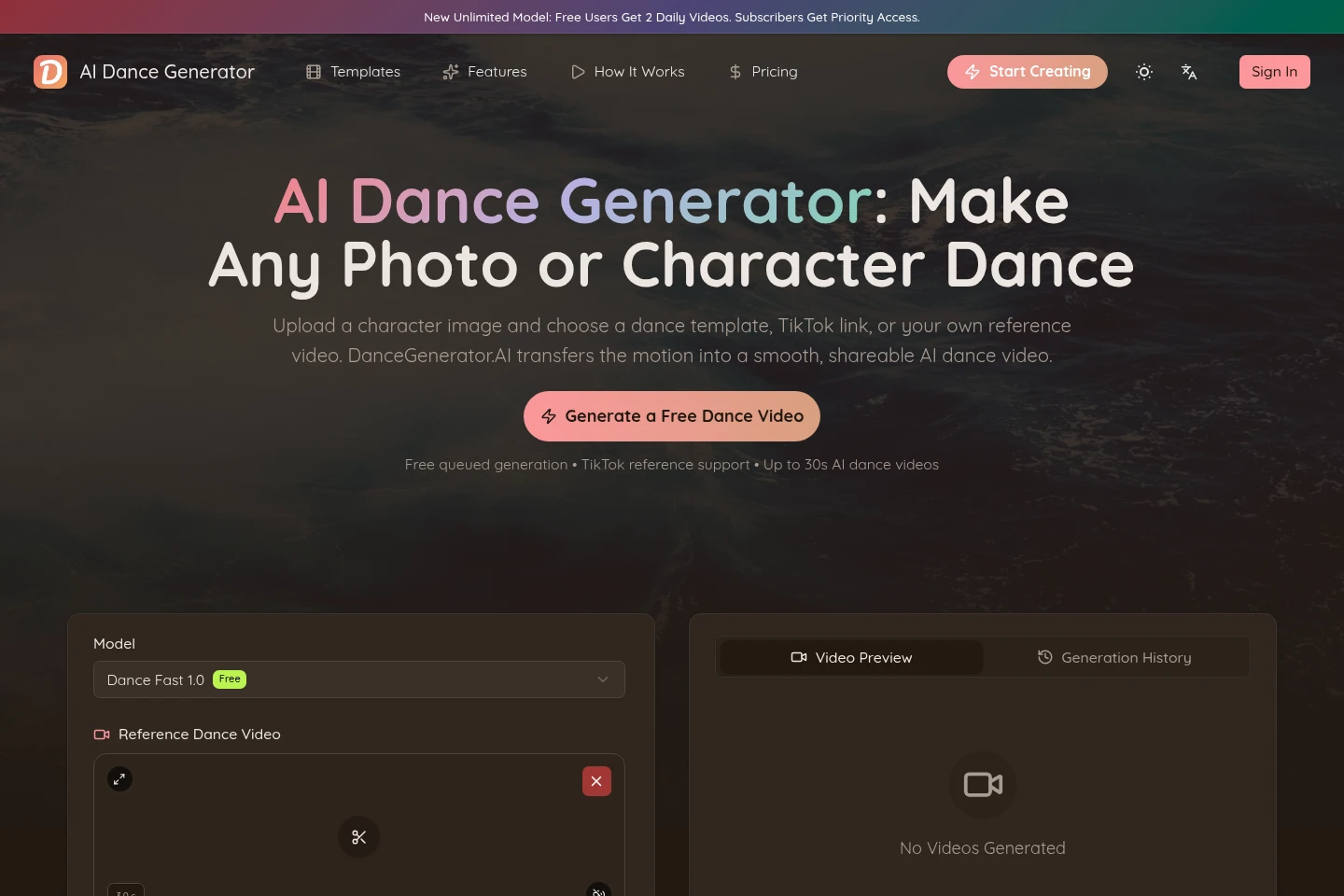
  2. AI Dance Generator

    Turn photos and characters into AI dance videos

    Basic · Basic: $14.99 one-time or $9.99/month
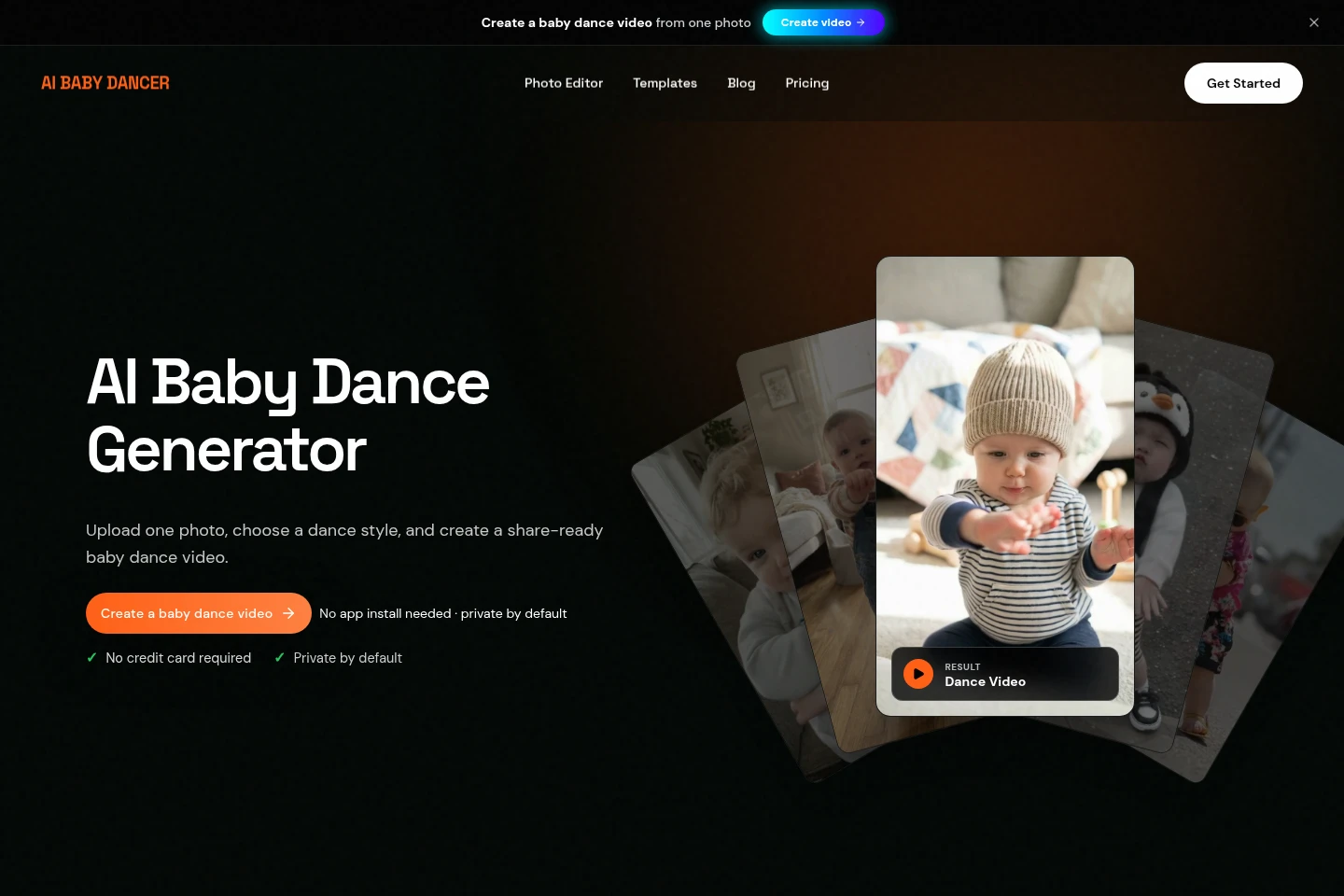
  3. AI BABY DANCER

    Turn one photo into an AI baby dance video

    Starter credits · $4.99 one-time
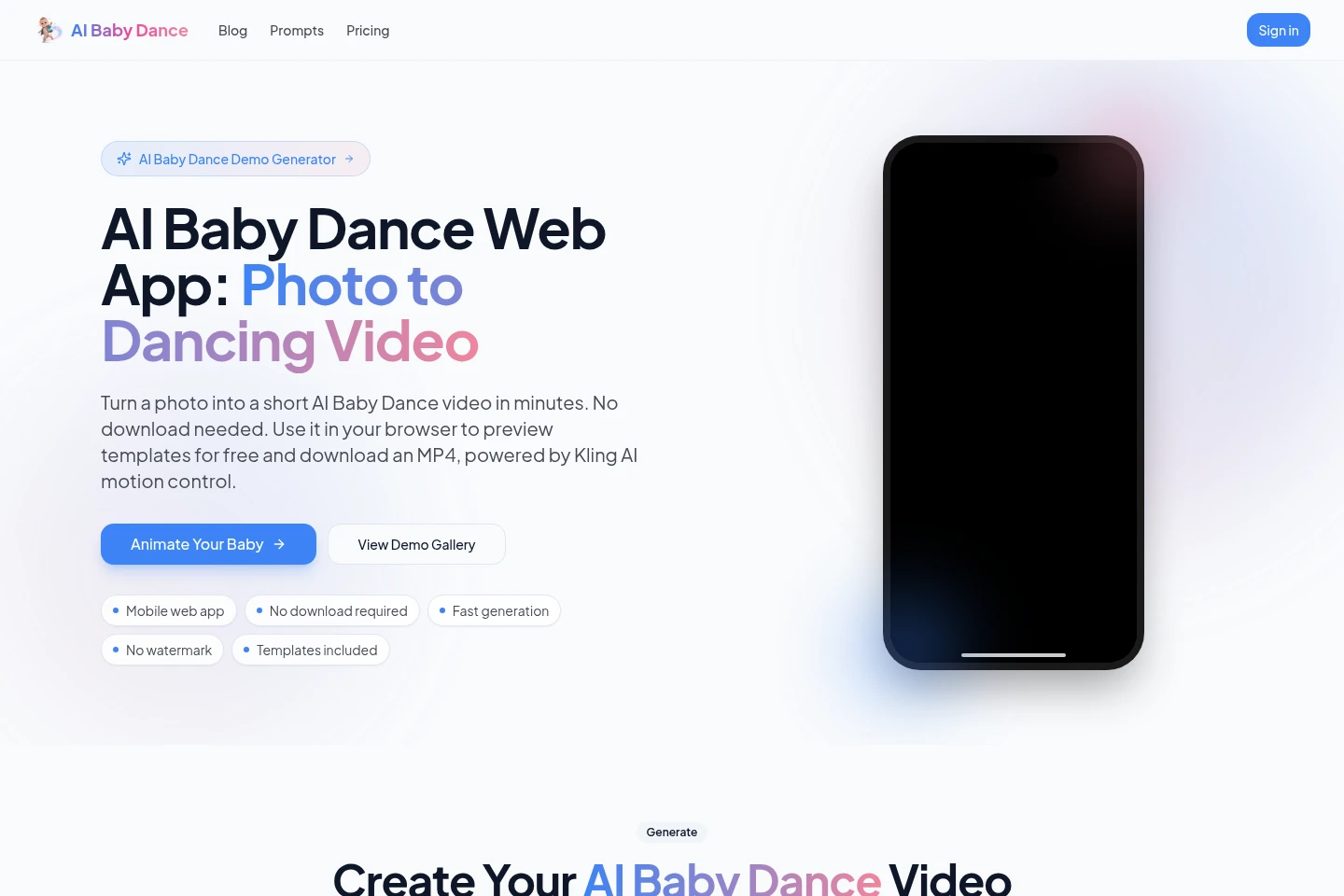
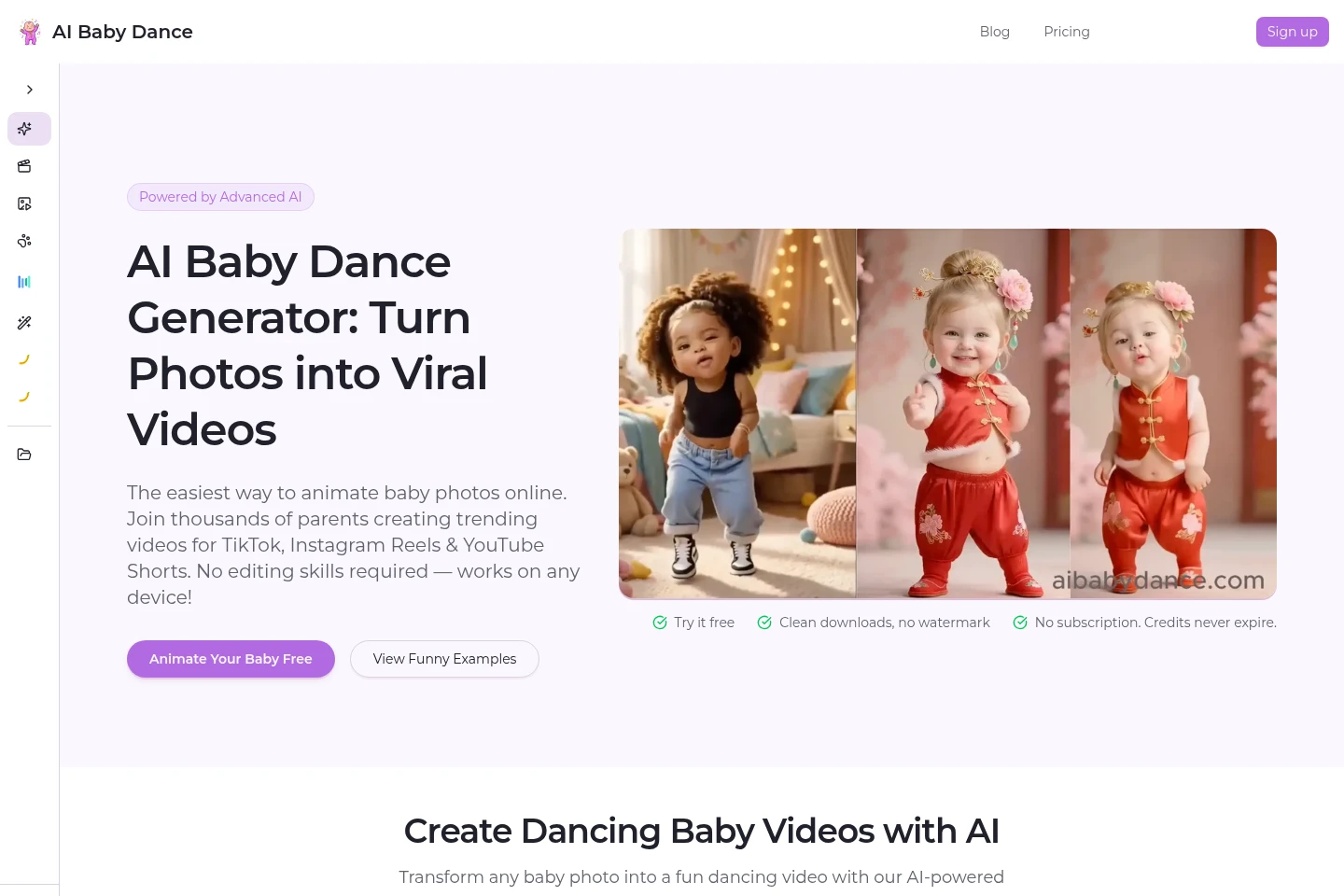
  4. AI Baby Dance

    Turn a photo into a template-based dancing video

    Creator · $19/month
  5. AI Baby Dance

    Turn a baby photo into a dancing video with AI

    Starter Pack · $9.90, one-time

Who it is for

  • Short-form video creators who need dance clips for social platforms

  • Choreographers and directors who want to preview movement ideas

  • Creators who want to animate people, pets, or stylized characters

FAQ

What can DancingAI create?

DancingAI creates AI dance videos from photos, written prompts, or reference dance clips. The starting material determines which generation workflow to use.

Can I upload my own motion video?

Yes. The reference workflow accepts a dance video to guide movement, choreography, rhythm, and timing alongside a subject image.

What should the person in a motion video show?

The reference clip should show visible movement, preferably full-body, with clear rhythm and stable framing. Short clips are easier to transfer than long sequences.

Which image formats and limits apply?

Subject photos can be JPG, JPEG, or PNG and must be no larger than 10 MB. The page also specifies 300–65536 pixels on each side.

Can stylized or humanoid characters work?

DancingAI describes support for people, pets, cartoons, and stylized characters. The subject should remain clear and recognizable in the uploaded image.

Why might the generated video be shorter than its source?

The FAQ lists this as a common question, but the supplied page does not include an explanation. A specific cause or duration rule is therefore not stated.

Comments

Please sign in to leave a comment.
No comments yet. Be the first to share your thoughts!