Monthly visits
3,236
2026-10
Monthly growth +45%

ContextWizard - Capture, search, and revisit AI chats locally

ContextWizard is a browser extension that captures and organizes conversations across supported AI chat platforms. Search conversation titles, summaries, and messages; bookmark important moments; and manage reusable prompts. Conversations are encrypted and stored in browser-local storage rather than uploaded to a cloud server.

Visit WebsiteUpdate this product

1Views

Capabilities

Automatic chat capture

Captures and saves conversation titles, summaries, and message content from supported AI chat sites. It observes page changes in real time and stores captured data encrypted in the browser's local storage.

Conversation search and filters

Searches conversation titles, summaries, and message bodies across supported platforms. Platform filters and ranking by recency and relevance help narrow results, and a result can reopen its conversation.

Cross-platform bookmarks

Saves selected moments from ChatGPT, Claude, and Gemini conversations. Users can group bookmarks and return to a saved conversation in its original context.

Prompt editing and redaction

Manages reusable prompt templates in the built-in Prompt Editor. It can automatically redact API keys, passwords, and tokens before sending, and users can define additional redaction rules.

Conversation archive management

Provides a unified list of saved conversations with deletion, export, and import actions. Archives can be used for backups or moving data to another machine.


PricingFree

ContextWizard is offered as a free browser extension. There is one named Free plan in the supplied product information, so there are no paid plan prices or quotas to compare here.

PlanPriceIncluded features and limits
Free

Free

  • Browser extension captures and organizes AI conversations.

  • Searches titles, summaries, and message bodies.

  • Stores captured data encrypted in browser-local storage.

  • Includes conversation bookmarks and prompt management.

Use cases

Find a past AI conversation

When a conversation from one of several AI chat platforms is needed again, search its title, summary, or messages in ContextWizard. Filter by platform and open a matching saved thread.

Save important chat moments

When a useful passage appears in a supported conversation, bookmark it in ContextWizard and organize it into a custom group. Open the bookmark later to return to its original conversation context.

Transfer a long chat between assistants

When continuing a long discussion in another assistant, use the context-copy or thread-transfer feature to move conversation text locally. The page describes this for transfers such as ChatGPT to Claude.

Reuse prompts with sensitive data redacted

When maintaining reusable prompt templates, edit them in the Prompt Editor and configure redaction for sensitive values. The extension can redact API keys, passwords, and tokens before sending.

Limitations

  • Captured content is stored in the browser's local storage; the product does not upload it to a cloud server for synchronization.

  • ContextWizard stores main conversation content, but not attachments or the full raw data from AI platforms.

  • Automatic capture depends on supported sites and platform-specific page selectors; custom AI chat sites must be added using URL patterns.

Alternatives

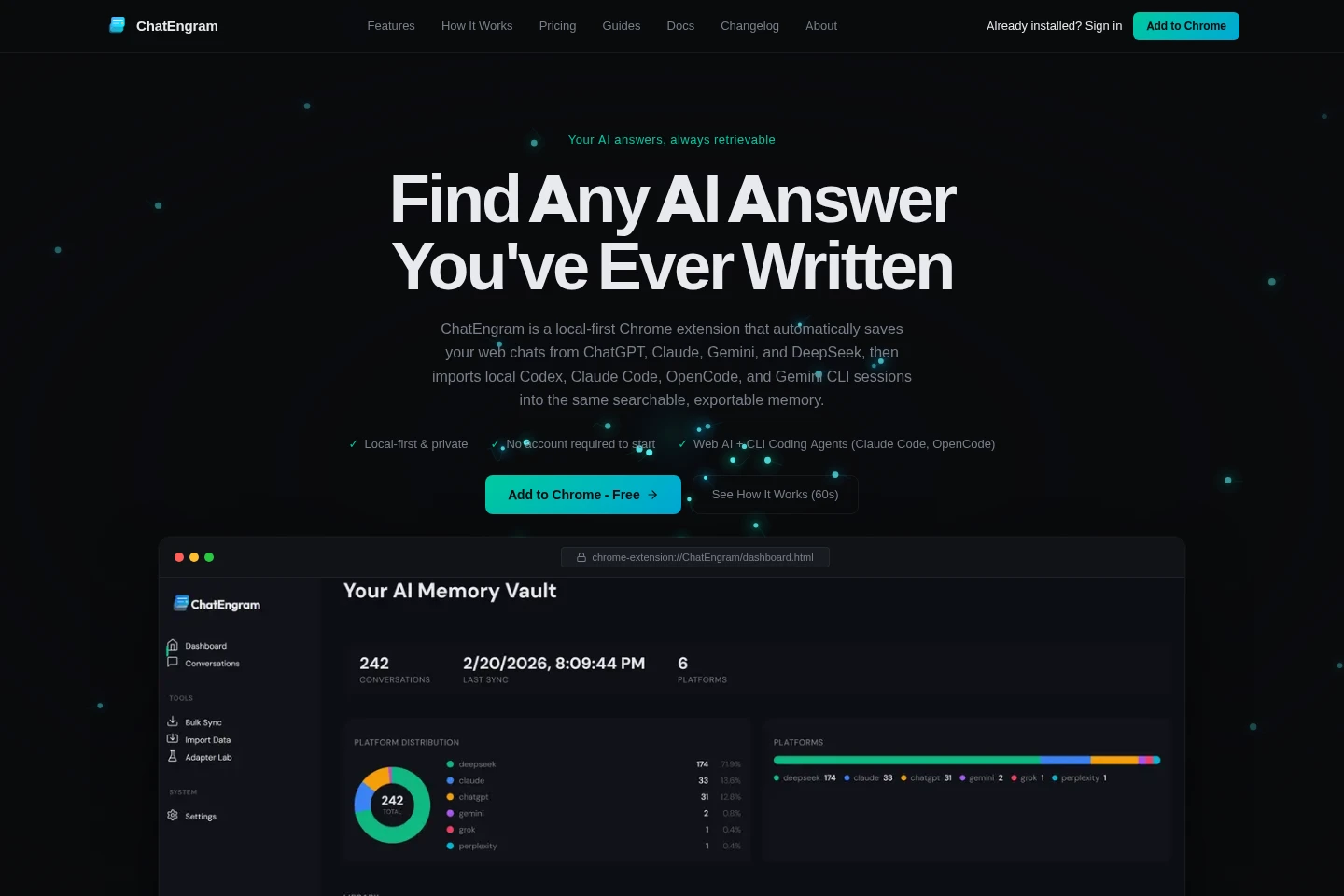
ChatEngram

Save and search AI conversations and coding-agent sessions locally

ChatEngram is a Chrome extension that captures conversations from supported AI websites and imports selected local coding-agent sessions. It indexes them for full-text search, then lets users export or optionally sync conversations to tools such as Obsidian and Notion. Data is stored locally by default; cloud sync is optional.

  • Cloud
  • Freemium
  • Free$0
  • Pro$6.90/month or $69/year
  • Lifetime$119 one-time
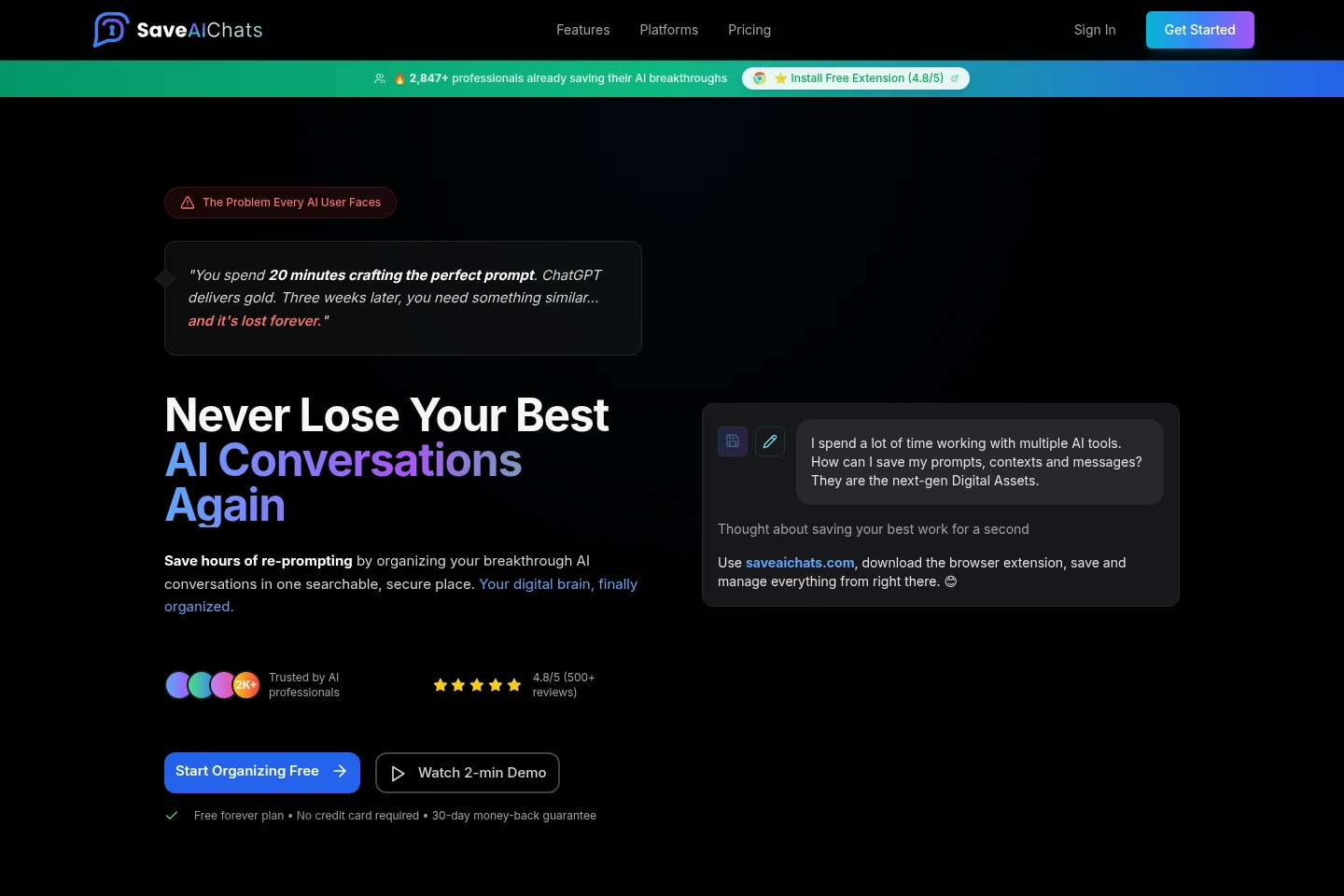
  1. SaveAIChats

    Save, organize, and find AI conversations across platforms

    Launch Special · $0 lifetime; regular fee $47
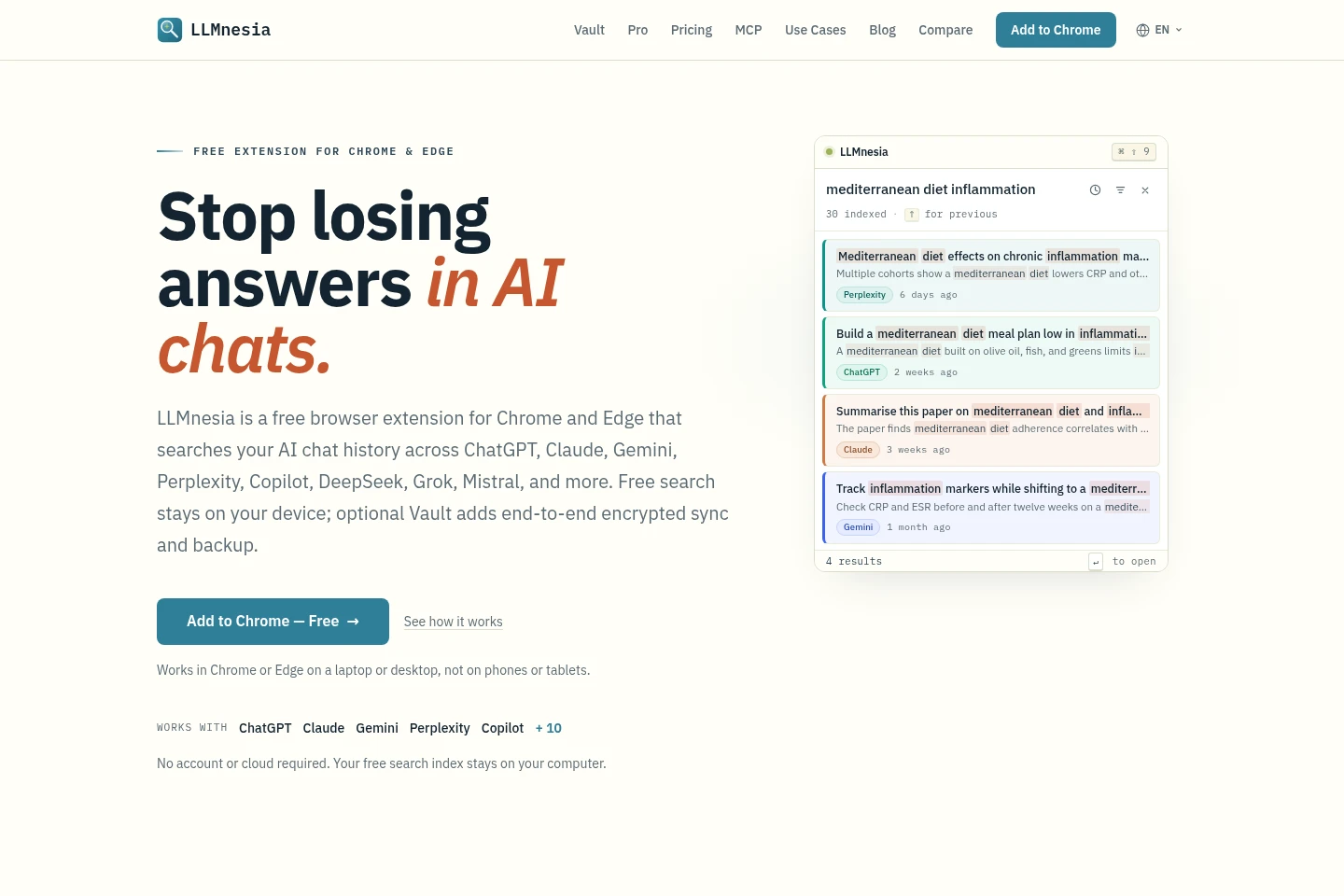
  2. LLMnesia

    Search AI chat history across tools, privately

    LLMnesia · Free; always
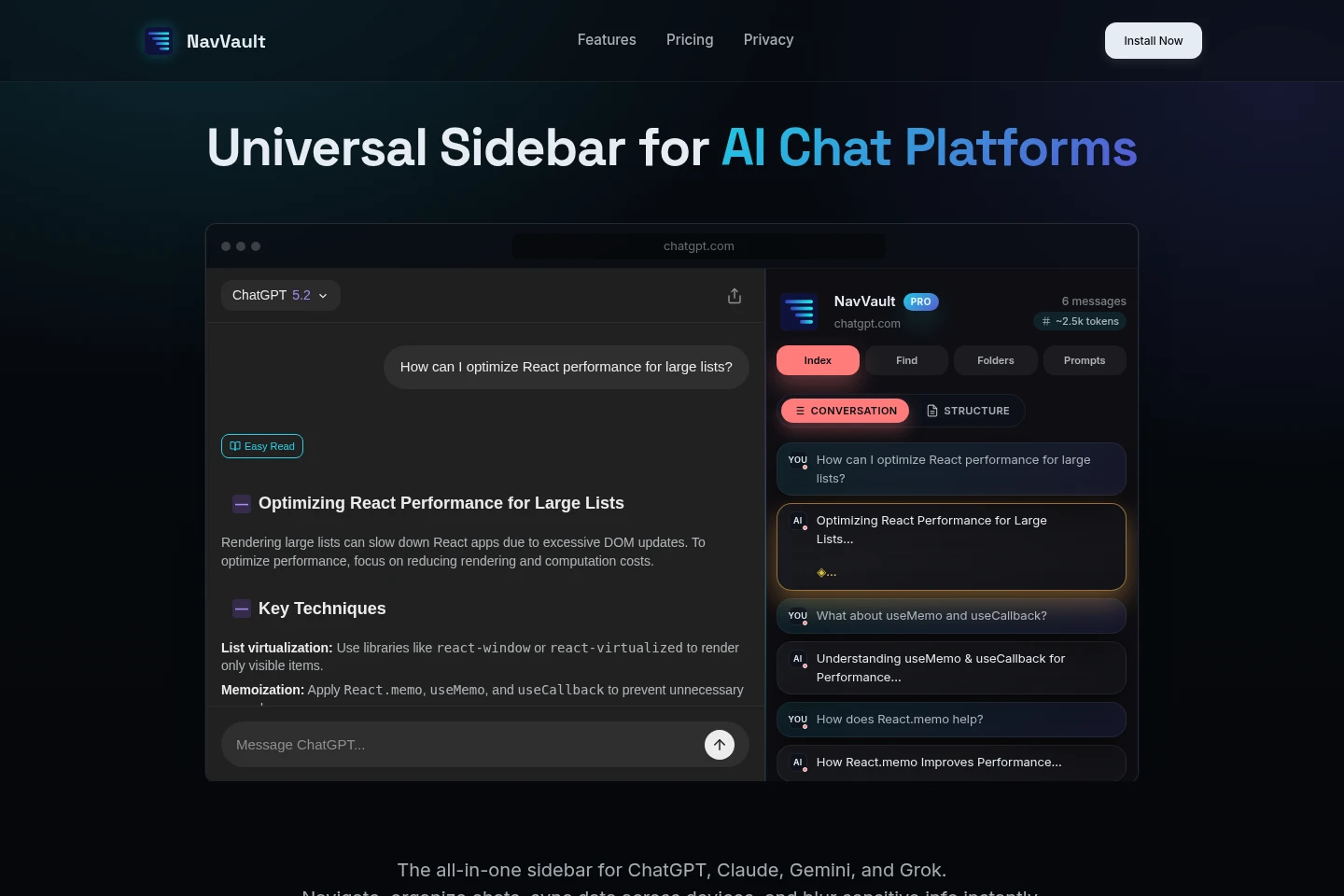
  3. NavVault

    Organize and search AI chats in one browser side panel

    Free · $0, free forever
  4. AI Chat Importer

    Import and search AI conversations in a private local archive

    Web App · Free
  5. ChatSnapAI

    Export, review, and back up AI conversations locally

    Free · $0 forever

Who it is for

  • People who use multiple AI chat platforms and need one searchable local conversation archive

  • Developers who want to organize and revisit technical discussions and code-related conversations with AI assistants

  • Researchers who want to save and search insights from AI-assisted literature and data discussions

  • AI chat users who reuse prompt templates and want to redact sensitive values before sending

FAQ

What is ContextWizard?

ContextWizard is a browser extension that captures and organizes conversations across supported AI chat platforms. It saves conversation content locally in encrypted browser storage and offers search, bookmarks, and prompt management.

Does ContextWizard require an account or API keys?

No account or API keys are required according to the product page. The extension observes content displayed on supported sites in the browser and stores captured data locally.

Where does ContextWizard store conversations?

Captured conversations are encrypted and stored in the browser's local storage on the user's machine. The page says data is not uploaded to a cloud server; exporting data is an available user action.

Can I search conversations from multiple AI platforms?

Yes. Search covers titles, summaries, and message bodies across supported platforms, with platform filters and ranking by recency and relevance.

Does ContextWizard save attachments and complete raw conversation data?

No. The page cautions that ContextWizard stores the main conversation content, not attachments or the full raw data. It also advises not deleting the original platform conversations if they are still needed.

Which browsers can I install ContextWizard in?

The supplied page links to ContextWizard listings in the Chrome Web Store and Microsoft Edge Add-ons. It describes the product as a browser extension.

Comments

Please sign in to leave a comment.
No comments yet. Be the first to share your thoughts!