
Monthly visits
1,675
2026-10
Monthly growth -19.4%

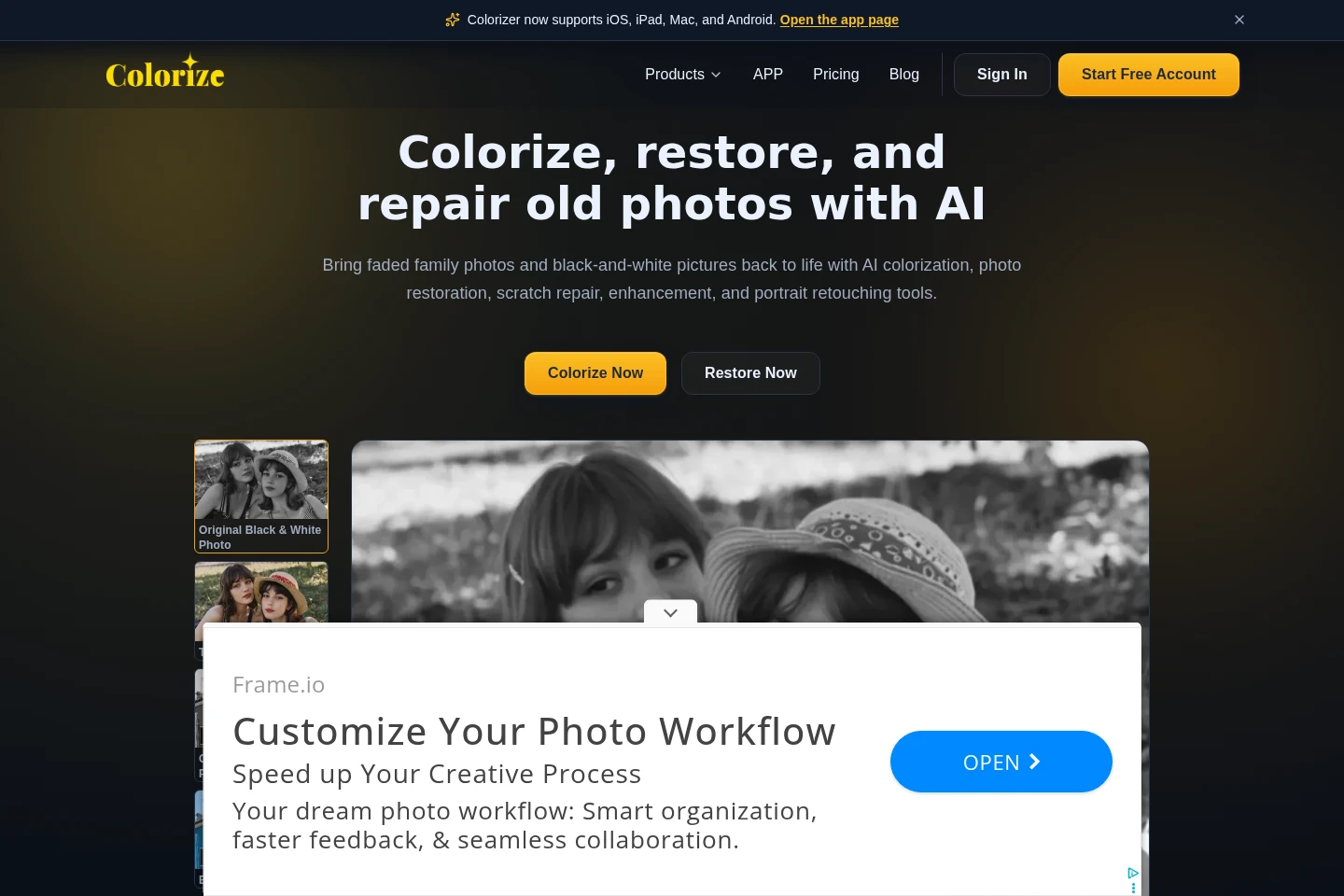
Colorize Photo - AI tools to colorize and convert photos

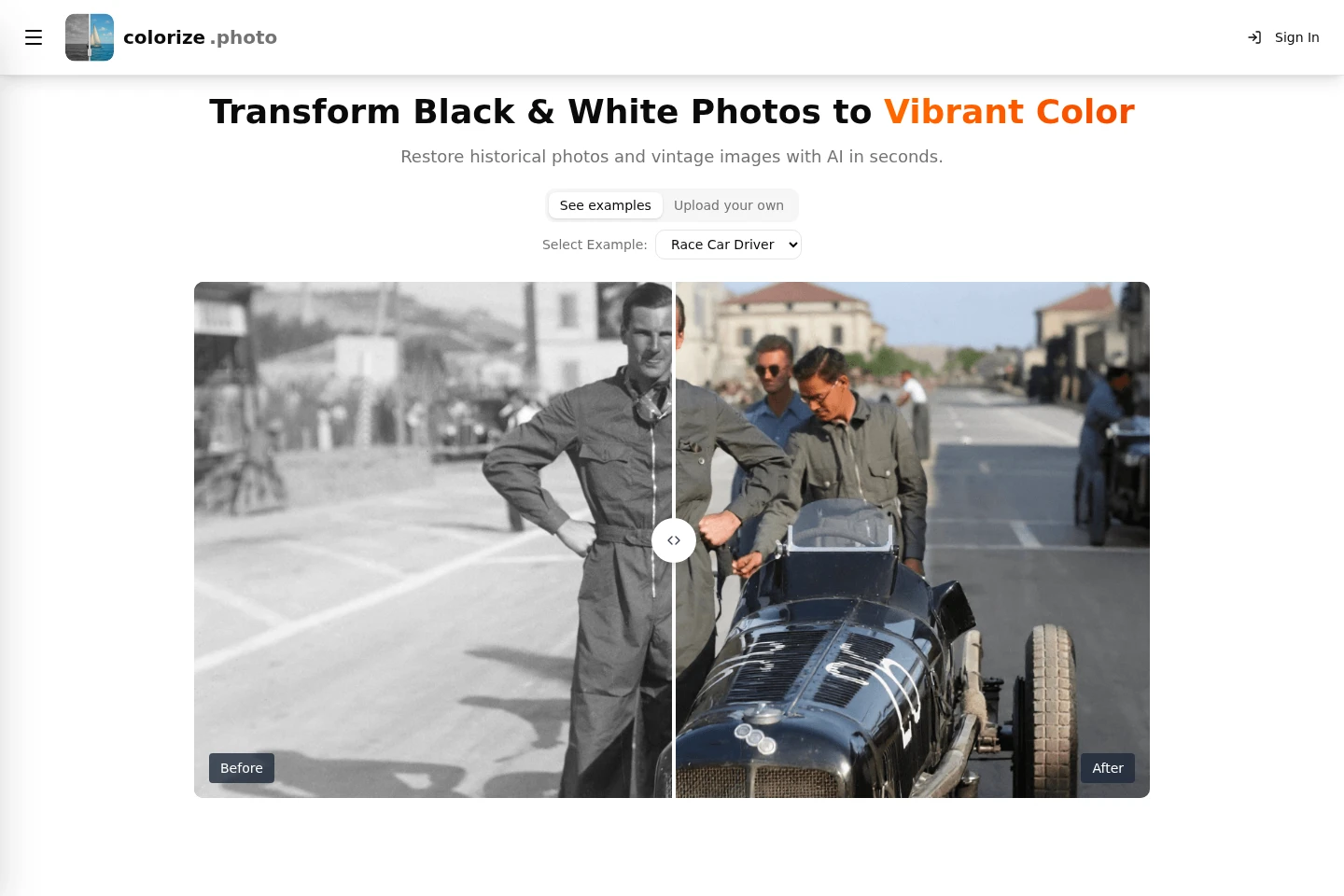
Colorize Photo provides browser-based photo tools for turning black-and-white images into predicted color and converting color images to monochrome. The AI colorizer accepts JPG, PNG, GIF, and WebP images up to 20MB and provides a full-resolution download without a watermark. The monochrome converter uses a luminosity method locally in the browser.

Visit WebsiteUpdate this product

0Views

Capabilities

AI photo colorization

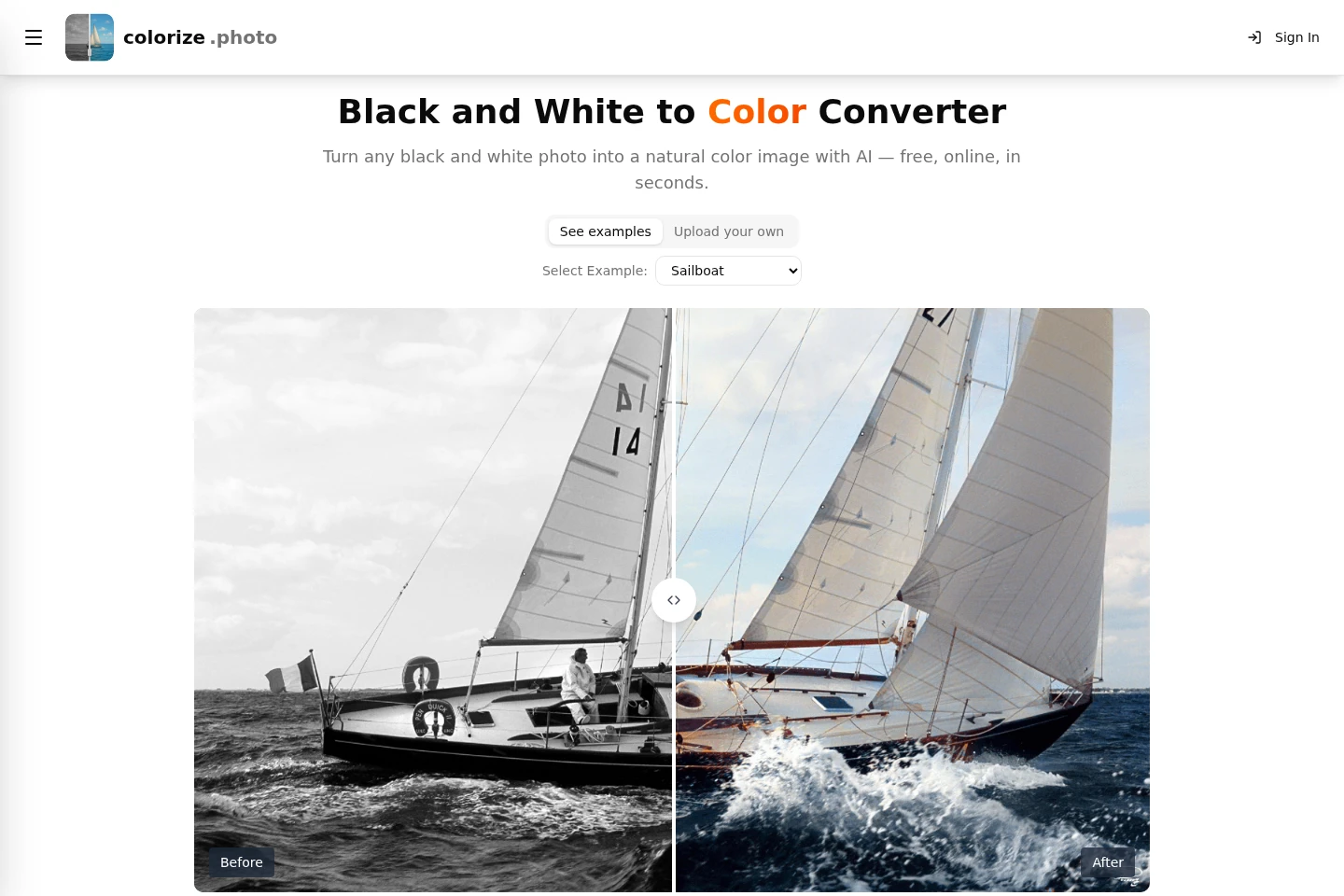
Predicts and adds color to uploaded black-and-white photos, producing a downloadable color image. Accepts JPG, PNG, GIF, and WebP files up to 20MB; the model detects scene elements such as faces, clothing, sky, buildings, and landscapes.

Browser monochrome conversion

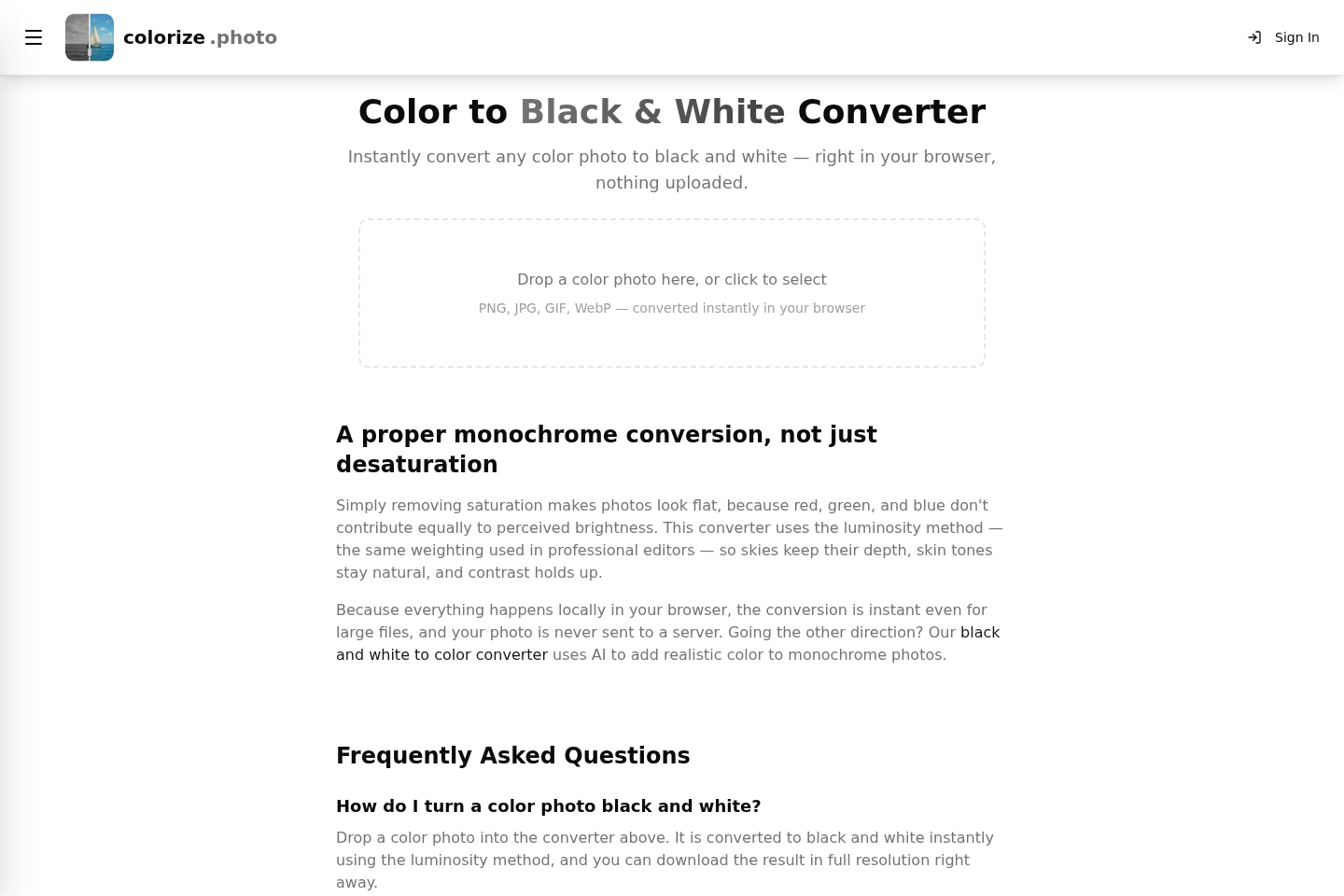
Converts a color photo into a black-and-white image using luminosity weighting. Accepts PNG, JPG, GIF, and WebP in the browser, processes the image locally without uploading it, and provides a full-resolution download.

Restore & Colorize

Repairs a faded or damaged print while adding predicted color, producing a colorized image. The page identifies this as a model to try for worn prints; it does not state specific file limits for this model.

PricingFree

The described photo converters are free to use. Choose between AI colorization, which accepts uploads up to 20MB, and local monochrome conversion, which runs in the browser.

Use cases

Colorize a black-and-white photograph

When a family, wedding, military, historical, or other monochrome photograph needs a color version, upload the image and select Colorize Photo. The AI predicts colors for visible regions, and the resulting image can be compared with the original and downloaded.

Convert a color photo to black and white

When a color image is needed as a monochrome version, drop or select it in the browser converter. The luminosity method weights pixel colors by perceived brightness, and the converted full-resolution image can be downloaded without sending the photo to a server.

Repair and colorize a damaged print

When a scanned print is faded or damaged, use the Restore & Colorize model to repair the image while adding predicted color. The page presents this as an option for worn prints, but does not specify model limits or guarantee historically exact colors.

Limitations

  • AI color predictions cannot establish the true original color of a particular object; historically significant results should be treated as plausible reconstructions.

  • The AI colorizer accepts uploads up to 20MB and lists JPG, PNG, GIF, and WebP formats.

  • Color-to-black-and-white conversion discards color information, so the original color image cannot be literally recovered from that monochrome result.

Alternatives

Photo Colorizer

Colorize and restore monochrome photos with AI

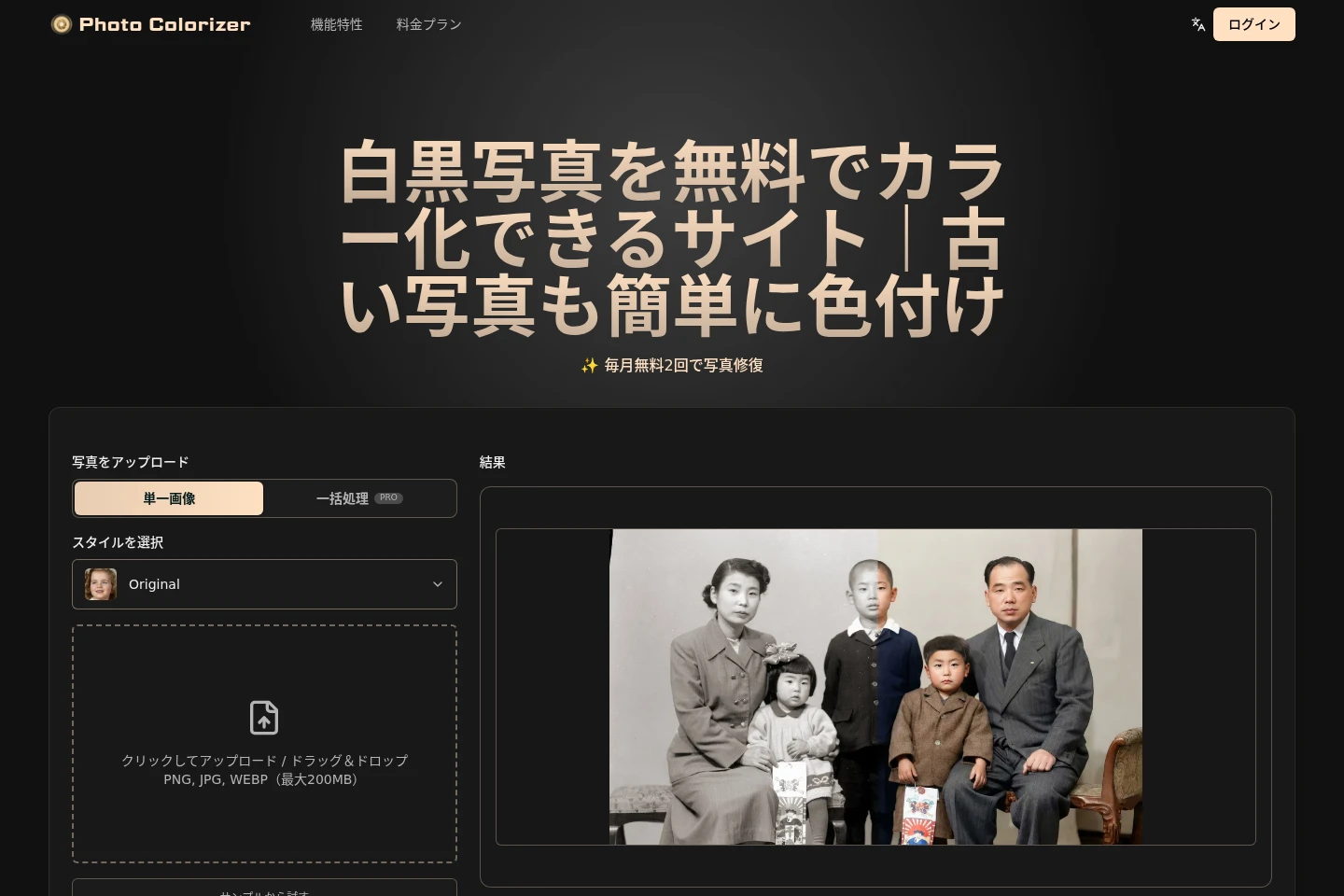
Photo Colorizer is a browser-based tool for turning black-and-white photos into color images with AI. Upload PNG, JPG, or WEBP files up to 200 MB, choose standard or high-quality output, and download the result. The site also describes automatic restoration of damage such as tears, stains, mold, creases, and missing areas.

  • Cloud
  • Freemium
  • Annual plan (50 credits/month)$4/month; ¥7,080 annual total
  • Annual plan (90 credits/month)$6/month; ¥10,680 annual total
  • Annual plan (240 credits/month)$13/month; ¥23,760 annual total
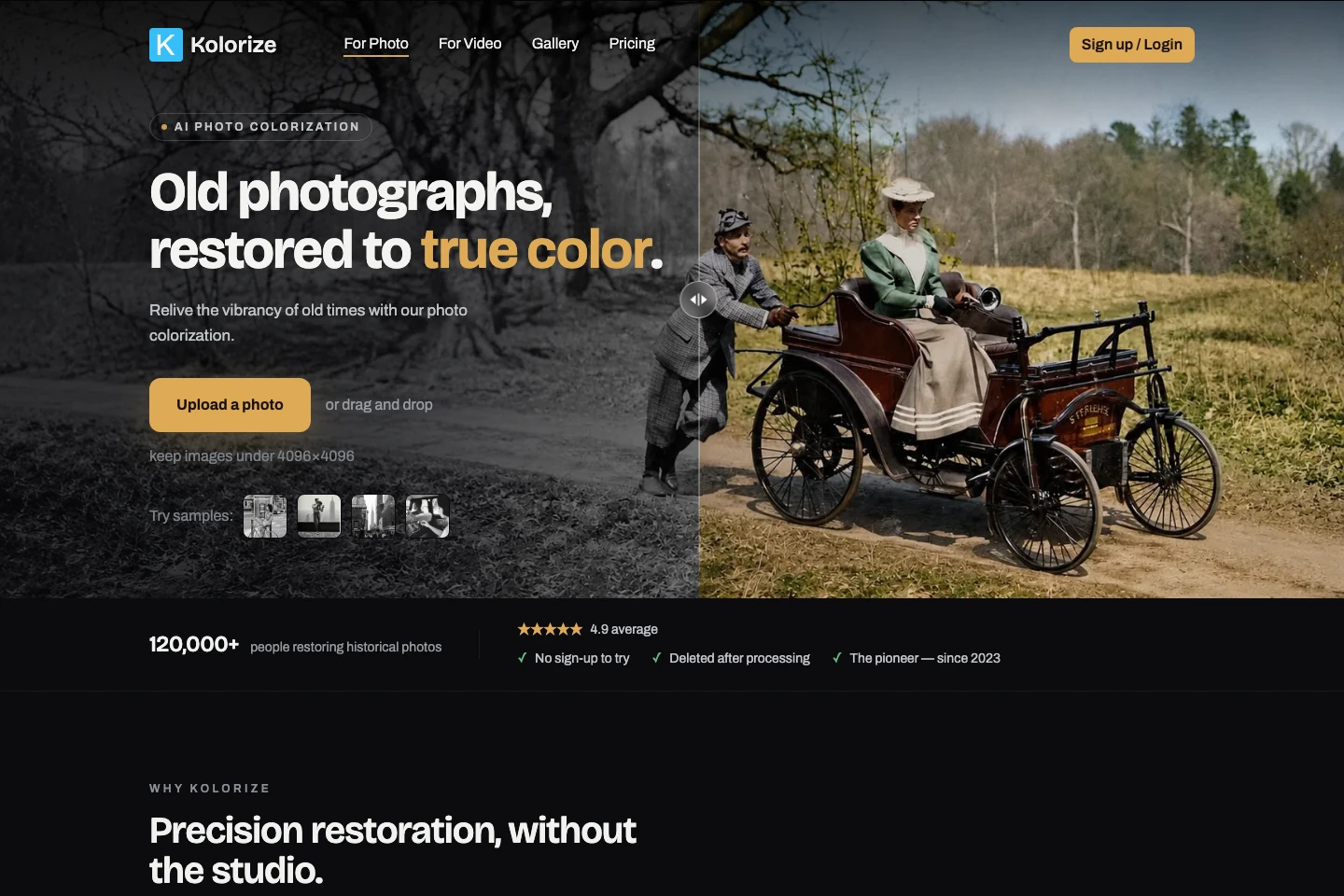
  1. Kolorize

    AI-powered black and white photo colorization

    Freemium
  2. ImageColorizer

    AI-powered photo colorization and restoration tool

    Freemium
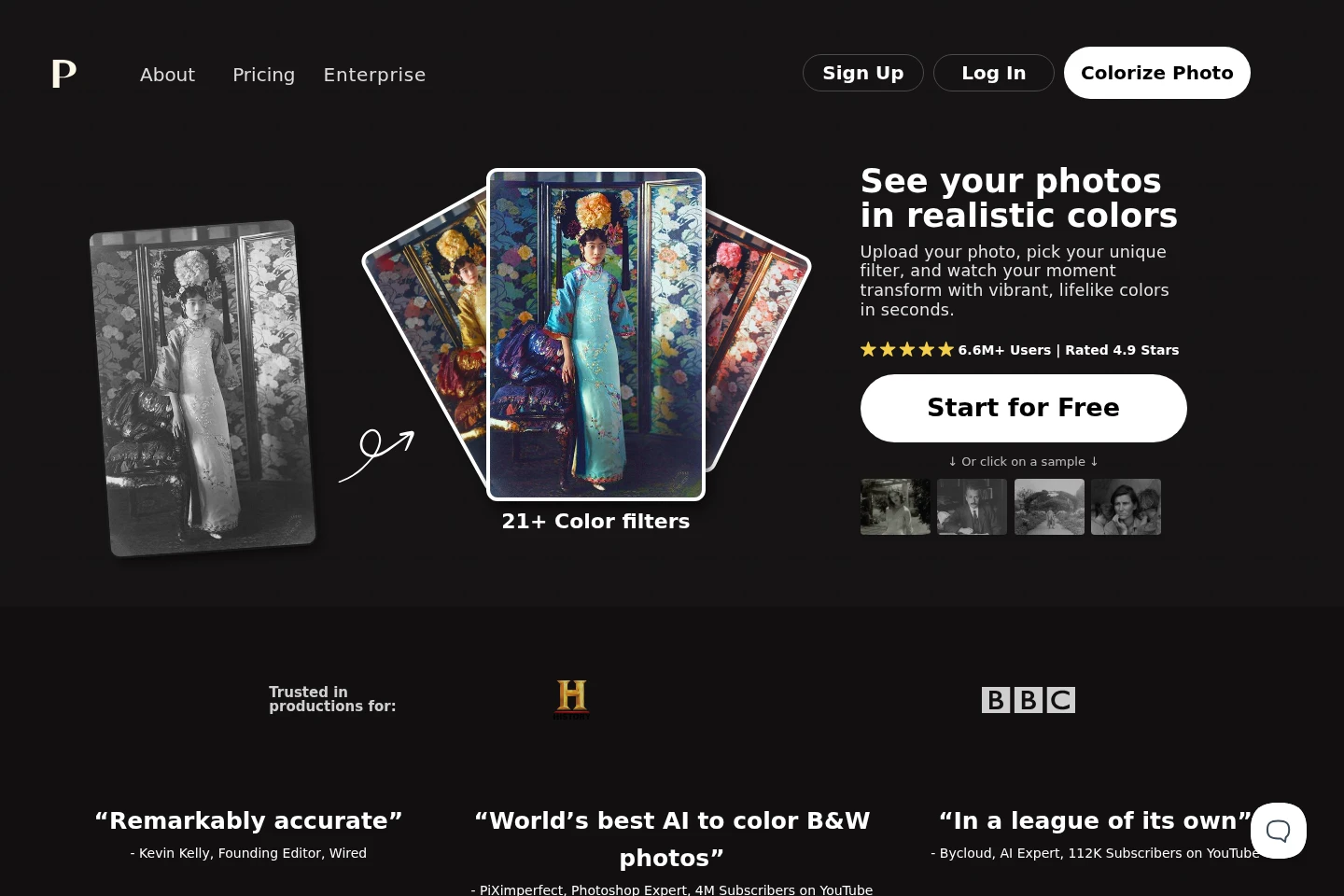
  3. Palette

    Transform your black and white photos into vibrant memories effortlessly

    Freemium
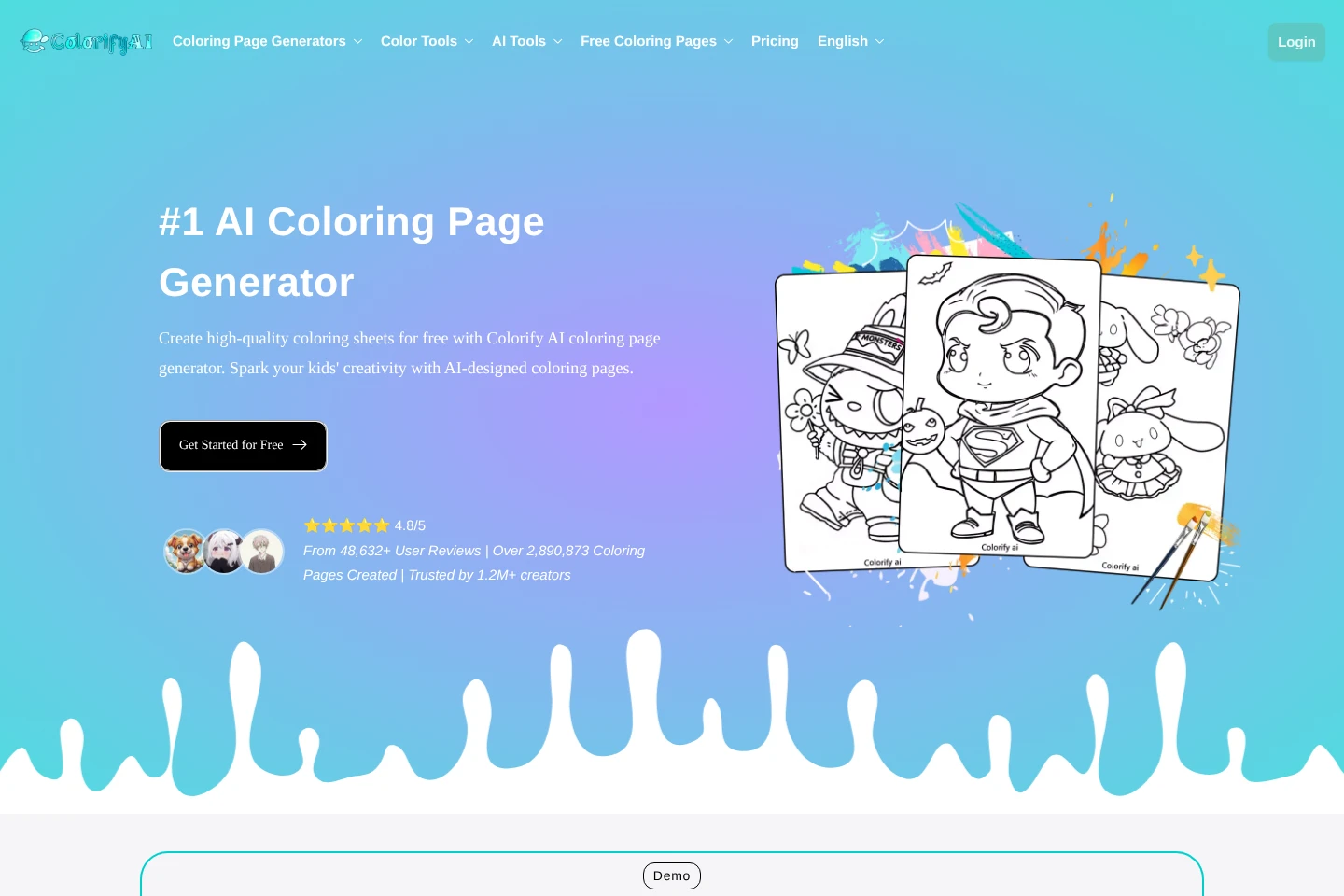
  4. Colorify AI

    Create coloring pages from text and photos with AI

    Basic Plan · $9.9/month
  5. iColoring AI

    Create printable coloring pages from text or photos

    Starter · $7.99/mo or $95.88/yr; monthly option $9.99/mo or $119.88/yr

Who it is for

  • People preserving family albums and older personal photographs

  • People preparing historical or archival photographs as color images

  • Photo users who need a local browser-based monochrome conversion

FAQ

How do I colorize a black-and-white photo?

Upload the photo and click Colorize Photo. The AI analyzes the scene and predicts colors for its regions; the result is ready to download, and can be compared with the original.

Is the photo colorizer free?

Yes. The black-and-white-to-color converter is available free without an account, and its result has no watermark.

Which image formats and sizes can I upload?

The AI colorizer accepts JPG, PNG, GIF, and WebP files up to 20MB. Its colorized result can be downloaded as JPG or PNG.

Are the predicted colors historically accurate?

Not necessarily. The AI predicts plausible, natural-looking colors but cannot know the original color of a specific object; treat results for historically significant images as reconstructions.

Does the monochrome converter upload my photo?

No. The color-to-black-and-white converter runs locally in your browser, so the photo is not sent to a server; the result can be downloaded at full resolution.

Can I restore a faded print while colorizing it?

Yes. The Restore & Colorize model is offered for faded or damaged prints and repairs the image while adding color; the page does not specify its limits.

Comments

Please sign in to leave a comment.
No comments yet. Be the first to share your thoughts!