Transform your longform videos into engaging clips effortlessly with Clips AI!
How It Works
Clips AI operates on a sophisticated algorithm that analyzes the transcript of a video to identify key moments that can be clipped. This process begins with transcription, which is handled by WhisperX, an advanced open-source tool that provides accurate transcription along with start and stop times for each word. Once the video is transcribed, the clipping algorithm identifies significant segments based on the content of the transcript. The user can specify the desired clips, and the algorithm will segment the video accordingly. In addition to clipping, Clips AI features an aspect ratio resizing tool that utilizes speaker diarization through Pyannote. This ensures that the current speaker is always in focus, making the final clips more engaging. Users need to input their Hugging Face access token to access speaker diarization functionality. Overall, Clips AI streamlines the video editing process, making it more efficient and user-friendly for creators across various fields.
Usage
To get started with Clips AI, first ensure you have Python installed along with necessary packages. Simply import Clips AI into your Python environment. Then, transcribe your video using WhisperX, ensuring you have the correct file paths. Once the transcription is complete, you can utilize the clipping functions to segment your video. Additionally, input your Hugging Face access token to use the resizing features. Follow the provided examples in the documentation to streamline your process and maximize efficiency.
Podcast Production
Use Clips AI to create engaging clips from long podcast episodes, making it easier to share highlights on social media.
Educational Content Creation
Educators can utilize Clips AI to extract key lecture snippets for student review and engagement.
Interview Highlights
Journalists can generate quick highlights from interviews to share with their audience, increasing engagement.
Event Recordings
Transform recorded speeches or seminars into digestible clips to promote future events.
Video Marketing
Marketers can create short promotional clips from longer marketing videos, enhancing viewer interest.
Speech Analysis
Analysts can break down speeches into clips for detailed analysis and discussion.
Features
- Automatic Video Clipping: Clips AI automatically segments longform videos into multiple clips, saving time and effort for content creators.
- Aspect Ratio Resizing: Easily resize videos from 16:9 to 9:16 to suit various platforms and presentation styles.
- Transcript Analysis: Utilizes advanced algorithms to analyze video transcripts, ensuring relevant clips are generated.
- Speaker Focus Adjustment: Dynamic reframing of videos to keep the focus on the current speaker, enhancing viewer engagement.
- Open-Source: Clips AI is an open-source project, allowing users to modify and contribute to its development.
- Integration with WhisperX: Seamless integration with WhisperX for accurate transcription and timing detection.
Free Plan (Perpetual): Free
- Unlimited video clipping
- Aspect ratio resizing
- Open-source access
- Community support
FAQ
- What is Clips AI and how does it work?
Clips AI is an open-source Python library that automates the conversion of longform videos into clips by analyzing the video transcript to identify segments.
- Do I need to transcribe my video before using Clips AI?
Yes, Clips AI requires the video to be transcribed first. This can be done using the WhisperX library.
- What types of videos is Clips AI best suited for?
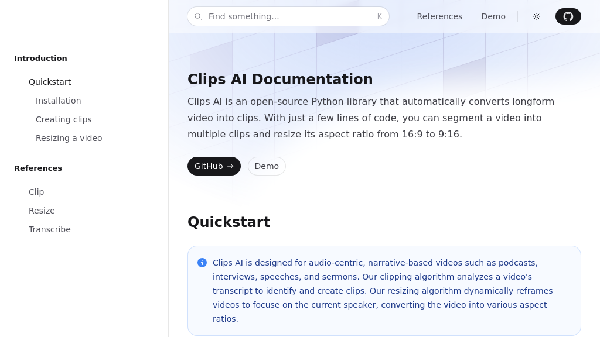
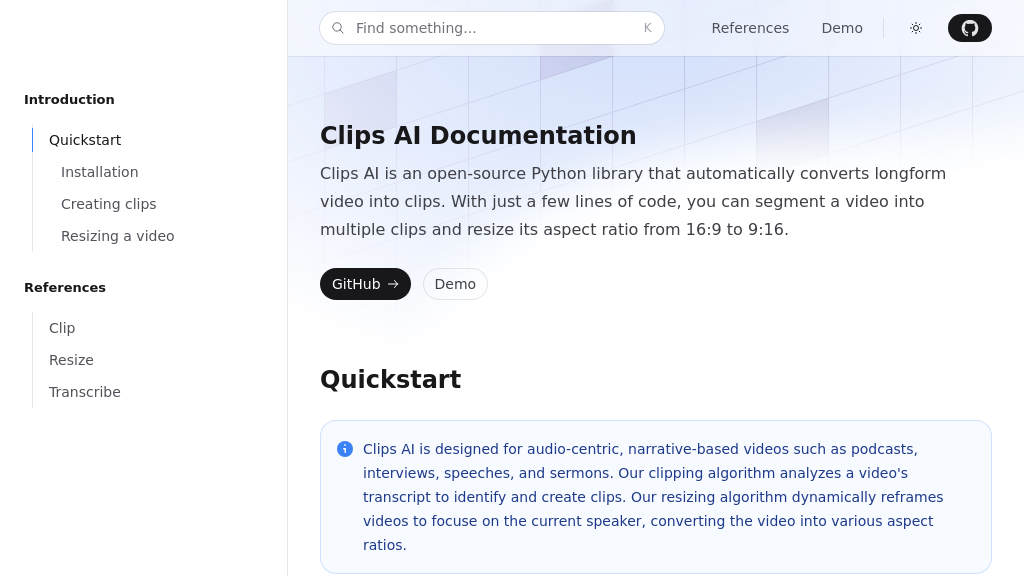
Clips AI is designed for audio-centric, narrative-based videos such as podcasts, interviews, speeches, and sermons.
- How do I resize a video using Clips AI?
To resize a video, you need a Hugging Face access token to use Pyannote for speaker diarization. Instructions can be found on the Pyannote HuggingFace page.
- Is there a cost associated with using Pyannote for resizing videos?
No, using Pyannote is free of charge.
- What programming language is Clips AI written in?
Clips AI is a Python library.
- Can I use Clips AI for live video editing?
Clips AI is designed for editing pre-recorded videos and may not be suitable for live video editing.
- Where can I find the documentation for Clips AI?
The documentation for Clips AI can typically be found on its GitHub repository.




Comments